
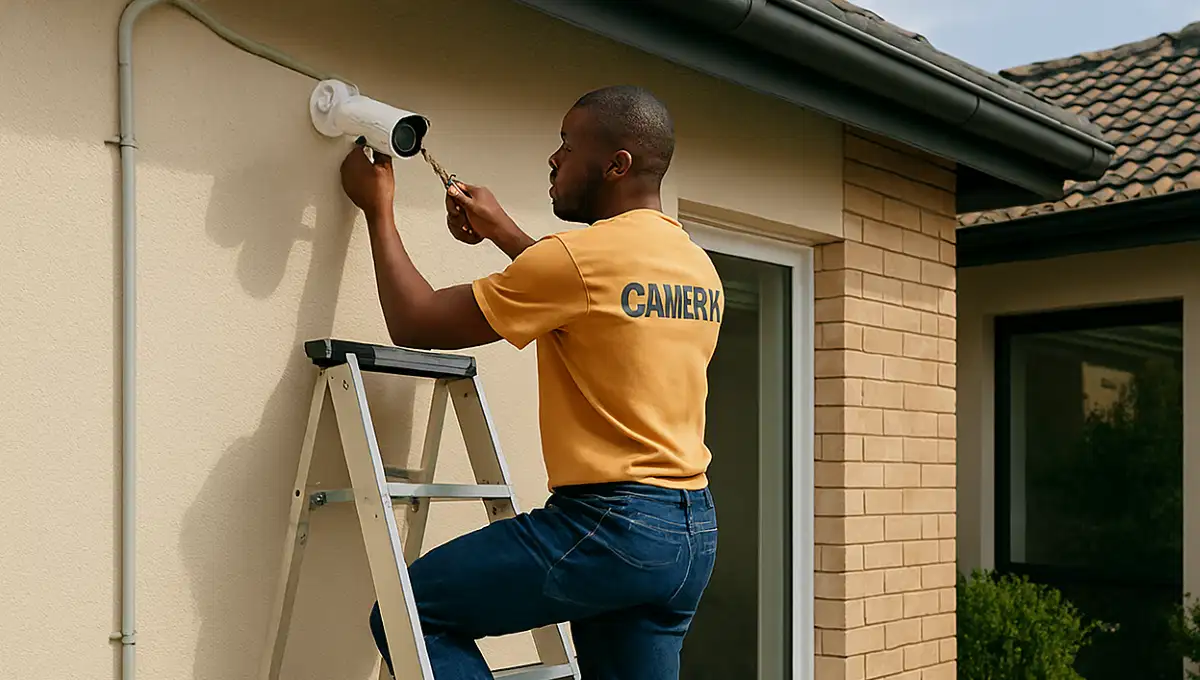
CCTV Maintenance Cost & Common Problems in South Africa
🛠️ Blurry images? Hard drive failures? System offline? Here’s what it costs to maintain your CCTV system and how to fix the most common problems before they compromise your security.
You’ve invested in a security system to protect your home in Sandton or your business in Cape Town. But like any piece of technology, your CCTV system needs regular care. Neglecting maintenance is the number one reason why cameras fail when you need them most. From dirty lenses causing blurry footage to hard drives filling up or failing, problems are inevitable. This guide covers everything you need to know about CCTV maintenance cost common problems South Africa homeowners and business owners face. We’ll give you a clear picture of what to budget for servicing, how to spot the early warning signs of failure, and when to call in the professionals for CCTV repair.
🛡️ Need a CCTV Health Check or Repair?
Don’t wait for your system to fail. Get free quotes from PSIRA-registered technicians in your area for maintenance, repairs, and system health checks.
Servicing Johannesburg, Pretoria, Durban, Cape Town, and all major areas
📋 Table of Contents – CCTV Maintenance Guide
🔧 Why CCTV Maintenance is Non-Negotiable
Think of your CCTV system like your car. You wouldn’t drive for years without an oil change or a service. Your security system is no different. Here’s why regular CCTV maintenance is crucial:
- Prevent Total Failure: Regular checks catch small issues (like a loose connection) before they become big, expensive problems (like a dead camera).
- Maintain Image Quality: Dust, dirt, and spider webs on lenses can render a camera useless. A simple clean restores clarity.
- Ensure Evidence is Usable: If a crime occurs, you need clear footage. A poorly maintained system may provide blurry or no evidence at all.
- Extend System Lifespan: A well-maintained system can last 5-10 years. A neglected one might fail in 2-3.
- Protect Your Investment: You spent thousands on your system. Spending a little on maintenance protects that investment. See our CCTV installation cost guide to understand the value you’re protecting.

💰 CCTV Maintenance Cost Breakdown (2026)
Costs vary depending on the size of your system and the type of service required. Here are typical price ranges from vetted, PSIRA-registered technicians.
| Service Type | Description | Typical Cost (Excl. Parts) |
|---|---|---|
| Call-out Fee | Basic fee for a technician to visit your property in areas like Johannesburg or Pretoria. | R 450 – R 750 |
| Per-Camera Cleaning/Check | Technician cleans lens, checks housing, and verifies connection. | R 150 – R 300 per camera |
| DVR/NVR Health Check | Checking hard drive health, power supply, and system logs. | R 350 – R 600 |
| Remote Diagnostics | Technician logs into your system remotely to troubleshoot software/app issues. | R 250 – R 500 |
| Hard Drive Replacement | Labour to replace a faulty hard drive (cost of new drive extra). | R 400 – R 700 |
| Camera Repair (Labour) | Diagnosing and repairing a faulty camera (parts extra). | R 450 – R 850 |
| Full System Annual Service | Comprehensive check of all cameras, cables, recorder, and power. | R 1,200 – R 2,500 |
Always ensure you get a detailed quote before work begins. Reputable companies will explain their guarantees on labour and parts.
📝 CCTV Maintenance Contract Prices
For businesses or homeowners who want peace of mind, an annual maintenance contract is a smart investment. It spreads the cost and ensures regular professional attention.
Residential Contract (4-8 Cameras)
R 1,800 – R 3,500 per year
Typically includes 1-2 scheduled visits per year, remote checks, and a discount on any repairs.
Commercial Contract (8-16+ Cameras)
R 3,500 – R 8,000+ per year
Includes more frequent visits, priority call-out, and detailed reporting. Essential for liability and compliance.
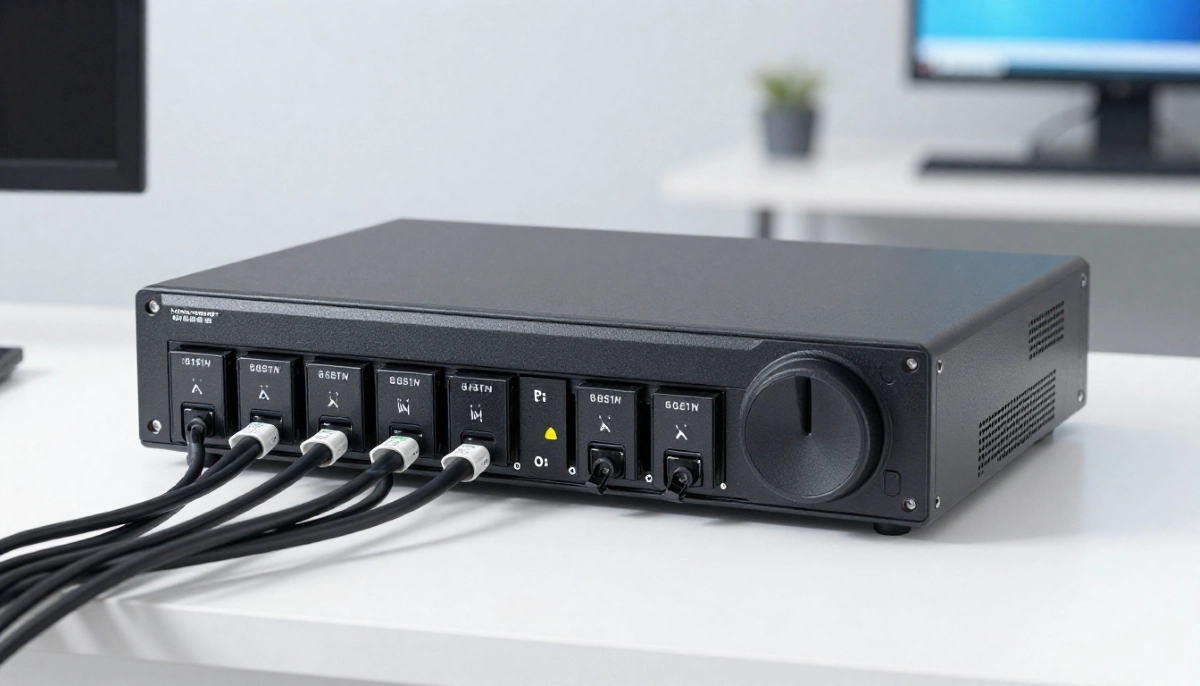
⚠️ 10 Most Common CCTV Problems in South Africa
Based on data from hundreds of service calls in Gauteng, Durban, and Cape Town, these are the issues we see most often:
- Blurry or Foggy Images (Lens Dirt/Condensation): The #1 complaint. Dust, spider webs, or moisture inside the housing.
- Hard Drive Failure: Drives are mechanical and wear out, especially in hot South African summers.
- Power Supply Failure: Cheap power adapters fail, or voltage drops over long cable runs.
- Loss of Remote Viewing (App/Network Issues): Often due to router changes, IP address conflicts, or network configuration problems.
- Night Vision (IR) Not Working: IR LEDs burn out or are blocked by dirt/webs.
- Cable/Connector Damage: Rodents chewing cables, corrosion on BNC connectors, or loose connections.
- Time/Date Stamp Incorrect: Battery on DVR/NVR motherboard dies, causing time drift.
- Video Loss / “No Signal” Error: Often a connection issue between camera and recorder.
- Software/Firmware Glitches: Recorder freezes or needs a reboot.
- Loadshedding-Related Damage: Power surges when grid returns can fry cameras or recorders.
🧼 How to Fix Blurry or Foggy CCTV Images
This is often the easiest and cheapest problem to fix.
- Dirty Lens: Gently clean the dome or lens cover with a soft, lint-free microfiber cloth. Use a small amount of lens cleaning solution if needed. Never use harsh chemicals.
- Spider Webs: A common issue. Physically remove webs and consider using insect repellent around the camera housing (carefully, avoiding the lens).
- Condensation Inside Dome: This means the waterproof seal has failed. The camera housing may need to be resealed or replaced. This is a job for a professional installer.
- Out of Focus: Some varifocal cameras can be manually re-focused. If you’re not comfortable, call a technician.
💾 Hard Drive Failure: The Silent Killer
A hard drive that fails means all your recorded evidence is gone. This is a critical maintenance point.
Signs of Failure:
- System won’t record or playback.
- Clicking or grinding noises from the recorder.
- Error messages like “No HDD” or “HDD Error”.
- Footage is corrupt or missing.
Prevention & Cost:
- Use surveillance-grade hard drives from brands like Seagate (SkyHawk) or Western Digital (Purple). They are designed for 24/7 operation.
- Budget for hard drive replacement every 3-5 years. A 2TB surveillance drive costs around R1,400.
- Include a hard drive health check in your annual maintenance routine.
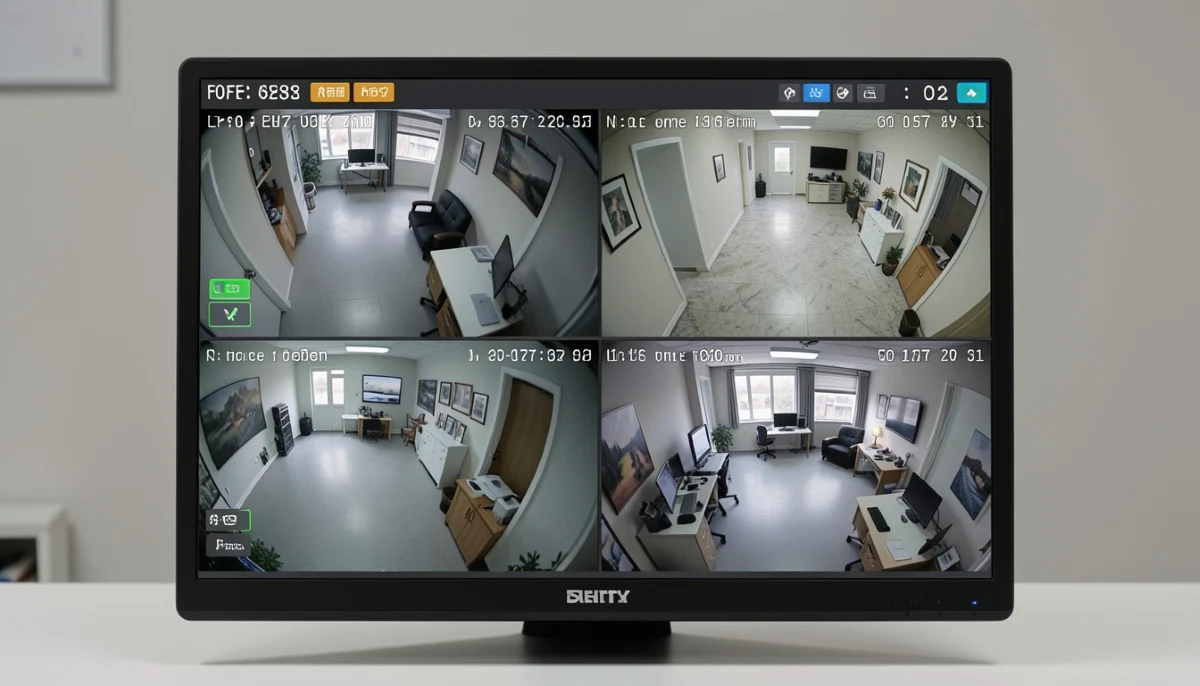
🔌 Power Supply & Cable Issues
Intermittent camera failures are often power-related.
- Faulty Power Adapters: The small plugs that come with some cameras can fail. Replace with a quality, regulated power supply.
- Voltage Drop: On long cable runs, voltage can drop, causing cameras to malfunction. A professional installer will calculate this correctly.
- Loose BNC Connectors: The screw-on connectors for analogue cameras can work loose over time. Simply re-tightening them can fix “Video Loss” errors.
- Rodent Damage: Mice and rats love to chew on cables. Check for damage in roof spaces. Consider using metal conduit in vulnerable areas.
📱 Remote Access & App Problems
You’ve probably experienced the panic of opening your CCTV app and seeing “Device Offline”. Here’s why:
- Router Changes: If you changed your WiFi password or got a new router, your DVR/NVR needs to be reconnected to the network.
- IP Address Conflict: Another device on your network may have taken the IP address of your recorder.
- DDNS Issues: If your internet provider changes your public IP address, the Dynamic DNS setting may need to be refreshed.
- Firmware Updates: Sometimes an app or recorder firmware update can break compatibility.
Many of these issues can be solved with remote diagnostics by a technician, saving you a call-out fee.
🌙 Night Vision (IR) Failure
If your camera works fine during the day but is black at night, the IR (infrared) LEDs are likely the problem.
- Blocked IR: Dirt or a spider web right in front of the IR LEDs can block the light. Clean the housing.
- Failed IR LEDs: LEDs have a limited lifespan. If they burn out, the camera will need repair or replacement.
- IR Reflection: If the camera is too close to a white wall or has a dirty dome, the IR light can reflect back into the lens, causing a washed-out image. This is a common installation mistake.
⚡ Loadshedding-Related Damage & Prevention
The single biggest threat to your electronics in South Africa is not the blackout, but the power surge when the electricity comes back on.
🚨 Critical Warning: Power surges during loadshedding cycles can instantly fry your DVR/NVR, cameras, and other sensitive electronics. This is a very common and costly problem.
Prevention is essential:
- Install a Surge Protector: A good quality surge protector between your recorder and the wall outlet is the first line of defence.
- Use a UPS (Uninterruptible Power Supply): A UPS not only keeps your system running during loadshedding but also conditions the power and protects against surges. See our guide on CCTV loadshedding backup.
- Unplug During Storms/Outages: If you know a storm is coming or a long outage is scheduled, physically unplugging the recorder is the only 100% safe method, though not always practical.
Is Your CCTV System at Risk?
Don’t wait for a failure. Get a professional technician to perform a full system health check, identify potential problems, and quote you for any necessary repairs or maintenance contracts.
🧽 How to Clean CCTV Camera Lenses Safely
Cleaning your camera lenses is a simple but crucial maintenance task. Here’s how to do it without causing damage:
- Use the Right Tools: A microfiber cloth (like for glasses) and isopropyl alcohol or a dedicated lens cleaner.
- Never Use Abrasives: Avoid paper towels or household cleaners, which can scratch the lens or damage coatings.
- Clean the Housing First: Wipe down the outside of the dome or housing to remove loose dirt and cobwebs.
- Gentle Circular Motion: Gently clean the lens or dome cover in a circular motion. For domes, be very gentle as they scratch easily.
- Check for Moisture: While cleaning, check inside the dome for condensation, which indicates a seal failure.
📲 Firmware Updates: Why They Matter
Just like your phone, your DVR/NVR and cameras have software called firmware. Keeping it updated is important for:
- Security Patches: Fixing vulnerabilities that hackers could exploit.
- Bug Fixes: Resolving known issues and glitches.
- New Features: Occasionally, manufacturers add new functionalities.
Warning: Updating firmware incorrectly can “brick” your device. It’s often best left to a professional who knows the correct procedure and has the right files. This is a service offered under many maintenance contracts.
📞 When to Call a Professional for CCTV Repair
While you can clean lenses yourself, some problems need expert hands. Call a PSIRA-registered technician for:
- Complete camera failure (no power, no signal).
- Suspected hard drive failure.
- Complex network/remote access problems.
- Internal camera or recorder repairs.
- Re-cabling or fixing damaged cables.
- Diagnosing intermittent faults.
- Any work at height requiring a ladder or safety gear.
Attempting DIY repairs on complex electronics can be dangerous and may void any remaining warranty.
🆚 DIY vs Professional Maintenance
You Can DIY:
- ✓ Cleaning external lens covers (carefully).
- ✓ Checking for and removing spider webs.
- ✓ Rebooting the recorder (power cycle).
- ✓ Checking cables for visible damage.
- ✓ Ensuring the UPS is working (if you have one).
Leave to the Pros:
- ✗ Internal cleaning of dome housings.
- ✗ Hard drive replacement.
- ✗ Re-cabling or fixing connections.
- ✗ Firmware updates.
- ✗ Diagnosing network errors.
- ✗ Any work on ladders or at height.
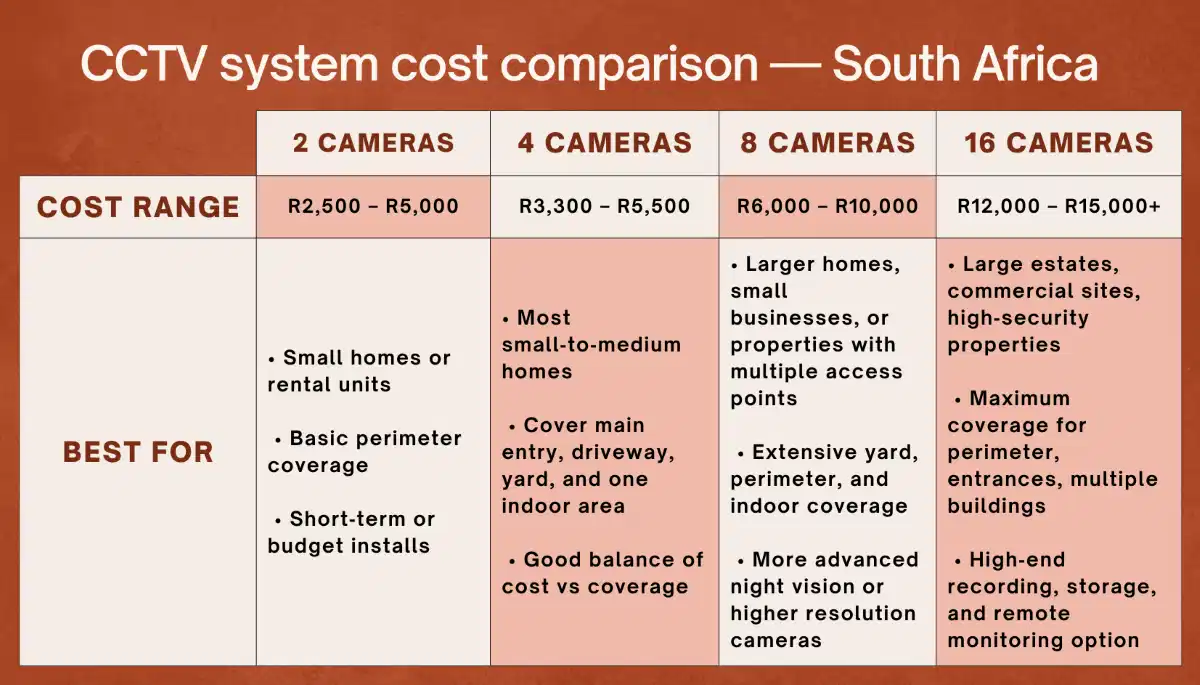
📅 Recommended CCTV Maintenance Schedule
| Frequency | Task | Who |
|---|---|---|
| Monthly | Quick visual check of live feeds. Spot-check playback for a few minutes. | Homeowner/Business Owner |
| Quarterly | Clean external lenses, check for spider webs, ensure no cables are exposed/damaged. | Homeowner/Business Owner |
| Biannually | Check UPS functionality (if installed). Review and delete old footage if needed. | Homeowner/Business Owner |
| Annually | Full professional system health check: clean inside domes, check all connections, test hard drive health, verify backup system, update firmware if needed. | Professional Technician |
❌ Common CCTV Maintenance Mistakes
Even well-intentioned owners make mistakes. Avoid these to keep your system healthy.
- Using Harsh Chemicals on Lenses: This can permanently damage the lens coating. Use only dedicated lens cleaners or isopropyl alcohol.
- Ignoring Error Messages: That “HDD Error” won’t fix itself. Investigate or call a technician immediately.
- Not Having a UPS: As discussed, loadshedding will eventually damage your system and leaves you unprotected during outages.
- Forgetting to Check Playback: Many people only check live view. You must test playback to ensure recording is actually happening.
- DIY Repairs on Expensive Equipment: Opening a DVR/NVR or camera can be dangerous and will void your warranty. Always call a professional.
- Not Keeping Contact Details Handy: When a problem happens at 2 am, you need the number of a reliable repair technician. Save it now.
- Choosing the Cheapest Service: Very low-cost maintenance may mean the technician isn’t PSIRA-registered or doesn’t have liability insurance.
❓ Frequently Asked Questions
How often should I service my CCTV system?
At a minimum, you should perform a simple visual check monthly and book a full professional service annually. In harsh environments (coastal areas like Ballito or Somerset West), bi-annual servicing is recommended due to corrosion and salt air.
How much does it cost to replace a CCTV hard drive?
The cost includes the drive itself (R1,000 – R2,500 for a 2-4TB surveillance-grade drive) plus labour (R400 – R700). A total cost of around R1,500 – R3,200 depending on the drive size and your location, such as Midrand or Centurion.
Why is my CCTV camera blurry all of a sudden?
The most common causes are a dirty lens (clean it gently), a spider web in front of the lens, or condensation inside the dome if the seal has failed. If cleaning doesn’t fix it, the focus may need adjustment or the camera may be failing.
Can loadshedding damage my CCTV cameras?
Yes, absolutely. The power surge when electricity is restored is the biggest killer of CCTV systems. Using a quality UPS with built-in surge protection is essential. See our loadshedding backup guide for more information.
How do I know if my CCTV hard drive is failing?
Listen for clicking or grinding noises from the recorder. Check for error messages on screen like “No HDD” or “HDD Error”. If playback is missing or footage is corrupt, the drive is likely failing. A technician can perform a diagnostic test.
What is a CCTV maintenance contract?
It’s an annual agreement with a security company to perform regular checks and maintenance on your system. It typically includes scheduled visits, remote monitoring, and discounts on any repairs. It provides peace of mind and helps prevent unexpected failures. Read more about the benefits of choosing us for such services.
How long should a CCTV camera last?
With proper maintenance, a good quality camera can last 5 to 8 years. IR LEDs and hard drives are often the first components to fail. Regular servicing helps maximize lifespan.
Can I clean my own CCTV camera lenses?
Yes, you can gently clean the outside of the dome or lens cover with a microfiber cloth. However, opening the camera housing to clean the inside of the dome should be left to a professional to avoid breaking the waterproof seal.
Why is my CCTV system offline on the app?
This is often due to a home network issue, such as a changed WiFi password, a new router, or an IP address conflict. It could also be an internet outage. Try rebooting your router and the recorder. If the problem persists, contact a technician for remote diagnostics.
✅ Final Thoughts: Protect Your Investment
Your CCTV system is a vital tool for protecting what matters most. Don’t wait for a problem to happen before you think about maintenance. A small investment in regular care can save you thousands in replacement costs and, more importantly, ensure your system is working when you need it most.
Your 3-Step Maintenance Action Plan:
- Schedule a Professional Health Check: Book an annual service with a PSIRA-registered technician.
- Invest in a UPS: Protect your system from loadshedding and power surges immediately.
- Perform Monthly Visual Checks: Spend 5 minutes a month reviewing footage and checking for any obvious issues.
Need a Reliable CCTV Maintenance Technician?
Don’t let a small problem become a big one. Connect with vetted, professional CCTV maintenance and repair specialists in your area today.
📞 Call our service helpline: 073 138 4726
📚 Official Resources:
- PSIRA – Verify your maintenance service provider’s registration.
- Seagate – Information on surveillance hard drive maintenance and lifespan.
- Western Digital – Surveillance storage reliability and best practices.
This guide is for informational purposes. Always consult with a qualified professional for any maintenance or repair work.
Written by: Innocent T Hanyani
21+ years construction and digital industry experience, ServiceLink SA
Innocent has overseen the installation and maintenance of thousands of security systems across South Africa. His expertise helps homeowners and businesses avoid costly failures and keep their security systems operating at peak performance.