
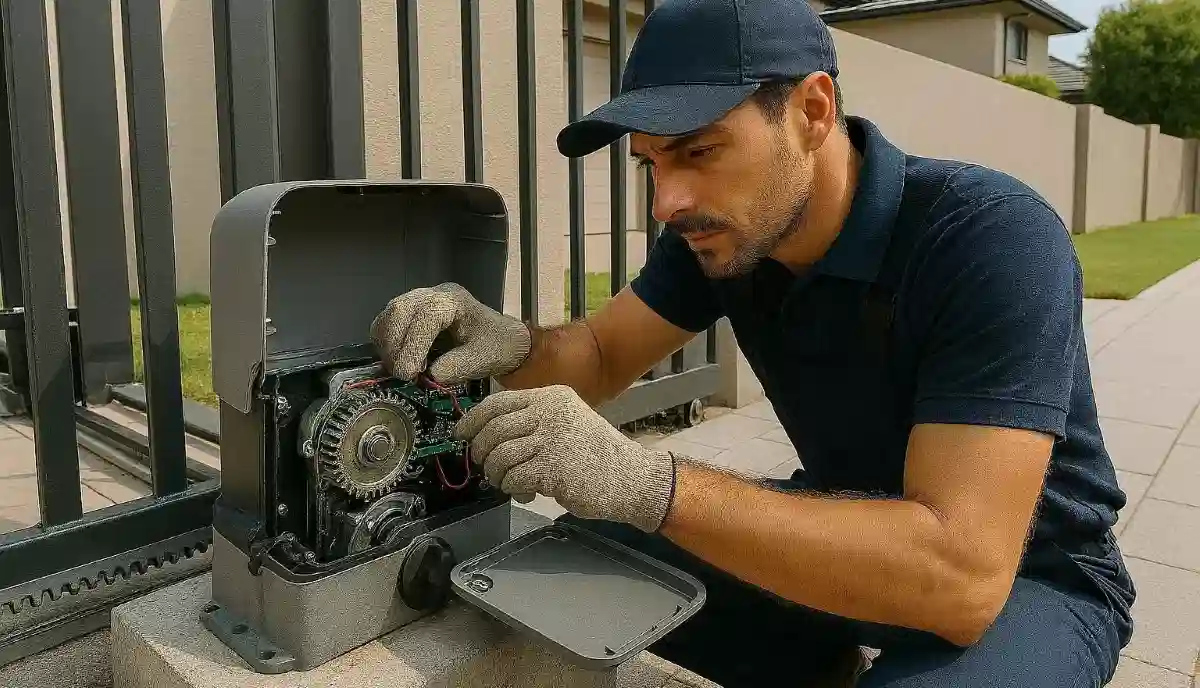
Gate Motor Maintenance & Troubleshooting Tips South Africa – Keep Your Gate Running
🔧 Gate beeping? Not responding? Running slow? We diagnose 15 common gate motor problems and show you what to fix yourself – and when to call a pro.
Your automated gate is probably the most-used motorised device on your property. In South Africa, with our unique challenges – loadshedding, dusty Highveld winters in Johannesburg, corrosive coastal air in Durban and Cape Town, and everything in between – gate motors take a beating. When they start beeping, moving slowly, or refusing to respond, it’s frustrating and can compromise your security. This comprehensive guide covers everything you need to know about maintaining your gate motor and troubleshooting common problems. We’ll cover Centurion, ET Systems, Gemini, and other popular brands, with practical tips you can use today.
🔋 Gate Motor Acting Up?
Don’t struggle with a faulty gate. Get free quotes from experienced gate motor technicians in your area. Fast, reliable service when you need it.
Servicing Johannesburg, Pretoria, Cape Town, Durban, and all major areas
📖 Table of Contents – Gate Motor Maintenance & Troubleshooting
⚠️ SAFETY FIRST – Electrical & Mechanical Dangers
GATE MOTORS INVOLVE ELECTRICITY AND MOVING PARTS. Before attempting any maintenance or troubleshooting, always disconnect AC power and remove battery connections. The control board can retain charge – treat all components as live. If you’re unsure about any procedure, stop and call a professional.
With that critical warning out of the way, let’s look at safe DIY maintenance and troubleshooting you CAN perform.
✅ Safe for DIY
- Visual inspection
- Cleaning rack and motor housing
- Battery replacement
- Remote battery change
- Checking for obstructions
- Reading error codes (flashing lights)
- Resetting circuit breakers
❌ PROFESSIONAL ONLY
- Control board repair
- Transformer replacement
- Motor gearbox repair
- Limit switch adjustment (internal)
- Wiring repairs
- Any work inside motor housing
📅 Gate Motor Maintenance Schedule
Follow this schedule to keep your gate motor in peak condition. Adjust frequency based on your location.
| Task | Frequency | DIY Safe? |
|---|---|---|
| Visual inspection (wires, housing, rack) | Monthly | ✅ Yes |
| Clean rack and pinion | Every 3 months | ✅ Yes |
| Lubricate rack (light oil) | Every 3 months | ✅ Yes |
| Check battery voltage/condition | Every 3 months | ✅ Yes (with multimeter) |
| Test remote range | Every 3 months | ✅ Yes |
| Check limit switch operation | Every 6 months | ⚠️ Visual only |
| Inspect for rust/corrosion (coastal) | Monthly | ✅ Yes |
| Professional service | Annually | ❌ Professional |
South African Specifics: Coastal homes (Durban, Cape Town) should inspect for corrosion monthly. Highveld homes (Joburg, Pretoria) should clean rack more frequently due to dust.
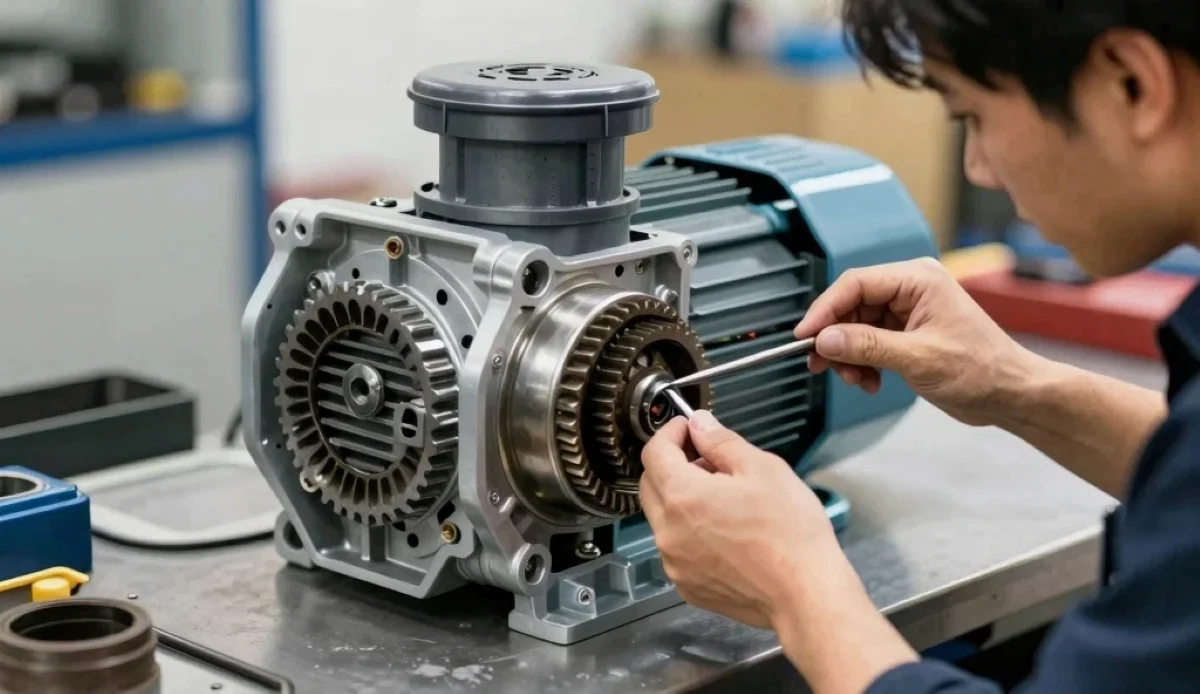
🔊 Gate Motor Beeping – Decoding the Sounds
That annoying beeping is your motor trying to tell you something. Here’s what different beep patterns mean.
Centurion Motors
- Beep every few seconds: Low battery or no AC power. Check mains supply and battery.
- Continuous beeping: Fault condition – check error code via flashing lights.
- Beep when operating: Normal – indicates operation.
ET Systems Motors
- Beep every 2-3 seconds: “No AC voltage” error – transformer or power supply fault.
- Rapid beeping: Battery very low or other fault – check display for error code.
- Single beep on remote press: Normal – confirmation signal.
Gemini Motors
- Beeping patterns vary by model. Consult your manual or check indicator lights.
First Steps for Beeping
- Check if mains power is on – reset circuit breaker if tripped.
- Check battery – if old (2+ years), it may need replacement.
- Note the beep pattern and check your manual.
- If unsure, call a professional.
📱 Remote Not Responding – Troubleshooting
This is the most common complaint. Here’s a systematic approach.
Step 1: Check the Obvious
- Remote battery: Replace with fresh battery. Even if light comes on, voltage may be too low.
- Range test: Try standing right next to the motor. If it works close but not far, battery is weak.
Step 2: Check Motor Power
- Does the motor have power? Any lights on?
- If motor is completely dead, check circuit breaker and mains supply.
Step 3: Reprogram the Remote
After loadshedding or power surges, remotes can lose programming.
- Locate the “learn” or “program” button on the motor control board.
- Press and release – indicator light will come on.
- Within 30 seconds, press the button on your remote.
- Motor light should flash or click – remote is programmed.
- Repeat for all remotes.
Step 4: Check for Interference
- New LED lights, WiFi routers, or neighbours’ equipment can cause interference.
- Try moving antenna – it should hang freely, not tucked away.
If Still Not Working
Receiver board may be faulty. Call a professional.
🔋 Battery Problems – The Heart of Your System
In South Africa, with loadshedding, your gate motor battery is critical.
Battery Lifespan
- Standard lead-acid battery: 2-3 years.
- Lithium battery: 4-6 years.
- Signs of failure: Beeping, not lasting through loadshedding, swollen case.
How to Test Battery
You’ll need a multimeter:
- Disconnect AC power (simulate loadshedding).
- Measure voltage across battery terminals.
- 12.6V or higher: Fully charged, good.
- 12.0V – 12.4V: Partially charged, may need replacement soon.
- Below 12.0V: Weak – replace.
- Operate gate a few times and watch voltage drop – if it drops below 10V, battery is failing.
Battery Replacement
- Cost: R400 – R1,200 for standard, R1,500 – R2,500 for lithium.
- DIY possible? Yes, if you’re comfortable. Disconnect AC power first, note polarity, replace, and reconnect.
- Upgrade options: Consider larger 12Ah or 18Ah for longer backup. Lithium lasts longer and charges faster.
Pro Tip: Mark your calendar to replace battery every 2 years. Don’t wait for failure – by then you’re stuck during loadshedding.
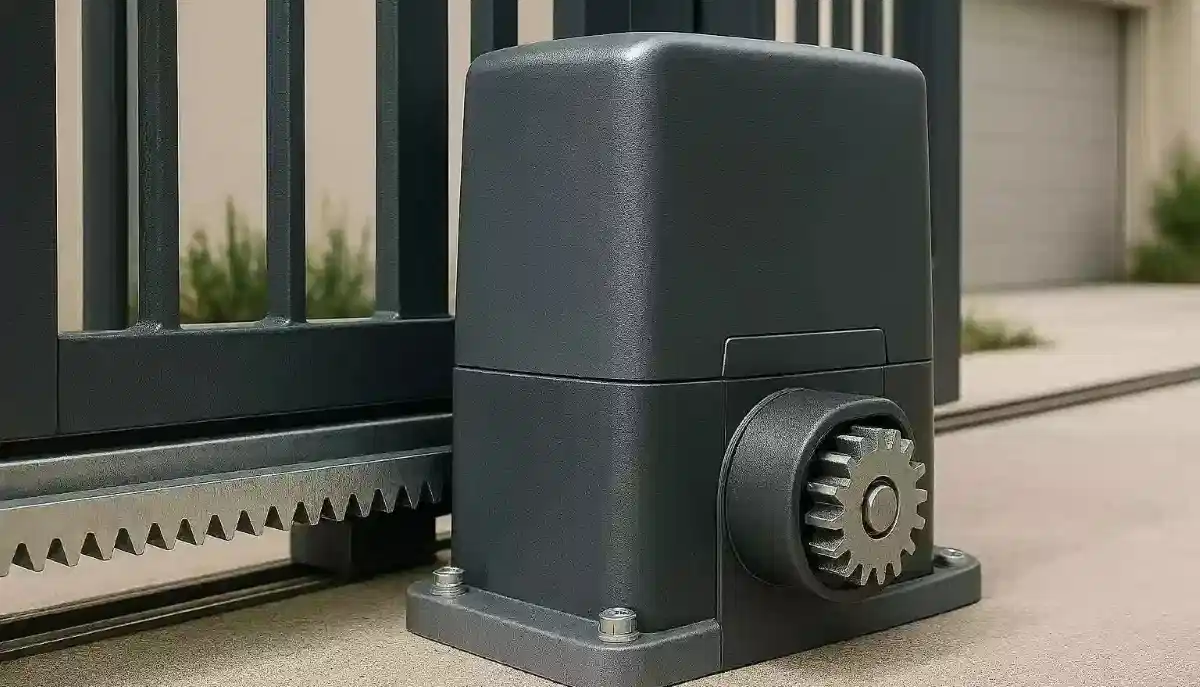
⚡ Power Supply & Transformer Faults
“No AC voltage” errors are common, especially after loadshedding.
Symptoms
- Motor beeping, displaying “No AC” error.
- Motor runs on battery but not when AC connected.
- No lights on motor display.
DIY Checks
- Check circuit breaker – reset if tripped.
- Check if power point is working (plug in a lamp).
- Inspect power cable for damage.
Transformer Failure
The transformer steps down 220V AC to low voltage (usually 24V or 12V) for the motor and battery charging.
- Signs: No AC power to control board, but mains supply is fine.
- Fix: Requires professional replacement. Transformer costs R350 – R800.
- Common in ET 500: Known for transformer failures after power surges.
Case Study – ET 500 “No AC Voltage”
Problem: ET 500 beeping, “No AC voltage” displayed.
Diagnosis: Transformer blown, no power to charge battery.
Solution: Replaced step-down transformer (R350 – R500 from Takealot).
Upgrade: Added lithium battery for improved backup.
🔧 Got a “No AC” Error or Beeping?
Don’t guess – get professional diagnosis. Our network of gate motor experts can identify the problem and fix it fast.
⚙️ Motor Runs But Gate Doesn’t Move
You hear the motor running, but the gate stays put. This is usually mechanical.
Likely Causes
- Stripped gearbox: Gears inside motor are worn and not engaging.
- Rack disengaged: The rack may have come loose from the gate.
- Coupling failure: Connection between motor and drive mechanism broken.
- Manual release engaged: Check if release has been pulled (unlikely if motor runs).
DIY Checks
- Visually inspect rack – is it still attached to gate?
- Check if pinion gear is turning – if yes but gate not moving, rack is problem.
- If pinion not turning, gearbox is likely stripped.
Fix
Professional required. Gearbox replacement or rack reattachment. Cost: R1,500 – R4,000 depending on motor.
🐢 Gate Runs Slow or Jerky
Your gate used to glide smoothly; now it crawls or stutters.
Likely Causes
- Low voltage: Battery weak or transformer failing.
- Dirty rack: Debris in rack teeth causing resistance.
- Gate binding: Track or rollers need attention.
- Motor gearbox wear: Internal gears wearing out.
DIY Fixes
- Clean rack thoroughly: Use wire brush to remove dirt, then lubricate lightly.
- Check battery voltage: Replace if weak.
- Check gate manually: Disconnect motor and move gate by hand. If it’s stiff, gate needs maintenance (see our gate maintenance guide).
If Still Slow
Motor may need professional attention – gearbox wear or control board issue.
🛑 Gate Moves Then Stops
The gate starts opening or closing, then stops partway. May reverse or just stop.
Likely Causes
- Obstruction in track: Something blocking gate movement.
- Limit switch misadjusted: Gate thinks it’s at end of travel.
- Safety beam triggered: Something breaking beam.
- Motor overheating: Thermal cut-out activated.
DIY Checks
- Check for obstructions in gate path.
- Check safety beams – clean lenses, ensure alignment.
- Let motor cool for 30 minutes and try again.
If Problem Persists
Limit switches may need adjustment – professional job.
🎯 Limit Switch Adjustment
Limit switches tell the motor when to stop – fully open and fully closed.
Symptoms of Misadjustment
- Gate doesn’t open fully.
- Gate doesn’t close fully (leaves gap).
- Motor keeps running after gate stopped.
Adjustment (varies by brand)
Warning: Incorrect adjustment can damage gate or motor. Consult your manual.
- Centurion: Usually magnetic limit – adjust magnet position on rack.
- ET Systems: Electronic limits – programmed via control board.
- Gemini: Mechanical or electronic depending on model.
If unsure, call a professional. Limit switch adjustment is often included in a service call.
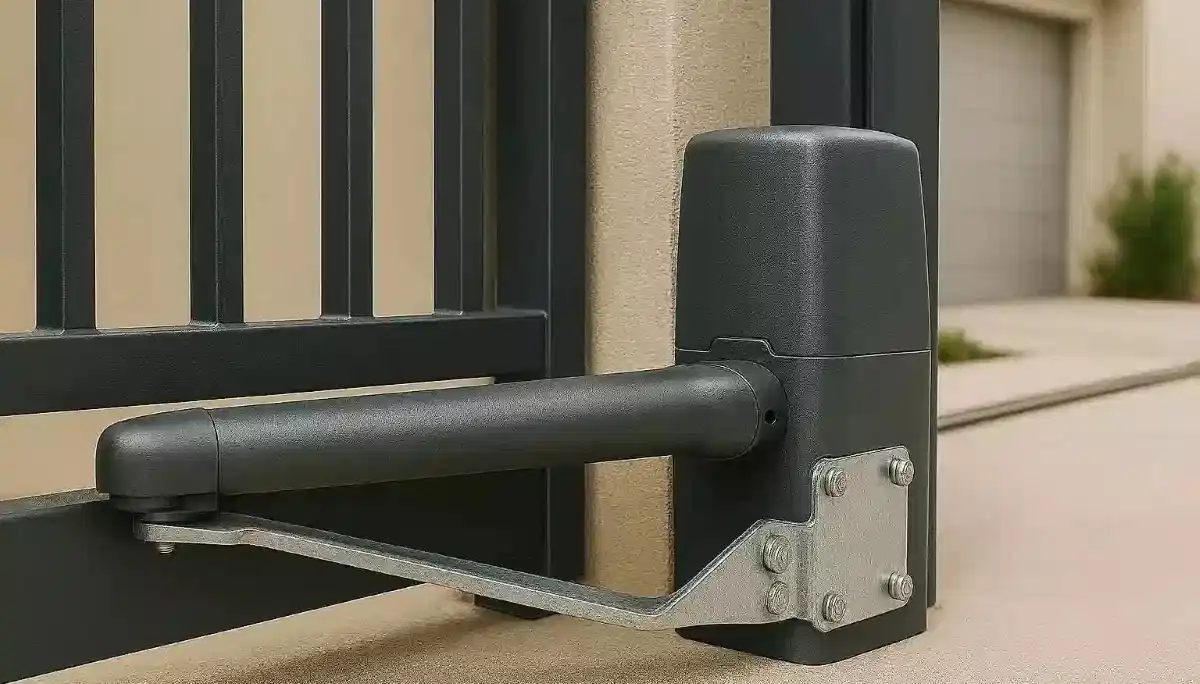
🔴 Centurion Error Codes – Flashing Lights Guide
Centurion motors use LED flash codes to indicate problems. Here’s what they mean.
| Flash Pattern | Meaning | Action |
|---|---|---|
| 1 flash, pause | Safety beam obstruction | Check sensors, clean lenses, realign |
| 2 flashes, pause | Gate stuck / obstruction | Check for obstructions, check gate movement |
| 3 flashes, pause | Gate runs too short (limit issue) | Check limits, may need reprogramming |
| 4 flashes, pause | Battery low | Charge or replace battery |
| 5 flashes, pause | Motor overload / overheating | Let cool, check gate for binding |
| 6 flashes, pause | Control board fault | Professional repair needed |
| Continuous fast flash | No AC power / transformer fault | Check mains, transformer |
🔵 ET Systems Error Codes
ET motors typically display error codes on a small screen or via flashing lights.
| Code/Display | Meaning | Action |
|---|---|---|
| “No AC” | No mains power / transformer fault | Check power, transformer |
| “Lo bAtt” | Low battery | Charge or replace battery |
| “E1” or 1 flash | Safety beam fault | Check sensors |
| “E2” or 2 flashes | Obstruction / motor stall | Check gate movement |
| “E3” or 3 flashes | Limit switch error | Check limits, reprogram |
| “E4” or 4 flashes | Control board fault | Professional repair |
🔧 Rack & Pinion – The Critical Connection
The rack (attached to gate) and pinion (on motor) work together to move the gate.
Common Problems
- Dirt buildup: Causes noise, slow operation, motor strain.
- Worn teeth: Causes skipping, jerky movement.
- Loose rack: Rack not firmly attached to gate.
- Misalignment: Pinion not meshing properly with rack.
Maintenance
- Clean rack every 3 months with wire brush.
- Apply light oil or lithium grease to rack teeth.
- Check rack bolts – tighten if loose.
When to Call Professional
- Worn teeth – rack replacement needed.
- Misalignment – requires motor repositioning.
- Broken rack sections.
⚡ Loadshedding-Related Problems
South Africa’s unique challenge creates specific issues.
Problem: Motor Dead After Power Returns
- Cause: Power surge may have tripped breaker or damaged control board.
- Fix: Check breaker first. If not tripped, board may be damaged – professional repair.
Problem: Battery Not Lasting Through Loadshedding
- Cause: Old battery, undersized battery, or frequent deep discharges.
- Fix: Replace battery (every 2-3 years). Consider larger 12Ah or lithium upgrade.
Problem: Remote Stopped Working After Loadshedding
- Cause: Power surge may have wiped motor memory.
- Fix: Reprogram remotes (see Section 4).
Problem: Motor Beeping After Power Returns
- Cause: Low battery (discharged during outage) or “No AC” error.
- Fix: Let battery charge for a few hours. If beeping continues, check error code.
Surge Protection: Consider installing a surge protector on your gate motor’s power supply. Loadshedding-related power surges are a leading cause of control board failure.
☀️ Solar Gate Motor Maintenance
Solar-powered gate motors are becoming popular in South Africa. They need specific care.
Solar Panel Maintenance
- Clean panels monthly: Dust and bird droppings reduce charging efficiency.
- Check for shading: Trees growing can shade panels – trim if needed.
- Inspect wiring: Check connections from panel to controller.
Battery Care
- Solar systems use deep-cycle batteries – they need different care.
- Check water levels in lead-acid batteries (if not sealed).
- Replace every 3-4 years (longer than standard motors).
Controller Settings
Solar controllers have settings for charge parameters – these should only be adjusted by professionals.
🌊 Coastal Maintenance – Fighting Corrosion
If you live in Durban, Cape Town, or anywhere near the ocean, corrosion is your enemy.
Increased Maintenance Needed
- Inspect monthly: Look for rust on motor housing, rack, and mounting brackets.
- Clean and protect: Wash salt spray off with fresh water monthly.
- Lubricate more frequently: Every 2-3 months instead of 6.
- Consider stainless steel: For replacement parts, use stainless where possible.
Signs of Corrosion Damage
- Rust on control board components (professional inspection needed).
- Corroded battery terminals.
- Seized motor bearings.
🔧 Real-Life Troubleshooting Examples
Example 1: Centurion D5 Beeping
Homeowner reported beeping every 5 seconds.
Diagnosis: Low battery after loadshedding.
Replaced 7Ah battery with 12Ah – problem solved, longer backup.
Example 2: ET 500 “No AC Voltage”
Error displayed, motor running on battery only.
Diagnosis: Blown transformer.
Replaced transformer (R450) – working perfectly.
Example 3: Gate Running Slow
Sliding gate barely moved, motor struggling.
Diagnosis: Rack caked with dirt and dry.
Cleaned rack, lubricated – gate speed returned to normal.
Example 4: Remote Not Working
After loadshedding, remotes stopped working.
Diagnosis: Motor lost memory.
Reprogrammed remotes – 2-minute fix.
❌ 7 Common Gate Motor Maintenance Mistakes
Learn from others’ errors: These mistakes shorten motor life and cause unnecessary failures.
Mistake #1: Never Cleaning the Rack
A dirty rack is the #1 cause of slow operation and motor strain. Clean every 3 months minimum.
Mistake #2: Using Wrong Lubricant
Heavy grease on rack attracts dirt, creating grinding paste. Use light oil or specific rack lubricant.
Mistake #3: Ignoring Battery Until Failure
Batteries don’t last forever. Replace every 2-3 years proactively, not after you’re stuck.
Mistake #4: Not Testing Manual Release
If you never practice using the manual release, you won’t know how when you need it. Test twice a year.
Mistake #5: DIY Control Board Repairs
Control boards are sensitive. DIY repairs often make things worse. Leave board work to professionals.
Mistake #6: Ignoring Error Codes
That flashing light is trying to tell you something. Check the code and address the problem.
Mistake #7: No Surge Protection
In South Africa, power surges kill control boards. Install surge protection.
❓ Frequently Asked Questions – Gate Motor Maintenance
Why is my gate motor beeping every few seconds?
This usually indicates low battery or no AC power. Check your mains supply and battery voltage. If battery is old (2+ years), it may need replacement. Check your motor’s error codes for specific meaning.
How often should I replace my gate motor battery?
Every 2-3 years for standard lead-acid batteries. Lithium batteries last 4-6 years. If your battery doesn’t last through loadshedding, it’s time to replace. Consider upgrading to larger capacity for longer backup.
My gate motor runs but gate doesn’t move – what’s wrong?
This is usually a stripped gearbox or disengaged rack. The motor is running but not transferring power to the gate. This requires professional repair – gearbox replacement typically R1,500 – R4,000.
How do I reset my gate motor after loadshedding?
First, check if circuit breaker tripped – reset if needed. If motor has power but remotes don’t work, reprogram remotes using the learn button. If motor beeps, check battery – it may need charging or replacement.
What does “No AC voltage” mean on my ET motor?
This means the motor is not detecting mains power. Check circuit breaker and power point. If power is present, the transformer may be blown – a common issue in ET 500. Transformer replacement costs R350 – R800.
How do I clean my gate motor rack?
Use a wire brush or stiff brush to remove dirt and debris from rack teeth. Wipe clean with cloth. Apply light oil or lithium grease sparingly. Do this every 3 months, more often in dusty areas.
Why is my gate running slow?
Common causes: dirty rack, low battery, or gate binding. Clean rack first. Check battery voltage. Disconnect motor and move gate manually – if stiff, gate needs maintenance. If still slow, motor may have internal wear.
How long should a gate motor last?
A quality motor from Centurion or ET Systems should last 7-12 years with proper maintenance. Factors: usage frequency, loadshedding cycles, maintenance, and environment (coastal vs inland).
Can I use any battery in my gate motor?
Use the specified voltage and type (usually 12V lead-acid or lithium). Check your manual for Ah rating – you can usually upgrade to higher Ah for longer backup, but don’t exceed charger capacity. Lithium requires compatible charger.
How do I know if my gate motor needs professional service?
Signs: persistent error codes, unusual noises, intermittent operation, or problems that don’t resolve with basic troubleshooting. Annual professional service is recommended even if no problems apparent.
✅ Final Thoughts – Keep Your Gate Running
Your gate motor is the workhorse of your property’s security. With regular maintenance and prompt attention to problems, it will serve you reliably for years.
Your 4-Step Maintenance Action Plan:
- Schedule regular maintenance: Put quarterly cleaning and battery checks on your calendar.
- Learn your error codes: Know what flashing lights mean for your motor brand.
- Replace battery proactively: Don’t wait for failure – replace every 2-3 years.
- Know when to call a pro: For anything involving control boards, transformers, or gearboxes.
🔑 The Bottom Line:
30 minutes of maintenance every 3 months
adds years to your gate motor’s life and prevents inconvenient failures.
🔧 Need Professional Help?
Don’t struggle with a faulty gate motor. Get quotes from experienced technicians who know Centurion, ET, Gemini, and other brands inside out.
📞 Call our gate motor helpline: 073 138 4726
📚 Official Resources & Brand Links:
- MyBroadband – ET 500 fault diagnosis and user discussions.
- Centurion Systems – Official troubleshooting guides and manuals.
- ET Systems – Error code lookup and technical support.
- Takealot – Transformer and battery replacement parts.
This guide is for informational purposes. Always consult a qualified professional for repairs involving electrical components or mechanical disassembly.
Written by: Innocent T Hanyani
21+ years construction and digital industry experience, ServiceLink SA
Innocent has diagnosed and resolved thousands of gate motor faults across South Africa. His practical experience with Centurion, ET, and Gemini motors ensures this troubleshooting guide reflects real-world problems and solutions.