

Need Restaurant WiFi Installation?
Get professional help from local specialists who understand restaurant wifi setup and wifi for pos systems.
Get Free Restaurant WiFi Quotes
Servicing Fourways, Rondebosch, La Lucia, and across South Africa
Restaurant WiFi Setup for Customers and POS Systems: The Complete Guide
🍽️ Your restaurant needs reliable WiFi for both customers and operations—here’s how to set it up right.
You run a restaurant or café. You need WiFi for your customers—they expect it. You need WiFi for your POS systems, card machines, and kitchen displays. If your WiFi fails, your business suffers. Customers complain, orders get lost, and sales drop.
This is why a proper restaurant wifi setup for customers and POS systems is essential. It’s not just about providing free WiFi—it’s about creating a reliable network that supports your entire business.
In this comprehensive guide, I’ll show you exactly how to set up restaurant wifi setup for both customers and operations. I’ll cover wifi for pos systems, wifi for restaurant guest access, and wifi for till systems. I’ll also address wifi for cash registers, wifi for restaurant kitchen, and wifi for pos security. Whether you’re in Fourways, Rondebosch, or La Lucia, this guide will help you build a reliable restaurant network.
For more on commercial setups, check out our commercial WiFi installation and guest WiFi setup guides. Let’s get your restaurant connected.
📋 Table of Contents – Restaurant WiFi Guide
🍽️ Why Restaurants Need Reliable WiFi
Understanding why restaurant wifi setup matters is the first step.
Customer Expectations:
- Free WiFi: Most customers expect free WiFi in restaurants.
- Social media: Customers want to post photos and check-in.
- Reviews: Good WiFi encourages positive reviews.
- Return visits: Customers return to places with good WiFi.
Operational Needs:
- POS systems: Order processing and payment.
- Card machines: Payment processing.
- Kitchen displays: Order management.
- Inventory management: Stock tracking.
What Happens Without Reliable WiFi:
- Lost sales from failed card payments.
- Customer complaints and bad reviews.
- Kitchen confusion from lost orders.
- Reduced staff efficiency.
For more on wifi for restaurant, see our commercial WiFi guide.
💳 WiFi for POS Systems
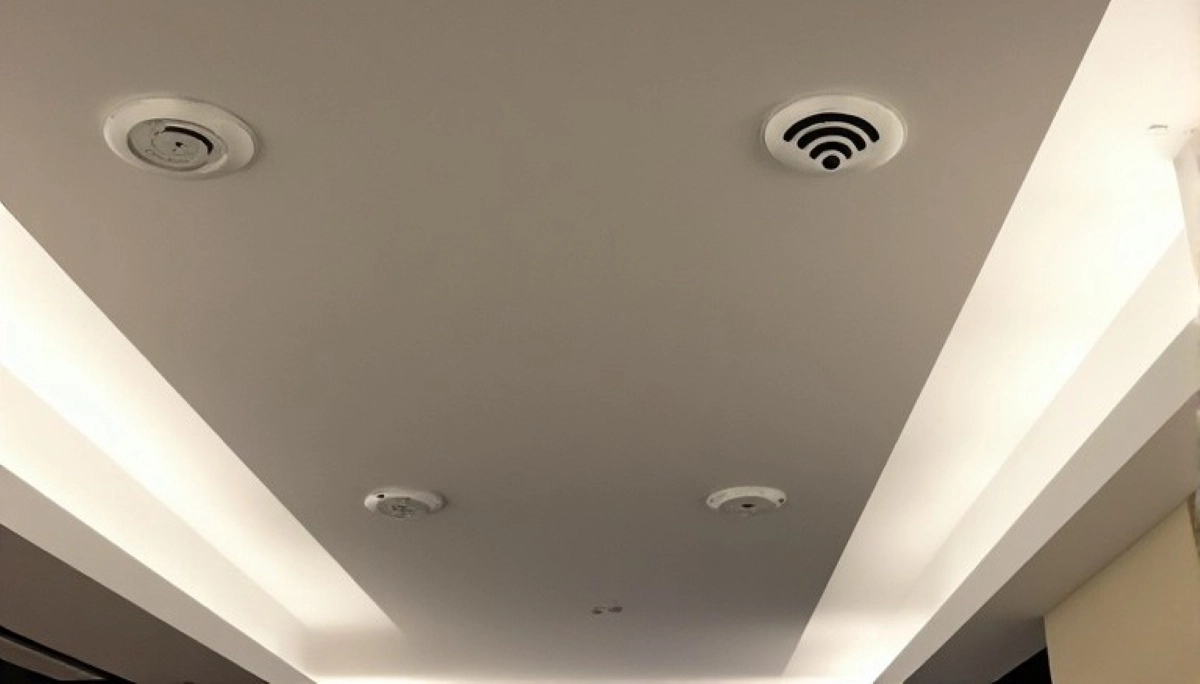
Wifi for pos systems is critical for restaurant operations.
Why POS Needs Reliable WiFi:
- Order processing: Orders must reach the kitchen instantly.
- Payment processing: Card payments require a stable connection.
- Inventory updates: Real-time stock management.
- Reporting: Sales data and analytics.
Requirements for POS WiFi:
- Low latency: Fast response times.
- High reliability: No dropped connections.
- Bandwidth: Sufficient for POS data.
- Security: Encrypted and secure.
Recommended Setup:
- Wired POS: Use Ethernet for POS terminals where possible.
- Dedicated network: Separate VLAN for POS traffic.
- QoS: Prioritise POS traffic over guest WiFi.
Common POS WiFi Issues:
- Interference: Kitchen equipment can interfere.
- Overload: Too many guests using WiFi.
- Distance: POS terminals far from access points.
For more on wifi for pos, see our WiFi site survey guide.
📱 Guest WiFi for Customers
Guest wifi is a key part of restaurant wifi setup for customers and POS systems.
Benefits of Guest WiFi:
- Customer satisfaction: Keeps customers happy.
- Marketing: Collect customer data (with consent).
- Reviews: Encourages positive online reviews.
- Return visits: Customers return for good WiFi.
How to Set Up Guest WiFi:
- Separate network: Isolate guest traffic from business traffic.
- Bandwidth limits: Limit guest bandwidth to protect POS.
- Captive portal: Require acceptance of terms before connecting.
- Password rotation: Change the guest password regularly.
Best Practices:
- Different password: Guest password different from business network.
- Time limits: Set session time limits.
- Content filtering: Block inappropriate content.
- Social media login: Offer login via social media for marketing.
For more on guest wifi, see our guest WiFi setup guide.
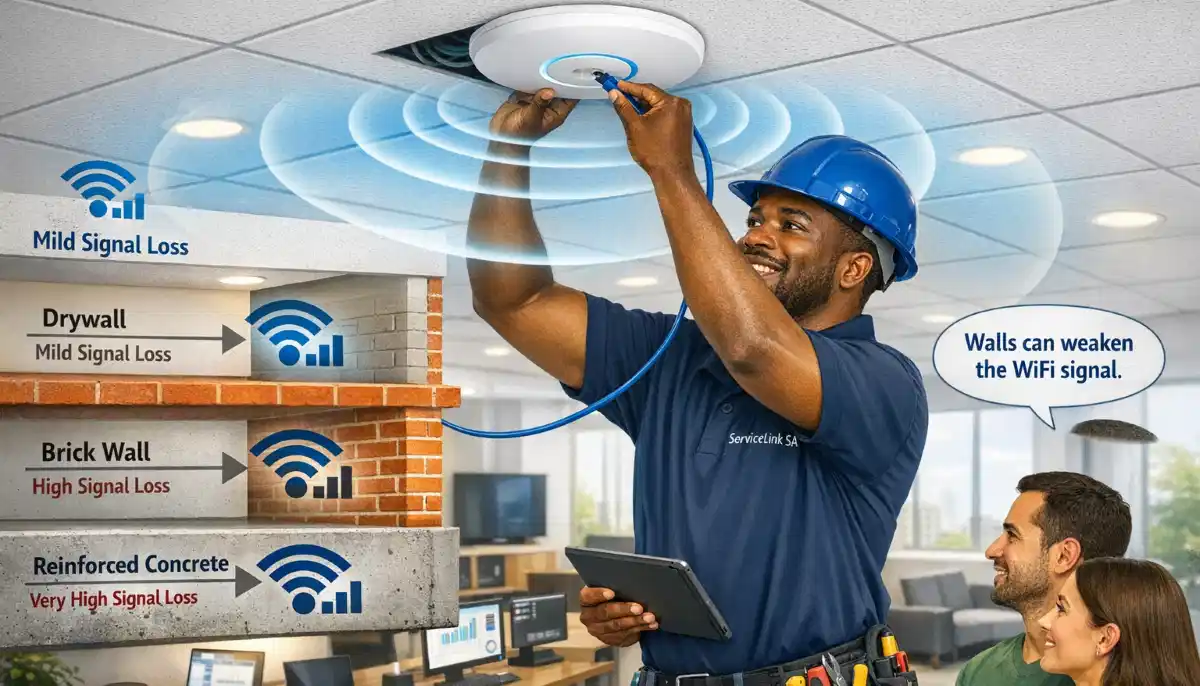
Need Help Setting Up Restaurant WiFi?
Get professional help from local specialists who understand wifi for restaurant and wifi for pos systems.
Get Free Restaurant WiFi Quotes
Free site surveys available for restaurant wifi setup for customers and POS systems.
👨🍳 WiFi for Restaurant Kitchen
Wifi for restaurant kitchen is often overlooked but essential.
Why Kitchen Needs WiFi:
- Kitchen display systems: Orders displayed on screens.
- Tablet menus: Digital ordering.
- Inventory tracking: Real-time stock updates.
- Communication: Staff communication systems.
Kitchen WiFi Challenges:
- Heat: Kitchens are hot, which can affect equipment.
- Grease and steam: Can damage equipment.
- Interference: Refrigeration and other equipment can interfere.
Kitchen WiFi Solutions:
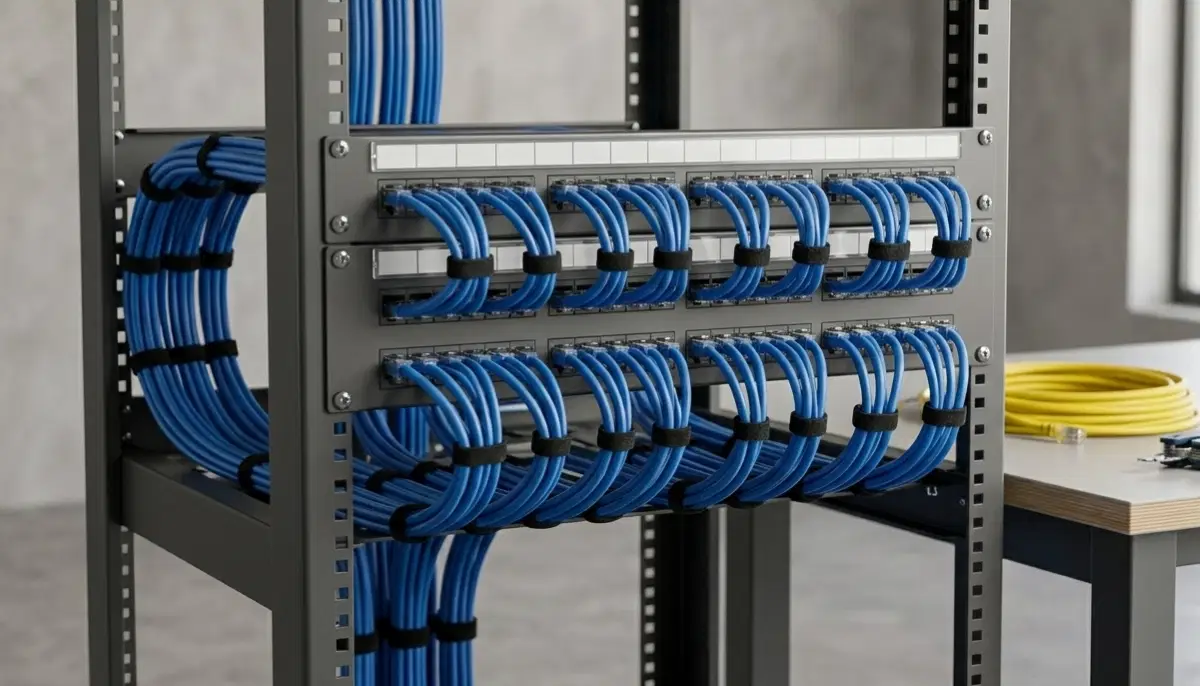
- Wired connections: Use Ethernet where possible.
- Industrial access points: Designed for harsh environments.
- Proper placement: Keep equipment away from heat and moisture.
For more on wifi for cash registers and kitchen, see our commercial WiFi guide.
📐 Restaurant Network Design
Proper network design is essential for restaurant wifi setup.
Key Design Principles:
- Coverage: WiFi must cover all areas (dining, kitchen, outdoor).
- Capacity: Must handle peak customer numbers.
- Separation: Separate guest and business networks.
- Redundancy: Backup internet and power.
Network Segregation:
- VLAN 1: POS and business systems.
- VLAN 2: Guest WiFi.
- VLAN 3: Kitchen displays and equipment.
Bandwidth Allocation:
- POS: 10-20% of total bandwidth (prioritised).
- Guest: 60-80% of total bandwidth (limited).
- Operations: 10-20% of total bandwidth.
For more on design, see our WiFi site survey guide.
🔒 Separating Guest and POS Networks
Separating networks is crucial for wifi for pos systems security.
Why Separate Networks:
- Security: Guests can’t access POS or business data.
- Performance: Guest traffic doesn’t affect POS performance.
- Compliance: PCI DSS requires separation of card payment networks.
How to Separate Networks:
- VLANs: Create separate virtual networks.
- Multiple SSIDs: Different network names for each.
- Firewall rules: Block traffic between networks.
PCI DSS Compliance:
If you process card payments, you must comply with PCI DSS. This includes network separation, encryption, and regular security audits.
For more on wifi security, see our network security guide.

🛠️ Equipment for Restaurant WiFi
Choosing the right equipment is essential for wifi for pos reliability.
Recommended Equipment:
- Business router: With QoS and VLAN support.
- Managed switch: For VLAN support.
- Access points: Ceiling-mounted or wall-mounted.
- Firewall: For network security.
Access Point Placement:
- Dining area: 1 AP per 100-150m².
- Kitchen: 1 AP for kitchen area.
- Outdoor: Outdoor-rated AP if applicable.
Recommended Brands:
- Ubiquiti UniFi: Popular, reliable, good value.
- TP-Link Omada: Affordable, good for small restaurants.
- Ruckus: Premium, excellent performance.
For more on equipment, see our commercial WiFi guide.
🔒 WiFi Security for Restaurants
Wifi security is critical for restaurant wifi setup.
Security Risks:
- Data breach: Customer data stolen.
- Payment fraud: POS systems compromised.
- Network hijacking: Guests used for illegal activities.
Security Measures:
- WPA3 encryption: Strongest WiFi encryption available.
- Network separation: Isolate guest and business networks.
- Firewall: Block unauthorised access.
- Regular updates: Update firmware and software.
- Strong passwords: Complex passwords for all networks.
PCI DSS Compliance:
If you process card payments, you must follow PCI DSS requirements. This includes:
- Network separation.
- Encryption of card data.
- Regular security scans.
For more on wifi security, see our network security guide.
💰 Restaurant WiFi Costs
Here’s what restaurant wifi setup for customers and POS systems costs.
| Item | Cost Range | Notes |
|---|---|---|
| Access points (2-3) | R3,000 – R12,000 | Ubiquiti or TP-Link |
| Router | R2,000 – R8,000 | Business-grade |
| Switch | R1,500 – R5,000 | Managed switch |
| Cabling | R2,000 – R8,000 | Cat6 cabling |
| Installation labour | R5,000 – R15,000 | Professional installation |
| Total (small restaurant) | R15,000 – R35,000 | 50-100 seats |
| Total (large restaurant) | R35,000 – R80,000+ | 100-200+ seats |
Realistic Example:
A 70-seat restaurant in Fourways: 3 access points, business router, cabling, and installation. Total cost: R25,000 – R40,000.
For more on costs, see our commercial WiFi guide.
❓ Frequently Asked Questions About Restaurant WiFi
How do I set up WiFi for my restaurant?
Restaurant wifi setup for customers and POS systems involves creating separate networks for guests and POS, installing access points, and configuring security. Use VLANs to separate traffic and ensure POS traffic is prioritised. This is the complete restaurant wifi setup guide for wifi for restaurant.
What WiFi do I need for POS systems?
Wifi for pos systems requires low latency, high reliability, and strong security. Use a dedicated network with QoS to prioritise POS traffic. Wired connections are best for POS terminals. Wifi for pos should be separate from guest WiFi.
How do I separate guest WiFi from POS WiFi?
Use VLANs to separate guest wifi from business networks. Create different SSIDs for guests and POS. Use firewall rules to block traffic between networks. This is essential for wifi security in restaurants.
What equipment do I need for restaurant WiFi?
For restaurant wifi setup, you need a business router, managed switch, access points (2-5), and Ethernet cabling. Ubiquiti UniFi and TP-Link Omada are popular choices for wifi for restaurant.
How much does restaurant WiFi installation cost?
Restaurant wifi setup for customers and POS systems costs R15,000 – R80,000+ depending on restaurant size. Small restaurants (50-100 seats) cost R15,000 – R35,000. Large restaurants cost R35,000 – R80,000+. See our commercial WiFi guide for more.
Do I need separate WiFi for my kitchen?
Yes, wifi for restaurant kitchen is important for kitchen displays and ordering systems. Use a separate VLAN or network for kitchen equipment. Consider industrial access points for harsh kitchen environments. This is part of wifi for till systems integration.
How do I secure my restaurant WiFi?
Secure wifi for restaurant with WPA3 encryption, separate guest and business networks, strong passwords, and regular firmware updates. If processing card payments, ensure PCI DSS compliance. These are essential wifi security measures.
What is the best WiFi setup for a restaurant?
The best restaurant wifi setup uses multiple access points, separate VLANs for guests and POS, QoS for POS traffic, and professional installation. Ceiling-mounted access points provide the best coverage. This ensures reliable wifi for pos systems and happy customers.
✅ Final Thoughts: Build a Reliable Restaurant Network
A proper restaurant wifi setup for customers and POS systems is essential for modern hospitality businesses. With the right equipment, configuration, and security, you can provide excellent guest WiFi while ensuring your wifi for pos systems runs reliably.
Key Takeaways:
- Separate networks: Isolate guest and POS traffic.
- Prioritise POS: Use QoS for POS traffic.
- Secure your network: WPA3, strong passwords, and firewalls.
- Plan coverage: Access points for all areas.
- Professional installation: Ensure reliable setup.
Your Next Step: Assess your restaurant’s WiFi needs. Get quotes from verified local specialists for restaurant wifi setup. ServiceLink SA can connect you with professionals who understand wifi for restaurant and wifi for pos systems.
Ready to Set Up Your Restaurant WiFi?
Get free quotes from verified local specialists for restaurant wifi setup and wifi for pos systems.
📞 Call us: 073 138 4726 for immediate help finding a specialist near you.
📢 Are You a Commercial WiFi Specialist?
Join ServiceLink SA’s network of verified contractors and get access to qualified leads for restaurant wifi setup and wifi for pos systems projects.
📚 Official resources & standards referenced:
- SANS 10400 – Guidelines for electrical and networking installations in commercial buildings.
- SABS – Standards for electronic equipment and safety.
Information provided for general guidance. For professional restaurant wifi setup for customers and POS systems advice, always consult a qualified commercial WiFi specialist.
Written by: Innocent T Hanyani
Construction & Home Services Industry Specialist | 21+ Years Experience
Innocent T Hanyani has over two decades of experience working across South Africa’s construction, telecommunications, and commercial services sectors. Throughout his career, he has worked closely with network installers, hospitality professionals, and business owners, gaining practical insight into restaurant wifi setup for customers and POS systems. His expertise helps restaurant owners understand the complexities of wifi for pos systems and wifi for restaurant, from wifi for till systems to wifi for cash registers and wifi for restaurant kitchen.