
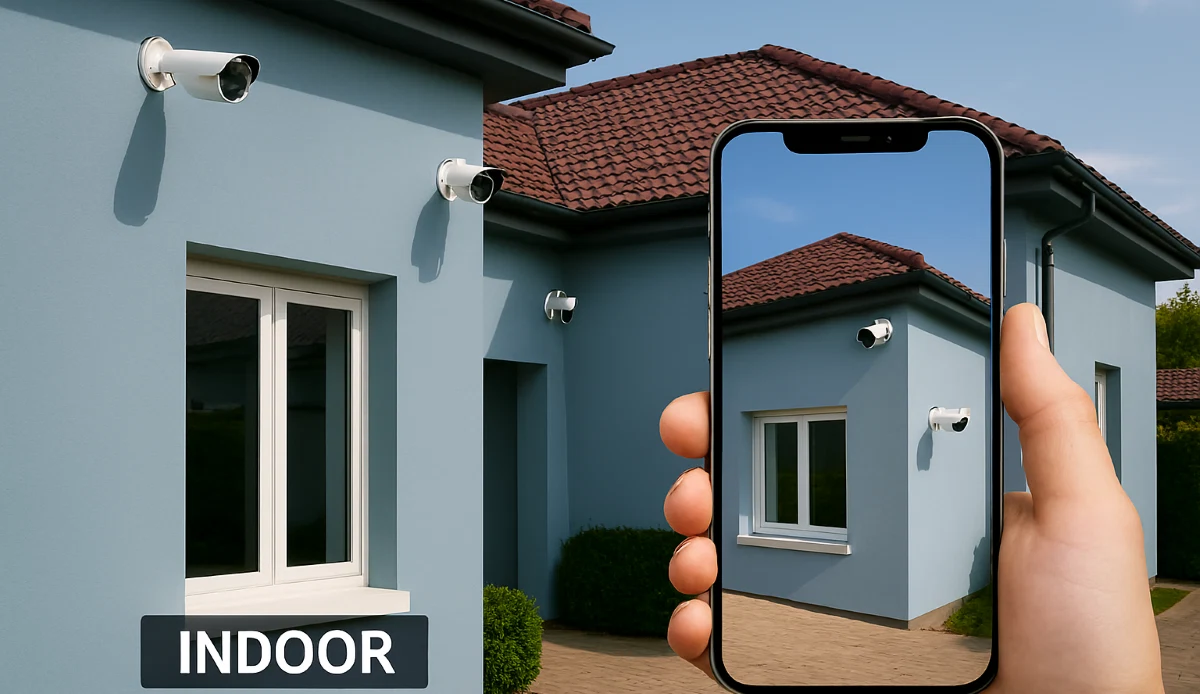
Smart CCTV, Remote Monitoring & AI Mobile Apps in South Africa: The Complete Guide
📱🤖 Human detection vs motion detection? Push notifications? Two-way audio? We explain how AI-powered smart CCTV systems are revolutionising home and business security in South Africa.
Gone are the days when CCTV meant grainy footage and false alarms every time a leaf blew past the camera. Today’s smart CCTV systems use artificial intelligence to distinguish between people, vehicles, and animals, sending you meaningful alerts only when it matters. Whether you’re a homeowner in Johannesburg who wants to know when the kids arrive home, or a business owner in Cape Town who needs to monitor after-hours activity, smart CCTV puts live feeds and intelligent alerts right in your pocket. This guide explores everything you need to know about smart CCTV remote monitoring AI mobile apps South Africa has to offer, from AcuSense and ColorVu technology to the best apps for Android and iOS.
📱 Ready to Upgrade to Smart CCTV?
Get free quotes from PSIRA-registered installers who specialise in AI-powered smart systems. Experience security that alerts you to what matters, not every passing car.
Servicing Johannesburg, Pretoria, Cape Town, Durban, and all major areas
📋 Table of Contents – Smart CCTV Guide
🤖 What Makes CCTV “Smart”?
Smart CCTV refers to systems that use artificial intelligence (AI) and deep learning to analyse video in real-time. Unlike traditional systems that simply record everything, smart cameras understand what they’re seeing.
Key Capabilities of Smart CCTV:
- Human/Vehicle Detection: Distinguishes between people, cars, animals, and other motion sources.
- Smart Alerts: Only notifies you when a person or vehicle is detected, eliminating false alarms.
- Facial Recognition: Identifies known individuals (family, employees) and alerts on strangers.
- ANPR (Automatic Number Plate Recognition): Reads and logs vehicle number plates.
- Line Crossing & Intrusion Detection: Triggers alerts when someone crosses a virtual boundary.
- Object Detection: Can identify abandoned objects, loitering, or removed items.
- Remote Monitoring: View live and recorded footage from anywhere via mobile app.
- Two-Way Audio: Listen and speak through the camera.
These features transform CCTV from a passive recording tool into an active security system that helps you respond to threats in real-time. For a comparison of leading systems, see our best CCTV systems guide.
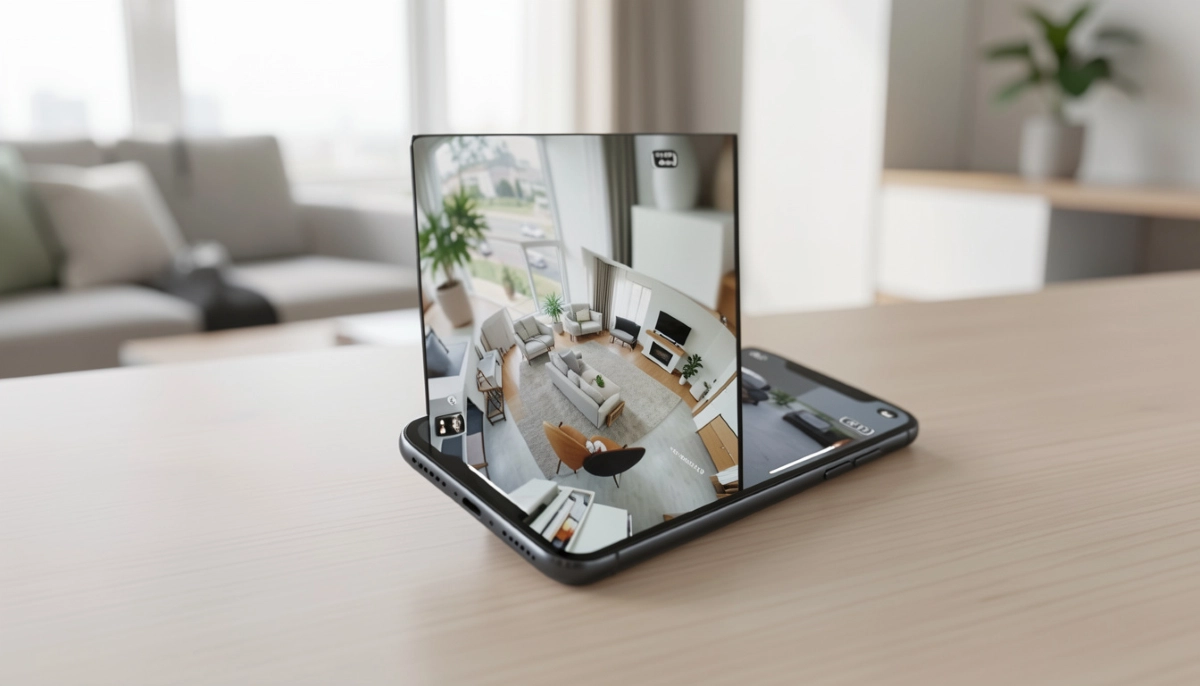
🎯 AI Detection vs Standard Motion Detection: Night and Day
This is the single most important feature upgrade in modern CCTV.
❌ Standard Motion Detection
- Triggers on any pixel change: moving leaves, shadows, insects, rain.
- Constant false alarms – users quickly ignore notifications.
- Wastes storage recording irrelevant events.
- Difficult to search for actual incidents among thousands of false triggers.
✅ AI Human/Vehicle Detection
- Analyses shapes and movement patterns to identify people and vehicles.
- Ignores animals, leaves, rain, and shadows.
- Only sends alerts when a real threat approaches.
- Makes searching footage simple: “show me all clips with people.”
Pro Tip: If you’re installing a new system today, AI detection is not a luxury – it’s essential. Without it, you’ll be overwhelmed with false alerts and may miss real incidents. Systems like Hikvision AcuSense and Dahua WizMind lead the market.
🔍 Hikvision AcuSense: Market Leader in AI Detection
AcuSense is Hikvision’s AI technology that brings deep learning to mainstream cameras and NVRs.
How AcuSense Works:
- Built-in deep learning algorithms analyse video in real-time.
- Instantly classifies targets as human, vehicle, or other.
- Reduces false alarms by over 90% compared to standard motion detection.
- Allows smart search: quickly find all clips containing people or vehicles.
AcuSense Product Range:
- AcuSense Cameras: Available in dome, bullet, and turret formats, with resolutions from 2MP to 8MP.
- AcuSense NVRs: Can add AI functionality to standard cameras (with limitations).
- ColorVu with AcuSense: Combines full-colour night vision with AI detection – the ultimate residential solution.
For most South African homes and small businesses, AcuSense is the recommended starting point for smart CCTV. Read more on the Hikvision South Africa website.
🧠 Dahua WizMind: Advanced Analytics for Business
WizMind is Dahua’s flagship AI series, offering even more advanced analytics for commercial applications.
WizMind Capabilities:
- All the human/vehicle detection of AcuSense, plus:
- Face Recognition: Identify known individuals and alert on strangers.
- People Counting: Track foot traffic for retail analytics.
- Heat Mapping: See where people spend most time.
- Queue Management: Alert when queues get too long.
- ANPR: Automatic number plate recognition for parking and access control.
Best For:
- Retail stores wanting customer analytics.
- Office buildings needing access control integration.
- Industrial sites requiring advanced monitoring.
- High-security applications needing facial recognition.
Explore the full range on the Dahua South Africa website.
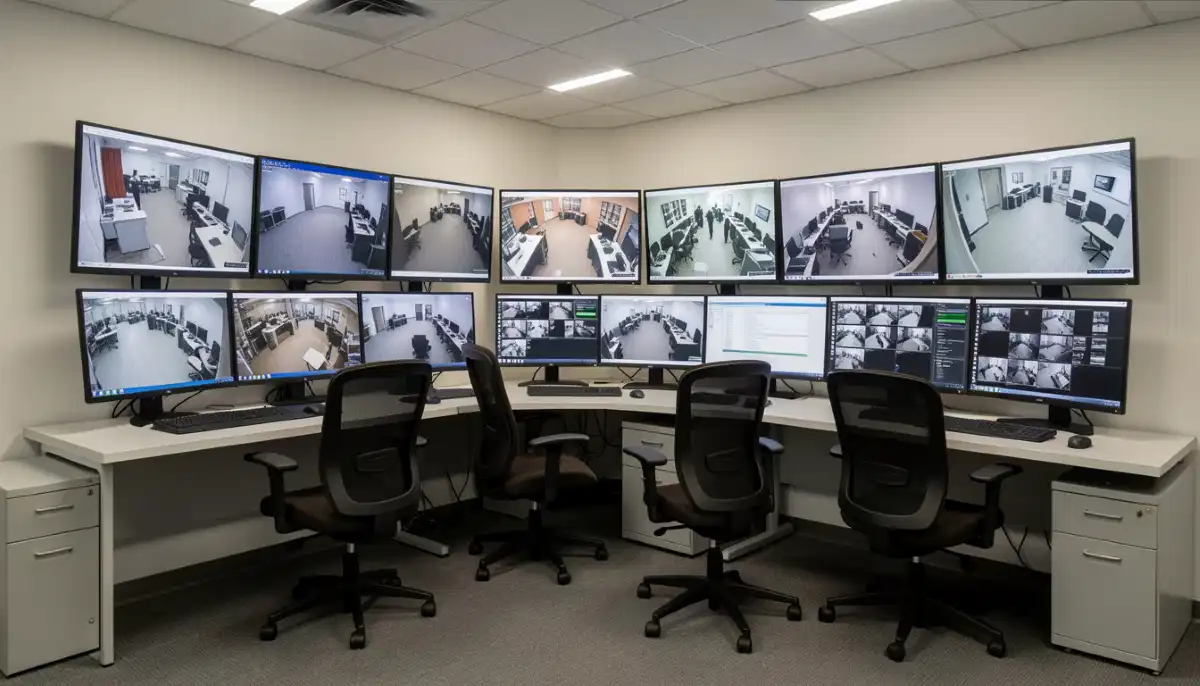
🌈 ColorVu & Full-Colour Night Vision
Traditional night vision is black and white. ColorVu (Hikvision) and Full-colour (Dahua) change the game by providing colour footage all night long.
How It Works:
- Powerful built-in white LEDs illuminate the scene.
- High-sensitivity sensors capture colour detail even in near-darkness.
- Result: you see clothing colours, vehicle colours, and details impossible with IR.
Advantages:
- Identification: Colour footage makes identifying suspects much easier.
- Deterrence: The white lights themselves act as a deterrent – criminals know they’re being recorded in colour.
- Evidence: Colour footage is far more valuable for police and insurance.
Considerations:
- Lights can be noticeable – may not suit all locations.
- Some models allow you to switch between IR and white light.
- Power consumption is slightly higher than IR-only cameras.
ColorVu cameras are exceptionally popular in Sandton and Fourways estates where night-time identification is critical.
📱 Best CCTV Mobile Apps for Remote Viewing
Your smartphone is your window to your security system. Here are the leading apps in South Africa.
Hik-Connect (Hikvision)
- User-friendly interface, reliable push notifications.
- Supports live view, playback, PTZ control, and two-way audio.
- Cloud storage options available.
- Available on Google Play and Apple App Store.
DMSS (Dahua)
- Feature-rich app with advanced AI search capabilities.
- Excellent for systems with many cameras.
- Supports face recognition and ANPR search.
- Slightly more complex than Hik-Connect but very powerful.
EZVIZ / Imou Apps
- For consumer-grade wireless cameras.
- Extremely user-friendly, designed for DIY users.
- Great for small homes or rentals.
All major apps support both Android and iOS. Check reviews on the Google Play Store to see what users in your area are saying.
🌐 Remote Monitoring: Accessing Your Cameras Anywhere
Remote monitoring lets you view live and recorded footage from anywhere with an internet connection.
How It’s Set Up:
- Your NVR or cameras connect to your router via Ethernet.
- The devices use P2P (peer-to-peer) technology or DDNS to be accessible online.
- You scan a QR code on the NVR with the mobile app to link it to your account.
- The app connects securely to your system – no complex port forwarding needed on modern systems.
What You Can Do Remotely:
- View live feeds from all cameras.
- Playback recorded footage.
- Receive push notifications on motion/AI events.
- Control PTZ cameras.
- Talk through two-way audio cameras.
- Share access with family or security personnel.
A professional installer will ensure remote access is configured correctly during setup.
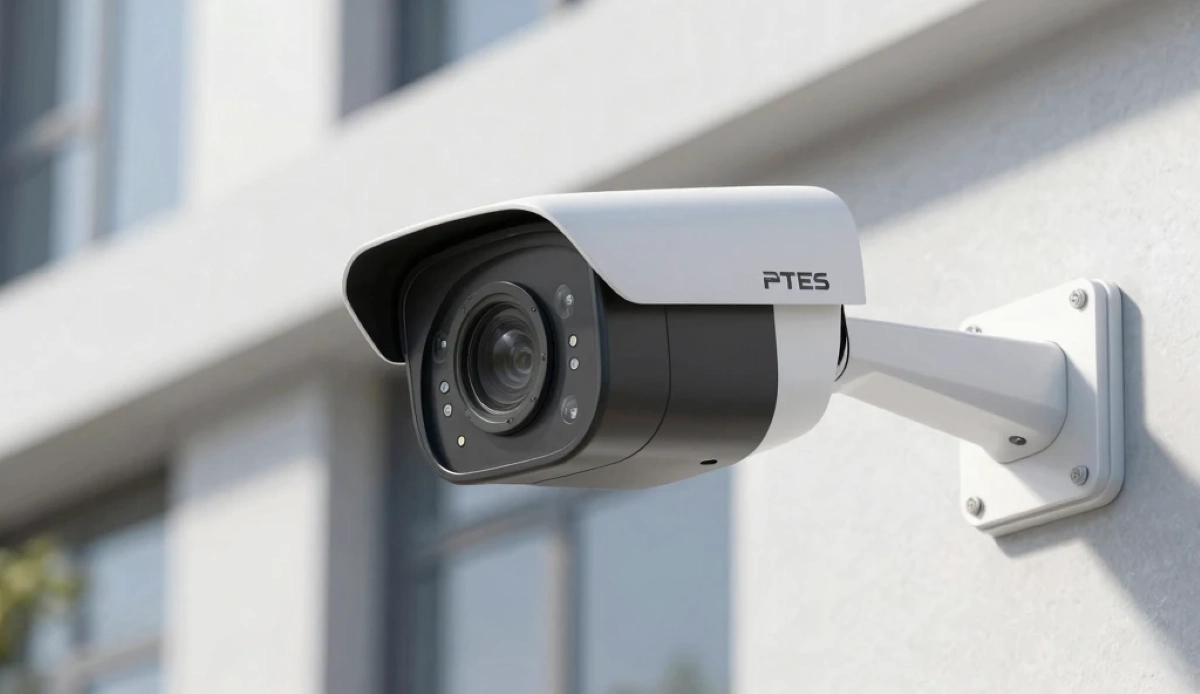
🔔 Push Notifications: Know What Matters, Instantly
Smart push notifications are the killer feature of AI CCTV.
How They Work:
- Camera detects a person or vehicle in a defined area.
- AI verifies it’s a genuine threat (not a cat or leaf).
- Instant push notification sent to your phone with a snapshot.
- You tap the notification to view live footage immediately.
Why This Matters:
- Immediate Awareness: Know the moment someone approaches your property.
- No Notification Fatigue: Only meaningful alerts get through.
- Peace of Mind: Check on deliveries, kids arriving home, or unexpected visitors.
- Crime Prevention: If you see someone suspicious, you can trigger sirens or speak through the camera.
Configure your notifications in apps like Hik-Connect or DMSS. You can set schedules (e.g., only notify at night) and specific detection zones.
🎤 Two-Way Audio: Talk Through Your Cameras
Many smart cameras include built-in microphones and speakers, enabling two-way communication.
Practical Uses:
- Speak to delivery drivers: “Please leave the package by the gate.”
- Warn off intruders: “You are being recorded. Police have been called.”
- Talk to family: “I’m watching the kids in the pool – I’ll be home soon.”
- Scare away animals: Loud noise can deter stray dogs or wildlife.
Active Deterrence Cameras:
Some smart cameras go further, with built-in strobe lights and sirens that can be triggered automatically on detection or manually from your app. These are incredibly effective at scaring off criminals before a crime occurs.
Legal Note: Two-way audio is subject to RICA regulations. Informing people they are being recorded (via signage) is recommended. See our CCTV laws guide for more.
👤 Facial Recognition & ANPR: Advanced AI Features
For businesses and high-end homes, these features take security to another level.
Facial Recognition:
- Cameras learn faces of family members, employees, or frequent visitors.
- Send different alerts for “known” vs “unknown” faces.
- Can integrate with access control to unlock doors for authorised personnel.
- Useful for alerting when children arrive home from school.
ANPR (Automatic Number Plate Recognition):
- Reads and logs number plates of vehicles entering your property.
- Can maintain a database of authorised vehicles (family, employees).
- Alerts on unknown or suspicious vehicles.
- Essential for gated communities, office parks, and secure facilities.
These features are available in Dahua WizMind and Hikvision Pro Series cameras. They require more careful setup and calibration, best handled by experienced installers.
Ready to Experience True Smart Security?
AI detection, remote viewing, instant alerts – get it all with a professionally installed smart CCTV system. Connect with local specialists who can design the perfect solution for your property.
☁️ Cloud Storage vs Local Storage: Pros and Cons
Smart systems often offer both storage options.
💾 Local Storage (NVR/SD Card)
- Pros: One-time cost, no monthly fees, works without internet, fast access, full control.
- Cons: Vulnerable to theft/damage, limited capacity, remote access requires internet anyway.
☁️ Cloud Storage
- Pros: Footage safe even if recorder stolen, accessible from anywhere, no hardware to maintain.
- Cons: Monthly subscription costs, requires reliable internet, privacy concerns with third-party servers.
Many modern systems offer hybrid storage: record locally 24/7 and upload AI-triggered events to the cloud. This balances cost with security. Ask your installer about options.
⚙️ Smart CCTV Setup: Getting It Right
Proper configuration is essential to get the most from smart features.
- Define Detection Zones: Don’t let the camera analyse the whole scene. Draw zones only where you expect activity (e.g., driveway, not the busy street beyond).
- Set Schedules: Configure different rules for day/night or when you’re away.
- Fine-Tune Sensitivity: Adjust to avoid false triggers while catching real events.
- Test Thoroughly: Walk-test the system to ensure it detects you as expected.
- Network Setup: Ensure your NVR has a static IP on your network for reliable remote access.
- Firmware Updates: Keep cameras and NVR updated for latest AI improvements and security patches. See our maintenance guide.
Professional installers will handle all this for you and provide training on using the app.
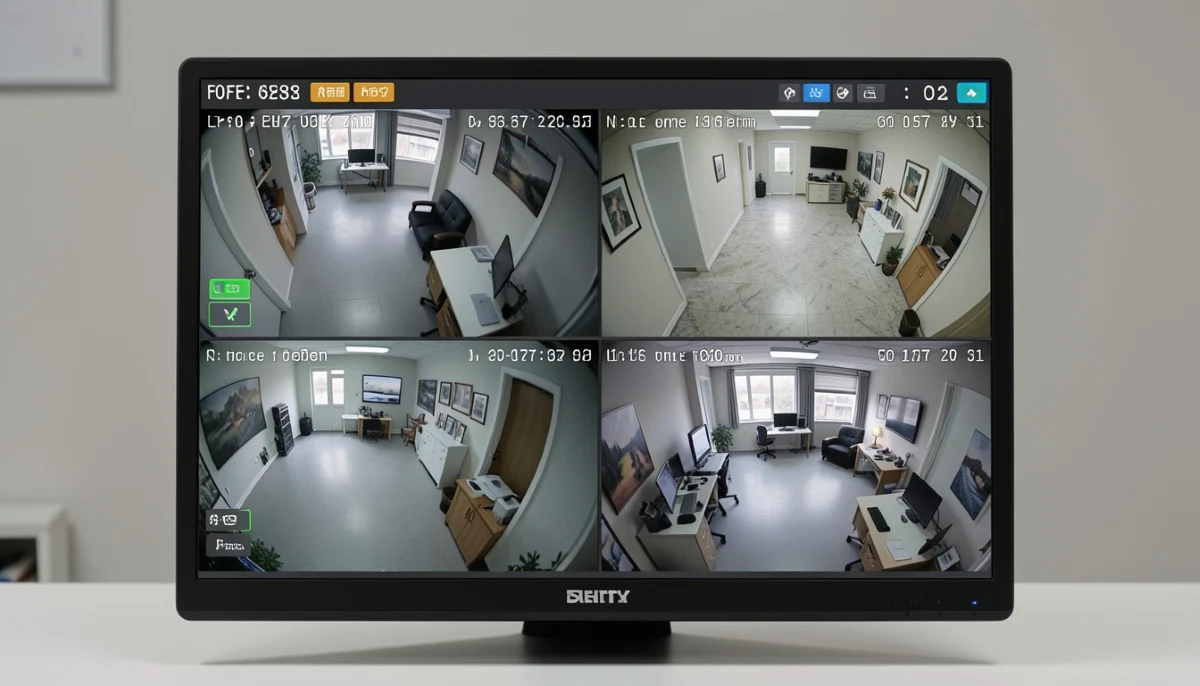
🌐 Internet Requirements: What Speed Do You Need?
Remote viewing requires adequate upload speed from your home connection.
Bandwidth Guidelines:
- 1080p camera: 2-4 Mbps upload per camera for smooth streaming.
- 4K camera: 8-12 Mbps upload per camera.
- 8-camera system: You may need 20-50 Mbps upload if streaming multiple cameras simultaneously.
Most fibre connections in Johannesburg, Pretoria, and Cape Town have sufficient upload (10-50 Mbps). ADSL or LTE may struggle, especially with 4K cameras.
Solutions for limited upload:
- Reduce camera resolution for remote viewing (cameras can record in 4K but stream lower resolution remotely).
- Use substreams – most apps let you view a lower-bandwidth version remotely.
- Consider wired systems with better compression technology.
🏠 Smart Home Integrations
Smart CCTV can integrate with other smart home devices for enhanced automation.
- Smart Lights: Trigger exterior lights when cameras detect motion.
- Smart Alarms: Arm/disarm alarm system based on camera detection.
- Smart Locks: Unlock gates for recognised vehicles (ANPR integration).
- Voice Assistants: View camera feeds on Google Nest Hub or Amazon Echo Show.
- Home Automation: Create routines like “if camera detects person at front door, turn on hallway light and send notification.”
These integrations require compatible ecosystems and professional setup. Discuss possibilities with your installer.
❌ Common Smart CCTV Mistakes to Avoid
- Buying non-AI cameras to save money: You’ll regret the false alarms and missed events. AI is worth the investment.
- Poor detection zone setup: Including public sidewalks or busy roads in detection zones leads to constant alerts.
- Ignoring firmware updates: AI algorithms improve over time. Keep your system updated.
- Weak passwords: Smart cameras are connected to the internet – use strong, unique passwords to prevent hacking.
- Not testing notifications: Configure and test to ensure you actually receive alerts.
- Inadequate upload speed: Remote viewing will be frustrating if your internet can’t support it.
- Skipping professional installation: Smart features need proper configuration. A professional installer ensures everything works as intended.
- Forgetting about loadshedding: Smart systems need backup power to keep AI and remote access working during outages.
- Not understanding app features: Take time to learn what your app can do – many powerful features go unused.
- Ignoring privacy laws: Smart cameras with audio and facial recognition have additional legal implications under POPIA.
❓ Frequently Asked Questions
What is the difference between AI detection and standard motion detection?
Standard motion detection triggers on any pixel change – leaves, shadows, insects. AI detection uses deep learning to distinguish between humans, vehicles, and other objects. It eliminates up to 90% of false alarms and only notifies you when a real threat appears.
Which CCTV app is best for remote viewing in South Africa?
Hik-Connect (for Hikvision) and DMSS (for Dahua) are the leading apps. Both are reliable, feature-rich, and available on Android and iOS. For consumer wireless cameras, EZVIZ and Imou apps are excellent. Check reviews on the Google Play Store for user feedback.
Do I need internet for smart CCTV to work?
For local recording and AI detection, no – cameras will continue recording and detecting events without internet. For remote viewing and push notifications, yes, you need an active internet connection on your NVR and a stable connection on your phone.
What is Hikvision AcuSense?
AcuSense is Hikvision’s AI technology that brings human and vehicle detection to mainstream cameras and NVRs. It dramatically reduces false alarms and allows smart search of footage. It’s available across their camera range, including ColorVu models.
Can I add AI to my existing CCTV system?
Sometimes. If you have an existing Hikvision or Dahua system, you may be able to upgrade to an AcuSense or WizMind NVR that adds AI analytics to your current cameras (with some limitations). Replacing cameras with AI models gives the best results. Consult a professional installer.
What internet speed do I need for remote CCTV viewing?
For smooth remote viewing of 1080p cameras, you need 2-4 Mbps upload per camera. For 4K, 8-12 Mbps per camera. Most fibre connections are adequate, but ADSL or LTE may struggle. Your NVR can be configured to stream lower resolutions remotely to save bandwidth.
Are smart CCTV systems secure from hackers?
Like any internet-connected device, they can be vulnerable if not properly secured. Protect your system by: using strong unique passwords, keeping firmware updated, disabling unnecessary ports, and using a secure home network. Professional installers will configure security best practices.
What is ColorVu technology?
ColorVu is Hikvision’s full-colour night vision technology. It uses powerful built-in white LEDs and high-sensitivity sensors to provide colour footage 24/7, even in complete darkness. This is a huge advantage over traditional black-and-white IR night vision for identifying suspects.
Can smart CCTV recognise faces?
Yes, higher-end models like Dahua WizMind and Hikvision Pro Series offer facial recognition. They can be trained to recognise family members or employees and alert you to unknown faces. These systems require careful setup and are typically used for commercial or high-end residential applications.
✅ Final Thoughts: Embrace the Future of Security
Smart CCTV with AI, remote monitoring, and mobile apps is no longer a luxury – it’s the new standard for effective security. The ability to know instantly when a person approaches your property, to see them in full colour at night, and to respond from anywhere in the world transforms how you protect your home or business.
Your 3-Step Smart CCTV Action Plan:
- Choose AI-enabled equipment: Prioritise AcuSense, WizMind, or ColorVu technology.
- Ensure reliable internet and backup power: For remote access and 24/7 operation.
- Hire a professional installer: Smart features need expert configuration to work perfectly.
🔒 The Bottom Line:
Smart CCTV puts security in your pocket
with AI that sees what matters and alerts you instantly
Ready to Go Smart?
Experience the peace of mind that comes with AI-powered security and remote monitoring. Connect with trusted, PSIRA-registered installers who specialise in smart CCTV systems.
📞 Call our smart security line: 073 138 4726
📚 Official Resources:
- Hikvision South Africa – AcuSense and ColorVu technology.
- Dahua South Africa – WizMind AI and smart analytics.
- Google Play Store – CCTV mobile app reviews and downloads.
This guide is for informational purposes. Always consult with a qualified professional for your specific security needs.
Written by: ServiceLink SA Research Team
Specialists in South African security and smart home technology.
Our team stays at the forefront of CCTV innovation, testing and evaluating the latest AI technologies to bring you practical, unbiased advice. We’ve helped hundreds of South Africans upgrade to smart security systems that actually work.