
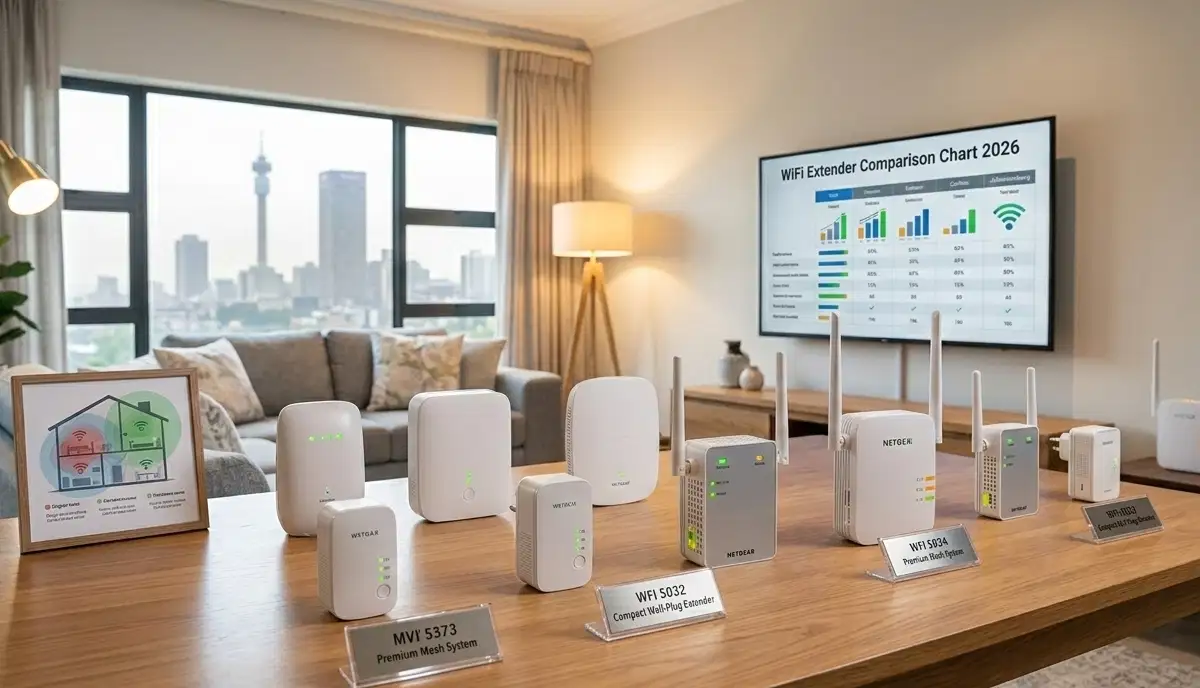
Best WiFi Extenders Johannesburg, Pretoria & Hartbeespoort – Guide for Gauteng Homes
📶 Thick walls in Pretoria? Large estate in Hartbeespoort? Poor signal in your Fourways home? Here’s the best WiFi extender for your specific Gauteng property.
Gauteng’s homes are as diverse as its landscape. You might be in a Sandton apartment with WiFi interference from 20 neighbours. Or a Pretoria house with thick brick walls blocking signal to the bedrooms. Or perhaps you’re in a Hartbeespoort estate where the router can’t reach the pool area.
The solution? A WiFi extender – but not just any extender. The best WiFi extenders Johannesburg, Pretoria and Hartbeespoort depend entirely on your specific situation. This guide covers the top options for each scenario, from affordable plug-in units for small homes to industrial-strength outdoor solutions for large properties.
We’ll help you navigate the options, understand what works where, and connect you with local specialists who know Gauteng’s unique challenges.
If you’re ready for professional help, explore our Services Overview or visit our WiFi Extensions page to find network specialists near you. For more on how we work, see How It Works.
📡 REGIONAL SPECTRUM: For outdoor and long-range solutions in Hartbeespoort and rural areas, ICASA regulates spectrum use. Professional installers ensure compliance with licensed vs unlicensed frequency requirements.
Need a WiFi Solution for Your Gauteng Home?
Get free, no-obligation quotes from local WiFi specialists who understand the specific challenges of Johannesburg, Pretoria, and Hartbeespoort properties.
Servicing Gauteng – Johannesburg, Pretoria, Sandton, Fourways, Midrand, Randburg, Centurion, Hartbeespoort, Brits
📋 Table of Contents – WiFi Extenders Gauteng Guide
🏙️ Gauteng’s Unique WiFi Challenges
Gauteng’s homes face specific WiFi challenges that differ from other regions:
🏢 High-Density Areas
- Johannesburg, Sandton, Fourways: Apartments and townhouses with dozens of competing networks
- Challenge: Severe channel congestion on 2.4GHz
- Solution: Dual-band extenders with 5GHz prioritisation, professional channel planning
🏠 Traditional Homes
- Pretoria, Centurion, older suburbs: Large stands, thick brick walls
- Challenge: Signal penetration through multiple walls
- Solution: High-power extenders with external antennas, mesh systems
🌳 Estates & Rural
- Hartbeespoort, Brits, outlying areas: Large properties, multiple buildings
- Challenge: Distance, outdoor coverage, separate buildings
- Solution: Outdoor extenders, point-to-point bridges, weatherproof access points
🏘️ New Developments
- Midrand, Randburg, Bryanston: Modern open-plan homes
- Challenge: Open layouts but signal must travel through multiple rooms
- Solution: Mesh systems, strategically placed extenders
Understanding your specific challenge is the first step to choosing the right solution. Learn more on our Gauteng service page.
📶 Best WiFi Extender for Johannesburg – High-Density Living
In Johannesburg, especially in Sandton, Fourways, and apartment blocks, the main challenge is interference from neighbouring networks.
Top Recommendations for Johannesburg
- TP-Link RE605X (WiFi 6): Handles multiple devices well, better performance in congested areas – R1,500-R2,200
- Netgear EX7700 (tri-band): Dedicated backhaul reduces speed loss – ideal for apartments – R2,200-R3,200
- TP-Link RE450 (AC1750): Solid performer for smaller spaces – R800-R1,200
Key Features for Joburg
- Tri-band models – dedicated backhaul helps in congested areas
- 5GHz prioritisation – 2.4GHz is often unusable in dense complexes
- Band steering – automatically moves devices to less congested bands
- External antennas – help focus signal where needed
For Johannesburg apartments, professional installation often includes channel optimisation to find the least congested frequencies. See our Johannesburg WiFi services page.
🧱 Best WiFi Extender for Thick Walls Pretoria
Pretoria’s older homes, particularly in Pretoria and Centurion, often have thick brick or concrete walls that block WiFi signals. The best WiFi extender for thick walls Pretoria needs power and penetration.
Top Recommendations for Pretoria
- TP-Link RE650 (AC2600): Four external antennas, powerful amplification – best for thick walls – R1,600-R2,300
- Netgear EX8000 (AC3000): Premium option with mesh capabilities – R3,500-R5,000
- TP-Link RE450 (AC1750): Budget option for moderately thick walls – R800-R1,200
Key Features for Pretoria
- External antennas – adjustable to direct signal through walls
- High-power amplifiers – stronger signal penetrates better
- Dual-band with good 2.4GHz performance – 2.4GHz penetrates walls better than 5GHz
- Access Point mode – if you can run Ethernet through walls, this is best
For very thick walls, consider running Ethernet cable through the ceiling and installing an access point in the problem area. See our wired vs wireless guide.
🏞️ Hartbeespoort Poor Signal Solution – Rural & Estate Coverage
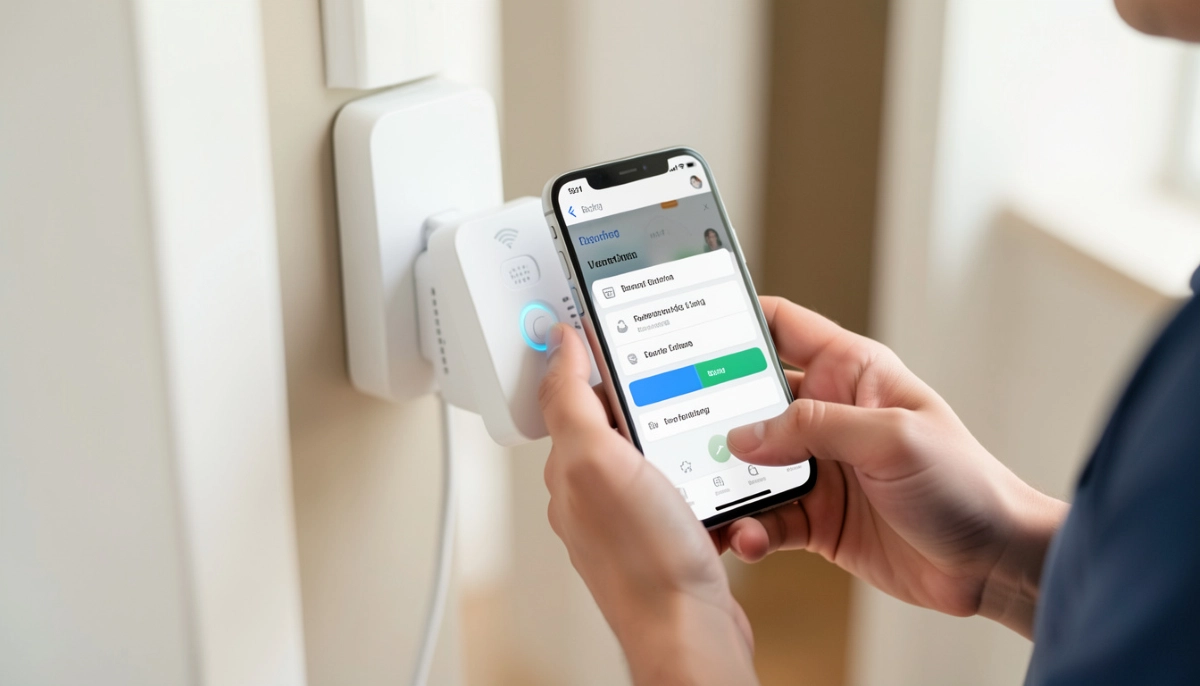
Hartbeespoort and Brits present unique challenges: large properties, multiple buildings, and often poor signal from the main house to outbuildings, pool areas, or guest cottages.
Solutions for Hartbeespoort Properties
1. Outdoor WiFi Extenders
Weatherproof access points designed for outdoor use can extend signal to gardens, pool areas, and outbuildings.
- Ubiquiti UniFi UAP-AC-M: Weatherproof, can be mounted outdoors – R1,800-R2,500
- TP-Link EAP225-Outdoor: Affordable outdoor AP – R1,500-R2,200
- MikroTik wAP AC: Rugged outdoor unit – R1,600-R2,300
2. Point-to-Point Bridges
For connecting a separate building (guest house, office, stable) to your main network, a point-to-point bridge is the solution.
- Ubiquiti NanoStation LOCO: Popular for distances up to 5km – R1,500-R2,200 per pair
- MikroTik SXTsq: Reliable point-to-point – R1,300-R2,000 per pair
- TP-Link CPE510: Budget option for shorter distances – R1,200-R1,800 per pair
3. Long-Range Antennas
For extending WiFi within a large property, high-gain antennas can focus signal to specific areas.
- TP-Link TL-ANT2424B: 24dBi directional antenna – R800-R1,200
- Compatible with many routers and access points
These solutions require professional installation for proper alignment and configuration. See our commercial WiFi installation page for more.
🏢 Sandton & Fourways – High-Density Solutions
In Sandton and Fourways, apartments and townhouses mean dozens of competing networks. Standard extenders may struggle.
Best Options for High-Density Areas
- Mesh systems often outperform traditional extenders in dense areas – see our mesh guide
- Tri-band extenders with dedicated backhaul – Netgear EX7700, EX8000
- WiFi 6 extenders – better handling of multiple devices, improved efficiency in congested environments
Professional Help for High-Density
In these areas, professional channel planning is essential. Technicians use spectrum analysers to find the least crowded channels and optimise your network. Many offer free site surveys to assess your specific situation.
🏡 Midrand & Randburg – Family Home Coverage
Midrand and Randburg have many modern family homes – open-plan living areas with bedrooms down hallways. Coverage needs are typical of medium-to-large homes.
Recommended Solutions
- TP-Link RE450 (AC1750): Good balance of price and performance for typical homes
- TP-Link RE650 (AC2600): For larger homes with more walls
- Mesh systems – for whole-home coverage without multiple network names
For homes in these areas, a site survey can identify exactly where signal drops and recommend optimal extender placement.
🏰 Centurion & Bryanston – Large Property Options
Centurion and Bryanston have many large properties where a single router simply isn’t enough.
Best for Large Homes
- Mesh systems with 3+ nodes – TP-Link Deco series, Netgear Orbi
- Multiple access points with wired backhaul – best performance but requires cabling
- High-power extenders for specific dead zones – RE650, EX8000
For properties over 350m², professional assessment is highly recommended. A single extender may not solve all coverage issues. See our signal optimisation page.
🌳 Outdoor WiFi Extenders for Estates
For Hartbeespoort estates and large properties with gardens, pools, or entertainment areas, outdoor WiFi extenders bring signal outside.
Top Outdoor Extenders
- Ubiquiti UniFi UAP-AC-M: Weatherproof, versatile mounting, good range – R1,800-R2,500
- TP-Link EAP225-Outdoor: Affordable, 867Mbps, PoE powered – R1,500-R2,200
- MikroTik wAP AC: Rugged, compact, good for harsh conditions – R1,600-R2,300
- EnGenius ENS500-EXT: High-power outdoor AP, excellent range – R2,500-R3,500
Installation Considerations
- Must be properly weatherproofed – all outdoor units have specific installation requirements
- Power over Ethernet (PoE) is standard – requires PoE switch or injector
- Mounting height affects range – higher is usually better
- Lightning protection may be needed for exposed locations
Professional installation is strongly recommended for outdoor units to ensure proper sealing, mounting, and configuration.
📡 Point-to-Point Bridges – Connecting Separate Buildings
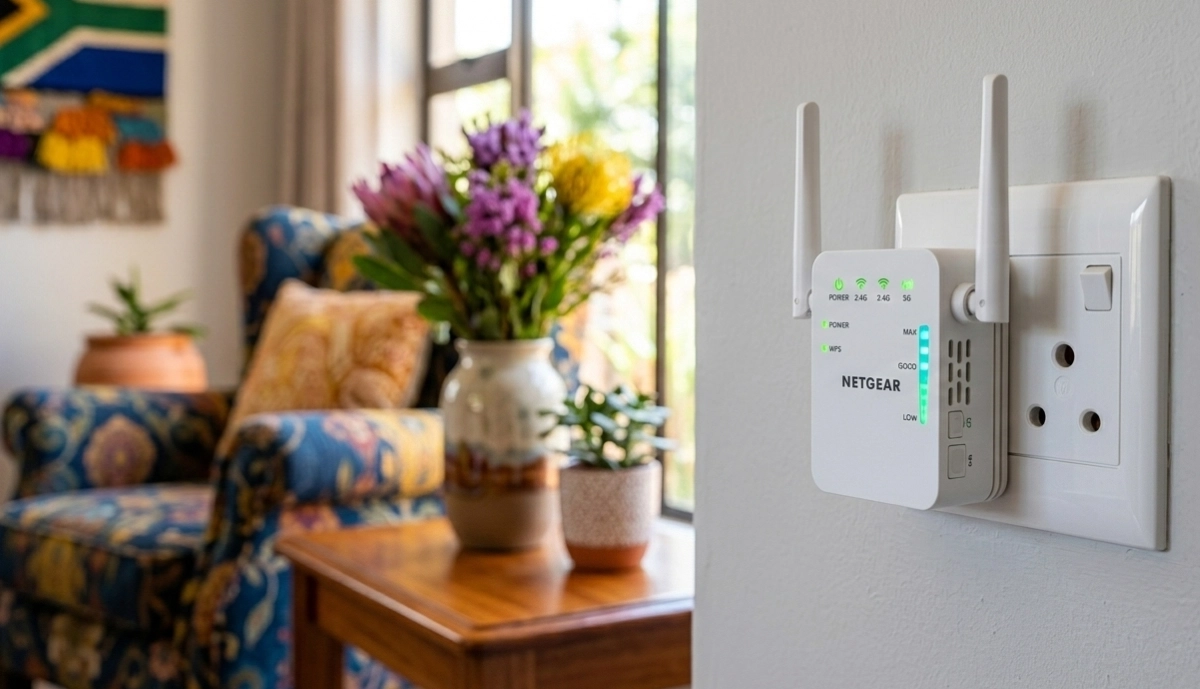
If you have a separate building on your property – a guest house, home office, or granny flat – a point-to-point bridge is the solution.
How Point-to-Point Works
Two directional antennas are aimed at each other, creating a wireless bridge between buildings. This provides network connectivity to the second building as if it were wired.
Top Point-to-Point Solutions
- Ubiquiti NanoStation LOCO: Up to 5km range, 450Mbps throughput – R1,500-R2,200 per pair
- Ubiquiti NanoBeam: Higher performance, up to 10km – R2,200-R3,500 per pair
- MikroTik SXTsq: Reliable, good for medium distances – R1,300-R2,000 per pair
- TP-Link CPE510: Budget option, 5km range – R1,200-R1,800 per pair
- MikroTik Wireless Wire: Pre-configured for short distances (up to 200m) – R2,500-R3,500
Installation Requirements
- Clear line of sight between buildings – trees or structures will block signal
- Proper alignment is critical – professionals use alignment tools
- Weatherproofing of all outdoor connections
- Grounding and lightning protection recommended
For properties in Hartbeespoort and Brits with multiple buildings, this is often the best solution. See our commercial installation page.
📡 Long-Range Antennas for Rural Areas
For very large properties or where you need to cover significant distance, long-range antennas can focus signal to specific areas.
Types of Antennas
- Directional antennas: Focus signal in one direction – ideal for point-to-point or covering a specific area
- Omnidirectional antennas: Spread signal in all directions – good for general coverage
- High-gain antennas: 10-24dBi gain for extended range
Compatible with
- Many routers have removable antennas – can be upgraded
- Access points designed for external antennas
- Specialised outdoor equipment
Note: ICASA regulates maximum antenna gain and EIRP (Effective Isotropic Radiated Power). Professional installers ensure compliance.
🌧️ Weatherproof Access Points
For permanent outdoor installation, weatherproof access points are designed to withstand rain, sun, and temperature extremes.
Features to Look For
- IP rating: IP65 or higher for weather resistance
- Operating temperature range: -30°C to +70°C for South African conditions
- PoE powered: Single cable for power and data
- Mounting options: Pole, wall, or mast mounting
Top Weatherproof APs
- Ubiquiti UniFi UAP-AC-M: Versatile, weatherproof, good range
- TP-Link EAP225-Outdoor: Affordable, reliable
- MikroTik wAP AC: Compact, rugged
- EnGenius ENS500-EXT: High-power, excellent range
These are ideal for Hartbeespoort estates, farms, and large gardens where you need coverage in entertainment areas.
🏘️ Whole Estate Coverage Solutions
For estate homeowners associations or large properties requiring coverage across multiple buildings and common areas, comprehensive solutions exist.
Options for Estate Coverage
- Multiple outdoor access points: Strategically placed throughout the estate
- Point-to-multipoint: Central transmitter with multiple receivers
- Fibre backbone: For very large estates, fibre runs between areas with local access points
- Controller-based systems: Central management of all network equipment
Professional Design Required
Estate-wide WiFi requires professional survey, design, and installation. Contact our commercial WiFi team for large projects.
🏆 Top Extender Models for Gauteng Homes
Based on local conditions, here are the top-performing models for different Gauteng scenarios:
| Model | Type | Best For | Price Range | Key Feature |
|---|---|---|---|---|
| TP-Link RE450 | Dual-band AC1750 | General homes, good value | R800-R1,200 | Reliable all-rounder |
| TP-Link RE650 | Dual-band AC2600 | Thick walls, large homes | R1,600-R2,300 | 4 external antennas |
| TP-Link RE605X | WiFi 6 AX1800 | High-density areas, many devices | R1,500-R2,200 | WiFi 6 efficiency |
| Netgear EX7700 | Tri-band AC2200 | Apartments, dedicated backhaul | R2,200-R3,200 | Dedicated backhaul band |
| Netgear EX8000 | Tri-band AC3000 | Premium homes, mesh-ready | R3,500-R5,000 | Highest performance |
| Ubiquiti UAP-AC-M | Outdoor AP | Outdoor coverage, estates | R1,800-R2,500 | Weatherproof, versatile |
| Ubiquiti NanoStation | Point-to-point bridge | Separate buildings | R1,500-R2,200/pair | Connect remote buildings |
💰 Installation Costs by Area
Professional installation prices vary across Gauteng:
| Area | Basic Extender Install | Outdoor AP Install | Point-to-Point Bridge | Travel Fee |
|---|---|---|---|---|
| Johannesburg CBD/Sandton | R500-R800 | R1,200-R1,800 | R1,800-R2,500 | Included |
| Fourways/Midrand | R500-R850 | R1,200-R1,900 | R1,800-R2,600 | Included within 30km |
| Pretoria/Centurion | R550-R900 | R1,300-R2,000 | R1,900-R2,700 | Included within Pretoria |
| Randburg/Roodepoort | R500-R850 | R1,200-R1,900 | R1,800-R2,600 | Included |
| Hartbeespoort/Brits | R600-R1,000 | R1,500-R2,200 | R2,200-R3,000 | R200-R500 travel |
| Krugersdorp/West Rand | R550-R900 | R1,300-R2,000 | R2,000-R2,800 | R100-R300 travel |
Get accurate quotes for your specific location using our free quote system.
👨🔧 Why Professional Installation Matters in Gauteng
While extenders are often marketed as DIY, Gauteng’s unique challenges make professional installation valuable:
- Channel optimisation: In dense Joburg complexes, professionals find channels your router won’t
- Placement expertise: Through experience, they know where to place extenders for optimal coverage
- Wall penetration assessment: They can predict how different walls will affect signal
- Outdoor installation safety: Proper mounting, weatherproofing, and lightning protection
- Point-to-point alignment: Precise alignment needed for bridges – professionals have tools
- Estate-wide design: Complex multi-building solutions need professional design
- ICASA compliance: Ensure outdoor installations comply with regulations
See our contractor guide for what to look for in a specialist.
🤔 DIY vs Professional – What’s Best for Your Situation?
✅ DIY Makes Sense When
- Small home or apartment (under 100m²)
- Single, simple dead zone
- You’re comfortable with basic configuration
- No outdoor or complex requirements
- Budget is very tight
👨🔧 Professional Makes Sense When
- Large home or estate
- Thick walls (Pretoria)
- High-density area (Sandton, Fourways)
- Outdoor coverage needed
- Multiple buildings to connect
- You’ve tried DIY and it failed
- You want guaranteed results
Many Gauteng homeowners find that professional installation saves time, frustration, and ultimately money by getting it right first time.
❌ 8 Common Gauteng WiFi Mistakes
Local homeowners often make these mistakes:
- Mistake #1: Buying a cheap extender for a large Pretoria home. Budget extenders lack power for thick walls – invest in RE650 or similar.
- Mistake #2: Placing extender in the dead zone. Common error – extender needs good signal from router, place it halfway.
- Mistake #3: Ignoring channel congestion in Sandton. In dense areas, default channels are overcrowded – professional channel planning needed.
- Mistake #4: Using indoor extenders outdoors. Rain destroys them – use proper weatherproof equipment.
- Mistake #5: Attempting DIY point-to-point without line of sight. Trees or buildings in the way = failure. Professional survey first.
- Mistake #6: Not considering mesh for whole-home coverage. For large properties, mesh often outperforms multiple extenders.
- Mistake #7: Forgetting about Ethernet backhaul opportunities. If you can run cable during renovations, do it – best performance.
- Mistake #8: Not testing placement before permanent mounting. Always test signal before drilling holes.
Avoid these with professional site surveys and installation.
❓ Frequently Asked Questions
What is the best WiFi extender for Johannesburg apartments?
For best WiFi extender for Johannesburg apartments, the Netgear EX7700 tri-band (R2,200-R3,200) or TP-Link RE605X WiFi 6 (R1,500-R2,200) are top choices. They handle interference well and provide dedicated backhaul. In high-density areas like Sandton and Fourways, professional installation with channel optimisation makes a significant difference.
What’s the best WiFi extender for thick walls in Pretoria?
The best WiFi extender for thick walls Pretoria is the TP-Link RE650 (AC2600) with four external antennas and powerful amplification (R1,600-R2,300). For very thick walls, consider running Ethernet and installing an access point in the problem area. Professional installers can assess your specific wall construction and recommend optimal placement.
How do I get WiFi in my Hartbeespoort guest house?
For Hartbeespoort poor signal solution to a separate building, use a point-to-point bridge like Ubiquiti NanoStation LOCO (R1,500-R2,200 per pair). This creates a wireless link between main house and guest house. Requires clear line of sight and professional alignment. For closer buildings, an outdoor access point may suffice. Contact local Hartbeespoort specialists.
Do I need an outdoor WiFi extender for my garden?
If you want WiFi in your garden, pool area, or entertainment space, a weatherproof access point is the solution. Standard extenders aren’t weatherproof. Options include Ubiquiti UAP-AC-M (R1,800-R2,500) or TP-Link EAP225-Outdoor (R1,500-R2,200). Professional installation ensures proper mounting and weatherproofing.
How much does WiFi extender installation cost in Gauteng?
Installation costs vary by area: Johannesburg/Sandton R500-R800, Pretoria R550-R900, Hartbeespoort R600-R1,000 (plus travel). Outdoor AP installation R1,200-R2,200, point-to-point bridges R1,800-R3,000. Many companies offer free site surveys. Use our free quote system for accurate pricing in your specific location.
Can I connect my separate buildings with WiFi?
Yes, with a point-to-point bridge. This uses two directional antennas aimed at each other to create a wireless link between buildings. Ubiquiti and MikroTik make reliable units. Requires clear line of sight – no trees or buildings in between. Professional installation is strongly recommended for proper alignment and configuration.
Should I get a mesh system instead of an extender?
For whole-home coverage in larger properties, mesh systems often outperform extenders. They provide seamless roaming (same network name throughout) and better performance. However, they cost more (R2,500-R8,000). Extenders are better for specific dead zones on a budget. See our mesh guide for detailed comparison.
What are ICASA regulations for outdoor WiFi?
ICASA regulates maximum antenna gain and EIRP (transmit power) for unlicensed spectrum. Outdoor installations must comply. Professional installers ensure your equipment operates within legal limits to avoid interference and fines. They also handle any required licensing for higher-power solutions.
✅ Final Thoughts – Your Gauteng WiFi Action Plan
Gauteng’s diverse properties need tailored WiFi solutions. Whether you’re in a Sandton apartment, Pretoria house, or Hartbeespoort estate, the right extender – properly installed – transforms your connectivity.
Key takeaways:
- Know your challenge: Congestion (Joburg), walls (Pretoria), distance (Hartbeespoort)
- Choose the right equipment: RE650 for walls, tri-band for apartments, outdoor for estates
- Professional help matters: Especially for complex installations and outdoor work
- Consider alternatives: Mesh for whole-home, bridges for separate buildings
- Get local quotes: Prices vary across Gauteng – compare multiple specialists
📶 The Bottom Line:
R800 – R3,500
is what most Gauteng homeowners pay for a professionally installed WiFi extender – a small investment for reliable coverage throughout your property.
Your 5-Step Action Plan
- Identify your specific challenge – congestion, walls, distance, or outdoor coverage
- Choose the right equipment type – standard extender, outdoor AP, or point-to-point bridge
- Get local quotes – use our free quote system for your area
- Schedule professional installation – especially for complex or outdoor work
- Test thoroughly – ensure dead zones are eliminated
Ready for Reliable WiFi in Your Gauteng Home?
Connect with local WiFi specialists who understand your area’s unique challenges. Get free quotes from vetted professionals in Johannesburg, Pretoria, Hartbeespoort, and surrounding areas.
📞 Call us: 073 138 4726 for personalised assistance
Free site surveys •
Beat-your-quote guarantee •
Our guarantees
📚 Official resources & standards:
- Ubiquiti – Outdoor long-range equipment and installation standards
- MikroTik – Point-to-point wireless solutions and configuration guides
- ICASA – Licensed vs unlicensed spectrum regulations
Information accurate as of publication. Prices are indicative and may vary by location and technician. This guide is for informational purposes.
Written by: Innocent T Hanyani
21+ years construction and digital industry experience, ServiceLink SA
Innocent has installed and optimised WiFi systems across Gauteng for over two decades – from Sandton apartments to Hartbeespoort estates. His expertise ensures this guide reflects local conditions and best practices for each area.