
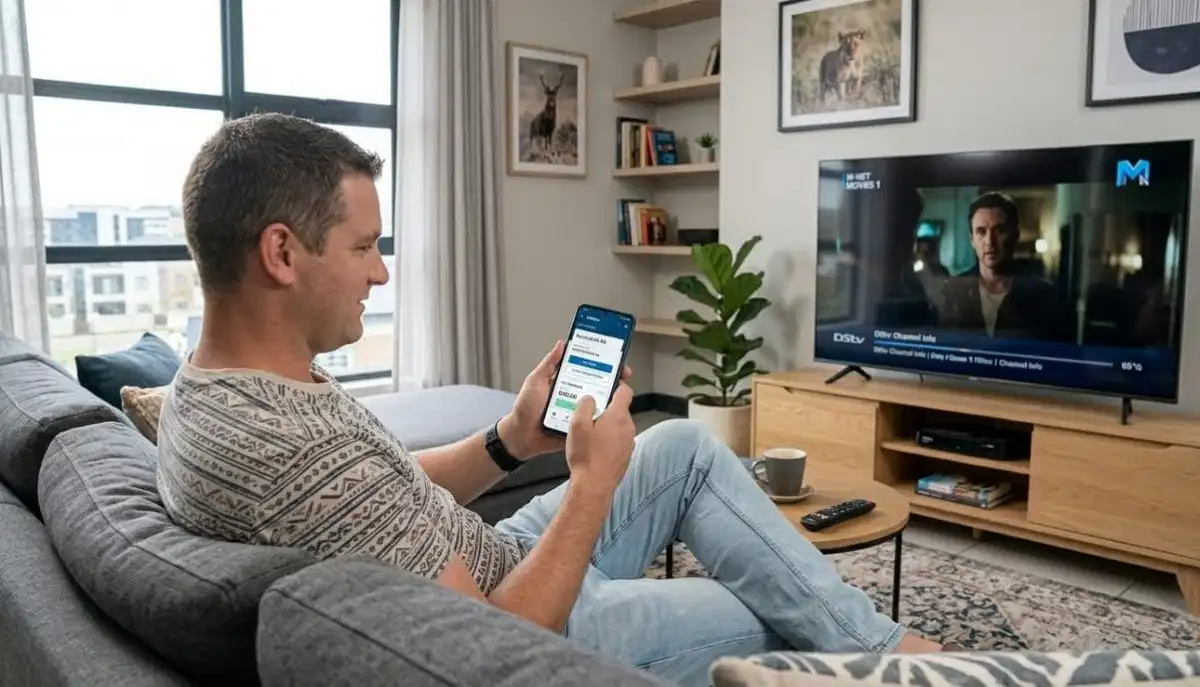
Need Professional Installation?
Get a free quote from a verified, accredited DSTV installer near you.
Professional installation ensures your decoder works perfectly with the MyDSTV app.
Servicing Gauteng, Pretoria, Centurion, Akasia, Pretoria East, Pretoria North, and across South Africa
MyDStv App Features: The Ultimate Guide to Managing Your Account Like a Pro
📱 Stop calling customer care for every little thing – the MyDSTV app puts everything at your fingertips.
You need to change your package. You want to pay your bill. Your decoder is showing an error code.
You’re going on holiday and want to pause your subscription. What do you do?
Most people pick up the phone and wait on hold. But there’s a better way. The mydstv app
lets you manage every aspect of your DSTV account from your smartphone – no phone calls, no waiting, no hassle.
In this guide, I’ll walk you through every dstv app features you need to know.
You’ll learn how to manage dstv account online, pay bills, change packages, troubleshoot errors,
and even control your decoder from your phone. If you’re wondering “how to use mydstv app to pay bills”,
you’ve come to the right place.
For DSTV Rewards, read our
DSTV Rewards guide.
For decoder troubleshooting, see how to reset your decoder.
And for remote issues, read remote not working guide.
📋 Table of Contents – MyDSTV App Guide
📱 What Is the MyDSTV App?
The mydstv app is DSTV’s official mobile app for managing your account,
watching content, and controlling your decoder – all from your smartphone.
Key capabilities:
- Account management: View balance, make payments, download statements, update details
- Package management: Change your package, add decoders, manage Extra View
- Remote control: Control your decoder from your phone (Explora models)
- Troubleshooting: Clear errors, view error codes, find solutions
- Content: Watch Catch Up, browse the TV guide, discover new shows
- Rewards: Access DSTV Rewards programme
- Holiday Viewing: Pause your subscription when you’re away
✅ Free to Use:
The MyDSTV app is completely free to download and use. No subscription fees, no hidden costs.
You just need an active DSTV account to log in.

📲 How to Download & Install the MyDSTV App
For Android users (Google Play Store):
- Open the Google Play Store on your phone
- Search for “MyDSTV” or “DSTV”
- Look for the official DSTV app (by MultiChoice)
- Tap “Install”
- Wait for download and installation to complete
For iOS users (Apple App Store):
- Open the App Store on your iPhone or iPad
- Search for “MyDSTV” or “DSTV”
- Look for the official DSTV app (by MultiChoice)
- Tap “Get” then “Install”
- Authenticate with Face ID, Touch ID, or Apple ID password
First-time login:
- Open the app after installation
- Tap “Login” or “Sign In”
- Enter your DSTV smartcard number or account number
- Enter your password (or use the “Forgot Password” option)
- You’re in! Explore the features
📊 Account Management Features
The dstv app features for account management let you handle everything without calling customer care.
View your account balance:
- Open the app and go to “Account” or “My Account”
- Your current balance and due date are displayed
- View payment history and past statements
Update your personal details:
- Change your contact number and email address
- Update your physical address (important for service calls)
- Manage communication preferences (SMS, email notifications)
Download statements:
- Access monthly statements for your records
- Download as PDF for printing or emailing
- View up to 12 months of history
💰 How to Use MyDSTV App to Pay Bills
How to use mydstv app to pay bills is one of the most common questions. Here’s how.
Step-by-step payment process:
- Open the MyDSTV app and log in
- Tap on “Account” or “My Account”
- Select “Make Payment” or “Pay Now”
- Enter the amount you want to pay (minimum payment may apply)
- Select your payment method (credit card, debit card, or EFT)
- Enter your card details (secure, encrypted)
- Confirm the payment
- You’ll receive a confirmation notification
- Payment reflects on your account within minutes
💡 Pro Tip:
Set up automatic payments in the app to never miss a due date.
On-time payments also earn you dstv rewards coins through the loyalty programme.
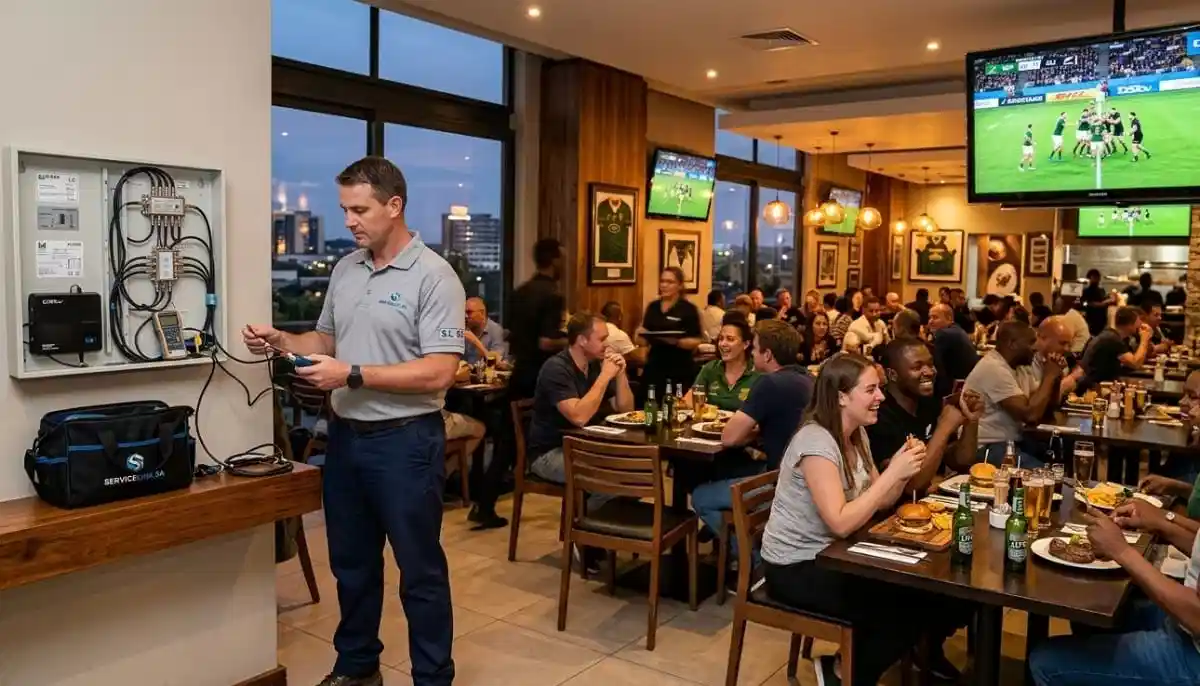
Need Professional Installation?
Get a free quote from a verified, accredited DSTV installer near you.
We’ll get your decoder set up so you can start using the app immediately.
Free quotes. Verified installers. No obligation.
🔄 How to Change Your DSTV Package
Changing your package is one of the most useful manage dstv account online features.
Step-by-step package change:
- Open the MyDSTV app and log in
- Tap on “Account” or “My Account”
- Select “Change Package” or “Manage Package”
- Browse available packages (Access, Family, Compact, Compact Plus, Premium)
- Select your new package
- Confirm the change
- Upgrades take effect immediately
- Downgrades take effect at your next billing cycle
When to change packages:
- Upgrade before major sports events
- Downgrade during off-season to save money
- Change based on family needs (kids home during holidays)
- Try a higher package for a month without long-term commitment
🎮 Remote Control Features (Control Your Decoder from Your Phone)
For Explora decoders (3 and Ultra), the MyDSTV app can act as a remote control.
How to use the remote feature:
- Ensure your phone and decoder are on the same Wi-Fi network
- Open the MyDSTV app
- Tap on the remote icon (usually at the bottom of the screen)
- Use the on-screen buttons to control your decoder
- Change channels, adjust volume, access the guide, and more
Benefits of the app remote:
- Perfect when you’ve misplaced your physical remote
- No line of sight needed (uses Wi-Fi, not IR)
- Works through walls and cabinets
- Keyboard for searching (easier than typing with remote)
🔧 Troubleshooting & Error Codes
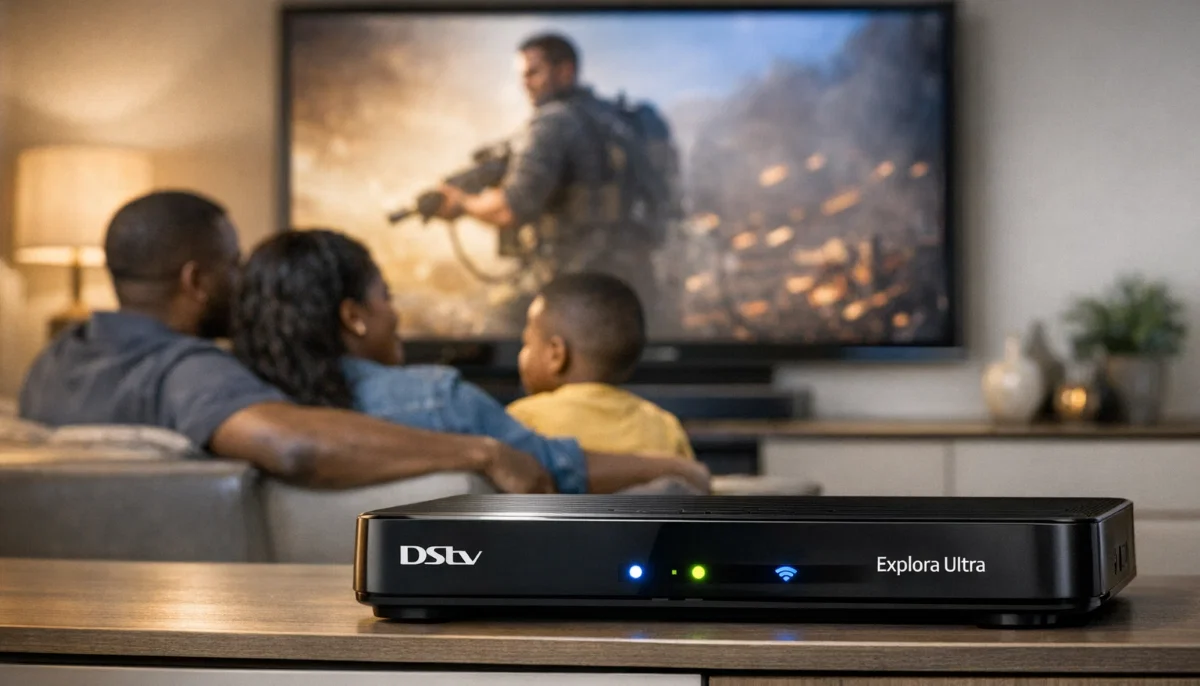
The app includes a built-in troubleshooting guide for common dstv app features.
How to clear errors:
- Open the MyDSTV app
- Tap on “Support” or “Help”
- Select “Clear Errors” or “Troubleshoot”
- The app will attempt to reset your decoder remotely
- Follow on-screen instructions
Error code lookup:
- Search for specific error codes (E48-32, E47-4, etc.)
- Get explanations of what each error means
- Step-by-step fixes for common problems
- Link to professional help if needed
For more troubleshooting, read our
decoder reset guide
and remote not working guide.
📺 Catch Up & On-Demand Content
The mydstv app lets you watch Catch Up content on your phone or tablet.
- Watch shows from the last 7 days on-demand
- Perfect for when you’re not at home or someone else is using the TV
- Stream over Wi-Fi or mobile data (be careful with data usage)
- Download shows to watch offline (selected content)
- Continue watching where you left off across devices
🎁 DSTV Rewards Integration
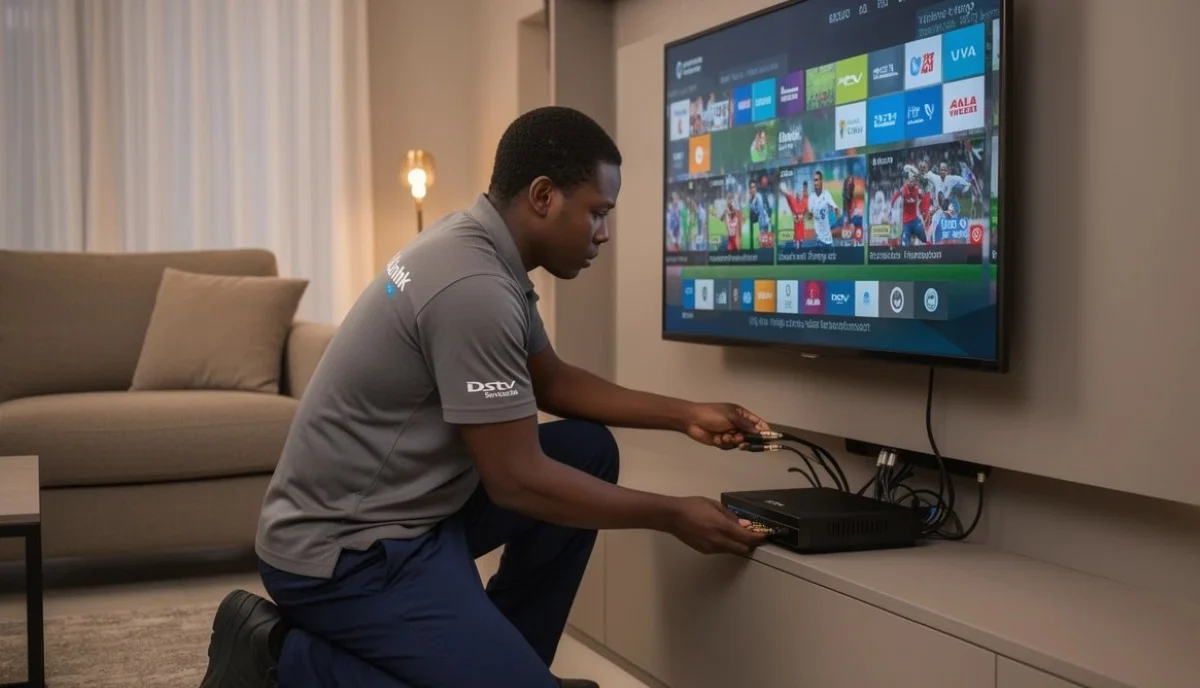
Access the dstv rewards programme directly from the app.
- Check your coin balance
- View available rewards and redemption options
- Enter exclusive competitions
- Complete challenges to earn bonus coins
- Track your reward level (Starter, Rising Star, Super Star, Legend)
Read our full DSTV Rewards guide for complete details.
✈️ Holiday Viewing (Pause Your Subscription)
Going on holiday? The app lets you pause your subscription so you don’t pay for time you’re not watching.
How to activate Holiday Viewing:
- Open the MyDSTV app
- Tap on “Account” → “Holiday Viewing”
- Select your holiday start and end dates
- Confirm activation
- Your subscription is paused for that period
- You won’t be billed during the pause
Important notes:
- Maximum 90 days per year
- Requires active subscription (not applicable to EasyView)
- Service resumes automatically on your return date
- Can be cancelled early if you return sooner
🏠 Managing Extra View Decoders
If you have multiple decoders (Extra View), the app helps you manage them all.
- View all decoders on your account
- Add new decoders to your account
- Remove decoders you no longer use
- Activate Extra View for additional decoders
- Manage monthly Extra View fees
For more on multi-room, read our
Extra View setup guide.
💡 MyDSTV App Tips & Tricks
- Enable biometric login: Use fingerprint or face recognition for faster, secure access
- Set up payment reminders: Get notifications before your bill is due
- Use the TV guide: Browse what’s on without interrupting your viewing
- Download shows for offline viewing: Perfect for flights or areas with poor signal
- Check error codes before calling support: The app often has the fix
- Use the app as a remote: Works through walls – no line of sight needed
- Set up automatic payments: Never miss a due date and earn rewards coins
- Change packages monthly: Upgrade for sports events, downgrade during off-season
❓ Frequently Asked Questions About MyDSTV App
What can I do with the MyDSTV app?
The mydstv app lets you manage your account (view balance, pay bills, update details),
change your package, control your decoder (remote feature), watch Catch Up content,
access DSTV Rewards, troubleshoot errors, and activate Holiday Viewing.
How do I pay my DSTV bill using the app?
To answer how to use mydstv app to pay bills: log in, tap “Account” → “Make Payment”,
enter the amount, select payment method (credit/debit card), enter your details, and confirm.
Payment reflects within minutes. You can also set up automatic payments.
Is the MyDSTV app free?
Yes. The mobile app is completely free to download and use.
You just need an active DSTV subscription to log in. There are no hidden fees or subscription costs for the app.
Can I change my DSTV package on the app?
Yes. One of the best dstv app features is the ability to change your package instantly.
Go to “Account” → “Change Package”, select your new package, and confirm.
Upgrades take effect immediately; downgrades at your next billing cycle.
Does the MyDSTV app work as a remote control?
Yes, for Explora decoders (3 and Ultra). Connect your phone to the same Wi-Fi network as your decoder,
tap the remote icon in the app, and use the on-screen buttons. Works through walls – no line of sight needed.
How do I download the MyDSTV app?
Download from the Google Play Store (Android) or Apple App Store (iOS).
Search for “MyDSTV” or “DSTV”, look for the official app by MultiChoice, and tap “Install” or “Get”.
The app is free to download.
Can I watch live TV on the MyDSTV app?
The app focuses on Catch Up (shows from the last 7 days) and account management.
For live TV streaming, DSTV Stream is the dedicated service. However, you can use the app to browse
the TV guide and set reminders for upcoming shows.
What is Holiday Viewing in the app?
Holiday Viewing lets you pause your DSTV subscription when you’re away.
You won’t be billed during the pause. Maximum 90 days per year.
Activate through the app under “Account” → “Holiday Viewing”.
Why can’t I log into the MyDSTV app?
Common login issues: incorrect smartcard number, forgotten password, or account issues.
Use the “Forgot Password” option to reset. Ensure you’re using the correct smartcard number
(found on your decoder’s smartcard). If problems persist, contact DSTV customer care.
Can I use the MyDSTV app with an HD decoder?
Yes. All manage dstv account online features work with any decoder type.
However, the remote control feature requires an Explora 3 or Explora Ultra connected to Wi-Fi.
Account management, bill payment, and package changes work with all decoders.
✅ Final Thoughts: Take Control of Your DSTV Account
The mydstv app is an essential tool for every DSTV subscriber.
Instead of waiting on hold for customer care, you can manage everything from your phone –
pay bills, change packages, troubleshoot errors, and even control your decoder.
Download the app today – it’s free. Log in with your smartcard number.
Explore the features. You’ll wonder how you ever managed without it.
Not a DSTV subscriber yet? Request a free installation quote
from ServiceLink SA. We’ll connect you with verified, accredited installers who will get you set up
so you can start using the app immediately.
Ready to Get DSTV Installed?
Get a free installation quote from a verified, accredited DSTV installer near you.
Professional installation ensures your decoder works perfectly with the MyDSTV app.
📞 Call us: 073 138 4726 for immediate assistance.
Free site inspection •
How to choose an installer •
Our guarantees
📚 Official resources & standards referenced:
- Official DSTV app download page – Download the MyDSTV app.
- MyDSTV web portal – Access your account from a computer.
Information provided for general guidance. DSTV is a registered trademark of MultiChoice.
App features may vary by device and decoder model. Check the official app for current features.
Written by: Innocent T Hanyani
Satellite & Home Entertainment Specialist | 21+ Years Experience
Innocent T Hanyani has over two decades of experience helping South Africans get the most from their DSTV subscriptions.
He understands how to leverage digital tools like the MyDSTV app to simplify account management,
reduce customer care calls, and enhance the overall viewing experience.
For more information about the MyDSTV app and DSTV features, explore our related resources:
DSTV Rewards guide,
10 benefits of DSTV,
how to reset decoder,
decoder activation guide,
remote not working guide.
See our service areas page for coverage in your region.