
WiFi Mesh Networks South Africa – The Complete Guide to Whole-Home Coverage
🕸️ Tired of WiFi dead zones? Switching networks as you move through your home? Here’s why mesh systems are the ultimate solution for South African homes.
You’re in your Sandton lounge – great WiFi. You walk to the bedroom – signal drops. You have to manually switch to the extender network. It’s frustrating, and it doesn’t have to be this way.
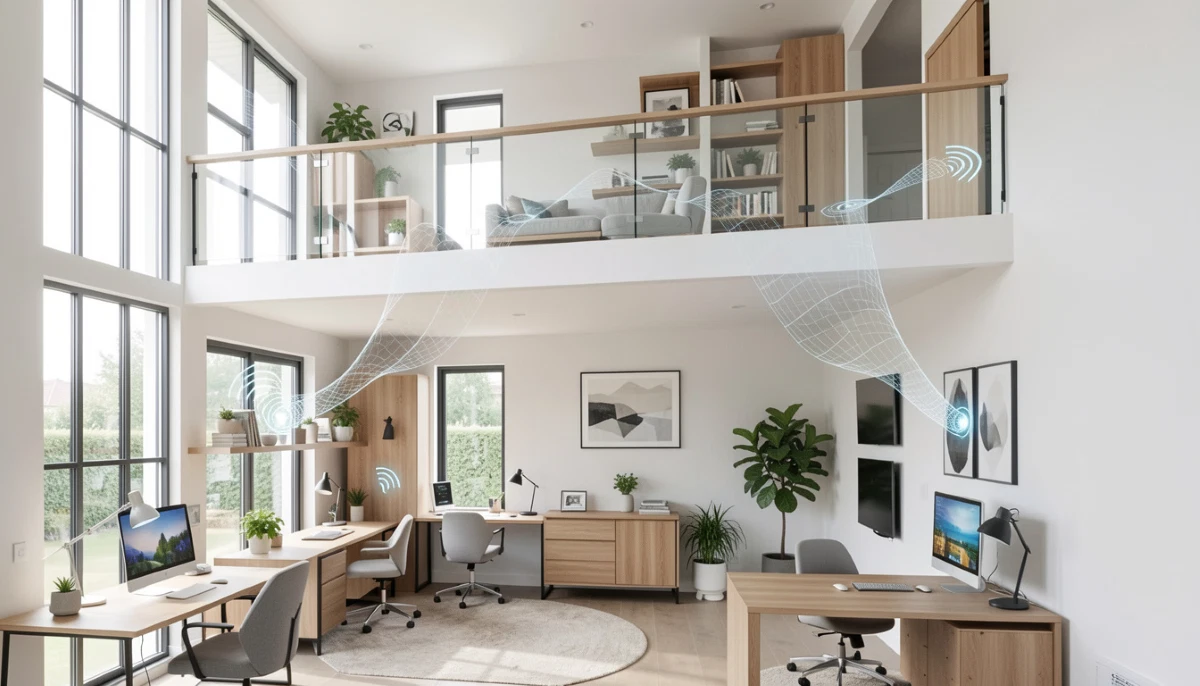
WiFi mesh networks South Africa are revolutionizing home connectivity. Unlike traditional routers with extenders, mesh systems create a single, seamless WiFi network that covers every corner of your home. You move from room to room without noticing – your devices stay connected to the same network, automatically switching to the strongest node.
This guide covers everything about mesh WiFi: how it works, top systems available in South Africa, costs, installation, and whether it’s right for your home. We’ll compare leading brands like Google Nest, TP-Link Deco, and Netgear Orbi, and help you choose the perfect system.
If you’re ready for professional installation, explore our Services Overview or visit our WiFi Extensions page to find network specialists near you. For more on how we work, see How It Works.
📡 INDUSTRY STANDARDS: Leading mesh systems from TP-Link Deco, Netgear Orbi, and Google Nest set the benchmark for whole-home WiFi performance and ease of use.
Ready for Seamless Whole-Home WiFi?
Get free, no-obligation quotes from vetted network specialists who can design and install the perfect mesh system for your home.
Servicing Johannesburg, Pretoria, Cape Town, Durban, and nationwide
📋 Table of Contents – Mesh WiFi Guide
🕸️ What is a Mesh WiFi System?
A mesh WiFi system uses multiple nodes (satellites) placed throughout your home to create a single, unified network. Unlike a traditional router where one device broadcasts signal, mesh nodes work together to blanket your entire property with strong, consistent WiFi.
Key Characteristics
- Single network name (SSID): One name throughout your home – no switching
- Multiple nodes: Main node connects to your modem/ONT, satellites placed around the home
- Intelligent routing: Devices automatically connect to the strongest node
- Self-healing: If one node fails, traffic reroutes through others
- App-based management: Easy setup and control via smartphone app
- Seamless roaming: Move through your home without dropping connection
Mesh systems are the modern solution for whole home WiFi coverage, especially in larger homes, multi-storey properties, and homes with challenging layouts.
Learn more about our approach on our About Us page or read why clients choose us on our Benefits page.
⚖️ Mesh WiFi System vs Extender – The Critical Difference
Understanding mesh WiFi system vs extender is essential for choosing the right solution:
| Feature | WiFi Extender | Mesh System |
|---|---|---|
| Network name (SSID) | Often separate (Home_EXT) – you switch manually | Single SSID throughout – seamless |
| Roaming | Device decides when to switch – often sticky | Intelligent, seamless roaming |
| Speed impact | Can cut bandwidth by up to 50% | Minimal speed loss, especially with tri-band |
| Management | Often separate configuration per device | Single app controls entire network |
| Coverage | Extends to specific areas | Whole-home, no gaps |
| Scalability | Adding more extenders gets complicated | Easy to add more nodes |
| Cost | R400-R2,000 per extender | R2,500-R8,000+ for multi-node system |
| Best for | Specific dead zones, budget | Whole-home coverage, larger properties |
For many South African homes, especially in Fourways and Stellenbosch with larger properties, mesh systems are worth the investment.
🔧 How Mesh Networks Work
Understanding the technology helps you appreciate why mesh performs better:
Node Communication
Mesh nodes communicate with each other wirelessly, creating a “mesh” of connections. Your device connects to the nearest node, which then routes traffic through the mesh to the main node connected to your internet.
Intelligent Routing
Mesh systems constantly monitor signal strength and network traffic. They automatically route your device to the best node and the best path to the internet. If you move, your device is handed off seamlessly to the next node.
Backhaul Options
- Wireless backhaul: Nodes communicate wirelessly – convenient but may share bandwidth
- Wired/Ethernet backhaul: Nodes connected via Ethernet – maximum performance
- Dedicated wireless backhaul: Tri-band systems use a separate band for node communication
Professional mesh installation ensures optimal node placement for best performance.
🔄 Seamless Roaming – The Mesh Advantage
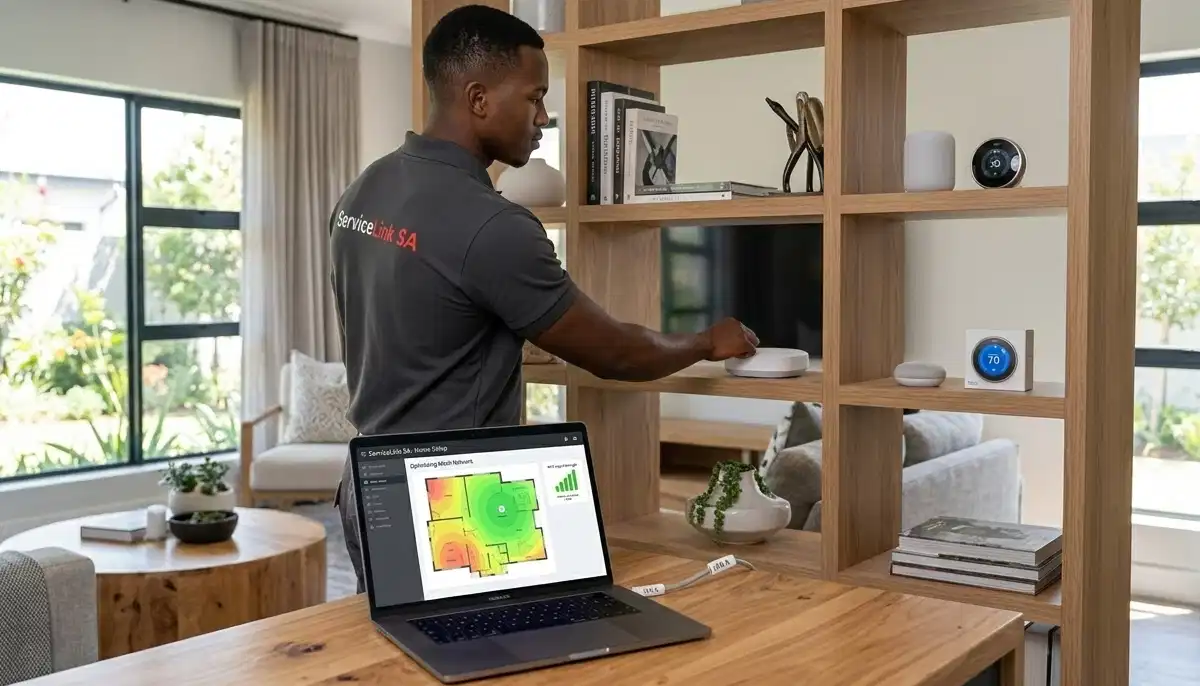
Seamless roaming is the feature mesh users love most. As you walk from your lounge to bedroom, your phone stays connected to the same network name. Behind the scenes, it switches from one node to another without dropping the connection.
How It Works
- All nodes broadcast the same SSID
- Mesh system manages handoff between nodes
- Standards like 802.11k/r/v enable fast roaming
- Your device doesn’t need to re-authenticate
Real-World Benefit
Video calls don’t drop when you move rooms. Streaming continues uninterrupted. Gaming doesn’t lag when you walk to the kitchen. It’s how WiFi should work.
This is particularly valuable in Cape Town homes with multiple floors and Durban properties with separate entertainment areas.
🩹 Self-Healing Networks – Reliability Built In
Another mesh advantage: self-healing networks. If one node fails or loses connection, traffic automatically reroutes through other nodes.
How Self-Healing Works
- Nodes constantly monitor connections to each other
- If a node goes offline, others adjust their routing
- Your devices connect to remaining nodes seamlessly
- The system alerts you to the problem via the app
Real-World Benefit
No single point of failure. If a node is unplugged or malfunctions, the rest of your network continues working. With traditional extenders, losing one can create a dead zone.
📡 Dedicated Backhaul – Tri-Band vs Dual-Band Mesh
Mesh systems come in two main types: dual-band and tri-band. The difference affects performance, especially in larger homes.
Dual-Band Mesh
- Uses same bands (2.4GHz and 5GHz) for both device connections and node-to-node communication
- Backhaul shares bandwidth with your devices
- Good for smaller homes, light usage
- More affordable – R2,500-R4,500 for 2-3 nodes
- Examples: TP-Link Deco M4, Google Nest WiFi (older)
Tri-Band Mesh
- Adds a dedicated 5GHz or 6GHz band specifically for node-to-node communication
- Dedicated backhaul means no speed loss for backhaul traffic
- Better performance in larger homes, with many devices
- Higher cost – R4,500-R8,000+ for 2-3 nodes
- Examples: Netgear Orbi, TP-Link Deco X68, Deco X95
Which to Choose?
- Homes under 200m², moderate usage: Dual-band is sufficient
- Homes 200-350m², heavy usage: Tri-band recommended
- Homes over 350m², many devices: Tri-band with wired backhaul ideal
🏆 Top Mesh Systems in South Africa
These are the leading mesh systems available locally, with good support and warranty:
Google Nest WiFi
Google Nest WiFi installation is popular for its simplicity and integration with Google services.
- Speed: AC2200 (2.4GHz + 5GHz)
- Coverage: 140-200m² per router (depends on model)
- Features: Built-in Google Assistant speaker in some models, excellent app, parental controls
- Pros: Extremely easy setup, great app, reliable performance
- Cons: Dual-band only, no dedicated backhaul, limited advanced settings
- Price: R3,500-R5,500 for 2-pack
- Best for: Google ecosystem users, tech-savvy families wanting simplicity
TP-Link Deco Mesh
TP-Link Deco offers the widest range of options, from budget to high-performance tri-band.
- Deco M4 (AC1200): Entry-level dual-band – R2,500-R3,500 for 2-pack
- Deco X20 (AX1800 WiFi 6): Mid-range WiFi 6 – R3,500-R5,000 for 2-pack
- Deco X60 (AX3000): Faster WiFi 6 – R4,500-R6,500 for 2-pack
- Deco X68 (AX3600 tri-band): Tri-band WiFi 6 with dedicated backhaul – R5,500-R7,500 for 2-pack
- Deco X95 (AX6600 tri-band): Premium tri-band – R7,500-R10,000 for 2-pack
- Pros: Wide range, good value, excellent app, robust performance
- Cons: Can be confusing with many models
- Best for: Most homes – there’s a Deco for every budget and need
Netgear Orbi
Netgear Orbi is the premium choice, known for top performance and dedicated backhaul.
- Orbi RBK50 (AC3000 tri-band): Proven performer, dedicated backhaul – R5,500-R7,500 for 2-pack
- Orbi RBK752 (AX4200 WiFi 6): WiFi 6 tri-band – R7,500-R10,000 for 2-pack
- Orbi RBK852 (AX6000 WiFi 6): Premium WiFi 6 – R10,000-R15,000 for 2-pack
- Pros: Excellent performance, dedicated backhaul, great for large homes
- Cons: Expensive, app less intuitive than some
- Best for: Large homes, power users, those wanting maximum performance
⚖️ Orbi Mesh vs Deco Comparison – Which is Better?
The Orbi mesh vs Deco comparison is a common question. Here’s how they stack up:
| Factor | TP-Link Deco | Netgear Orbi |
|---|---|---|
| Price range | R2,500 – R10,000 | R5,500 – R15,000 |
| Model range | Wide – budget to premium | Premium focused |
| Dedicated backhaul | On higher-end models (X68, X95) | On all tri-band models |
| App experience | Excellent, intuitive | Good, but less refined |
| WiFi 6 options | Multiple (X20, X60, X68, X95) | RBK752, RBK852 |
| Best for | Value, range of options | Maximum performance, large homes |
Verdict: For most South African homes, Deco offers better value and sufficient performance. For very large homes or demanding users, Orbi’s dedicated backhaul and raw performance justify the premium.
💰 Deco Mesh Setup Cost & Professional Installation
Deco mesh setup cost varies by model and whether you choose DIY or professional installation.
Equipment Costs
- Deco M4 (2-pack): R2,500 – R3,500
- Deco X20 (2-pack): R3,500 – R5,000
- Deco X60 (2-pack): R4,500 – R6,500
- Deco X68 (2-pack): R5,500 – R7,500
- Deco X95 (2-pack): R7,500 – R10,000
- Additional node: R800 – R3,000 depending on model
Professional Installation Costs
- Site survey: R500 – R1,000 (often free with installation)
- Basic installation (2-3 nodes): R800 – R1,500
- Complex installation (4+ nodes, tricky layout): R1,500 – R2,500
- Wired backhaul installation (per drop): R800 – R1,800 extra
- Travel fee (outlying areas): R200 – R500
Total Installed Cost Examples
- Small home, Deco M4 2-pack installed: R3,300 – R5,000
- Medium home, Deco X60 2-pack installed: R5,300 – R8,000
- Large home, Deco X68 3-pack installed: R7,500 – R11,000
- Premium home, Orbi RBK752 2-pack installed: R8,500 – R12,000
Use our free quote system to get accurate pricing for your specific home.
🏠 Whole Home WiFi Coverage – Realistic Expectations
What can you expect from a properly installed mesh system?
Coverage Estimates
- 2-node system: Covers 200-350m² depending on model and home construction
- 3-node system: Covers 350-500m²
- 4+ node system: For very large homes or estates
Factors Affecting Coverage
- Construction: Brick/concrete walls reduce range more than drywall
- Layout: Open-plan is easier than many small rooms
- Floors: Signal must penetrate floors – may need node per floor
- Interference: Neighbour networks, appliances affect performance
Speed Expectations
- Near main node: Close to wired speed
- Midway: 50-80% of main node speed
- At edges: 20-50% of main node speed (but still usable)
- Tri-band with dedicated backhaul maintains higher speeds throughout
Professional installation includes coverage testing to ensure all areas meet your needs.
📱 App-Based Management & Guest Networks
One of mesh’s greatest advantages is easy management via smartphone apps.
What You Can Do From the App
- View all connected devices
- Pause internet for specific devices (great for kids’ bedtime)
- Set up guest network with separate password
- Run speed tests
- Check network health
- Update firmware
- Set parental controls and content filters
- Create device profiles and schedules
Guest Network Benefits
A proper guest network keeps visitors separate from your main devices. They get internet access but can’t see your computers, printers, or smart home devices. Essential for security.
Professional installers will set up these features and show you how to use them.
🏢 Commercial Mesh WiFi Solutions
Mesh isn’t just for homes. Businesses, offices, and retail spaces benefit from mesh technology too.
Commercial Mesh Options
- Ubiquiti UniFi: Enterprise-grade mesh-capable system, central management
- TP-Link Omada: Business mesh solution, scalable
- Cisco Meraki: Premium cloud-managed mesh
- Higher-end consumer mesh: Some Deco and Orbi models work for small offices
Commercial Considerations
- More users, higher density require enterprise equipment
- VLAN support for network segmentation
- Centralised management for multiple locations
- Guest portal options for customer WiFi
- Professional design and installation essential
See our commercial WiFi installation page for business solutions.
✅ When to Choose Mesh
Mesh is the right solution if:
- Your home is over 150m² – single router likely insufficient
- You have dead zones in multiple rooms
- You’re tired of switching networks when moving through your home
- You have a multi-storey home
- You have many devices (20+) that need reliable connections
- You want simple, app-based management
- You’re willing to invest in a premium experience
- You’ve tried extenders and been disappointed
For homes in Pretoria with thick walls, Umhlanga with large properties, or Stellenbosch with multi-floor layouts, mesh is often the best answer.
🔌 Ethernet Backhaul – Taking Mesh to the Next Level
For maximum performance, many mesh systems support wired backhaul – connecting nodes via Ethernet.
Benefits of Wired Backhaul
- Full speed between nodes – no wireless bandwidth used for backhaul
- More consistent performance throughout home
- Frees up wireless spectrum for your devices
- Ideal for gaming, 4K streaming, heavy usage
When to Consider
- New builds or renovations – run Ethernet during construction
- Very large homes where wireless backhaul may struggle
- Homes with concrete or steel construction that blocks wireless signals
- When maximum performance is critical
If you’re renovating or building, consider running Ethernet to key locations. See our ethernet wiring guide for more.
📍 Mesh WiFi by City – Local Specialists
📶 Johannesburg & Sandton
In Johannesburg and Sandton, high-density living means interference is a challenge. Mesh systems with band steering and professional channel planning make a significant difference.
📶 Pretoria & Fourways
In Pretoria and Fourways, larger properties with thick walls benefit from mesh’s multiple nodes and ability to penetrate obstacles.
📶 Cape Town & Stellenbosch
In Cape Town and Stellenbosch, multi-storey homes need careful node placement. Local specialists understand the challenges of signal propagation between floors.
📶 Durban & Umhlanga
In Durban and Umhlanga, open-plan coastal homes and estates benefit from mesh’s whole-home coverage.
❌ 8 Common Mesh WiFi Mistakes
Avoid these errors when installing mesh systems:
- Mistake #1: Poor node placement. Nodes too close together waste coverage; too far apart creates gaps. Professional placement is key.
- Mistake #2: Not enough nodes for home size. A 2-pack won’t cover a 350m² home properly. Calculate needed coverage.
- Mistake #3: Ignoring wired backhaul opportunities. If you can run Ethernet during renovations, do it – future-proofs your network.
- Mistake #4: Buying dual-band for a large home with many devices. Tri-band with dedicated backhaul performs much better.
- Mistake #5: Not updating firmware. Mesh systems improve with updates – enable auto-update.
- Mistake #6: Placing nodes in cabinets or behind TVs. Nodes need open space – not enclosed.
- Mistake #7: Using different brands for main and satellite. Mesh only works with same-brand, compatible nodes.
- Mistake #8: Not testing coverage after installation. Walk your home with a speed test app to verify coverage.
Professional installation avoids these pitfalls. See our contractor guide for choosing the right expert.
❓ Frequently Asked Questions
What is a WiFi mesh network?
A WiFi mesh network South Africa uses multiple nodes placed throughout your home to create a single, seamless WiFi network. Unlike a traditional router with extenders, mesh provides one network name throughout, intelligent roaming, and self-healing capabilities. It’s the modern solution for whole-home coverage, especially in larger properties or homes with difficult layouts.
Mesh WiFi system vs extender – which is better?
In the mesh WiFi system vs extender comparison, mesh wins for whole-home coverage, seamless roaming, and ease of management. Extenders are cheaper but create separate networks, reduce speed, and can be frustrating to manage. For homes over 150m² or with multiple dead zones, mesh is worth the investment. For a single dead zone on a budget, an extender may suffice.
How much does a mesh WiFi system cost in South Africa?
Mesh system prices range from R2,500-R3,500 for entry-level dual-band (Deco M4), R3,500-R6,500 for mid-range WiFi 6 (Deco X20/X60), and R5,500-R10,000+ for premium tri-band (Deco X68/X95, Orbi). Professional installation adds R800-R2,500 depending on complexity. Total installed cost typically R3,500-R12,000 for most homes.
What is the best mesh system in South Africa?
The best mesh system SA depends on your needs. TP-Link Deco offers the best range of options and value – Deco X60 is excellent for most homes. Netgear Orbi is top for performance in very large homes. Google Nest is best for simplicity and Google integration. Compare features and get professional advice for your specific situation.
Do I need professional mesh WiFi installation?
Mesh systems are designed for DIY, but professional installation ensures optimal node placement, especially in complex layouts, large homes, or challenging construction. Professionals use signal mapping tools to position nodes perfectly, configure settings optimally, and test coverage. For simple homes, DIY may work. For larger properties, professional help is worth the investment.
What is dedicated backhaul in mesh WiFi?
Dedicated backhaul means a separate radio band is used exclusively for communication between mesh nodes. Tri-band mesh systems have this – one band handles node-to-node traffic, leaving the other bands free for your devices. This results in better performance, especially in larger homes. Dual-band systems share the same bands for both, which can slow things down.
Can I use Ethernet backhaul with mesh?
Yes, many mesh systems support wired backhaul – connecting nodes via Ethernet. This provides maximum performance and is ideal if you have Ethernet cabling in your home. During installation, nodes can be configured to use wired backhaul automatically when they detect an Ethernet connection. It’s the best of both worlds: mesh convenience with wired performance.
How many mesh nodes do I need?
Most homes need 2-3 nodes. A 2-pack typically covers 200-350m², a 3-pack 350-500m². Factors like construction, layout, and number of floors affect coverage. A professional site survey can determine exactly how many nodes you need. It’s better to start with the recommended number and add more if needed – most systems are expandable.
✅ Final Thoughts – Your Mesh WiFi Action Plan
Mesh WiFi transforms how you experience the internet at home. No more dead zones, no more switching networks, no more frustration. For South African homes, especially larger properties, mesh is the modern standard.
Key takeaways:
- Mesh beats extenders for whole-home coverage and seamless roaming
- Choose the right system: Deco for value, Orbi for premium, Nest for simplicity
- Tri-band with dedicated backhaul for larger homes and heavy usage
- Professional placement matters – especially in complex layouts
- Consider wired backhaul during renovations for maximum performance
- Budget R3,500-R12,000 installed for most homes
🕸️ The Bottom Line:
R3,500 – R8,000
is what most South African homeowners pay for a professionally installed mesh system – the ultimate solution for whole-home WiFi.
Your 5-Step Action Plan
- Assess your home – size, layout, construction, number of devices
- Choose your system – based on needs and budget
- Decide DIY vs professional – consider complexity and desired results
- Get quotes – use our free quote system for professional installation
- Install and test – verify coverage in all areas
Ready for Seamless Whole-Home WiFi?
Stop living with dead zones. Connect with trusted mesh WiFi specialists who will design and install the perfect system for your home.
📞 Call us: 073 138 4726 for personalised assistance
Free site surveys •
Beat-your-quote guarantee •
Our guarantees
📚 Official resources & standards:
- TP-Link Deco – Mesh technology and product specifications
- Netgear Orbi – Tri-band mesh standards and performance data
- Google Nest WiFi – Product specs and installation guides
Information accurate as of publication. Prices are indicative and may vary by retailer and installer. This guide is for informational purposes.
Written by: Innocent T Hanyani
21+ years construction and digital industry experience, ServiceLink SA
Innocent has installed hundreds of mesh systems across South Africa, from small apartments to large estates. His expertise with TP-Link Deco, Netgear Orbi, and Google Nest ensures this guide reflects real-world performance and best practices for local homes.