
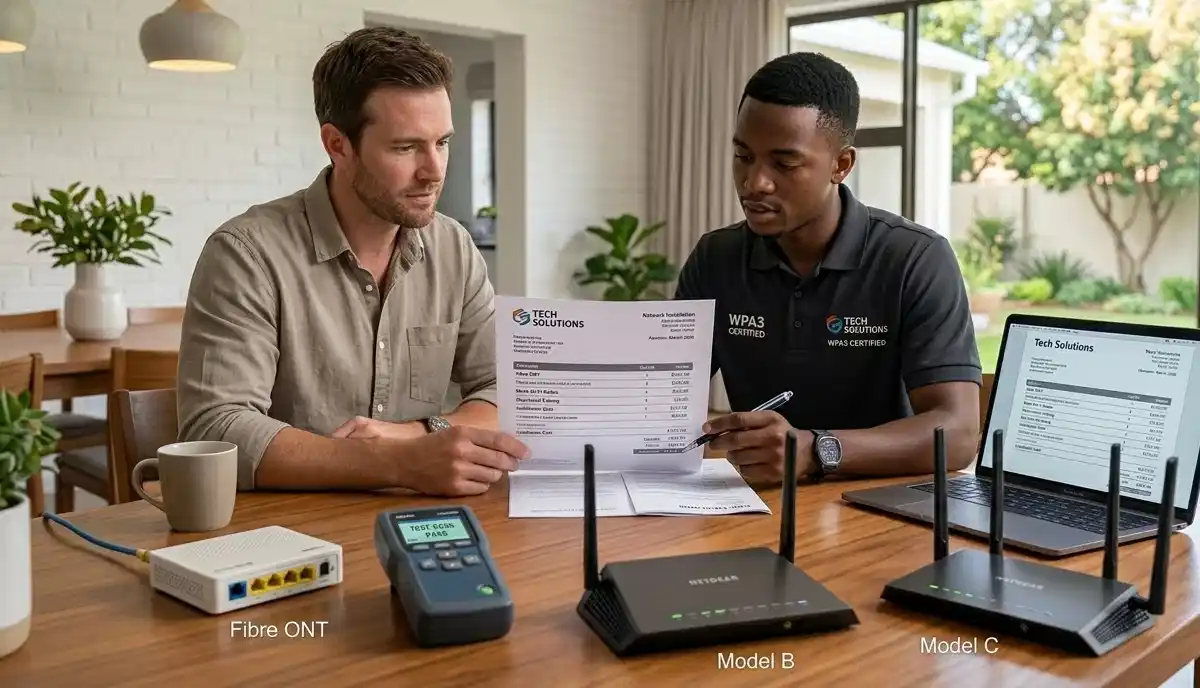
How to Choose a WiFi Installer in South Africa – Complete Vetting Guide
🔧 Hiring a network technician in Johannesburg? Need a mesh installer in Cape Town? Here’s exactly how to find a reliable, certified WiFi installer.
You’ve decided to get proper WiFi in your Sandton home. Or maybe you need a mesh system installed in your Fourways office. You search online and find dozens of “WiFi experts.” But how do you know who’s actually qualified?
The difference between a good and bad WiFi installer South Africa can be thousands of rand and years of frustration. A bad installer might place your router wrong, use incorrect cabling, or leave your network insecure. A good one delivers perfect coverage, optimal speeds, and peace of mind.
This guide gives you a complete system to vet, compare, and choose the right network technician. We cover what credentials matter, what questions to ask, what red flags to watch for, and how to protect yourself with proper contracts and guarantees.
If you’re ready to find trusted local specialists, explore our Services Overview or visit our WiFi Extensions page to find vetted professionals near you. For more on how we work, see How It Works.
📋 ACCREDITATION STANDARDS: Professional WiFi installers should have relevant certifications. For structured cabling, look for ECASA compliance. For contractor grading, CIDB registration matters. Fibre specialists should be Fibre Association certified.
Need a Trusted WiFi Installer?
Stop guessing – get free, no-obligation quotes from vetted, pre-screened network specialists in your area. Compare credentials and choose with confidence.
Find Vetted Installers Near Me
Servicing Johannesburg, Pretoria, Cape Town, Durban, and nationwide
📋 Table of Contents – WiFi Installer Guide
🔍 Why Your Choice of WiFi Installer Matters
A WiFi installer isn’t just someone who plugs in a router. A professional does much more:
- Site assessment: Identifies dead zones, interference sources, optimal equipment placement
- Equipment selection: Recommends appropriate hardware for your specific needs
- Proper installation: Mounts equipment correctly, runs cables professionally
- Configuration: Sets up network for optimal performance and security
- Testing: Verifies coverage and speeds throughout your property
- Documentation: Provides network details, passwords, and future reference
A bad installer might:
- Place router in a poor location, leaving dead zones
- Use incorrect cabling or terminate poorly
- Leave default passwords and insecure settings
- Not test the installation properly
- Disappear when problems arise
Taking time to choose WiFi installer South Africa carefully saves money, time, and frustration.
Learn more about our approach on our About Us page or read why clients choose us on our Benefits page.
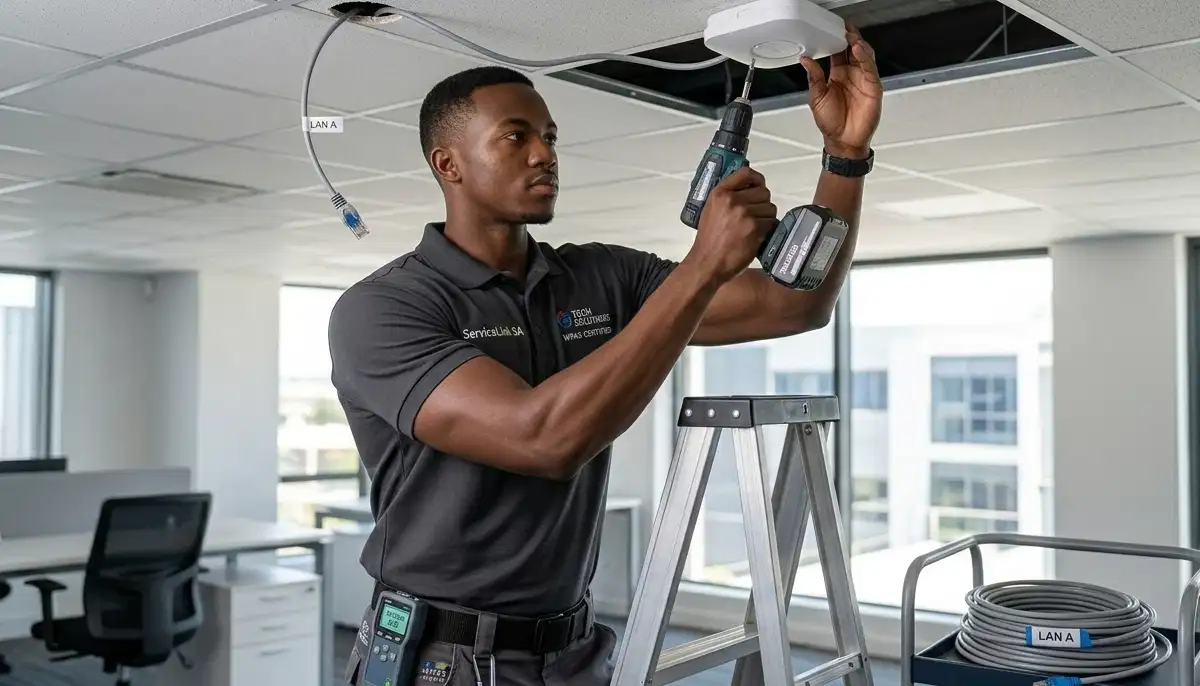
📜 Credentials & Accreditation – What to Look For
Professional network installer accreditation separates qualified technicians from amateurs. Here’s what matters:
Key Accreditations
- CIDB grading: Indicates contractor capability and financial stability. Required for larger projects.
- ECASA registration: Electrical Contractors Association – relevant for structured cabling work.
- Fibre Association certification: For fibre optic installation specialists.
- Manufacturer certifications: Ubiquiti, MikroTik, TP-Link, etc. – show product expertise.
- Vendor-specific training: Some installers have formal training from networking vendors.
How to Verify
Ask for their registration numbers and verify online or by phone. Legitimate companies are happy to provide this information. If they’re evasive, consider it a red flag.
📊 CIDB Grading for Network Contractors
The Construction Industry Development Board (CIDB) grades contractors, including those doing structured cabling and network infrastructure. For larger projects, this matters.
CIDB Grading Levels
- Grade 1: Suitable for contracts up to R200,000
- Grade 2: Up to R650,000
- Grade 3: Up to R2 million
- Grade 4: Up to R4 million
- Grade 5-9: Increasing capability for larger contracts
When It Matters
- Commercial installations
- Office buildings, estates, large projects
- Government or tendered work
- When you want verified contractor capability
For most residential work, CIDB grading isn’t essential but indicates a serious, established contractor.
⚡ ECASA Compliance for Structured Cabling
ECASA (Electrical Contractors Association of South Africa) sets standards for electrical work, including structured cabling. Compliance ensures:
- Work meets safety standards
- Proper materials and methods used
- Contractor is registered and insured
- You have recourse if problems arise
For ethernet wiring and structured cabling, ECASA registration is a strong trust signal. Ask if your installer is ECASA registered.
🔆 Certified Fibre Installer Requirements
If your project involves fibre optic cabling (common in larger properties or commercial spaces), look for certified fibre installer credentials.
What Fibre Certification Covers
- Proper fibre handling and termination
- Splicing techniques
- Testing and certification
- Safety with fibre optics
Where to Find Certified Installers
The Fibre Association maintains a directory of certified professionals. Many network operators (Vumatel, Openserve) also have approved installer lists.
For fibre to WiFi setup, a certified installer ensures your connection is properly configured from day one.
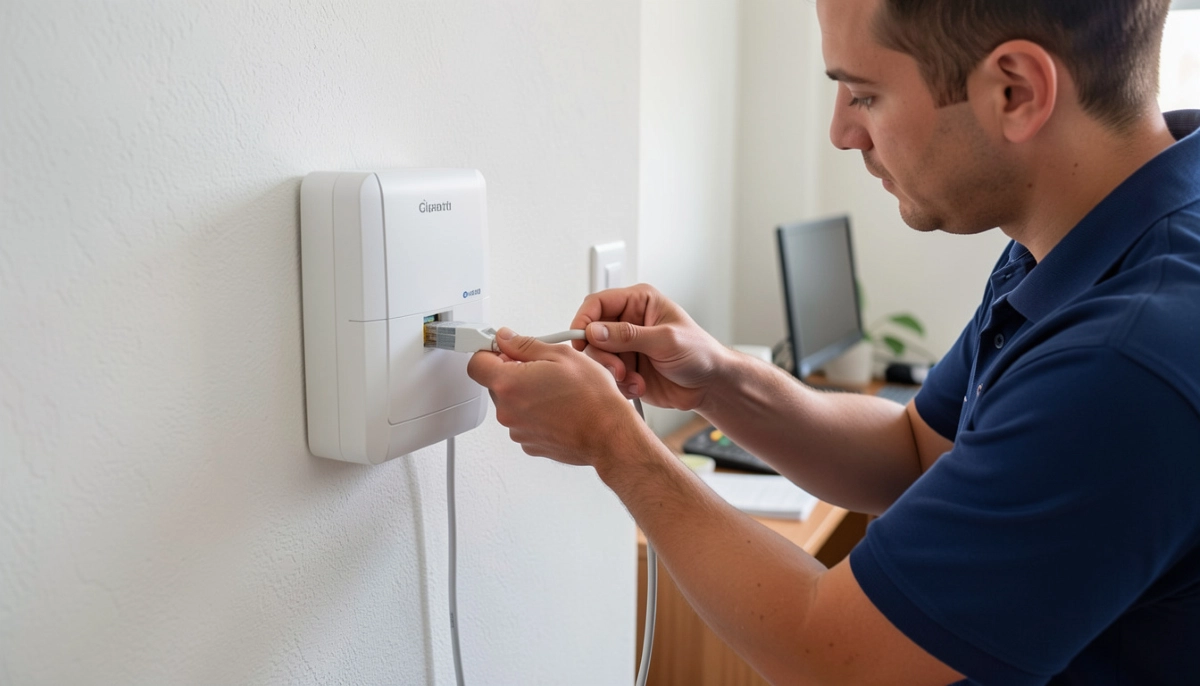
📸 Experience & Portfolio of Work
Would you hire a builder without seeing their previous houses? The same applies to WiFi installers. A portfolio of work demonstrates capability.
What to Look For
- Photos of completed installations: Neat cabling, proper equipment mounting
- Project examples: Homes similar to yours, commercial projects if relevant
- Case studies: Descriptions of challenges and solutions
- Years in business: 3-5+ years indicates stability
- Specialization: Do they focus on residential, commercial, or both?
Questions to Ask
- “How long have you been operating in Gauteng or your area?”
- “Can you share examples of homes similar to mine?”
- “Have you installed mesh systems in homes this size?”
- “Do you have experience with structured cabling in renovations?”
Experienced installers are proud of their work and happy to show it.
⭐ Reviews & Client References – What Past Clients Say
WiFi installation company reviews reveal how a company treats its clients. But not all reviews are equal.
Where to Check Reviews
- Google Reviews: Most authentic, harder to fake. Look for consistency.
- Facebook Recommendations: Often from real clients in community groups.
- Hellopeter: South Africa’s consumer review platform. Check how companies respond to complaints.
- Our reviews page: Verified client feedback.
Red Flags in Reviews
- Multiple 5-star reviews with no text (possibly fake)
- Complaints about the same issue ignored by the company
- Reviews that sound generic or AI-generated
- No recent reviews (company may be inactive)
Requesting References
Ask for 2-3 recent client references – ideally from similar properties in your area. Call them and ask:
- “Did they show up on time?”
- “Was the work completed to your satisfaction?”
- “Were there any issues, and how were they handled?”
- “Would you hire them again?”
Legitimate companies will provide references. If they hesitate, proceed with caution.
🛡️ Insurance Verification – Protect Yourself
Insurance is your safety net. If an installer damages your property or is injured on site, insurance determines whether you pay or they do.
Essential Insurance Policies
- Public Liability Insurance: Covers damage to your property. Minimum R1 million recommended.
- Workmen’s Compensation (COIDA): Covers worker injuries – protects you from liability.
- Professional Indemnity: Covers professional errors (less common but valuable).
How to Verify
Ask for their insurance certificate. It should show the policy number, insured amount, and expiry date. For more detail, see our contractor insurance guide.
Without insurance, you risk financial loss. A single mistake could cost you thousands.
🔍 Site Survey Included – Why It Matters
A professional site survey is essential for proper WiFi installation. It’s not just a quick walk-through – it’s proper assessment.
What a Site Survey Includes
- Measuring property dimensions and layout
- Identifying wall materials and construction type
- Checking for interference sources
- Measuring existing signal (if any)
- Identifying dead zones and coverage gaps
- Determining optimal equipment placement
- Assessing cabling requirements and routes
- Providing accurate quote based on actual conditions
Typical Cost
Many reputable installers offer free site surveys with no obligation. Others charge R300-R800, often credited back if you proceed. Avoid companies that quote without visiting – they can’t possibly know what’s needed.
Use our free inspection service to connect with installers who do proper site surveys.
📝 Written Quote – What Must Be Included
Never accept a verbal quote. A proper written quote protects both parties. It should include:
- Detailed scope of work: Exactly what will be done – equipment, cabling, configuration
- Equipment list: Brands, models, quantities, and whether supplied by installer
- Labour costs: Hourly rate or fixed price, estimated hours
- Cabling details: Number of drops, cable type (Cat5e/Cat6), termination included
- Total price: Including VAT (must be specified)
- Payment terms: Deposit (if any), final payment schedule
- Timeline: Start date, estimated completion
- Warranty information: Labour warranty period
- Validity period: How long the quote is valid
- Company details: Registration number, contact information
Compare quotes from multiple installers – but ensure you’re comparing the same scope. Our beat-your-quote guarantee helps you get competitive pricing.
❓ Questions to Ask a WiFi Installer
Arm yourself with these questions:
- “Are you registered with CIDB, ECASA, or other industry bodies?” – Tests their professional standing.
- “Can you provide proof of insurance?” – Non-negotiable for protection.
- “Do you include a site survey in your quote?” – Essential for accurate pricing.
- “What experience do you have with homes like mine?” – Relevant experience matters.
- “Can you provide client references?” – Verify past performance.
- “What equipment do you recommend and why?” – Tests their knowledge.
- “Do you supply equipment or should I buy my own?” – Affects warranty and compatibility.
- “What warranty do you offer on labour?” – Should be at least 3-12 months.
- “What happens if something stops working after installation?” – Tests their support.
- “Do you offer after-hours support?” – Important for businesses.
- “Is your quote fixed or could there be extras?” – Avoid surprises.
- “How do you handle disputes?” – Know their process.
Take notes during your conversations. Professional installers answer confidently and clearly.
🚩 Red Flags When Hiring a WiFi Installer
Watch for these warning signs:
🔴 Major Red Flags
- ❌ No physical address (cellphone only)
- ❌ Cash-only payments
- ❌ Refuses to provide written quote
- ❌ Can’t show proof of insurance
- ❌ No online presence or reviews
- ❌ Pressure for large upfront payment (over 50%)
- ❌ Quotes without site visit
- ❌ Vague about credentials
🟡 Yellow Flags
- ⚠️ Extremely low prices (30-40% below market)
- ⚠️ No written warranty policy
- ⚠️ Reluctant to provide references
- ⚠️ Poor communication – slow responses
- ⚠️ Generic website with no specifics
- ⚠️ High-pressure sales tactics
- ⚠️ Unclear about equipment brands
Trust your instincts. If something feels wrong, there are other installers in your area. Local specialists in Midrand, Umhlanga, and other areas want your business – take your time.
✅ Warranty on Labour – What to Expect
Reputable installers offer a warranty on labour. This covers you if something goes wrong after installation.
Typical Warranty Periods
- Residential: 3-12 months on labour
- Commercial: 6-12 months typical
- Cabling work: Often longer (1-5 years) for properly installed structured cabling
What Warranty Should Cover
- Workmanship defects
- Connection issues due to installation
- Equipment failure (if installer supplied – manufacturer warranty also applies)
- Re-visits to adjust or fix problems
What to Ask
“What is your labour warranty? What does it cover? How do I claim if there’s a problem?” Get it in writing.
See our guarantees page for what to expect from quality providers.
🌙 After-Hours Support – Important for Businesses
For commercial installations, after-hours support can be critical. Network problems don’t only happen during business hours.
What to Ask
- “Do you offer after-hours support?”
- “What are your response times for emergencies?”
- “Is there an additional cost for after-hours calls?”
- “Do you have a service level agreement (SLA) option?”
For residential, this matters less, but some installers offer paid support options.
📦 Equipment – Installer Supplied vs Your Own
You have two options: let the installer supply equipment, or buy your own. Each has pros and cons.
Installer Supplies Equipment
- Pros: Guaranteed compatibility, single point of responsibility, equipment warranty through installer, they know the products
- Cons: May cost more than retail (markup), limited choice
- Typical markup: 10-20% – reasonable for convenience and warranty
You Supply Equipment
- Pros: You choose exactly what you want, potentially lower cost
- Cons: If something doesn’t work, installer may blame equipment, you manage warranties
- Risk: Installer may not be familiar with your chosen products
Best Practice
Discuss both options. If you want to supply your own, ask the installer for recommendations and get their approval on your choice before buying. This avoids “I told you that router wouldn’t work” situations.
🏢 Commercial vs Residential Installers
Some installers specialise in residential, others in commercial. Choose one with relevant experience.
Residential Installers
- Experience with home layouts, wall types, aesthetic concerns
- Understand common home WiFi challenges
- Often more flexible with scheduling
- Usually lower rates
Commercial Installers
- Experience with larger spaces, more users, higher density
- Understand enterprise-grade equipment
- Familiar with structured cabling standards
- Can provide SLAs and after-hours support
- Higher rates but necessary for business needs
For home offices or very large residences, commercial installers may be appropriate. For typical homes, residential specialists are fine.
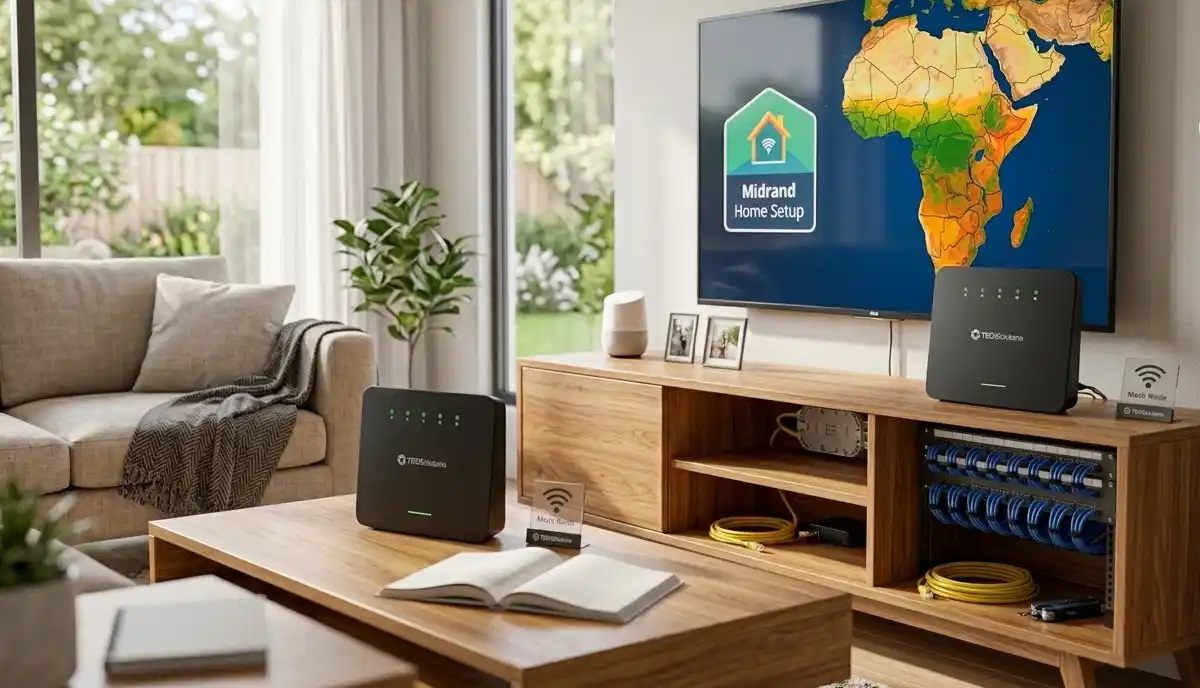
📍 Regional Considerations by City
📶 Johannesburg & Sandton
Many installers serve Johannesburg and Sandton. High-density areas need installers who understand interference and channel planning. Look for experience with apartments and townhouses.
📶 Pretoria & Fourways
In Pretoria and Fourways, larger properties need installers who understand thick walls and whole-home coverage. Ask about experience with similar homes in your area.
📶 Cape Town & Surrounds
In Cape Town, multi-storey homes are common. Look for installers with experience in multi-floor installations and mesh systems.
📶 Durban & Umhlanga
In Durban and Umhlanga, coastal conditions don’t directly affect WiFi, but building materials vary. Local installers know the common challenges.
Always ask about local experience – it matters.
✅ WiFi Installer Checklist – Printable
Use this checklist when evaluating installers:
| Criteria | What to Check | Installer 1 | Installer 2 | Installer 3 |
|---|---|---|---|---|
| Accreditation | CIDB, ECASA, Fibre Assoc, etc. | ⬜ | ⬜ | ⬜ |
| Insurance | Public liability, COIDA | ⬜ | ⬜ | ⬜ |
| Years in business | 3+ years preferred | ⬜ | ⬜ | ⬜ |
| Portfolio | Photos of similar work | ⬜ | ⬜ | ⬜ |
| Reviews | Consistent positive feedback | ⬜ | ⬜ | ⬜ |
| References | Provided and contacted | ⬜ | ⬜ | ⬜ |
| Site survey | Included, not just quote | ⬜ | ⬜ | ⬜ |
| Written quote | Detailed, itemised | ⬜ | ⬜ | ⬜ |
| Labour warranty | 3-12 months minimum | ⬜ | ⬜ | ⬜ |
| Payment terms | Reasonable deposit (under 50%) | ⬜ | ⬜ | ⬜ |
Print this and take it to your consultations. Don’t rely on memory – verify each point.
⚖️ Dispute Resolution – Your Rights
Even with careful selection, problems can arise. Know your rights and the dispute resolution procedure.
Your Recourse Options
- First step: Contact the installer directly – most issues resolve with communication
- Formal complaint: If unresolved, follow their written complaints procedure
- Industry bodies: If they’re accredited, complain to CIDB, ECASA, or relevant associations
- Consumer Protection Act: South Africa’s CPA covers many services – you have rights to fair treatment and remedies
- Small Claims Court: For amounts under R20,000, you can pursue claims without lawyers
Our dispute resolution procedure page explains the process in more detail. Always document everything – contracts, emails, photos of issues, and records of communication.
❌ 8 Common WiFi Installer Hiring Mistakes
Avoid these errors when choosing an installer:
- Mistake #1: Choosing the cheapest quote without verification. Low prices often mean uninsured, unqualified, or corner-cutting operators.
- Mistake #2: Not checking credentials. “Trust me” isn’t enough. Verify accreditation, insurance, and references.
- Mistake #3: Skipping the site survey. Quotes without site visits are guesses – not reliable.
- Mistake #4: No written contract. Verbal agreements lead to misunderstandings. Get everything in writing.
- Mistake #5: Ignoring warranty. If they don’t guarantee their work, why should you trust it?
- Mistake #6: Paying large deposits upfront. More than 50% before work starts is risky.
- Mistake #7: Not checking insurance. If a worker is injured or your property damaged, you could be liable.
- Mistake #8: Rushing the decision. Good installers are worth waiting for. Don’t hire the first person available.
For more guidance, see our contractor selection guide.
❓ Frequently Asked Questions
How do I choose a WiFi installer in South Africa?
To choose WiFi installer South Africa, verify credentials (CIDB, ECASA), check insurance, read reviews, ask for references, ensure they do a site survey, get a detailed written quote, and confirm labour warranty. Avoid anyone who quotes without visiting or pressures for large deposits. Take your time and compare at least 2-3 options.
What qualifications should a WiFi installer have?
A qualified network installer accreditation includes CIDB grading for larger projects, ECASA registration for electrical/cabling work, and Fibre Association certification for fibre optics. Manufacturer certifications (Ubiquiti, MikroTik, etc.) are a bonus. Most importantly, they should have experience, insurance, and good reviews.
How much does a WiFi installer cost in South Africa?
Installation costs vary: basic router setup R600-R1,200, mesh system installation R800-R1,500, ethernet cabling R800-R2,500 per drop. Equipment costs extra. Always get itemised quotes. Professional installation is worth the investment – mistakes cost more in the long run.
What should be included in a WiFi installation quote?
A proper written quote should include: detailed scope of work, equipment list (brands/models), labour costs, cabling details, total price including VAT, payment terms, timeline, warranty information, and validity period. It should be based on a site survey, not just a phone call.
Do I need a site survey before WiFi installation?
Yes, absolutely. A site survey included in the process ensures the installer understands your home’s layout, construction, dead zones, and interference sources. Quotes without site visits are unreliable. Reputable installers offer free or low-cost surveys, often credited back if you proceed.
What insurance should a WiFi installer have?
An installer should have public liability insurance (at least R1 million) to cover damage to your property, and workmen’s compensation (COIDA) to cover worker injuries. Ask for their insurance certificate and verify it. Without insurance, you could be liable for accidents or damage.
What warranty should I expect on WiFi installation?
Expect a warranty on labour of 3-12 months minimum. This covers workmanship issues. Equipment warranties are through manufacturers (1-3 years typically). Get warranty terms in writing – what’s covered, period, and how to claim.
What are red flags when hiring a WiFi installer?
Red flags include: no physical address, cash-only payments, refusal to provide written quote, no proof of insurance, quotes without site visit, pressure for large upfront payment, no online presence, and vague answers about credentials. Trust your instincts – if something feels wrong, look elsewhere.
✅ Final Thoughts – Your WiFi Installer Action Plan
A good WiFi installer delivers years of reliable performance. A bad one causes frustration and wasted money. Taking time to vet properly is worth every minute.
Key takeaways:
- Verify credentials: CIDB, ECASA, Fibre Association – proof of professionalism
- Check insurance: Public liability and COIDA are non-negotiable
- Insist on site survey: Quotes without visits are guesses
- Get written quotes: Detailed, itemised, with warranty terms
- Check references: Past clients tell the real story
- Compare fairly: Not just price – scope, warranty, and credentials matter
- Watch for red flags: Too cheap, cash only, pressure – walk away
🔧 The Bottom Line:
A few hours of vetting
saves years of frustration. Choose your WiFi installer carefully – your network will thank you.
Your 5-Step Action Plan
- Create your shortlist – use our quote request system to get vetted installers in your area
- Verify credentials – check accreditation, insurance, and ask our screening questions
- Check references – call past clients and read online reviews
- Compare quotes carefully – use our checklist to ensure like-for-like comparison
- Choose with confidence – select the installer who best meets all criteria, not just the cheapest
Ready to Find a Trusted WiFi Installer?
Skip the risk and stress. Get free, no-obligation quotes from pre-screened, insured, and vetted network specialists in your area today.
📞 Call us: 073 138 4726 for personalised assistance
Free site surveys •
Beat-your-quote guarantee •
Our guarantees
📚 Official resources & standards:
- CIDB – Contractor grading for network and electrical work
- ECASA – Electrical compliance for structured cabling
- Fibre Association – Certified fibre installer directory
Information accurate as of publication. Always verify current credentials with local service providers. This guide is for informational purposes.
Written by: Innocent T Hanyani
21+ years construction and digital industry experience, ServiceLink SA
Innocent has vetted hundreds of network installers across South Africa, working with industry bodies including CIDB, ECASA, and the Fibre Association. His expertise ensures this guide reflects current best practices for hiring reliable, qualified WiFi specialists.