
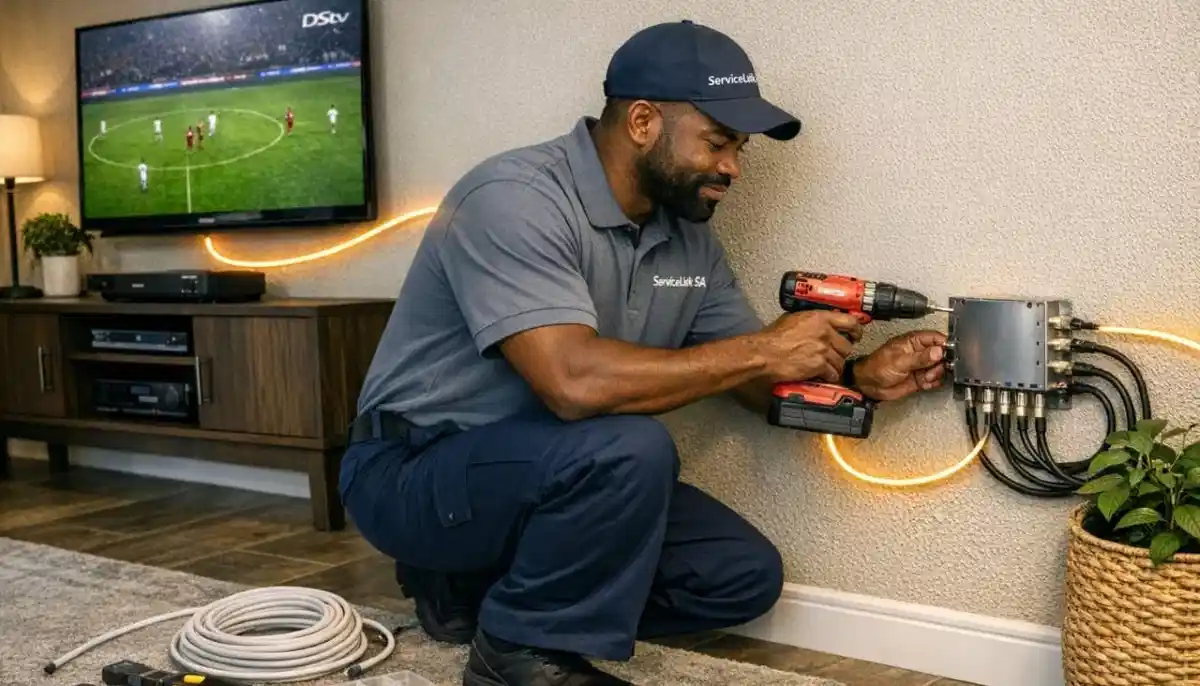
End Family TV Wars Today
Get professional DSTV Extra View installation from a verified, accredited installer near you.
Watch different channels in different rooms. Free quotes. Same-day service available.
Servicing Gauteng, KwaZulu-Natal, Durban, Umhlanga, Ballito, and across South Africa
DSTV Extra View Installation Guide: Watch Different Channels in Different Rooms
📺 End family TV wars forever – watch rugby in the lounge, soapies in the bedroom, and cartoons in the kids’ room, simultaneously.
It’s Saturday afternoon. Your husband wants to watch the rugby. Your daughter wants to watch her series.
Your son wants to watch cartoons. There’s only one TV in the living room. What happens next?
Arguments. Frustration. Someone ends up watching on a tiny tablet in the bedroom.
This is exactly why DSTV Extra View exists. With dstv extra view installation,
you can watch different channels on different TVs in different rooms – all from one subscription.
Dad watches sports in the lounge. Mom watches series in the bedroom. Kids watch cartoons in their room.
Everyone is happy. No arguments. No extra subscriptions.
In this complete guide, I’ll explain everything about dstv extra view setup:
how it works, what equipment you need, installation steps, costs, and troubleshooting.
If you’ve ever wondered “how to install dstv extra view at home”, this guide is for you.
For detailed instructions on adding TV points, read our
extra TV point installation guide.
And for larger systems, see multi-room DSTV installation.
📋 Table of Contents – DSTV Extra View Installation Guide
📺 What Is DSTV Extra View?
DSTV Extra View is MultiChoice’s solution for multi-room viewing.
It allows you to connect up to 4 decoders to a single satellite dish, all sharing one DSTV subscription.
Each decoder can watch a different channel simultaneously.
Key benefits of Extra View:
- Watch different channels in different rooms: Sports in the lounge, series in the bedroom, cartoons in the kids’ room – all at the same time
- One subscription, multiple TVs: No need to pay for multiple DSTV subscriptions (saves R150-R1,000 per month)
- Each room has its own remote and control: No sharing, no arguments, no conflict
- Recording on primary decoder still works: The main Explora can record while others watch live TV
- Perfect for families: Ends the “who gets the remote” battle forever
What Extra View is NOT:
- It’s not independent multi-room: Secondary decoders cannot record (only the primary Explora can record)
- It’s not separate subscriptions: All decoders share the same package (same channels available)
- It’s not unlimited: Maximum 4 decoders per household (some packages limit to 2)
For the most advanced setup (independent recording on all decoders), you need
full multi-room with multiple Explora decoders.
But for most families, Extra View is the perfect solution.
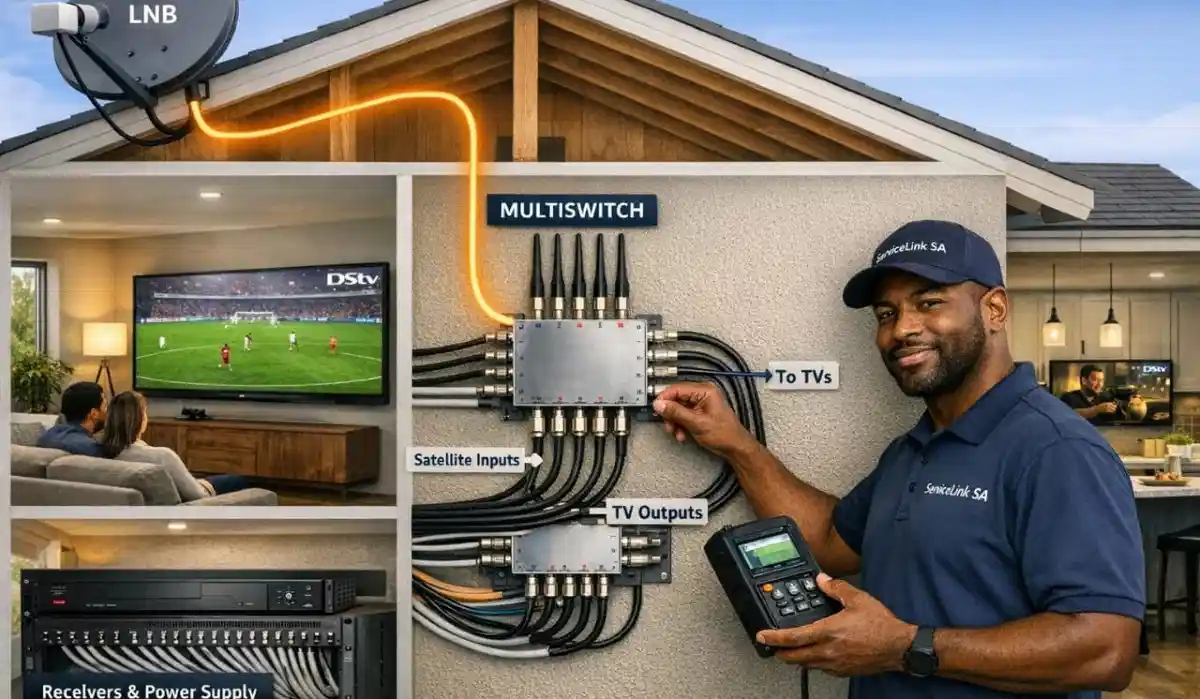
🔧 How Extra View Works (Technical Overview)
Understanding how multi-room viewing works helps you appreciate why professional installation matters.
The technology behind Extra View:
- Smart LNB: A special LNB (Low Noise Block) that can send different signals to different decoders simultaneously
- Userbands: Each decoder is assigned a unique frequency “userband” – like different radio stations on the same cable
- Heartbeat signal: Decoders communicate with each other to ensure only one subscription is being used
- Quad or octo outputs: The Smart LNB has 4 or 8 output ports – one per decoder
What you need for Extra View:
- A Smart LNB (not a Universal LNB) – this is essential
- One cable per decoder from the LNB to each decoder location
- Compatible decoders – Explora, Explora Ultra, or HD decoders (check compatibility)
- DSTV package that supports Extra View – most packages do, but confirm with DSTV
- Professional installation – highly recommended for userband configuration
For a detailed comparison of LNB types, read our
Smart LNB vs Universal LNB guide.
And for userband configuration, see
Smart LNB user band configuration.
📦 Equipment You’ll Need for Extra View
Proper equipment is essential for reliable dstv extra view installation.
Here’s what you need for different setup sizes.
| Component | 2-Decoder Setup | 3-Decoder Setup | 4-Decoder Setup |
|---|---|---|---|
| Smart LNB | 4-port Smart LNB | 4-port Smart LNB | 4 or 8-port Smart LNB |
| Coaxial cable | 2 × RG6 runs | 3 × RG6 runs | 4 × RG6 runs |
| Decoders | 1 main + 1 secondary | 1 main + 2 secondary | 1 main + 3 secondary |
| Wall plates (optional) | 2 | 3 | 4 |
Which decoders work with Extra View?
- Explora Ultra: Yes – optimal performance, can record while others watch
- Explora 3: Yes – works perfectly as primary decoder
- HD Decoder (9S): Yes – works as secondary decoder (cannot record)
- Explora 2: Yes – but older technology, slower performance
For decoder selection help, read our
HD and Explora installation guide.
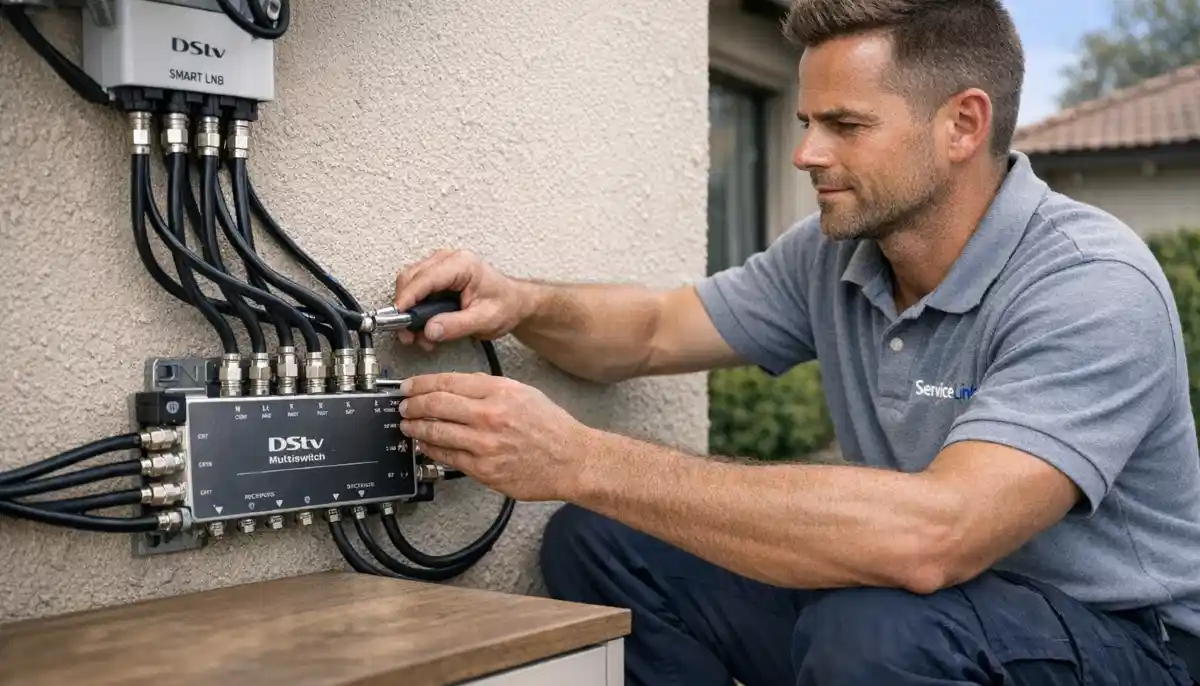
Ready to Install Extra View in Your Home?
Professional installation ensures correct userband configuration, optimal signal, and no family arguments.
Get free quotes from verified, accredited installers near you.
End TV wars forever. Free quotes. Same-day service available.
⚖️ Extra View vs Full Multi-Room: Which Is Right for You?
There are two ways to get watch dstv in multiple rooms: Extra View (cheaper, limited recording)
and full multi-room (more expensive, full recording on all decoders). Here’s how to choose.
| Feature | Extra View | Full Multi-Room |
|---|---|---|
| Monthly cost | +R105 per extra decoder | +R75-R150 + separate subscription |
| Recording on secondary decoders | ❌ No (only primary records) | ✅ Yes (each can record) |
| Equipment cost | R1,500-R3,000 once-off | R3,000-R6,000+ |
| Best for | Families wanting different channels simultaneously | Homes where multiple people need recording |
For most South African families, Extra View is the better choice.
You save money, get the same independent viewing, and only lose recording on secondary TVs
(which most families don’t need anyway).
For full multi-room setups, read our
multi-room installation guide.
📋 Pre-Installation Checklist: Before You Start
Before attempting how to install dstv extra view at home, complete this checklist.
Skipping these steps is the #1 cause of failed installations.
- Verify your DSTV package supports Extra View: Most packages do, but confirm with DSTV
- Check your existing signal strength: You need 75%+ on both strength and quality. Marginal signals won’t support multiple decoders
- Confirm you have a Smart LNB (not Universal): Look at your dish – Smart LNBs have “Smart LNB” written on them
- Plan cable routes: Where will cables run from the dish to each decoder location? Avoid electrical interference
- Check decoder compatibility: All decoders must be compatible with Smart LNB technology
- Get body corporate approval (if applicable): Extra View doesn’t change external equipment, but confirm if new cables are needed
- Purchase necessary equipment: Smart LNB (if not already installed), RG6 cable, F-connectors, wall plates
💡 Critical Check:
If your signal strength is below 70%, adding extra decoders will make problems worse.
Request a free signal inspection before attempting Extra View installation.
A weak signal needs to be fixed first.
🛠️ Step-by-Step DSTV Extra View Installation Guide
This is the professional method for dstv extra view installation.
Read completely before starting. If you’re not comfortable with any step, hire a professional.
Step 1: Replace Universal LNB with Smart LNB (if needed)
- If your existing LNB is Universal (not Smart), you need to replace it
- Power down decoder, climb safely to dish, remove old LNB, install new Smart LNB
- Weatherproof all connections with self-amalgamating tape
Step 2: Run cables from LNB to decoder locations
- Run one RG6 cable from each LNB port to each decoder location
- Keep cables away from electrical wiring (minimum 15cm separation)
- Secure cables every 50cm with UV-resistant clips
- Create drip loops at entry points to prevent water tracking
- Seal wall penetrations with silicone
Step 3: Connect decoders
- Connect each cable to its decoder’s “SAT IN” port
- Connect each decoder to its TV via HDMI
- Power on all decoders
Step 4: Configure userbands (Smart LNB configuration)
- Each decoder needs a unique userband frequency (see next section)
- Access LNB configuration menu on each decoder
- Assign non-conflicting userbands
Step 5: Activate Extra View with DSTV
- Call DSTV or use MyDSTV app to add Extra View to your subscription
- You’ll need the serial numbers of all decoders
- Monthly fee: Approximately R105 per extra decoder
Step 6: Test all decoders
- Turn on all decoders simultaneously
- Change to different channels on each – verify independent viewing
- Check signal readings on each decoder (should be 70%+ on all)
For complete configuration instructions, read our
Smart LNB user band configuration guide.
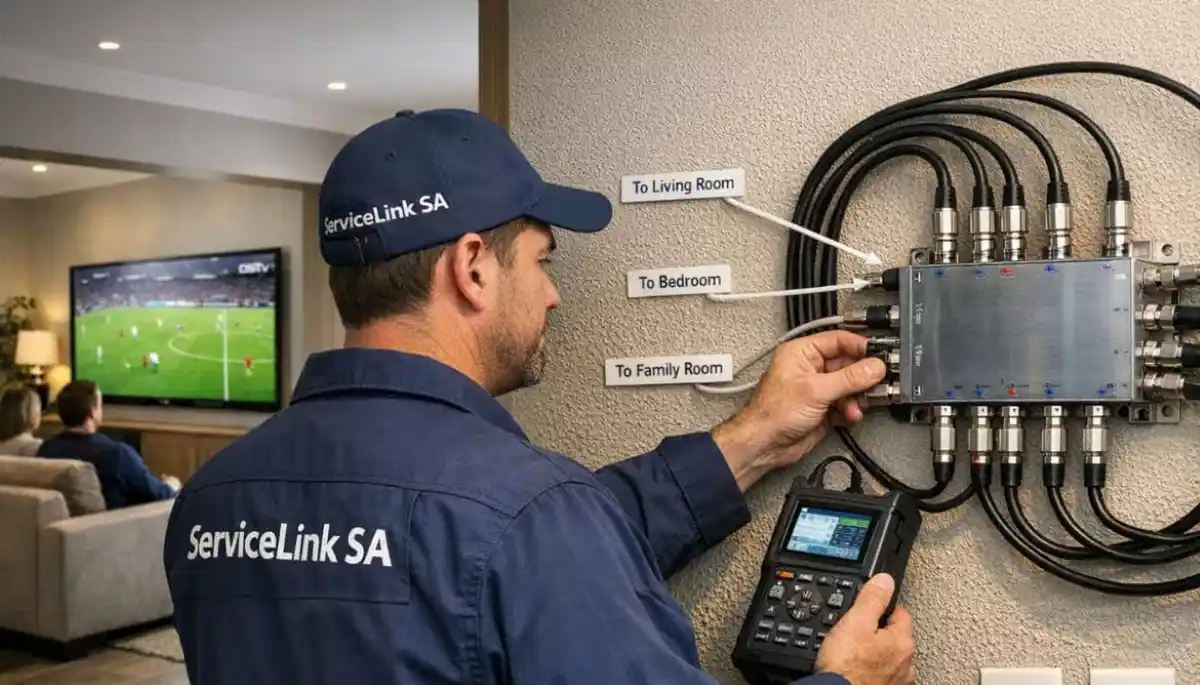
🔢 Smart LNB & Userband Configuration: The Critical Step
Userband configuration is the most technically challenging part of dstv extra view setup.
This is where most DIY installations fail.
What are userbands?
Userbands are unique frequency channels assigned to each decoder. Think of them like different radio stations
on the same cable. Each decoder listens to its own frequency, so they don’t interfere with each other.
Userband assignment strategy:
- Each decoder needs its own unique userband
- Primary Explora typically uses userbands 0, 1, 2 (for recording multiple shows)
- Secondary decoders use one userband each (userbands 3, 4, 5, etc.)
- No two decoders can share the same userband
| Decoder | Userbands Assigned | Frequency (MHz) |
|---|---|---|
| Primary Explora (recording capable) | 0, 1, 2 | 1210, 1420, 1680 |
| Secondary Bedroom | 3 | 2040 |
| Secondary Kids’ Room | 4 | 1006 |
| Secondary Guest Room | 5 | 1057 |
⚠️ Warning: Userband Conflicts
If two decoders share the same userband, you’ll get intermittent signal loss, pixelation,
and “searching for signal” errors. This is the #1 DIY mistake. Always assign unique userbands.
Read our detailed configuration guide.
💰 DSTV Extra View Cost Breakdown
Understanding the costs helps you budget for dstv extra view installation.
Here’s what you’ll pay.
| Cost Item | Price Range | Notes |
|---|---|---|
| Smart LNB (if upgrading) | R320-R500 | One-time purchase |
| Coaxial cable (per room) | R200-R400 | RG6 quad-shield recommended |
| Installation labour | R350-R600 per point | Professional installation |
| Decoder (if purchasing new) | R600-R2,500 | HD decoder or Explora |
| Monthly Extra View fee | R105 per extra decoder | Added to your DSTV bill |
Example total cost for 2 extra rooms (3 decoders total):
Smart LNB R400 + cable R600 + installation R1,000 + decoders R1,500 = R3,500 once-off.
Monthly: +R210 on your DSTV bill.
For accurate quotes, request a free quote from verified installers.
And for our price guarantee, see Beat Your Quote.
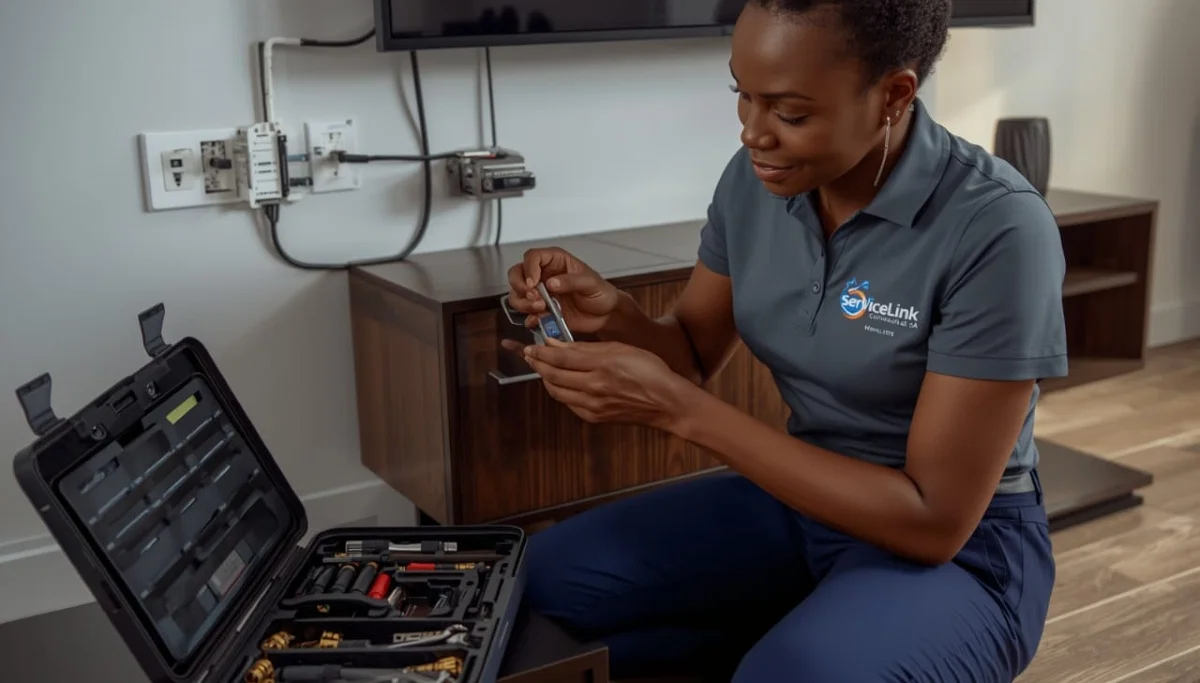
🔧 Common Extra View Problems & Troubleshooting
Even with professional dstv extra view installation, problems can occur.
Here’s how to diagnose and fix the most common issues.
Problem: One decoder has “No Signal” while others work fine
- Likely cause: Loose cable connection, faulty F-connector, or incorrect userband
- Fix: Check cable connections at both ends. Swap cable with working decoder to test. Verify userband assignment
Problem: Intermittent signal or pixelation on all decoders
- Likely cause: Dish misalignment or LNB failure
- Fix: Check signal readings. If below 70%, realign dish. If LNB is old, replace with new Smart LNB
Problem: Decoders work but can’t watch different channels
- Likely cause: Userband conflict or incorrect LNB type
- Fix: Verify all decoders have unique userbands. Confirm LNB is Smart LNB (not Universal)
Problem: Primary decoder works but secondary has “E48” error
- Likely cause: Extra View not activated on your account
- Fix: Call DSTV to confirm Extra View is active on your subscription
For more troubleshooting, read
Smart LNB problems guide
and signal distribution troubleshooting.
⚡ Extra View During Load Shedding
In South Africa, load shedding is a reality. Here’s how Extra View performs during power outages.
What works during load shedding:
- With UPS power: All decoders work normally if you have backup power for decoders and TVs
- Without UPS: Nothing works – all decoders need power
- Recording advantage: Primary Explora can record shows during power-on periods; watch later during outages
Recommendation for load shedding:
- Install a UPS for your primary decoder and main TV (R3,000-R5,000)
- Secondary decoders can run on smaller UPS units or be used only when power is on
- Consider sound system backup if you have one connected
🛠️ DIY vs Professional Extra View Installation
Should you install Extra View yourself or hire a professional?
Here’s my honest advice.
DIY is possible if:
- You have experience with satellite systems and coaxial cabling
- You own a satellite signal meter
- Your dish is ground-accessible (no ladder work)
- You understand userband configuration
- You have 4-6 hours to dedicate to the project
Hire a professional if:
- Your dish is on a roof (safety first)
- You’ve never configured a Smart LNB before
- You want a warranty on the installation
- You value your weekend time
- You want it done correctly the first time
Professional installation costs R350-R600 per point and includes warranty, correct userband configuration,
and peace of mind. Request quotes from verified installers.
Read our DIY vs pro guide for more.
❓ Frequently Asked Questions About DSTV Extra View
What is DSTV Extra View and how does it work?
DSTV Extra View allows you to watch different channels on different TVs simultaneously using one subscription.
It works by using a Smart LNB that sends different signals to each decoder. Each decoder is assigned a unique
“userband” frequency, allowing independent viewing. You pay a monthly fee of approximately R105 per extra decoder.
How much does DSTV Extra View installation cost?
Dstv extra view installation costs: Smart LNB R320-R500, cable R200-R400 per room,
installation labour R350-R600 per point, decoders R600-R2,500 each.
Monthly fee: R105 per extra decoder. Total once-off cost for 2 extra rooms: approximately R3,500.
Get a free quote for your specific setup.
Can I watch different channels on different TVs with Extra View?
Yes! That’s exactly what watch dstv in multiple rooms means.
With Extra View, each decoder can watch a different channel simultaneously.
Dad watches sports in the lounge, kids watch cartoons in their room – all at the same time.
No arguments, no conflicts, one subscription.
What equipment do I need for DSTV Extra View?
You need: a Smart LNB (not Universal LNB), one RG6 coaxial cable per decoder from LNB to each room,
compatible decoders (Explora or HD decoders), and an active DSTV subscription with Extra View enabled.
Read our Smart LNB guide for details.
Can I record on secondary Extra View decoders?
No. Only the primary Explora decoder can record. Secondary decoders (including HD decoders and additional Exploras)
cannot record – they are for live viewing only. For recording on all decoders, you need full multi-room
with multiple Explora decoders and separate subscriptions. Read our
multi-room guide.
How many decoders can I connect with Extra View?
You can connect up to 4 decoders to a single Smart LNB (4-port model) or up to 8 with an 8-port model.
However, DSTV limits Extra View to 4 decoders per household on most packages.
Check with DSTV for your specific package limits. For larger systems, you need
communal installation.
What is the monthly fee for DSTV Extra View?
The monthly fee for Extra View is approximately R105 per additional decoder (excluding the primary decoder).
For a 3-decoder setup (1 primary + 2 extra), you pay an additional R210 per month on top of your package subscription.
This is much cheaper than paying for separate DSTV subscriptions (R150-R1,000 each).
Can I install DSTV Extra View myself?
How to install dstv extra view at home is possible if you have technical experience,
a signal meter, and safe roof access. However, userband configuration is complex and mistakes cause ongoing signal issues.
Professional installation (R350-R600 per point) includes correct configuration and warranty.
Compare DIY vs pro.
Does Extra View work during load shedding?
Extra View decoders need power to work. During load shedding, they will not function unless you have UPS backup.
However, the primary Explora can record shows during power-on periods, which you can watch later during outages
(if your TV has power). We recommend UPS backup for at least your primary decoder and TV.
What’s the difference between Extra View and a communal system?
Extra View is for individual homes – one dish feeding multiple decoders in the same house.
A communal system is for complexes, estates, or hotels –
one dish feeding multiple units/apartments, each with their own subscription.
Communal systems require professional design and multiswitches.
✅ Final Thoughts: End Family TV Wars Forever
DSTV Extra View is one of the best investments you can make for family harmony.
No more arguments over the remote. No more someone watching on a tiny tablet in the bedroom.
Everyone watches what they want, where they want, when they want.
The technology is proven. The cost is reasonable (R105 per extra decoder per month).
And professional dstv extra view installation ensures it works perfectly from day one.
If you’re ready to end the TV wars in your home, contact ServiceLink SA today.
We’ll connect you with verified, accredited installers who specialize in Extra View setups.
Free quotes. Same-day service available in Gauteng, KwaZulu-Natal, Durban, Umhlanga, Ballito, and across South Africa.
Ready to Install DSTV Extra View?
End family TV wars forever. Get free quotes from verified, accredited DSTV installers near you.
Professional installation ensures correct userband configuration and optimal signal.
📞 Call us: 073 138 4726 for immediate Extra View assistance.
Free site inspection •
How to choose an installer •
Beat Your Quote guarantee
📚 Official resources & standards referenced:
- Official DSTV Extra View guide – Official Extra View information.
- Official DSTV multi-room setup – Official multi-room configuration guide.
Information provided for general guidance. DSTV is a registered trademark of MultiChoice.
Extra View pricing and availability are subject to change. Always verify with DSTV before purchasing.
Written by: Innocent T Hanyani
Satellite & Home Entertainment Installation Specialist | 21+ Years Experience
Innocent T Hanyani has over two decades of experience in satellite television installations across South Africa.
He has designed and installed hundreds of Extra View systems, helping families eliminate TV conflicts.
His expertise in Smart LNB configuration and userband assignment ensures reliable multi-room viewing
without signal conflicts or family arguments.
For more help with DSTV Extra View, explore our related resources:
extra TV point installation,
multi-room installation,
multi-TV distribution,
Smart LNB user band configuration,
Smart LNB vs Universal LNB,
multiswitch installation guide.
See our service areas page for coverage in your region.