
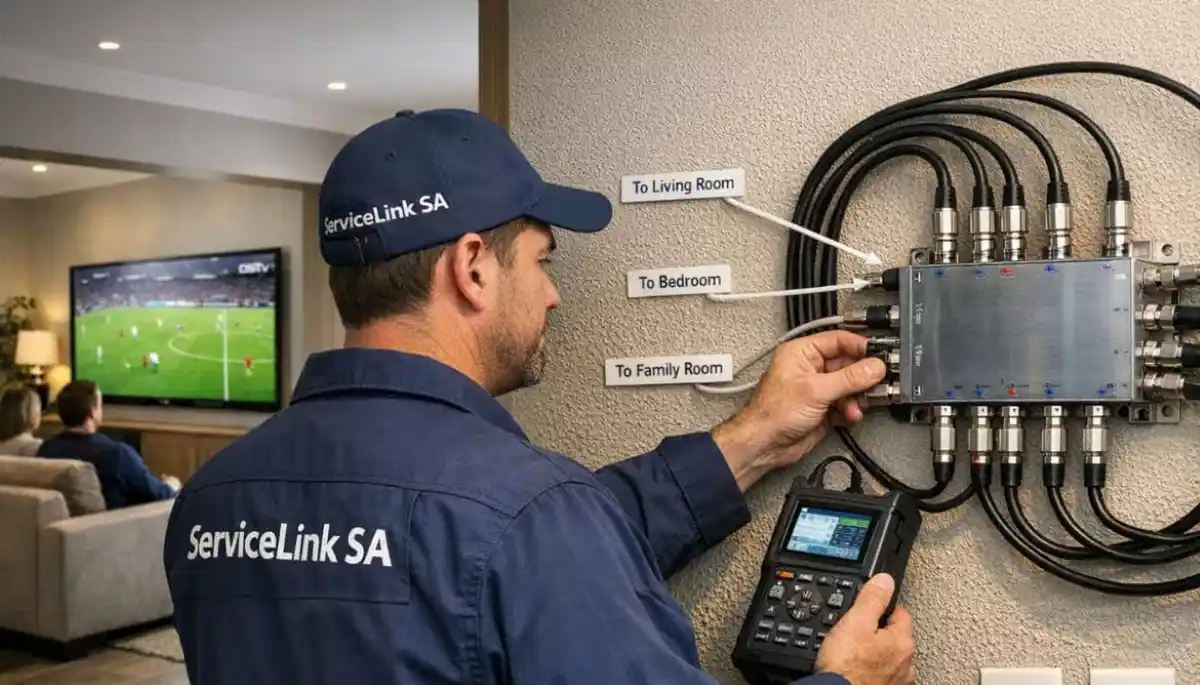
Want DSTV on Multiple TVs?
Get a free quote from a verified, accredited DSTV installer near you.
We’ll help you choose the best distribution method for your home.
Servicing KwaZulu-Natal, Durban, Umhlanga, Ballito, Westville, Pinetown, and across South Africa
How to Distribute DSTV to Multiple TVs: 3 Methods Compared (Cost & Quality)
📺 You want DSTV on every TV in your house – here are 3 ways to do it, from cheapest to best.
You have one DSTV decoder, but you want to watch on your bedroom TV, your kitchen TV, and maybe even outside by the braai.
What are your options? Can you just split the signal? Do you need more decoders? How much will it cost?
The answer depends on what you want to achieve. Do you want the same channel on every TV?
Or do you want different channels in different rooms? The method you choose affects cost, picture quality, and functionality.
In this guide, I’ll explain 3 methods to distribute dstv to multiple tvs, from simplest to most advanced.
You’ll learn how to send dstv signal to multiple tvs, the pros and cons of each method,
and how to share dstv between tvs without breaking the bank.
If you’re wondering “how to connect one dstv decoder to multiple tvs”, you’ve come to the right place.
For multi-room setups with independent viewing, read our
multi-room installation guide.
For Extra View specifically, see Extra View guide.
And for large-scale distribution, read multiswitch guide.
📋 Table of Contents – DSTV Signal Distribution Guide
📋 Three Methods to Distribute DSTV to Multiple TVs
| Method | Different Channels? | Max TVs | Cost | Quality | Best For |
|---|---|---|---|---|---|
| 1. HDMI Splitter | ❌ No (same channel) | 4-16 | R500-R2,000 | ⭐⭐⭐⭐⭐ (HD) | Short distances, same content |
| 2. RF Distribution (MATV) | ❌ No (same channel) | Unlimited | R1,000-R5,000 | ⭐⭐⭐ (SD/HD) | Long distances, many TVs |
| 3. Multiple Decoders | ✅ Yes | 4-64+ | R3,000-R15,000+ | ⭐⭐⭐⭐⭐ (HD/4K) | Different channels in each room |
🔌 Method #1: HDMI Splitter (Same Channel, Short Distance)
An HDMI splitter takes the HDMI output from your decoder and sends it to multiple TVs.
All TVs show the SAME channel. This is the simplest and cheapest method for signal splitting.
How it works:
- Connect your decoder’s HDMI output to the HDMI splitter input
- Run HDMI cables from the splitter outputs to each TV
- All TVs display exactly what’s on the decoder (same channel)
Pros:
- Cheapest option – splitter costs R500-R2,000
- Perfect HD quality (no signal degradation)
- Easy to install – plug and play
- No monthly fees
- Works with any decoder
Cons:
- All TVs show the SAME channel – no independent viewing
- Limited by HDMI cable length (max 10-15 metres without extenders)
- Long HDMI cables are expensive
- Not suitable for whole-home distribution
Best for:
- Open-plan areas where all TVs show the same content (e.g., bar, restaurant, gym)
- Short distances (decoder near TVs)
- Budget-conscious installations
- Secondary viewing where independent channels aren’t needed
💡 Tip:
For longer distances, use HDMI over CAT6 extenders (R1,000-R2,000 per pair).
These convert HDMI to network cable, allowing runs up to 50-100 metres.
For more than 4 TVs, use an HDMI splitter with amplifier (active splitter).
📡 Method #2: RF Distribution (MATV) – Same Channel, Long Distance
RF distribution (also called MATV – Master Antenna Television) converts your decoder’s output to a UHF TV channel,
then distributes it via coaxial cable to all TVs. Each TV tunes to that channel using its built-in tuner.
No extra decoders needed.
How it works:
- Connect decoder to an RF modulator (converts HDMI/AV to UHF)
- Modulator output connects to a distribution amplifier
- Coaxial cable runs from amplifier to each TV
- Each TV scans for channels and finds the distributed signal
Pros:
- Long cable runs possible (50-100+ metres)
- Inexpensive cabling (coaxial is cheap)
- No extra decoders needed per TV
- Works with any TV (even older models)
- Can distribute to dozens of TVs
Cons:
- All TVs show the SAME channel – no independent viewing
- Picture quality may be reduced (SD rather than HD depending on modulator)
- Requires RF modulator (R500-R1,500) and distribution amplifier (R500-R2,000)
- More complex to set up than HDMI splitter
- Channel scanning required on each TV
Best for:
- Hotels, guest houses, retirement villages (same channel in all rooms)
- Large homes with long cable runs
- Distributing to many TVs (10+) on a budget
- Secondary viewing where independent channels aren’t needed
Not Sure Which Distribution Method Is Right for You?
Get a free consultation from a verified, accredited DSTV installer near you.
We’ll help you choose the best method for your home.
Free quotes. Verified installers. No obligation.
📺 Method #3: Multiple Decoders (Different Channels)
This is the professional solution for share dstv between tvs with independent viewing.
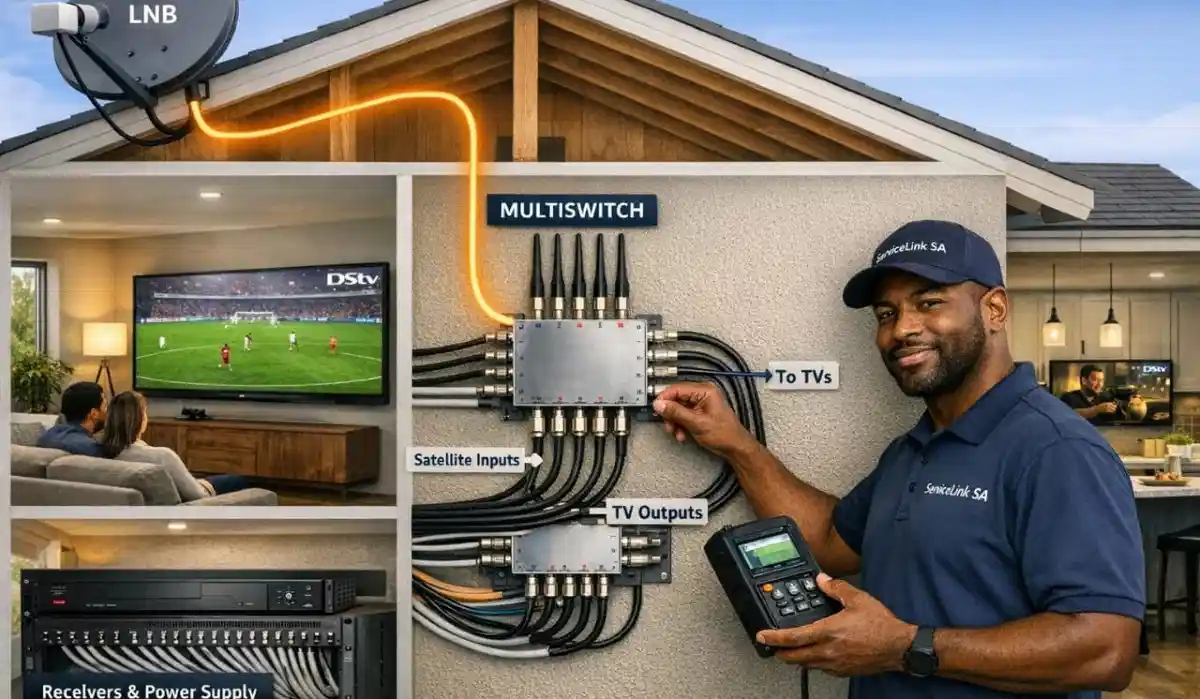
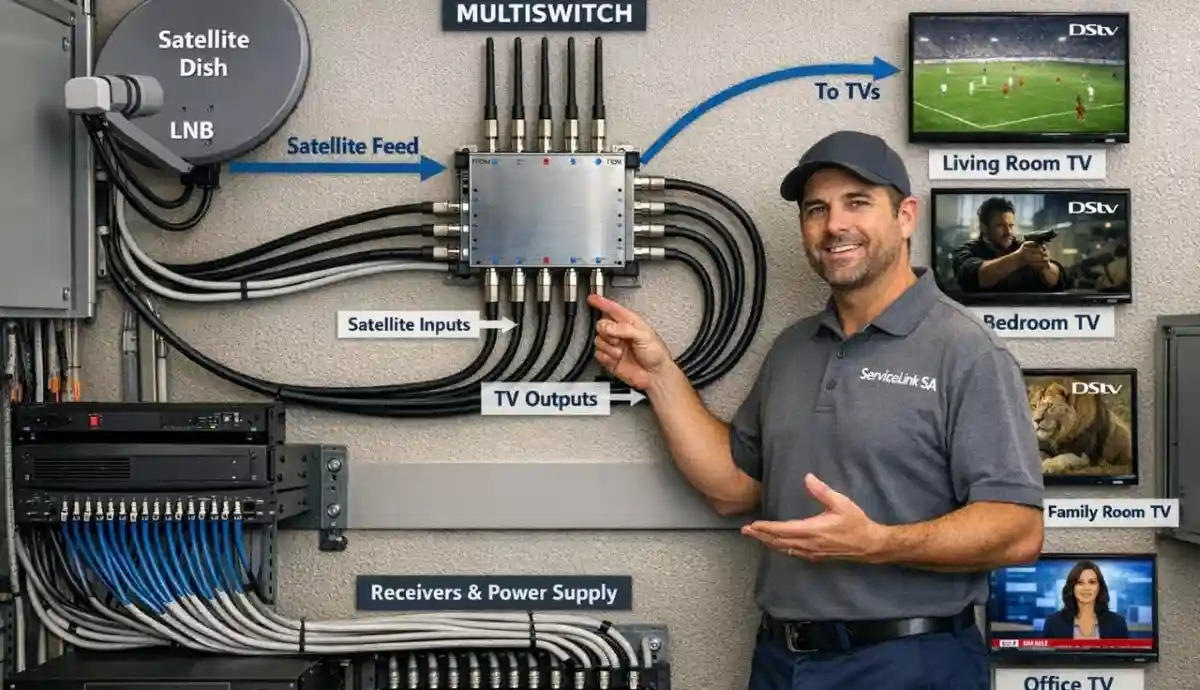
Each TV has its own decoder, and all decoders connect to the same dish via a multi-output LNB or multiswitch.
How it works:
- Install a multi-output LNB (Quad or Smart) or Quattro LNB + multiswitch
- Run a separate coaxial cable from the LNB/multiswitch to each TV location
- Connect a decoder to each cable end
- Activate Extra View on your DSTV account (R105 per extra decoder/month)
- Each TV can watch any channel independently
Pros:
- Each TV can watch DIFFERENT channels simultaneously
- Full HD/4K quality on every TV
- Full DSTV features on every TV (guide, Catch Up, recording on primary)
- Professional, reliable solution
- Scalable – add more TVs easily
Cons:
- Higher upfront cost (decoders + installation)
- Monthly Extra View fees (R105 per extra decoder)
- Requires professional installation for best results
- More equipment to manage
Best for:
- Families who want different channels in different rooms
- Homes with 2-4 TVs (most common)
- Anyone who wants independent viewing
- Long-term solution
📊 Detailed Comparison: All 3 Methods
| Feature | HDMI Splitter | RF Distribution | Multiple Decoders |
|---|---|---|---|
| Different channels on each TV? | ❌ No | ❌ No | ✅ Yes |
| Max distance from source | 10-15m (50-100m with extenders) | 100m+ | 100m+ (with proper LNB) |
| Picture quality | HD/4K (perfect) | SD/HD (depends on modulator) | HD/4K (perfect) |
| Number of TVs supported | 4-16 | Unlimited | 4-64+ |
| Decoder needed per TV? | ❌ No | ❌ No | ✅ Yes |
| Monthly Extra View fees? | ❌ No | ❌ No | ✅ Yes (R105 per extra decoder) |
| Equipment cost (4 TVs) | R500-R2,000 | R1,500-R5,000 | R3,000-R8,000 |
| Installation difficulty | Easy (DIY possible) | Moderate | Professional recommended |
| Best for | Short distance, same channel | Long distance, many TVs, same channel | Different channels, family homes |
✅ Which Method Is Right for Your Home?
Choose HDMI Splitter if:
- All TVs will show the same channel (e.g., open-plan living, bar, restaurant)
- TVs are within 10-15 metres of the decoder
- You want the cheapest possible solution
- You don’t need independent viewing
Choose RF Distribution if:
- All TVs will show the same channel
- TVs are far from the decoder (long cable runs)
- You have many TVs (10+) to distribute to
- You want to use existing coaxial cabling
- You don’t need HD quality on secondary TVs
Choose Multiple Decoders if:
- You want different channels in different rooms (the #1 reason)
- You have a family with different viewing preferences
- You want the best picture quality on every TV
- You’re willing to pay for the best solution
- You want a future-proof, scalable system
✅ Our Recommendation:
For most families, multiple decoders with Extra View is the best solution.
Yes, it costs more upfront, but the ability to watch different channels in different rooms
ends family TV wars forever. The monthly fee (R105 per extra decoder) is much cheaper
than a second full subscription (R150-R979).
💰 Cost Analysis for 3 TVs (Living + Bedroom + Kitchen)
| Method | Equipment Cost | Installation | Monthly Fees | 5-Year Total |
|---|---|---|---|---|
| HDMI Splitter | R800 | R0 (DIY) | R0 | R800 |
| RF Distribution | R2,000 | R1,000 | R0 | R3,000 |
| Multiple Decoders | R4,500 (2 extra decoders) | R1,500 | R210/month (R12,600/5yrs) | R18,600 |
💰 Value Analysis:
Multiple decoders cost more, but you get independent viewing in every room.
Compare to paying for 3 separate DSTV subscriptions (R450-R2,937/month) – Extra View is much cheaper.
The ability to end family TV wars is worth the investment for most families.
🔧 Understanding Signal Splitting (Why You Can’t Just Use a Coaxial Splitter)
A common mistake is thinking you can use a simple coaxial splitter to send DSTV to multiple TVs.
Signal splitting for satellite doesn’t work that way.
Why a simple splitter won’t work:
- Satellite signals are different from TV aerial signals
- Each decoder needs its own dedicated feed from the LNB
- Splitting the signal causes conflicts and signal loss
- You’ll get “No Signal” errors or pixelation
What you CAN do:
- Use a multi-output LNB (Quad or Smart) – each output goes to one decoder
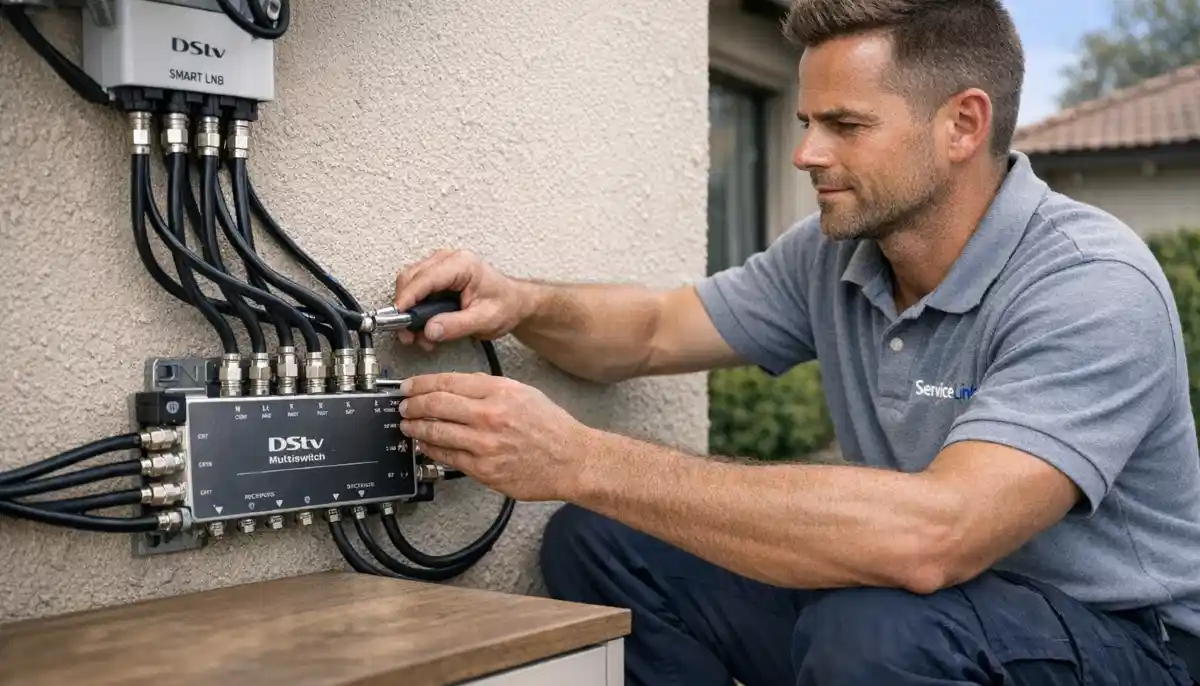
- Use a multiswitch – professional device that distributes signal correctly
- Use an HDMI splitter (after the decoder, not before)
- Use RF distribution (modulate to UHF first)
⚠️ Critical Warning:
Never use a simple coaxial splitter to connect one LNB output to multiple decoders.
This will not work and can damage your equipment.
Each decoder needs its own dedicated LNB output or multiswitch port.
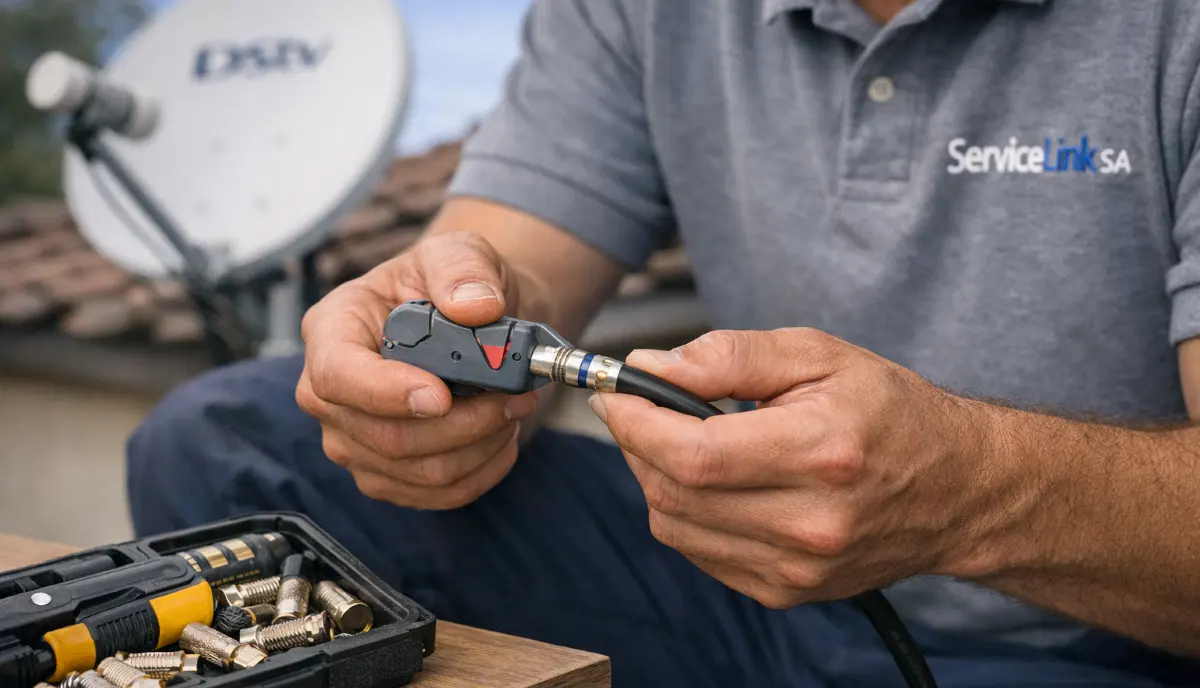
🔌 Cable Requirements for Each Method
HDMI Splitter:
- HDMI cables from splitter to each TV
- Max length: 10-15m without extender (50-100m with HDMI over CAT6 extender)
- Cost: R100-R500 per cable depending on length
RF Distribution:
- RG6 coaxial cable from modulator/amplifier to each TV
- Max length: 100m+
- Cost: R10-R25 per metre
Multiple Decoders:
- RG6 coaxial cable from LNB/multiswitch to each decoder
- Max length: 50-100m depending on cable quality
- Cost: R10-R25 per metre
- For long runs (>50m), use RG11 cable (lower loss)
For cable quality guidance, read our
best coaxial cable guide.
🔧 Installation Tips for Each Method
HDMI Splitter installation:
- Place splitter near the decoder (short HDMI cable from decoder to splitter)
- Use quality HDMI cables – cheap cables cause signal loss
- For runs over 10m, use active HDMI cables or HDMI over CAT6 extenders
- Ensure splitter is powered (active splitter, not passive)
RF Distribution installation:
- Choose an unused UHF channel (avoid interference from broadcast TV)
- Use quality RG6 cable and compression F-connectors
- Install distribution amplifier close to the modulator
- Terminate unused amplifier ports with 75-ohm terminators
Multiple Decoders installation:
- Professional installation strongly recommended
- Ensure LNB has enough outputs for all decoders
- Use quality RG6 quad-shield cable
- Label all cables at both ends
- Weatherproof all outdoor connections
- Test signal on all decoders after installation
❌ 5 Common DSTV Distribution Mistakes to Avoid
⚠️ Avoid These Costly Errors
-
Using a coaxial splitter on the LNB output: This doesn’t work and can damage equipment.
Each decoder needs its own dedicated LNB output or multiswitch port. -
Using cheap, low-quality HDMI cables for long runs: Signal degradation causes flickering or no picture.
Use quality cables or HDMI over CAT6 extenders for long distances. -
Not using a powered HDMI splitter: Passive splitters cause signal loss and poor picture quality.
Always use an active (powered) splitter. -
RF modulator set to wrong channel: Interference from broadcast TV or poor tuning causes snowy picture.
Choose an unused channel and adjust modulator output level. -
Not weatherproofing outdoor connections: Water ingress causes signal loss and corrosion.
Always use self-amalgamating tape on outdoor F-connectors.
🌍 Regional Considerations for DSTV Distribution
KwaZulu-Natal (Durban, Umhlanga, Ballito, Westville, Pinetown):
- High humidity affects outdoor equipment – ensure all connections are weatherproofed
- Coastal salt air accelerates corrosion – use stainless steel fittings and quality cable
- Long cable runs may need higher-quality RG11 cable for signal preservation
- KZN installation services
For location-specific services, see our pages for
Durban,
Umhlanga,
Ballito,
Westville, and
Pinetown.
❓ Frequently Asked Questions About DSTV Distribution
Can I connect one DSTV decoder to multiple TVs?
Yes. How to connect one dstv decoder to multiple tvs can be done with an HDMI splitter (same channel on all TVs)
or RF distribution (same channel, long distance). However, all TVs will show the SAME channel.
For different channels, you need multiple decoders with Extra View.
How do I send DSTV signal to multiple TVs wirelessly?
To send dstv signal to multiple tvs wirelessly, use an HDMI over Wi-Fi transmitter/receiver pair.
Connect the transmitter to your decoder’s HDMI output, and receivers to each TV.
Quality varies – for best results, wired solutions (HDMI splitter or coaxial) are more reliable.
Wireless is suitable for occasional use but not recommended for permanent installation.
Can I watch different channels on different TVs with one decoder?
No. One decoder can only show one channel at a time.
To share dstv between tvs with different channels, you need multiple decoders
(one per TV) with Extra View activated. Monthly fee: R105 per extra decoder.
What is the cheapest way to get DSTV on multiple TVs?
The cheapest way to distribute dstv to multiple tvs is an HDMI splitter (R500-R2,000).
All TVs show the same channel. For different channels, multiple decoders with Extra View is the only solution.
Avoid coaxial splitters on the LNB output – they don’t work.
What is the best way to distribute DSTV to multiple TVs?
The best method depends on your needs:
For same channel on all TVs: HDMI splitter (short distance) or RF distribution (long distance).
For different channels on different TVs: multiple decoders with Extra View – this is the professional solution
for family homes and the most common recommendation.
Can I use a coaxial splitter for DSTV?
No. Signal splitting with a simple coaxial splitter does NOT work for satellite TV.
Each decoder needs its own dedicated feed from the LNB. Using a splitter causes signal conflicts,
pixelation, and “No Signal” errors. Use a multi-output LNB or multiswitch instead.
How many TVs can one DSTV decoder feed?
One decoder can feed as many TVs as you want, but all TVs will show the SAME channel.
Use an HDMI splitter (for short distances) or RF distribution (for long distances).
For independent viewing, you need one decoder per TV with Extra View.
Does an HDMI splitter reduce picture quality?
A quality powered (active) HDMI splitter does NOT reduce picture quality.
Cheap passive splitters may cause signal degradation. For best results, buy a powered splitter
rated for 4K if you have an Explora Ultra. Read reviews before purchasing.
What is the maximum distance for HDMI from DSTV decoder?
Standard HDMI cables work reliably up to 10-15 metres. For longer distances,
use active HDMI cables (up to 30m) or HDMI over CAT6 extenders (up to 50-100m).
For very long runs, RF distribution or multiple decoders are better options.
Do I need a multiswitch for multiple DSTV decoders?
For 2-4 decoders, a Quad LNB or Smart LNB is sufficient – no multiswitch needed.
For 5+ decoders, you need a Quattro LNB + multiswitch.
A multiswitch allows you to feed many decoders from one dish.
Read our multiswitch guide.
✅ Final Thoughts: Choose the Right Distribution Method for Your Home
Distribute dstv to multiple tvs – there’s no single right answer.
The best method depends on your budget, how many TVs you have, and whether you need independent channels.
For most families, multiple decoders with Extra View is the best solution.
Yes, it costs more upfront, but the ability to watch different channels in different rooms
ends family TV wars forever. The monthly fee (R105 per extra decoder) is much cheaper
than paying for separate subscriptions.
For budget-conscious installations where independent viewing isn’t needed,
an HDMI splitter or RF distribution works well.
Ready to distribute DSTV throughout your home? Request a free quote
from ServiceLink SA. We’ll connect you with verified, accredited installers who can design
the perfect distribution system for your needs.
Ready to Distribute DSTV Throughout Your Home?
Get a free quote from a verified, accredited DSTV installer near you.
We’ll help you choose the best distribution method for your home.
📞 Call us: 073 138 4726 for immediate distribution advice.
Free site inspection •
How to choose an installer •
Beat Your Quote guarantee
📚 Official resources & standards referenced:
- Official DSTV signal distribution guide – Official distribution information.
- SABS – South African Bureau of Standards signal splitting standards.
Information provided for general guidance. DSTV is a registered trademark of MultiChoice.
Distribution methods vary by home layout. Professional assessment is recommended for complex installations.
Written by: Innocent T Hanyani
Satellite & Home Entertainment Installation Specialist | 21+ Years Experience
Innocent T Hanyani has over two decades of experience in satellite television installations across South Africa.
He has designed and installed thousands of signal distribution systems, from simple HDMI splitters to complex
multi-decoder setups. His expertise helps homeowners choose the right distribution method for their needs and budget.
For more help with DSTV distribution, explore our related resources:
multi-room installation,
Extra View guide,
multiswitch guide,
Smart LNB vs Universal LNB,
communal systems guide.
See our service areas page for coverage in your region.