
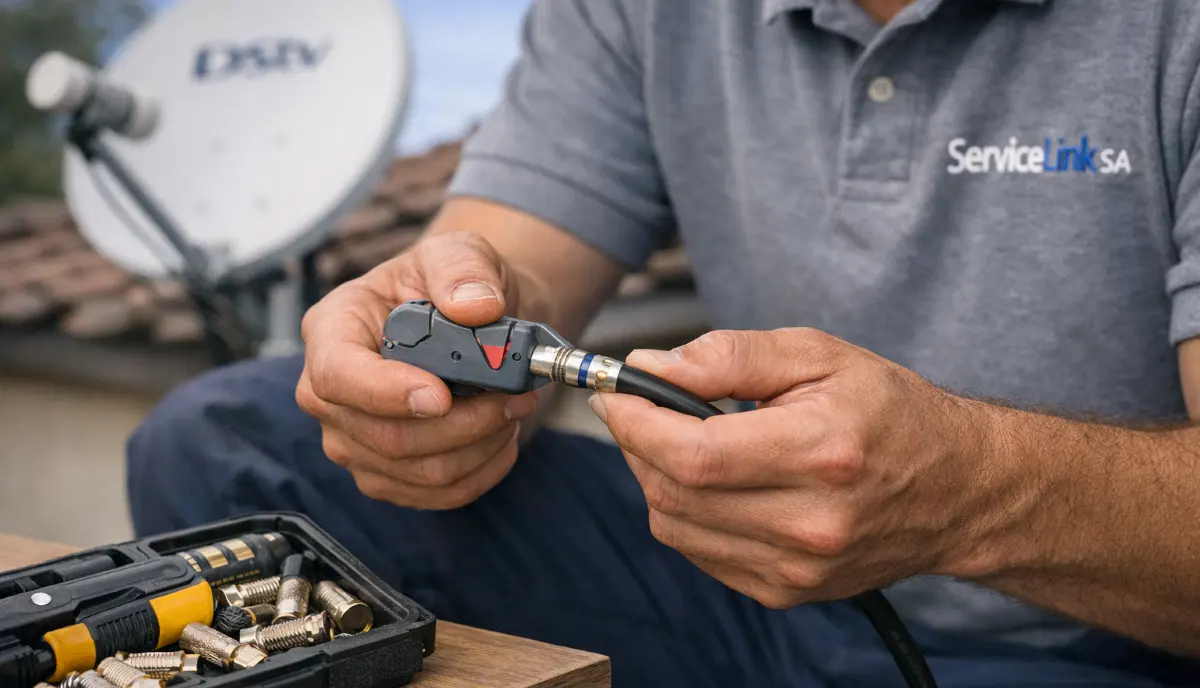
Need Professional Cable Installation?
Get a free quote from a verified, accredited DSTV installer near you.
We’ll ensure your cabling meets SABS standards for optimal signal.
Servicing Gauteng, Mpumalanga, Secunda, Ermelo, Middelburg, Standerton, and across South Africa
Best Coaxial Cable for DSTV Installations: RG6 vs RG59 (Signal Quality Guide)
🔌 The cable connecting your dish to your decoder is more important than you think – here’s what you need to know.
You’ve spent R2,000 on a new Explora decoder. You’ve paid for professional dish alignment.
Your LNB is brand new. But your picture still pixelates and you lose signal during rain.
What’s wrong?
The culprit might be your cable. The humble coaxial cable is often overlooked,
but it’s the highway that carries the satellite signal from your dish to your decoder.
If that highway is narrow or damaged, your signal suffers – no matter how good the rest of your system is.
In this guide, I’ll explain everything about best coaxial cable for dstv installations.
You’ll learn the difference between RG6 and RG59, why rg6 vs rg59 for dstv matters,
and how to choose the right cable for your setup. If you’re wondering “what cable is used for dstv installation”,
you’ve come to the right place.
For cable replacement services, read our
LNB and cable replacement guide.
For installation requirements, see installation requirements.
And for a complete installation guide, read how to install DSTV.
📋 Table of Contents – Coaxial Cable Guide for DSTV
🔌 Why Coaxial Cable Quality Matters for Your DSTV Signal
The coaxial cable is the unsung hero of your DSTV system – and often the weakest link.
What the cable does:
- Carries the satellite signal from your LNB to your decoder
- Must preserve signal strength over distance (signal loss = attenuation)
- Must reject electrical interference (shielding quality matters)
- Must withstand weather, UV rays, and temperature extremes
Problems caused by poor cable:
- Pixelation and freezing (signal loss)
- Complete signal loss (E48-32) on long cable runs
- Intermittent signal that comes and goes
- Water ingress leading to corrosion and signal problems
- Electrical interference from nearby power cables
💡 Key Insight:
A high-quality decoder and perfect dish alignment mean nothing if your cable is substandard.
The cable is the highway for your signal – a narrow, damaged highway causes traffic jams (pixelation).
Invest in quality cable – it’s cheap compared to the frustration of poor signal.
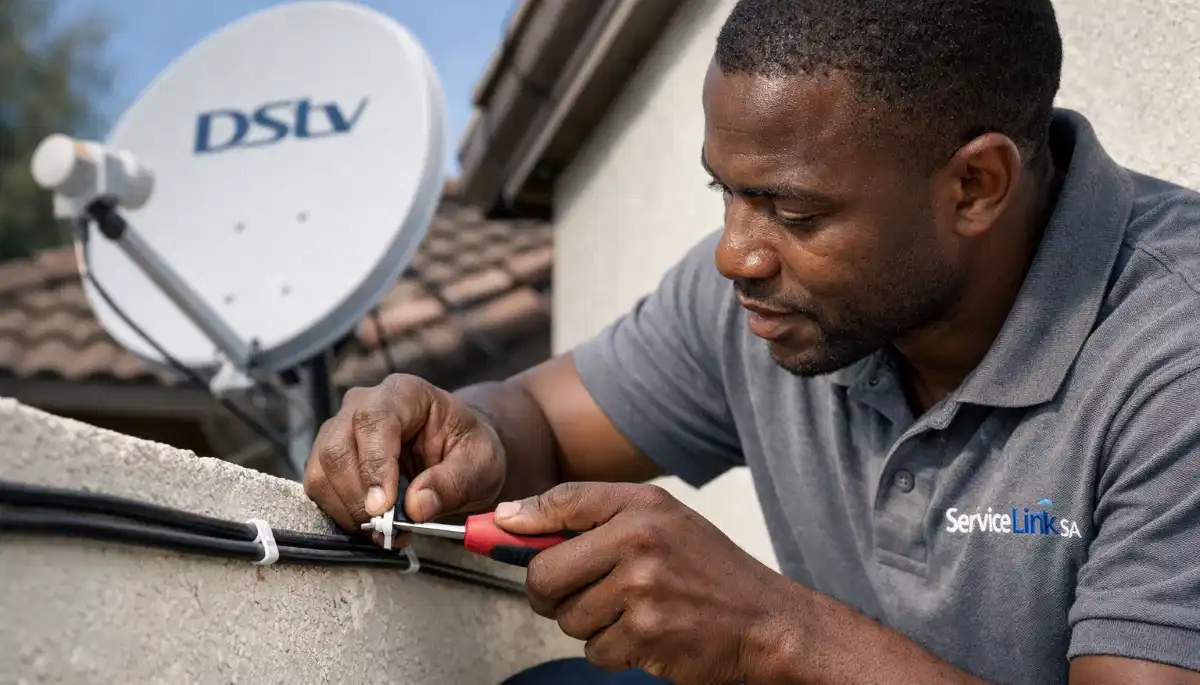
📊 RG6 vs RG59: What’s the Difference?
The two most common coaxial cable types are RG59 and RG6.
For dstv cable type selection, the difference is critical.
RG59 (Older, Thinner, Lower Quality):
- Diameter: Thinner (approximately 6.1mm)
- Centre conductor: Often copper-clad steel (CCS) – higher signal loss
- Shielding: Single or double shield (poorer interference rejection)
- Signal loss: Higher – loses signal faster over distance
- Best for: CCTV, analog video, short runs only
- For DSTV: NOT RECOMMENDED – will cause pixelation and signal loss
RG6 (Modern, Thicker, Professional Choice):
- Diameter: Thicker (approximately 6.9mm)
- Centre conductor: Solid copper (best signal) or copper-clad steel (acceptable)
- Shielding: Dual or quad-shield (excellent interference rejection)
- Signal loss: Lower – maintains signal over longer distances
- Best for: Satellite TV, cable TV, high-frequency signals
- For DSTV: HIGHLY RECOMMENDED – the professional standard
⚠️ Critical Warning:
Never use RG59 cable for DSTV installations. It has higher signal loss and poorer shielding.
Many cheap “satellite kits” include RG59 – avoid them. Always use RG6 quad-shield with copper core.
The small extra cost is worth it for reliable signal.
📊 RG6 vs RG59: Complete Comparison Table
| Specification | RG59 | RG6 Standard | RG6 Quad-Shield |
|---|---|---|---|
| Cable diameter | ~6.1mm | ~6.9mm | ~7.2mm |
| Centre conductor | Copper-clad steel | Solid copper | Solid copper |
| Shielding layers | 1-2 | 2 | 4 |
| Signal loss per 30m | ~6-8dB | ~3-4dB | ~3-4dB |
| Interference rejection | Poor | Good | Excellent |
| Suitable for DSTV? | ❌ No | ✅ Yes | ✅ Best |
| Typical cost per metre | R5-R10 | R10-R20 | R15-R25 |
📦 Types of RG6 Cable: Which One Should You Choose?
Not all RG6 cable is the same. Here are the variations you’ll encounter when buying best coaxial cable for dstv.
By centre conductor material:
- Copper-clad steel (CCS): Steel core with copper coating. Cheaper but higher signal loss. Acceptable for short runs (<20m).
- Solid copper (Cu): Pure copper throughout. Lower signal loss, better performance. Recommended for all DSTV installations.
By shielding level:
- Dual-shield (2 layers): Good for most residential installations. One foil + one braid.
- Quad-shield (4 layers): Best for interference-prone areas (near power lines, radio towers, complexes). Two foil + two braid layers.
- Recommendation: Quad-shield for coastal areas, complexes, or long cable runs.
By jacket material (for outdoor use):
- PVC (standard): For indoor use only – degrades in sunlight.
- UV-resistant PE (polyethylene): For outdoor use – withstands sun exposure.
- Recommendation: UV-resistant for any cable that runs outside.
✅ Our Recommendation:
For the best DSTV performance, use RG6 quad-shield with solid copper centre conductor and UV-resistant jacket.
This combination provides maximum signal quality, interference rejection, and weather resistance.
It costs a bit more – but signal problems are far more expensive to fix later.
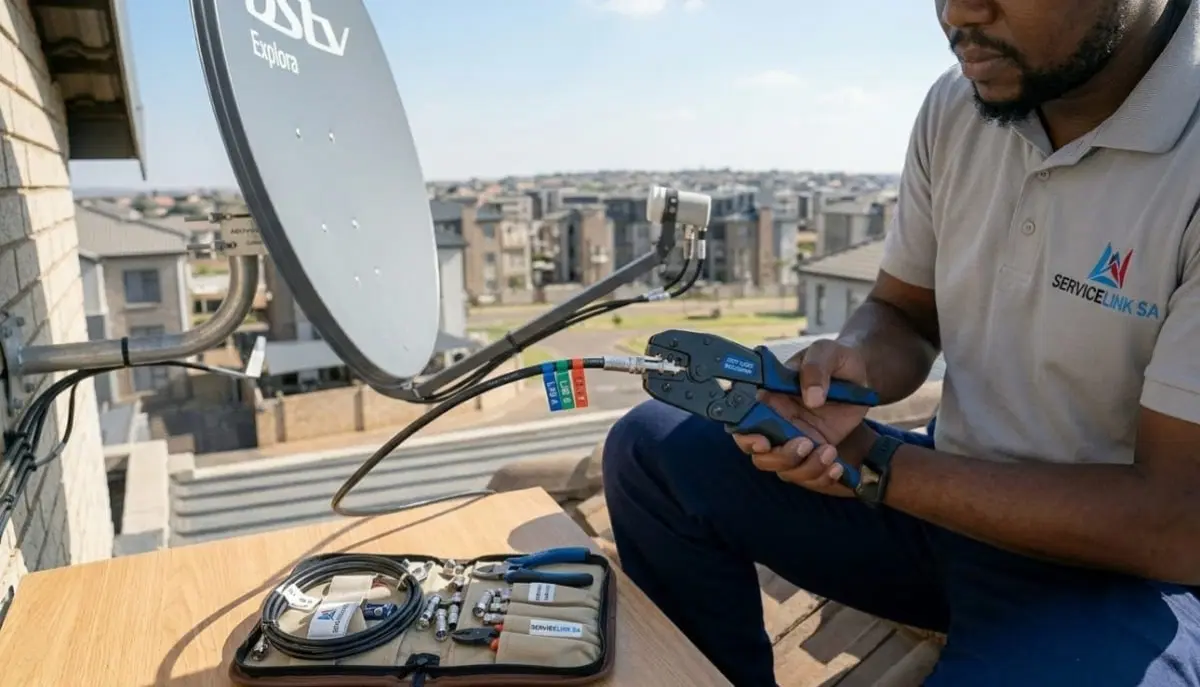
Need Your Cables Replaced?
Get a free quote from a verified, accredited DSTV installer near you.
We’ll replace old RG59 cable with professional-grade RG6 for better signal.
Free quotes. Verified installers. No obligation.
🔌 F-Connectors: Compression vs Screw-on – Which Is Better?
The connector at the end of your cable is just as important as the cable itself.
Poor connectors cause signal loss, water ingress, and intermittent problems.
Screw-on F-connectors (cheap, unreliable):
- Screw onto the cable – no special tool needed
- Poor connection – signal loss over time
- Not weatherproof – water gets in, causes corrosion
- Can come loose with cable movement
- NOT RECOMMENDED for DSTV installations
Compression F-connectors (professional, reliable):
- Crimped onto the cable using a compression tool
- Secure, permanent connection – no signal degradation
- Weatherproof when properly installed
- Won’t come loose
- HIGHLY RECOMMENDED for all DSTV installations
How to identify:
- Screw-on connectors have a visible seam and can be unscrewed by hand
- Compression connectors are smooth and cannot be removed without cutting
📉 Signal Loss (Attenuation) Over Distance
All cables lose signal over distance. The longer the cable, the weaker the signal.
This is called attenuation.
Typical signal loss per 30 metres at satellite frequencies (2GHz):
- RG59: 6-8dB loss (significant – will cause pixelation)
- RG6 standard: 3-4dB loss (acceptable)
- RG6 quad-shield: 3-4dB loss (acceptable)
- RG11 (for very long runs): 2-3dB loss (best for >50m)
When to use signal amplifiers:
- Cable runs over 50 metres
- Multiple splitters in the system
- Weak signal area + long cable run
- Professional assessment recommended
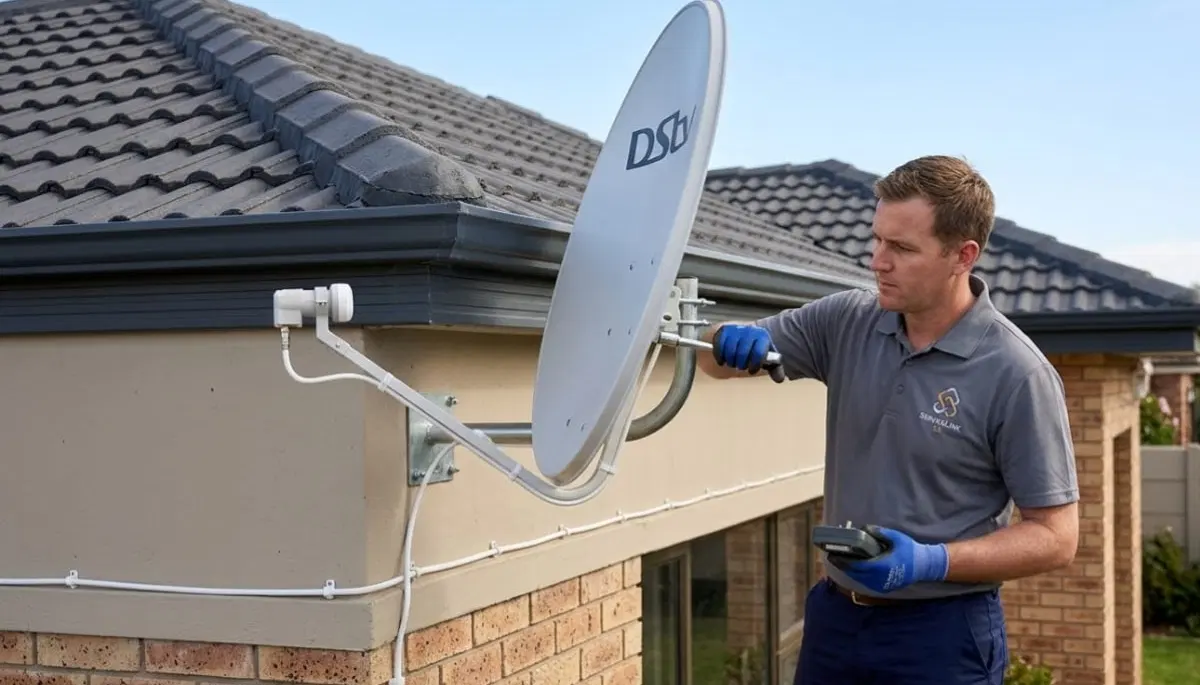
📏 How Much Coaxial Cable Do You Need for DSTV?
Planning your cable length is important for budgeting and ensuring you don’t come up short.
Typical cable lengths by installation type:
- Wall-mounted dish, decoder in same room: 10-15 metres
- Roof-mounted dish, decoder downstairs: 15-25 metres
- Dish on one side of house, decoder on opposite side: 20-30 metres
- Two-story house, dish on roof, decoder downstairs: 15-25 metres
- Extra View (additional decoder): Add 10-20 metres per additional point
Pro tip: Always buy 5-10 metres more than you think you need.
It’s better to have extra coiled at the decoder end than to come up short.
Coiled excess cable (service loop) is also useful for future re-termination.
🔧 Professional Cable Installation Tips
Here are the professional secrets for dstv cable type installation.
- Keep away from electrical wiring: Maintain at least 15cm separation from power cables. Cross at 90° if necessary.
- Avoid sharp bends: Minimum bend radius 5cm – tighter bends damage the internal conductor.
- Secure every 50cm: Use UV-resistant cable clips on exterior runs.
- Create drip loops: Before entering the building, let cable dip down then up – water runs off the loop.
- Seal all penetrations: Use silicone sealant around cables where they enter walls.
- Leave service loops: Extra 30-50cm of cable at each end for future re-termination.
- Use compression connectors: Never use screw-on connectors for outdoor connections.
- Weatherproof outdoor connections: Wrap with self-amalgamating tape.
- Label cables: For multi-room setups, label which cable goes to which room.
❌ 5 Common Coaxial Cable Mistakes to Avoid
⚠️ Avoid These Costly Errors
- Using RG59 cable: Higher signal loss and poorer shielding. Always use RG6 for DSTV.
- Screw-on F-connectors: These are unreliable and degrade over time. Use compression connectors with a proper crimping tool.
- Running cable parallel to electrical wiring: Electrical interference destroys satellite signals. Separate by at least 15cm.
- Not weatherproofing outdoor connections: Water ingress causes corrosion and signal loss. Always use self-amalgamating tape.
- Sharp bends or kinks: Damages the internal conductor. Maintain 5cm minimum bend radius.
📋 SABS Standards for Coaxial Cable
The South African Bureau of Standards (SABS) sets quality standards for coaxial cable used in South Africa.
Using SABS-approved cable ensures you’re getting a quality product.
What to look for:
- SABS mark on the cable packaging
- RG6 designation clearly marked
- Impedance: 75 ohms (standard for satellite TV)
- Frequency range: Up to 3GHz (satellite signals up to 2.15GHz)
For complete standards, refer to SABS regulations for MATV and satellite systems.
Always buy from reputable suppliers – cheap “no-name” cable often doesn’t meet specifications.
🌍 Regional Considerations for Coaxial Cable
Your location in South Africa affects the type of cable you should use for rg6 vs rg59 for dstv.
Gauteng (Johannesburg, Pretoria, Midrand):
- Urban areas with electrical interference – quad-shield RG6 recommended
- Summer thunderstorms require good weatherproofing
- Gauteng installation services
Mpumalanga (Secunda, Ermelo, Middelburg, Standerton):
- Mining areas can have electrical interference – quad-shield RG6 recommended
- Highveld thunderstorms require robust weatherproofing
- Mpumalanga installation services
For location-specific services, see our pages for
Secunda,
Ermelo,
Middelburg, and
Standerton.
❓ Frequently Asked Questions About Coaxial Cable for DSTV
What is the best coaxial cable for DSTV?
The best coaxial cable for dstv is RG6 quad-shield with solid copper centre conductor and UV-resistant jacket.
This combination provides the lowest signal loss, best interference rejection, and longest lifespan.
For standard installations, dual-shield RG6 with solid copper is acceptable.
Never use RG59 – it causes signal loss and pixelation.
What is the difference between RG6 and RG59 cable?
For rg6 vs rg59 for dstv, RG6 is thicker, has lower signal loss, and better shielding.
RG59 is thinner, has higher signal loss, and poorer shielding.
RG6 is the professional standard for satellite TV. RG59 is obsolete for DSTV – using it will cause pixelation and signal loss,
especially on longer cable runs.
Can I use RG59 cable for DSTV?
Not recommended. RG59 has higher signal loss and poorer shielding than RG6.
For short runs under 10 metres in strong signal areas, it may work – but you’ll likely experience pixelation.
For reliable DSTV, always use RG6. The small extra cost is worth it for consistent signal quality.
How long can a DSTV coaxial cable be?
What cable is used for dstv installation affects maximum length.
With RG6, you can run up to 50 metres without significant signal loss.
For runs longer than 50 metres, use RG11 cable or add a signal amplifier.
Always keep cable runs as short as practical – every metre adds signal loss.
What type of F-connector should I use for DSTV?
Use compression F-connectors – not screw-on types.
Compression connectors provide a secure, weatherproof connection that won’t degrade over time.
Screw-on connectors are unreliable, can come loose, and allow water ingress.
You’ll need a compression tool to install them properly.
How much does RG6 cable cost in South Africa?
RG6 cable costs R10-R20 per metre for standard dual-shield, R15-R25 per metre for quad-shield.
A 20m roll costs R200-R500 depending on quality.
Professional installation of a new cable run costs R350-R600 including materials.
Get a free quote.
Can I run DSTV cable next to electrical wire?
No. Keep coaxial cable at least 15cm away from electrical wiring.
Electrical interference from power cables degrades satellite signals.
If you must cross electrical cables, cross at 90° to minimise interference.
Use quad-shield RG6 for better interference rejection in challenging installations.
What is quad-shield RG6 cable?
Quad-shield RG6 has four layers of shielding (two foil + two braid) instead of two (one foil + one braid).
It provides better rejection of electrical interference – ideal for urban areas,
installations near power lines, or complexes with many electronic devices.
It’s slightly thicker and more expensive but worth it for challenging environments.
How do I know if my cable is RG6 or RG59?
Check the printing on the cable jacket – it should say “RG6” or “RG59”.
RG6 is thicker (approximately 6.9mm diameter vs 6.1mm for RG59).
RG6 has stiffer, thicker centre conductor.
If you’re unsure, ask a professional – using the wrong cable causes signal problems.
Why is my DSTV cable causing signal loss?
Common causes of signal loss in coaxial cable:
using RG59 instead of RG6 (higher loss), damaged cable (kinks, cuts, rodent damage),
water ingress (corroded connectors), loose connections, or cable runs that are too long (>50m).
Replace damaged or old cable with new RG6 quad-shield for best results.
✅ Final Thoughts: Choose the Right Cable for Reliable DSTV
The best coaxial cable for dstv is RG6 quad-shield with solid copper centre conductor and UV-resistant jacket.
It costs a bit more than cheap RG59, but the investment pays off in reliable signal quality and fewer problems.
Remember: the cable is the highway for your satellite signal. A narrow, damaged highway causes traffic jams (pixelation).
Invest in quality cable and professional installation – you’ll enjoy glitch-free viewing for years.
Ready to upgrade your cabling? Request a free quote from ServiceLink SA.
We’ll connect you with verified, accredited installers who use professional-grade RG6 cable and compression connectors.
Ready to Upgrade Your DSTV Cabling?
Get a free quote from a verified, accredited DSTV installer near you.
We’ll replace old cable with professional-grade RG6 for better signal.
📞 Call us: 073 138 4726 for immediate cable advice.
Free signal inspection •
How to choose an installer •
Beat Your Quote guarantee
📚 Official resources & standards referenced:
- SABS – South African Bureau of Standards cable quality standards.
- Official DSTV cable specifications – Official installation cable requirements.
Information provided for general guidance. DSTV is a registered trademark of MultiChoice.
Cable specifications follow SABS standards. Always use RG6 quad-shield for best results.
Written by: Innocent T Hanyani
Satellite & Home Entertainment Installation Specialist | 21+ Years Experience
Innocent T Hanyani has over two decades of experience in satellite television installations across South Africa.
He has installed thousands of kilometres of coaxial cable and knows exactly which cable types perform best.
His expertise helps homeowners choose the right cable for reliable, interference-free DSTV.
For more help with DSTV cabling, explore our related resources:
LNB replacement guide,
installation requirements,
how to install DSTV,
dish installation guide,
extra TV point installation.
See our service areas page for coverage in your region.