
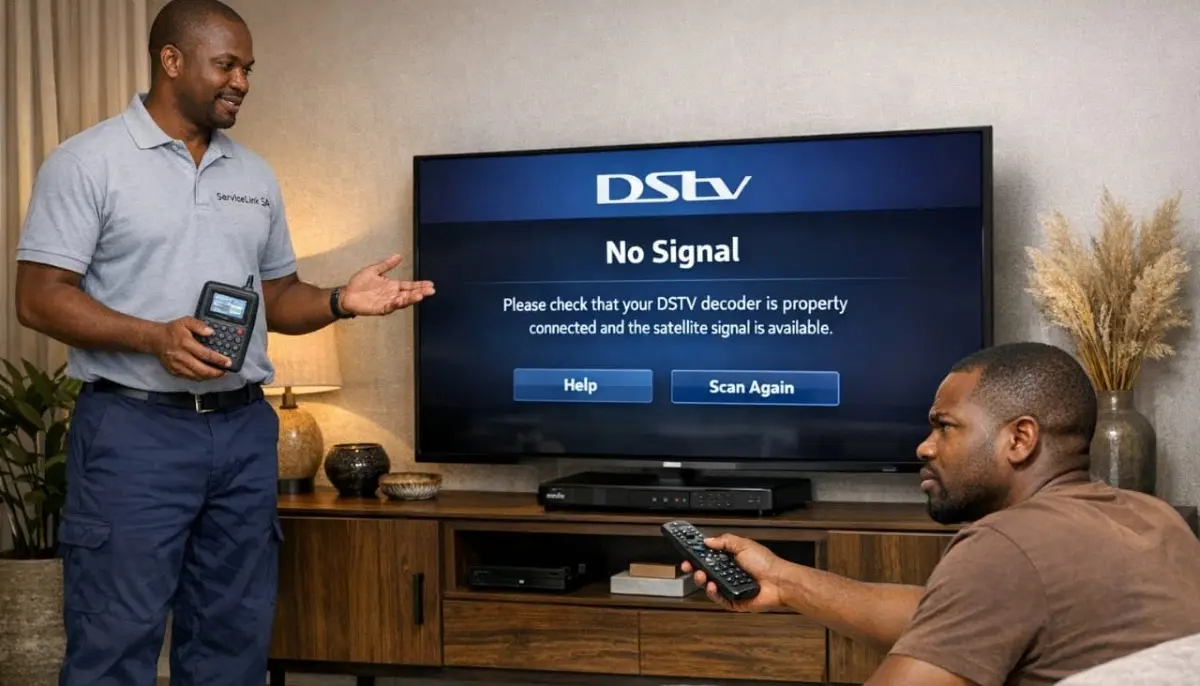
Missing Channels on Your DSTV?
Get a free diagnosis from a verified, accredited DSTV installer near you.
We’ll help you get your full channel list back.
Servicing Eastern Cape, Port Elizabeth, East London, Grahamstown, Uitenhage, Mthatha, and across South Africa
DSTV Channels Missing? 5 Reasons Why and How to Get Them Back
📺 Your favourite channel has disappeared – here’s why and how to fix it in minutes.
You’re scrolling through your channel list, looking for your favourite show.
You know the channel number by heart. You type it in. Nothing. You scroll through the guide.
It’s gone. Just… missing.
Dstv missing channels is a different problem from complete signal loss.
With signal loss, nothing works. With missing channels, most channels work fine – but specific ones are gone.
This makes it even more frustrating. Why are some channels there and others not?
In this guide, I’ll explain the 5 most common reasons for dstv channel not showing
and show you exactly how to fix each one. If you’re asking “why are my dstv channels missing”,
you’ve come to the right place.
For general DSTV problems, read our
why is my DSTV not working guide.
For package information, see package price list.
And for choosing the right package, read best package guide.
📋 Table of Contents – Fix Missing DSTV Channels Guide
🔍 Quick Diagnosis: Which Channels Are Missing?
Before fixing lost channels on dstv, identify the pattern of missing channels.
This tells you the likely cause.
Pattern 1: All channels from a specific package tier are missing
- Example: You have Compact but all Compact Plus channels are gone
- Likely cause: Subscription or package change
- Fix: Check your account, renew subscription, or upgrade package
Pattern 2: Channels on specific frequencies are missing
- Example: All channels ending in certain numbers or from certain broadcasters
- Likely cause: LNB polarity failure (LNB not receiving one polarisation)
- Fix: LNB replacement needed
Pattern 3: Random channels missing, others work fine
- No obvious pattern – some work, some don’t
- Likely cause: Channel scan needed or signal quality issue
- Fix: Rescan channels or check signal readings
Pattern 4: Premium channels missing (M-Net, SuperSport)
- Specific premium channels not working
- Likely cause: Subscription issue or smartcard pairing
- Fix: Check account, renew subscription, re-pair smartcard
⚡ Quick Fixes: Do These First (2 Minutes)
Before diving into complex troubleshooting, try these quick fixes for dstv missing channels.
✅ Emergency Quick Fix Checklist:
- Reboot your decoder: Unplug from power for 60 seconds, then plug back in.
- Check your subscription status: Use the MyDSTV app or website to verify your package is active.
- Rescan channels: Go to Menu → Settings → Scan for Channels (or similar on your decoder model).
- Check if the channel has moved: Use the on-screen guide to scroll through all channels.
- Check for channel lineup changes: DSTV occasionally adds, removes, or renumbers channels.
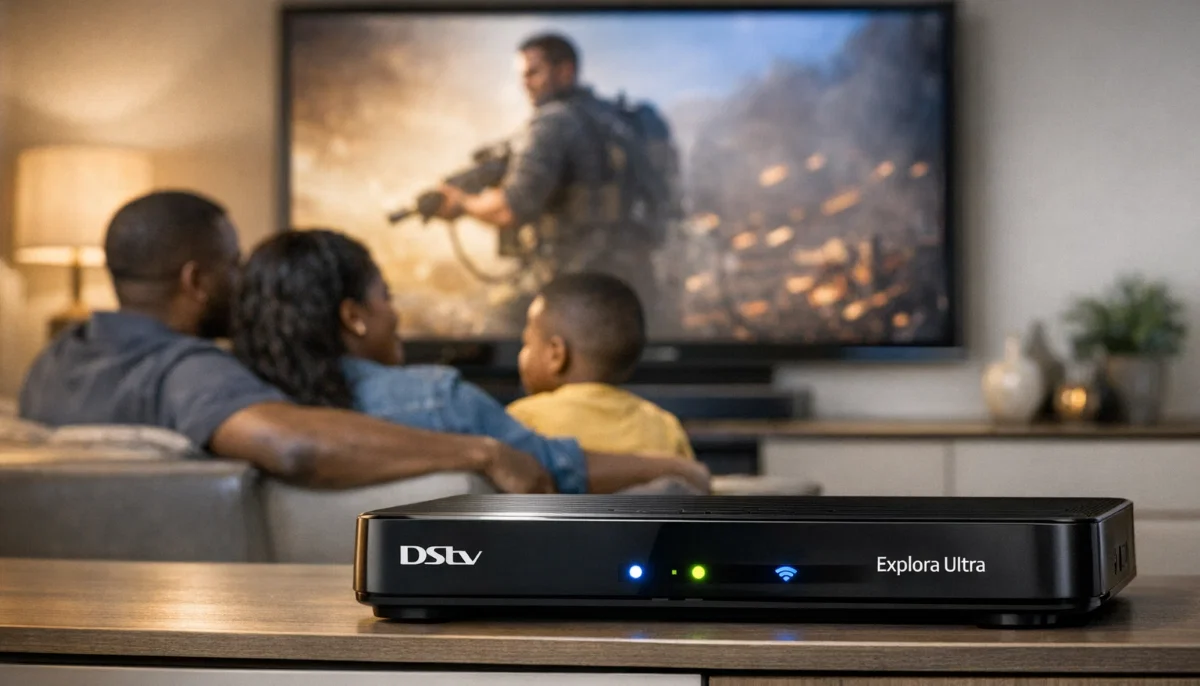
💳 Cause #1: Subscription or Package Change (Most Common)
This is the #1 reason for dstv channel not showing issues.
You’ve changed packages, your subscription expired, or your payment didn’t go through.
How to check your subscription:
- Open the MyDSTV app or go to mydstv.co.za
- Log in with your smartcard number or account details
- Check your current package and expiry date
- Verify your last payment was successful
- On your decoder, go to Menu → General Information → Subscription to see status
What to do if subscription is the issue:
- If expired: Make a payment – channels should return within minutes to hours
- If downgraded: You’ve lost access to higher-tier channels – upgrade to get them back
- If payment failed: Contact your bank or DSTV to resolve
- If account is suspended: Contact DSTV customer care
💡 Pro Tip:
If you recently changed packages, some channels may take up to 24 hours to fully update.
Perform a channel scan after any package change to refresh your channel list.
📡 Cause #2: LNB or Polarity Failure (Technical)
Satellite signals use two polarisations: Horizontal and Vertical.
If your LNB fails on one polarisation, you’ll lose about half your channels.
This is a common cause of lost channels on dstv.
Signs of LNB polarity failure:
- Some channels work perfectly, others show “No Signal”
- The missing channels follow a pattern (e.g., all even-numbered channels or all from certain broadcasters)
- Signal strength is good on working channels, zero on missing channels
- Your LNB is more than 3-5 years old
How to test for polarity failure:
- Check a known working channel and note its polarisation (you can find this online or in technical forums)
- Check a missing channel – if it uses the opposite polarisation, your LNB has failed on that side
- Example: If all SuperSport channels work (Horizontal) but all M-Net channels are missing (Vertical), your LNB’s Vertical side has failed
How to fix:
LNB replacement is the only solution. A new LNB costs R250-R500 plus installation (R350-R700 total).
This requires working at the dish – professional installation recommended.
Read our LNB replacement guide.
Still Missing Channels After These Fixes?
Get a professional diagnosis from a verified, accredited DSTV installer near you.
We’ll identify whether it’s a subscription, LNB, or signal issue.
Request Professional Diagnosis
Free quotes. Verified installers. No obligation.
🔄 Cause #3: Channel Scan Needed
Sometimes your decoder’s channel list becomes outdated.
A channel scan refreshes the list and finds channels that have moved or been added.
How to rescan channels on your decoder:
- Press “Menu” on your remote
- Navigate to Settings → Installation → Scan for Channels (menu names vary by decoder model)
- Select “Auto Scan” or “Full Scan”
- Wait 5-10 minutes for the scan to complete
- Save the new channel list when prompted
When to rescan channels:
- After DSTV announces channel lineup changes
- After changing your subscription package
- After moving your decoder to a new location
- If channels that used to work suddenly disappear
- At least once every 3-6 months as preventative maintenance
For more detailed instructions, check your decoder’s manual or the official DSTV help pages.
📊 Cause #4: Signal Issues on Specific Frequencies
Different channels are broadcast on different frequencies (transponders).
If one frequency has a signal problem, all channels on that frequency will be missing.
How to diagnose:
- Go to Menu → Settings → Signal Detection
- You can often select different transponders/frequencies
- Check signal strength and quality on multiple transponders
- If one transponder shows poor signal while others are fine, you have a frequency-specific issue
Causes of frequency-specific signal issues:
- Partial LNB failure (affecting some frequencies but not others)
- Water in cables (affects higher frequencies more)
- Electrical interference on specific frequencies
- Dish slightly misaligned (affects some frequencies more than others)
How to fix:
- Check and tighten all cable connections
- Inspect for water damage or corrosion
- Professional signal optimisation may be needed (R450-R900)
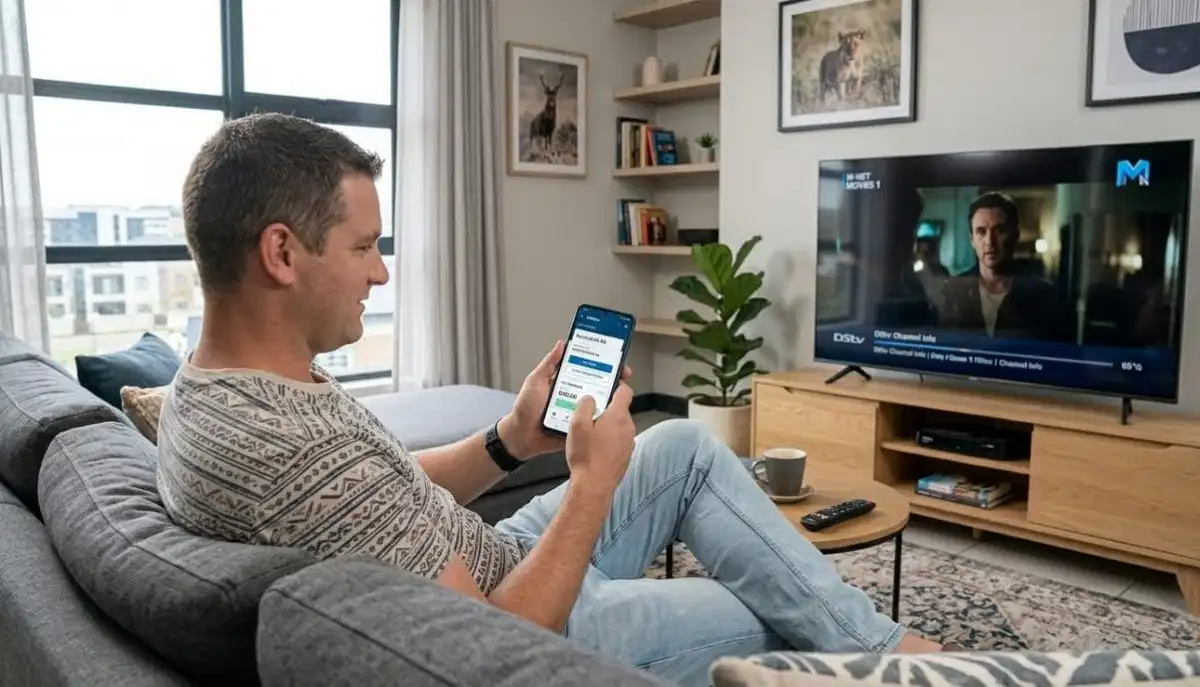
💳 Cause #5: Smartcard or Pairing Issues
Your smartcard tells DSTV which channels you’re allowed to watch.
If the smartcard isn’t recognised or isn’t paired correctly, you’ll see missing channels.
Signs of smartcard issues:
- Error codes E47-4 or E47-5
- Message saying “Smartcard not authorised”
- Premium channels missing but basic channels work
- Channels that worked yesterday are gone today
How to fix smartcard issues:
- Remove the smartcard from your decoder (usually on the front or side)
- Clean the gold contacts with a soft, dry cloth (never use liquids)
- Reinsert the smartcard firmly until it clicks
- Reboot your decoder (unplug 60 seconds)
- If still not working, contact DSTV to re-pair your smartcard to your decoder
For account management, visit MyDSTV website
or use the MyDSTV app.
📺 DSTV Channel Lineup Changes
DSTV occasionally changes its channel list – adding new channels,
removing old ones, or renumbering existing channels.
Types of changes to watch for:
- Channel renumbering: Your favourite channel may have moved to a different number
- Channel removal: DSTV sometimes removes channels due to contract changes
- Channel addition: New channels may appear at the end of the guide
- Package restructuring: Channels may move between package tiers
How to stay informed:
- Check the official DSTV channel list on their website
- Look for on-screen messages from DSTV about changes
- Follow DSTV on social media for announcements
- Check your email for DSTV communications
If a channel has been removed, you may need to upgrade your package or accept that it’s gone.
If it has moved, rescanning channels will update your guide.
🔄 How to Rescan Channels on Your DSTV Decoder
Here are detailed instructions for rescannings lost channels on dstv on different decoder models.
For Explora decoders:
- Press “Menu” on your remote
- Select “Settings” (gear icon)
- Select “System Settings”
- Select “Channel Scan” or “Scan for Channels”
- Select “Auto Scan”
- Wait 5-10 minutes for the scan to complete
- Select “Save” when prompted
For HD Decoder (9S):
- Press “Menu” on your remote
- Select “Settings”
- Select “Installation”
- Select “Channel Scan”
- Select “Auto Scan”
- Wait for the scan to complete and save
Note: Rescanning does NOT delete your recordings. It only updates the channel list.
You can do this safely anytime.
📋 How to Check Your Current DSTV Package
Knowing which package you’re subscribed to is essential for understanding dstv channel not showing issues.
On your decoder:
- Press “Menu” on your remote
- Navigate to “General Information” or “My Account”
- Select “Subscription Status” or “Package Information”
- Your current package will be displayed
Using the MyDSTV app:
- Open the MyDSTV app on your phone
- Log in with your smartcard number
- Your package is displayed on the home screen
- You can also see your payment history and due date
Using the DSTV website:
- Go to mydstv.co.za
- Log in with your smartcard number
- Click on “My Account” to see your package
For package information, read our
package price list
and how to choose a package guide.
🌍 Regional Considerations for Missing Channels
Dstv missing channels issues can vary by region. Here’s what to expect.
Eastern Cape (Port Elizabeth, East London, Grahamstown, Uitenhage, Mthatha):
- Coastal conditions affect LNB lifespan – more polarity failures in older LNBs
- Signal quality can be marginal in some areas – may affect specific transponders
- Rural areas may need larger dishes for reliable reception of all channels
- Eastern Cape installation services
For location-specific services, see our pages for
Port Elizabeth,
East London,
Grahamstown,
Uitenhage, and
Mthatha.
📞 When to Call a Professional for Missing Channels
While many why are my dstv channels missing issues are DIY-friendly,
some situations require professional help.
- You’ve tried all 5 causes and channels are still missing – Professional diagnosis needed
- Missing channels follow a polarisation pattern – Likely LNB polarity failure (needs replacement)
- Your signal readings show good strength but zero quality on some frequencies – LNB or cable issue
- Your dish is on a high or difficult-to-reach roof – Safety first
- You’ve had the same LNB for more than 5 years – Replacement likely needed
- The problem started after a lightning storm – Possible LNB or decoder damage
For professional help, request service through ServiceLink SA.
LNB replacement costs R350-R700, signal optimisation costs R450-R900.
❓ Frequently Asked Questions About Missing DSTV Channels
Why are some of my DSTV channels missing?
Why are my dstv channels missing is usually caused by: subscription or package issues (most common),
LNB polarity failure (lose half your channels), outdated channel list (need to rescan),
signal problems on specific frequencies, or smartcard pairing issues.
Start by checking your subscription status in the MyDSTV app.
How do I get my missing DSTV channels back?
To restore lost channels on dstv: check your subscription status (MyDSTV app),
rescan channels (Menu → Settings → Scan for Channels), reboot your decoder,
and check your signal readings. If channels follow a pattern (e.g., all even numbers),
your LNB may need replacement. Professional help may be needed.
Why are my premium channels (M-Net, SuperSport) missing but others work?
If premium channels are missing but basic channels work, it’s almost always a subscription issue.
Your package may have been downgraded, your subscription may have expired,
or your smartcard may need re-pairing. Check your account in the MyDSTV app.
If your account is active, contact DSTV customer care.
Can a faulty LNB cause missing channels?
Yes. A common LNB failure mode is polarity failure – the LNB stops receiving one polarisation
(Horizontal or Vertical). This causes about half your channels to disappear.
If your missing channels follow a pattern, LNB replacement is likely needed.
Read our LNB replacement guide.
How do I rescan channels on my DSTV decoder?
To update your channel list: press Menu → Settings → System Settings → Channel Scan → Auto Scan.
Wait 5-10 minutes for the scan to complete, then save. This updates your channel list
and may restore missing channels that have moved to new frequencies.
Do this after any package change or when channels disappear.
Why did DSTV remove my favourite channel?
DSTV occasionally changes its channel list due to contract renewals,
channel provider changes, or content restructuring. If a channel has been removed,
check if it has moved to a different number (rescan to find it),
moved to a higher package tier (upgrade needed), or been discontinued entirely.
Check official DSTV announcements for details.
Can a software update cause missing channels?
Rarely. A software update shouldn’t remove channels, but it can reset your channel list.
If channels are missing after an update, perform a channel scan to rebuild the list.
If that doesn’t work, check your subscription status – the update may have triggered a re-authorisation.
How much does it cost to fix missing channels professionally?
Professional repair costs for dstv channel not showing: subscription issues are free to fix (just update payment),
LNB replacement R350-R700, signal optimisation R450-R900, cable repair R450-R750.
Get a free quote from verified local installers.
What is the official DSTV channel list?
The official DSTV channel list is available on the DSTV website at dstv.com/en-za/channel-lineup.
It shows all channels by package tier (Access, Family, Compact, Compact Plus, Premium).
Compare your missing channels against the list to see if they’re included in your package.
Can load shedding cause missing channels?
Load shedding itself doesn’t cause missing channels, but power surges when electricity returns
can damage your LNB or decoder. If channels started missing after load shedding,
the LNB may have been damaged. Use a surge-protected power strip to prevent this.
Professional LNB replacement may be needed.
✅ Final Thoughts: Get Your Full Channel List Back
Dstv missing channels is frustrating, but in most cases it’s fixable without a service call.
Start by checking your subscription status in the MyDSTV app – this solves 50% of cases.
If your subscription is active, try rescanning channels and rebooting your decoder.
If channels follow a pattern (e.g., all even numbers missing), your LNB may have polarity failure – replacement needed.
If you’ve tried everything and still have missing channels, don’t settle for incomplete entertainment.
Professional help is just a phone call away. ServiceLink SA connects you with verified,
accredited DSTV installers who can diagnose and fix missing channel issues fast.
Still Missing Channels?
Get a professional diagnosis from a verified, accredited DSTV installer near you.
Free quotes. No obligation. Service across South Africa.
📞 Call us: 073 138 4726 for immediate assistance.
Free inspection •
How to choose an installer •
12-month warranty on repairs
📚 Official resources & standards referenced:
- Official DSTV channel lineup – Complete channel list by package.
- MyDSTV account management – Check subscription and package status.
Information provided for general guidance. DSTV is a registered trademark of MultiChoice.
Channel lineups are subject to change. Always check the official channel list for current information.
Written by: Innocent T Hanyani
Satellite & Home Entertainment Installation Specialist | 21+ Years Experience
Innocent T Hanyani has over two decades of experience in satellite television installations and troubleshooting across South Africa.
He has diagnosed and fixed thousands of missing channel issues, from simple subscription problems to complex LNB polarity failures.
His practical approach helps homeowners restore their full channel list without unnecessary service calls.
For more help with DSTV missing channels, explore our related resources:
why is my DSTV not working,
package price list,
best package for your family,
how to choose a package,
cheapest packages.
See our service areas page for coverage in your region.