
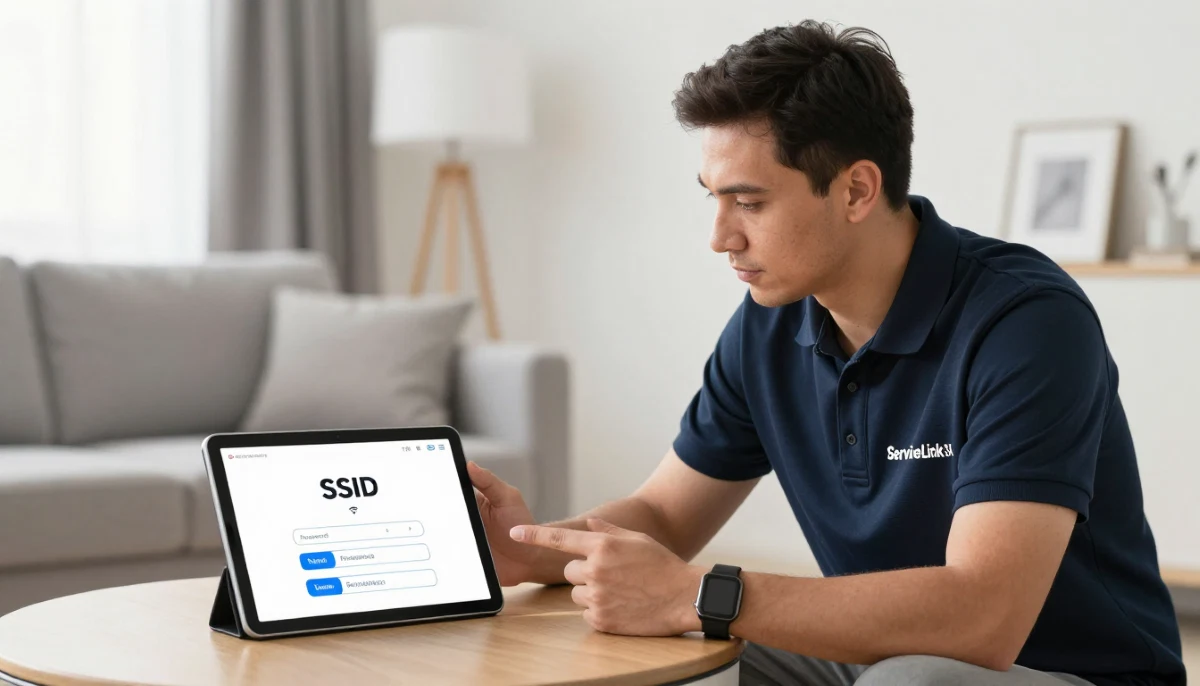
Need to Set Up Guest WiFi?
Get professional help from local specialists who understand guest wifi setup and separate wifi for guests.
Servicing Standerton, White River, Hazyview, and across South Africa
Guest WiFi Network Setup for Visitors: The Complete Guide
📡 Keep your network secure while keeping your guests connected—here’s how.
You have visitors coming over. Friends, family, or short-term tenants. They all ask the same question: “What’s the WiFi password?” You want to be a good host, but you’re worried about giving strangers access to your network.
A guest wifi network setup for visitors solves this problem. It gives your guests internet access while keeping your main network secure. Your devices, files, and data stay private.
In this comprehensive guide, I’ll show you exactly how to set up guest wifi on router. I’ll cover guest wifi setup, wifi for guests, separate wifi for guests, and answer questions like wifi for visitors in house, wifi for short term tenants, and wifi for holiday guests.
For more on network security, check out our best security settings and separate IoT network guides. Let’s set up your guest WiFi.
📋 Table of Contents – Guest WiFi Setup Guide
🔒 Why You Need Guest WiFi
Understanding why guest wifi matters is the first step.
Security Risks of Sharing Your Main Password:
- Device access: Guests can see your devices.
- Data exposure: Guests could access your files.
- Malware spread: Infected devices can spread malware.
- Legal liability: Illegal activity on your network.
Benefits of Guest WiFi:
- Isolation: Guests can’t access your devices.
- Security: Your main network stays secure.
- Privacy: Guests can’t see your network traffic.
- Control: You can limit guest bandwidth.
Who Should Use Guest WiFi:
- Homeowners: For visitors and guests.
- Airbnb hosts: For short-term tenants.
- Small businesses: For customers and clients.
- Student housing: For housemates and visitors.
For more on wifi security, see our best security settings guide.
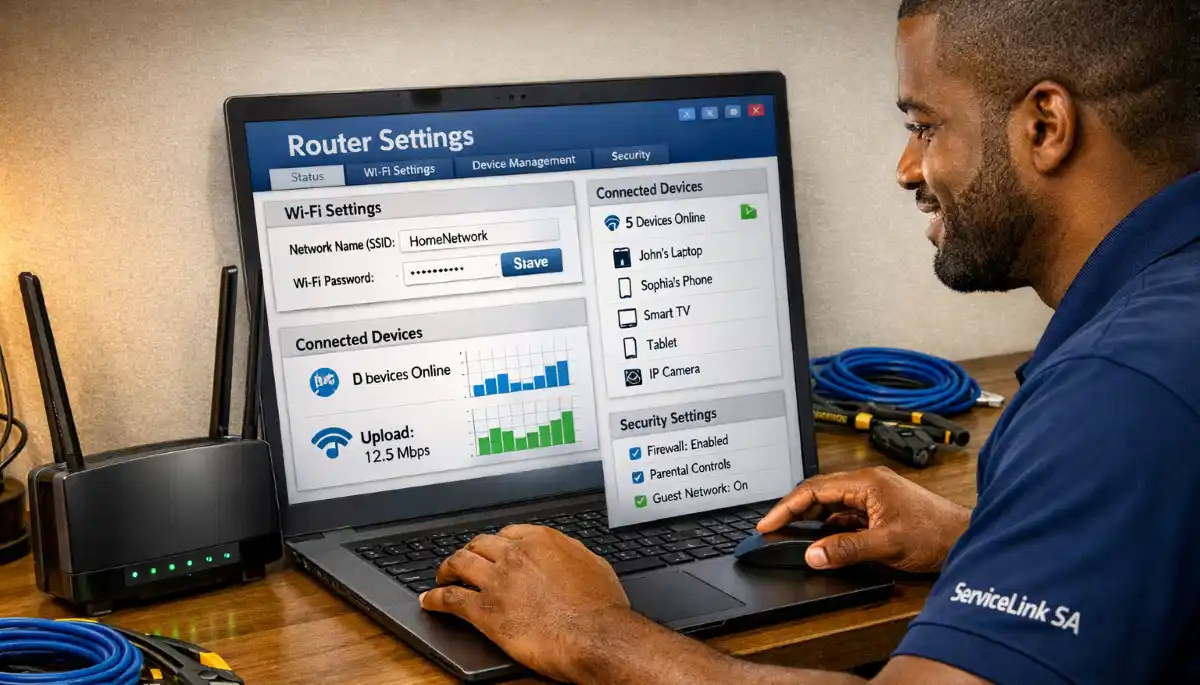
📡 What Is Guest WiFi?
Understanding guest wifi helps with guest wifi network setup for visitors.
What Is Guest WiFi?
Guest wifi is a separate WiFi network for visitors. It’s isolated from your main network, so guests can’t access your devices or data.
How It Works:
- Separate SSID: Different network name.
- Separate password: Different from your main password.
- Isolation: Guests can’t access your main network.
- Bandwidth limits: You can limit guest bandwidth.
What Guest WiFi Does:
- Provides internet: Guests can browse, stream, and email.
- Isolates traffic: Guests can’t see your devices.
- Protects privacy: Your network traffic stays private.
What Guest WiFi Doesn’t Do:
- Access devices: Guests can’t access your printers, computers, or smart devices.
- Access files: Guests can’t access your shared files.
For more on guest wifi, see our separate IoT network guide.
🛠️ Router Requirements
Not all routers support guest wifi setup.
What You Need:
- Guest network feature: Most modern routers have this.
- Isolation: Ability to isolate guest traffic.
- Bandwidth limits: Ability to limit guest bandwidth.
Routers That Support Guest WiFi:
- TP-Link: Guest network supported.
- ASUS: Guest network supported.
- Netgear: Guest network supported.
- Huawei: Guest network supported.
What If Your Router Doesn’t Support It?
If your router doesn’t support guest networks, consider upgrading to a router that does.
For more on routers, see our best routers guide.
🔧 How to Set Up Guest WiFi on Router
How to set up guest wifi on router is a simple process.
Step-by-Step Guide:
- Access router settings: Open a browser and enter your router’s IP address (usually 192.168.1.1).
- Log in: Enter your admin username and password.
- Find guest network: Look for “Guest Network,” “Guest WiFi,” or “Wireless Settings.”
- Enable guest network: Turn it on.
- Set network name: Choose a name (e.g., “Guest_Network”).
- Set password: Create a strong, unique password.
- Enable isolation: Enable “Network Isolation” or “Access Internal Network” off.
- Set bandwidth limits (optional): Limit guest bandwidth.
- Save and apply: Save the settings.
For Different Routers:
- TP-Link: Wireless > Guest Network.
- ASUS: Guest Network > Enable.
- Netgear: Wireless Settings > Guest Network.
For more on guest wifi setup, see our router setup guide.
🔒 Guest WiFi Security Settings
Proper security is essential for guest wifi network setup for visitors.
Security Settings to Enable:
- Network isolation: Prevents guests from accessing your main network.
- WPA2/WPA3 encryption: Strong encryption for guest traffic.
- Strong password: Complex and unique.
- Bandwidth limits: Limit guest bandwidth.
What to Avoid:
- No encryption: Don’t use open networks.
- Weak passwords: Don’t use “password” or “123456.”
- No isolation: Don’t allow guest access to your main network.
Best Practices:
- Change passwords regularly: After each guest or periodically.
- Monitor usage: Check for unusual activity.
- Update firmware: Keep your router updated.
For more on wifi security, see our best security settings guide.
Need Help Setting Up Guest WiFi?
Get professional help from local specialists who understand guest wifi setup and separate wifi for guests.
Free consultations available for wifi for visitors in house.
📊 Bandwidth Management
Bandwidth management is important for guest wifi setup.
Why Manage Bandwidth:
- Protect your speed: Guests can’t slow down your internet.
- Fair usage: Ensures guests don’t use all bandwidth.
- Control: You control how much bandwidth guests use.
How to Manage Bandwidth:
- Access your router settings.
- Find guest network settings.
- Find bandwidth limit options.
- Set a limit (e.g., 5-10 Mbps per guest).
- Save and apply.
Recommended Limits:
- Basic browsing: 2-5 Mbps.
- Streaming: 5-10 Mbps.
- Multiple guests: 5-10 Mbps per guest.
For more on bandwidth management, see our WiFi optimisation guide.
🔑 Managing Guest Passwords
Managing passwords is part of guest wifi network setup for visitors.
Best Practices:
- Unique password: Different from your main network.
- Strong password: 12+ characters, mix of characters.
- Regular changes: Change after each guest or periodically.
- Easy to share: Make it easy for guests to connect.
How to Change Guest Password:
- Access your router settings.
- Find guest network settings.
- Change the password.
- Save and apply.
Displaying Password:
- Welcome note: Include in a welcome note.
- QR code: Guests can scan to connect.
- Small sign: Display in a visible location.
For more on wifi for guests, see our Airbnb WiFi guide.
🛠️ Troubleshooting Guest WiFi
Here are common issues with guest wifi setup and how to fix them.
Issue 1: Guests Can’t Connect
Fix: Check the password. Ensure the guest network is enabled. Reboot the router.
Issue 2: Slow Guest WiFi
Fix: Check bandwidth limits. Reduce the number of guests. Upgrade your internet plan.
Issue 3: Guests Can Access Main Network
Fix: Ensure isolation is enabled. Check that the guest network is isolated from your main network.
Issue 4: Guest Network Disappears
Fix: Check router settings. Ensure the guest network is enabled. Update router firmware.
For more troubleshooting, see our WiFi disconnecting guide.
📊 Guest WiFi Setup Comparison
Here’s a comparison of guest wifi setup options.
| Feature | Basic Setup | Advanced Setup | Professional Setup |
|---|---|---|---|
| Setup time | 5-10 mins | 15-20 mins | 1-2 hours |
| Isolation | Basic | Good | Excellent |
| Bandwidth limits | No | Yes | Yes |
| Security | Basic | Good | Excellent |
| Best for | Home visitors | Airbnb hosts | Businesses |
Key Takeaway: Basic guest WiFi is sufficient for most homes. Advanced setup is better for Airbnb and businesses.

❓ Frequently Asked Questions About Guest WiFi
What is a guest WiFi network?
Guest wifi is a separate network for visitors. It’s isolated from your main network, so guests can’t access your devices or data. This is the foundation of guest wifi network setup for visitors.
How do I set up guest WiFi on my router?
How to set up guest wifi on router—access your router settings, enable the guest network, set a name and password, and enable isolation. This is the complete guest wifi setup process.
Is guest WiFi secure?
Yes, guest wifi is secure when properly configured. Use WPA2/WPA3 encryption, a strong password, and enable isolation. This protects your wifi security.
Can guests on guest WiFi see my devices?
No, separate wifi for guests prevents guests from seeing your devices. Isolation ensures guests can’t access your main network. This is the purpose of guest wifi.
Can I limit guest WiFi speed?
Yes, many routers allow bandwidth management for guest networks. This ensures guests don’t slow down your internet. It’s a key part of guest wifi setup.
Should I give guests my main WiFi password?
No, use guest wifi instead. Giving guests your main password is a security risk. Separate wifi for guests keeps your main network secure.
What is the best guest WiFi password?
The best guest wifi password is strong and unique. Use 12+ characters with a mix of letters, numbers, and symbols. Change it regularly for wifi for short term tenants.
How do I display guest WiFi details?
Display wifi for guests details in a welcome note, on a small sign, or using a QR code. This makes it easy for wifi for visitors in house.
✅ Final Thoughts: Set Up Guest WiFi with Confidence
Now you know how to set up guest wifi on router. A guest wifi network setup for visitors keeps your network secure while keeping your guests happy.
Key Takeaways:
- Guest network: Essential for security.
- Isolation: Prevents guest access to your main network.
- Strong password: Unique and complex.
- Bandwidth limits: Protect your internet speed.
- Display info: Make it easy for guests.
Your Next Step: Set up your guest wifi today. If you need professional help, ServiceLink SA can connect you with local specialists who understand guest wifi setup and separate wifi for guests.
Ready to Set Up Guest WiFi?
Get free advice from verified local specialists for guest wifi setup and separate wifi for guests.
📞 Call us: 073 138 4726 for immediate help finding a specialist near you.
📢 Are You a Network Security Professional?
Join ServiceLink SA’s network of verified contractors and get access to qualified leads for guest wifi setup and wifi security projects.
📚 Official resources & standards referenced:
- SANS 10400 – Guidelines for electrical and networking installations in South African homes.
- SAPS – South African Police Service cybersecurity resources.
Information provided for general guidance. For professional guest wifi network setup for visitors advice, always consult a qualified local technician.
Written by: Innocent T Hanyani
Construction & Home Services Industry Specialist | 21+ Years Experience
Innocent T Hanyani has over two decades of experience working across South Africa’s construction, telecommunications, and home services sectors. Throughout his career, he has worked closely with network installers, homeowners, and hospitality professionals, gaining practical insight into guest wifi network setup for visitors. His expertise helps homeowners understand the complexities of guest wifi setup and separate wifi for guests, from how to set up guest wifi on router to wifi for visitors in house, wifi for short term tenants, and wifi for holiday guests.