
Want to Secure Your Smart Home Devices?
Get professional help from local specialists who understand separate iot network and guest wifi for smart devices.
Get Free IoT Network Setup Help
Servicing Rustenburg, Edenvale, Glenvista, and across South Africa
How to Create a Separate WiFi Network for Smart Devices: The Complete Guide
🔒 Smart devices are vulnerable—here’s how to isolate them for better security and performance.
Your smart home devices are convenient, but they’re also a security risk. Smart lights, plugs, cameras, and speakers are notoriously vulnerable to hacking. If a hacker gains access to one device, they could potentially access your entire network.
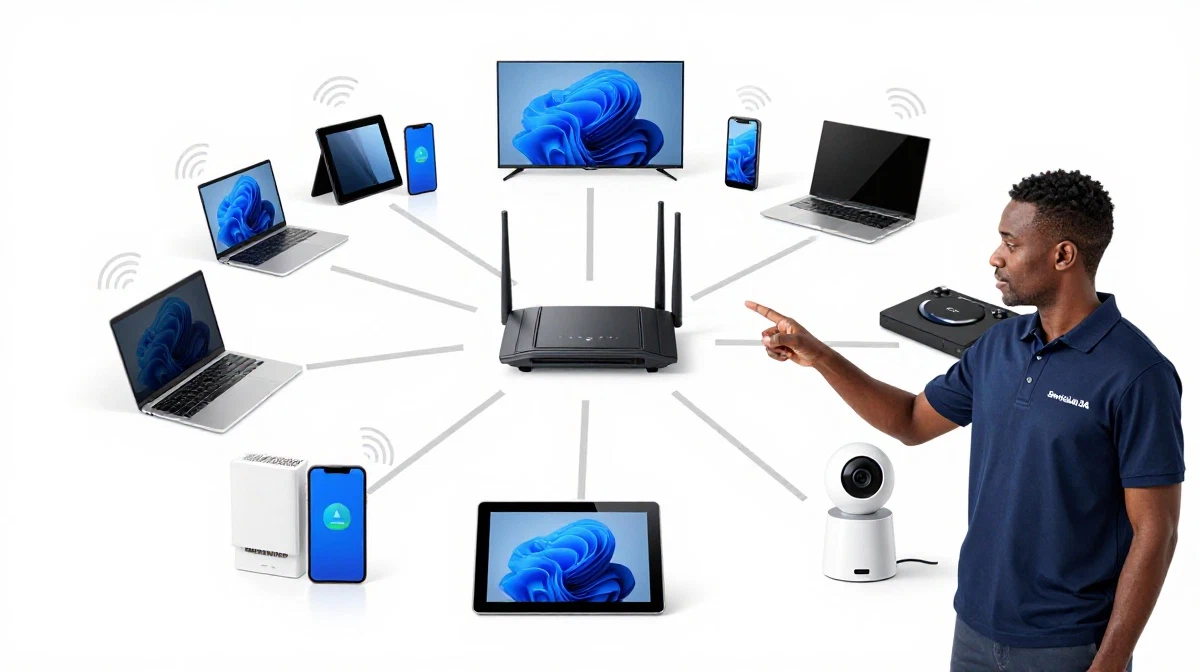
That’s why learning how to create a separate wifi network for smart devices is so important. A separate iot network (IoT = Internet of Things) isolates your smart devices from your main network. This improves both security and performance.
In this comprehensive guide, I’ll show you exactly how to create a separate wifi network for smart devices. I’ll cover separate iot network setup, guest wifi for smart devices, and iot wifi network configuration. I’ll also answer questions like how to create iot wifi network on router, separate wifi for smart tv and phones, iot network for security cameras, and how to set up guest wifi for smart devices.
For more on smart home security, check out our smart home WiFi and best security settings guides. Let’s secure your smart home.
📋 Table of Contents – Separate IoT Network Guide
🔒 Why Create a Separate Network for Smart Devices?
Understanding why how to create a separate wifi network for smart devices matters is the first step.
Security Risks of Smart Devices:
- Vulnerable: Smart devices often have weak security.
- Hackable: Hackers can exploit vulnerabilities.
- Data leaks: Personal information can be stolen.
- Botnets: Devices can be used in attacks.
Benefits of a Separate Network:
- Isolation: Smart devices can’t access your main network.
- Limited damage: If one device is hacked, your main network is safe.
- Better performance: Reduces congestion on your main network.
- Privacy: Smart devices can’t see your main network traffic.
What Happens Without a Separate Network?
All devices share the same network. If a smart device is hacked, the hacker can access your computers, files, and personal data. A separate iot network prevents this.
For more on wifi security, see our best security settings guide.
⚖️ IoT Network vs Guest Network
Understanding the difference between an iot wifi network and guest wifi for smart devices is important.
IoT Network:
- Purpose: Dedicated network for smart devices.
- Access: Only smart devices connect.
- Security: Isolated from main network.
- Management: You control which devices connect.
Guest Network:
- Purpose: Temporary access for visitors.
- Access: Visitors connect.
- Security: Isolated from main network.
- Management: Typically password-protected.
Can You Use Guest Network for IoT?
Yes, a guest network can work for smart devices. However, an IoT network offers more control and features.
Which Is Better?
An IoT network is better for smart devices. It offers more control and is designed for permanent device connections.
For more on guest wifi, see our guest WiFi setup guide.
🛠️ Router Requirements
Not all routers support separate iot network creation.
What You Need:
- Multiple SSID support: Router must support multiple networks.
- Guest network feature: Most routers have this.
- VLAN support: Advanced feature for true separation.
Routers That Support IoT Networks:
- TP-Link Deco: Supports guest network for IoT.
- ASUS: Supports guest network and VLAN.
- Netgear: Supports guest network.
- Ubiquiti UniFi: Full VLAN support.
What If Your Router Doesn’t Support It?
If your router doesn’t support multiple SSIDs or guest networks, consider upgrading to a router that does.
For more on routers, see our best routers guide.
👤 How to Set Up Guest WiFi for Smart Devices
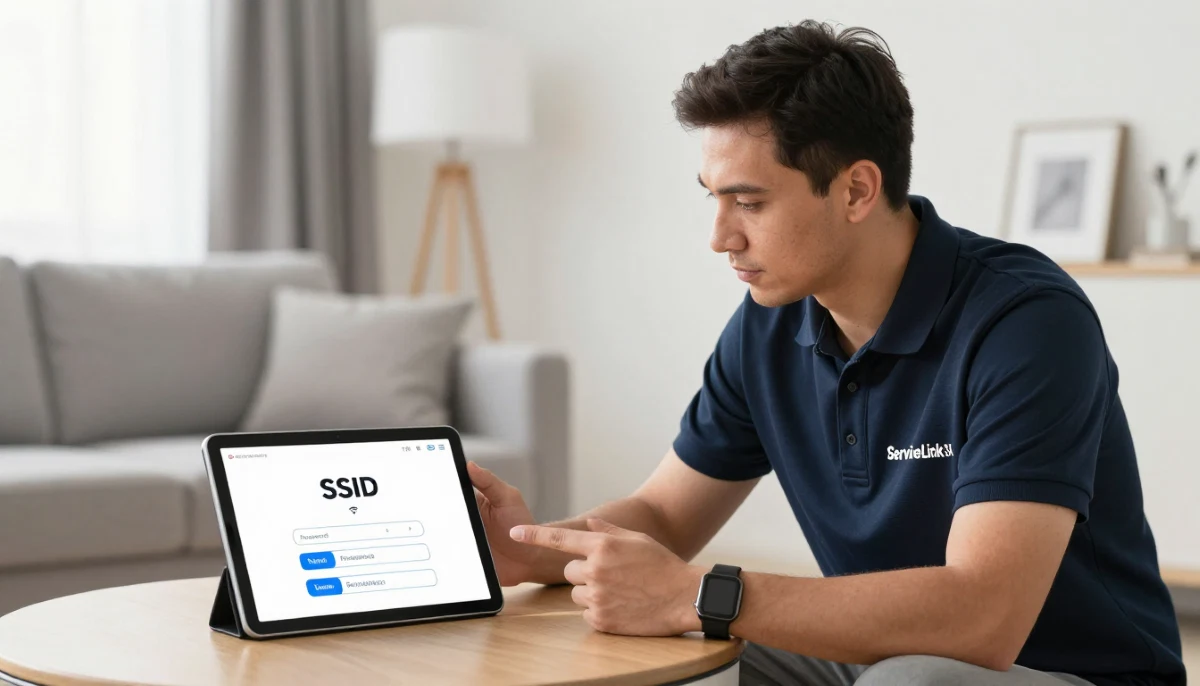
How to set up guest wifi for smart devices is the simplest method.
Step-by-Step Setup:
- Access router settings: Open your router’s admin page (usually 192.168.1.1).
- Find guest network: Look for “Guest Network” or “Guest WiFi.”
- Enable guest network: Turn it on.
- Set network name: Use a name like “SmartHome-IoT.”
- Set password: Use a strong password.
- Enable isolation: Enable “Network Isolation” or “Access Internal Network” off.
- Save and apply: Save the settings.
Important: Ensure the guest network is isolated from your main network. This prevents smart devices from accessing your main network.
Realistic Example:
A home in Rustenburg: Setting up a guest network for smart devices takes 5 minutes and improves security.
For more on guest wifi, see our guest WiFi setup guide.
Need Help Setting Up a Separate IoT Network?
Get professional help from local specialists who understand separate iot network and iot wifi network.
Get Free IoT Network Setup Help
Free consultations available for how to create iot wifi network on router.
🔧 VLAN Setup (Advanced)
VLANs are the advanced way to create a separate iot network.
What Is a VLAN?
A VLAN (Virtual Local Area Network) creates separate virtual networks on the same physical network. It provides true isolation between networks.
Why Use VLANs?
- True isolation: Complete separation from your main network.
- More control: You can manage traffic between VLANs.
- Professional: Used in business and advanced home networks.
How to Set Up VLAN for IoT:
- Ensure your router supports VLANs (e.g., Ubiquiti UniFi, ASUS).
- Create a new VLAN for IoT devices.
- Set a different subnet (e.g., 192.168.2.x).
- Create firewall rules to block traffic between VLANs.
- Connect IoT devices to the IoT VLAN.
Important: VLAN setup is more complex. It’s recommended for advanced users or professional installation.
For more on how to create iot wifi network on router, see our network security guide.
📡 How to Create IoT WiFi Network on Router
How to create iot wifi network on router is a common question.
Step-by-Step for Most Routers:
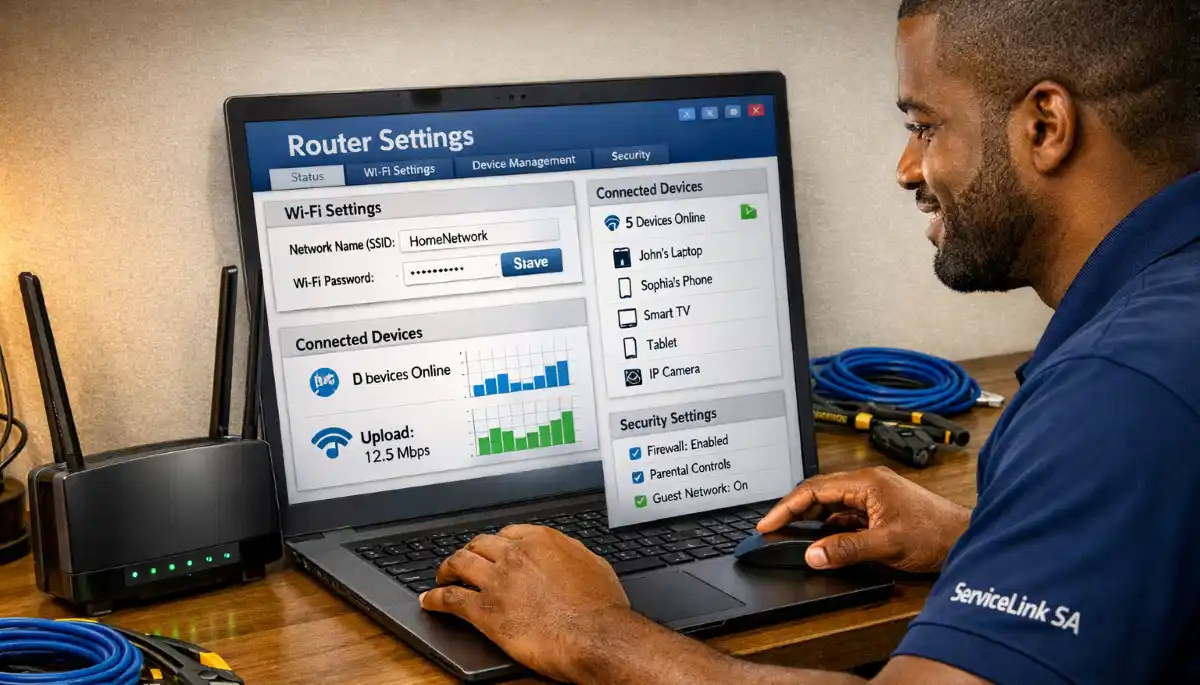
- Access your router’s settings.
- Find wireless or WiFi settings.
- Look for “Guest Network” or “SSID” options.
- Enable a second network (guest network).
- Name it (e.g., “IoT_Network”).
- Set a strong password.
- Enable isolation from your main network.
- Save and apply.
For TP-Link Routers:
- Go to the TP-Link Tether app or web interface.
- Find “Guest Network.”
- Enable it and set a name and password.
For ASUS Routers:
- Go to the ASUS router interface.
- Find “Guest Network.”
- Enable it and configure settings.
Realistic Example:
A home in Edenvale: Creating an IoT network takes 5 minutes and improves security.
For more on separate iot network, see our router setup guide.
📱 Separate WiFi for Smart TV and Phones
Separate wifi for smart tv and phones is a common need.
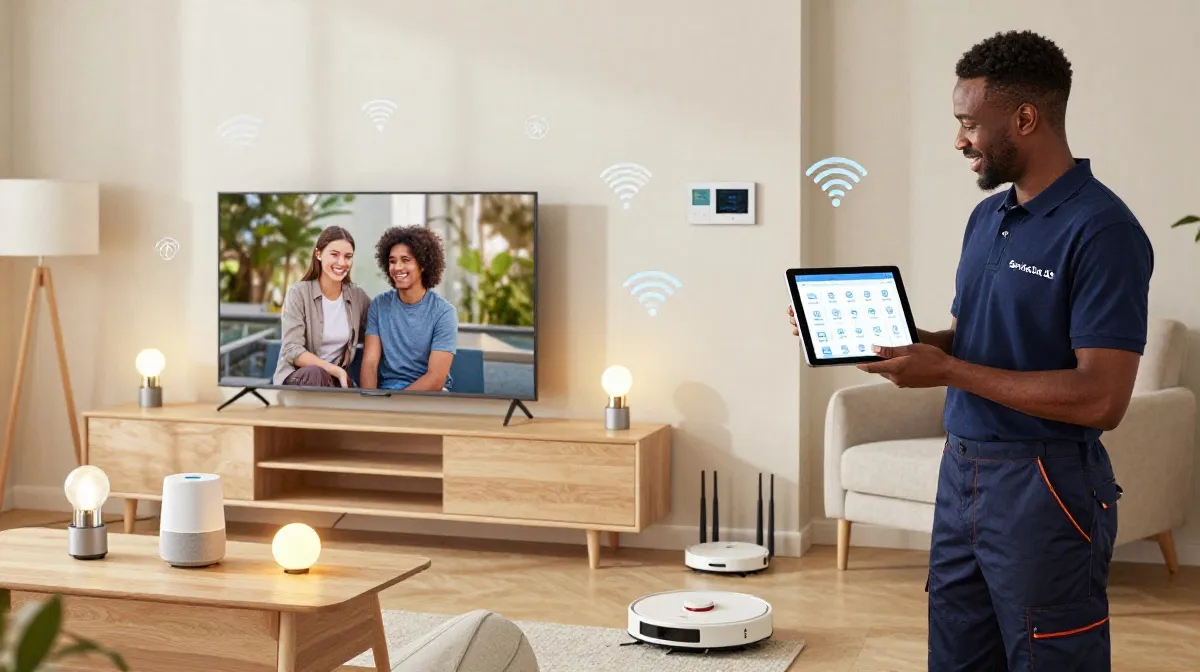
Why Separate Smart TVs:
- Bandwidth: Smart TVs use lots of bandwidth.
- Security: Smart TVs can be vulnerable.
- Performance: Isolating them improves performance.
Which Devices Need Separate Networks?
- Smart TVs: Use lots of bandwidth.
- Security cameras: Security risk.
- Smart speakers: Can be hacked.
- Smart plugs/lights: Vulnerable.
What About Phones?
Keep your phones on the main network. They need access to your personal data and files.
Realistic Example:
A home in Glenvista: Smart TV on the main network, IoT devices on a separate network.
For more on iot wifi, see our smart home WiFi guide.
📹 IoT Network for Security Cameras
Iot network for security cameras is essential for home security.
Why Separate Cameras:
- Security: Cameras are vulnerable to hacking.
- Bandwidth: Cameras use upload bandwidth.
- Privacy: Cameras should not access your main network.
How to Set Up Camera Network:
- Create a separate network (guest or VLAN).
- Connect all cameras to this network.
- Enable isolation from your main network.
- Ensure the NVR is also on this network.
Realistic Example:
A home in Silver Lakes with 6 cameras: A separate IoT network isolates cameras from the main network.
For more on iot network for security cameras, see our smart camera bandwidth guide.
📊 Network Comparison Table
Here’s a comparison of separate iot network options.
| Network Type | Isolation | Complexity | Best For |
|---|---|---|---|
| Main Network | None | Simple | Personal devices |
| Guest Network | Basic | Simple | IoT devices |
| IoT VLAN | Full | Advanced | Security cameras |
Key Takeaway: A guest network is sufficient for most smart homes. VLANs offer full isolation for advanced users.
❓ Frequently Asked Questions About Separate IoT Networks
How do I create a separate WiFi network for smart devices?
How to create a separate wifi network for smart devices involves enabling a guest network or VLAN on your router. Set a different network name and password, and enable isolation from your main network. This creates a separate iot network.
What is a separate IoT network?
A separate iot network is a dedicated WiFi network for smart devices. It isolates them from your main network, improving security and performance. Guest wifi for smart devices is a simple way to create one.
Should I put smart devices on a guest network?
Yes, guest wifi for smart devices is a good practice. It isolates smart devices from your main network. Most routers support guest networks, making this a simple iot wifi network solution.
How do I set up a guest network for smart devices?
How to set up guest wifi for smart devices—access your router settings, enable the guest network, set a name and password, and enable network isolation. This is the simplest separate iot network setup.
What is the difference between an IoT network and a guest network?
An iot wifi network is designed for smart devices, while a guest network is for visitors. Both can isolate devices, but an IoT network offers more control. For most homes, a guest network works well for IoT.
Do I need a separate network for security cameras?
Yes, an iot network for security cameras is essential. Cameras are vulnerable to hacking. Isolating them improves security and prevents hackers from accessing your main network.
How do I create an IoT network on my router?
How to create iot wifi network on router—enable the guest network feature, set a different SSID and password, and enable isolation. For advanced users, VLANs offer complete isolation.
What is the best WiFi security for IoT devices?
Use WPA2 or WPA3 encryption on your iot wifi network. Also use a strong password and enable network isolation. This provides good wifi security for smart devices.
✅ Final Thoughts: Secure Your Smart Home with a Separate Network
Now you know how to create a separate wifi network for smart devices. A separate iot network improves security and performance for your smart home.
Key Takeaways:
- Isolate smart devices: Use a guest network or VLAN.
- Enable isolation: Prevent devices from accessing your main network.
- Strong passwords: Use unique passwords for each network.
- WPA2/WPA3: Use strong encryption.
Your Next Step: Set up a separate network for your smart devices today. If you need professional help, ServiceLink SA can connect you with local specialists who understand separate iot network and iot wifi network.
Ready to Secure Your Smart Home?
Get free quotes from verified local specialists for separate iot network and guest wifi for smart devices.
📞 Call us: 073 138 4726 for immediate help finding a specialist near you.
📢 Are You a Network Security Professional?
Join ServiceLink SA’s network of verified contractors and get access to qualified leads for separate iot network and wifi security projects.
📚 Official resources & standards referenced:
- SANS 10400 – Guidelines for electrical and networking installations in South African homes.
- SABS – Standards for electronic equipment and safety.
Information provided for general guidance. For professional how to create a separate wifi network for smart devices advice, always consult a qualified local technician.
Written by: Innocent T Hanyani
Construction & Home Services Industry Specialist | 21+ Years Experience
Innocent T Hanyani has over two decades of experience working across South Africa’s construction, telecommunications, and home services sectors. Throughout his career, he has worked closely with network installers, smart home specialists, and homeowners, gaining practical insight into how to create a separate wifi network for smart devices. His expertise helps homeowners understand the complexities of separate iot network and guest wifi for smart devices, from iot wifi network setup to how to create iot wifi network on router, separate wifi for smart tv and phones, iot network for security cameras, and how to set up guest wifi for smart devices.