
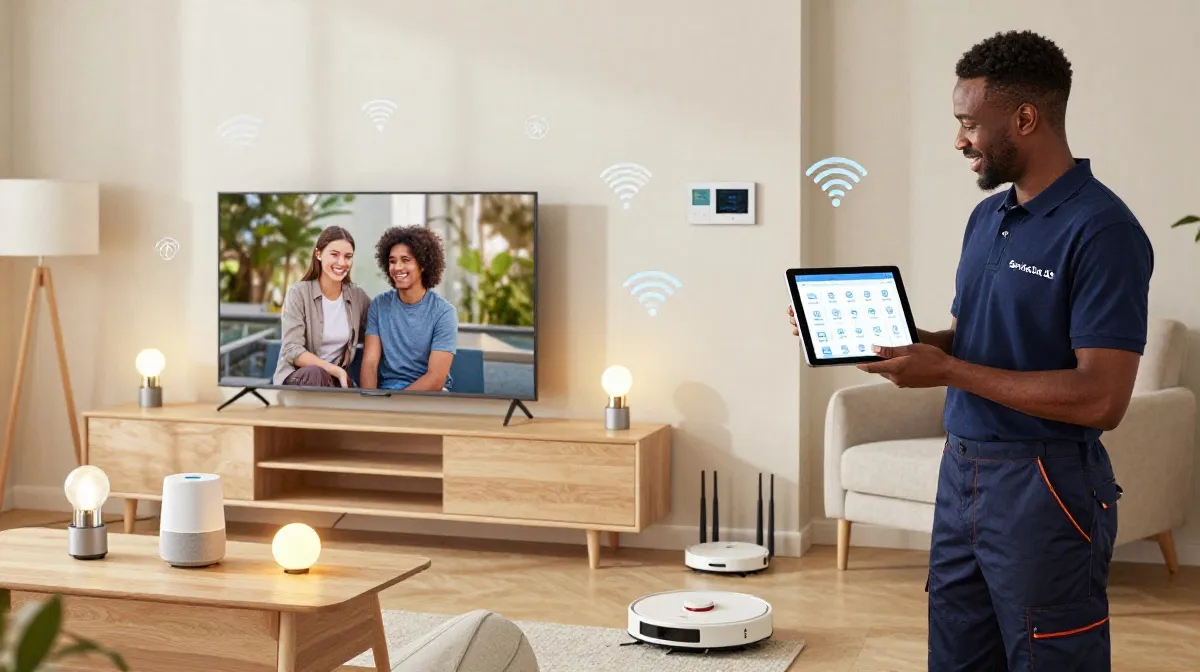
Smart Home WiFi Struggles?
Get professional help from local specialists who understand wifi for smart home and wifi for many devices.
Servicing Mpumalanga, Midrand, KwaZulu-Natal, and across South Africa
Best WiFi Setup for Smart Homes with Many Devices: The Complete Guide
🏠 Your smart home is only as good as your WiFi—here’s how to build a network that handles everything.
Your home is getting smarter. Smart lights, smart plugs, smart speakers, smart cameras, smart thermostats—the list goes on. Each device needs WiFi. And with dozens of devices connected, your network can quickly become overwhelmed.
Finding the best wifi setup for smart homes with many devices is essential for a smooth smart home experience. Without the right setup, devices disconnect, lights don’t respond, and your smart home becomes frustrating.
In this comprehensive guide, I’ll show you the best wifi setup for smart homes with many devices. I’ll cover wifi for smart home requirements, smart home wifi best practices, and how to handle wifi for many devices. I’ll also answer specific questions like best wifi setup for smart home south africa, wifi for 20 smart devices, wifi for smart lights and plugs, and wifi for google home and alexa.
For more on smart home setups, check out our how many devices can a router handle and separate IoT network guides. Let’s build the perfect smart home network.
📋 Table of Contents – Smart Home WiFi Guide
🏠 Smart Home WiFi Challenges
Understanding the challenges helps with the best wifi setup for smart homes with many devices.
Common Smart Home WiFi Issues:
- Too many devices: Routers struggle with 20+ devices.
- Interference: Smart devices use 2.4 GHz, which is crowded.
- Distance: Devices in different rooms may have weak signals.
- Compatibility: Some devices only work on 2.4 GHz.
- Congestion: Too many devices on the same band.
Why Smart Homes Need Better WiFi:
- Always connected: Smart devices need constant connections.
- Low latency: Voice assistants need quick responses.
- Reliability: Devices must work consistently.
What This Means:
A standard router often can’t handle a smart home. You need better equipment and configuration for smart home wifi.
For more on smart home wifi challenges, see our WiFi congestion guide.

🛠️ Router Requirements for Smart Homes
Choosing the right router is key to best wifi setup for smart homes with many devices.
What to Look For:
- WiFi 6: Handles more devices than WiFi 5.
- Tri-band: More bands, less congestion.
- MU-MIMO: Simultaneously serves multiple devices.
- Device capacity: Supports 30-50+ devices.
- Good processor: Handles traffic efficiently.
Recommended Routers for Smart Homes:
- ASUS RT-AX86U: WiFi 6, good for smart homes.
- TP-Link Archer AX55: Good value, WiFi 6.
- Netgear Nighthawk RAX70: Tri-band, WiFi 6.
Why WiFi 6 Matters:
Wifi for iot benefits from WiFi 6’s ability to handle many devices. WiFi 6 is significantly better for smart homes.
For more on wifi for smart home routers, see our best routers guide.
🌐 Mesh Networks for Smart Homes
Mesh networks are ideal for smart home wifi.
Why Mesh Is Great for Smart Homes:
- Whole-home coverage: No dead zones for smart devices.
- Seamless roaming: Devices stay connected as you move.
- Scalable: Add nodes as you add devices.
- Consistent performance: Good speeds everywhere.
Recommended Mesh Systems:
- TP-Link Deco X60: WiFi 6, good for smart homes.
- Netgear Orbi RBK752: Premium, tri-band.
- Google Nest WiFi: User-friendly, good for smart homes.
How Many Nodes?
For a smart home, 2-3 nodes are usually sufficient. Place nodes in central locations for best coverage.
For more on smart home wifi mesh, see our mesh network guide.
📡 WiFi 6 for Smart Homes
WiFi 6 is the best choice for best wifi setup for smart homes with many devices.
Why WiFi 6 Is Better for Smart Homes:
- More devices: Handles 30-50+ devices.
- Better efficiency: OFDMA for multiple devices.
- Lower latency: Faster response for voice assistants.
- Better range: Improved coverage for smart devices.
WiFi 5 vs WiFi 6 for Smart Homes:
- WiFi 5: 10-15 devices comfortably.
- WiFi 6: 30-50+ devices comfortably.
Realistic Example:
A smart home in Mpumalanga with 25 devices: WiFi 6 is essential. WiFi 5 would struggle with that many devices.
For more on wifi for many devices, see our WiFi 6 vs WiFi 5 guide.
📡 2.4 GHz vs 5 GHz for Smart Devices
Knowing which band to use is important for wifi for smart home.
2.4 GHz for Smart Devices:
- Range: Longer range, penetrates walls.
- Compatibility: Most smart devices use 2.4 GHz.
- Speed: Slower, but fine for smart devices.
5 GHz for Smart Devices:
- Speed: Faster, better for streaming.
- Range: Shorter range.
- Compatibility: Some devices don’t support 5 GHz.
Recommendation:
- Smart devices: Use 2.4 GHz (longer range, better penetration).
- Streaming devices: Use 5 GHz (faster).
Important: Many smart devices only work on 2.4 GHz. This includes wifi for smart lights and plugs and wifi for google home and alexa.
For more on bands, see our dual band WiFi guide.
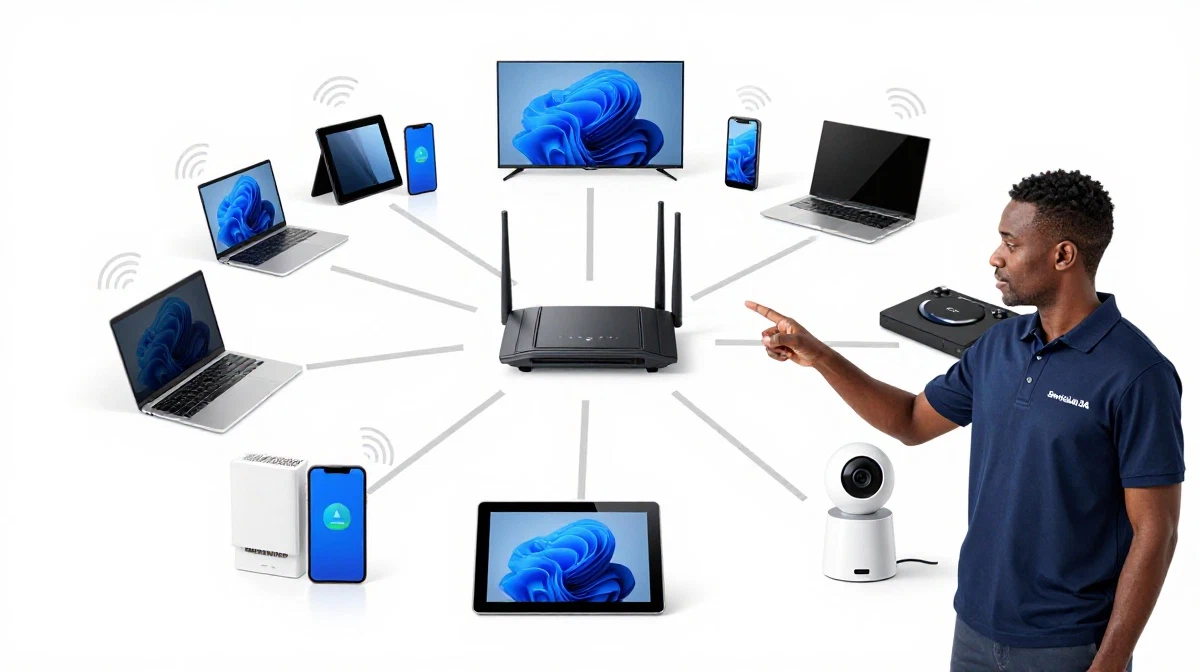
Smart Home WiFi Not Keeping Up?
Get professional help from local specialists who understand wifi for smart home and wifi for many devices.
Free site surveys available for best wifi setup for smart home south africa.
🔒 Separate IoT Network
A separate IoT network is recommended for wifi for smart home security.
What Is an IoT Network?
An IoT (Internet of Things) network is a separate WiFi network for smart devices. It isolates smart devices from your main network.
Why Separate Networks?
- Security: Smart devices are vulnerable. Isolating them protects your main network.
- Performance: Separate networks reduce congestion.
- Privacy: Smart devices can’t access your main network.
How to Set Up:
- Enable guest network on your router.
- Connect all smart devices to the guest network.
- Enable network isolation (guests can’t access your main network).
Important: Some routers allow you to create a separate IoT network specifically for smart devices.
For more on wifi for iot, see our separate IoT network guide.
📊 Bandwidth Management
Managing bandwidth is important for wifi for many devices.
Why Bandwidth Matters:
Smart devices use small amounts of bandwidth, but they add up. With 20+ devices, bandwidth management becomes important.
How to Manage Bandwidth:
- Enable QoS: Prioritise important traffic.
- Set bandwidth limits: Limit bandwidth for smart devices.
- Use both bands: Smart devices on 2.4 GHz, streaming on 5 GHz.
Realistic Example:
A smart home with 25 devices: Enable QoS to ensure streaming and work devices get priority. Smart devices can use the remaining bandwidth.
For more on wifi congestion, see our WiFi for many devices guide.
📱 WiFi for 20 Smart Devices
Wifi for 20 smart devices is a common requirement.
Requirements for 20 Devices:
- Router: WiFi 6 or tri-band router.
- Bandwidth: 100+ Mbps internet plan.
- Coverage: Good coverage throughout the home.
Recommended Setup:
- Router: ASUS RT-AX86U or TP-Link Archer AX55.
- Mesh: TP-Link Deco X60 for larger homes.
- Network: Separate IoT network.
Realistic Example:
A smart home in Midrand with 20 devices: A WiFi 6 router with a separate IoT network handles the load comfortably.
For more on wifi for many devices, see our how many devices can a router handle guide.
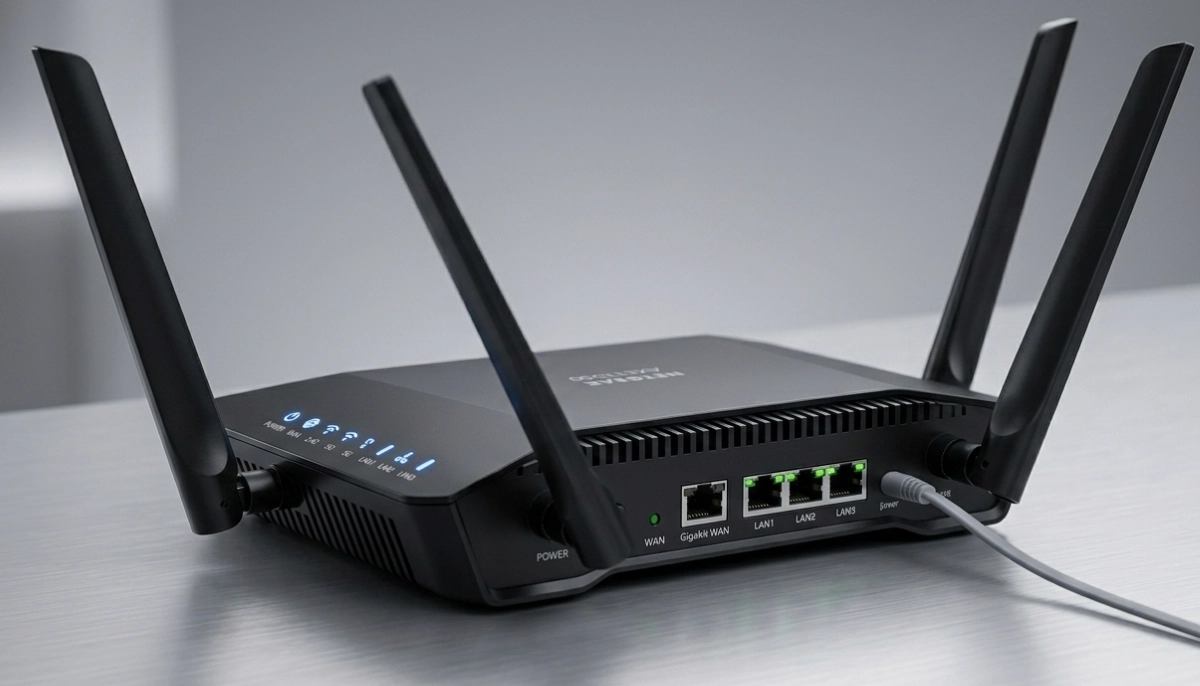
📊 Router Comparison for Smart Homes
Here’s a comparison of routers for best wifi setup for smart homes with many devices.
| Router | WiFi Standard | Bands | Device Capacity | Price | Best For |
|---|---|---|---|---|---|
| TP-Link Archer AX55 | WiFi 6 | Dual | 20-30 | R2,500 – R3,500 | Small smart homes |
| ASUS RT-AX86U | WiFi 6 | Dual | 30-40 | R5,000 – R7,000 | Medium smart homes |
| TP-Link Deco X60 | WiFi 6 | Dual | 30-40 | R4,000 – R6,000 | Large smart homes |
| Netgear Orbi RBK752 | WiFi 6 | Tri | 40-50+ | R7,000 – R10,000+ | Premium smart homes |
Key Takeaway: Choose a router that can handle your current and future device count.
❓ Frequently Asked Questions About Smart Home WiFi
What is the best WiFi setup for a smart home with many devices?
The best wifi setup for smart homes with many devices uses WiFi 6, a tri-band router or mesh system, and a separate IoT network. This provides the capacity and performance needed for 20+ devices. Wifi for smart home setups require careful planning.
How many devices can a smart home router handle?
A good smart home wifi router can handle 30-50+ devices. WiFi 6 routers handle more devices than WiFi 5. For wifi for many devices, choose a router with good processor and MU-MIMO.
Do smart home devices need 2.4 GHz or 5 GHz WiFi?
Most smart home devices use 2.4 GHz. This includes wifi for smart lights and plugs and wifi for google home and alexa. 2.4 GHz has better range and penetration, which is ideal for smart devices.
Is a mesh network good for smart homes?
Yes, a mesh network is excellent for smart homes. It provides whole-home coverage, ensuring smart devices stay connected. Smart home wifi benefits from the seamless coverage of mesh.
Do I need a separate network for smart home devices?
Yes, a separate IoT network is recommended for wifi for smart home security. It isolates smart devices from your main network, improving security and performance. See our separate IoT network guide.
What is the best WiFi for Google Home and Alexa?
The best wifi for google home and alexa is a reliable router with good 2.4 GHz performance. Smart speakers need consistent connections. WiFi 6 and mesh networks are ideal for smart home wifi.
How much WiFi speed do I need for a smart home?
For wifi for many devices, you need 100+ Mbps. Smart devices use small amounts of bandwidth, but they add up. A 100-200 Mbps plan is sufficient for most smart homes.
What is the best WiFi setup for a smart home in South Africa?
The best wifi setup for smart home south africa uses WiFi 6, a mesh network, and a separate IoT network. Brands like TP-Link, ASUS, and Netgear offer good options for smart home wifi.
✅ Final Thoughts: Build the Perfect Smart Home Network
Creating the best wifi setup for smart homes with many devices is essential for modern living. With the right smart home wifi setup, all your devices will work reliably.
Key Takeaways:
- WiFi 6: Essential for many devices.
- Mesh network: Best for whole-home coverage.
- Separate IoT: Improve security and performance.
- 2.4 GHz: Best for smart devices.
Your Next Step: Assess your device count and home size. Choose the right wifi for smart home solution. For professional help, ServiceLink SA can connect you with local specialists who understand smart home wifi and wifi for many devices.
Ready to Build Your Smart Home WiFi Network?
Get free quotes from verified local specialists for wifi for smart home and smart home wifi.
📞 Call us: 073 138 4726 for immediate help finding a specialist near you.
📢 Are You a Smart Home WiFi Specialist?
Join ServiceLink SA’s network of verified contractors and get access to qualified leads for smart home wifi and wifi for many devices projects.
📚 Official resources & standards referenced:
- SANS 10400 – Guidelines for electrical and networking installations in South African homes.
- Department of Energy – Information on energy-efficient electronic equipment.
Information provided for general guidance. For professional best wifi setup for smart homes with many devices advice, always consult a qualified local technician.
Written by: Innocent T Hanyani
Construction & Home Services Industry Specialist | 21+ Years Experience
Innocent T Hanyani has over two decades of experience working across South Africa’s construction, telecommunications, and home services sectors. Throughout his career, he has worked closely with network installers, smart home specialists, and homeowners, gaining practical insight into the best wifi setup for smart homes with many devices. His expertise helps homeowners understand the complexities of wifi for smart home and smart home wifi, from wifi for many devices to best wifi setup for smart home south africa, wifi for 20 smart devices, wifi for smart lights and plugs, and wifi for google home and alexa.