
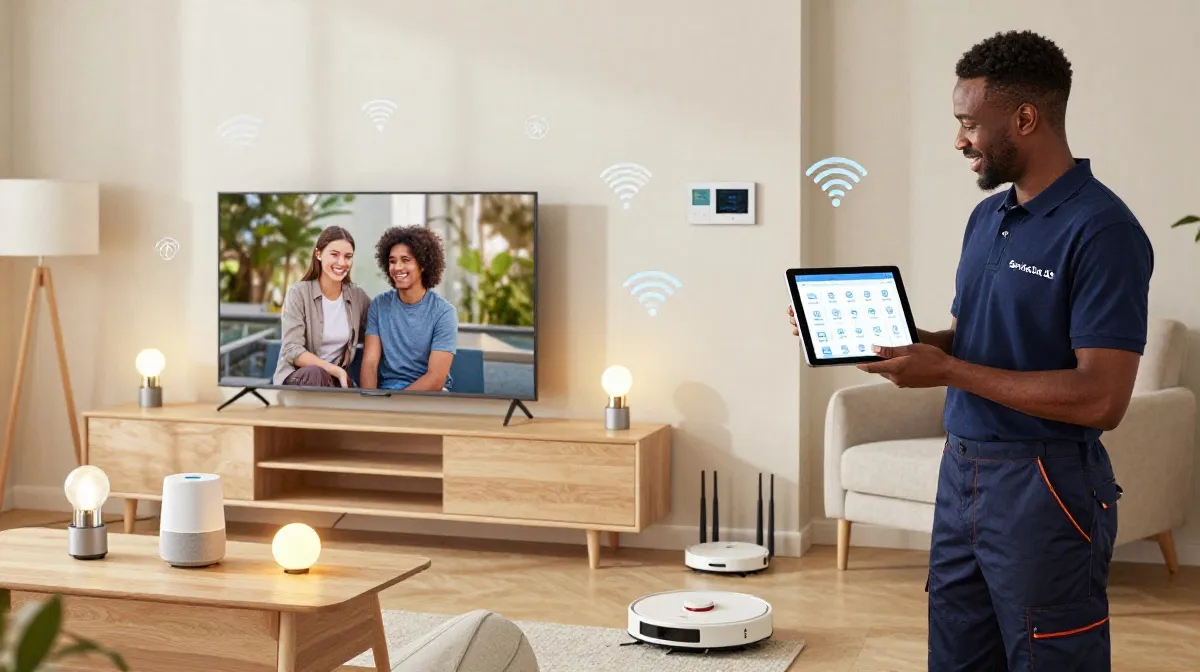
Smart Cameras Slowing Your WiFi?
Get professional help from local specialists who understand wifi for smart cameras and camera bandwidth.
Get Free Security Camera WiFi Help
Servicing Cape Town, Boksburg, Germiston, and across South Africa
Smart Doorbells, Cameras and WiFi Bandwidth Requirements: The Complete Guide
📹 Smart security devices are essential—but they need bandwidth. Here’s how much and how to manage it.
You’ve invested in smart security—doorbell cameras, outdoor cameras, indoor cameras, and maybe an NVR system. They provide peace of mind and security. But they also use WiFi bandwidth. If you’re not careful, your smart camera wifi can slow down your entire network.
Understanding smart doorbells cameras and wifi bandwidth requirements is essential for a smooth smart home experience. Each camera uses bandwidth, especially when streaming or uploading footage. Without proper planning, you may experience buffering, slow connections, or missed recordings.
In this comprehensive guide, I’ll explain smart doorbells cameras and wifi bandwidth requirements. I’ll cover wifi for smart cameras, smart doorbell wifi, camera bandwidth, and answer questions like wifi bandwidth for doorbell camera, wifi for 4 security cameras, wifi for nvr system, and smart camera wifi slow.
For more on smart home networking, check out our smart home WiFi and separate IoT network guides. Let’s get your security cameras sorted.
📋 Table of Contents – Smart Camera WiFi Guide
📊 Camera Bandwidth Requirements
Understanding camera bandwidth helps with smart doorbells cameras and wifi bandwidth requirements.
Bandwidth by Resolution:
- 720p (HD): 1-2 Mbps.
- 1080p (Full HD): 2-4 Mbps.
- 2K (1440p): 4-6 Mbps.
- 4K (Ultra HD): 8-15 Mbps.
Bandwidth by Frame Rate:
- 15 fps: Lower bandwidth.
- 30 fps: Higher bandwidth.
What Affects Camera Bandwidth:
- Resolution: Higher resolution = more bandwidth.
- Frame rate: Higher frame rate = more bandwidth.
- Compression: H.264 vs H.265 (H.265 uses less bandwidth).
- Streaming vs recording: Streaming uses more bandwidth.
Realistic Example:
A 1080p camera streaming at 30 fps uses 3-4 Mbps. Four cameras use 12-16 Mbps.
For more on megabit requirements, see our router speed guide.
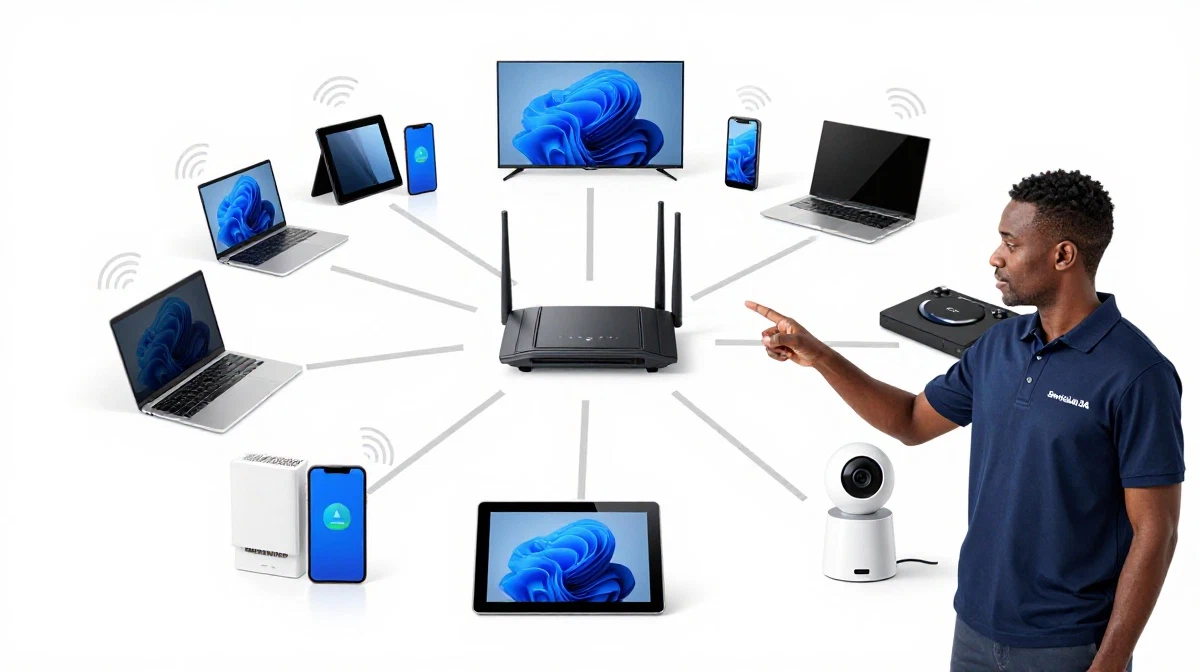
🔔 WiFi Bandwidth for Doorbell Camera
Wifi bandwidth for doorbell camera is a common concern.
Doorbell Camera Requirements:
- Typical bandwidth: 2-4 Mbps (1080p).
- Peak bandwidth: 4-6 Mbps (during motion detection).
- Upload speed: Critical for doorbell cameras.
Why Doorbell Cameras Need Good WiFi:
- Remote viewing: You view footage from anywhere.
- Motion alerts: Alerts need upload bandwidth.
- Two-way audio: Audio uses bandwidth.
Recommended Setup:
- Upload speed: At least 5 Mbps for one doorbell.
- WiFi signal: Strong signal at the door.
- Dedicated band: Use 2.4 GHz for range.
Realistic Example:
A smart doorbell in Cape Town with 1080p video: Requires 2-4 Mbps upload. Ensure your internet plan supports this.
For more on smart doorbell wifi, see our smart home WiFi guide.
📹 WiFi for 4 Security Cameras
Wifi for 4 security cameras requires careful planning.
Bandwidth for 4 Cameras:
- 4 x 1080p cameras: 8-16 Mbps.
- 4 x 2K cameras: 16-24 Mbps.
- 4 x 4K cameras: 32-60 Mbps.
What You Need:
- Upload speed: At least 10-20 Mbps for 4 cameras.
- WiFi coverage: Good signal for all cameras.
- Router: Capable of handling 4 streaming cameras.
Recommendations:
- Use Ethernet for NVR: If you have an NVR, connect it via Ethernet.
- Use 2.4 GHz: Better range for outdoor cameras.
- Reduce resolution: If bandwidth is limited, reduce to 1080p.
Realistic Example:
A home in Boksburg with 4 x 1080p cameras: 10 Mbps upload is sufficient.
For more on wifi for smart cameras, see our CCTV cameras guide.
💾 WiFi for NVR System
Wifi for nvr system requires special consideration.
What Is an NVR?
An NVR (Network Video Recorder) records footage from IP cameras. It can be wired or wireless.
NVR Bandwidth Requirements:
- Local recording: Uses network bandwidth for camera feeds.
- Remote viewing: Uses upload bandwidth for remote access.
- Multiple cameras: Total bandwidth = sum of all cameras.
Recommended Setup:
- Wired NVR: Connect the NVR to your router via Ethernet.
- Wireless cameras: Use a dedicated band for cameras.
- Bandwidth: Ensure enough upload for remote viewing.
Realistic Example:
An NVR in Germiston with 8 cameras: Ethernet connection is essential for reliable recording.
For more on wifi for nvr system, see our CCTV cameras guide.
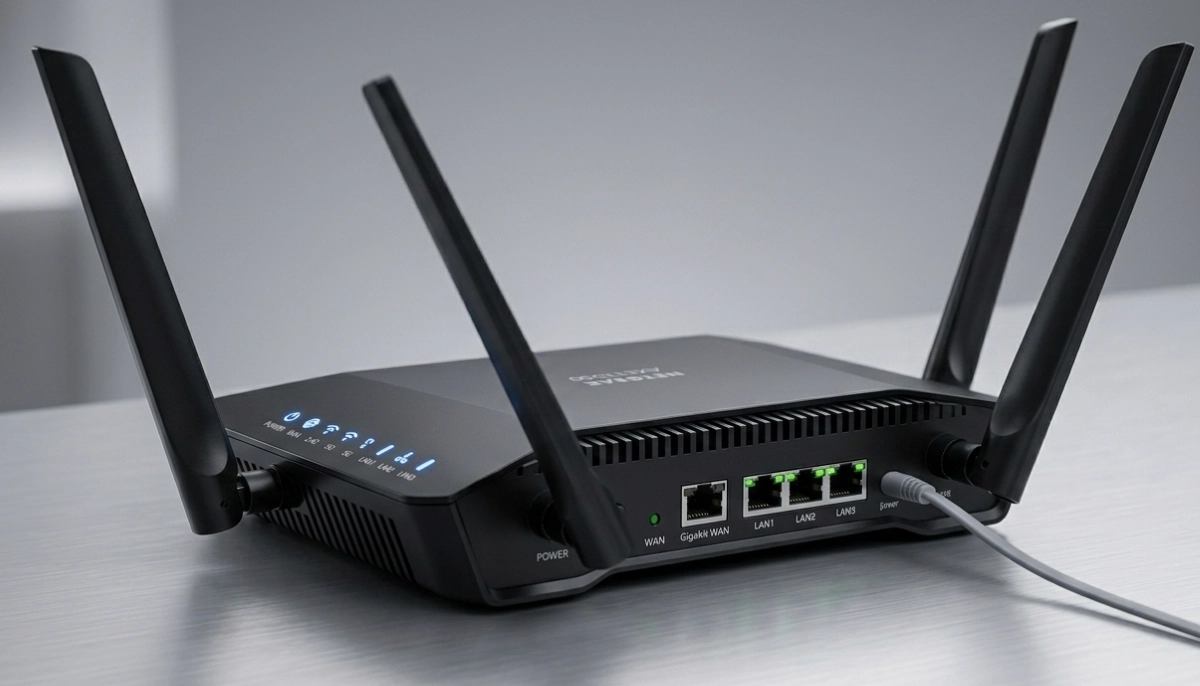
Smart Cameras Slowing Your Network?
Get professional help from local specialists who understand camera bandwidth and wifi for smart cameras.
Free site surveys available for smart camera wifi slow.
⬆️ Upload Speed Requirements
Upload speed is critical for smart doorbells cameras and wifi bandwidth requirements.
Why Upload Speed Matters:
Security cameras upload footage to the cloud or allow remote viewing. This uses upload bandwidth.
Upload Speed Requirements:
- 1 camera (1080p): 2-4 Mbps upload.
- 2 cameras (1080p): 4-8 Mbps upload.
- 4 cameras (1080p): 8-16 Mbps upload.
- 4K cameras: 15-30 Mbps per camera.
What If Upload Speed Is Too Low?
- Buffering: Remote viewing buffers.
- Missed footage: Footage may not upload.
- Slow alerts: Motion alerts delayed.
How to Check Upload Speed:
Run a speed test. Check the upload speed. If it’s below requirements, upgrade your internet plan.
For more on wifi bandwidth, see our how to test WiFi speed guide.
🐢 Smart Camera WiFi Slow – Causes and Fixes
Smart camera wifi slow is a common complaint.
Causes of Slow Camera WiFi:
- Too many cameras: Exceeded camera bandwidth.
- Weak signal: Cameras far from the router.
- Interference: Other devices causing interference.
- Slow internet: Upload speed too low.
- Outdated router: Router can’t handle cameras.
How to Fix Slow Camera WiFi:
- Reduce resolution: Reduce to 1080p.
- Improve signal: Move router or add extender.
- Upgrade internet: Faster upload speed.
- Upgrade router: WiFi 6 router for more capacity.
- Use 2.4 GHz: Better range for cameras.
Realistic Example:
A home in Brits with 6 cameras and slow WiFi: Reducing to 1080p and upgrading to WiFi 6 solves the problem.
For more on smart camera wifi, see our WiFi optimisation guide.
📊 Bandwidth Management for Cameras
Managing bandwidth helps with smart doorbells cameras and wifi bandwidth requirements.
How to Manage Camera Bandwidth:
- Enable QoS: Prioritise camera traffic.
- Reduce resolution: Use 1080p instead of 4K.
- Reduce frame rate: Use 15 fps instead of 30 fps.
- Use H.265: Uses less bandwidth than H.264.
What Is QoS?
Quality of Service (QoS) prioritises certain types of traffic. Set cameras to high priority.
How to Enable QoS:
- Access your router settings.
- Find QoS or bandwidth management.
- Add your cameras as high priority.
- Save and apply.
For more on wifi bandwidth, see our WiFi for many devices guide.
🛠️ Router Requirements for Cameras
Choosing the right router is essential for wifi for smart cameras.
What to Look For:
- WiFi 6: Handles more devices and bandwidth.
- MU-MIMO: Simultaneously serves multiple cameras.
- Good processor: Handles camera streams.
- 2.4 GHz range: Cameras often use 2.4 GHz.
Recommended Routers for Cameras:
- TP-Link Archer AX55: Good for 4-6 cameras.
- ASUS RT-AX86U: Good for 6-8 cameras.
- Netgear Nighthawk RAX70: Good for 8+ cameras.
Realistic Example:
A home in Houghton with 8 cameras: A premium router like Netgear RAX70 is recommended.
For more on routers, see our best routers guide.
📊 Camera Bandwidth Comparison Table
Here’s a complete camera bandwidth comparison.
| Camera Setup | Resolution | Bandwidth per Camera | Total Bandwidth | Required Upload |
|---|---|---|---|---|
| 1 Doorbell | 1080p | 2-4 Mbps | 2-4 Mbps | 5 Mbps |
| 2 Cameras | 1080p | 2-4 Mbps | 4-8 Mbps | 10 Mbps |
| 4 Cameras | 1080p | 2-4 Mbps | 8-16 Mbps | 20 Mbps |
| 4 Cameras | 4K | 8-15 Mbps | 32-60 Mbps | 60 Mbps |
| 8 Cameras (NVR) | 1080p | 2-4 Mbps | 16-32 Mbps | 40 Mbps |
Key Takeaway: The more cameras and higher resolution, the more bandwidth you need.
❓ Frequently Asked Questions About Camera WiFi Bandwidth
How much bandwidth do smart cameras use?
Smart doorbells cameras and wifi bandwidth requirements vary: 1080p uses 2-4 Mbps, 2K uses 4-6 Mbps, 4K uses 8-15 Mbps. Camera bandwidth depends on resolution and frame rate.
What is the WiFi bandwidth for a doorbell camera?
Wifi bandwidth for doorbell camera is typically 2-4 Mbps for 1080p. Ensure at least 5 Mbps upload speed for reliable smart doorbell wifi.
Can I use 4 security cameras on my WiFi?
Wifi for 4 security cameras is possible with sufficient bandwidth. 4 x 1080p cameras need 8-16 Mbps upload. Ensure your router can handle the load.
What is the bandwidth for an NVR system?
Wifi for nvr system requires bandwidth for all cameras. An 8-camera NVR with 1080p needs 16-32 Mbps. Connect the NVR via Ethernet for best performance.
Why is my smart camera WiFi slow?
Smart camera wifi slow is caused by too many cameras, weak signal, slow internet, or outdated router. Upgrade your router or reduce resolution to fix smart camera wifi issues.
What upload speed do I need for security cameras?
Upload speed requirements: 1 camera (1080p) needs 2-4 Mbps, 4 cameras need 8-16 Mbps. For smart doorbells cameras and wifi bandwidth requirements, ensure sufficient upload.
Should I use 2.4 GHz or 5 GHz for security cameras?
Use 2.4 GHz for security cameras. It has better range and penetration, which is essential for outdoor cameras. 5 GHz is faster but shorter range.
What is the best router for security cameras?
The best router for security cameras is a WiFi 6 router with good processor and MU-MIMO. TP-Link Archer AX55, ASUS RT-AX86U, and Netgear Nighthawk RAX70 are excellent.
✅ Final Thoughts: Secure Your Home with the Right WiFi
Understanding smart doorbells cameras and wifi bandwidth requirements is essential for a secure smart home. With the right wifi for smart cameras and camera bandwidth planning, your security system will work reliably.
Key Takeaways:
- 1080p: 2-4 Mbps per camera.
- 4K: 8-15 Mbps per camera.
- Upload speed: Critical for cameras.
- QoS: Prioritise camera traffic.
- WiFi 6: Best for multiple cameras.
Your Next Step: Count your cameras and calculate your bandwidth needs. Upgrade your internet or router if needed. For professional help, ServiceLink SA can connect you with local specialists who understand wifi for smart cameras and camera bandwidth.
Ready to Optimise Your Security Camera WiFi?
Get free quotes from verified local specialists for wifi for smart cameras and camera bandwidth.
📞 Call us: 073 138 4726 for immediate help finding a specialist near you.
📢 Are You a Security Camera WiFi Specialist?
Join ServiceLink SA’s network of verified contractors and get access to qualified leads for wifi for smart cameras and cctv cameras projects.
📚 Official resources & standards referenced:
- SANS 10400 – Guidelines for electrical and networking installations in South African homes.
- SABS – Standards for electronic equipment and safety.
Information provided for general guidance. For professional smart doorbells cameras and wifi bandwidth requirements advice, always consult a qualified local technician.
Written by: Innocent T Hanyani
Construction & Home Services Industry Specialist | 21+ Years Experience
Innocent T Hanyani has over two decades of experience working across South Africa’s construction, telecommunications, and home services sectors. Throughout his career, he has worked closely with network installers, security system specialists, and homeowners, gaining practical insight into smart doorbells cameras and wifi bandwidth requirements. His expertise helps homeowners understand the complexities of wifi for smart cameras and camera bandwidth, from wifi bandwidth for doorbell camera to wifi for 4 security cameras, wifi for nvr system, and smart camera wifi slow solutions.