
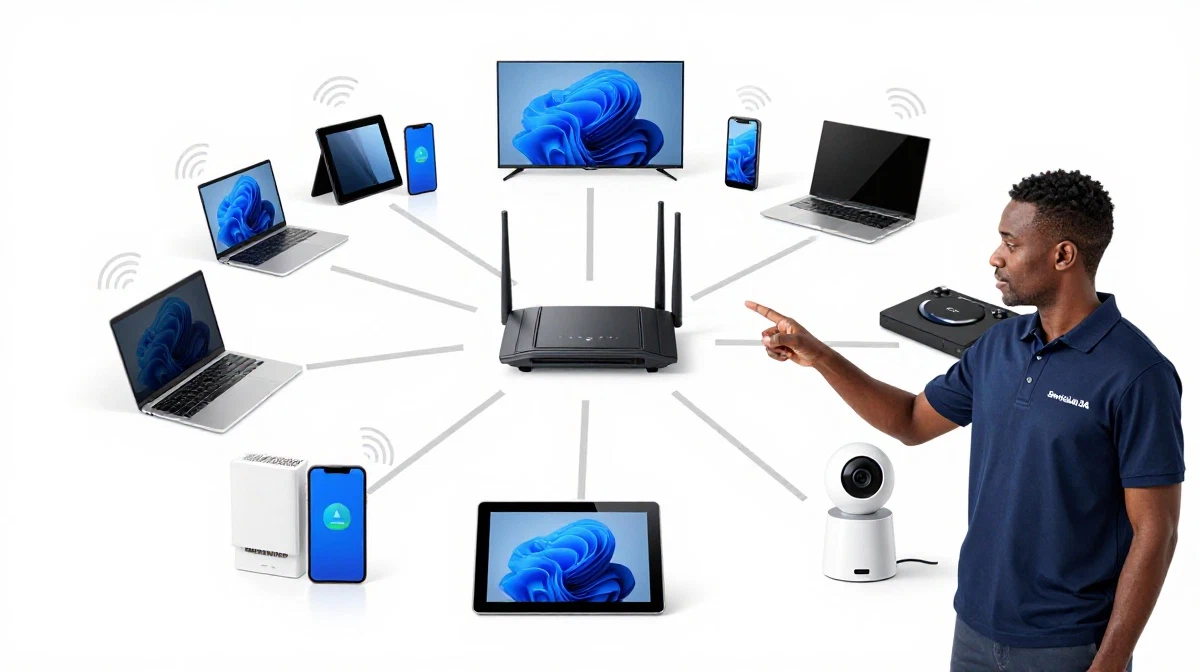
Not Sure What Router Speed You Need?
Get professional advice from local specialists who understand router speed requirements and wifi router speed for home.
Servicing Alberton, Goodwood, Vryheid, and across South Africa
What Router Speed Do You Actually Need for Your Home?
📡 Faster isn’t always better—here’s how to find the perfect router speed for your home.
You’re shopping for a new internet plan or router. You see speeds like 50 Mbps, 100 Mbps, 500 Mbps, and even 1 Gbps. You’re tempted to go for the fastest option. But do you really need all that speed? The question what router speed do you actually need for your home is one I hear from almost every buyer.
The truth is, most people don’t need the fastest speed available. Many households are perfectly happy with 50-100 Mbps. But some need much more. The answer depends on how many people are in your home, what you use the internet for, and how many devices you have.
In this comprehensive guide, I’ll help you determine your router speed requirements. I’ll explain wifi router speed for home needs, answer how much wifi speed do i need, and provide specific recommendations for what router speed for 4k streaming, what router speed for online gaming, wifi speed for home office, and wifi speed for 10 devices.
For more on speed, check out our how to test WiFi speed and best routers guides. Let’s find your perfect speed.
📋 Table of Contents – Router Speed Guide
📡 Understanding Internet Speed
Before we dive into what router speed do you actually need for your home, let’s understand what internet speed means.
What Is Download Speed?
Download speed is how fast data comes from the internet to your device. It affects streaming, browsing, downloading files, and loading web pages.
What Is Upload Speed?
Upload speed is how fast data goes from your device to the internet. It affects video calls, uploading files, cloud backups, and gaming.
How Speed Is Measured:
Speed is measured in Megabits per second (Mbps) or Gigabits per second (Gbps). 1 Gbps = 1,000 Mbps.
Download vs Upload:
Most internet plans advertise download speeds. Upload speeds are often slower, especially on non-fibre connections. Fibre typically offers symmetrical speeds (download and upload are equal).
What Affects Your Actual Speed:
- Your router: A slow router can bottleneck your speed.
- WiFi interference: Can reduce your wifi speed.
- Number of devices: More devices sharing bandwidth.
- Time of day: Network congestion during peak hours.
For more on bandwidth management, see our WiFi optimisation guide.
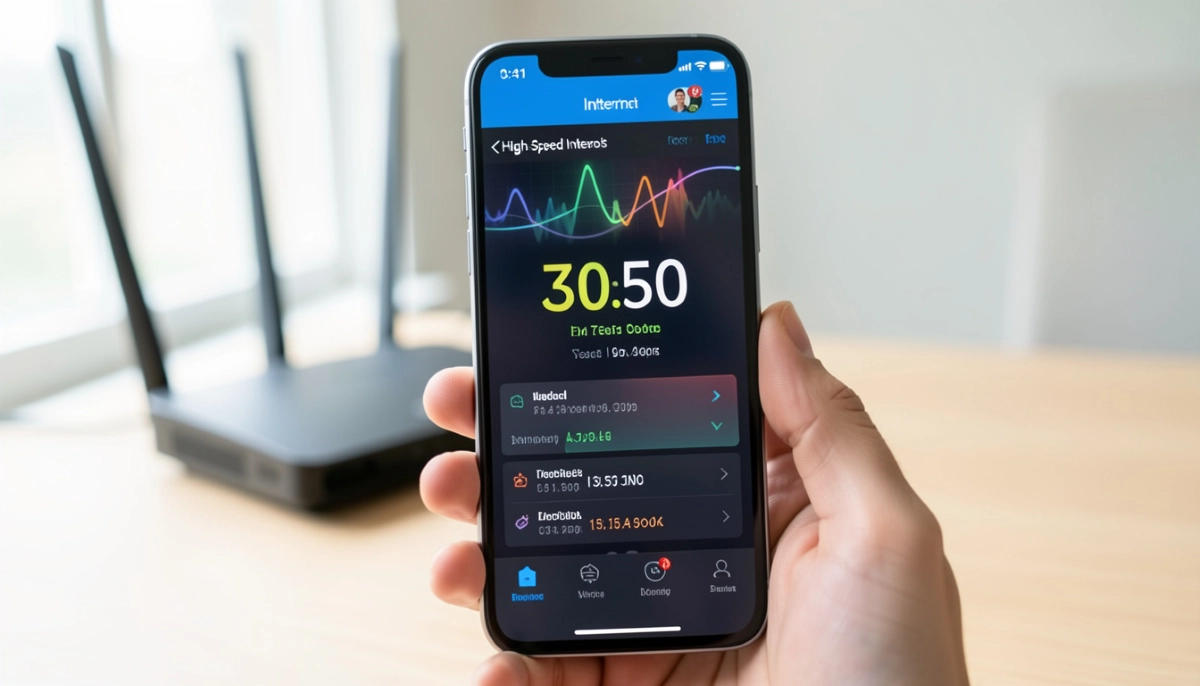
📊 Speed Requirements by Activity
Different activities need different speeds. Here are the router speed requirements for common activities.
Basic Activities:
- Browsing/email: 1-2 Mbps per device.
- Social media: 2-5 Mbps.
- Music streaming: 2-5 Mbps.
Streaming:
- SD streaming: 3-5 Mbps.
- HD streaming (720p/1080p): 5-10 Mbps.
- 4K streaming: 25-50 Mbps per stream.
Video Calls:
- Standard video call: 2-4 Mbps.
- HD video call: 5-10 Mbps.
Gaming:
- Online gaming: 10-20 Mbps (latency is more important).
- Game downloads: As fast as possible.
Work:
- Email and documents: 2-5 Mbps.
- Cloud apps: 5-10 Mbps.
- File transfers: 10-20 Mbps.
Important: These are per device. If multiple people do these activities simultaneously, you need more bandwidth.
For more on wifi speed requirements, see our how to test WiFi speed guide.
🏠 Speed by Household Type
Here are general router speed requirements by household type.
Single Person (Light Use):
- Recommended speed: 20-50 Mbps.
- Activities: Browsing, email, HD streaming.
- Best for: Students, singles.
Couple (Moderate Use):
- Recommended speed: 50-100 Mbps.
- Activities: Streaming, video calls, work.
- Best for: Working couples.
Small Family (3-4 people):
- Recommended speed: 100-200 Mbps.
- Activities: Multiple streams, gaming, work.
- Best for: Families with children.
Large Family (5+ people):
- Recommended speed: 200-500 Mbps.
- Activities: Heavy streaming, gaming, work, smart home.
- Best for: Large households.
Power User:
- Recommended speed: 500 Mbps – 1 Gbps.
- Activities: All of the above, plus heavy downloading.
- Best for: Tech enthusiasts, content creators.
Key Takeaway: Most South African households need 50-200 Mbps for good performance.
📺 What Router Speed for 4K Streaming
What router speed for 4k streaming is a common question.
4K Streaming Requirements:
Streaming 4K content requires 25-50 Mbps per stream. This is the minimum for a smooth experience.
Number of 4K Streams:
- 1 x 4K stream: 50 Mbps minimum.
- 2 x 4K streams: 100 Mbps minimum.
- 3 x 4K streams: 150-200 Mbps.
- 4+ 4K streams: 250+ Mbps.
Recommended Speeds for Streamers:
- Light streamer: 50-100 Mbps.
- Moderate streamer: 100-200 Mbps.
- Heavy streamer: 200-500 Mbps.
Realistic Example:
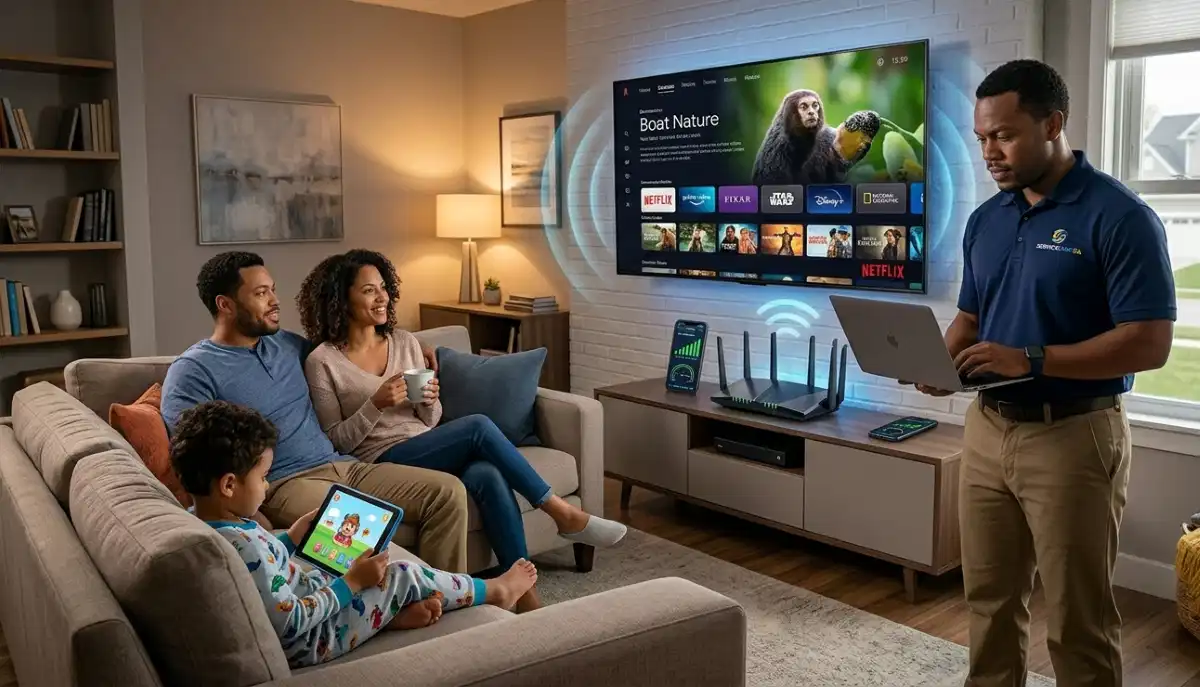
A family of four in Alberton with two 4K streams simultaneously: 100-150 Mbps is sufficient.
For more on streaming, see our router settings for streaming guide.
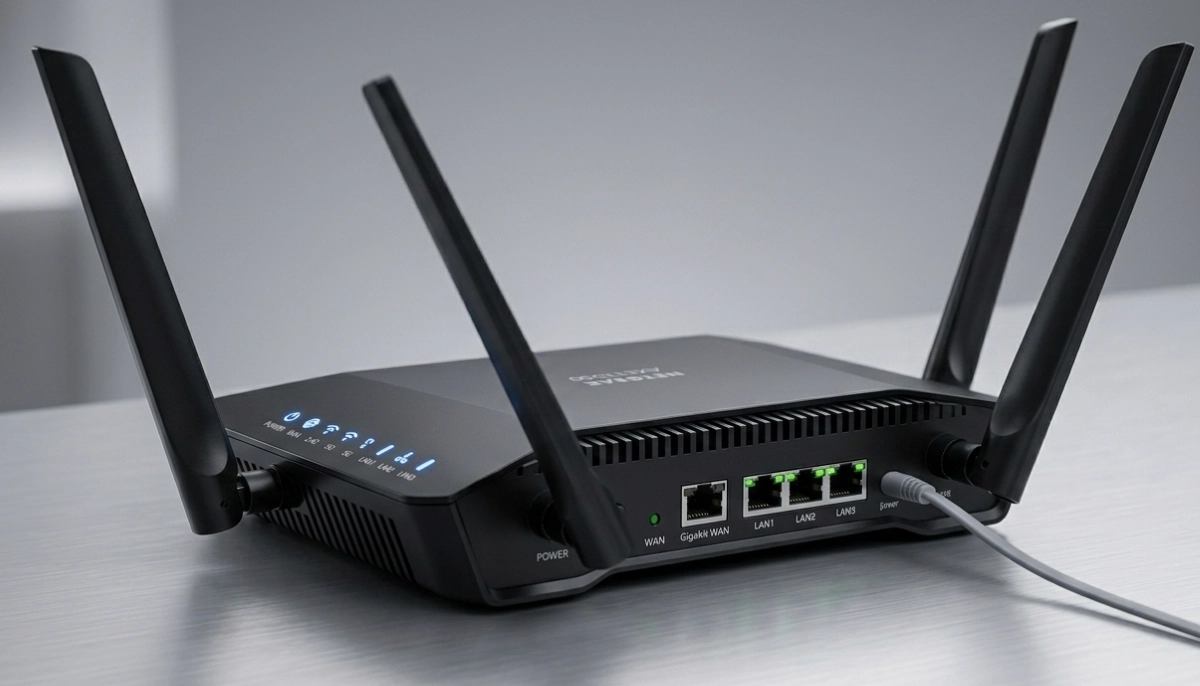
Still Not Sure What Speed You Need?
Get professional advice from local specialists who understand router speed requirements and how much wifi speed do i need.
Free consultations available for wifi speed for home office.
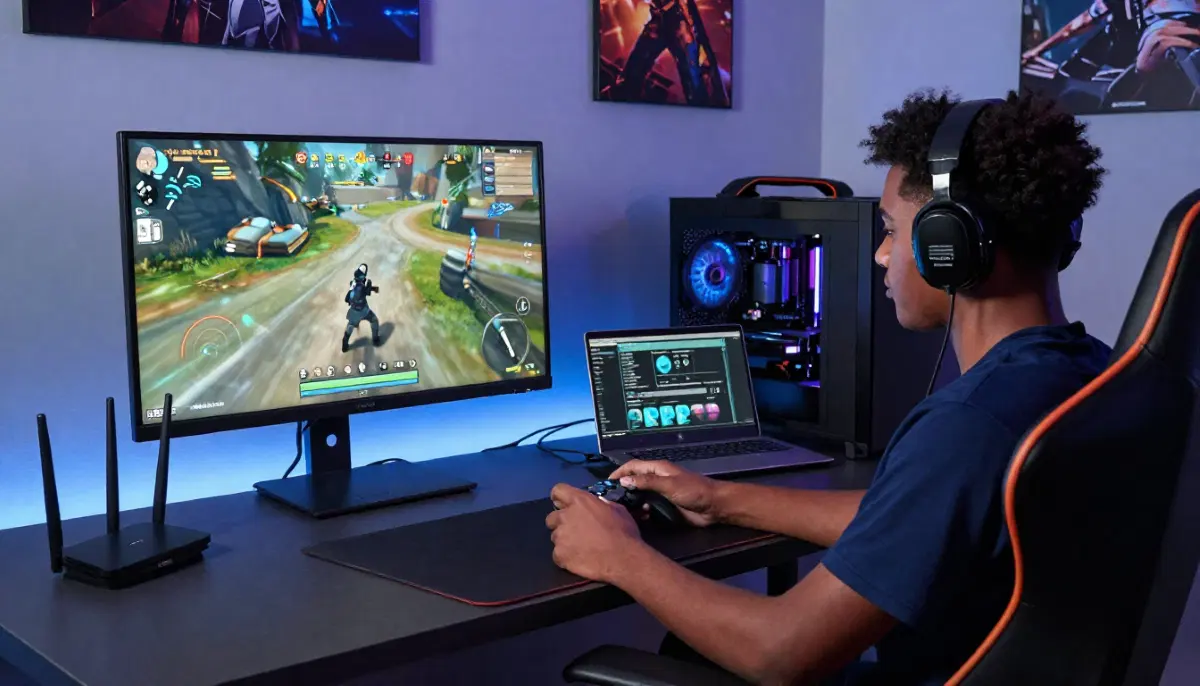
🎮 What Router Speed for Online Gaming
What router speed for online gaming is different from streaming.
Gaming Requirements:
For gaming, download speed is less important than latency (ping). 10-20 Mbps is usually sufficient for gaming.
Why Latency Matters More:
Latency (ping) is the delay between your action and the game’s response. Low latency is crucial for competitive gaming.
Recommended Speeds for Gamers:
- Casual gaming: 20-50 Mbps.
- Competitive gaming: 50-100 Mbps.
- Streaming + gaming: 100-200 Mbps.
Important for Gamers:
- Fibre offers the lowest latency.
- Use Ethernet for the best connection.
- Enable QoS to prioritise gaming traffic.
For more on gaming, see our best gaming WiFi guide.
💼 WiFi Speed for Home Office
Wifi speed for home office depends on your work.
Home Office Requirements:
- Email and documents: 5-10 Mbps.
- Video calls: 5-10 Mbps per call.
- Cloud apps: 10-20 Mbps.
- File transfers: 20-50 Mbps.
Recommended Speeds:
- Light office work: 20-50 Mbps.
- Moderate office work: 50-100 Mbps.
- Heavy office work: 100-200 Mbps.
Realistic Example:
A home office in Goodwood with video calls and cloud apps: 50-100 Mbps is sufficient.
For more on bandwidth management, see our WiFi optimisation guide.
📱 WiFi Speed for 10 Devices
Wifi speed for 10 devices is a common need.
Challenges with Many Devices:
- Bandwidth sharing: Each device gets a portion of the total bandwidth.
- Interference: More devices can cause wifi congestion.
- Processing: Routers can struggle with many devices.
Recommended Speeds for 10+ Devices:
- Light use: 50-100 Mbps.
- Moderate use: 100-200 Mbps.
- Heavy use: 200-500 Mbps.
Tips for Many Devices:
- Use a WiFi 6 router (handles more devices).
- Enable QoS to prioritise important traffic.
- Use both 2.4 GHz and 5 GHz bands.
For more on multiple devices, see our WiFi for many devices guide.
📊 Bandwidth Management
Bandwidth management helps you make the most of your wifi speed.
What Is Bandwidth Management?
Bandwidth management is the process of allocating bandwidth to different devices and activities. It ensures important activities get priority.
Why Bandwidth Management Matters:
- Prevents congestion: Avoid wifi congestion.
- Prioritises important traffic: Work and gaming get priority.
- Fair usage: Ensures everyone gets a fair share.
How to Manage Bandwidth:
- Enable QoS: Prioritise important traffic.
- Set bandwidth limits: Limit bandwidth for less important activities.
- Monitor usage: Track which devices use the most bandwidth.
Realistic Example:
If someone is gaming while others stream 4K, QoS ensures gaming gets priority, reducing lag.
For more on bandwidth management, see our WiFi optimisation guide.
📊 Speed Requirements Comparison Table
Here’s a complete router speed requirements guide.
| Household Type | People | Devices | Activities | Recommended Speed |
|---|---|---|---|---|
| Single | 1 | 3-5 | Browsing, streaming | 20-50 Mbps |
| Couple | 2 | 5-10 | Streaming, work | 50-100 Mbps |
| Small Family | 3-4 | 10-15 | Streaming, gaming, work | 100-200 Mbps |
| Large Family | 5+ | 15-25 | Heavy streaming, gaming | 200-500 Mbps |
| Power User | Any | 25+ | All activities | 500+ Mbps |
Key Takeaway: The wifi router speed for home you need depends on your household size and activities.
❓ Frequently Asked Questions About Router Speed
What router speed do I actually need for my home?
What router speed do you actually need for your home depends on your household. A single person needs 20-50 Mbps. A family of 4 needs 100-200 Mbps. A large family needs 200-500 Mbps. Consider your router speed requirements carefully.
How much WiFi speed do I need for streaming?
How much wifi speed do i need for streaming depends on quality. SD: 3-5 Mbps. HD: 5-10 Mbps. 4K: 25-50 Mbps per stream. What router speed for 4k streaming requires 50+ Mbps for a smooth experience.
What speed do I need for gaming?
What router speed for online gaming is 10-20 Mbps minimum. Latency is more important than speed. For competitive gaming, choose fibre for low latency. Bandwidth management can help prioritise gaming traffic.
What WiFi speed is good for a home office?
Wifi speed for home office depends on your work. Email and documents: 5-10 Mbps. Video calls: 5-10 Mbps. Heavy work: 50-100 Mbps. The wifi router speed for home should support your work needs.
How much speed do I need for 10 devices?
Wifi speed for 10 devices depends on usage. For 10 devices, 100-200 Mbps is recommended. For heavy usage, 200-500 Mbps. Wifi congestion can be an issue with many devices—manage with QoS.
What is bandwidth management?
Bandwidth management is allocating bandwidth to different devices and activities. It prevents wifi congestion and ensures important traffic gets priority. Enable QoS on your router for effective bandwidth management.
Is faster internet always better?
Faster wifi speed is better, but only if you need it. If you’re paying for 500 Mbps but only using 100 Mbps, you’re wasting money. Determine your router speed requirements before choosing a plan.
How can I test my current internet speed?
Run a wifi speed test on a device connected to your router. Test with a wired connection for the most accurate results. See our how to test WiFi speed guide for more.
✅ Final Thoughts: Choose the Right Speed for Your Home
Understanding what router speed do you actually need for your home helps you choose the right internet plan and router. Paying for more speed than you need wastes money. Paying for too little causes frustration.
Key Takeaways:
- Assess your needs: Count devices and identify activities.
- Calculate requirements: Add up bandwidth needs.
- Choose the right speed: 50-100 Mbps for small households, 100-200 Mbps for families, 200+ Mbps for large households.
- Consider the future: Choose a speed that can handle future needs.
Your Next Step: Run a wifi speed test to check your current speed. Assess your needs and choose the right plan. For personalised advice, ServiceLink SA can connect you with local specialists who understand router speed requirements and how much wifi speed do i need.
Ready to Choose the Right Router Speed?
Get free advice from verified local specialists for router speed requirements and wifi router speed for home.
📞 Call us: 073 138 4726 for immediate help finding a specialist near you.
📢 Are You a Network Installation Professional?
Join ServiceLink SA’s network of verified contractors and get access to qualified leads for router installation and wifi speed optimisation projects.
📚 Official resources & standards referenced:
- SANS 10400 – Guidelines for electrical and networking installations in South African homes.
- Department of Energy – Information on energy-efficient electronic equipment.
Information provided for general guidance. For professional what router speed do you actually need for your home advice, always consult a qualified local technician.
Written by: Innocent T Hanyani
Construction & Home Services Industry Specialist | 21+ Years Experience
Innocent T Hanyani has over two decades of experience working across South Africa’s construction, telecommunications, and home services sectors. Throughout his career, he has worked closely with network installers, IT professionals, and homeowners, gaining practical insight into what router speed do you actually need for your home. His expertise helps homeowners understand the complexities of router speed requirements and wifi router speed for home, from how much wifi speed do i need to what router speed for 4k streaming, what router speed for online gaming, wifi speed for home office, and wifi speed for 10 devices.