
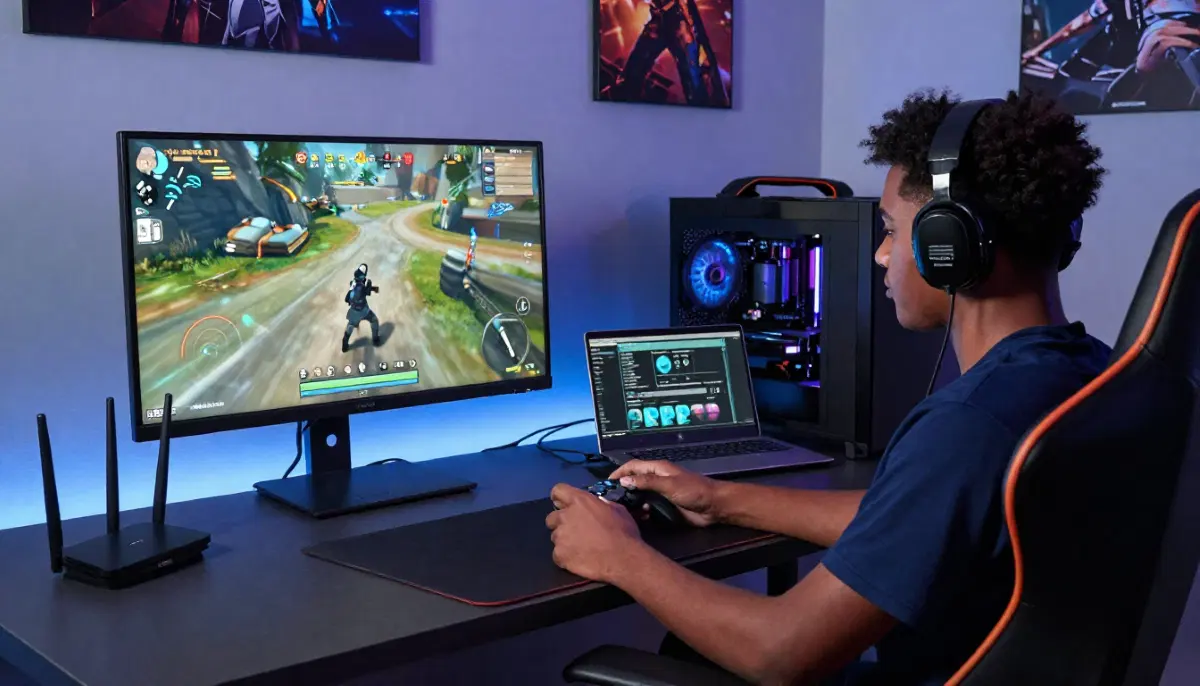
Tired of Lag While Gaming?
Get professional help from local specialists who understand wifi for gaming low ping and gaming wifi setup.
Get Free Gaming WiFi Setup Help
Servicing Soweto, Durbanville, Newcastle, and across South Africa
Best WiFi Setup for Gaming Low Ping South Africa: The Ultimate Guide
🎮 Tired of lag ruining your game? Here’s how to get the lowest ping possible on WiFi.
You’re in the middle of an intense gaming session. The action is heating up. You’re about to make the winning move. And then—lag. Your character freezes. Your screen stutters. You’re dead. Your teammates are frustrated. You’re frustrated.
This is one of the most frustrating experiences for gamers across South Africa. The good news is that you don’t need to accept lag as inevitable. With the right best wifi setup for gaming low ping South Africa, you can achieve near-wired performance on WiFi.
In this comprehensive guide, I’ll show you how to achieve the best wifi setup for gaming low ping South Africa. I’ll cover the best wifi for online gaming, the optimal wifi for gaming vs ethernet comparison, and help you understand the best wifi band for gaming 2.4ghz vs 5ghz. Whether you’re in Soweto, Durbanville, or Newcastle, this guide will help you dominate the competition.
For more on gaming setups, check out our reduce WiFi lag guide and best router settings guide. Let’s get your ping down.
📋 Table of Contents – Gaming WiFi Setup Guide
⏱️ Why Latency Matters for Gaming
Before we build the best wifi setup for gaming low ping South Africa, let’s understand why latency matters.
What Is Ping/Latency?
Ping (or latency) is the time it takes for data to travel from your device to a game server and back. It’s measured in milliseconds (ms). Lower is better.
How Latency Affects Gaming:
- 0-20ms: Excellent (professional gaming level)
- 20-50ms: Good (smooth, responsive)
- 50-100ms: Noticeable (some lag, frustrating)
- 100ms+: Poor (unplayable for competitive games)
Why WiFi Has Higher Latency:
- Interference: Other devices and networks can cause delays.
- Distance: Further from the router means higher latency.
- Congestion: Many devices sharing bandwidth increases latency.
- Signal quality: Weak signals cause retransmissions.
Goal: To achieve the lowest possible wifi latency and wifi ping for a smooth gaming experience.
For more on latency, see our how to test WiFi speed guide.
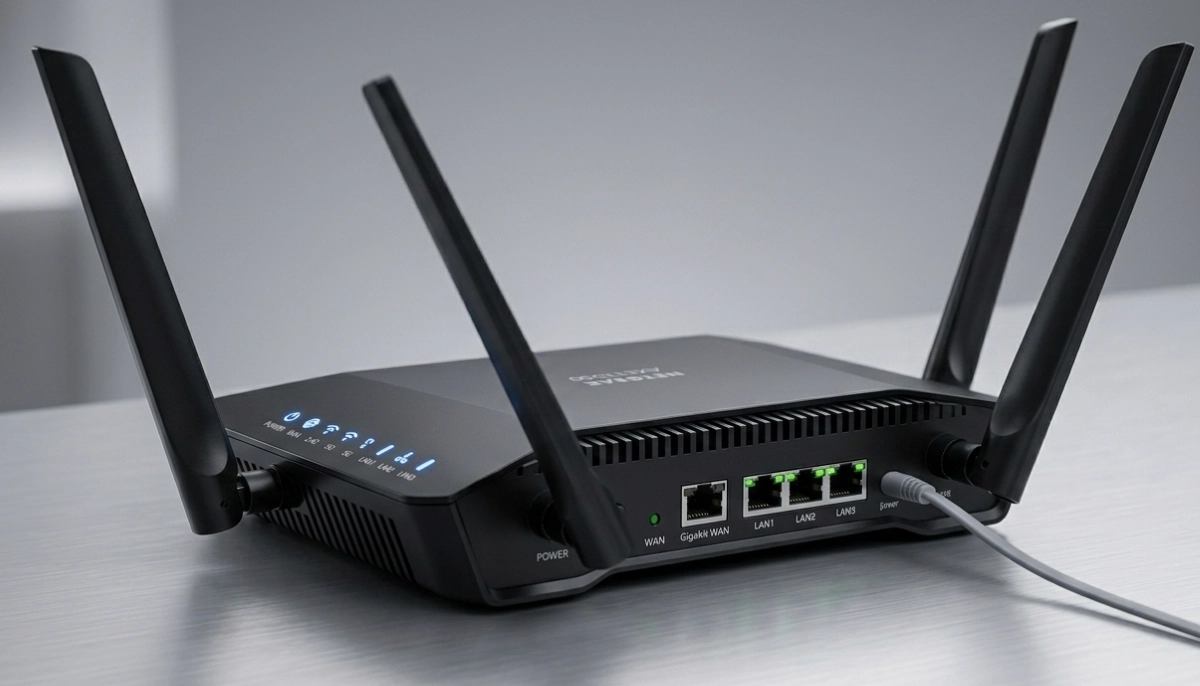
📡 Best WiFi Band for Gaming: 2.4GHz vs 5GHz
Understanding the best wifi band for gaming 2.4ghz vs 5ghz is crucial for wifi for gaming low ping.
2.4 GHz Band:
- Pros: Longer range, penetrates walls better.
- Cons: More interference (microwaves, cordless phones, neighbours), higher latency, lower speeds.
- Gaming verdict: Not recommended for gaming.
5 GHz Band:
- Pros: Less interference, lower latency, faster speeds.
- Cons: Shorter range, doesn’t penetrate walls as well.
- Gaming verdict: Recommended for gaming.
Recommendation for Gamers:
Always connect to the 5 GHz band for gaming. The lower latency and reduced interference make a significant difference. If you’re too far from the router, consider moving closer or using a mesh network.
What About WiFi 6?
WiFi 6 routers offer even lower latency and better performance for gaming. They handle multiple devices better and reduce lag. Consider upgrading if you’re a serious gamer.
For more on WiFi bands, see our dual band WiFi guide.
🛠️ Choosing the Right Router for Gaming
Your router is the heart of your gaming wifi setup. Here’s what to look for.
Key Features for Gaming Routers:
- Dual-band or tri-band: For optimal wifi for gaming low ping.
- WiFi 5 or WiFi 6: WiFi 6 offers lower latency.
- Gigabit Ethernet ports: For wired connections.
- QoS (Quality of Service): Prioritises gaming traffic.
- Gaming-specific features: Some routers have built-in game modes.
Recommended Gaming Routers:
- Budget: TP-Link Archer series (good value).
- Mid-range: ASUS RT-AX86U (WiFi 6, excellent gaming features).
- Premium: NETGEAR Nighthawk series (top performance).
Important: Your router must be capable of handling your internet speed. If you have a 100 Mbps fibre connection, your router should support at least that speed.
For more on routers, see our best routers guide.
📍 Router Placement for Low Ping
Where you place your router affects your wifi ping and wifi latency.
Golden Rules for Gaming:
- Close to your gaming setup: The closer you are, the lower the latency.
- Elevated: Place it on a shelf or table.
- Line of sight: Minimise obstructions between router and gaming device.
- Away from interference: Keep it away from microwaves, cordless phones, and other electronics.
If Your Gaming Setup Is Far from the Router:
- Use a mesh network to extend coverage.
- Run an Ethernet cable (best for gaming).
- Use a WiFi extender with a dedicated backhaul.
Testing Your Setup:
Use a speed test with ping measurement to test latency from different positions. Place your router where you get the lowest ping.
For more on placement, see our router placement guide.
Still Getting Lag in Your Games?
Get professional gaming wifi setup help from local specialists who understand best wifi for online gaming.
Free inspections available for best wifi setup for gaming south africa.
⚙️ Router Settings for Gaming
Configuring your router correctly is essential for wifi for gaming low ping.
1. Enable QoS (Quality of Service):
QoS prioritises gaming traffic over other network traffic. This is one of the most important settings for a gaming wifi setup.
How to Enable QoS:
- Access your router’s settings (usually 192.168.1.1).
- Find QoS or bandwidth management.
- Enable QoS and set gaming as a priority.
- Some routers have gaming-specific QoS modes.
2. Set Your Gaming Device to High Priority:
Many routers allow you to set specific devices to high priority. Add your gaming PC or console to this list.
3. Enable Gaming Mode (if available):
Some routers have a “Game Mode” or “Gaming Mode” that optimises settings for gaming.
4. Disable Unnecessary Features:
Features like parental controls and guest networks can add processing overhead. Consider disabling them during gaming sessions.
5. Update Firmware:
Keep your router’s firmware updated for the latest performance improvements.
For more on router configuration, see our best router settings guide.
🔌 WiFi for Gaming vs Ethernet
The wifi for gaming vs ethernet comparison is important for serious gamers.
Ethernet Pros:
- Lower latency: 1-5ms ping (excellent).
- No interference: Wired connection is completely stable.
- No signal drop: Consistent performance.
- Full bandwidth: No sharing with other devices.
WiFi Pros:
- Convenience: No cables, mobility.
- Good enough: With the right setup, WiFi can achieve 10-20ms ping.
Verdict:
For competitive gaming, Ethernet is always better. The lower latency and zero interference make a noticeable difference. For casual gaming, a well-optimised best wifi for online gaming setup can be acceptable.
If You Must Use WiFi:
- Use 5 GHz band.
- Be close to the router.
- Enable QoS.
- Reduce interference from other devices.
For more on Ethernet, see our ethernet wiring guide.
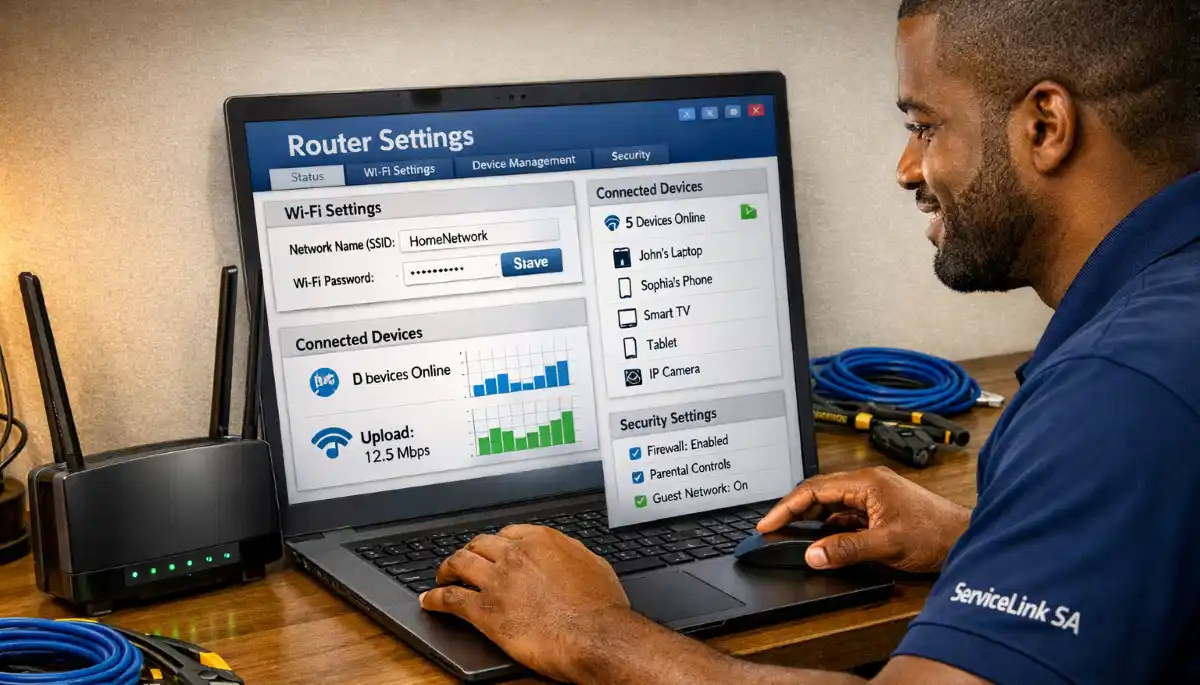
📊 Bandwidth Management for Gaming
Proper bandwidth management is essential for a best wifi setup for gaming south africa.
Why Bandwidth Matters:
If someone else in your home is streaming 4K video or downloading large files, it can cause lag spikes. Bandwidth management ensures your gaming traffic gets priority.
How to Manage Bandwidth:
- Enable QoS: As mentioned above, this is the most effective method.
- Set bandwidth limits: Limit the bandwidth for streaming and downloads.
- Schedule updates: Schedule game updates for off-peak hours.
- Use a separate network: Some routers allow a separate network for gaming.
Real-World Example:
If you live with family members who stream, set QoS to prioritise your gaming traffic. This ensures that your latency stays low even when others are using the internet.
For more on bandwidth, see our WiFi for many devices guide.
🌐 Mesh Networks for Gaming
If you have a large home, a mesh network can help with wifi for gaming low ping.
Pros of Mesh for Gaming:
- Wider coverage: Ensures strong signal in every room.
- Seamless roaming: Move around without dropping connection.
- Consistent latency: Nodes communicate efficiently.
Cons of Mesh for Gaming:
- Higher latency than Ethernet: Wireless backhaul adds small latency.
- More interference: More devices on the network.
Recommendation:
For the best gaming performance with mesh, use a wired backhaul between nodes (Ethernet connection). This provides the lowest wifi latency.
For more on mesh, see our mesh network guide.
🛠️ Troubleshooting High Ping
If you’re still experiencing high wifi ping, here’s how to troubleshoot.
Step 1: Check Your Internet Connection
Test with a wired connection. If wired ping is low, the problem is your WiFi. If wired ping is high, the problem is your internet.
Step 2: Check WiFi Signal Strength
Move closer to the router. If ping improves, you need better coverage.
Step 3: Check for Interference
Use a WiFi analyser app to check for interference. Change your WiFi channel if needed.
Step 4: Reduce Connected Devices
Disconnect devices not in use. This reduces wifi latency.
Step 5: Update Router Firmware
Check for and install router updates.
Step 6: Restart Your Router
A simple restart can clear temporary issues.
For more troubleshooting, see our reduce WiFi lag guide.
❓ Frequently Asked Questions About Gaming WiFi
What is the best WiFi setup for gaming low ping?
The best wifi setup for gaming low ping South Africa includes a dual-band router (using 5 GHz), QoS enabled, your gaming device set to high priority, and optimal router placement. For the lowest latency, use Ethernet. The best wifi for online gaming minimises interference and prioritises gaming traffic.
Which WiFi band is best for gaming?
The best wifi band for gaming 2.4ghz vs 5ghz is 5 GHz. It offers lower latency, less interference, and faster speeds than 2.4 GHz. For wifi for gaming low ping, always use 5 GHz if your gaming device supports it. If you’re too far from the router, consider moving closer or using a mesh network.
Is WiFi good enough for gaming?
Wifi for gaming vs ethernet shows Ethernet is superior for competitive gaming. However, a well-optimised gaming wifi setup can achieve 10-20ms ping, which is acceptable for most games. For serious competitive gaming, Ethernet is strongly recommended.
What is a good ping for gaming?
Good wifi ping for gaming is under 50ms. Excellent is under 20ms. Over 100ms is poor and will cause noticeable lag. The lower your wifi latency, the better your gaming experience. This is the goal of any best wifi for online gaming setup.
Does a gaming router really help?
Yes, a gaming router can help with best wifi setup for gaming south africa. Gaming routers often have better QoS features, faster processors, and gaming-specific optimisations. They can prioritise gaming traffic and reduce wifi latency. However, they can’t fix problems with your internet connection itself.
How do I reduce lag on WiFi for gaming?
To reduce lag for wifi for gaming low ping: use 5 GHz band, enable QoS, place your router close to your gaming setup, reduce interference, and disconnect unnecessary devices. For the best results, use Ethernet. See our reduce WiFi lag guide for more.
What internet speed do I need for gaming?
For gaming, download speed isn’t as important as latency. 20-50 Mbps is sufficient for most games. However, if you also stream or have multiple users, 100+ Mbps is recommended. The best wifi for online gaming focuses on low latency rather than high speed.
Does QoS help with gaming?
Yes, QoS (Quality of Service) is essential for gaming wifi setup. It prioritises gaming traffic over other traffic, reducing wifi latency during peak usage. Enable QoS in your router settings and set your gaming device to high priority for the best wifi for gaming low ping.
✅ Final Thoughts: Dominate Your Games with Low Ping
Achieving the best wifi setup for gaming low ping South Africa is possible with the right equipment, configuration, and placement. While Ethernet is always best, a well-optimised WiFi setup can deliver excellent gaming performance.
Key Takeaways:
- Use 5 GHz: The best wifi band for gaming 2.4ghz vs 5ghz is 5 GHz.
- Enable QoS: Prioritise gaming traffic for lower wifi latency.
- Place your router well: Close to your gaming setup.
- Reduce interference: Keep away from other electronics.
- Consider Ethernet: Wifi for gaming vs ethernet shows Ethernet is superior.
- Update firmware: Keep your router updated.
- Use bandwidth management: Ensure gaming traffic gets priority.
Your Next Step: Test your current wifi ping using a speed test. If it’s high, implement the changes in this guide. For personalised help, ServiceLink SA can connect you with local specialists who understand gaming wifi setup and best wifi for online gaming.
Ready to Get Low Ping for Gaming?
Get free quotes from verified local specialists for best wifi setup for gaming south africa and wifi for gaming low ping.
📞 Call us: 073 138 4726 for immediate help finding a specialist near you.
📢 Are You a WiFi Optimisation Professional?
Join ServiceLink SA’s network of verified contractors and get access to qualified leads for gaming wifi setup and best wifi for online gaming projects.
📚 Official resources & standards referenced:
- SANS 10400 – Guidelines for electrical and networking installations in South African homes.
- SABS – Standards for electronic equipment and safety.
Information provided for general guidance. For professional best wifi setup for gaming low ping South Africa advice, always consult a qualified local technician.
Written by: Innocent T Hanyani
Construction & Home Services Industry Specialist | 21+ Years Experience
Innocent T Hanyani has over two decades of experience working across South Africa’s construction, telecommunications, and home services sectors. Throughout his career, he has worked closely with network installers, IT professionals, and gamers, gaining practical insight into the best wifi setup for gaming low ping South Africa. His expertise helps gamers understand the complexities of wifi for gaming low ping and best wifi for online gaming, from wifi for gaming vs ethernet comparisons to implementing effective bandwidth management and achieving optimal wifi latency and wifi ping.