
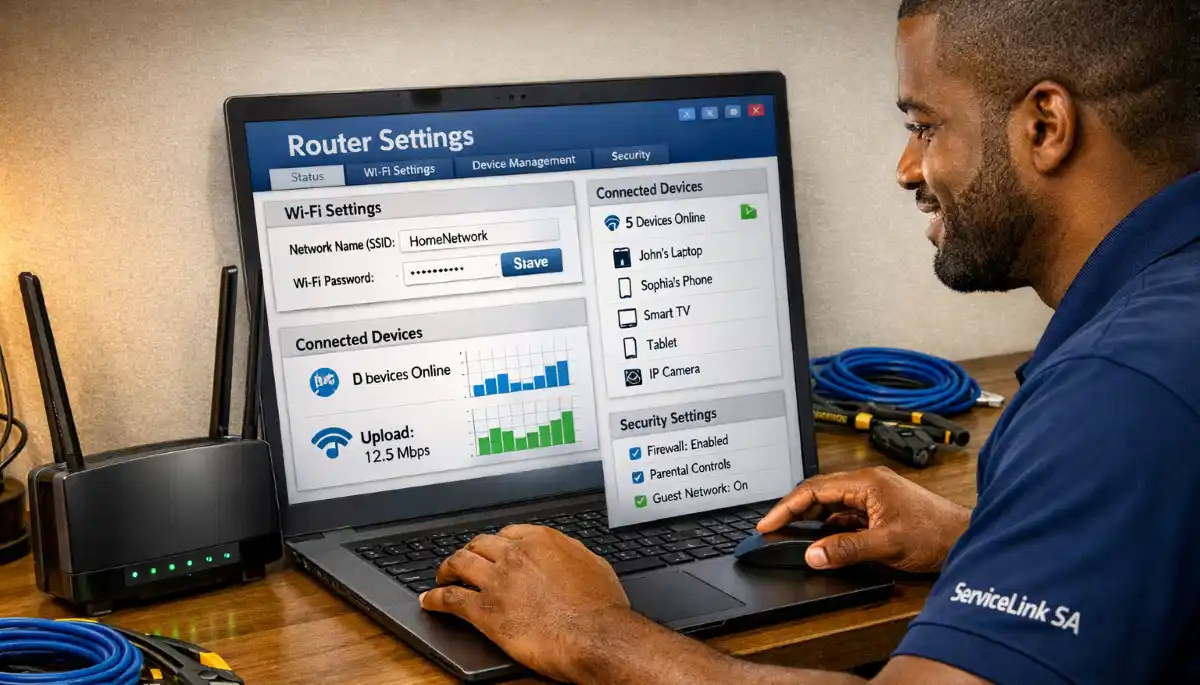
Not Getting the Speeds You Pay For?
Get professional help from local specialists who understand router speed settings and router configuration for speed.
Servicing Pineland, Table View, Bloubergstrand, and across South Africa
Best Router Settings for Maximum Internet Speed: The Complete Guide
⚡ You’re paying for fast internet—here’s how to make sure your router delivers it.
You’re paying for a fast fibre connection. You have a good router. But your internet still feels slow. Pages take time to load. Videos buffer. You’re not getting the wifi speed you’re paying for.
The problem is likely your router settings. Most routers come with default settings that aren’t optimised for speed. With the right router configuration for speed, you can significantly improve your wifi max speed.
In this comprehensive guide, I’ll show you the best router settings for maximum internet speed. I’ll cover router speed settings, router configuration for speed, and answer questions like best router settings for fibre in south africa, router settings for 4k streaming, router settings for online gaming, and router settings for many devices.
For more on optimisation, check out our improve WiFi speed and channel settings guides. Let’s maximise your internet speed.
📋 Table of Contents – Router Speed Settings Guide
📊 Test Your Current Speed
Before you change your router speed settings, test your current wifi speed.
How to Test:
- Run a wifi speed test on your device (Ookla Speedtest or Fast.com).
- Test with a wired connection (Ethernet) first.
- Test with WiFi in different rooms.
- Note the speeds.
What to Look For:
- Wired speed: Your actual internet speed.
- WiFi speed: Your WiFi performance.
- Difference: If WiFi is much slower, your settings need optimisation.
Why This Matters:
You need a baseline to measure improvement. After making changes, test again to see if your wifi speed has improved.
For more on testing, see our how to test WiFi speed guide.
📊 Enable QoS for Speed
QoS is one of the most important router speed settings.
What Is QoS?
QoS (Quality of Service) prioritises certain types of traffic. This ensures important activities get priority.
How to Enable QoS:
- Access your router settings.
- Find QoS or bandwidth management.
- Enable QoS.
- Set streaming or gaming as high priority.
- Save and apply.
Why QoS Helps:
If someone is downloading large files while you’re streaming, QoS ensures your streaming gets priority. This improves your wifi speed for important activities.
Realistic Example:
A home in Pineland with multiple users: QoS ensures gaming and streaming get priority.
For more on QoS, see our improve WiFi speed guide.
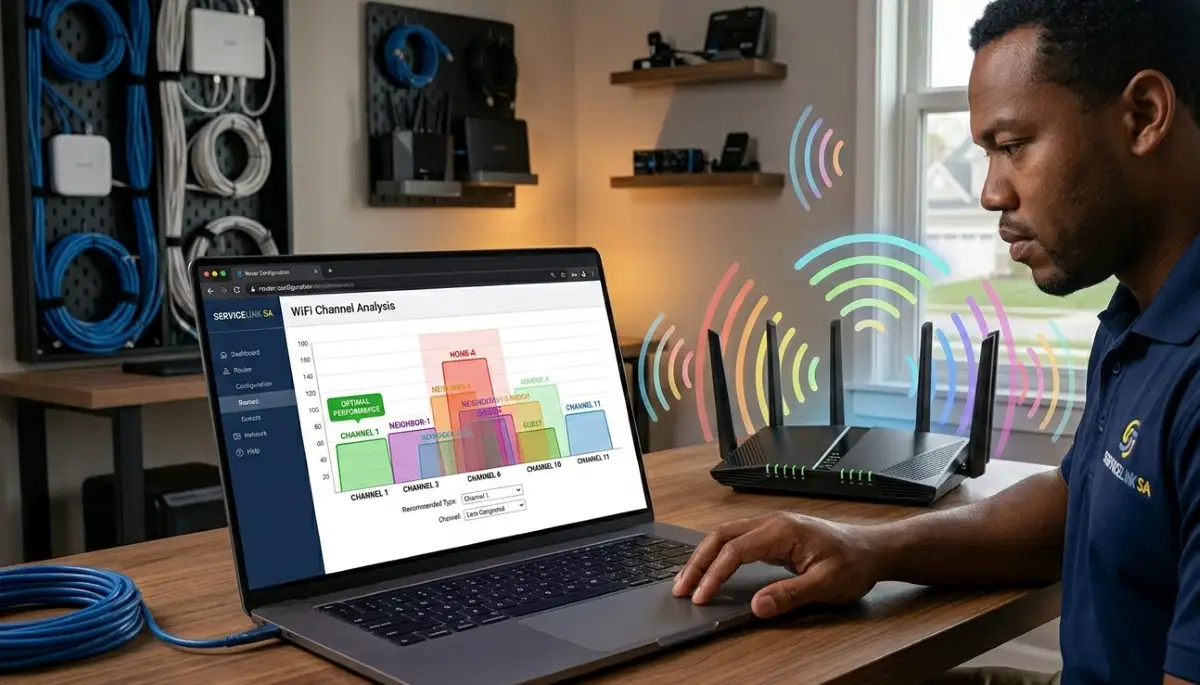
📡 Optimise WiFi Channels
Channel optimisation is key to best router settings for maximum internet speed.
Why Channels Matter:
If too many routers use the same channel, they interfere. This slows down your wifi speed.
How to Choose the Best Channel:
- Download a WiFi analyser app.
- Scan for nearby networks.
- Identify the least congested channel.
- For 2.4 GHz, use channels 1, 6, or 11.
- Change the channel in your router settings.
How to Change Your Channel:
- Access your router settings.
- Find wireless settings.
- Find channel selection.
- Select your chosen channel.
- Save and reboot.
For more on channels, see our router channel settings guide.
📡 Use 5 GHz for Max Speed
Using 5 GHz is essential for wifi max speed.
Why 5 GHz Is Faster:
- Higher speed: Supports faster speeds.
- Less interference: Fewer devices use 5 GHz.
- Less congestion: Fewer networks on 5 GHz.
How to Use 5 GHz:
- Check if your device supports 5 GHz.
- Connect to the 5 GHz network.
- Use 5 GHz for streaming, gaming, and video calls.
Note: 5 GHz has shorter range. Use 2.4 GHz for distance.
Realistic Example:
In Table View, switching to 5 GHz improves wifi speed for streaming.
For more on bands, see our dual band WiFi guide.
⚡ Enable Latest WiFi Standards
Enabling the latest WiFi standards improves wifi max speed.
What to Check:
- WiFi 6: Faster and better for many devices.
- MU-MIMO: Simultaneously serves multiple devices.
- OFDMA: Divides channels for multiple devices.
How to Enable:
- Access your router settings.
- Find wireless settings.
- Enable WiFi 6 (if available).
- Enable MU-MIMO and OFDMA.
Why This Matters:
These standards improve wifi speed and capacity. They’re essential for router settings for many devices.
For more on WiFi standards, see our WiFi 6 vs WiFi 5 guide.
Still Not Getting Maximum Speed?
Get professional help from local specialists who understand router configuration for speed and bandwidth management.
Free consultations available for best router settings for fibre in south africa.
⚙️ Update Router Firmware
Updating firmware is essential for best router settings for maximum internet speed.
Why Firmware Matters:
Manufacturers release updates that improve performance, fix bugs, and enhance security.
How to Update:
- Access your router settings.
- Find “Firmware Update” or “System Update.”
- Check for updates.
- Install if available.
- Wait for the router to reboot.
How Often to Update:
Check every 3-6 months. Some routers have automatic updates.
For more on firmware, see our router setup guide.
📊 Bandwidth Management
Bandwidth management is key to router configuration for speed.
What Is Bandwidth Management?
Bandwidth management is allocating bandwidth to different devices and activities. It ensures important activities get priority.
How to Manage Bandwidth:
- Enable QoS: Prioritise important traffic.
- Set bandwidth limits: Limit bandwidth for less important activities.
- Monitor usage: Track which devices use the most bandwidth.
Why This Matters:
If someone is gaming while others stream 4K, QoS ensures gaming gets priority, reducing lag.
For more on bandwidth management, see our WiFi optimisation guide.
🔌 Best Router Settings for Fibre in South Africa
Best router settings for fibre in south africa are specific.
Why Fibre Needs Special Settings:
- High speed: Fibre supports high speeds.
- Low latency: Fibre has low latency.
- Many devices: Fibre households often have many devices.
Recommended Settings for Fibre:
- QoS: Enable and prioritise important traffic.
- 5 GHz: Use for high-speed devices.
- WiFi 6: Enable if available.
- VLAN: Some fibre providers require VLAN tagging.
Realistic Example:
A fibre home in Bloubergstrand: QoS and 5 GHz are essential for wifi speed.
For more on fibre, see our fibre ONT setup guide.

📊 Speed Settings Comparison
Here’s a comparison of router speed settings for different needs.
| Setting | Effect on Speed | Priority | Best For |
|---|---|---|---|
| QoS | High | Essential | All users |
| 5 GHz Band | High | Essential | Streaming, gaming |
| Channel Selection | Medium | Important | Congested areas |
| WiFi 6 | High | Essential | Many devices |
| Firmware Update | Medium | Important | All users |
| Bandwidth Management | High | Essential | Multiple users |
Key Takeaway: QoS and 5 GHz are essential for maximum wifi speed.
❓ Frequently Asked Questions About Router Speed Settings
What are the best router settings for maximum internet speed?
The best router settings for maximum internet speed include enabling QoS, using 5 GHz, optimising channels, enabling WiFi 6, and updating firmware. These router speed settings maximise your wifi speed.
How do I configure my router for maximum speed?
Router configuration for speed involves enabling QoS, using 5 GHz, optimising channels, and enabling WiFi 6. These router speed settings ensure you get the wifi max speed.
What is the best router settings for fibre in South Africa?
The best router settings for fibre in south africa include QoS, 5 GHz, WiFi 6, and VLAN settings if required. These optimise wifi speed for fibre connections.
Does QoS improve internet speed?
QoS improves your wifi speed for important traffic by prioritising it. It doesn’t increase your internet plan’s speed but ensures you get the most from it.
What are the best router settings for 4K streaming?
Router settings for 4k streaming include enabling QoS, using 5 GHz, and ensuring sufficient bandwidth. These router speed settings ensure buffer-free streaming.
What are the best router settings for online gaming?
Router settings for online gaming include enabling QoS, using 5 GHz, and prioritising gaming traffic. These router configuration for speed techniques reduce lag.
What are the best router settings for many devices?
Router settings for many devices include enabling QoS, using WiFi 6, and enabling MU-MIMO. These router speed settings handle multiple devices.
How do I test my WiFi speed after changing settings?
Run a wifi speed test using Ookla Speedtest or Fast.com. Test with a wired connection and WiFi to compare. This helps you measure the impact of your router speed settings.
✅ Final Thoughts: Get Maximum Speed from Your Router
Now you know the best router settings for maximum internet speed. With the right router speed settings, you can get the wifi max speed you’re paying for.
Key Takeaways:
- Enable QoS: Prioritise important traffic.
- Use 5 GHz: Faster speeds.
- Optimise channels: Reduce interference.
- Enable WiFi 6: Better for many devices.
- Update firmware: Improve performance.
Your Next Step: Apply these router configuration for speed settings. Test your wifi speed before and after. If you need professional help, ServiceLink SA can connect you with local specialists who understand router speed settings and bandwidth management.
Ready to Maximise Your Internet Speed?
Get free advice from verified local specialists for router speed settings and router configuration for speed.
📞 Call us: 073 138 4726 for immediate help finding a specialist near you.
📢 Are You a WiFi Optimisation Professional?
Join ServiceLink SA’s network of verified contractors and get access to qualified leads for router speed settings and wifi speed optimisation projects.
📚 Official resources & standards referenced:
- SANS 10400 – Guidelines for electrical and networking installations in South African homes.
- Department of Energy – Information on energy-efficient electronic equipment.
Information provided for general guidance. For professional best router settings for maximum internet speed advice, always consult a qualified local technician.
Written by: Innocent T Hanyani
Construction & Home Services Industry Specialist | 21+ Years Experience
Innocent T Hanyani has over two decades of experience working across South Africa’s construction, telecommunications, and home services sectors. Throughout his career, he has worked closely with network installers, IT professionals, and homeowners, gaining practical insight into the best router settings for maximum internet speed. His expertise helps homeowners understand the complexities of router speed settings and router configuration for speed, from best router settings for fibre in south africa to router settings for 4k streaming, router settings for online gaming, and router settings for many devices.