
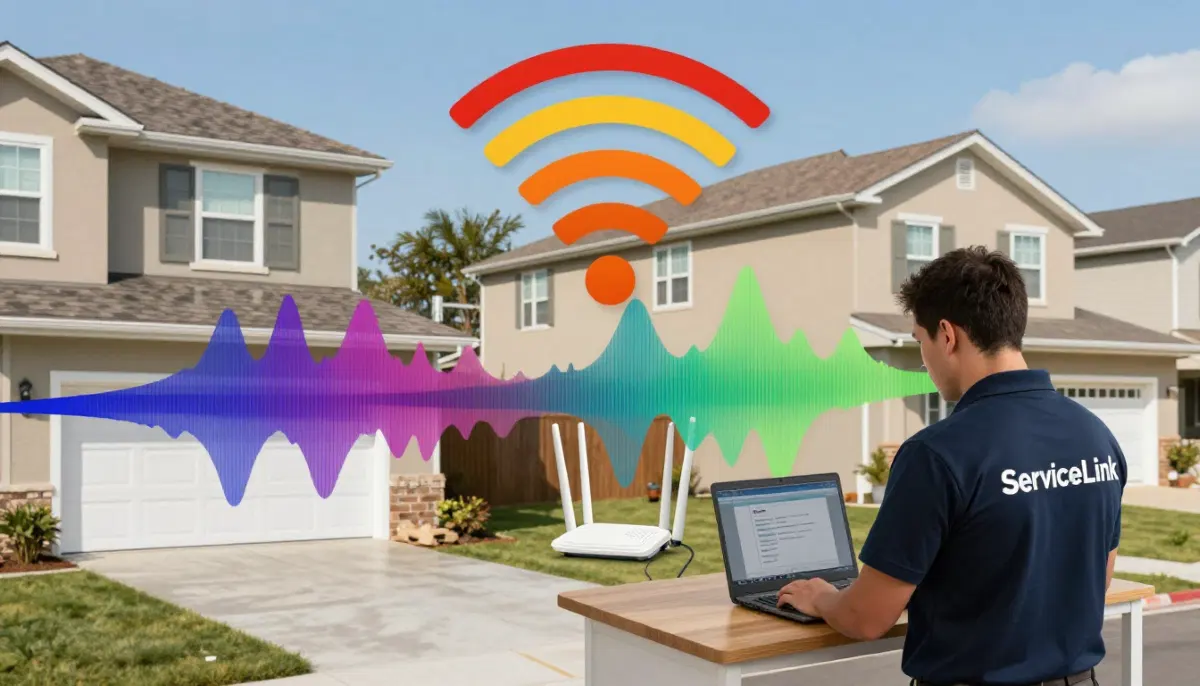
Struggling with WiFi in Your Complex?
Get professional help from local specialists who understand wifi for apartment and wifi in complex.
Servicing Richards Bay, Newcastle, Ladysmith, and across South Africa
Best WiFi Setup for Apartments and Complexes: The Complete Guide
🏢 Apartment living has unique WiFi challenges—here’s how to get fast, reliable internet.
You live in an apartment or complex. You have a fast internet plan, but your WiFi is slow. Streaming buffers. Video calls drop. You’re surrounded by neighbours, each with their own WiFi network. They’re all competing for the same space.
Finding the best wifi setup for apartments and complexes is different from a standalone house. You face unique challenges: interference from neighbours, concrete walls, and limited space. But with the right approach, you can get excellent wifi for apartment coverage.
In this comprehensive guide, I’ll show you the best wifi setup for apartments and complexes. I’ll cover wifi in complex challenges, wifi for sectional title solutions, and answer questions like wifi for apartment in johannesburg complex, wifi router in apartment with thick walls, wifi for duplex flat, and wifi for gated complex.
For more on WiFi optimisation, check out our interference guide and fix weak signal guides. Let’s get your complex WiFi sorted.
📋 Table of Contents – Apartment WiFi Guide
🏢 WiFi Challenges in Apartments
Understanding the challenges helps with the best wifi setup for apartments and complexes.
Common Apartment WiFi Issues:
- Interference: Many networks in a small area.
- Thick walls: Concrete and brick block signals.
- Limited space: Small apartments, limited router placement.
- Shared walls: Signals travel through walls.
- Security: More neighbours, more security risks.
Why Apartments Are Different:
- Density: Many routers in a small area.
- Interference: Wifi interference is common.
- Walls: Thick walls block signals.
What This Means:
A standard router often can’t handle apartment conditions. You need better equipment and configuration for wifi for apartment.
For more on wifi interference, see our interference guide.
📡 Managing WiFi Interference
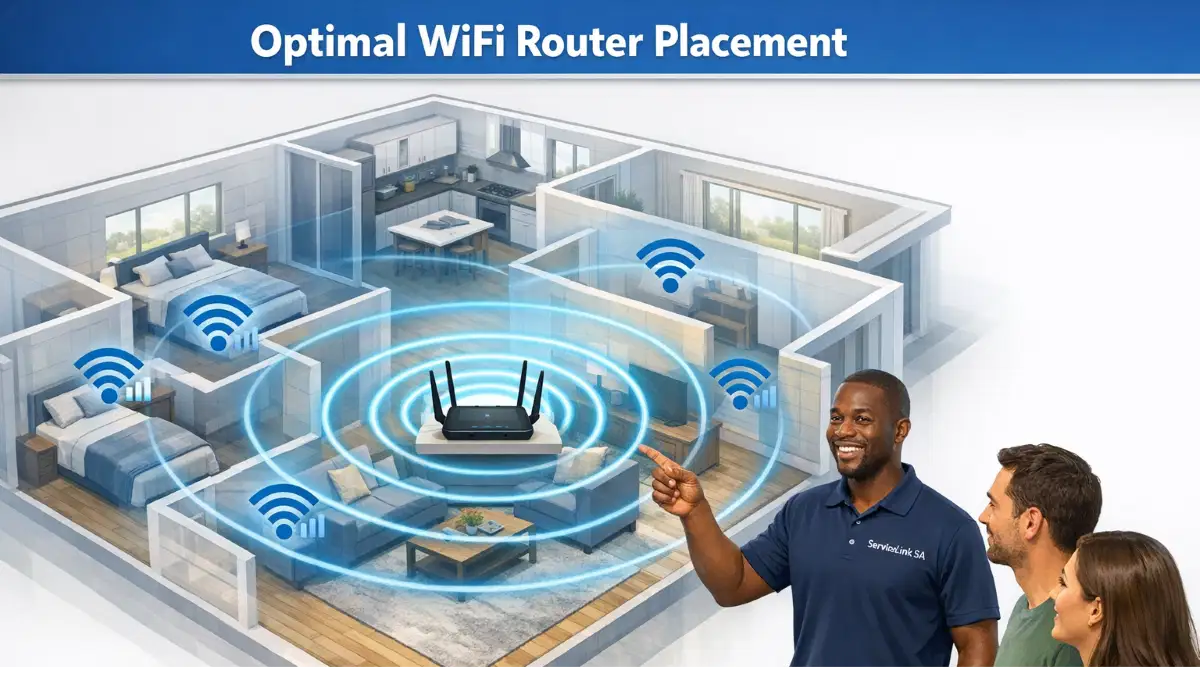
Wifi interference is the biggest challenge in apartments.
Why Interference Is Worse:
- Many networks: 10-20 networks in a small area.
- Same channels: Most routers use the same default channels.
- Thin walls: Signals travel between units.
How Interference Affects You:
- Slow wifi speed.
- Frequent disconnections.
- Buffering while streaming.
- High latency (ping).
How to Reduce Interference:
- Change channel: Use a less congested channel.
- Use 5 GHz: Less congestion than 2.4 GHz.
- Use a WiFi analyser: Find the best channel.
Realistic Example:
An apartment in Richards Bay with 15 networks: Changing to channel 11 and using 5 GHz improves wifi speed.
For more on interference, see our interference guide.
🛠️ Choosing the Right Router
Choosing the right router is key to best wifi setup for apartments and complexes.
What to Look For:
- WiFi 6: Handles more devices and interference.
- Dual-band: 2.4 GHz and 5 GHz.
- Good range: Penetrates walls.
- Small size: Fits in apartments.
Recommended Routers:
- TP-Link Archer AX55: Good for apartments, WiFi 6.
- ASUS RT-AX58U: Good range, WiFi 6.
- Google Nest WiFi: Compact, good for apartments.
What to Avoid:
- Single-band routers: Only 2.4 GHz, more interference.
- Very cheap routers: Limited features and range.
For more on routers, see our best routers guide.
📍 Router Placement in Apartments
Router placement is critical for wifi for apartment.
Best Placement Tips:
- Central location: Place in the centre of your apartment.
- Elevated: On a shelf or high table.
- Away from walls: Keep it away from shared walls.
- Away from metal: Metal objects block signals.
What to Avoid:
- Near shared walls: Signals can leak to neighbours.
- In cupboards: Blocks the signal.
- Behind furniture: Blocks the signal.
Realistic Example:
A 1-bedroom apartment in Newcastle: Place the router centrally in the living room for best coverage.
For more on placement, see our router placement guide.
📡 Best Channel Settings
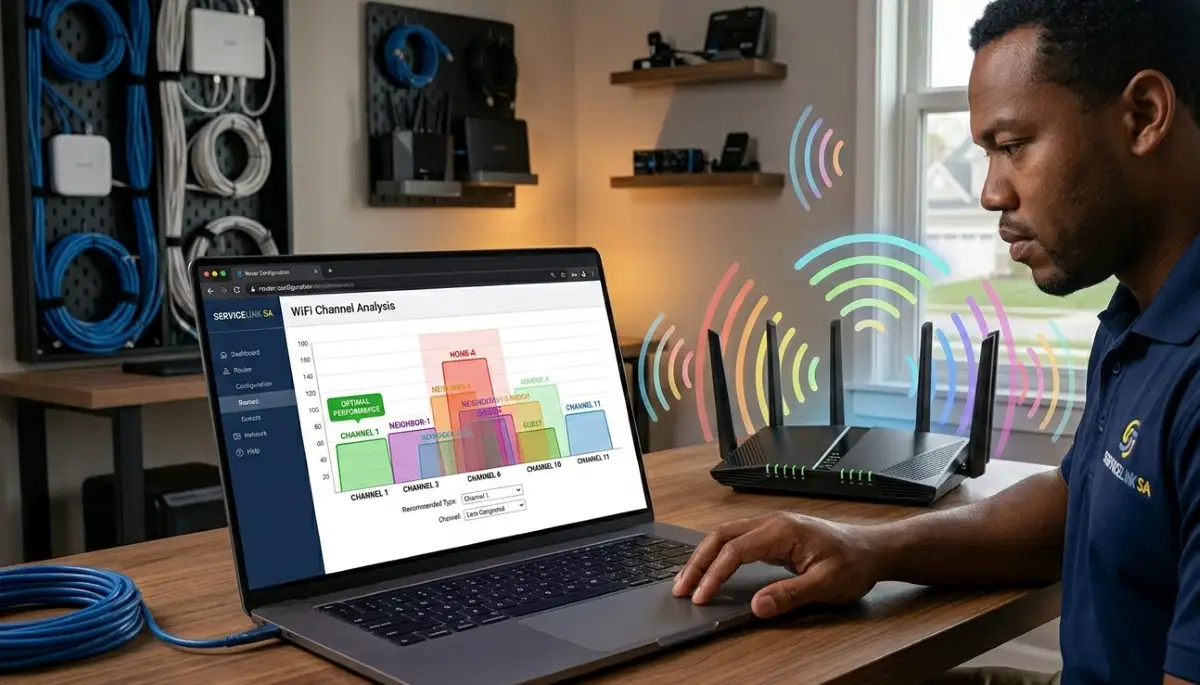
Channel settings are crucial for best wifi setup for apartments and complexes.
Why Channels Matter:
In apartments, many routers use the same channels. This causes interference. Changing your channel reduces interference.
How to Choose the Best Channel:
- Download a WiFi analyser app.
- Scan for nearby networks.
- Identify the least congested channel.
- For 2.4 GHz, use channels 1, 6, or 11.
- For 5 GHz, use high channels (149-161).
How to Change Your Channel:
- Access your router settings.
- Find wireless settings.
- Find channel selection.
- Select your chosen channel.
- Save and reboot.
For more on channels, see our router channel settings guide.
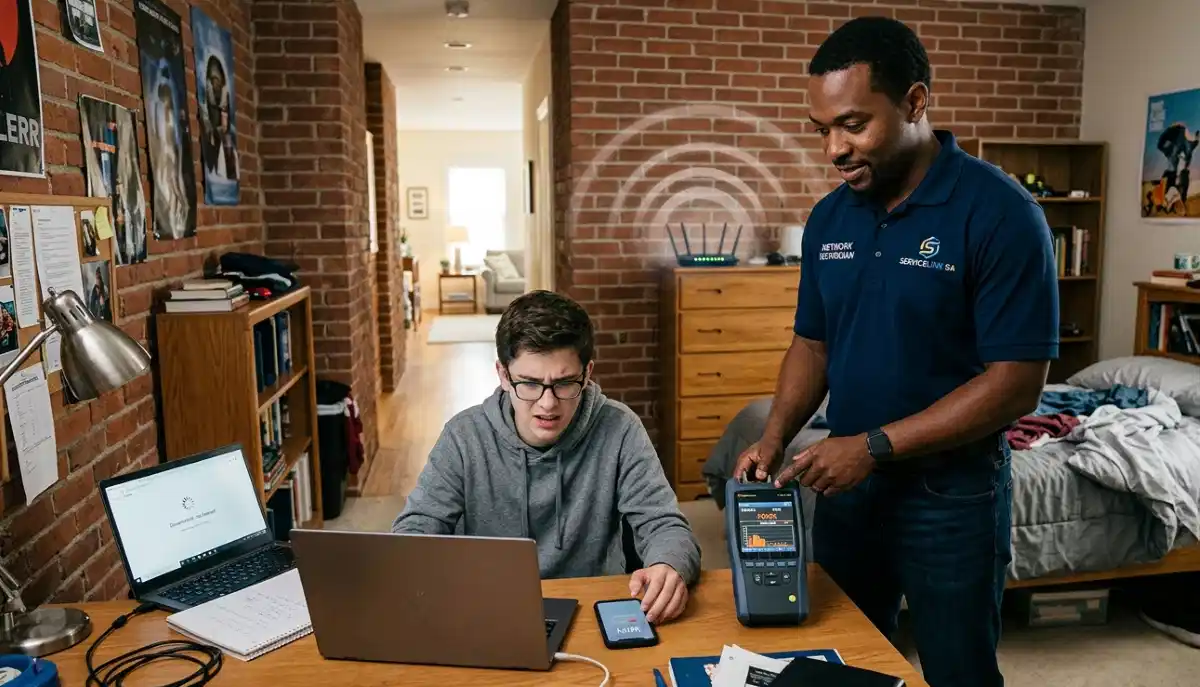
Apartment WiFi Not Working?
Get professional help from local specialists who understand wifi for apartment and wifi in complex.
Free consultations available for wifi for gated complex.
🧱 WiFi Router in Apartment with Thick Walls
Wifi router in apartment with thick walls requires special attention.
Why Thick Walls Are a Problem:
Concrete and brick walls block WiFi signals. In apartments, walls between units are often thick and block signals.
Solutions for Thick Walls:
- Use 2.4 GHz: Better penetration than 5 GHz.
- Place router centrally: Minimise walls between router and devices.
- Use a mesh system: Multiple nodes bypass walls.
Realistic Example:
A flat in Ladysmith with thick concrete walls: Using 2.4 GHz and placing the router centrally improves coverage.
For more on thick walls, see our brick walls WiFi guide.
📶 WiFi Extenders for Apartments
WiFi extenders can help with wifi for apartment coverage.
When to Use an Extender:
- One dead zone: A specific area with weak signal.
- Small apartment: 1-2 bedrooms.
- Budget solution: Cheaper than a new router.
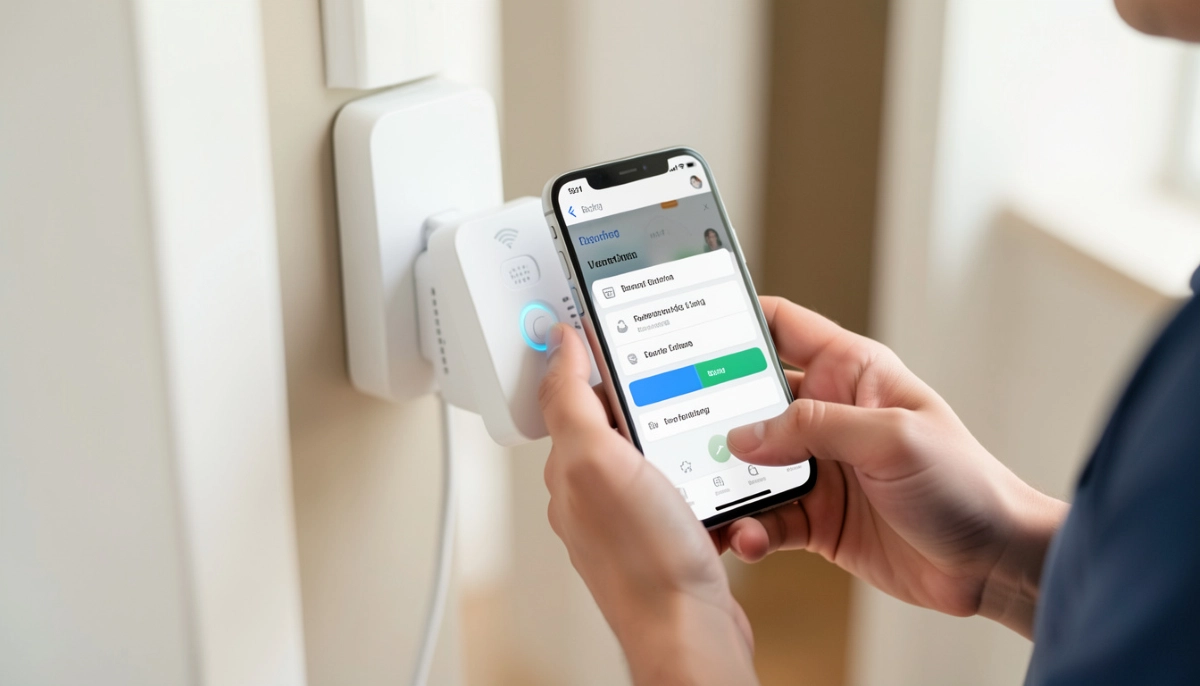
How to Use an Extender:
- Place the extender where the signal is still strong.
- Set it up using WPS or the app.
- Place it in the dead zone.
Recommended Extenders:
- TP-Link RE305: Good value, AC1200.
- TP-Link RE220: Budget option.
Important: In apartments, extenders can add to interference. Use them only if needed.
For more on extenders, see our extender installation guide.
🏘️ WiFi for Gated Complex
Wifi for gated complex has specific considerations.
Challenges in Gated Complexes:
- Larger area: More space to cover.
- More units: More neighbours, more interference.
- Common areas: Pool, clubhouse need coverage.
Solutions for Gated Complexes:
- Mesh network: Whole complex coverage.
- Outdoor access points: Pool and clubhouse.
- Professional installation: Best for large complexes.
Realistic Example:
A gated complex in Margate: A mesh system with outdoor nodes provides coverage for the whole complex.
For more on wifi for gated complex, see our mesh network guide.
📊 Apartment WiFi Solutions Comparison
Here’s a comparison of best wifi setup for apartments and complexes solutions.
| Solution | Best For | Pros | Cons | Cost |
|---|---|---|---|---|
| Change Channel | All apartments | Free, effective | Need to check neighbours | Free |
| Use 5 GHz | Close to router | Free, faster | Shorter range | Free |
| WiFi Extender | One dead zone | Affordable | Speed reduction | R500 – R1,500 |
| Mesh Network | Whole complex | Seamless coverage | Higher cost | R3,000 – R10,000+ |
| Professional Installation | Large complexes | Optimal setup | Highest cost | R2,000 – R8,000 |
Key Takeaway: Start with free fixes (channel change, 5 GHz). For persistent issues, consider an extender or mesh.
❓ Frequently Asked Questions About Apartment WiFi
What is the best WiFi setup for an apartment?
The best wifi setup for apartments and complexes includes a dual-band router (WiFi 6), proper placement, and optimised channel settings. Use 5 GHz for speed and 2.4 GHz for range. This is essential for wifi in complex.
How do I get good WiFi in my apartment?
Get good wifi for apartment by placing your router centrally, changing channels to avoid interference, using 5 GHz, and considering a WiFi extender. These are the best wifi setup for apartments and complexes techniques.
Why is my apartment WiFi so slow?
Apartment WiFi is often slow due to wifi interference from neighbours. Many routers on the same channel cause congestion. Change your channel and use 5 GHz to improve wifi speed.
How do I set up WiFi in a sectional title complex?
Wifi for sectional title setup involves choosing the right router, optimising channel settings, and considering a mesh system for larger complexes. Professional installation is recommended for whole-complex coverage.
What is the best WiFi for a gated complex?
Wifi for gated complex is a mesh system with outdoor nodes. This provides coverage for common areas and individual units. For large complexes, professional installation is recommended.
How do I reduce WiFi interference in my apartment?
Reduce wifi interference by changing your channel, using 5 GHz, and moving your router away from shared walls. Use a WiFi analyser to find the best channel.
What is the best router for a flat?
The best router for a flat is a WiFi 6 dual-band router like TP-Link Archer AX55 or ASUS RT-AX58U. These handle wifi for apartment well.
Can a WiFi extender help in an apartment?
Yes, a wifi extender can help with wifi for duplex flat coverage if you have one dead zone. Place it where the signal is still strong. However, extenders can add to interference in crowded apartments.
✅ Final Thoughts: Get Great WiFi in Your Apartment
Now you know the best wifi setup for apartments and complexes. With the right wifi in complex approach, you can get fast, reliable internet.
Key Takeaways:
- Change channels: Reduce interference.
- Use 5 GHz: Faster speeds.
- Place router centrally: Better coverage.
- Consider extenders: For dead zones.
- Mesh for complexes: Whole-complex coverage.
Your Next Step: Apply these wifi for apartment techniques. If you need professional help, ServiceLink SA can connect you with local specialists who understand wifi for sectional title and wifi for gated complex.
Ready to Fix Your Complex WiFi?
Get free advice from verified local specialists for wifi for apartment and wifi in complex.
📞 Call us: 073 138 4726 for immediate help finding a specialist near you.
📢 Are You an Apartment WiFi Specialist?
Join ServiceLink SA’s network of verified contractors and get access to qualified leads for wifi for apartment and wifi in complex projects.
📚 Official resources & standards referenced:
- SANS 10400 – Guidelines for electrical and networking installations in South African homes.
- Department of Energy – Information on energy-efficient electronic equipment.
Information provided for general guidance. For professional best wifi setup for apartments and complexes advice, always consult a qualified local technician.
Written by: Innocent T Hanyani
Construction & Home Services Industry Specialist | 21+ Years Experience
Innocent T Hanyani has over two decades of experience working across South Africa’s construction, telecommunications, and home services sectors. Throughout his career, he has worked closely with network installers, property managers, and homeowners, gaining practical insight into the best wifi setup for apartments and complexes. His expertise helps apartment dwellers understand the complexities of wifi for apartment and wifi in complex, from wifi for sectional title to wifi for apartment in johannesburg complex, wifi router in apartment with thick walls, wifi for duplex flat, and wifi for gated complex.