
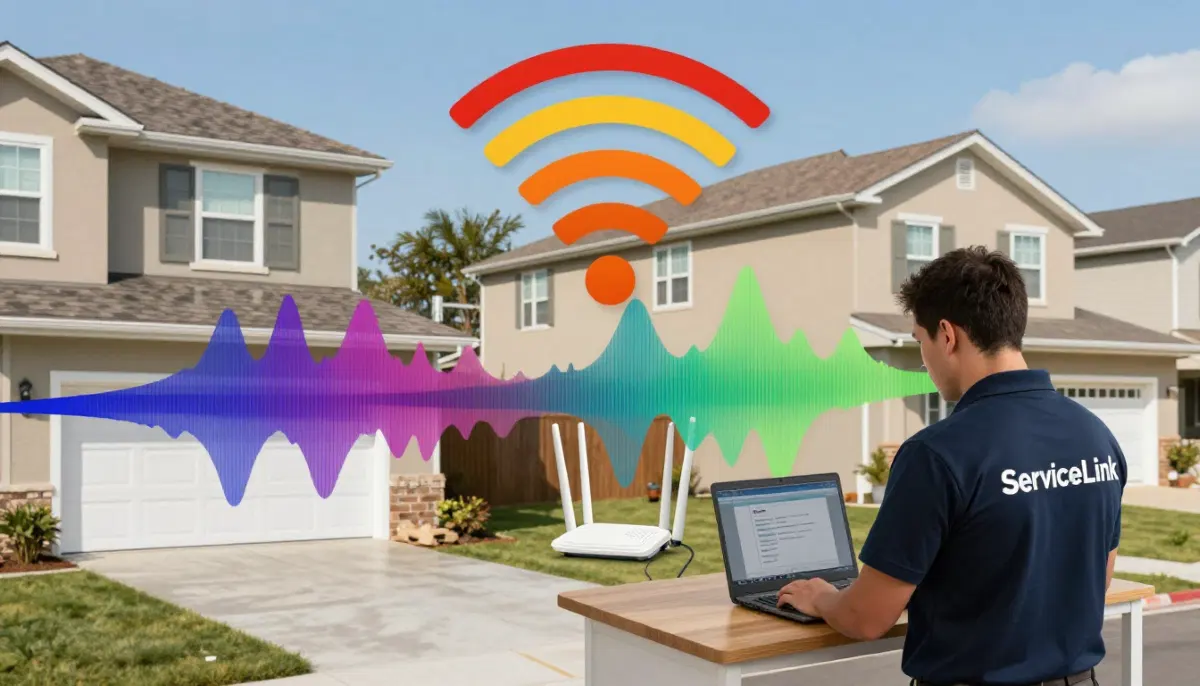
Neighbour’s WiFi Slowing You Down?
Get professional help from local specialists who understand wifi interference from neighbours and neighbouring wifi.
Servicing Umhlanga, Sasolburg, Ballito, and across South Africa
How Neighbouring WiFi Networks Affect Your Signal: The Complete Guide
📡 Your neighbours’ WiFi might be slowing you down—here’s why and how to fix it.
You live in a complex, an apartment building, or a neighbourhood with houses close together. Your WiFi is slow, even though you have a fast internet plan. You’ve tried everything, but nothing seems to work.
The problem might be your neighbours. Neighbouring wifi networks can interfere with your signal. When multiple routers use the same channel, they cause wifi interference and wifi congestion. This is especially common in complexes and apartments.
In this comprehensive guide, I’ll explain how neighbouring wifi networks affect your signal. I’ll cover wifi interference from neighbours, wifi channel overlap, and answer questions like why is my wifi so slow from neighbours wifi, neighbours wifi affecting my internet, wifi channel conflict with neighbours, and wifi interference in complex.
For more on interference, check out our router channel settings and improve WiFi speed guides. Let’s deal with those neighbours.
📋 Table of Contents – Neighbour WiFi Interference Guide
📡 What Is WiFi Interference?
Before we dive into how neighbouring wifi networks affect your signal, let’s define wifi interference.
What Is WiFi Interference?
Wifi interference happens when multiple devices or networks try to use the same frequency. This causes signals to overlap and interfere with each other.
Types of Interference:
- Co-channel interference: Multiple routers on the same channel.
- Adjacent channel interference: Routers on overlapping channels.
- Non-WiFi interference: Microwaves, cordless phones, baby monitors.
How Interference Affects You:
- Slower wifi speed.
- Higher latency (ping).
- Frequent disconnections.
- Buffering while streaming.
For more on wifi interference, see our router channel settings guide.
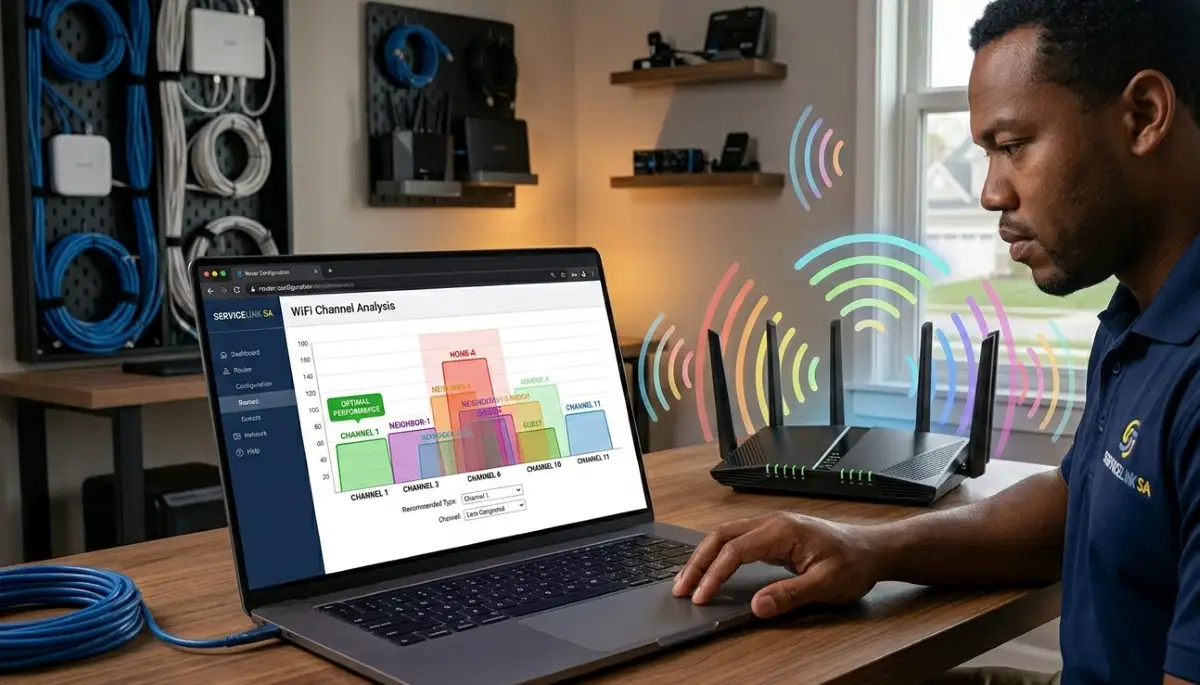
🏠 How Neighbouring WiFi Affects Your Signal
Neighbouring wifi networks affect your signal in several ways.
How It Works:
Your router broadcasts on a specific channel. If your neighbours use the same channel, your signals compete. This causes wifi congestion.
Why This Happens:
- Default settings: Most routers use the same default channel.
- Auto selection: Auto mode often chooses the same channel.
- Limited channels: Only 3 non-overlapping channels on 2.4 GHz.
What This Means:
In crowded areas, wifi interference from neighbours is almost inevitable. The more neighbours, the more interference.
Realistic Example:
In Umhlanga, 10 routers on channel 6 cause wifi congestion. Your wifi speed drops significantly.
For more on neighbouring wifi, see our router channel settings guide.
📡 WiFi Channel Overlap
Wifi channel overlap is a major cause of interference.
What Is Channel Overlap?
When two routers use channels that overlap, they cause interference. On 2.4 GHz, channels 1, 6, and 11 don’t overlap. Other channels overlap with each other.
Why Overlap Is Bad:
- Interference: Signals interfere with each other.
- Slow speed: Wifi speed decreases.
- Connection drops: Frequent disconnections.
How to Avoid Overlap:
- Use channels 1, 6, or 11: These don’t overlap.
- Check neighbours: See what channels they’re using.
- Choose the least used: Pick the channel with fewest neighbours.
Realistic Example:
In Sasolburg, neighbours on channels 2, 4, and 7 cause wifi channel overlap. Switching to channel 11 avoids overlap.
For more on wifi channel overlap, see our router channel settings guide.
🚨 Signs of WiFi Interference
Here are signs you’re experiencing wifi interference from neighbours.
Common Signs:
- Slow speeds: Wifi speed is slow, especially during peak times.
- Buffering: Streaming buffers frequently.
- Disconnections: Devices disconnect randomly.
- Inconsistent: Wifi speed varies throughout the day.
When It Happens:
- Evenings: When neighbours are home.
- Weekends: More people using WiFi.
- After work hours: Peak usage times.
How to Check:
Use a WiFi analyser app. If you see many networks on the same channel, you have interference.
For more on wifi interference, see our router channel settings guide.
Neighbours’ WiFi Interfering with Yours?
Get professional help from local specialists who understand wifi interference from neighbours and wifi channel conflict with neighbours.
Free consultations available for wifi interference in complex.
🐢 Why Is My WiFi So Slow from Neighbours WiFi?
Why is my wifi so slow from neighbours wifi is a common question.
Why Neighbours Slow You Down:
- Same channel: You and neighbours on the same channel.
- Overlapping channels: Overlapping channels cause interference.
- Congestion: Too many devices on the same frequency.
Why It’s Worse in Complexes:
- More networks: Many routers in a small area.
- Thin walls: Signals travel through walls easily.
- Default settings: Everyone uses the same default channel.
Realistic Example:
In Ballito, 15 routers in a complex cause wifi congestion. Your wifi speed is slow because of neighbouring wifi.
For more on why is my wifi so slow from neighbours wifi, see our slow WiFi causes guide.
🏢 WiFi Interference in Complex
Wifi interference in complex is a common problem.
Why Complexes Are Worse:
- Density: Many units in a small area.
- Thin walls: Signals travel between units easily.
- Shared channels: Everyone uses the same channels.
Common Problems:
- Slow speeds: Wifi speed is slow during peak hours.
- Disconnections: Frequent drops.
- Buffering: Streaming buffers constantly.
Solutions for Complexes:
- Change channel: Use a less congested channel.
- Use 5 GHz: Less congestion on 5 GHz.
- Use a WiFi analyser: Find the best channel.
Realistic Example:
A complex in Pineland with 20 routers: Changing to channel 11 and using 5 GHz improves wifi speed.
For more on wifi interference in complex, see our WiFi optimisation guide.
🔧 How to Fix WiFi Interference
Here’s how to fix wifi interference from neighbours.
Step 1: Check Your Channel
Use a WiFi analyser app to see which channels are congested.
Step 2: Change Your Channel
Change to a less congested channel. For 2.4 GHz, use 1, 6, or 11. For 5 GHz, use high channels (149-161).
Step 3: Use 5 GHz
5 GHz has less congestion than 2.4 GHz. Connect your devices to 5 GHz.
Step 4: Move Your Router
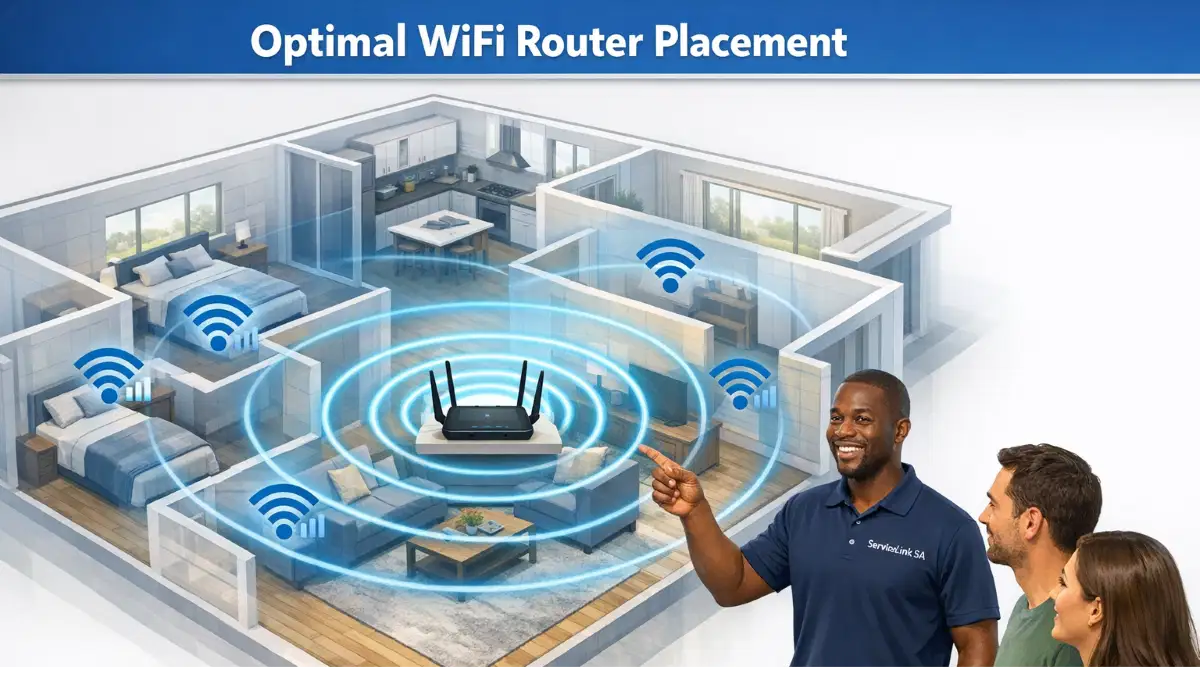
Move your router away from shared walls. This reduces interference from neighbours.
Step 5: Update Firmware
Update your router’s firmware for the latest improvements.
For more on fixing wifi interference, see our router channel settings guide.
📡 Use 5 GHz to Avoid Interference
Using 5 GHz is the best way to avoid wifi channel conflict with neighbours.
Why 5 GHz Is Better:
- Less congestion: Fewer devices use 5 GHz.
- More channels: More channels available.
- Less interference: Fewer neighbours on 5 GHz.
How to Use 5 GHz:
- Check if your device supports 5 GHz.
- Connect to the 5 GHz network.
- Use 5 GHz for streaming, gaming, and video calls.
Note: 5 GHz has shorter range. Use 2.4 GHz for distance.
Realistic Example:
In Bloubergstrand, 2.4 GHz is congested. Switching to 5 GHz improves wifi speed.
For more on 5 GHz, see our dual band WiFi guide.
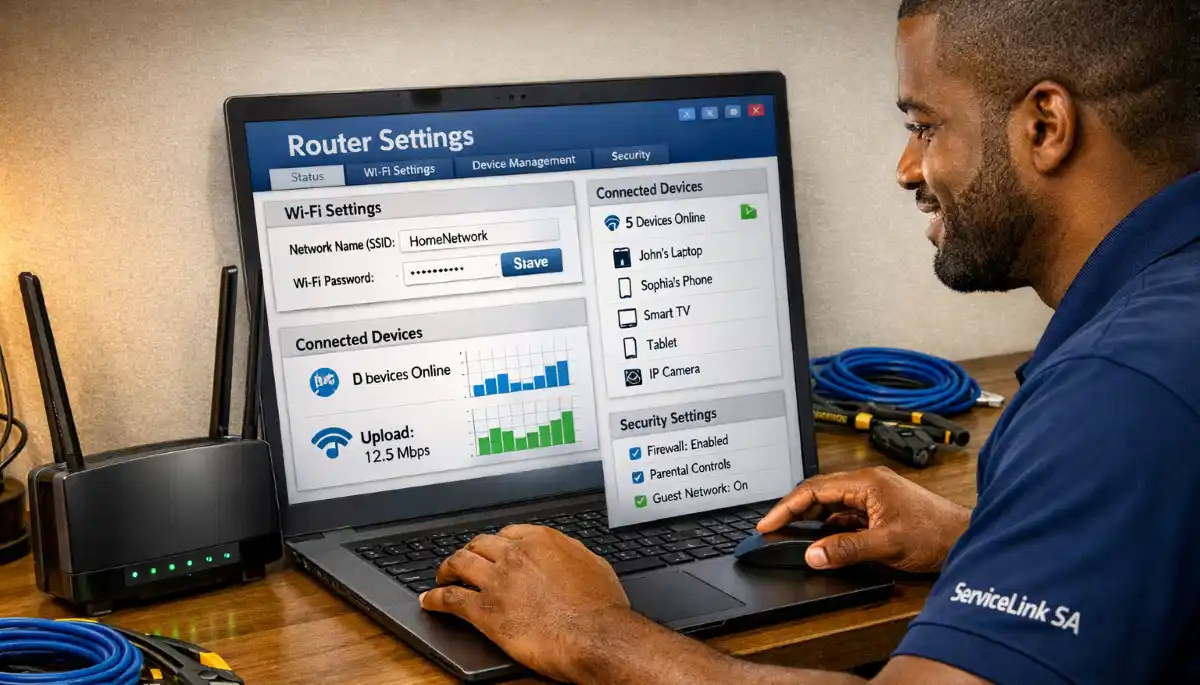
📊 Interference Solutions Comparison
Here’s a comparison of solutions for wifi interference from neighbours.
| Solution | Effectiveness | Difficulty | Cost | Best For |
|---|---|---|---|---|
| Change Channel | High | Easy | Free | Most homes |
| Use 5 GHz | High | Easy | Free | Close to router |
| Move Router | Medium | Easy | Free | Shared walls |
| Upgrade Router | High | Easy | R1,500 – R5,000 | Older routers |
| Mesh Network | Very High | Moderate | R3,000 – R10,000+ | Large homes |
Key Takeaway: Changing your channel and using 5 GHz are free and effective fixes for neighbouring wifi interference.

❓ Frequently Asked Questions About Neighbour WiFi Interference
How do neighbouring WiFi networks affect your signal?
How neighbouring wifi networks affect your signal—they cause wifi interference by using the same channels. This leads to wifi congestion and slower wifi speed. Neighbouring wifi is a common problem in complexes and apartments.
Can neighbours’ WiFi cause interference?
Yes, wifi interference from neighbours is very common. When multiple routers use the same channel, they interfere. This is especially true in complexes and apartments.
Why is my WiFi so slow from neighbours’ WiFi?
Why is my wifi so slow from neighbours wifi—because they’re using the same channel. This causes wifi channel overlap and wifi congestion. Change your channel to fix it.
What is WiFi channel overlap?
Wifi channel overlap happens when routers use overlapping channels. This causes interference. On 2.4 GHz, only channels 1, 6, and 11 don’t overlap.
How do I stop WiFi interference from neighbours?
Stop wifi interference from neighbours by changing your channel, using 5 GHz, and moving your router. Use a WiFi analyser to find the best channel.
How do I check WiFi interference in my area?
Use a WiFi analyser app to check wifi interference. Apps like NetSpot or WiFi Analyzer show which channels are congested. This helps you avoid wifi channel conflict with neighbours.
Is WiFi interference worse in complexes?
Yes, wifi interference in complex is worse. More routers in a small area cause more wifi congestion. Changing channels and using 5 GHz are essential in complexes.
Does 5 GHz WiFi interfere with neighbours?
5 GHz WiFi has less interference from neighbours. Fewer devices use 5 GHz. Use 5 GHz to avoid neighbouring wifi interference.
✅ Final Thoughts: Deal with Neighbour WiFi Interference
Now you know how neighbouring wifi networks affect your signal. Wifi interference from neighbours is a common problem, but it’s fixable.
Key Takeaways:
- Change channel: Use a less congested channel.
- Use 5 GHz: Less interference than 2.4 GHz.
- Move router: Away from shared walls.
- Check interference: Use a WiFi analyser.
Your Next Step: Check your channel settings. Use a WiFi analyser to find the best channel. Change your router channel settings for better wifi speed. If you need professional help, ServiceLink SA can connect you with local specialists who understand wifi interference from neighbours.
Ready to Fix Neighbour WiFi Interference?
Get free advice from verified local specialists for wifi interference from neighbours and neighbouring wifi.
📞 Call us: 073 138 4726 for immediate help finding a specialist near you.
📢 Are You a WiFi Optimisation Professional?
Join ServiceLink SA’s network of verified contractors and get access to qualified leads for wifi interference and neighbouring wifi projects.
📚 Official resources & standards referenced:
- SANS 10400 – Guidelines for electrical and networking installations in South African homes.
- Department of Energy – Information on energy-efficient electronic equipment.
Information provided for general guidance. For professional how neighbouring wifi networks affect your signal advice, always consult a qualified local technician.
Written by: Innocent T Hanyani
Construction & Home Services Industry Specialist | 21+ Years Experience
Innocent T Hanyani has over two decades of experience working across South Africa’s construction, telecommunications, and home services sectors. Throughout his career, he has worked closely with network installers, IT professionals, and homeowners, gaining practical insight into how neighbouring wifi networks affect your signal. His expertise helps homeowners understand the complexities of wifi interference from neighbours and neighbouring wifi, from why is my wifi so slow from neighbours wifi to neighbours wifi affecting my internet, wifi channel conflict with neighbours, and wifi interference in complex.