

Is Your WiFi Driving You Crazy?
Get professional help from local specialists who understand slow wifi causes and wifi speed optimisation.
Servicing Randburg, Camps Bay, La Lucia, and across South Africa
Why Is My WiFi So Slow in South Africa? Common Causes and Fixes
🐌 Slow WiFi is frustrating—but the solution is often simpler than you think.
You’re staring at a spinning circle. The page won’t load. Your video call freezes. You’ve checked your internet plan and you’re paying for decent speeds, but your wifi is so slow in South Africa that you can barely get any work done.
I’ve been there. And I’ve helped hundreds of people across South Africa diagnose and fix their slow WiFi problems. The truth is, the answer to why is my wifi so slow in South Africa is rarely a single issue—it’s usually a combination of factors. But once you understand the causes, you can fix them one by one.
In this guide, I’ll walk you through the most common slow wifi causes, how to diagnose them, and what you can do about them. Whether you’re in Randburg, Camps Bay, or La Lucia, these tips will help you get your speed back.
For more detailed help, check out our professional slow WiFi troubleshooting guide and WiFi signal optimisation resources.
📋 Table of Contents – Slow WiFi Causes Guide
📍 Router Placement Issues: The #1 Cause of Slow WiFi
If you’re wondering why is my wifi so slow in South Africa, start with router placement. This is the most common slow wifi cause.
Common Placement Mistakes:
- Router in a corner: This wastes half your signal as it broadcasts outside your home.
- Router on the floor: Signals travel outward and downward. A router on the floor has limited range.
- Router behind furniture or in a cupboard: This blocks the signal significantly.
- Router near metal objects: Metal absorbs and reflects WiFi signals.
How to Fix It:
- Place your router in the centre of your home.
- Elevate it on a shelf or high table (at least 1.5 metres off the ground).
- Keep it away from metal objects and thick walls.
For more detailed guidance, see our router placement guide.
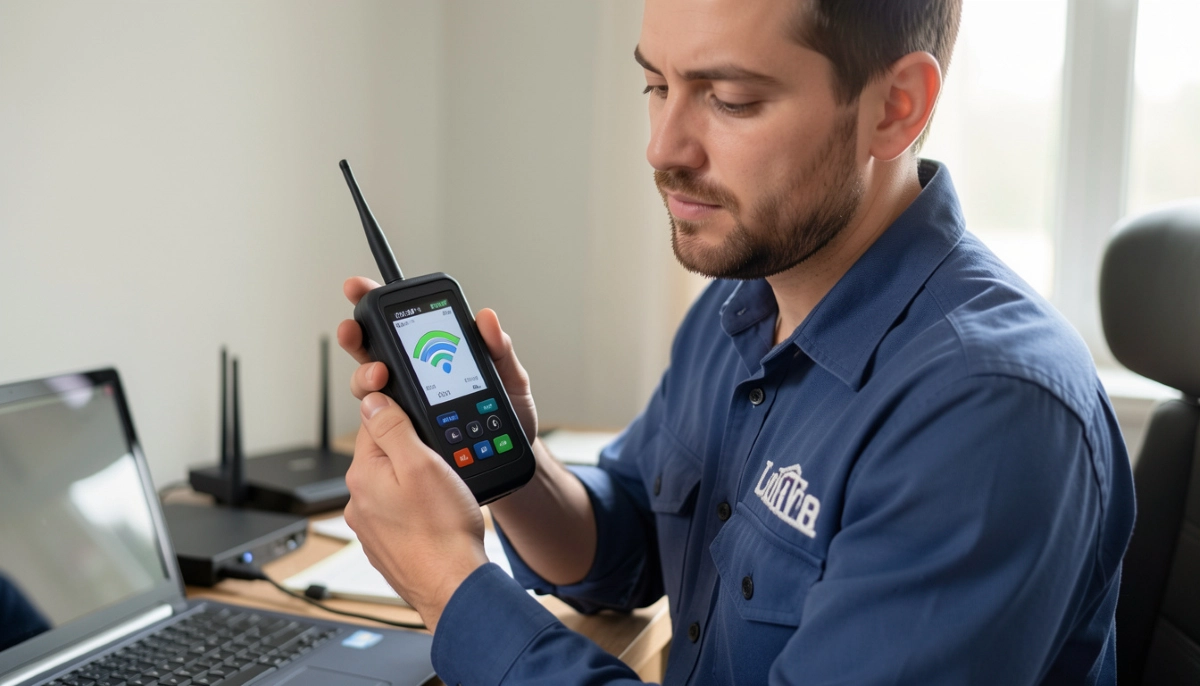
🏢 Network Congestion and Peak Hours
Have you noticed your wifi is slow only at night? You’re not imagining it. Network congestion is a real phenomenon.
Why WiFi Gets Slow at Night:
When everyone gets home from work and starts streaming, gaming, and browsing, the network becomes congested. Your ISP’s infrastructure can only handle so much traffic at once. This is why why is my wifi so slow only at night is such a common complaint.
What You Can Do:
- Schedule heavy downloads for off-peak hours.
- Use QoS (Quality of Service) to prioritise important traffic.
- Consider upgrading your internet plan if congestion is persistent.
For more on night-time slow downs, see our internet slow at night causes guide.
📱 Too Many Connected Devices
In many South African homes, the number of connected devices has exploded. Each device uses bandwidth, and too many can cause wifi slow when many devices connected.
Typical Home Devices:
- Laptops and desktop computers
- Smartphones and tablets
- Smart TVs and streaming devices
- Gaming consoles
- Smart home devices (lights, plugs, speakers)
How to Manage Multiple Devices:
- Connect high-bandwidth devices (TVs, gaming) to the 5 GHz band.
- Connect smart home devices to the 2.4 GHz band.
- Disconnect devices not in use.
- Consider upgrading to a mesh network or tri-band router.
📡 WiFi Interference from Neighbours and Electronics
WiFi interference is a major slow wifi cause, especially in apartment buildings and complexes.
Common Sources of Interference:
- Neighbouring networks: Too many routers on the same channel cause interference.
- Microwaves: They operate on the 2.4 GHz frequency and cause interference when in use.
- Cordless phones: Many use the 2.4 GHz band.
- Baby monitors: Can interfere with your signal.
How to Reduce Interference:
- Change your WiFi channel using a wifi speed test tool to find the least congested channel.
- Use the 5 GHz band (less crowded and less interference).
- Keep your router away from microwaves and cordless phones.
For more on this, see our neighbouring WiFi interference guide.
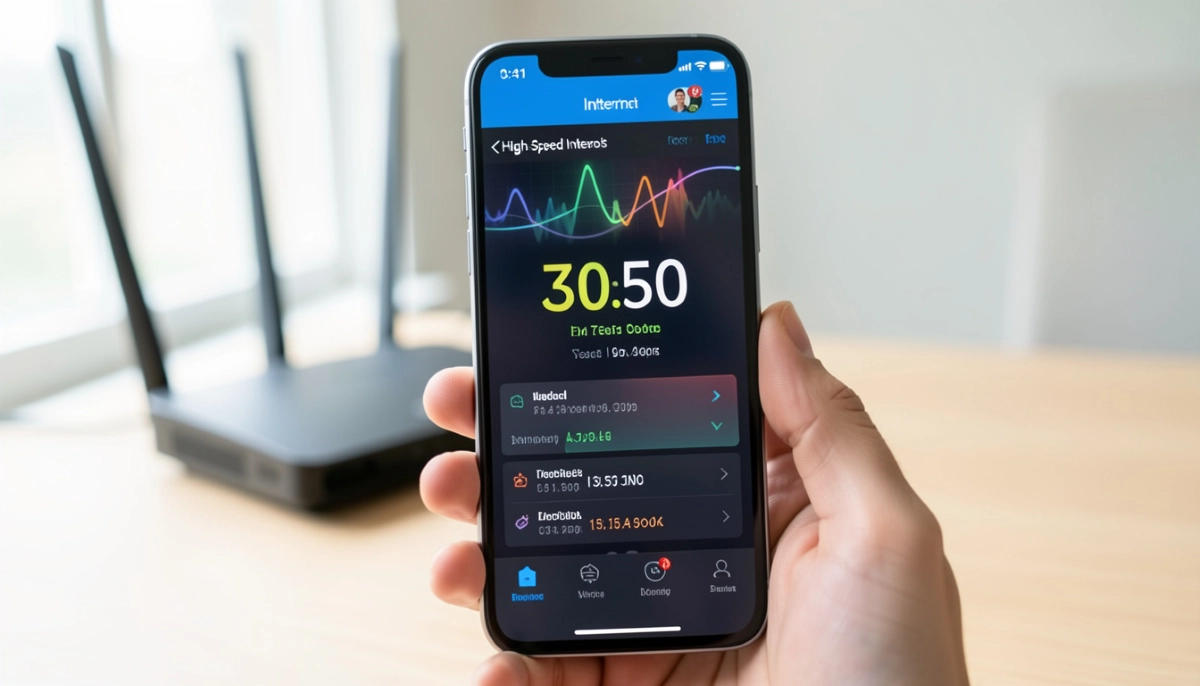
Still Asking “Why Is My WiFi So Slow?”
Get professional wifi troubleshooting from local specialists who can diagnose and fix your speed issues.
Free inspections available for network optimisation.
🔄 Outdated Router Hardware
Your router is the heart of your network. If it’s old, it can be a significant slow wifi cause.
Signs Your Router Is Outdated:
- It’s more than 3-5 years old.
- It only supports older WiFi standards (e.g., 802.11n).
- It’s a single-band router (only 2.4 GHz).
- You’re experiencing frequent disconnections.
What to Look For in a New Router:
- Dual-band support: 2.4 GHz and 5 GHz.
- WiFi 5 or WiFi 6 technology: Faster speeds and better performance.
- Gigabit Ethernet ports: For wired connections.
- Good reviews for range and reliability.
For more on choosing a router, see our best routers guide and router replacement guide.
🏢 Internet Service Provider (ISP) Issues
Sometimes, the problem isn’t your equipment—it’s your ISP. This is particularly relevant if you’ve recently experienced wifi slow after fibre installation.
Common ISP-Related Issues:
- Network congestion: Your ISP’s network might be overloaded.
- Throttling: Some ISPs throttle certain types of traffic.
- Line issues: Problems with your fibre or ADSL line.
- Configuration errors: Your ISP might have misconfigured your connection.
What to Do:
- Run a wifi speed test to confirm the issue.
- Contact your ISP’s support to check for outages or issues.
- Consider switching ISPs if the problem persists.
For more on ISP issues, see our fibre installation delays guide and how to switch ISPs.
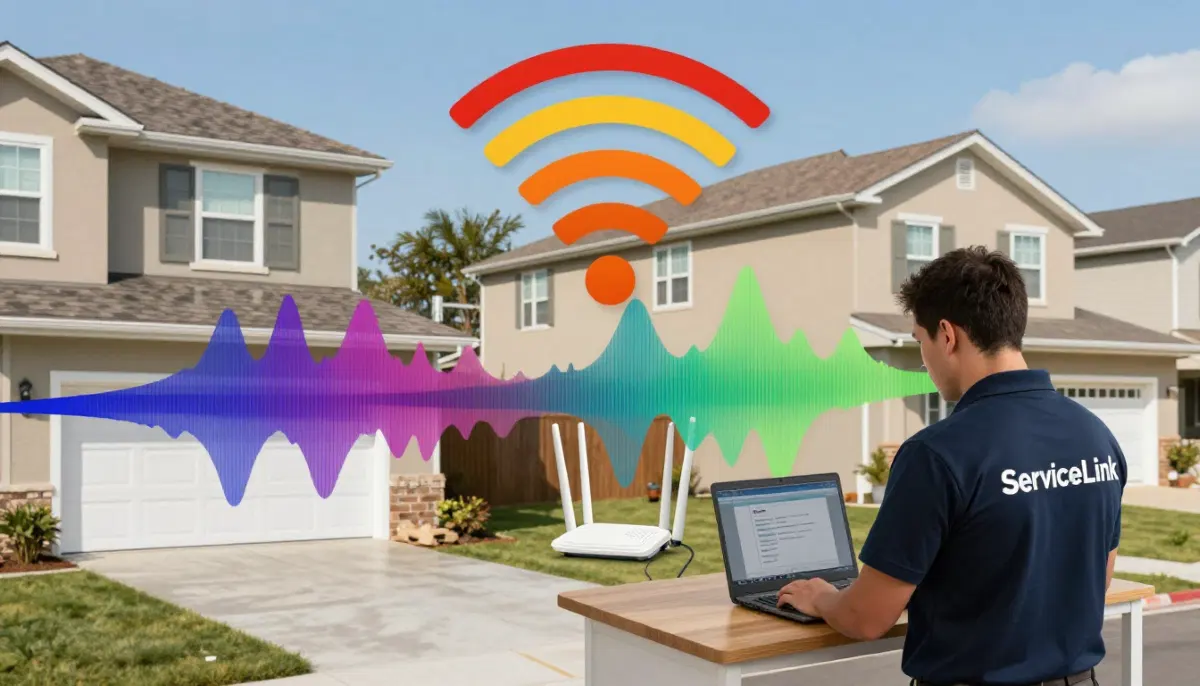
📱 Device-Specific Speed Issues
Have you noticed wifi fast on one device but slow on another? This is surprisingly common.
Why This Happens:
- Older devices: They may only support older WiFi standards (e.g., 802.11n).
- Distance from router: Devices further away have weaker signals.
- Device interference: Some devices have poor WiFi antenna design.
- Background apps: Some apps use bandwidth in the background.
How to Fix It:
- Move the slow device closer to the router.
- Connect it to the 5 GHz band if possible.
- Close background apps consuming bandwidth.
- Update device drivers or firmware.
🔌 Fibre Installation and Configuration Issues
If you’ve recently switched to fibre and experienced wifi slow after fibre installation, there could be a specific reason.
Common Fibre-Related Issues:
- ONT placement: The ONT must be correctly positioned and connected.
- Cable quality: Poor quality or damaged Ethernet cables can slow speeds.
- Configuration errors: Incorrect router settings (e.g., VLAN tagging).
- ISP-side issues: The fibre line might not be fully active or configured correctly.
What to Check:
- Ensure the ONT’s PON light is solid green.
- Check the Ethernet cable between the ONT and router.
- Verify your router’s WAN settings (usually DHCP).
- Run a wifi speed test on a wired connection to isolate the issue.
For more on fibre setup, see our fibre ONT setup guide.
📊 How to Properly Test Your WiFi Speed
To diagnose slow wifi causes, you need to properly test your wifi speed.
How to Run an Accurate Speed Test:
- Use a wired connection: Connect your laptop directly to the router with an Ethernet cable. This tests your internet speed without WiFi variables.
- Test with a wireless connection: Test from different locations in your home.
- Test at different times: Test during peak (evening) and off-peak (morning) hours.
- Use multiple speed test services: Ookla Speedtest, Fast.com, and Google’s speed test.
What to Look For:
- Difference between wired and wireless: If wired is fast but wireless is slow, the issue is your WiFi, not your internet.
- Difference between rooms: If speed drops in certain rooms, it’s a placement or coverage issue.
- Difference between times: If it’s slower at night, it’s likely network congestion.
For a complete guide, see our how to test WiFi speed guide.
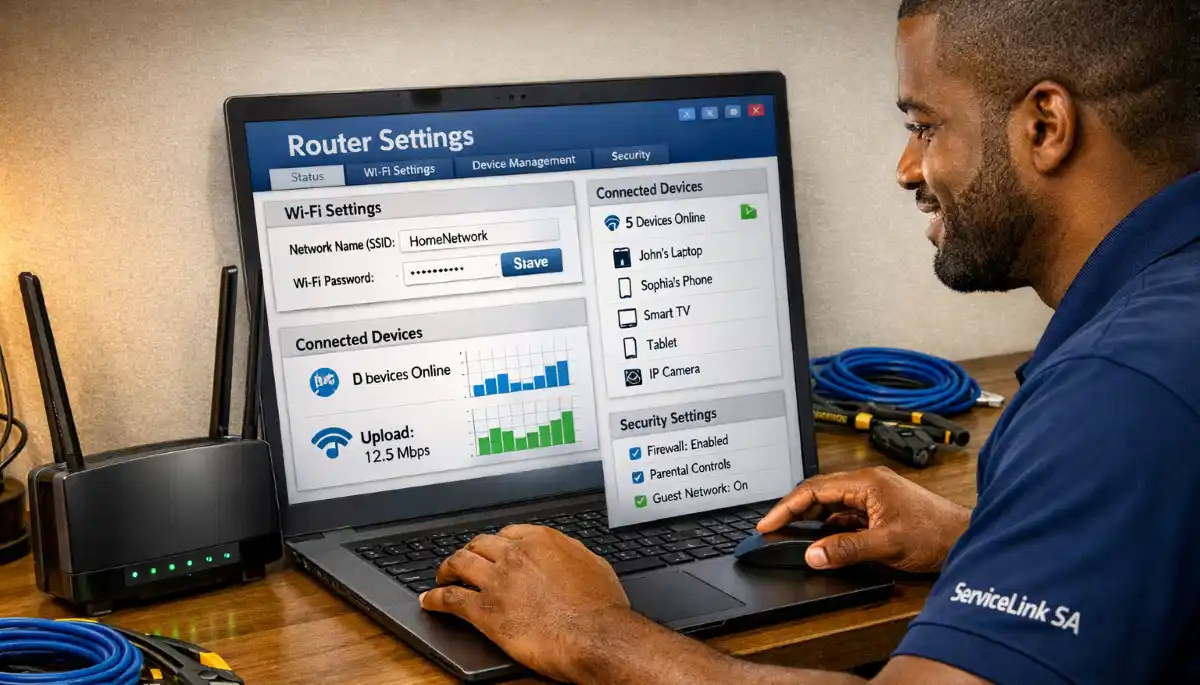
❓ Frequently Asked Questions About Slow WiFi
Why is my WiFi so slow in South Africa?
The question why is my wifi so slow in South Africa has multiple answers. Common slow wifi causes include poor router placement, network congestion during peak hours, wifi interference from neighbours, outdated hardware, too many connected devices, and ISP issues. Each cause has a specific solution. Start with a wifi speed test to diagnose the issue.
Why is my WiFi slow only at night?
If your wifi is slow only at night, it’s almost certainly network congestion. When everyone gets home from work and starts streaming and gaming, the shared network infrastructure becomes overloaded. This is a common slow wifi cause in South Africa. You can mitigate it by scheduling downloads for off-peak hours or upgrading your internet plan.
Why is my WiFi slow on one device but fast on another?
Wifi fast on one device but slow on another is usually due to the device itself. Older devices may only support slower WiFi standards. The device might be further from the router or have poor antenna design. It could also have background apps using bandwidth. Move the slow device closer to the router and connect it to the 5 GHz band if possible.
Why is my WiFi slow when many devices are connected?
Wifi slow when many devices connected is a bandwidth issue. Each connected device uses a share of your total bandwidth. Connect high-bandwidth devices to the 5 GHz band and smart home devices to the 2.4 GHz band. Consider upgrading your internet plan or router if this is a persistent issue. A mesh network can also help.
Why is my WiFi slow after fibre installation?
Wifi slow after fibre installation often indicates a configuration issue. Check your ONT lights (PON should be green), the Ethernet cable between the ONT and router, and your router’s WAN settings (usually DHCP). Your ISP might also need to provision your line correctly. See our fibre ONT setup guide for detailed troubleshooting.
How do I run a proper WiFi speed test?
To diagnose slow wifi causes, run a wifi speed test on a wired connection (Ethernet) first, then test wirelessly from different locations. Test at different times of day. Use multiple services like Ookla Speedtest and Fast.com. The difference between wired and wireless speeds indicates if the problem is your WiFi or your internet.
Can my neighbours’ WiFi slow down my internet?
Yes. WiFi interference from neighbouring networks is a common slow wifi cause, especially in complexes and apartment buildings. Too many routers on the same channel cause interference. Change your WiFi channel using a wifi speed test tool to find the least congested channel. Using the 5 GHz band can also help as it’s less crowded.
How can I optimise my WiFi speed?
Wifi speed optimisation starts with proper router placement (central, elevated), using the 5 GHz band for high-bandwidth activities, changing your WiFi channel to reduce interference, updating your router’s firmware, and reducing the number of connected devices. If these don’t work, consider upgrading your router or internet plan. See our WiFi signal optimisation guide for more.
✅ Final Thoughts: Diagnose and Fix Your Slow WiFi
Slow WiFi is one of the most frustrating problems in modern life. But the answer to why is my wifi so slow in South Africa is almost always discoverable—and fixable.
Key Takeaways:
- Start with placement: Most slow wifi causes start with poor router placement.
- Test your speed: A wifi speed test will tell you if it’s a WiFi or ISP issue.
- Check for congestion: Network congestion often causes slow speeds at night.
- Reduce devices: Too many devices can overwhelm your network.
- Minimise interference: Change your channel and use 5 GHz.
- Consider hardware: An outdated router is a common culprit.
- Contact your ISP: Sometimes the problem is on their end.
Your Next Step: Run a wifi speed test right now. Compare wired vs wireless speeds. If you’re still stuck, ServiceLink SA can connect you with local specialists who can diagnose and fix your slow WiFi.
Ready to Fix Your Slow WiFi?
Get free quotes from verified local specialists for wifi troubleshooting and wifi speed optimisation.
📞 Call us: 073 138 4726 for immediate help finding a specialist near you.
Troubleshooting Guide •
Speed Test Guide •
Signal Optimisation
📢 Are You a WiFi Troubleshooting Professional?
Join ServiceLink SA’s network of verified contractors and get access to qualified leads for wifi troubleshooting and wifi speed optimisation projects.
📚 Official resources & standards referenced:
- SANS 10400 – Guidelines for electrical and networking installations in South African homes.
- SABS – Standards for electronic equipment and safety.
Information provided for general guidance. For professional wifi troubleshooting, always consult a qualified local technician.
Written by: Innocent T Hanyani
Construction & Home Services Industry Specialist | 21+ Years Experience
Innocent T Hanyani has over two decades of experience working across South Africa’s construction, telecommunications, and home services sectors. Throughout his career, he has worked closely with network installers, IT professionals, and homeowners, gaining practical insight into how slow wifi causes affect home networks. His expertise helps homeowners understand the complexities of wifi speed optimisation and wifi troubleshooting, from diagnosing network congestion to improving wifi signal strength and achieving better wifi speed test results.