
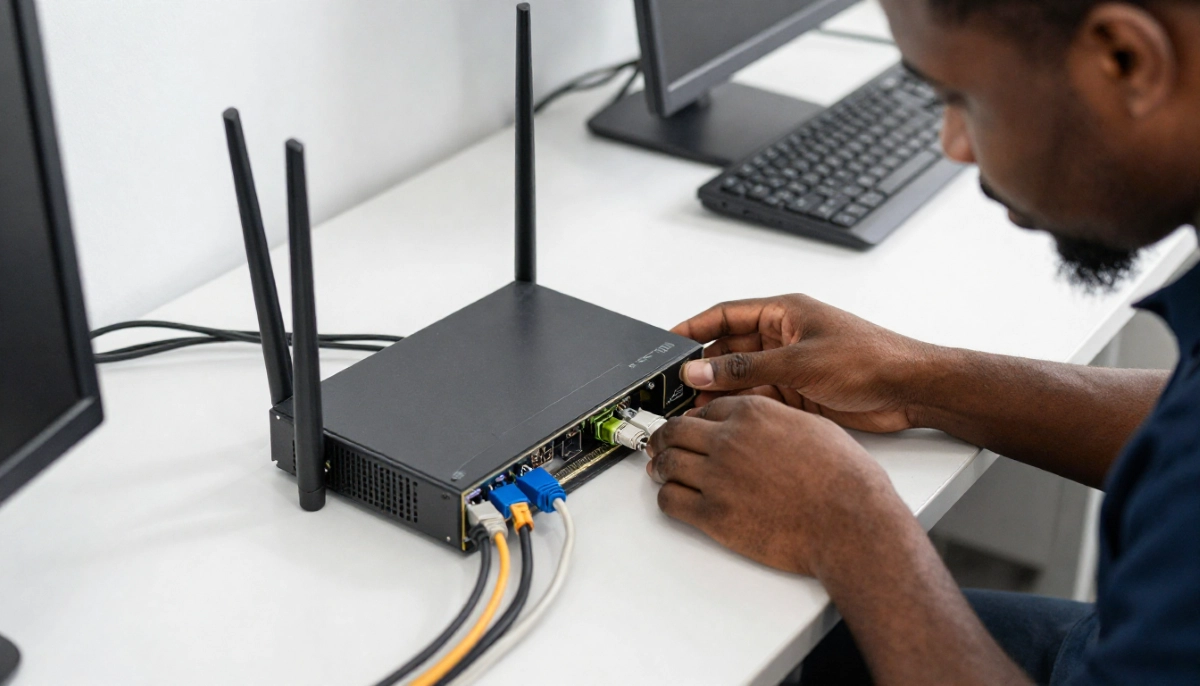
Is Your Router Slowing You Down?
Get professional advice from local specialists who understand router replacement and wifi router lifespan.
How Often Should You Replace Your WiFi Router: The Complete Guide
📡 Your router doesn’t last forever—here’s when to upgrade and why it matters.
Your router has been working faithfully for years. But recently, you’ve noticed slower speeds, more disconnections, and dead zones. You’re wondering: is it time for a new router? The question how often should you replace your wifi router is one I hear from almost every homeowner.
Routers don’t last forever. They age, technology advances, and performance degrades. Knowing when to replace your router can save you from slow internet, security risks, and frustration.
In this comprehensive guide, I’ll answer how often should you replace your wifi router. I’ll cover router replacement timing, wifi router lifespan, and signs that old router slowing wifi. I’ll also answer questions like should i replace router every 3 years, wifi router replacement guide, when to upgrade from old router, and wifi router slow over time.
For more on router issues, check out our router failing signs and router overheating guides. Let’s find out if it’s time for a new router.
📋 Table of Contents – Router Replacement Guide
⏱️ WiFi Router Lifespan
Understanding wifi router lifespan is key to knowing how often should you replace your wifi router.
Typical Router Lifespan:
- Basic routers: 2-3 years.
- Mid-range routers: 3-5 years.
- Premium routers: 5-7+ years.
What Affects Router Lifespan:
- Heat: Excessive heat damages components.
- Dust: Dust buildup causes overheating.
- Power surges: Surges can damage electronics.
- Usage: Continuous heavy use wears components faster.
- Environment: Humidity and temperature affect lifespan.
Why Routers Don’t Last Forever:
- Components degrade: Capacitors and other components wear out.
- Technology advances: New standards make old routers obsolete.
- Security updates stop: Manufacturers stop supporting old routers.
Realistic Example:
A router in Brits with regular use: 3-4 years before replacement is needed.
For more on router lifespan, see our router failing signs guide.
🚨 Signs You Need a New Router
Here are signs it’s time for router replacement.
Performance Signs:
- Slow speeds: Wifi speed is slower than your internet plan.
- Frequent disconnections: Devices disconnect randomly.
- Dead zones: Weak signal in areas that used to have coverage.
- Buffering: Streaming buffers frequently.
Physical Signs:
- Overheating: Router feels hot to the touch.
- Lights: Unusual blinking or error lights.
- Noise: Unusual sounds from the router.
- Age: Router is 3+ years old.
Security Signs:
- No updates: No firmware updates available.
- Old security: Only supports WPA or WEP.
- Suspicious activity: Unknown devices on your network.
Realistic Example:
A router in Vryburg with slow speeds and frequent disconnections: Time for router replacement.
For more on router replacement, see our failing signs guide.
🐢 Old Router Slowing WiFi
Old router slowing wifi is a common problem.
Why Old Routers Slow Down:
- Component degradation: Components wear out over time.
- Outdated technology: Older standards are slower.
- Heat damage: Heat damages components.
- Firmware issues: Old firmware can have bugs.
How Much Slower:
- Old router: 20-50 Mbps.
- New router: 100-500+ Mbps.
What This Means:
An old router can bottleneck your internet speed. Even with a fast fibre connection, an old router can’t deliver the full speed.
Realistic Example:
A 5-year-old router in Welkom delivering 30 Mbps on a 100 Mbps fibre plan: Old router slowing wifi is the problem.
For more on wifi router slow over time, see our slow WiFi causes guide.
📅 Should I Replace Router Every 3 Years?
Should i replace router every 3 years is a common question.
Why 3 Years Makes Sense:
- Technology advances: New standards emerge every few years.
- Performance degrades: Components wear out.
- Security updates: Support for old routers ends.
When 3 Years Is Too Soon:
- Premium router: 5-7 year lifespan.
- Light use: Less wear and tear.
- Good environment: Cool, dust-free location.
Recommendation:
For most routers, 3-5 years is the sweet spot. Replace earlier if you notice performance issues.
Realistic Example:
A mid-range router in Bethlehem: Replace after 4 years for best performance.
For more on router replacement, see our best routers guide.
⬆️ When to Upgrade from Old Router
When to upgrade from old router depends on several factors.
Upgrade If:
- Slow speeds: Not getting your internet plan’s speed.
- Frequent disconnections: Devices keep dropping.
- Dead zones: Signal doesn’t reach all areas.
- Old technology: Router is WiFi 4 or older.
- Security concerns: No WPA3 support.
Wait If:
- Good performance: Router works well.
- Slow internet: Your internet plan is slow anyway.
- Limited budget: Can’t afford a new router.
Realistic Example:
A router in Sasolburg with WiFi 5 and good performance: Wait another year. A router with WiFi 4 and slow speeds: Upgrade now.
For more on router performance, see our router speed guide.
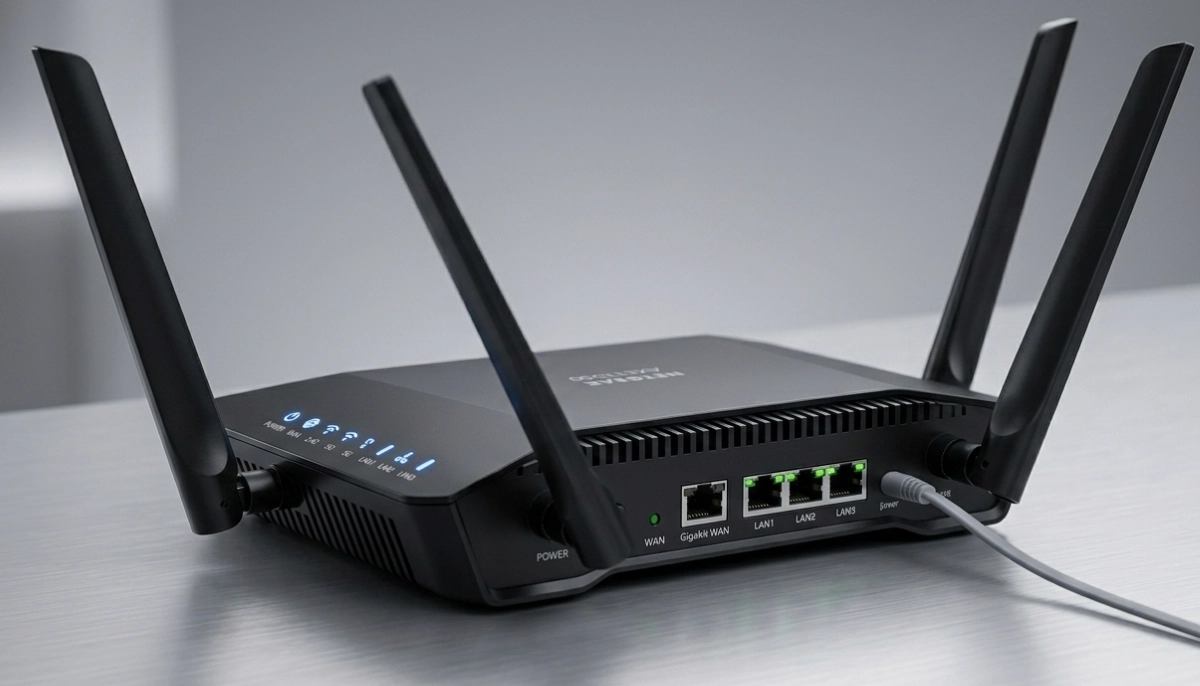
Not Sure If You Need a New Router?
Get professional advice from local specialists who understand router replacement and wifi router lifespan.
Free consultations available for wifi router replacement guide.
📡 Technology Advancements
Technology changes affect how often should you replace your wifi router.
Major Technology Advances:
- WiFi 4 (2009): Outdated.
- WiFi 5 (2014): Still good.
- WiFi 6 (2019): Current standard.
- WiFi 6E (2020): Adds 6 GHz band.
- WiFi 7 (2024): Latest standard.
When to Upgrade for Technology:
- WiFi 4 or older: Upgrade now.
- WiFi 5: Consider upgrading if you need better performance.
- WiFi 6: Good for most homes.
Realistic Example:
A WiFi 4 router in Vanderbijlpark: Upgrade to WiFi 6 for better speed and features.
For more on wifi router replacement guide, see our WiFi 6 vs WiFi 5 guide.
🔒 Security Risks of Old Routers
Security is a key reason for router replacement.
Security Risks:
- No updates: Manufacturers stop supporting old routers.
- Known vulnerabilities: Old routers have known security holes.
- Outdated encryption: WEP or WPA is insecure.
- No WPA3: WPA3 is the latest security standard.
What Happens:
- Hackers: Can exploit known vulnerabilities.
- Data theft: Your personal data can be stolen.
- Device hijacking: Hackers can access your devices.
When to Replace for Security:
- No updates for 2+ years: Replace immediately.
- WEP or WPA only: Replace immediately.
- No WPA3 support: Consider upgrading.
For more on wifi router lifespan and security, see our best security settings guide.
🛠️ What to Look for in a New Router
When it’s time for router replacement, here’s what to look for.
Key Features:
- WiFi 6: Current standard, faster and better.
- Dual-band or tri-band: More bands, better performance.
- Good range: Covers your home.
- Security: WPA3 support.
- Features: QoS, guest network, app control.
Recommended Routers:
- TP-Link Archer AX55: Good value, WiFi 6.
- ASUS RT-AX86U: Premium, WiFi 6.
- Netgear Nighthawk RAX70: Tri-band, WiFi 6.
Budget Considerations:
- Budget: R1,500 – R3,000.
- Mid-range: R3,000 – R5,000.
- Premium: R5,000 – R10,000+.
For more on router performance, see our best routers guide.

📊 Router Replacement Comparison
Here’s a comparison of router replacement options.
| Router Type | Lifespan | Speed | Security | Best For |
|---|---|---|---|---|
| Old Router (WiFi 4) | 5+ years | Slow | Poor | Replace immediately |
| WiFi 5 Router | 3-5 years | Good | Good | Most homes |
| WiFi 6 Router | 5-7 years | Excellent | Excellent | Future-proof |
| WiFi 6E/7 Router | 5-7+ years | Exceptional | Exceptional | Power users |
Key Takeaway: Replace routers every 3-5 years. WiFi 6 is recommended for most homes.

❓ Frequently Asked Questions About Router Replacement
How often should you replace your WiFi router?
How often should you replace your wifi router—every 3-5 years. Basic routers last 2-3 years, mid-range 3-5 years, and premium 5-7+ years. Wifi router lifespan depends on quality and usage.
When should I replace my router?
Replace your router when you notice old router slowing wifi, frequent disconnections, dead zones, or security concerns. If your router is 3+ years old, consider router replacement.
Should I replace my router every 3 years?
Should i replace router every 3 years—yes, for basic routers. For premium routers, 5 years is reasonable. Consider when to upgrade from old router based on performance.
What are signs my router is failing?
Signs include slow wifi speed, frequent disconnections, overheating, and no firmware updates. These indicate it’s time for router replacement. See our failing signs guide.
Can an old router slow down internet speed?
Yes, old router slowing wifi is common. An old router can’t deliver your internet plan’s full speed. Wifi router slow over time is a sign you need router replacement.
What is the lifespan of a WiFi router?
Wifi router lifespan is 2-7 years depending on quality. Basic routers 2-3 years, mid-range 3-5 years, premium 5-7+ years. Router lifespan is affected by heat, dust, and usage.
What is the best router to buy in 2026?
The best wifi router replacement guide recommends WiFi 6 routers. TP-Link Archer AX55, ASUS RT-AX86U, and Netgear Nighthawk RAX70 are excellent. See our best routers guide.
Is WiFi 6 worth the upgrade?
Yes, WiFi 6 is worth the upgrade if you have a fast internet plan, many devices, or an old router. It offers better router performance and security. This is a key consideration in when to upgrade from old router.
✅ Final Thoughts: Know When to Replace Your Router
Now you know how often should you replace your wifi router. Regular router replacement ensures you get the best wifi speed and security.
Key Takeaways:
- Lifespan: 3-5 years for most routers.
- Signs: Slow speeds, disconnections, dead zones.
- Technology: WiFi 6 is recommended.
- Security: Old routers are security risks.
- Upgrade: Replace when performance drops.
Your Next Step: Assess your router’s performance. Run a wifi speed test. If your router is 3+ years old or underperforming, consider router replacement. For professional help, ServiceLink SA can connect you with local specialists who understand wifi router lifespan and router performance.
Ready to Replace Your Router?
Get free advice from verified local specialists for router replacement and wifi router replacement guide.
📞 Call us: 073 138 4726 for immediate help finding a specialist near you.
📢 Are You a Network Installation Professional?
Join ServiceLink SA’s network of verified contractors and get access to qualified leads for router replacement and router installation projects.
📚 Official resources & standards referenced:
- SANS 10400 – Guidelines for electrical and networking installations in South African homes.
- SABS – Standards for electronic equipment and safety.
Information provided for general guidance. For professional how often should you replace your wifi router advice, always consult a qualified local technician.
Written by: Innocent T Hanyani
Construction & Home Services Industry Specialist | 21+ Years Experience
Innocent T Hanyani has over two decades of experience working across South Africa’s construction, telecommunications, and home services sectors. Throughout his career, he has worked closely with network installers, IT professionals, and homeowners, gaining practical insight into how often should you replace your wifi router. His expertise helps homeowners understand the complexities of router replacement and wifi router lifespan, from old router slowing wifi to should i replace router every 3 years, when to upgrade from old router, and wifi router slow over time.