

Tired of Slow Internet at Night?
Get professional help from local specialists who understand slow internet at night and network congestion issues.
Servicing Roodepoort, Green Point, Pinetown, and across South Africa
Internet Slow at Night: Why It Happens and How to Fix It
🌙 Your internet is fast during the day—but at night, it crawls. Here’s why.
You’ve noticed the pattern. During the day, your internet works perfectly. You can stream, browse, and work without issues. But as soon as evening hits—around 7 or 8 PM—everything slows down. Videos buffer. Pages take forever to load. Your connection becomes almost unusable.
This is one of the most common complaints I hear from people across South Africa. The question internet slow at night why it happens is one I answer almost daily. And the answer is almost always the same: network congestion.
In this guide, I’ll explain exactly why slow internet at night happens, what causes internet slow after peak hours, and what you can do about it. Whether you’re in Roodepoort, Green Point, or Pinetown, these tips will help you get better wifi speed at night.
For more detailed help, check out our why is my WiFi so slow guide and how to test WiFi speed guide. Let’s solve your night-time slowdowns.
📋 Table of Contents – Internet Slow at Night Guide
🌙 Why Is Internet Slow at Night?
If you’re experiencing internet slow at night South Africa, there are several potential causes. Understanding internet slow at night why it happens is the first step to fixing it.
The #1 Cause: Network Congestion
When everyone gets home from work and starts streaming, gaming, and browsing, the network becomes congested. Your ISP’s infrastructure can only handle so much traffic at once. This is why wifi slower at night is such a common complaint.
Other Common Causes:
- ISP throttling: Some ISPs intentionally slow down certain types of traffic during peak hours.
- WiFi interference: More devices in your neighbourhood are active at night, causing more network congestion.
- Router performance: Your router might struggle with the increased number of connected devices at night.
- Your own usage: Multiple people in your home streaming, gaming, and browsing simultaneously.
Quick Diagnostic:
Run a wifi speed test during the day and again at night. If your speed drops significantly at night, you’ve confirmed the problem.
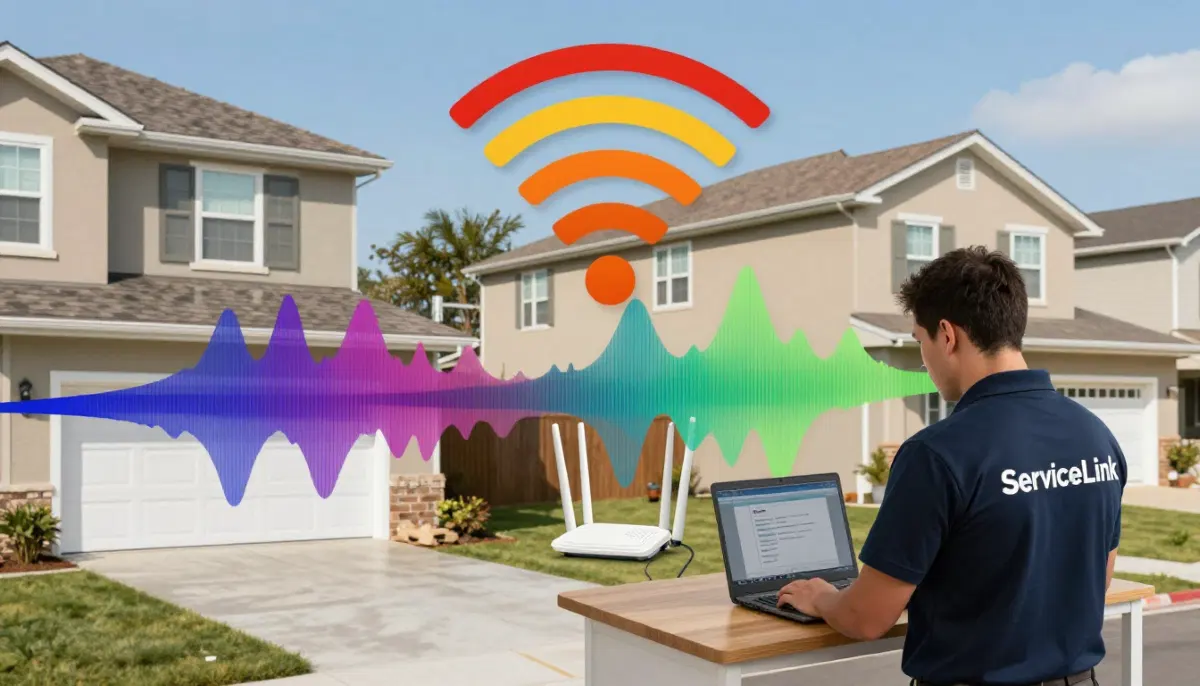
🚦 Understanding Network Congestion
Network congestion is the primary reason for internet slow after peak hours.
What Is Network Congestion?
Network congestion happens when too many users try to use the same network resources at the same time. Think of it like a highway during rush hour—there’s only so much road, and when everyone tries to use it at once, traffic slows down.
How Network Congestion Affects You:
- Slower download speeds: Especially noticeable when streaming or downloading large files.
- Higher latency: Increased wifi latency makes gaming and video calls difficult.
- Buffering: Videos take longer to load and may buffer frequently.
- Inconsistent speeds: Speeds fluctuate as demand changes.
Why It’s Worse at Night:
- Everyone is home from work.
- Streaming services see peak usage (Netflix, Showmax, YouTube).
- Online gaming usage increases.
- Multiple devices per household are active.
For more on network congestion, see our slow WiFi causes guide.
🏢 ISP Throttling and Traffic Shaping
Sometimes, slow internet at night is caused by your ISP, not just congestion.
What Is ISP Throttling?
Throttling is when your ISP intentionally slows down your internet connection. This is often done to manage network congestion or to encourage you to upgrade to a more expensive plan.
Types of Throttling:
- Speed throttling: Your overall speed is reduced during peak hours.
- Application throttling: Specific types of traffic (like streaming) are slowed down.
- Data cap throttling: Your speed is reduced after you reach a certain data limit.
How to Check for Throttling:
- Run a wifi speed test during the day and at night.
- Test different types of traffic (e.g., streaming vs. downloading).
- Use a VPN—if your speed improves with a VPN, your ISP might be throttling.
What to Do About Throttling:
- Contact your ISP and ask about their throttling policies.
- Consider switching to a different ISP.
- Upgrade to a business plan (often not throttled).
For more on ISP issues, see our best fibre packages guide.
🔌 Fibre Speed Slow at Night
Many people assume that fibre internet is immune to slowdowns. Unfortunately, fibre speed slow at night is a real issue.
Why Fibre Slows at Night:
- Shared infrastructure: Fibre is not a dedicated line—it’s shared with your neighbours.
- ISP capacity: Your ISP’s connection to the internet might be overloaded.
- Peering issues: Your ISP’s connections to other networks might be congested.
- ONT or router issues: Your equipment might struggle with increased traffic.
What to Check:
- Run a speed test: Use a wired connection to test your speed.
- Check ONT lights: Ensure your ONT is working properly.
- Contact your ISP: Ask if there are known congestion issues in your area.
For more on fibre issues, see our fibre vs LTE guide.
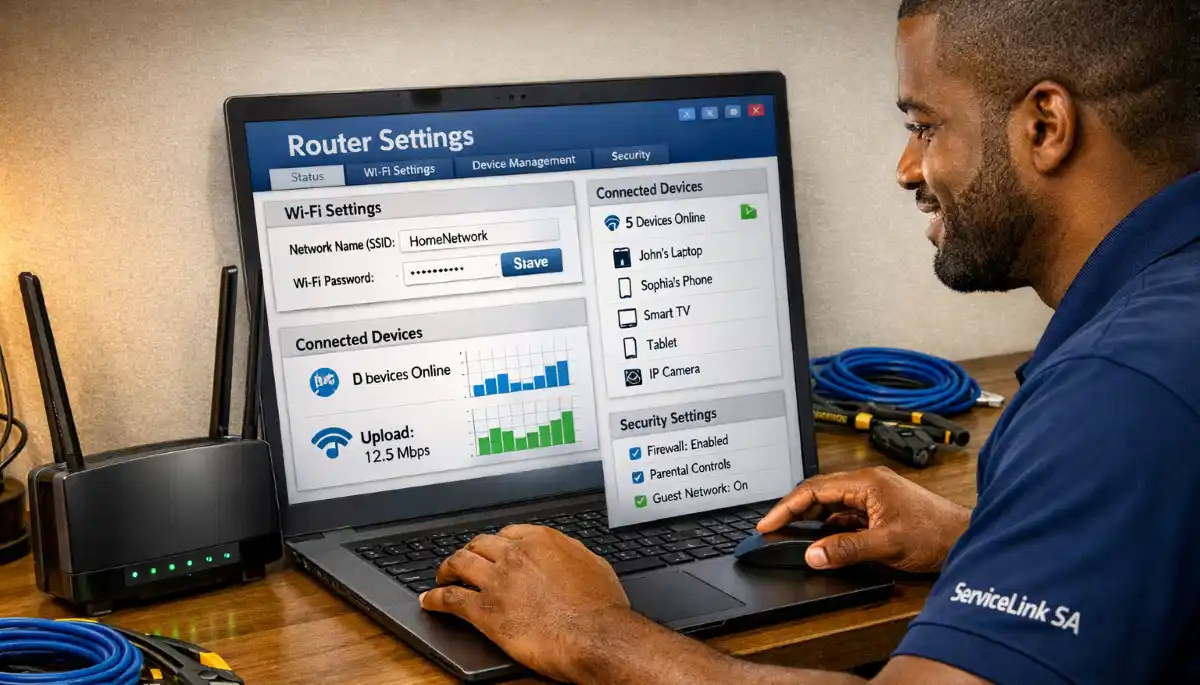
Struggling with Slow Internet at Night?
Get professional wifi speed optimisation from local specialists who understand network congestion issues.
Free inspections available for bandwidth management issues.
📡 WiFi Interference from Neighbours
WiFi interference is worse at night when more people are using their networks.
Why Interference Increases at Night:
- More neighbours are using WiFi.
- More devices per household are active.
- Everyone is streaming and gaming, increasing traffic.
How to Reduce Interference:
- Change your WiFi channel: Use a WiFi analyser app to find a less congested channel.
- Use the 5 GHz band: This band has less interference than 2.4 GHz.
- Position your router centrally: Keep it away from walls and electronics.
For more on this, see our WiFi interference guide.
🔄 Router Performance Issues at Night
If you’re experiencing router slower at night, your router might be struggling with the increased load.
Why Routers Struggle at Night:
- Overheating: Routers can overheat during extended use.
- Too many devices: More devices connected means more processing required.
- Outdated firmware: Old firmware can struggle with high traffic.
- Limited capacity: Entry-level routers can’t handle many simultaneous connections.
How to Fix Router Performance Issues:
- Ensure proper ventilation: Prevent router overheating.
- Update firmware: Install the latest router firmware.
- Reduce connected devices: Disconnect devices not in use.
- Consider upgrading: A more powerful router can handle more devices.
For more on this, see our router failing signs guide.
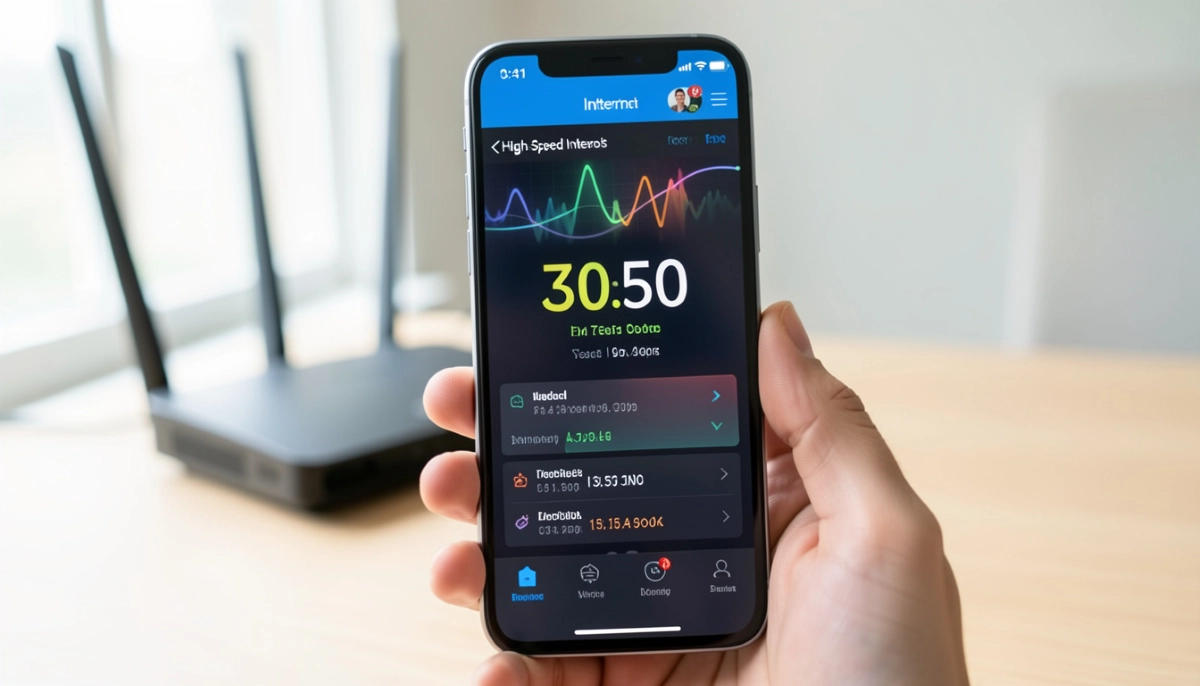
📊 Bandwidth Management in Your Home
Sometimes, the problem isn’t your ISP—it’s your own bandwidth management within your home.
Why Your Own Usage Matters:
- Multiple people streaming 4K content simultaneously.
- Gaming consoles downloading large updates.
- Smart home devices using bandwidth in the background.
- Multiple video calls happening at the same time.
How to Manage Bandwidth Better:
- Use QoS (Quality of Service): Prioritise important traffic (work, video calls) over less important traffic (streaming, gaming).
- Connect high-bandwidth devices to 5 GHz: This frees up the 2.4 GHz band for other devices.
- Schedule heavy downloads: Download large files during off-peak hours.
- Limit streaming quality: Reduce streaming quality from 4K to 1080p when necessary.
For more on bandwidth management, see our best router settings guide.
📊 How to Test Your Night-Time Speed
To diagnose internet slow at night why it happens, you need to properly test your speed.
How to Run an Accurate Speed Test:
- Use a wired connection: Connect your laptop directly to the router with an Ethernet cable. This tests your internet speed without WiFi variables.
- Test during the day: Run a test in the morning to establish a baseline.
- Test at night: Run the same test during peak hours (8-10 PM).
- Use multiple speed test services: Ookla Speedtest, Fast.com, and Google’s speed test.
- Record your results: Keep a log of your speeds to track patterns.
What to Look For:
- Speed drop: If your speed drops by more than 30% at night, you’re experiencing significant network congestion.
- Latency increase: Higher wifi latency at night indicates congestion.
- Consistent pattern: If the same pattern repeats every night, it’s almost certainly slow internet at night due to congestion.
For a complete guide, see our how to test WiFi speed guide.
✅ Solutions for Faster Night-Time Internet
Here’s a summary of everything you can do to improve wifi speed at night.
| Solution | Effectiveness | Difficulty | Cost |
|---|---|---|---|
| Change WiFi channel | Medium | Easy | Free |
| Use 5 GHz band | High | Easy | Free |
| Enable QoS | High | Medium | Free |
| Update router firmware | Medium | Easy | Free |
| Upgrade internet plan | High | Easy | R100-R500/month |
| Switch ISP | High | Medium | Varies |
| Upgrade router | High | Easy | R1,500-R5,000 |
Realistic Example:
A household in Roodepoort experiencing slow internet at night might start by changing the WiFi channel and using 5 GHz. If that doesn’t help, they could enable QoS on their router. If the problem persists, upgrading their internet plan or switching ISPs would be the next steps.
For more on router configuration, see our router setup guide.

❓ Frequently Asked Questions About Slow Internet at Night
Why is my internet slow at night?
Internet slow at night why it happens is almost always due to network congestion. When everyone in your neighbourhood gets home from work and starts streaming, gaming, and browsing, the shared network infrastructure becomes overloaded. This is why slow internet at night is such a common complaint. Internet slow after peak hours is a predictable pattern in most areas.
How do I fix slow internet at night?
To fix slow internet at night, start by changing your WiFi channel and using the 5 GHz band. Enable QoS on your router to prioritise important traffic. If the problem persists, consider upgrading your internet plan or switching ISPs. For fibre speed slow at night, contact your ISP to check for congestion in your area. See our speed test guide to diagnose the issue.
Does fibre internet slow down at night?
Yes, fibre speed slow at night can happen. Fibre is not a dedicated line—it’s shared with your neighbours. If many people in your area are using the network at the same time, you’ll experience network congestion. Your ISP’s connection to the internet might also be overloaded. Contact your ISP to check for known congestion issues in your area.
Why is my WiFi slower at night?
Wifi slower at night is caused by a combination of network congestion and wifi interference. More people are using the internet, causing congestion on your ISP’s network. More devices in your neighbourhood are also active, causing more wifi interference. Using the 5 GHz band and changing your WiFi channel can help reduce interference and improve wifi speed at night.
Can my ISP slow down my internet at night?
Yes, some ISPs practice throttling during peak hours to manage network congestion. This is sometimes called traffic shaping. They may slow down certain types of traffic (like streaming) or reduce overall speeds. If you suspect throttling, run a wifi speed test at different times. Using a VPN can sometimes help if throttling is based on traffic type.
What is network congestion?
Network congestion happens when too many users try to use the same network resources at the same time. Think of it like a highway during rush hour—there’s only so much road, and when everyone tries to use it at once, traffic slows down. This is the #1 cause of slow internet at night. Bandwidth management on your router can help you prioritise important traffic.
How can I test my internet speed at night?
To test your wifi speed at night, use a wired connection (Ethernet) for the most accurate results. Run tests using Ookla Speedtest, Fast.com, and Google’s speed test. Test during the day and at night to compare. Record your results to track patterns. A significant drop at night confirms you’re experiencing internet slow at night due to congestion.
What is the best internet plan for night-time usage?
The best internet plan for night-time usage is one with higher speeds and a larger data cap. Consider fibre plans with 50 Mbps or higher download speeds. Look for ISPs that offer unlimited data or large data caps. Some ISPs also offer “business” plans that are less likely to be throttled. See our best fibre packages guide for recommendations.
✅ Final Thoughts: Get Faster Internet at Night
Internet slow at night why it happens is one of the most common questions I get. The answer is almost always network congestion, but there are things you can do about it.
Key Takeaways:
- Network congestion is the #1 cause of slow internet at night.
- ISP throttling can also be a factor—contact your ISP to check.
- Change your WiFi channel and use the 5 GHz band to reduce interference.
- Enable QoS to prioritise important traffic like video calls and work.
- Run speed tests at different times to diagnose the problem.
- Consider upgrading your internet plan or router if needed.
Your Next Step: Run a wifi speed test today during the day and again at night. If you’re experiencing internet slow after peak hours, try the solutions in this guide. If you’re still stuck, ServiceLink SA can connect you with verified local specialists who understand bandwidth management and network congestion issues.
Ready to Fix Your Night-Time Internet?
Get free quotes from verified local specialists for wifi speed optimisation and bandwidth management solutions.
📞 Call us: 073 138 4726 for immediate help finding a specialist near you.
📢 Are You a WiFi Optimisation Professional?
Join ServiceLink SA’s network of verified contractors and get access to qualified leads for wifi speed optimisation and bandwidth management projects.
📚 Official resources & standards referenced:
- SANS 10400 – Guidelines for electrical and networking installations in South African homes.
- Department of Energy – Information on energy-efficient electronic equipment.
Information provided for general guidance. For professional wifi speed optimisation, always consult a qualified local technician.
Written by: Innocent T Hanyani
Construction & Home Services Industry Specialist | 21+ Years Experience
Innocent T Hanyani has over two decades of experience working across South Africa’s construction, telecommunications, and home services sectors. Throughout his career, he has worked closely with network installers, IT professionals, and homeowners, gaining practical insight into how slow internet at night and network congestion affect home and work networks. His expertise helps homeowners understand the complexities of internet slow at night why it happens, from diagnosing wifi latency issues to implementing effective bandwidth management solutions and improving wifi speed at night.