
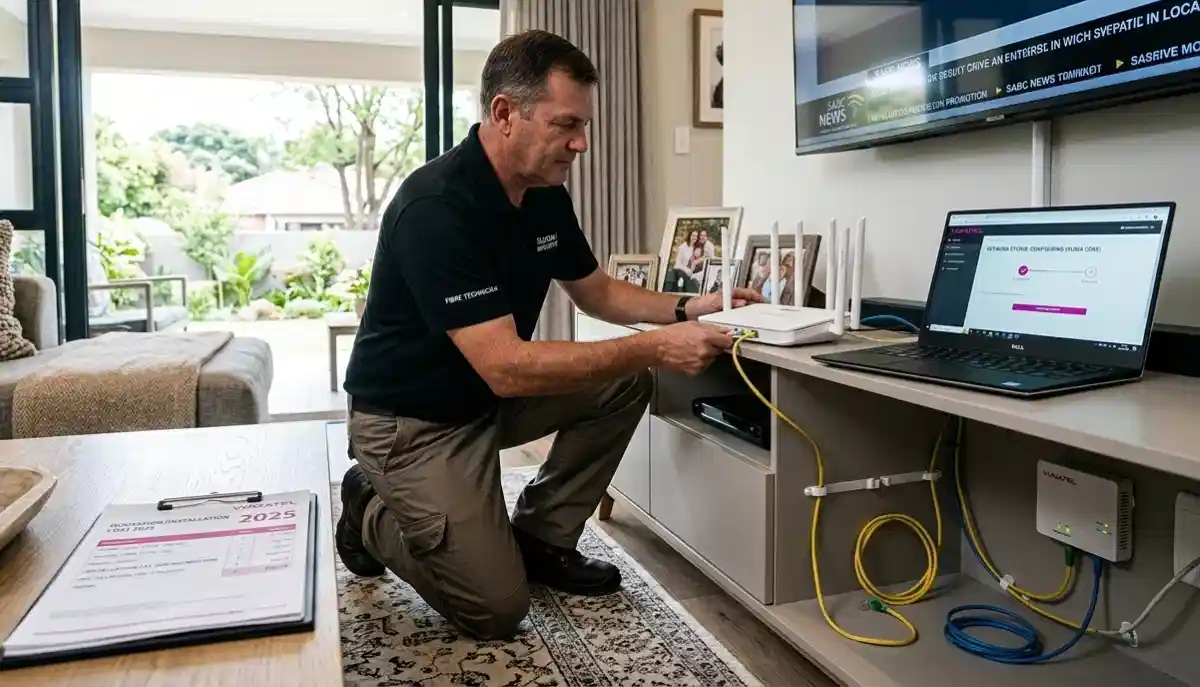
Not Sure Which Fibre Package Is Right for You?
Get professional advice from local specialists who understand best fibre package South Africa options for your home.
Servicing Roodepoort, Table View, Margate, and across South Africa
Best Fibre Packages for Home WiFi Performance: The Complete Guide
🚀 Not all fibre packages are created equal—here’s how to choose the right speed for your home.
You’ve decided to get fibre internet. Smart choice. But now you’re staring at a list of packages with different speeds, prices, and data limits. 50 Mbps? 100 Mbps? 500 Mbps? Which one do you actually need? What’s the best fibre package South Africa has to offer for your specific situation?
This is one of the most common questions I get from homeowners across the country. The best fibre packages for home wifi performance depend on how many people are in your home, what you use the internet for, and your budget. A family of four streaming 4K content needs very different fibre speed for home than a single person browsing the web.
In this comprehensive guide, I’ll help you find the best fibre package for 4K streaming, the best fibre package for gaming low ping, and the best fibre package for large family households. I’ll also answer what’s the best fibre package Johannesburg and other areas. Whether you’re in Roodepoort, Table View, or Margate, this guide will help you choose.
For more on fibre, check out our fibre vs LTE comparison and fibre ONT guide. Let’s find your perfect fibre package.
📋 Table of Contents – Fibre Package Guide
📡 Understanding Fibre Speeds
Before we find the best fibre packages for home wifi performance, let’s understand what the numbers mean.
What Is Download Speed?
Download speed is how fast data comes from the internet to your device. This affects streaming, browsing, downloading files, and loading web pages. Most fibre packages advertise download speeds.
What Is Upload Speed?
Upload speed is how fast data goes from your device to the internet. This affects video calls, uploading files, cloud backups, and gaming. Fibre typically offers symmetrical speeds (upload matches download).
Common Fibre Speeds in South Africa:
- 20-50 Mbps: Entry-level, suitable for light use.
- 100 Mbps: Mid-range, good for most households.
- 200-500 Mbps: High-end, for heavy users and large families.
- 1 Gbps: Premium, for power users and smart homes.
How Speed Affects Performance:
- 20 Mbps: Basic browsing, email, standard definition streaming.
- 50 Mbps: HD streaming (one device), video calls, light gaming.
- 100 Mbps: 4K streaming (one device), multiple devices, online gaming.
- 200+ Mbps: Multiple 4K streams, large households, heavy gaming.
For more on speed requirements, see our router speed guide.
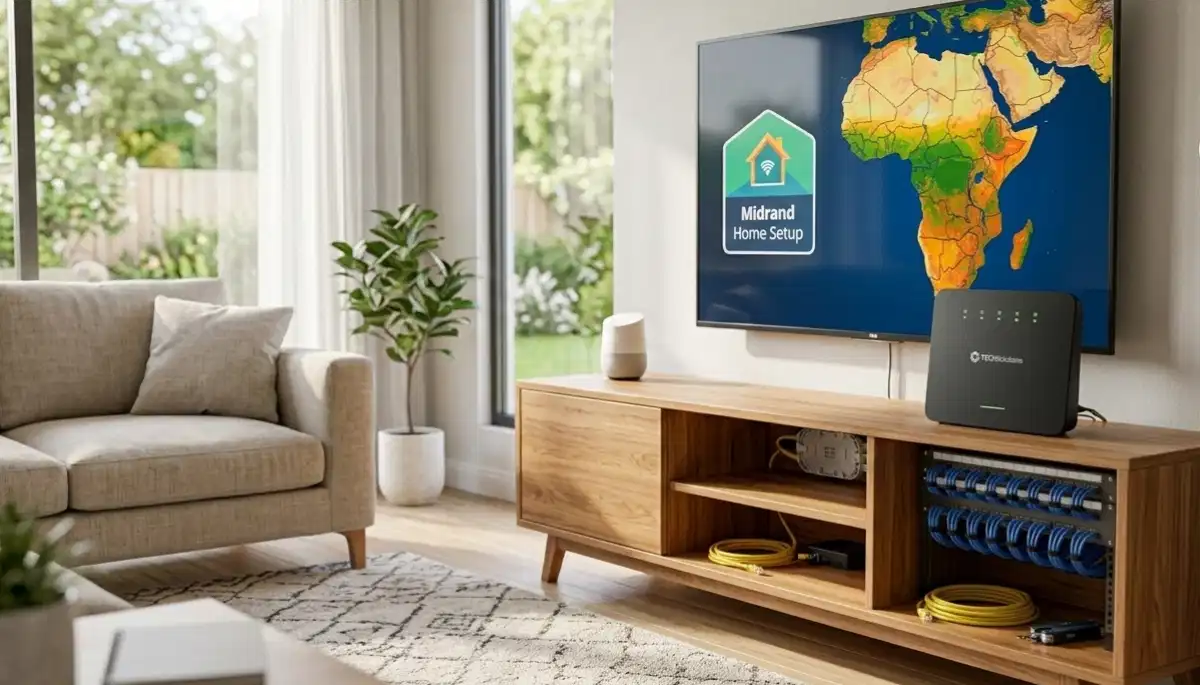
🤔 What Fibre Speed Do You Actually Need?
Choosing the best fibre packages for home wifi performance starts with understanding your needs.
Step 1: Count Your Devices
List all devices that will connect to your network:
- Smartphones and tablets
- Laptops and computers
- Smart TVs and streaming devices
- Gaming consoles
- Smart home devices (speakers, lights, cameras)
Step 2: Identify Your Activities
Different activities need different speeds:
- Browsing/email: 1-2 Mbps per device
- HD streaming: 5-10 Mbps per stream
- 4K streaming: 25-50 Mbps per stream
- Video calls: 3-5 Mbps per call
- Online gaming: 10-20 Mbps (latency matters more)
- Large downloads: As fast as possible
Step 3: Calculate Your Needs
Add up your estimated needs. For example:
- 2 people browsing: 4 Mbps
- 1 person streaming 4K: 30 Mbps
- 1 person on video call: 5 Mbps
- 1 person gaming: 15 Mbps
- Total: ~55 Mbps (minimum)
General Recommendations:
- 1-2 people, light use: 20-50 Mbps
- 2-3 people, moderate use: 50-100 Mbps
- 3-5 people, heavy use: 100-200 Mbps
- 5+ people, very heavy use: 200+ Mbps
For more on choosing, see our best fibre packages guide.
📺 Best Fibre Package for 4K Streaming
If you’re a streaming enthusiast, you need the best fibre package for 4K streaming.
4K Streaming Requirements:
Streaming 4K content requires 25-50 Mbps per stream. If multiple people stream 4K simultaneously, your needs increase.
Recommended Speeds:
- 1 x 4K stream: 50 Mbps minimum
- 2 x 4K streams: 100 Mbps minimum
- 3 x 4K streams: 150-200 Mbps
- 4+ 4K streams: 250+ Mbps
Best Package Options:
- Light streamer (1-2 people): 50-100 Mbps package
- Moderate streamer (2-3 people): 100-200 Mbps package
- Heavy streamer (4+ people): 200-500 Mbps package
Real-World Example:
A family of four in Table View with two teenagers streaming 4K in their rooms while parents watch in the living room needs at least 100 Mbps. A 150-200 Mbps package provides comfortable headroom.
For more on streaming, see our router settings for streaming guide.
Still Not Sure Which Fibre Package to Choose?
Get professional advice from local specialists who can recommend the best fibre package South Africa for your home.
Free consultations available for fibre speed for home decisions.
🎮 Best Fibre Package for Gaming Low Ping
For gamers, the best fibre package for gaming low ping focuses on more than just speed.
Why Fibre Is Great for Gaming:
- Low latency: Fibre offers 1-10ms ping (excellent for gaming).
- Consistent connection: No spikes or lag.
- Symmetrical speeds: Good upload for streaming your gameplay.
Recommended Speeds:
- Casual gaming: 50 Mbps (sufficient for most games).
- Competitive gaming: 100+ Mbps (for low latency and fast downloads).
- Streaming + gaming: 200+ Mbps (if you stream your gameplay).
Important Gaming Note:
For gaming, latency (ping) matters more than download speed. Fibre provides consistently low latency, making it ideal for fibre for streaming and gaming.
Best Package Options:
- Light gamer: 50-100 Mbps package
- Moderate gamer: 100-200 Mbps package
- Competitive/streaming gamer: 200+ Mbps package
For more on gaming setups, see our best gaming WiFi guide.
👨👩👧👦 Best Fibre Package for Large Family
For households with multiple users, the best fibre package for large family needs to handle simultaneous usage.
Large Family Needs:
- Multiple devices: 10+ devices connected simultaneously.
- Simultaneous activities: Streaming, gaming, video calls, browsing all at once.
- Peak hours: Evenings when everyone is home.
Recommended Speeds:
- Small family (3-4 people): 100-150 Mbps
- Medium family (4-6 people): 150-250 Mbps
- Large family (6+ people): 250+ Mbps
Real-World Example:
A family of six in Roodepoort with parents working from home (video calls), two teenagers gaming and streaming, and younger children watching YouTube needs at least 200 Mbps. A 250-500 Mbps package provides comfortable headroom for everyone.
For more on managing multiple devices, see our WiFi for many devices guide.
📊 Fibre Speed Comparison Table
Here’s a comprehensive comparison of fibre speed for home options.
| Speed | Best For | Typical Users | Activities | Price Range |
|---|---|---|---|---|
| 20-50 Mbps | Entry-level | 1-2 people | Browsing, email, SD/HD streaming | R400 – R700 |
| 50-100 Mbps | Mid-range | 2-3 people | HD streaming, video calls, gaming | R700 – R1,000 |
| 100-200 Mbps | High-performance | 3-5 people | 4K streaming, gaming, multiple devices | R1,000 – R1,400 |
| 200-500 Mbps | Premium | 5-8 people | Multiple 4K streams, heavy gaming, smart home | R1,400 – R2,000 |
| 500 Mbps – 1 Gbps | Ultimate | 8+ people | Everything simultaneously, future-proof | R2,000 – R3,000+ |
Key Takeaway: Most South African households need 100-200 Mbps for good wifi speed and performance.
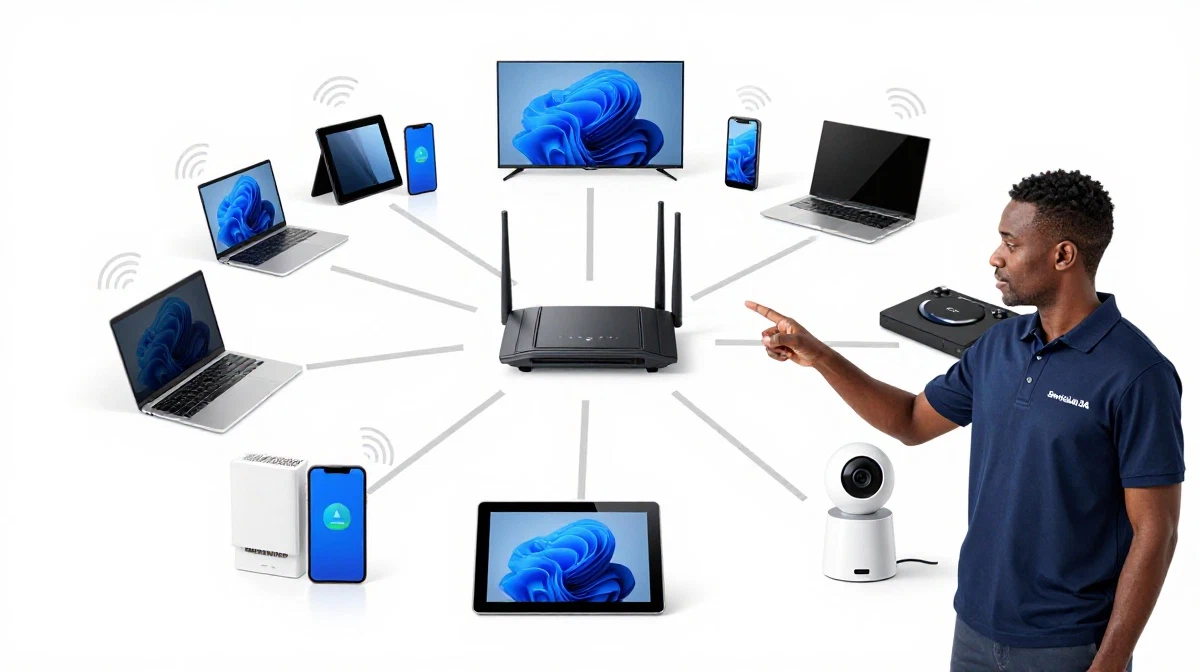
🏢 ISP Comparison: Which Provider Is Best?
Choosing the best fibre package South Africa also means choosing the right ISP.
Major Fibre ISPs in South Africa:
1. Openserve (Telkom):
Extensive network, reliable service. Good for areas where other providers aren’t available.
2. Vumatel:
Large network, good coverage in major cities. Often has competitive pricing.
3. Frogfoot:
Growing network, good coverage in many areas. Good pricing and package options.
4. Metrofibre:
Focus on urban areas, good speeds, competitive pricing.
5. ISPs (Internet Service Providers):
Companies like Afrihost, Cool Ideas, MWEB, and others resell fibre from the network operators. They add customer service, support, and sometimes better pricing.
What to Consider When Choosing an ISP:
- Availability: Which provider serves your area?
- Pricing: Compare packages and hidden costs.
- Customer service: Read reviews and ask for recommendations.
- Contract terms: Month-to-month vs 12/24-month contracts.
- Support: 24/7 support vs business hours only.
For more on ISPs, see our ISP switching guide.
💰 Cost vs Value Analysis
Here’s how to get the best value from your best fibre packages for home wifi performance.
Cost Per Mbps:
Higher speed packages often offer better value per Mbps. For example:
- 50 Mbps at R700 = R14 per Mbps
- 100 Mbps at R900 = R9 per Mbps (better value)
- 200 Mbps at R1,200 = R6 per Mbps (even better value)
Long-Term Value:
While higher speeds cost more monthly, they offer better value per Mbps. If you need the speed, upgrading is worth it.
Hidden Costs:
- Installation fees (sometimes free with contracts)
- Router rental or purchase costs
- Data caps or overage fees (less common with fibre)
Realistic Examples:
A couple in Queenstown with light usage: 50 Mbps at R700/month is sufficient and cost-effective.
A family of five in Vryburg with heavy usage: 200 Mbps at R1,200/month offers better value per Mbps.
For more on router costs, see our best routers guide.

🔧 Fibre Installation Tips
Once you’ve chosen your best fibre package South Africa, here’s what to expect with installation.
Before Installation:
- Check availability in your area.
- Choose your ISP and package.
- Provide body corporate approval if needed.
During Installation:
- Ensure the technician can access your property.
- Clear the area where the ONT will be installed.
- Be available during the installation window.
After Installation:
- Test your speed with a wifi speed test.
- Configure your router settings.
- Connect all your devices.
For more on installation, see our fibre ONT setup guide.
❓ Frequently Asked Questions About Fibre Packages
What is the best fibre package for home WiFi performance?
The best fibre packages for home wifi performance depend on your needs. For a typical household of 3-4 people, 100-200 Mbps offers excellent performance for streaming, gaming, and work. For larger families, 200+ Mbps is recommended. The best fibre package South Africa balances speed, price, and your specific usage patterns.
What fibre speed do I need for 4K streaming?
For the best fibre package for 4K streaming, you need 25-50 Mbps per 4K stream. If multiple people stream 4K simultaneously, you need more. For a household with 2-3 people streaming 4K, 100-150 Mbps is recommended. For 4+ streams, aim for 200+ Mbps.
What fibre speed do I need for gaming?
For best fibre package for gaming low ping, 50-100 Mbps is sufficient for most gamers. Fibre’s low latency (1-10ms) is more important than download speed for competitive gaming. If you also stream your gameplay, consider 200+ Mbps for the upload speed.
What fibre speed do I need for a large family?
The best fibre package for large family is 200+ Mbps. This handles multiple simultaneous 4K streams, gaming, video calls, and browsing. For a family of 6+, consider 250-500 Mbps for comfortable headroom.
Which fibre provider is best in South Africa?
The best fibre package South Africa depends on your area. Openserve, Vumatel, and Frogfoot are the major network operators. ISPs like Afrihost, Cool Ideas, and MWEB add customer service and support. Check availability in your area and compare packages. The best fibre package Johannesburg may differ from other areas.
What is the difference between fibre speed and WiFi speed?
Fibre speed is the speed coming into your home. WiFi speed is the speed your router delivers to your devices. Your WiFi speed may be slower than your fibre speed due to router placement, interference, or outdated hardware. For the best wifi speed, ensure your router supports your fibre package’s speed.
Is 100 Mbps fibre fast enough for streaming and gaming?
Yes, 100 Mbps is excellent for fibre for streaming and gaming. It can handle 1-2 4K streams simultaneously, gaming, and video calls. For a household with 3-4 people, 100 Mbps is usually sufficient. For more users or more 4K streams, consider 150-200 Mbps for better performance.
How much does fibre internet cost in South Africa?
Fibre internet costs range from R400 to R3,000+ per month. 50 Mbps costs R400-R700. 100 Mbps costs R700-R1,000. 200 Mbps costs R1,000-R1,400. 500 Mbps – 1 Gbps costs R1,400-R3,000+. Installation is often free with contracts. The best fibre packages for home wifi performance balance speed and cost for your needs.
✅ Final Thoughts: Choose the Right Fibre Package for Your Home
Finding the best fibre packages for home wifi performance is about matching speed to your needs. Overpaying for speed you don’t need wastes money. Underpaying for speed you need leads to frustration.
Key Takeaways:
- Assess your needs: Count devices and identify activities.
- Choose the right speed: 50-100 Mbps for small households, 100-200 Mbps for most families, 200+ Mbps for large families and heavy users.
- Compare ISPs: Check availability, pricing, and reviews.
- Consider fibre for streaming and gaming: Ensure your speed handles your specific activities.
- Think about the future: Choose a package that can handle future needs.
Your Next Step: Check fibre availability in your area. Compare packages from different ISPs. Choose the best fibre package South Africa based on your needs and budget. For personalised advice, ServiceLink SA can connect you with local specialists who understand fibre speed for home and best fibre package Johannesburg and other areas.
Ready to Find Your Perfect Fibre Package?
Get free advice from verified local specialists for best fibre packages for home wifi performance and fibre for streaming and gaming.
📞 Call us: 073 138 4726 for immediate help finding a specialist near you.
📢 Are You a Fibre Installation Professional?
Join ServiceLink SA’s network of verified contractors and get access to qualified leads for fibre installation and fibre to the home projects.
📚 Official resources & standards referenced:
- SANS 10400 – Guidelines for electrical and networking installations in South African homes.
- Department of Energy – Information on energy-efficient electronic equipment.
Information provided for general guidance. For professional best fibre packages for home wifi performance advice, always consult a qualified local technician.
Written by: Innocent T Hanyani
Construction & Home Services Industry Specialist | 21+ Years Experience
Innocent T Hanyani has over two decades of experience working across South Africa’s construction, telecommunications, and home services sectors. Throughout his career, he has worked closely with fibre installers, network technicians, and homeowners, gaining practical insight into the best fibre packages for home wifi performance. His expertise helps homeowners understand the complexities of fibre speed for home and fibre for streaming and gaming, from best fibre package for 4K streaming to best fibre package for gaming low ping and best fibre package for large family households. He helps families choose the best fibre package South Africa based on their specific needs and circumstances.