
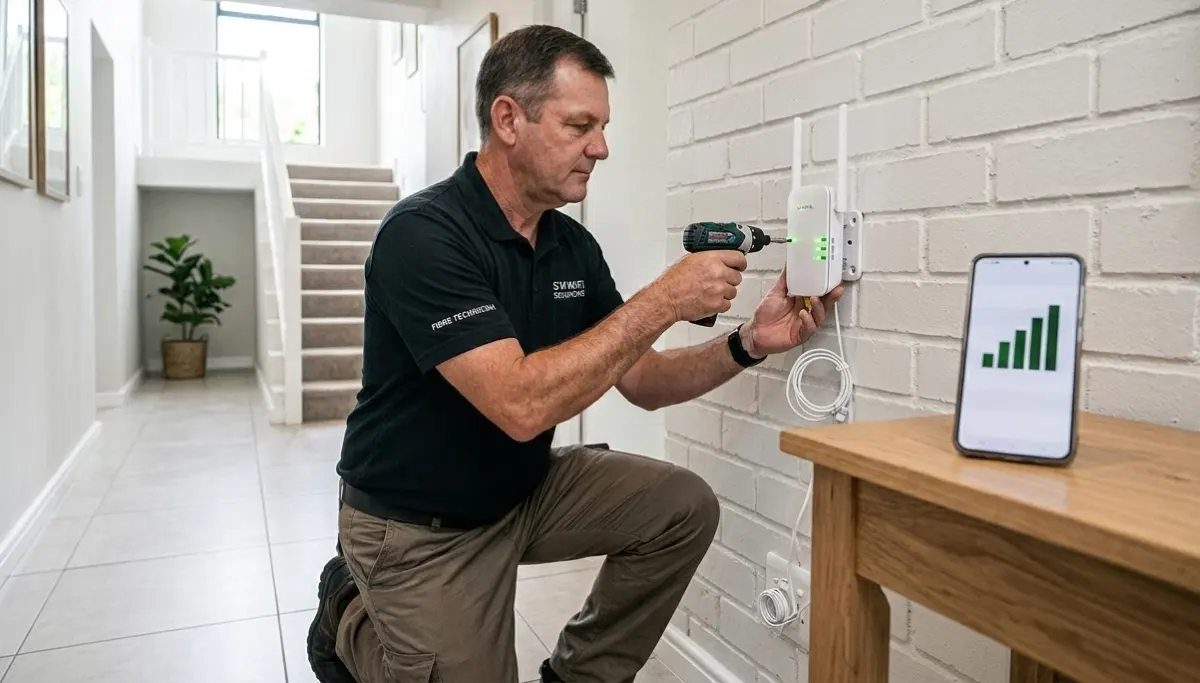
Tired of Weak WiFi in Certain Rooms?
Get professional help from local specialists who understand wifi signal improvement and wifi coverage solutions.
Servicing Centurion, Claremont, Richards Bay, and across South Africa
How to Fix Weak WiFi Signal in Certain Rooms: The Complete Guide
📡 One room has great WiFi, another has none—here’s how to fix it.
You know the feeling. You’re in the living room, and your WiFi is blazing fast. You walk into your bedroom, and suddenly you’re staring at a loading screen. Your home office has a great connection, but the guest room? Nothing.
This is one of the most frustrating problems in modern homes. If you’re experiencing wifi signal weak in one room South Africa, you’re not alone. I’ve helped countless homeowners across the country solve this exact problem.
The good news is that how to fix weak wifi signal in certain rooms is almost always solvable. In this guide, I’ll walk you through every possible solution, from simple DIY fixes to professional wifi coverage solutions. Whether you’re in Centurion, Claremont, or Richards Bay, these tips will help.
For more detailed help, check out our WiFi signal optimisation guide and WiFi dead zones explained. Let’s get your whole home connected.
📋 Table of Contents – Weak WiFi Signal Fixes
🏠 Why Some Rooms Have Weak WiFi Signal
Before we fix the problem, let’s understand why wifi signal weak in one room South Africa happens.
Common Causes of Weak WiFi in Specific Rooms:
- Distance from router: The further you are, the weaker the signal.
- Walls and obstructions: Brick, concrete, and metal absorb WiFi signals. South African homes often have thick brick walls.
- Floor materials: Concrete floors between stories significantly weaken signals. This is why wifi signal weak upstairs is so common.
- Interference: Electronics like microwaves, cordless phones, and baby monitors can interfere.
- Poor router placement: If the router is in a corner or behind furniture, the signal is blocked.
Quick Check:
Before you do anything, take your phone or laptop to the room with wifi signal weak in bedroom and check the wifi signal strength. If you see 2 bars or less, you’ve confirmed the problem.
For more on why this happens, see our WiFi dead zones explained guide.

📍 Relocate Your Router for Better Coverage
The simplest wifi signal improvement is often moving your router. This costs nothing and can make a huge difference.
Golden Rules of Router Placement:
- Centralise: Place the router in the centre of your home.
- Elevate: Put it on a shelf or high table, at least 1.5 metres off the ground.
- Away from walls: Keep it at least 0.5 metres from walls, especially external walls.
- Away from interference: Keep it away from microwaves, cordless phones, and metal objects.
For Two-Storey Homes:
If you have a double-storey home and experience wifi signal weak upstairs, place the router on the upper floor near the centre. This allows the signal to travel downward more effectively.
For more detailed placement advice, see our WiFi router placement guide.
📡 Adjust Router Antennas
If your router has external antennas, adjusting them can improve wifi signal strength in specific rooms.
How to Position Antennas:
- For a single-storey home: Point one antenna up and the other at a 45-degree angle. This spreads the signal horizontally.
- For a double-storey home: Point one antenna up and one to the side. The upward antenna helps reach the upper floor.
- For a specific weak room: Point one antenna in the direction of the room.
Experiment:
Antenna positioning is not an exact science. Try different angles and test the signal in the weak room. Even small adjustments can make a noticeable difference in wifi signal strength.
📊 Change WiFi Channel to Reduce Interference
Interference from neighbouring networks can cause wifi signal weak in one room South Africa. Changing your channel can help.
How to Change Your WiFi Channel:
- Use a WiFi analyser app (like NetSpot or WiFi Analyzer) to see which channels are most congested.
- Access your router’s settings page (usually 192.168.1.1).
- Go to wireless settings and find the channel selection option.
- For 2.4 GHz, choose channels 1, 6, or 11 (they don’t overlap).
- For 5 GHz, choose a less congested channel (often higher channels like 149-161 work well).
- Save your settings and reboot the router.
For more on this, see our WiFi interference guide.
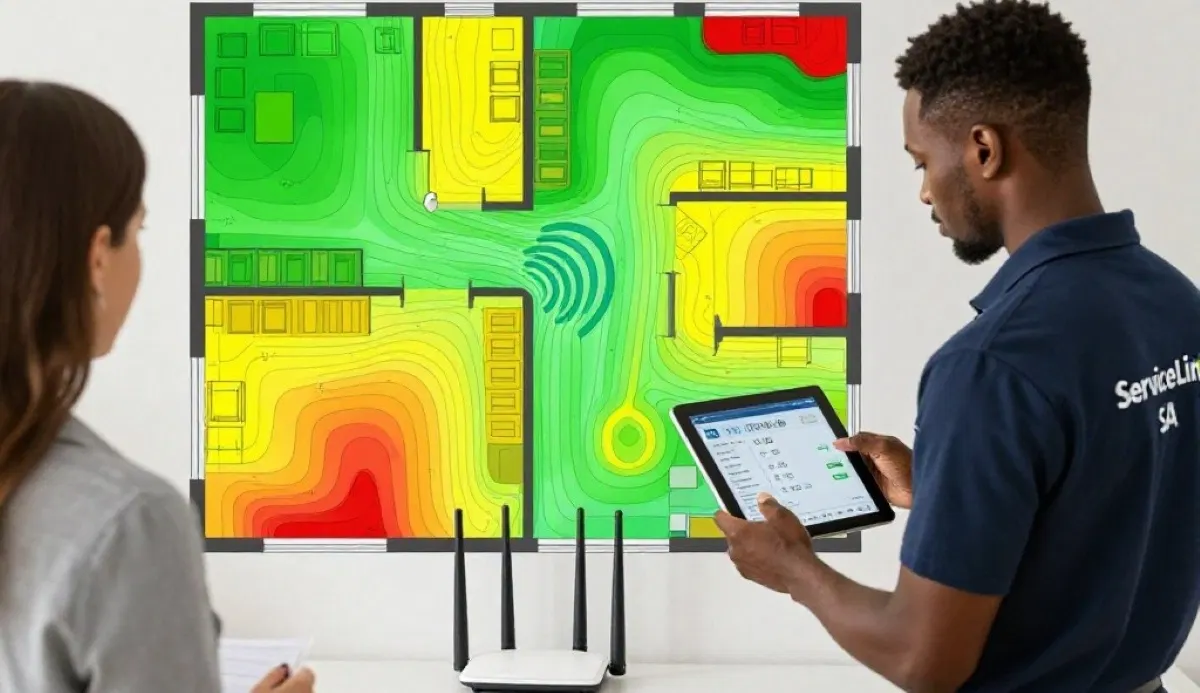
Still Have Weak WiFi in Certain Rooms?
Get professional wifi coverage solutions from local specialists who can identify and fix your weak spots.
Free inspections available for wifi coverage solutions.
📶 Install a WiFi Extender for Weak Signal Rooms
A WiFi extender for weak signal is one of the most popular wifi coverage solutions. It’s affordable and effective for specific dead zones.
What Is a WiFi Extender?
A WiFi extender (also called a repeater or booster) picks up your existing WiFi signal and rebroadcasts it to extend its range. It’s like a relay station for your WiFi.
How to Set Up a WiFi Extender:
- Choose the right location: Place the extender roughly halfway between your router and the weak room. It needs to receive a strong signal from the router to extend it effectively.
- Power on the extender: Plug it into a wall socket near your router.
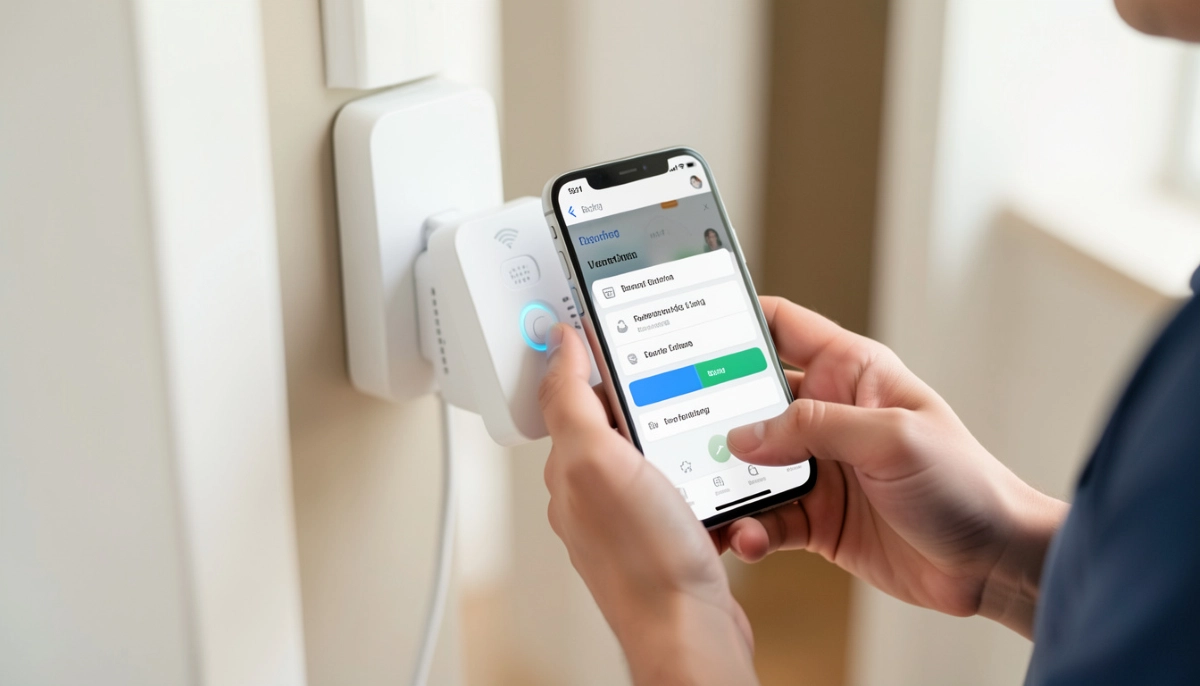
- Connect to the extender: Use the extender’s app or web interface to connect it to your existing WiFi network.
- Place it in its final location: Once set up, move the extender to its intended location.
- Connect devices to the extender: Devices in the weak room can now connect to the extender’s network.
Important: Don’t place the extender in the weak room itself. It needs a strong signal to extend. This is a common mistake in wifi extender setup.
For more detailed instructions, see our WiFi extender installation guide.
🌐 Upgrade to a Mesh Network for Seamless Coverage
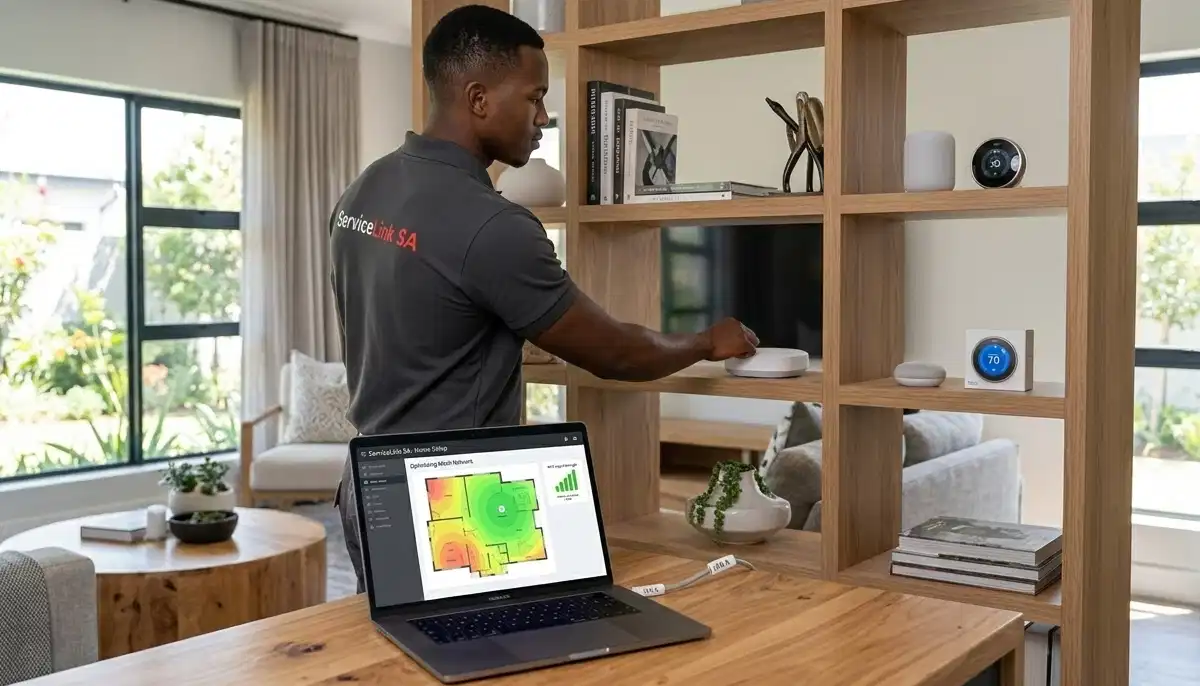
For the best wifi coverage solutions, especially for large or multi-storey homes, a wifi mesh system is the ultimate answer.
What Is a Mesh Network?
A mesh network consists of multiple nodes that work together to create a single, seamless WiFi network. Unlike extenders that create separate networks, mesh systems provide a single network name across your entire home.
Benefits of Mesh Networks:
- Seamless roaming: Your device automatically connects to the strongest node as you move around.
- Consistent speed: Mesh systems maintain speed better than extenders.
- Easy to scale: Add more nodes if you have more weak areas.
- One network name: No need to switch between networks.
When to Choose Mesh:
- Your home is larger than 200 square metres.
- You have multiple floors.
- You have thick brick or concrete walls.
- You’ve tried extenders and they didn’t work well.
For more on mesh systems, see our mesh network guide and mesh vs extenders comparison.
🔌 Use Powerline Adapters for Reliable Wired Connections
Powerline adapters use your home’s electrical wiring to transmit internet signals. They’re an excellent wifi coverage solution for specific rooms.
What Are Powerline Adapters?
Powerline adapters come in pairs. One plugs into a socket near your router and connects via Ethernet. The other plugs into a socket in the weak room. The signal travels through your electrical wiring.
How to Use Powerline Adapters:
- Plug one adapter into a socket near your router.
- Connect it to your router with an Ethernet cable.
- Plug the second adapter into a socket in the weak room.
- Connect your device (or a WiFi access point) to the second adapter.
Pros and Cons:
- Pros: Reliable, doesn’t rely on WiFi, easy to set up.
- Cons: Performance depends on your home’s electrical wiring. May not work as well in older homes.
For more, see our powerline vs wifi extenders guide.
🔗 Run Ethernet Cables for Critical Devices
For the most reliable connection in weak rooms, consider running Ethernet cables. This is the ultimate wifi signal improvement for critical devices.
When to Use Ethernet:
- For your home office computer.
- For a gaming console or PC.
- For a smart TV that’s used for streaming.
- When you need the fastest, most reliable connection.
How to Run Ethernet:
- Surface cabling: Run cables along baseboards and door frames. Use cable clips to keep them neat.
- In-wall cabling: For a cleaner look, run cables through walls. This requires professional installation.
- Use Cat5e or Cat6: These support gigabit speeds.
For more, see our ethernet wiring guide.
🚫 Common Mistakes When Fixing Weak WiFi
⚠️ Warning: These Mistakes Won’t Fix Your Weak WiFi
Avoid these errors when trying how to fix weak wifi signal in certain rooms.
- Placing the extender in the weak room: The extender needs a strong signal to extend. Placing it in the weak room means it has nothing to work with.
- Using the wrong extender type: A single-band extender (only 2.4 GHz) may not give you the speed you need. Choose a dual-band extender.
- Ignoring placement basics: Moving your router is free and often fixes many problems. Don’t skip this step.
- Not updating firmware: Outdated router firmware can cause performance issues.
- Overlooking interference: Before buying new equipment, check for interference from neighbours or electronics.
- Not checking your internet plan: If your internet plan is too slow, no amount of wifi coverage solutions will fix it.
For more on avoiding these mistakes, see our WiFi signal through brick walls guide.
❓ Frequently Asked Questions About Weak WiFi
How do I fix weak WiFi signal in certain rooms?
How to fix weak wifi signal in certain rooms starts with router placement (central, elevated). Then try adjusting antennas, changing WiFi channels, installing a WiFi extender for weak signal, or upgrading to a wifi mesh system. If you have wifi signal weak upstairs, place the router on the upper floor. For wifi signal weak in bedroom, an extender or powerline adapter often works well.
Why is my WiFi weak in one room but strong in another?
Wifi signal weak in one room South Africa is usually caused by distance, walls, or interference. South African homes often have thick brick walls that absorb WiFi signals. The room might also be far from the router or have electronics causing interference. These are common wifi coverage challenges.
What is the best WiFi extender for weak signal?
The best WiFi extender for weak signal is a dual-band extender that supports both 2.4 GHz and 5 GHz. Look for models with good reviews for range and reliability. Popular brands include TP-Link, Netgear, and Huawei. For proper wifi extender setup, place it halfway between the router and the weak room.
Will a mesh network fix weak WiFi in certain rooms?
Yes, a wifi mesh system is one of the most effective wifi coverage solutions for eliminating weak spots. Mesh networks create a seamless WiFi blanket across your entire home. They’re especially good for large homes, multi-storey homes, and homes with thick walls where wifi signal strength is inconsistent.
How do I test my WiFi signal strength in different rooms?
Use a WiFi analyser app on your phone (like NetSpot, WiFi Analyzer, or Speedtest). Walk through your home and note the signal strength in each room. This will identify which rooms need wifi signal improvement. A WiFi signal heatmap can provide a visual representation of your wifi coverage.
Can thick walls cause weak WiFi?
Yes, absolutely. Brick, concrete, and metal walls significantly reduce wifi signal strength. This is a major reason for wifi signal weak in one room South Africa. Solutions include moving the router, using a WiFi extender for weak signal, or installing a wifi mesh system. See our brick walls WiFi guide for more.
How much does it cost to fix weak WiFi?
Costs vary: moving your router is free, a WiFi extender costs R800-R2,500, a mesh system costs R3,000-R10,000+, and professional wifi extender installation costs R800-R1,500. The right solution depends on your home’s size and layout. See our WiFi coverage solutions guide for more.
Should I use a WiFi extender or a mesh network?
Use a WiFi extender for weak signal for one or two specific rooms. Use a wifi mesh system for large homes, multiple floors, or when you need seamless wifi coverage throughout. Extenders are cheaper but create separate networks. Mesh systems are more expensive but provide a single, seamless network. See our comparison guide.
✅ Final Thoughts: Get Full WiFi Coverage in Every Room
How to fix weak wifi signal in certain rooms is one of the most common questions I get—and one of the most solvable.
Key Takeaways:
- Start simple: Move your router to a central, elevated position.
- Adjust antennas: Even small changes can improve wifi signal strength.
- Change channels: Reduce interference from neighbouring networks.
- Use an extender: A WiFi extender for weak signal is an affordable solution for specific rooms.
- Consider mesh: For whole-home wifi coverage, a wifi mesh system is the best investment.
- Get professional help: If you’re still stuck, ServiceLink SA can connect you with local specialists.
Your Next Step: Walk through your home and identify the weak spots. Try the simple fixes first. If you still have wifi signal weak in bedroom or other rooms, consider a professional assessment. ServiceLink SA can connect you with verified local specialists who understand wifi coverage solutions for South African homes.
Ready to Fix Your Weak WiFi?
Get free quotes from verified local specialists for wifi signal improvement and wifi coverage solutions.
📞 Call us: 073 138 4726 for immediate help finding a specialist near you.
📢 Are You a WiFi Installation Professional?
Join ServiceLink SA’s network of verified contractors and get access to qualified leads for wifi extender setup and wifi coverage solutions projects.
📚 Official resources & standards referenced:
- SANS 10400 – Guidelines for electrical and networking installations in South African homes.
- Department of Energy – Information on energy-efficient electronic equipment.
Information provided for general guidance. For professional wifi coverage solutions, always consult a qualified local technician.
Written by: Innocent T Hanyani
Construction & Home Services Industry Specialist | 21+ Years Experience
Innocent T Hanyani has over two decades of experience working across South Africa’s construction, telecommunications, and home services sectors. Throughout his career, he has worked closely with network installers, IT professionals, and homeowners, gaining practical insight into how wifi signal improvement and wifi coverage solutions affect home networks. His expertise helps homeowners understand the complexities of wifi signal strength and wifi coverage, from choosing the right wifi extender for weak signal to implementing effective wifi extender setup and wifi mesh systems.