
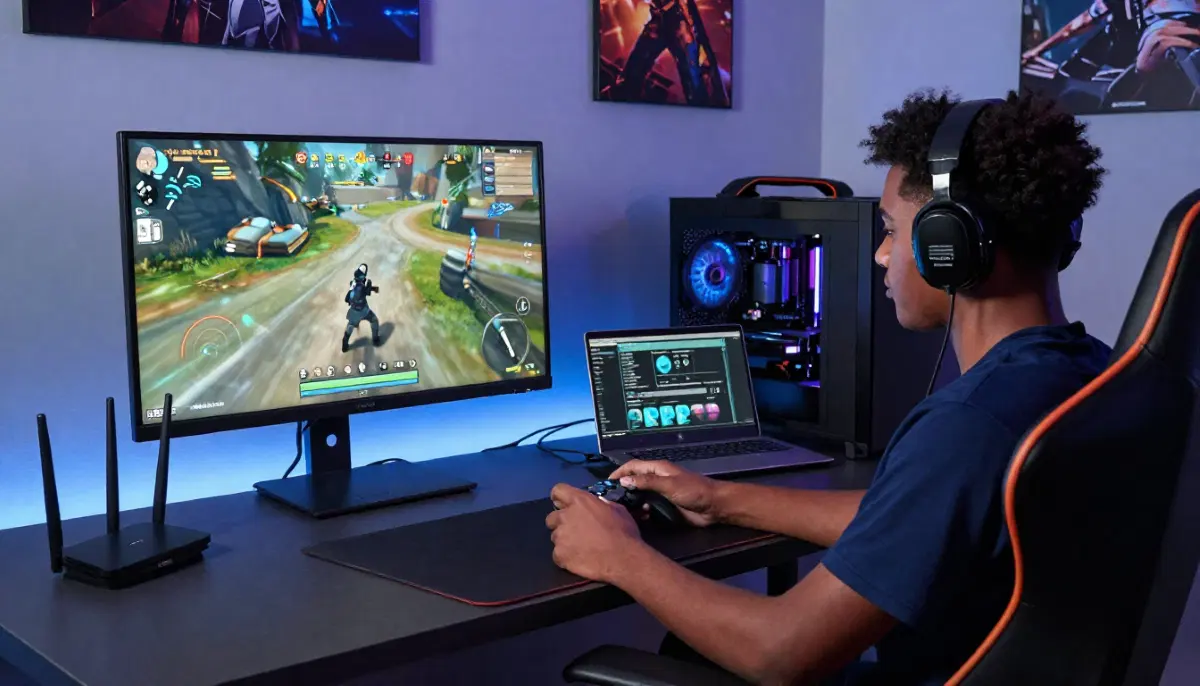
Tired of Lag Ruining Your Games?
Get professional help from local specialists who understand wifi lag for gaming and online gaming lag fix solutions.
Servicing Tembisa, Bellville, Ladysmith, and across South Africa
How to Reduce Lag on WiFi for Online Gaming: The Ultimate Guide
🎮 Lag kills the fun—here’s exactly how to eliminate it and dominate your games.
You’re in the middle of a crucial match. The enemy is in your sights. You pull the trigger. Nothing happens. A split second later, you’re dead. Lag strikes again.
This is one of the most frustrating experiences for any gamer. The good news is that how to reduce lag on WiFi for online gaming is a solvable problem. With the right techniques, you can eliminate wifi lag for gaming and enjoy smooth, responsive gameplay.
In this comprehensive guide, I’ll show you exactly how to reduce wifi lag in Warzone, how to reduce wifi lag on Fortnite, and how to reduce wifi lag on mobile gaming. I’ll also help you find the best wifi channel for gaming. Whether you’re in Tembisa, Bellville, or Ladysmith, these tips will help you get the online gaming lag fix you need.
For more on gaming setups, check out our best gaming WiFi guide and best router settings guide. Let’s eliminate that lag.
📋 Table of Contents – Reduce WiFi Lag Guide
🔍 What Causes WiFi Lag in Gaming?
Before we dive into how to reduce lag on WiFi for online gaming, let’s understand what causes wifi lag.
Common Causes of WiFi Lag:
- Interference: Other devices using the same frequency (microwaves, cordless phones, neighbours’ WiFi).
- Distance: Being too far from the router weakens the signal.
- Congestion: Too many devices sharing bandwidth.
- Outdated hardware: Old routers can’t handle gaming traffic.
- Channel congestion: Too many routers on the same channel.
- ISP issues: Problems with your internet service provider.
How Lag Affects Gaming:
- High ping: Delays between your actions and the game’s response.
- Packet loss: Data doesn’t reach the server, causing stuttering.
- Jitter: Inconsistent latency causing lag spikes.
Measuring Your Lag:
Use a speed test with ping measurement to check your wifi latency and wifi ping. This will help you identify if you have a problem.
For more on measuring, see our how to test WiFi speed guide.
🔌 The #1 Fix: Use a Wired Connection
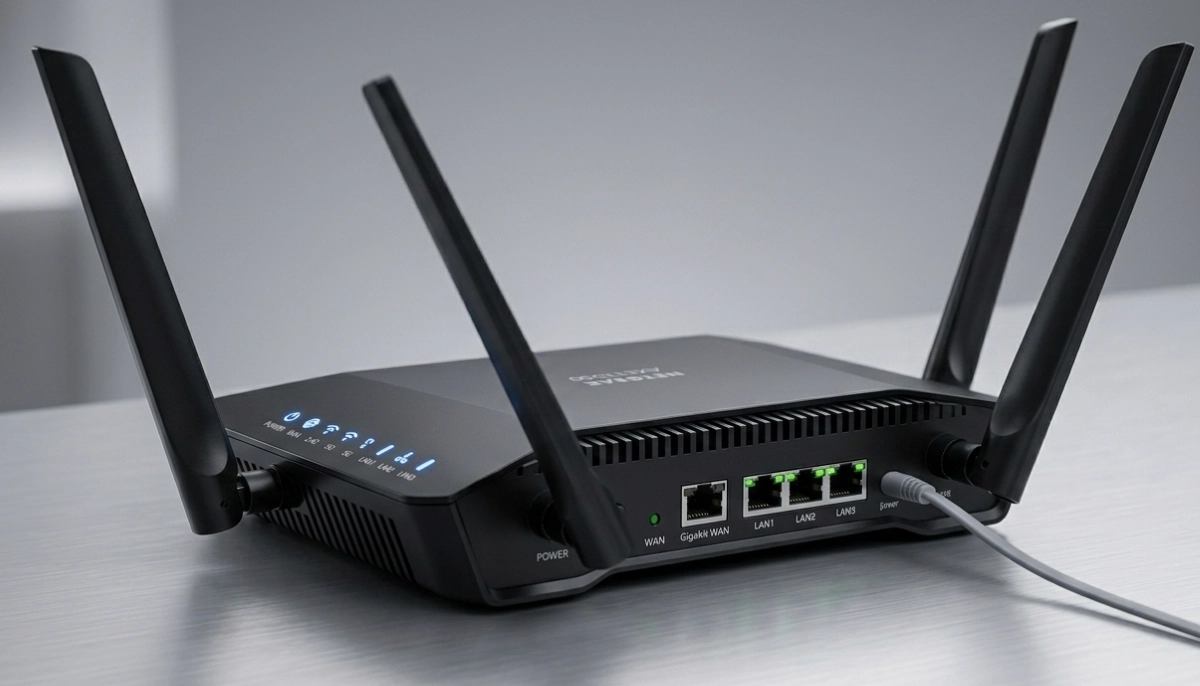
If you’re serious about how to reduce lag on WiFi for online gaming, the best solution is Ethernet.
Why Ethernet Is Better:
- Zero interference: No wireless interference to affect your connection.
- Lowest latency: 1-5ms ping (excellent).
- No packet loss: Data travels reliably.
- Consistent speed: No fluctuations.
How to Set Up Ethernet for Gaming:
- Run an Ethernet cable from your router to your gaming device.
- Use Cat5e or Cat6 cable for gigabit speeds.
- Plug one end into your router’s LAN port and the other into your gaming device.
- Disable WiFi on your gaming device.
If You Can’t Use Ethernet:
- Use a powerline adapter to send internet through your electrical wiring.
- Use a mesh network with wired backhaul.
For more on Ethernet, see our ethernet wiring guide.
⚙️ Optimise Your Router for Gaming
Proper router optimisation is key to reduce wifi lag.
1. Update Your Router’s Firmware:
Manufacturers release updates that improve performance and stability. Check for updates regularly.
2. Position Your Router Properly:
Place it centrally, elevated, and away from interference. If possible, place it close to your gaming setup.
3. Reboot Your Router:
A simple reboot can clear temporary issues. Do this before gaming sessions.
4. Disable Unnecessary Features:
Features like parental controls, guest networks, and USB sharing can add processing overhead. Disable them if not needed.
5. Use a Gaming Router:
Gaming routers have features specifically designed to reduce wifi lag for gaming. They often include better QoS, faster processors, and gaming optimisations.
For more on router optimisation, see our best router settings guide.
📊 Enable QoS for Gaming Priority
QoS (Quality of Service) is essential for how to reduce lag on WiFi for online gaming.
What Is QoS?
QoS prioritises certain types of traffic. By giving gaming traffic priority, you reduce wifi lag even when others are using the internet.
How to Enable QoS:
- Access your router’s settings (usually 192.168.1.1).
- Find QoS or bandwidth management.
- Enable QoS and set gaming as a priority.
- Add your gaming device to the high-priority list.
- Save and apply the settings.
What If Your Router Doesn’t Have QoS?
Most modern routers have QoS. If yours doesn’t, consider upgrading to a router with QoS features.
Real-World Example:
If someone in your home starts streaming 4K while you’re gaming, QoS ensures your gaming traffic gets priority. This is an effective online gaming lag fix.
For more on QoS, see our best router settings guide.
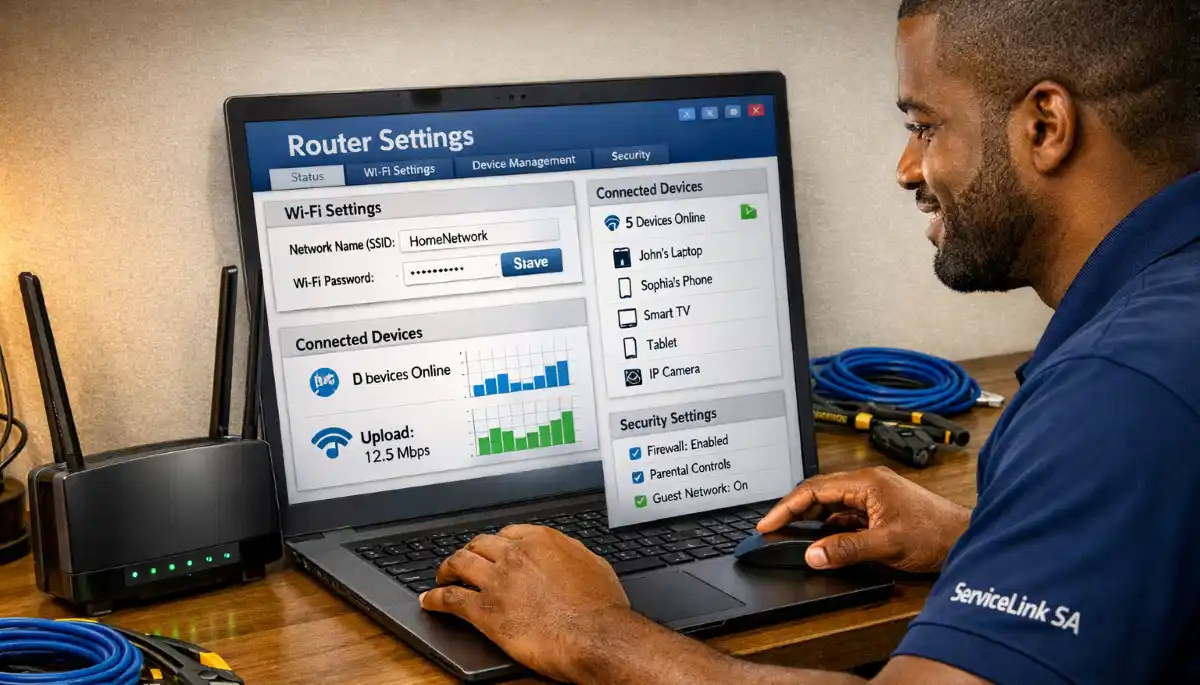
Still Experiencing Lag in Your Games?
Get professional online gaming lag fix help from local specialists who understand wifi lag for gaming.
Free inspections available for reduce wifi lag solutions.
📡 Best WiFi Channel for Gaming
Choosing the best wifi channel for gaming can significantly reduce wifi lag.
Why Channels Matter:
If too many routers are on the same channel, they interfere with each other. This increases wifi latency and causes lag.
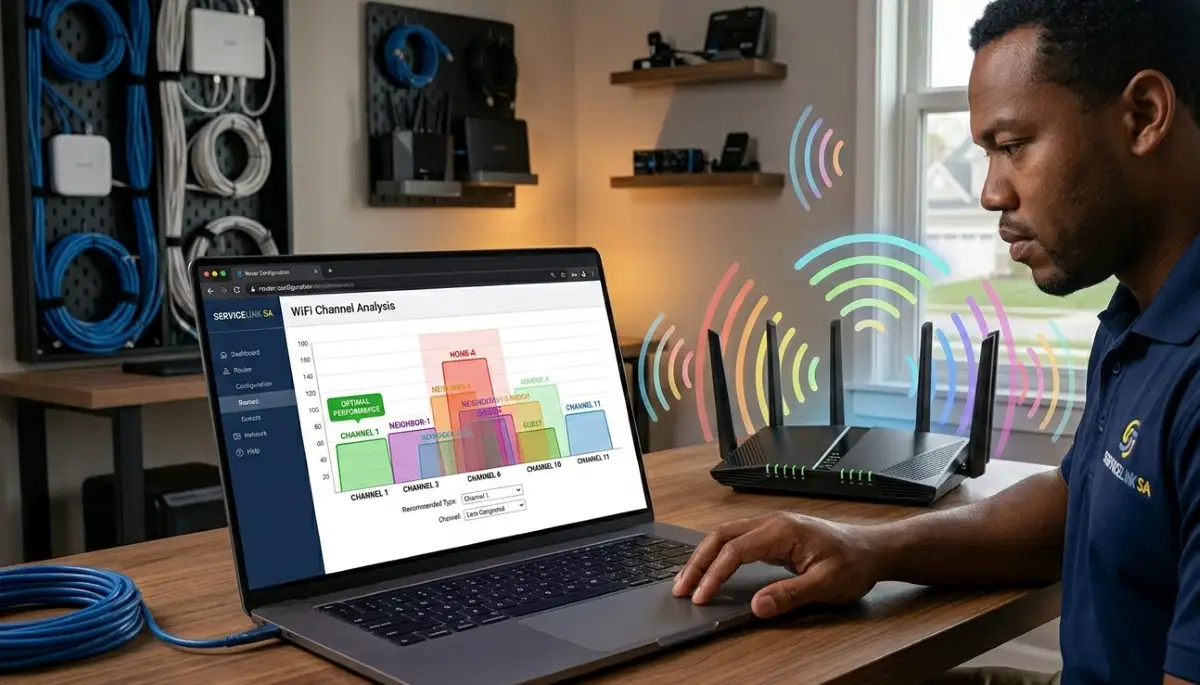
How to Find the Best Channel:
- Download a WiFi analyser app on your phone.
- Scan for nearby networks and see which channels they’re using.
- Choose a channel that’s least congested.
- For 2.4 GHz, use channels 1, 6, or 11 (they don’t overlap).
- For 5 GHz, choose any available channel (often higher channels like 149-161 work well).
How to Change Your Channel:
- Access your router’s settings.
- Find wireless settings.
- Find the channel selection option.
- Select your chosen channel.
- Save and reboot your router.
For more on channels, see our router channel settings guide.
📶 Use 5 GHz Band for Gaming
Using the 5 GHz band is essential for how to reduce lag on WiFi for online gaming.
Why 5 GHz Is Better:
- Less interference: Fewer devices use 5 GHz.
- Lower latency: Faster data transmission.
- Higher speed: Supports faster connections.
How to Connect to 5 GHz:
- Ensure your gaming device supports 5 GHz.
- Check your router for the 5 GHz network name (SSID).
- Connect to that network.
- If your router has band steering, you may need to disable it to see both networks.
What If You Can’t Connect to 5 GHz?
If you’re too far from the router, the 5 GHz signal may be weak. Consider moving closer or using a mesh network.
For more on bands, see our dual band WiFi guide.
🚫 Reduce WiFi Interference
Minimising interference is key to reduce wifi lag and improve wifi latency.
Common Interference Sources:
- Microwaves: They operate on 2.4 GHz and cause interference when in use.
- Cordless phones: Many use the 2.4 GHz band.
- Baby monitors: Can interfere with 2.4 GHz.
- Neighbouring WiFi: Too many routers on the same channel.
- Bluetooth devices: Also use 2.4 GHz.
How to Reduce Interference:
- Keep your router away from microwaves and cordless phones.
- Use the 5 GHz band (less interference).
- Change your WiFi channel to a less congested one.
- Place your router away from other electronics.
- If you live in an apartment, consider using the 5 GHz band to avoid neighbour interference.
For more on interference, see our WiFi interference guide.
🎯 Game-Specific Lag Fixes
Here are specific tips for how to reduce wifi lag in Warzone, how to reduce wifi lag on Fortnite, and how to reduce wifi lag on mobile gaming.
How to Reduce WiFi Lag in Warzone:
- Use Ethernet: Warzone is sensitive to latency.
- Enable QoS: Prioritise Warzone traffic.
- Close background apps: Reduce bandwidth usage.
- Select the right server: Choose servers closer to you.
How to Reduce WiFi Lag on Fortnite:
- Use 5 GHz: Fortnite benefits from lower latency.
- Reduce interference: Position your router well.
- Update drivers: Keep your network drivers updated.
- Optimise in-game settings: Lower graphical settings to reduce load.
How to Reduce WiFi Lag on Mobile Gaming:
- Move closer to the router: Mobile devices often have weaker antennas.
- Disable background apps: Close apps that use data.
- Use 5 GHz: If your phone supports it.
- Disable Bluetooth: Bluetooth can interfere with 2.4 GHz WiFi.
For more on game-specific optimisations, see our best gaming WiFi guide.
🛠️ Advanced Troubleshooting
If you’ve tried everything and still have wifi lag for gaming, try these advanced steps.
Step 1: Check Your Internet Plan
Ensure your internet plan provides enough speed and low latency. Fibre is best for gaming.
Step 2: Contact Your ISP
Ask if there are issues with your line. Check if they’re throttling gaming traffic.
Step 3: Use a VPN
Sometimes, ISPs throttle gaming traffic. A VPN can bypass this. However, a VPN can also add latency, so test with and without.
Step 4: Upgrade Your Router
If your router is more than 3-5 years old, consider upgrading to a gaming router.
Step 5: Check for Malware
Malware on your devices can use bandwidth and cause wifi lag.
For more troubleshooting, see our WiFi disconnecting guide.
❓ Frequently Asked Questions About Reducing WiFi Lag
How do I reduce lag on WiFi for online gaming?
How to reduce lag on WiFi for online gaming starts with using Ethernet if possible. If you must use WiFi, use 5 GHz, enable QoS, and choose the best wifi channel for gaming. Reduce interference and position your router properly. These are the most effective online gaming lag fix techniques.
How can I reduce WiFi lag in Warzone?
How to reduce wifi lag in Warzone involves using Ethernet, enabling QoS, and closing background apps. Warzone is sensitive to latency, so any reduction in wifi latency helps. Also, select servers closer to your location.
How can I reduce WiFi lag on Fortnite?
How to reduce wifi lag on Fortnite includes using 5 GHz, reducing interference, and updating network drivers. Fortnite benefits from lower wifi ping. Also, consider lowering graphical settings to reduce system load.
How can I reduce WiFi lag on mobile gaming?
How to reduce wifi lag on mobile gaming involves moving closer to the router, using 5 GHz (if supported), disabling background apps, and turning off Bluetooth. Mobile devices often have weaker antennas, so proximity to the router is important for reducing wifi lag.
What is the best WiFi channel for gaming?
The best wifi channel for gaming is the least congested channel. Use a WiFi analyser app to find which channels are least used. For 2.4 GHz, use channels 1, 6, or 11. For 5 GHz, choose any available channel. This helps reduce wifi latency and interference.
Does QoS help reduce gaming lag?
Yes, QoS is essential for reduce wifi lag. It prioritises gaming traffic over other traffic, ensuring low latency even when others are using the internet. Enable QoS in your router settings and set your gaming device to high priority. This is a proven online gaming lag fix.
Is Ethernet better than WiFi for gaming?
Yes, Ethernet is significantly better for gaming. It offers lower latency, no interference, and consistent performance. If you’re serious about gaming, use Ethernet. Wifi lag for gaming is much more common on WiFi than Ethernet.
How do I test my WiFi lag for gaming?
Test your wifi ping and wifi latency using a speed test with ping measurement. Run the test at different times of day to see if wifi lag increases during peak hours. This helps you identify if the problem is your WiFi or your internet connection.
✅ Final Thoughts: Eliminate Lag and Dominate Your Games
How to reduce lag on WiFi for online gaming is a skill that every gamer should master. With the right techniques, you can eliminate wifi lag for gaming and enjoy smooth, responsive gameplay.
Key Takeaways:
- Use Ethernet if possible: The most effective online gaming lag fix.
- Enable QoS: Prioritise gaming traffic.
- Use 5 GHz: Lower latency and less interference.
- Choose the best channel: The best wifi channel for gaming reduces interference.
- Reduce interference: Keep your router away from other electronics.
- Game-specific fixes: How to reduce wifi lag in Warzone, Fortnite, and mobile gaming.
Your Next Step: Test your wifi ping and wifi latency right now. If it’s high, implement the fixes in this guide. For personalised help, ServiceLink SA can connect you with local specialists who understand reduce wifi lag and can help you achieve the perfect online gaming lag fix.
Ready to Eliminate WiFi Lag for Good?
Get free quotes from verified local specialists for how to reduce lag on WiFi for online gaming and wifi lag for gaming solutions.
📞 Call us: 073 138 4726 for immediate help finding a specialist near you.
📢 Are You a WiFi Optimisation Professional?
Join ServiceLink SA’s network of verified contractors and get access to qualified leads for reduce wifi lag and gaming network optimisation projects.
📚 Official resources & standards referenced:
- SANS 10400 – Guidelines for electrical and networking installations in South African homes.
- SABS – Standards for electronic equipment and safety.
Information provided for general guidance. For professional how to reduce lag on WiFi for online gaming advice, always consult a qualified local technician.
Written by: Innocent T Hanyani
Construction & Home Services Industry Specialist | 21+ Years Experience
Innocent T Hanyani has over two decades of experience working across South Africa’s construction, telecommunications, and home services sectors. Throughout his career, he has worked closely with network installers, IT professionals, and gamers, gaining practical insight into how to reduce lag on WiFi for online gaming. His expertise helps gamers understand the complexities of wifi lag for gaming and reduce wifi lag, from online gaming lag fix strategies to implementing effective wifi latency and wifi ping improvements.