
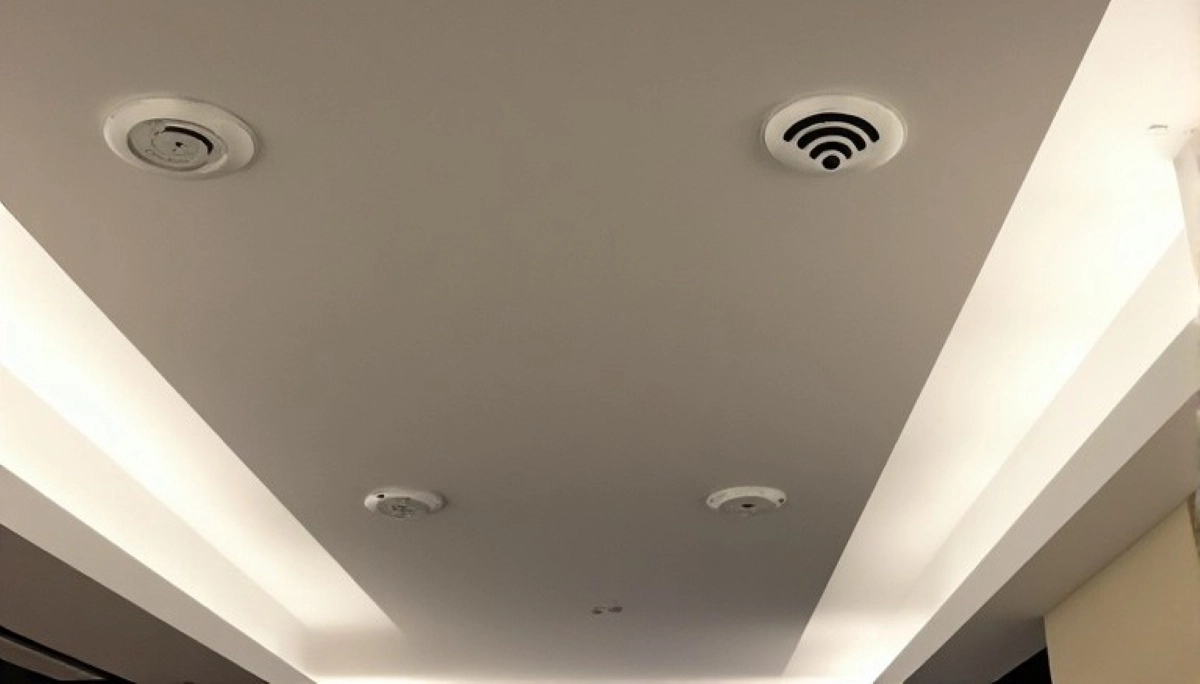
Want to Impress Your Airbnb Guests?
Get professional help from local specialists who understand wifi for airbnb and airbnb wifi setup.
Servicing Makhado, Bela-Bela, Mokopane, and across South Africa
WiFi Setup for Airbnb and Short-Term Rental Properties: The Complete Guide
🏠 Great WiFi means great reviews—here’s how to set up the perfect network for your guests.
You’re an Airbnb host or short-term rental owner. You know that guest reviews make or break your business. One of the most common complaints? Bad WiFi. Slow speeds, complicated logins, and poor coverage lead to negative reviews.
A proper wifi setup for airbnb and short term rental properties is essential for guest satisfaction. Good WiFi means happy guests, five-star reviews, and repeat bookings. It’s a small investment that pays huge dividends.
In this comprehensive guide, I’ll show you the best wifi for airbnb setup. I’ll cover wifi for short term rental requirements, airbnb wifi setup best practices, and answer questions like wifi setup for airbnb south africa, best wifi for airbnb flat, wifi for vacation rental, and wifi for guesthouse airbnb.
For more on hospitality WiFi, check out our guest WiFi and hotel WiFi guides. Let’s get your Airbnb WiFi right.
📋 Table of Contents – Airbnb WiFi Guide
🏠 Why WiFi Matters for Airbnb
Understanding why wifi for airbnb matters is the first step.
Impact on Reviews:
- Positive reviews: Good WiFi leads to five-star reviews.
- Negative reviews: Bad WiFi is a common complaint.
- Repeat bookings: Guests return to properties with good WiFi.
- Superhost status: Good WiFi helps maintain Superhost.
What Guests Expect:
- Fast speed: Enough for streaming and work.
- Reliable connection: No drops or outages.
- Easy login: Simple to connect.
- Good coverage: Strong signal throughout.
What Happens Without Good WiFi:
- Negative reviews.
- Lower ratings.
- Fewer bookings.
- Reduced revenue.
For more on airbnb wifi, see our guest WiFi guide.
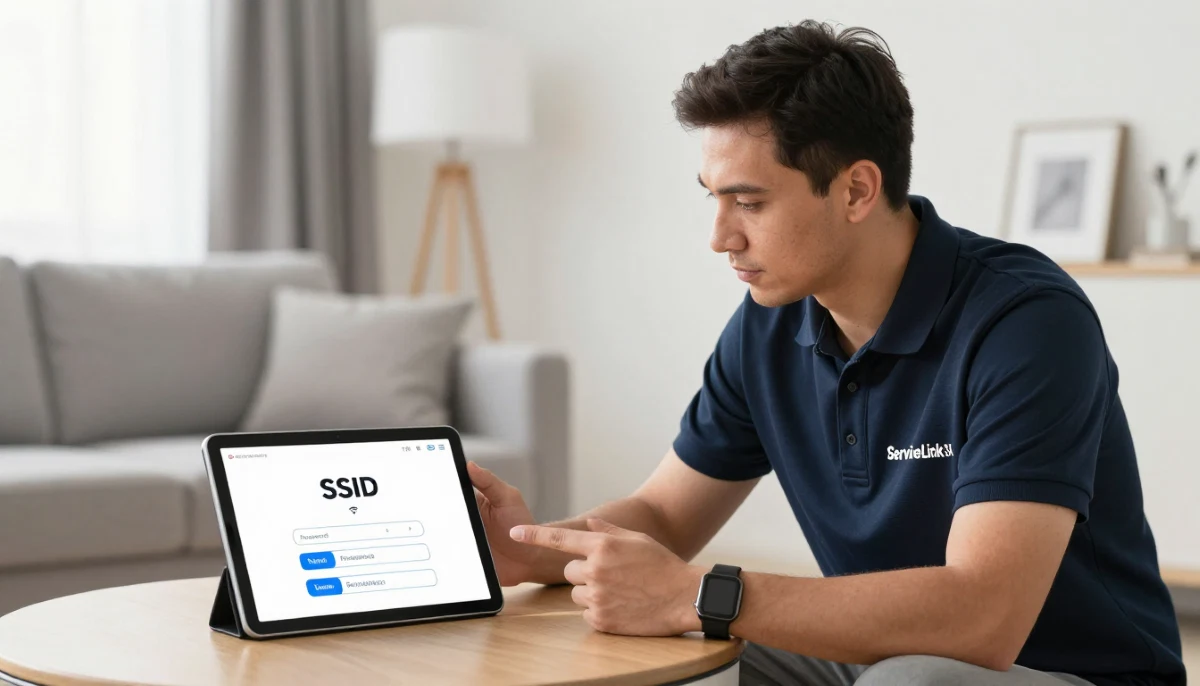
📱 Guest WiFi Expectations
Understanding what guests expect helps with airbnb wifi setup.
Speed Expectations:
- Basic browsing: 5-10 Mbps.
- Streaming: 25+ Mbps for 4K.
- Work: 10-20 Mbps for video calls.
- Multiple devices: Each guest may have 2-3 devices.
Coverage Expectations:
- All rooms: Strong signal in every room.
- Outdoor areas: Balcony, garden, pool.
- Common areas: Living room, kitchen.
Ease of Use Expectations:
- Simple login: One password, no complicated steps.
- Clear instructions: WiFi information displayed.
- No portal: Avoid captive portals if possible.
For more on guest wifi, see our guest WiFi guide.
🔧 Airbnb WiFi Setup Basics
Here are the basics of wifi setup for airbnb south africa.
Step 1: Choose the Right Equipment
Select a router that can handle guest needs. WiFi 6 is recommended for busy properties.
Step 2: Set Up Guest Network
Create a separate guest network. This improves security and performance.
Step 3: Set a Strong Password
Use a unique, strong password for the guest network.
Step 4: Test Coverage
Walk through the property and test the signal in all areas.
Step 5: Display WiFi Information
Place WiFi details in a visible location.
Step 6: Monitor Performance
Check speed and connectivity regularly.
For more on wifi for airbnb, see our router setup guide.
👤 Guest WiFi Setup
A guest wifi network is essential for wifi for airbnb.
Why a Guest Network?
- Security: Guests can’t access your main network.
- Performance: Separate network reduces congestion.
- Privacy: Guests can’t see your devices.
How to Set Up Guest Network:
- Access your router settings.
- Find “Guest Network” or “Guest WiFi.”
- Enable it.
- Set a network name (e.g., “Airbnb-Guest”).
- Set a strong password.
- Enable isolation from your main network.
- Save and apply.
Best Practices:
- Different password: Different from your main network.
- Bandwidth limits: Limit guest bandwidth to protect your network.
- Isolation: Enable isolation for security.
For more on guest wifi, see our guest WiFi guide.
⚡ Speed Requirements
Meeting speed requirements is key to best wifi for airbnb flat.
Recommended Speeds:
- 1-2 guests: 50 Mbps.
- 3-4 guests: 100 Mbps.
- 5+ guests: 200+ Mbps.
Why Speed Matters:
- Streaming: Guests expect to stream Netflix and YouTube.
- Work: Remote workers need reliable connections.
- Video calls: Zoom, Teams, and FaceTime.
How to Test:
Run a wifi speed test in different areas. If speeds are too low, upgrade your internet plan.
For more on speed, see our router speed guide.
🛠️ Equipment for Airbnb
Choosing the right equipment is essential for wifi for airbnb.
Recommended Equipment:
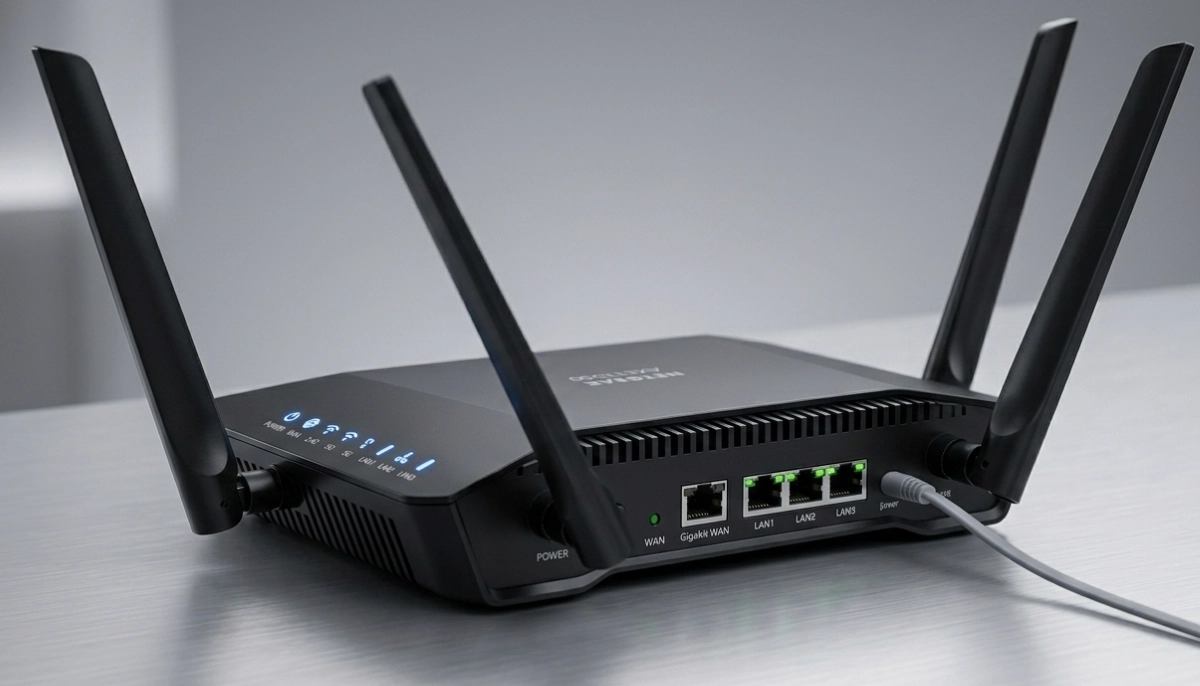
- WiFi 6 router: Handles multiple devices.
- Mesh system: For larger properties.
- Extender: For dead zones.
Recommended Brands:
- TP-Link: Good value, reliable.
- ASUS: Good performance.
- Netgear: Premium quality.
What to Avoid:
- Single-band routers: Only 2.4 GHz.
- Very cheap routers: Limited features and range.
Realistic Example:
A 2-bedroom Airbnb in Makhado: A WiFi 6 router is sufficient. A larger property in Bela-Bela may need a mesh system.
For more on equipment, see our best routers guide.
Want to Boost Your Airbnb Reviews with Great WiFi?
Get professional help from local specialists who understand airbnb wifi setup and wifi for vacation rental.
Free consultations available for wifi for guesthouse airbnb.
🔒 WiFi Security for Airbnb
Wifi security is critical for wifi for short term rental.
Security Risks:
- Guest access: Guests could access your devices.
- Data theft: Guests could steal data.
- Illegal activity: Guests could use your network illegally.
Security Measures:
- Guest network: Separate from your main network.
- Strong password: Unique and complex.
- WPA2/WPA3 encryption: Strong encryption.
- Bandwidth limits: Limit guest bandwidth.
Best Practices:
- Change password regularly: After each guest or periodically.
- Monitor usage: Check for unusual activity.
- Update firmware: Keep your router updated.
For more on wifi security, see our best security settings guide.
📋 Displaying WiFi Information
Displaying WiFi information is essential for airbnb wifi setup.
Where to Display:
- Welcome book: Include WiFi details.
- On the wall: A small sign near the entrance.
- On a card: On the coffee table.
What to Include:
- Network name (SSID): The name guests need to connect.
- Password: Clear and easy to read.
- QR code: Guests can scan to connect.
How to Create a QR Code:
Use a free QR code generator. Enter your network name and password. Print and display.
Realistic Example:
An Airbnb in Mokopane: A small welcome card with WiFi details and a QR code makes it easy for guests.
For more on wifi for vacation rental, see our guest WiFi guide.
📊 Airbnb WiFi Setup Comparison
Here’s a comparison of airbnb wifi setup options.
| Property Type | Recommended Setup | Speed | Equipment | Cost |
|---|---|---|---|---|
| Studio/1-bedroom | Single router | 50-100 Mbps | WiFi 6 router | R1,500 – R3,000 |
| 2-3 bedroom house | Mesh or extender | 100-200 Mbps | Mesh system | R3,000 – R6,000 |
| Large property/guesthouse | Mesh network | 200+ Mbps | Premium mesh | R6,000 – R10,000+ |
Key Takeaway: Choose a setup based on property size and guest capacity.
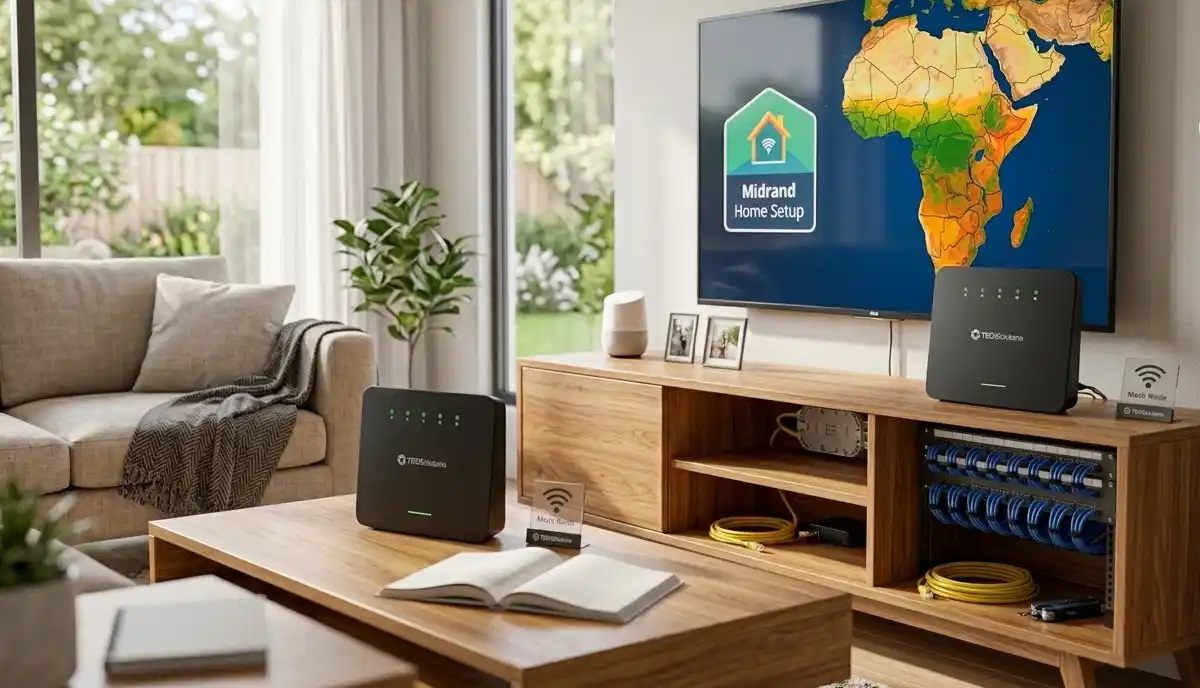
❓ Frequently Asked Questions About Airbnb WiFi
What is the best WiFi setup for Airbnb?
The best wifi setup for airbnb includes a guest network, strong password, and adequate speed. For most properties, a WiFi 6 router with a guest network is sufficient. This is the complete airbnb wifi setup guide.
What internet speed do I need for Airbnb?
For wifi for airbnb, you need 50-100 Mbps for 1-2 guests, 100-200 Mbps for 3-4 guests, and 200+ Mbps for larger properties. This ensures best wifi for airbnb flat performance.
Should I set up a guest network for Airbnb?
Yes, a guest wifi network is essential for wifi for short term rental. It improves security and performance. Guests connect to the guest network, not your main network.
How do I display WiFi details for guests?
Display airbnb wifi details in the welcome book, on a wall sign, or on a card. Include the network name, password, and a QR code for easy connection. This is important for wifi for vacation rental.
Can I limit guest WiFi bandwidth?
Yes, most routers allow bandwidth management for guest networks. This ensures guests don’t use all your bandwidth. It’s a key part of wifi for guesthouse airbnb.
What equipment do I need for Airbnb WiFi?
For wifi setup for airbnb south africa, you need a WiFi 6 router, guest network setup, and possibly a mesh system for larger properties. See our best routers guide.
How do I secure my Airbnb WiFi?
Secure wifi for airbnb with a guest network, strong password, WPA2/WPA3 encryption, and regular password changes. This protects your wifi security.
What is the best WiFi for a vacation rental?
The best wifi for vacation rental is a reliable connection with good speed and coverage. A WiFi 6 router with a guest network is ideal. Airbnb wifi should be fast and easy to use.
✅ Final Thoughts: Boost Your Airbnb Reviews with Great WiFi
Now you know the wifi setup for airbnb and short term rental properties. With the right airbnb wifi setup, you can impress your guests and get five-star reviews.
Key Takeaways:
- Guest network: Essential for security.
- Adequate speed: 50-200+ Mbps.
- Good equipment: WiFi 6 router or mesh.
- Display info: Make it easy for guests.
- Security: Protect your network.
Your Next Step: Set up your wifi for airbnb today. If you need professional help, ServiceLink SA can connect you with local specialists who understand wifi for short term rental and airbnb wifi setup.
Ready to Impress Your Airbnb Guests with Great WiFi?
Get free quotes from verified local specialists for wifi for airbnb and airbnb wifi setup.
📞 Call us: 073 138 4726 for immediate help finding a specialist near you.
📢 Are You a Hospitality WiFi Specialist?
Join ServiceLink SA’s network of verified contractors and get access to qualified leads for wifi for airbnb and airbnb wifi setup projects.
📚 Official resources & standards referenced:
- SANS 10400 – Guidelines for electrical and networking installations in South African homes.
- SABS – Standards for electronic equipment and safety.
Information provided for general guidance. For professional wifi setup for airbnb and short term rental properties advice, always consult a qualified local technician.
Written by: Innocent T Hanyani
Construction & Home Services Industry Specialist | 21+ Years Experience
Innocent T Hanyani has over two decades of experience working across South Africa’s construction, telecommunications, and hospitality services sectors. Throughout his career, he has worked closely with network installers, Airbnb hosts, and property managers, gaining practical insight into the wifi setup for airbnb and short term rental properties. His expertise helps hosts understand the complexities of wifi for airbnb and airbnb wifi setup, from wifi for short term rental to wifi setup for airbnb south africa, best wifi for airbnb flat, wifi for vacation rental, and wifi for guesthouse airbnb.