
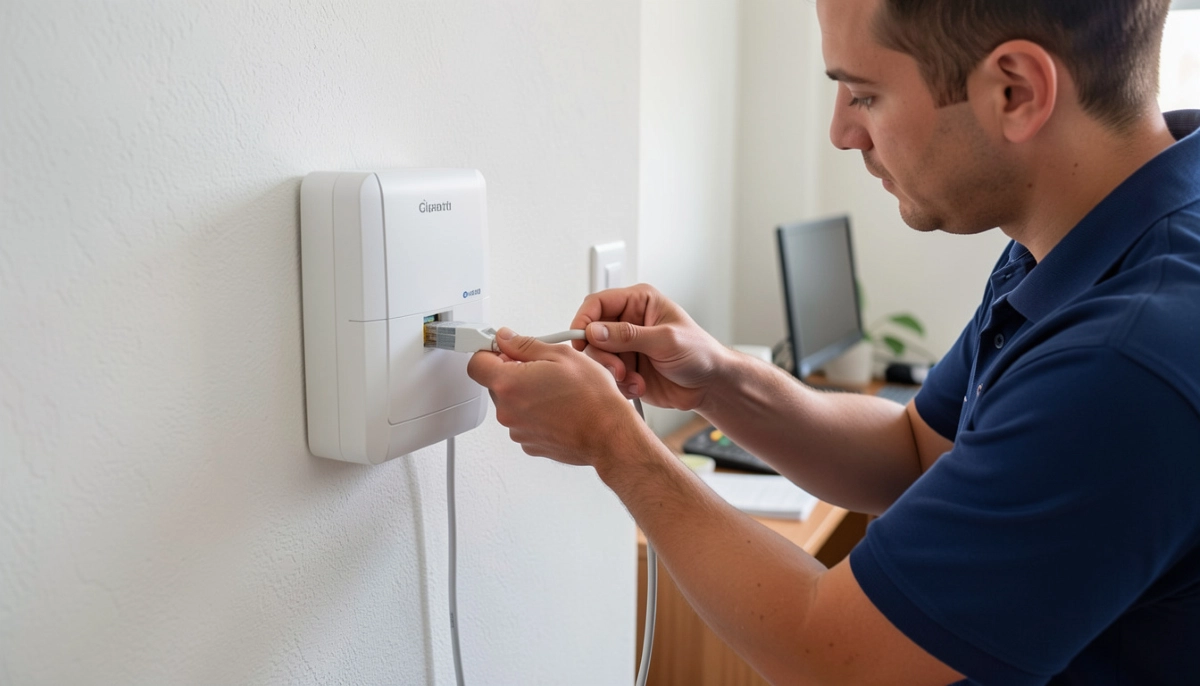
Need Help with Your Fibre WiFi Setup?
Get professional help from local specialists who understand wifi setup openserve fibre, wifi setup vumatel fibre, and wifi setup frogfoot fibre.
Servicing Gauteng, Johannesburg, Cape Town, and across South Africa
WiFi Setup for Openserve, Vumatel and Frogfoot Fibre: The Complete Guide
🔌 Three fibre providers, one goal—getting your WiFi working. Here’s how to do it.
You’ve just had fibre installed. The technician has left, and you’re staring at a small white box (the ONT) and your router. You need to get online, but you’re not sure how to set everything up. The process varies slightly depending on your fibre provider.
A proper wifi setup for openserve vumatel and frogfoot fibre ensures you get the best performance from your connection. Each provider has slightly different requirements, but the basics are the same.
In this comprehensive guide, I’ll show you the wifi setup for openserve vumatel and frogfoot fibre. I’ll cover wifi setup openserve fibre, wifi setup vumatel fibre, and wifi setup frogfoot fibre. I’ll also answer questions like how to set up wifi on openserve fibre, vumatel fibre router setup guide, frogfoot ont to router connection, and best router settings for openserve fibre.
For more on fibre, check out our fibre ONT setup and fibre ONT explained guides. Let’s get your fibre WiFi working.
📋 Table of Contents – Fibre WiFi Setup Guide
🔌 Fibre Basics: ONT and Router
Before we dive into specific providers, let’s understand the basics of fibre installation.
What You’ll Have:
- ONT: Optical Network Terminal—the device that converts fibre signals to data.
- Router: The device that distributes internet to your devices.
- Ethernet cable: Connects the ONT to the router.
How It Works:
- Fibre cable enters your home and connects to the ONT.
- The ONT converts the fibre signal to data.
- An Ethernet cable connects the ONT to your router.
- Your router creates a WiFi network.
What You Need:
- ONT: Provided by your fibre provider.
- Router: You provide or get from your ISP.
- Ethernet cable: Usually provided.
For more on fibre router basics, see our fibre ONT explained guide.
🔵 Openserve Fibre WiFi Setup
Wifi setup openserve fibre is straightforward.
Openserve Fibre Setup:
- ONT connection: Connect the fibre cable to the ONT.
- Power ONT: Plug in the power adapter. Wait for lights to stabilise (PON green).
- Connect router: Connect an Ethernet cable from the ONT’s LAN port to your router’s WAN/Internet port.
- Power router: Plug in the router and wait for it to boot.
- Configure router: Access router settings (192.168.1.1).
- WAN settings: Set to DHCP (Automatic IP).
- WiFi settings: Set your network name and password.
Openserve Router Settings:
- WAN type: DHCP (Automatic IP).
- VLAN: Usually not required.
- MTU: 1500.
Realistic Example:
A home in Johannesburg with Openserve fibre: Follow the steps above for how to set up wifi on openserve fibre.
For more on wifi setup openserve fibre, see our fibre ONT setup guide.
🟢 Vumatel Fibre Router Setup
Wifi setup vumatel fibre has a few specific requirements.
Vumatel Fibre Setup:
- ONT connection: Connect the fibre cable to the Vumatel ONT.
- Power ONT: Plug in the power adapter. Wait for lights to stabilise.
- Connect router: Connect an Ethernet cable from the ONT’s LAN port to your router’s WAN/Internet port.
- Power router: Plug in the router and wait for it to boot.
- Configure router: Access router settings (192.168.1.1).
- WAN settings: Set to DHCP (Automatic IP).
- VLAN setting: If required, set VLAN to 10.
- WiFi settings: Set your network name and password.
Vumatel Router Settings:
- WAN type: DHCP (Automatic IP).
- VLAN: VLAN 10 (if required).
- MTU: 1500.
Realistic Example:
A home in Cape Town with Vumatel fibre: Follow the vumatel fibre router setup guide above.
For more on wifi setup vumatel fibre, see our fibre ONT setup guide.
🟠 Frogfoot Fibre WiFi Setup
Wifi setup frogfoot fibre is similar to other providers.
Frogfoot Fibre Setup:
- ONT connection: Connect the fibre cable to the Frogfoot ONT.
- Power ONT: Plug in the power adapter. Wait for lights to stabilise.
- Connect router: Connect an Ethernet cable from the ONT’s LAN port to your router’s WAN/Internet port.
- Power router: Plug in the router and wait for it to boot.
- Configure router: Access router settings (192.168.1.1).
- WAN settings: Set to DHCP (Automatic IP).
- VLAN setting: If required, set VLAN to 100 or 10 (check with ISP).
- WiFi settings: Set your network name and password.
Frogfoot Router Settings:
- WAN type: DHCP (Automatic IP).
- VLAN: VLAN 100 or 10 (check with ISP).
- MTU: 1500.
Realistic Example:
A home in Durban with Frogfoot fibre: Follow the frogfoot ont to router connection steps above.
For more on wifi setup frogfoot fibre, see our fibre ONT setup guide.
🔧 Common Setup Steps
Here are common steps for wifi setup for openserve vumatel and frogfoot fibre.
Step 1: Connect the Hardware
- Connect fibre cable to ONT.
- Connect ONT to router with Ethernet cable.
- Power on both devices.
Step 2: Access Router Settings
- Connect to the router via WiFi or Ethernet.
- Open a browser and enter the router’s IP address (usually 192.168.1.1).
- Log in with admin credentials.
Step 3: Configure WAN Settings
- Find WAN or Internet settings.
- Set to DHCP (Automatic IP).
- Configure VLAN if required.
Step 4: Configure WiFi
- Set your network name (SSID).
- Set a strong password.
- Enable WPA2 or WPA3.
Step 5: Test Connection
- Run a speed test.
- Check WiFi coverage.
For more on ont setup, see our router setup guide.
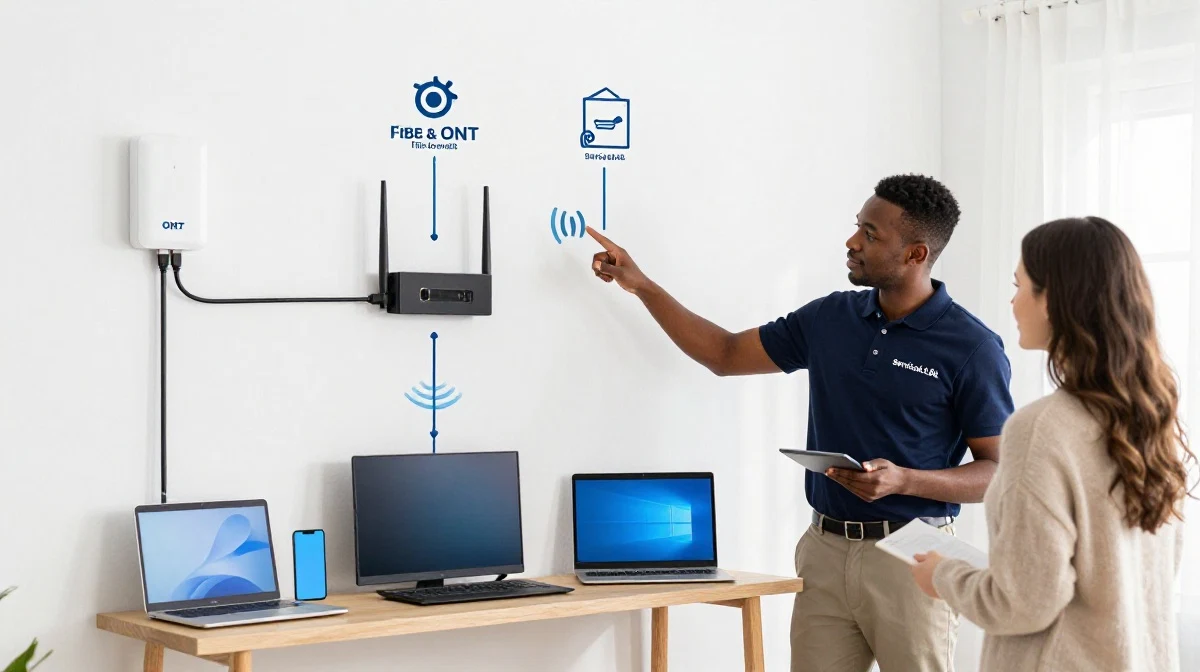
Struggling with Your Fibre Setup?
Get professional help from local specialists who understand wifi setup openserve fibre, wifi setup vumatel fibre, and wifi setup frogfoot fibre.
Free consultations available for best router settings for openserve fibre.
⚙️ Best Router Settings for Fibre
Best router settings for openserve fibre and other providers ensure optimal performance.
General Fibre Router Settings:
- WAN type: DHCP (Automatic IP).
- VLAN: Check with your ISP.
- MTU: 1500.
- WiFi: WPA2 or WPA3.
- QoS: Enable if needed.
Provider-Specific Settings:
- Openserve: DHCP, no VLAN required.
- Vumatel: DHCP, VLAN 10 (sometimes).
- Frogfoot: DHCP, VLAN 100 or 10 (check with ISP).
How to Check Your Settings:
- Access your router settings.
- Check WAN settings.
- Verify VLAN settings.
- Test your connection.
For more on fibre router settings, see our fibre ONT setup guide.
🛠️ Troubleshooting Fibre WiFi
Here are common issues with wifi setup for openserve vumatel and frogfoot fibre.
Issue 1: No Internet Connection
Fix: Check ONT lights (PON green). Check Ethernet cable. Check WAN settings. Reboot ONT and router.
Issue 2: Slow Speeds
Fix: Test with a wired connection. Check router settings. Update firmware. Check for interference.
Issue 3: WiFi Doesn’t Work
Fix: Check WiFi settings. Ensure WiFi is enabled. Check the network name and password. Reboot the router.
Issue 4: VLAN Issues
Fix: Check if VLAN is required. Set the correct VLAN ID. Contact your ISP if unsure.
For more troubleshooting, see our fibre installation delays guide.
📊 Provider Comparison Table
Here’s a comparison of wifi setup for openserve vumatel and frogfoot fibre.
| Provider | ONT | WAN Type | VLAN | Notes |
|---|---|---|---|---|
| Openserve | Yes | DHCP | None | Most common provider |
| Vumatel | Yes | DHCP | 10 (sometimes) | Check with ISP |
| Frogfoot | Yes | DHCP | 100 or 10 | Check with ISP |
Key Takeaway: All providers use DHCP. VLAN settings vary—check with your ISP.
❓ Frequently Asked Questions About Fibre WiFi Setup
How do I set up WiFi on Openserve fibre?
How to set up wifi on openserve fibre—connect the ONT to your router via Ethernet, set WAN to DHCP, and configure your WiFi. This is the complete wifi setup openserve fibre process.
What is the Vumatel fibre router setup guide?
The vumatel fibre router setup guide involves connecting the ONT to your router, setting WAN to DHCP, and configuring VLAN 10 if required. Follow the steps for wifi setup vumatel fibre.
What is the Frogfoot ONT to router connection?
Frogfoot ont to router connection is simple: connect an Ethernet cable from the ONT’s LAN port to your router’s WAN port. Set WAN to DHCP and configure VLAN if required. This is wifi setup frogfoot fibre.
What are the best router settings for Openserve fibre?
Best router settings for openserve fibre are DHCP for WAN, no VLAN required, and WPA2 or WPA3 for WiFi. These ensure optimal wifi setup openserve fibre performance.
Do I need VLAN for Vumatel fibre?
Some Vumatel installations require VLAN 10. Check with your ISP. This is part of wifi setup vumatel fibre configuration.
Do I need VLAN for Frogfoot fibre?
Most Frogfoot installations require VLAN 100 or 10. Check with your ISP. This is part of wifi setup frogfoot fibre.
Can I use my own router with fibre?
Yes, you can use your own router with fibre. Ensure it supports DHCP and VLAN if required. This is common in wifi setup for openserve vumatel and frogfoot fibre.
What is the ONT and why do I need it?
The ONT (Optical Network Terminal) converts fibre signals to data. It’s essential for fibre installation and ont setup. You can’t get internet without it.
✅ Final Thoughts: Get Your Fibre WiFi Working
Now you know the wifi setup for openserve vumatel and frogfoot fibre. With the right wifi setup openserve fibre, wifi setup vumatel fibre, or wifi setup frogfoot fibre, you can get online quickly.
Key Takeaways:
- Connect hardware: ONT to router via Ethernet.
- WAN settings: DHCP for all providers.
- VLAN: Check with your ISP.
- WiFi: Set a strong password.
- Test: Run a speed test.
Your Next Step: Follow the setup guide for your provider. If you need professional help, ServiceLink SA can connect you with local specialists who understand fibre router and ont setup.
Ready to Set Up Your Fibre WiFi?
Get free advice from verified local specialists for wifi setup for openserve vumatel and frogfoot fibre.
📞 Call us: 073 138 4726 for immediate help finding a specialist near you.
📢 Are You a Fibre Installation Professional?
Join ServiceLink SA’s network of verified contractors and get access to qualified leads for fibre installation and ont setup projects.
📚 Official resources & standards referenced:
- Openserve – Official Openserve fibre information.
- Vumatel – Official Vumatel fibre information.
- Frogfoot – Official Frogfoot fibre information.
Information provided for general guidance. For professional wifi setup for openserve vumatel and frogfoot fibre advice, always consult a qualified local technician.
Written by: Innocent T Hanyani
Construction & Home Services Industry Specialist | 21+ Years Experience
Innocent T Hanyani has over two decades of experience working across South Africa’s construction, telecommunications, and home services sectors. Throughout his career, he has worked closely with fibre installers, network technicians, and homeowners, gaining practical insight into wifi setup for openserve vumatel and frogfoot fibre. His expertise helps homeowners understand the complexities of wifi setup openserve fibre, wifi setup vumatel fibre, and wifi setup frogfoot fibre, from how to set up wifi on openserve fibre to vumatel fibre router setup guide, frogfoot ont to router connection, and best router settings for openserve fibre.