
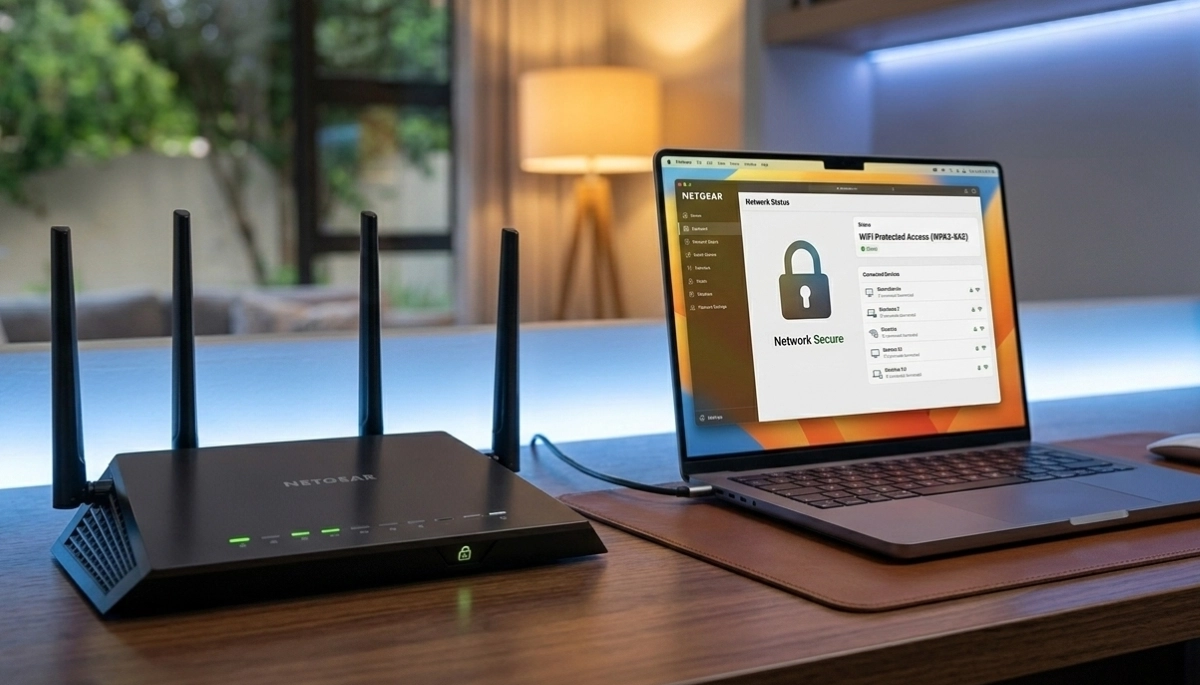
Worried About Neighbours Seeing Your WiFi?
Get professional help from local specialists who understand hide wifi network and wifi network privacy.
Servicing Rosebank, George, Ballito, and across South Africa
How to Hide Your WiFi Network from Neighbours: The Complete Guide
🔒 Want to keep your WiFi invisible? Here’s how to hide your network and why you might want to.
You look at your phone’s WiFi list and see a dozen networks from your neighbours. You wonder—can they see your network too? The answer is yes. And if they can see it, they can try to access it.
If you’re concerned about wifi network privacy, you might want to consider hiding your network. The question how to hide your WiFi network from neighbours is one I hear frequently from homeowners who value their privacy and security.
In this comprehensive guide, I’ll show you exactly how to hide wifi network from neighbours South Africa. I’ll explain how to hide wifi network on router, discuss why hide wifi SSID, and weigh the hidden wifi network pros and cons. Whether you’re in Rosebank, George, or Ballito, this guide will help you decide if hiding your wifi SSID is right for you.
For more on network security, check out our how hackers access WiFi and best security settings guides. Let’s explore hiding your network.
📋 Table of Contents – Hide WiFi Network Guide
📡 What Is a WiFi SSID?
Before we dive into how to hide your WiFi network from neighbours, let’s understand what an SSID is.
SSID Stands for Service Set Identifier
Simply put, your wifi SSID is your network name. It’s what you see when you scan for WiFi networks on your phone or computer.
Why SSIDs Are Visible:
Routers broadcast their SSID so devices can find and connect to them. This is convenient but also means anyone nearby can see your network.
Default SSIDs:
Most routers come with default SSIDs like “TP-Link_1234” or “Netgear_5678”. These are easy to identify and often reveal the router brand.
Custom SSIDs:
You can change your SSID to anything you want. Some people use clever names, while others use generic names to avoid attention.
For more on wifi security, see our best security settings guide.
🔒 Why Hide Your WiFi SSID?
Why hide wifi SSID is a question many homeowners ask when considering how to hide your WiFi network from neighbours.
Reasons to Hide Your SSID:
- Privacy: Keeps your network invisible to others.
- Security through obscurity: Makes it harder for casual hackers to target you.
- Aesthetics: Reduces clutter in WiFi lists.
- Neighbour access: Prevents neighbours from seeing your network name.
- Reduce inquiries: Stops people asking for your WiFi password.
Is Hiding Your SSID Enough?
Hiding your SSID is not a substitute for strong wifi security. It’s an additional measure that works best alongside encryption and strong passwords.
Common Misconception:
Many people think hiding their SSID makes their network invisible to hackers. This is not true. Hackers can still detect hidden networks using WiFi scanning tools.
For more on wifi network privacy, see our how hackers access WiFi guide.
⚖️ Hidden WiFi Network Pros and Cons
Understanding the hidden wifi network pros and cons helps you decide if how to hide your WiFi network from neighbours is right for you.
Pros of Hiding Your SSID:
- Enhanced privacy: Your network name isn’t visible to casual observers.
- Reduced casual attempts: Neighbours are less likely to try connecting.
- Less clutter: Your network doesn’t appear in WiFi lists.
- Simple to implement: It’s just a setting in your router.
Cons of Hiding Your SSID:
- Not truly hidden: Hackers can still detect hidden networks.
- Less convenient: You must manually type the network name to connect.
- Compatibility issues: Some older devices struggle with hidden networks.
- False sense of security: It’s not a substitute for proper wifi security.
Verdict:
Hiding your SSID is a useful privacy measure but should be part of a broader wifi security strategy. It’s not a silver bullet, but it can deter casual snooping.
For more on wifi security, see our block unknown devices guide.
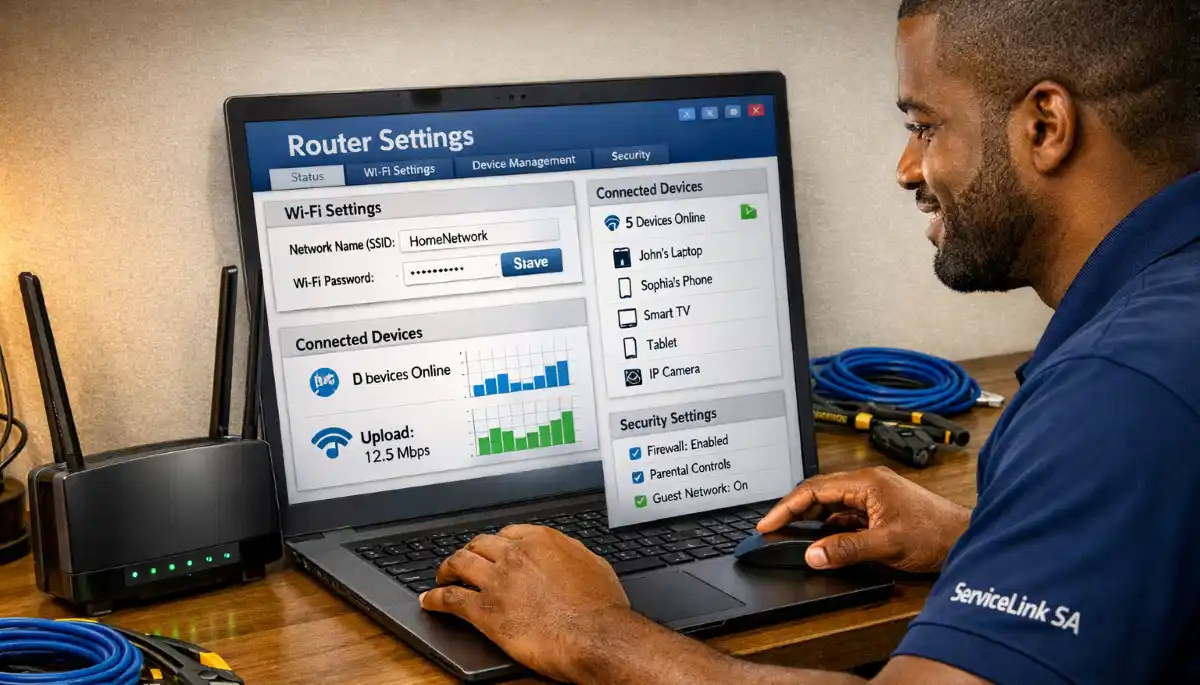
🔧 How to Hide WiFi Network on Router
Here’s a step-by-step guide on how to hide wifi network on router.
Step 1: Access Your Router Settings
- Connect to your router (via WiFi or Ethernet).
- Open a web browser and enter your router’s IP address (usually 192.168.1.1).
- Log in with your admin username and password.
Step 2: Find Wireless Settings
- Look for “Wireless,” “WiFi,” or “Network Settings.”
- Find the SSID or network name settings.
Step 3: Disable SSID Broadcast
- Look for “SSID Broadcast” or “Network Visibility.”
- Disable it (set to “Hidden” or “Off”).
- Save and apply the settings.
Step 4: Test Your Hidden Network
- Scan for WiFi networks on your device.
- Your network should no longer appear in the list.
- To connect, you’ll need to manually enter the network name.
Important: Write down your network name (SSID) and password before hiding it. You’ll need them to connect devices.
For more on router settings, see our router setup guide.
Want to Maximise Your WiFi Privacy?
Get professional help from local specialists who understand wifi network privacy and wifi SSID hidden settings.
Free inspections available for hide wifi network.
🔍 How Hidden WiFi Networks Work
Understanding how hidden networks work helps with how to hide your WiFi network from neighbours.
What Happens When You Hide Your SSID:
Your router stops broadcasting its network name. However, it still broadcasts its signal. Devices that know the network name can still find and connect to it.
How Devices Find Hidden Networks:
Devices find hidden networks by “asking” for them. When you manually enter the network name, your device sends out a probe request asking if that network is available.
Why Hidden Networks Are Still Detectable:
Hackers use WiFi scanning tools that capture probe requests. They can see when a device is looking for a hidden network and use that information.
The Security Flaw:
Hiding your SSID actually makes your device broadcast the network name more often. This can make it easier for hackers to identify your network.
For more on wifi security, see our best security settings guide.
📱 How to Connect to a Hidden Network
Once you’ve hidden your network, here’s how to connect devices.
On Windows:
- Click the WiFi icon in the taskbar.
- Select “Hidden Network” or “Other Network”.
- Enter the network name (SSID).
- Enter the password.
- Click Connect.
On Mac:
- Click the WiFi icon in the menu bar.
- Select “Join Other Network”.
- Enter the network name (SSID).
- Enter the password.
- Click Join.
On Android:
- Go to WiFi settings.
- Tap “Add Network” or “Other Network”.
- Enter the network name (SSID).
- Select security type (WPA2/WPA3).
- Enter the password.
- Tap Connect.
On iOS:
- Go to WiFi settings.
- Tap “Other” at the bottom.
- Enter the network name (SSID).
- Enter the password.
- Tap Join.
For more on connecting devices, see our router setup guide.

🔄 Alternatives to Hiding Your Network
If you’re not sure about hidden wifi network pros and cons, consider these alternatives for wifi network privacy.
1. Use a Strong Password:
A strong password is the most important wifi security measure. Even if neighbours can see your network, they can’t access it without the password.
2. Enable WPA3 Encryption:
WPA3 is the best wifi encryption available. It protects your data even if someone can see your network.
3. Use a Guest Network:
Set up a guest network with a different name and password. This keeps your main network private.
4. Change Your Network Name:
Use a generic name that doesn’t identify you (e.g., “HouseWiFi” instead of “SmithFamily”).
5. Enable MAC Address Filtering:
Allow only specific devices to connect to your network. See our block unknown devices guide.
6. Reduce Signal Strength:
If possible, reduce your router’s signal strength so it doesn’t reach beyond your property.
For more alternatives, see our best security settings guide.
🚫 Common Mistakes When Hiding Your Network
⚠️ Warning: These Mistakes Reduce Your WiFi Privacy
Avoid these errors when implementing how to hide your WiFi network from neighbours.
- Thinking hiding is enough: Hiding your SSID is not a substitute for strong passwords and encryption.
- Forgetting your network name: Write down your SSID before hiding it.
- Using a unique or identifiable name: Even when hidden, your network name can be detected.
- Not updating other security settings: Hiding your network doesn’t help if you use weak encryption.
- Ignoring guest networks: A guest network is a better solution for some situations.
- Making it too hard to connect: Remember that you’ll need to manually enter the SSID for every new device.
For more on avoiding mistakes, see our block unknown devices guide.
🛡️ Security Implications of Hiding Your Network
Understanding the wifi security implications of hiding your network is important.
What Hiding Does and Doesn’t Do:
- Does: Prevents casual observation of your network name.
- Doesn’t: Stop hackers who use scanning tools.
- Does: Reduce casual attempts to access your network.
- Doesn’t: Replace strong passwords and encryption.
The Probe Request Issue:
When you hide your SSID, your devices send out probe requests looking for the network. These requests can be captured by hackers, potentially revealing your network name.
Best Practice:
Use hiding as part of a comprehensive wifi security strategy that includes:
- WPA2 or WPA3 encryption.
- Strong, unique passwords.
- Regular firmware updates.
- Disabled WPS.
- Guest network for visitors.
For more on wifi security, see our best security settings guide.
❓ Frequently Asked Questions About Hiding WiFi Networks
How do I hide my WiFi network from neighbours?
How to hide your WiFi network from neighbours involves disabling SSID broadcast in your router settings. Your network name will no longer appear in WiFi lists. This is the core of how to hide wifi network from neighbours South Africa. However, remember that hiding is not a substitute for strong wifi security.
Is hiding your WiFi network a good idea?
The hidden wifi network pros and cons show it’s useful for privacy but has limitations. It stops casual snooping but doesn’t stop determined hackers. Consider it part of a broader wifi security strategy. The why hide wifi SSID decision depends on your privacy needs.
How do I hide my WiFi network on my router?
How to hide wifi network on router: Access your router’s settings (192.168.1.1), find wireless settings, disable SSID broadcast, and save. This makes your wifi SSID hidden. Remember to write down your network name before hiding it—you’ll need it to connect devices.
Can hackers still find hidden WiFi networks?
Yes, hackers can still find hidden networks using WiFi scanning tools. Wifi SSID hidden doesn’t make your network invisible to dedicated hackers. It only deters casual observers. Strong wifi security with encryption and passwords is more important.
What is the difference between hiding and securing a WiFi network?
Hiding your network (disabling SSID broadcast) prevents your network name from appearing in WiFi lists. Securing your network uses encryption (WPA2/WPA3), strong passwords, and other measures to prevent unauthorised access. Hiding is a privacy measure, while security protects your data. Both are part of wifi network privacy.
Will hiding my WiFi network slow it down?
No, hiding your network doesn’t affect its speed. The signal is still broadcast; the name just isn’t broadcast. Performance remains the same. The only difference is you need to manually enter the network name to connect.
Can I hide my guest network separately?
Yes, most routers allow you to hide the guest network separately. You can keep your main network visible and hide your guest network, or vice versa. This gives you flexibility in managing wifi network privacy. See our guest WiFi setup guide.
How do I connect to my WiFi after hiding it?
After how to hide wifi network on router, you’ll need to manually enter the network name (SSID) and password to connect. On your device, select “Other Network” or “Hidden Network” and enter the details. This is essential for wifi SSID hidden networks.
✅ Final Thoughts: Hide Your Network for Better Privacy
Knowing how to hide your WiFi network from neighbours is a useful skill for enhancing your wifi network privacy. While hiding your SSID isn’t a complete security solution, it can deter casual snooping and add a layer of privacy.
Key Takeaways:
- Hiding is not security: It’s a privacy measure, not a replacement for encryption and strong passwords.
- Easy to implement: How to hide wifi network on router is a simple setting.
- Know the pros and cons: Hidden wifi network pros and cons include privacy benefits but also some inconveniences.
- Remember your SSID: Write down your network name before hiding it.
- Combine with other measures: Use hiding alongside strong wifi security for best protection.
Your Next Step: Consider your privacy needs. If you want to hide your network, follow the steps in this guide. For professional help, ServiceLink SA can connect you with local specialists who understand wifi network privacy and wifi security.
Ready to Enhance Your WiFi Privacy?
Get free quotes from verified local specialists for wifi security and wifi network privacy.
📞 Call us: 073 138 4726 for immediate help finding a specialist near you.
How Hackers Access WiFi •
Best Security Settings •
Block Unknown Devices
📢 Are You a Network Security Professional?
Join ServiceLink SA’s network of verified contractors and get access to qualified leads for wifi security and wifi network privacy projects.
📚 Official resources & standards referenced:
- SANS 10400 – Guidelines for electrical and networking installations in South African homes.
- SAPS – South African Police Service cybersecurity resources.
Information provided for general guidance. For professional how to hide your WiFi network from neighbours advice, always consult a qualified cybersecurity professional.
Written by: Innocent T Hanyani
Construction & Home Services Industry Specialist | 21+ Years Experience
Innocent T Hanyani has over two decades of experience working across South Africa’s construction, telecommunications, and home services sectors. Throughout his career, he has worked closely with network installers, IT security professionals, and homeowners, gaining practical insight into how to hide your WiFi network from neighbours. His expertise helps homeowners understand the complexities of wifi network privacy and wifi security, from wifi SSID hidden settings to weighing hidden wifi network pros and cons and implementing effective wifi privacy measures.