
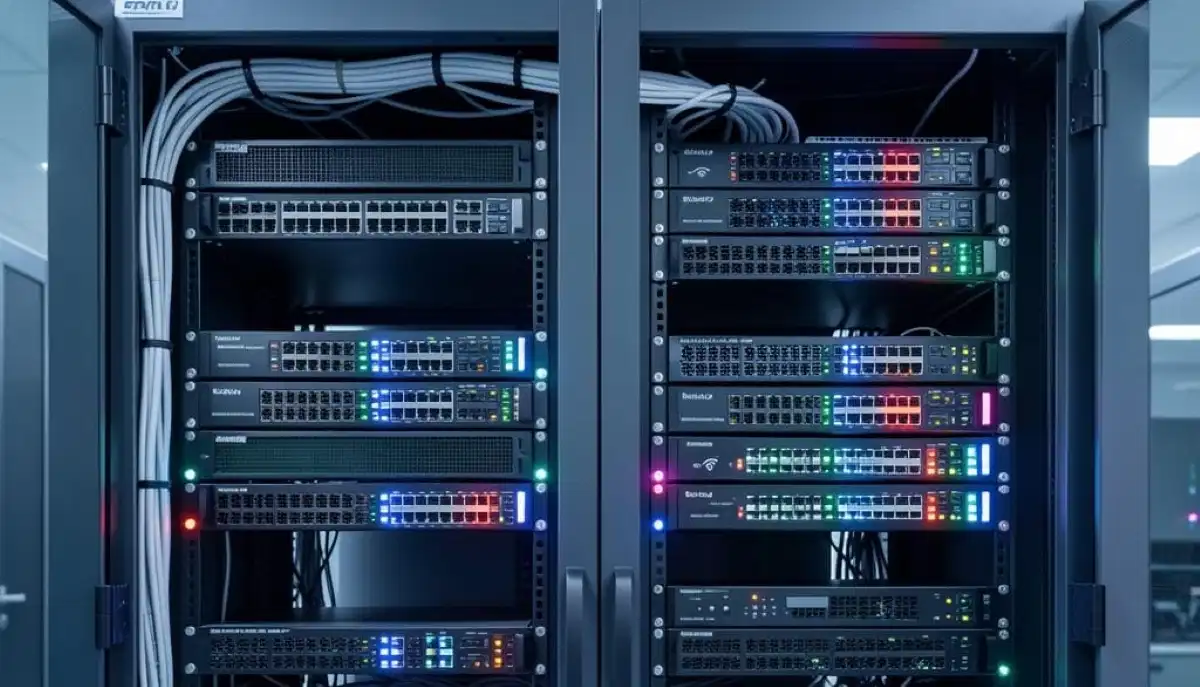
Planning a Business Mesh WiFi Setup?
Get professional help from local specialists who understand office mesh wifi setup and business wifi mesh system requirements.
Servicing Fourways, Rondebosch, La Lucia, and across South Africa
Mesh WiFi for Offices and Small Businesses Setup Guide: The Complete Guide
💼 Your business deserves reliable WiFi—here’s how to set up a mesh system that works.
You’re running a small business in South Africa. Maybe it’s a boutique office in Fourways, a retail shop in Rondebosch, or a co-working space in La Lucia. Your business runs on the internet—email, cloud apps, video calls, POS systems. And your current WiFi just isn’t cutting it.
Slow speeds, dead zones, dropped connections—these aren’t just annoyances. They cost you money. They frustrate your employees. They drive away customers. The solution? A mesh wifi for offices and small businesses setup guide that addresses your unique needs.
In this guide, I’ll walk you through everything you need to know about mesh wifi for small business setups. From planning to installation to optimisation, I’ll cover it all. Whether you’re in Fourways, Rondebosch, or La Lucia, these tips will help you build a professional network.
For more on commercial installations, check out our commercial WiFi installation guide and mesh network guide. Let’s build your business network.
📋 Table of Contents – Small Business Mesh WiFi Guide
💼 Why Small Businesses Need Mesh WiFi
Understanding why mesh wifi for small business is essential starts with understanding business needs.
Challenges of Business WiFi:
- Multiple devices: Employees, customers, POS systems, printers, smart devices.
- Different needs: Video calls require different bandwidth than POS systems.
- Coverage: Offices and retail spaces often have walls and obstacles.
- Reliability: Downtime means lost revenue and frustrated customers.
- Security: Business networks need strong security to protect sensitive data.
Why Mesh WiFi Solves These Problems:
- Seamless coverage: Multiple nodes provide consistent wifi coverage.
- Scalability: Easy to add nodes as your business grows.
- Reliability: Self-healing networks minimise downtime.
- Guest WiFi: Separate networks for customers and employees.
- Centralised management: Manage everything from one app.
Business vs. Home Mesh:
While mesh wifi works for both, business systems often have additional features like:
- More simultaneous connections.
- Better security features.
- Advanced management tools.
- Higher performance hardware.
For more on this, see our commercial WiFi guide.
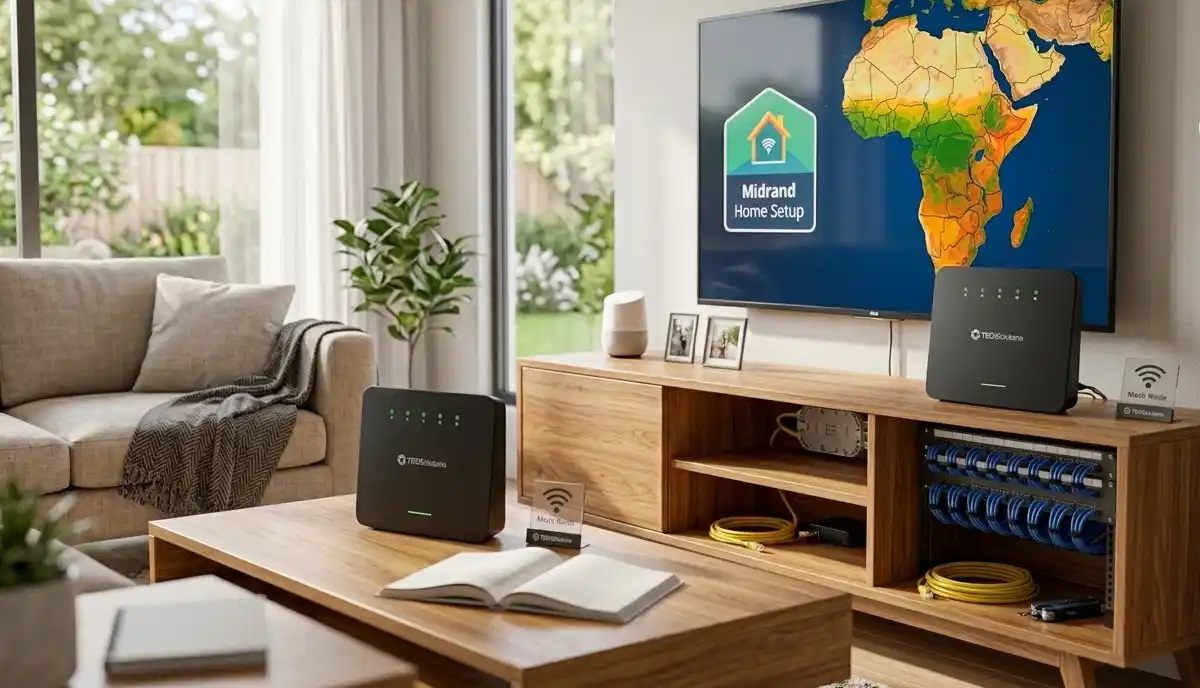
📡 Mesh vs Access Points for Business
For businesses, there are two main options: mesh wifi and wifi access point systems.
What Is a WiFi Access Point?
A wifi access point is a device that connects to your wired network and broadcasts WiFi. Multiple access points create a network, but they require wiring between them.
Mesh vs Access Points:
- Installation: Mesh is wireless and easier to install. Access points require cabling.
- Cost: Mesh is typically cheaper for small businesses. Access points require more hardware and cabling.
- Performance: Access points with wired connections often perform better.
- Scalability: Both are scalable, but access points need additional cabling.
- Management: Modern mesh and access point systems both offer centralised management.
When to Choose Mesh:
- Small to medium offices.
- Retail shops.
- Restaurants and cafes.
- When cabling is difficult or expensive.
When to Choose Access Points:
- Large offices.
- Warehouses.
- When maximum performance is needed.
- When you already have cabling.
For more on this, see our WiFi access point guide.
📋 Key Business WiFi Requirements
When planning office mesh wifi setup, consider these requirements.
1. Coverage Area:
Map your office or retail space. Identify areas where employees and customers need WiFi. Include kitchens, meeting rooms, and storage areas.
2. Number of Devices:
Count all devices that will connect to the network. Include employee devices, POS systems, printers, smart devices, and customer devices. Add 20-30% for growth.
3. Bandwidth Needs:
Different activities need different bandwidth:
- Email and browsing: 1-2 Mbps per user.
- Video calls: 3-5 Mbps per user.
- POS systems: 1-2 Mbps.
- Guest WiFi: 2-5 Mbps per user.
4. Guest WiFi:
Most businesses need guest wifi for customers. This should be separate from your business network for security.
5. Security:
Business networks need strong security. WPA3 encryption, separate guest networks, and regular updates are essential.
For more on requirements, see our WiFi site survey guide.
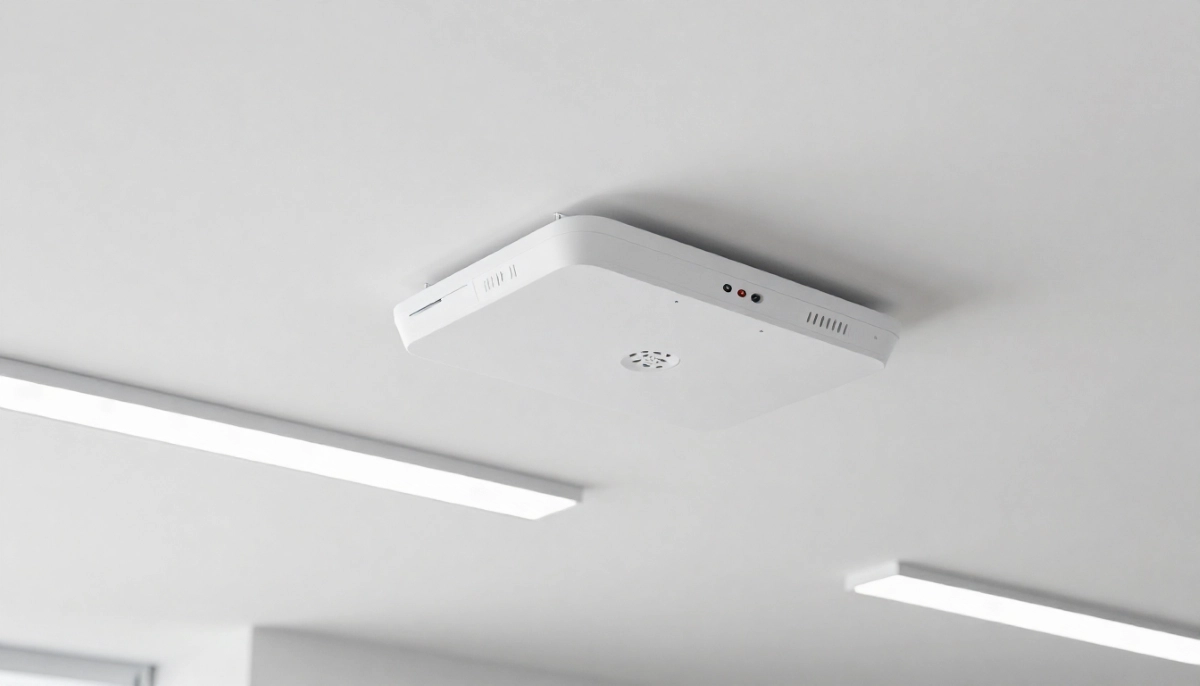
Need a Professional Business WiFi Setup?
Get expert help from local specialists who understand office mesh wifi setup and business wifi mesh system requirements.
Free site surveys available for mesh wifi for offices and small businesses.
🔄 Guest WiFi for Businesses
Guest wifi is essential for most businesses. Here’s how to set it up properly.
Why Guest WiFi Matters:
- Customer experience: Offering free WiFi attracts and retains customers.
- Security: Guests on a separate network can’t access your business network.
- Bandwidth control: Limit guest bandwidth to protect business traffic.
- Marketing: Use guest WiFi to collect customer data (with consent).
How to Set Up Guest WiFi:
- Enable guest network: Most mesh systems allow you to create a separate guest network.
- Set bandwidth limits: Limit guest bandwidth to 2-5 Mbps per user.
- Use a captive portal: Require guests to accept terms before connecting.
- Set a schedule: Turn guest WiFi off outside business hours.
Best Practices:
- Use a different password for guest and business networks.
- Regularly change the guest password.
- Monitor guest usage for unusual activity.
For more on this, see our guest WiFi setup guide.
📋 Planning Your Office Mesh WiFi Setup
Proper planning ensures a successful mesh wifi for offices and small businesses setup guide.
Step 1: Assess Your Space
Walk through your office or retail space. Note:
- Size and layout.
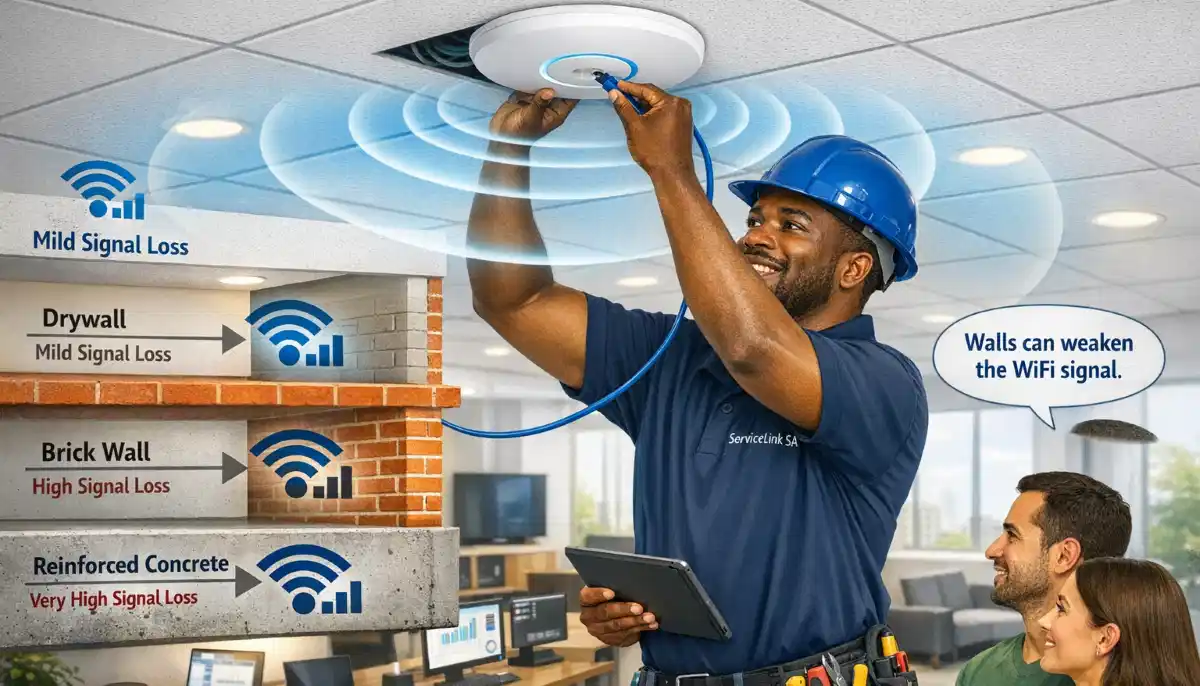
- Walls and obstacles (brick, concrete, glass).
- Where employees and customers will be.
- Where your internet connection enters.
Step 2: Determine Node Count
Use our guidelines from how many mesh nodes to estimate. For most small businesses, 2-4 nodes work well.
Step 3: Choose Your System
Select a business wifi mesh system with:
- Good performance for your device count.
- Guest WiFi capabilities.
- Centralised management.
- Good security features.
Step 4: Plan Node Placement
Place nodes centrally, away from interference. For multiple floors, stagger placement.
For more on planning, see our WiFi site survey guide.
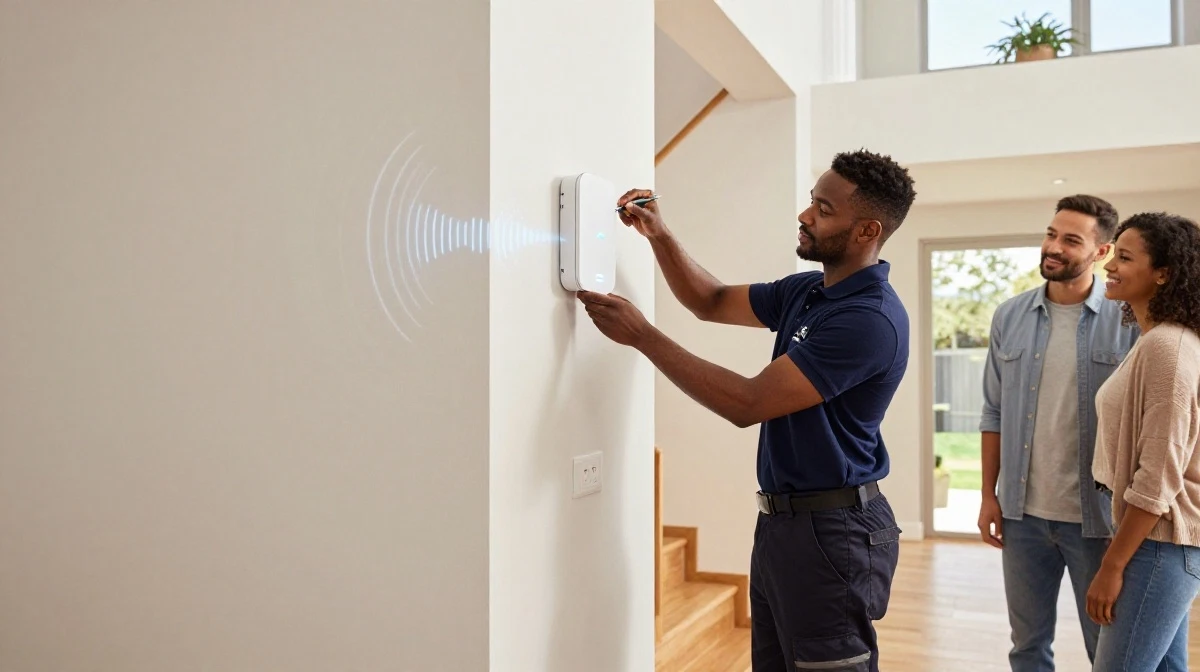
🔧 Step-by-Step Installation Guide
Here’s a complete mesh wifi setup for small office South Africa installation guide.
Step 1: Unbox and Plan
Unbox your system. Identify the main node (connects to your modem). Review the placement plan you created.
Step 2: Connect the Main Node
Connect the main node to your modem or ONT using an Ethernet cable. Plug in the power adapter.
Step 3: Install the App
Download the manufacturer’s app. Follow the setup instructions.
Step 4: Configure Your Network
Set up your business network name and password. Create a separate guest network.
Step 5: Place Additional Nodes
Place additional nodes according to your plan. Use the app to add and configure each node.
Step 6: Test Coverage
Walk through your office with the app. Test coverage in all areas. Move nodes if needed.
Step 7: Configure Advanced Settings
Set up QoS to prioritise business traffic. Configure guest WiFi settings. Enable security features.
Step 8: Train Staff
Show employees how to connect. Provide the guest WiFi password for customers.
For more on installation, see our mesh network guide.
🛍️ Mesh WiFi for Retail Shop
Mesh wifi for retail shop setups have specific requirements.
Retail WiFi Needs:
- POS systems: Reliable connection for processing payments.
- Customer WiFi: Attracts and retains customers.
- Inventory management: Real-time stock updates.
- Security cameras: Many retail shops use WiFi cameras.
- Employee devices: Tablets and phones for customer service.
Retail-Specific Tips:
- Place nodes near POS systems for reliability.
- Ensure customer WiFi works throughout the store.
- Set up a separate network for POS and business systems.
- Use QoS to prioritise POS traffic over customer WiFi.
Common Retail Issues:
- Interference from refrigerators and other equipment.
- Customer devices in large numbers.
- Signal blocking by shelves and displays.
For more on retail WiFi, see our restaurant WiFi guide.
🔒 Security Considerations for Business WiFi
Business networks need strong security. Here’s what to consider for office mesh wifi setup.
Essential Security Features:
- WPA3 encryption: The latest WiFi security standard.
- Guest network isolation: Keeps guest traffic separate from business traffic.
- Strong passwords: Use complex passwords for business networks.
- Regular firmware updates: Keep your system updated.
- Device management: Monitor which devices connect to your network.
Best Practices:
- Use different passwords for business and guest networks.
- Change passwords regularly.
- Limit guest bandwidth to protect business traffic.
- Enable network monitoring for unusual activity.
- Consider a firewall for additional protection.
Compliance Considerations:
Depending on your business, you may need to comply with data protection regulations. Guest WiFi may require terms of service and consent.
For more on security, see our network security guide.
🛠️ Troubleshooting Business WiFi Issues
Even with the best mesh wifi for offices and small businesses setup guide, issues can arise.
Common Issues and Fixes:
Issue 1: Slow Business Network
Fix: Check QoS settings to ensure business traffic is prioritised. Limit guest bandwidth. Check if your internet plan is sufficient for your needs.
Issue 2: Guest WiFi Not Working
Fix: Check guest network settings. Ensure guest network is enabled. Check bandwidth limits. Reboot the mesh system.
Issue 3: Dead Zones
Fix: Move nodes to better locations. Add additional nodes if needed. Check for interference from equipment.
Issue 4: POS System Disconnecting
Fix: Ensure POS is connected to the 5 GHz band. Place a node near the POS. Use QoS to prioritise POS traffic.
For more troubleshooting, see our WiFi disconnecting guide.
❓ Frequently Asked Questions About Business Mesh WiFi
What is the best mesh WiFi for small business offices?
The best mesh wifi for office depends on your needs. For small offices, TP-Link Deco X20 offers great value. For larger offices, Netgear Orbi Pro or Asus ZenWiFi are excellent. Look for systems with guest wifi capabilities and good security features. A business wifi mesh system should support at least 30-50 devices.
How many mesh nodes do I need for my office?
For mesh wifi for small business, the node count depends on your office size. Small offices (under 100m²) typically need 2 nodes. Medium offices (100-200m²) need 2-3 nodes. Larger offices may need 4+ nodes. A professional WiFi site survey can provide precise recommendations.
Do I need guest WiFi for my business?
Yes, guest wifi is essential for most businesses. It improves customer experience, keeps your business network secure, and can even help with marketing. Most office mesh wifi setup solutions include guest network capabilities. Separate guest and business networks are a key feature of any business wifi mesh system.
Is mesh WiFi good for retail shops?
Yes, mesh wifi for retail shop setups are very effective. Mesh provides reliable coverage for POS systems, inventory management, and customer WiFi. It’s especially good for retail spaces with obstacles like shelves and displays. The mesh wifi setup for small office South Africa principles also apply to retail.
What is the difference between a WiFi access point and mesh WiFi?
A wifi access point connects to a wired network and broadcasts WiFi. Multiple access points create a network but require cabling. Mesh wifi uses wireless connections between nodes, making installation easier. For small businesses, mesh is often more cost-effective and easier to install. Both can provide excellent wifi coverage.
How much bandwidth does my small business need?
Bandwidth needs for mesh wifi for small business depend on your activities. For basic browsing and email, 20-50 Mbps may suffice. For video calls, cloud apps, and POS systems, aim for 100 Mbps or more. Consider your peak usage times (e.g., lunch rush for retail) and plan accordingly.
Can I use a home mesh system for my business?
While you can use a home mesh wifi system for a very small business, it’s not recommended. Business systems offer better security, more simultaneous connections, and additional features like guest wifi management. Invest in a proper business wifi mesh system for reliable performance.
How do I secure my business WiFi?
Secure your office mesh wifi setup with WPA3 encryption, strong passwords, and separate guest networks. Use different passwords for business and guest networks. Enable network monitoring and regular firmware updates. Consider a firewall for additional protection. These are essential for any mesh wifi for offices and small businesses setup guide.
✅ Final Thoughts: Build a Reliable Business Network
Implementing the mesh wifi for offices and small businesses setup guide principles will transform your business network. Reliable WiFi means productive employees, satisfied customers, and smooth operations.
Key Takeaways:
- Assess your needs: Understand your coverage, device, and bandwidth requirements.
- Choose the right system: Invest in a business wifi mesh system with proper security.
- Plan placement: Strategic node placement is key to optimal wifi coverage.
- Set up guest WiFi: Separate guest and business networks for security.
- Prioritise traffic: Use QoS to ensure business applications get priority.
- Get professional help: For complex setups, ServiceLink SA can connect you with local specialists.
Your Next Step: Assess your office or retail space and plan your mesh wifi setup for small office South Africa. If you need professional assistance, ServiceLink SA can connect you with verified local specialists who understand office mesh wifi setup and mesh wifi for small business requirements.
Ready to Upgrade Your Business WiFi?
Get free quotes from verified local specialists for office mesh wifi setup and business wifi mesh system installations.
📞 Call us: 073 138 4726 for immediate help finding a specialist near you.
📢 Are You a Commercial WiFi Specialist?
Join ServiceLink SA’s network of verified contractors and get access to qualified leads for office mesh wifi setup and mesh wifi for small business projects.
📚 Official resources & standards referenced:
- SANS 10400 – Guidelines for electrical and networking installations in South African commercial spaces.
- SABS – Standards for electronic equipment and safety.
Information provided for general guidance. For professional mesh wifi for offices and small businesses setup guide advice, always consult a qualified commercial network specialist.
Written by: Innocent T Hanyani
Construction & Home Services Industry Specialist | 21+ Years Experience
Innocent T Hanyani has over two decades of experience working across South Africa’s construction, telecommunications, and commercial services sectors. Throughout his career, he has worked closely with network installers, IT professionals, and business owners, gaining practical insight into mesh wifi for offices and small businesses setup guide requirements. His expertise helps business owners understand the complexities of office mesh wifi setup and business wifi mesh system selection, from mesh wifi for small business planning to implementing effective guest wifi and wifi access point strategies for mesh wifi for retail shop and other commercial environments.