
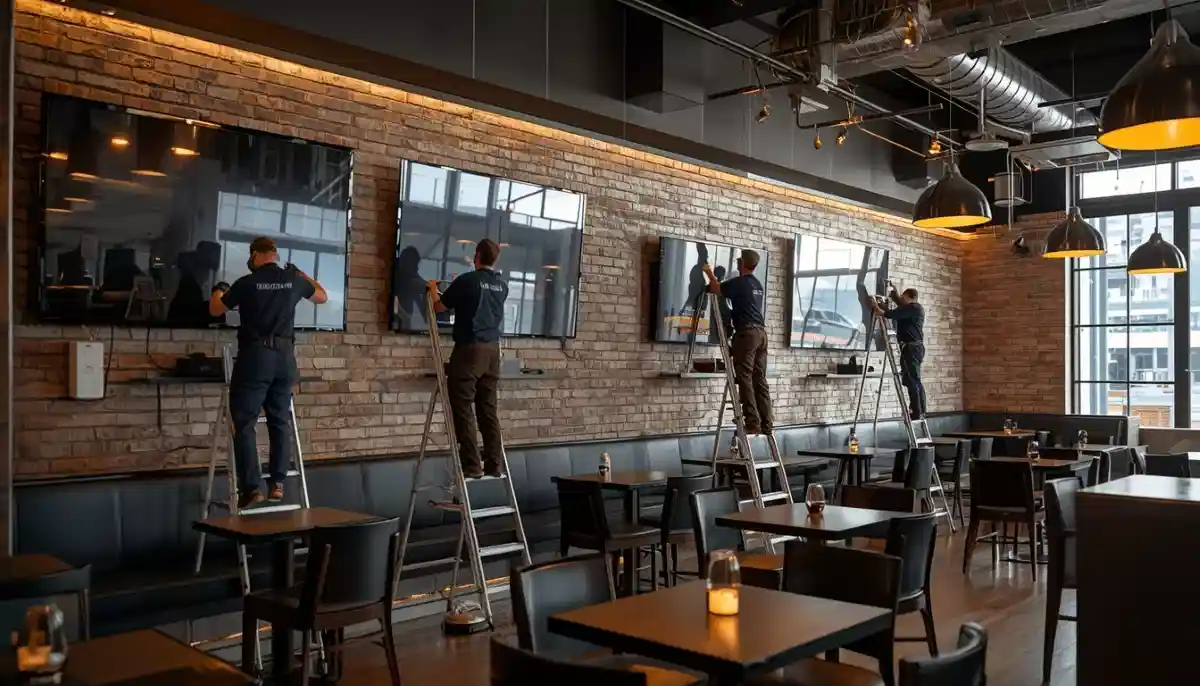
Commercial TV Installation Guide South Africa – For Businesses, Hotels & Public Spaces
🏢 Heavy-duty brackets, compliance certificates, and multi-screen setups: the complete B2B guide to professional TV mounting.
You’re the manager of a hotel in Sandton needing 50 new TVs installed. You run a gym in Cape Town and want screens for every cardio machine. Or perhaps you’re equipping a new office boardroom in Midrand with a video conferencing display. Residential TV mounting rules don’t apply here. A commercial TV installation guide South Africa businesses can rely on must address higher safety standards, different hardware, and legal requirements like public liability and compliance certificates.
This guide covers everything you need for a successful business TV mounting project. We delve into the specialised hardware you’ll need: heavy duty commercial brackets rated for continuous use, tamper proof mount options for public areas, and solutions for digital signage installation and multiple TV installation (video walls). We address specific use cases: hotel TV mounting (durability, guest-proofing), office TV setup (conference rooms, reception areas), and restaurant TV mounting (visibility, audio considerations). We also cover the critical business side: understanding commercial COI (Certificate of Insurance), public liability requirements, scheduled content display systems, and working with contractors who have proper CIDB grading and liability insurance. Whether you’re in Durban, Pretoria, or Umhlanga, this guide ensures your commercial project is safe, compliant, and professional.
If you’re ready for a commercial-scale installation, explore our Services Overview or visit our TV Mounting page to find vetted commercial installers near you. For more on how we work, see How It Works.
Need a Quote for a Commercial TV Installation?
Get free, no-obligation quotes from vetted commercial installers who understand the safety, compliance, and scale of business projects.
Servicing Johannesburg, Pretoria, Cape Town, Durban, and nationwide
📋 Table of Contents – Commercial TV Installation Guide
🏢 Why Commercial TV Installation is Different
A TV in a home serves one family. A TV in a business serves hundreds of people, often in challenging environments. The stakes are higher.
- Safety & Liability: A TV falling in a public space can cause serious injury and lead to lawsuits. Installations must be failsafe. This is why public liability insurance for the installer is non-negotiable.
- Durability: Commercial TVs are often on for 12+ hours a day. Brackets and fixings must be rated for continuous use and higher vibration levels (e.g., in gyms).
- Scale: A hotel might need 100+ identical installations. Consistency and efficiency are key.
- Compliance: Commercial projects may need to meet specific building codes, fire safety regulations, and tender requirements. Contractors may need CIDB grading.
- Aesthetics & Function: In a boardroom or reception, the installation must be seamless. In a restaurant, screens must be positioned for maximum visibility without obstructing service.
Read more about our approach on our About Us page or see why clients choose us on our Benefits page.
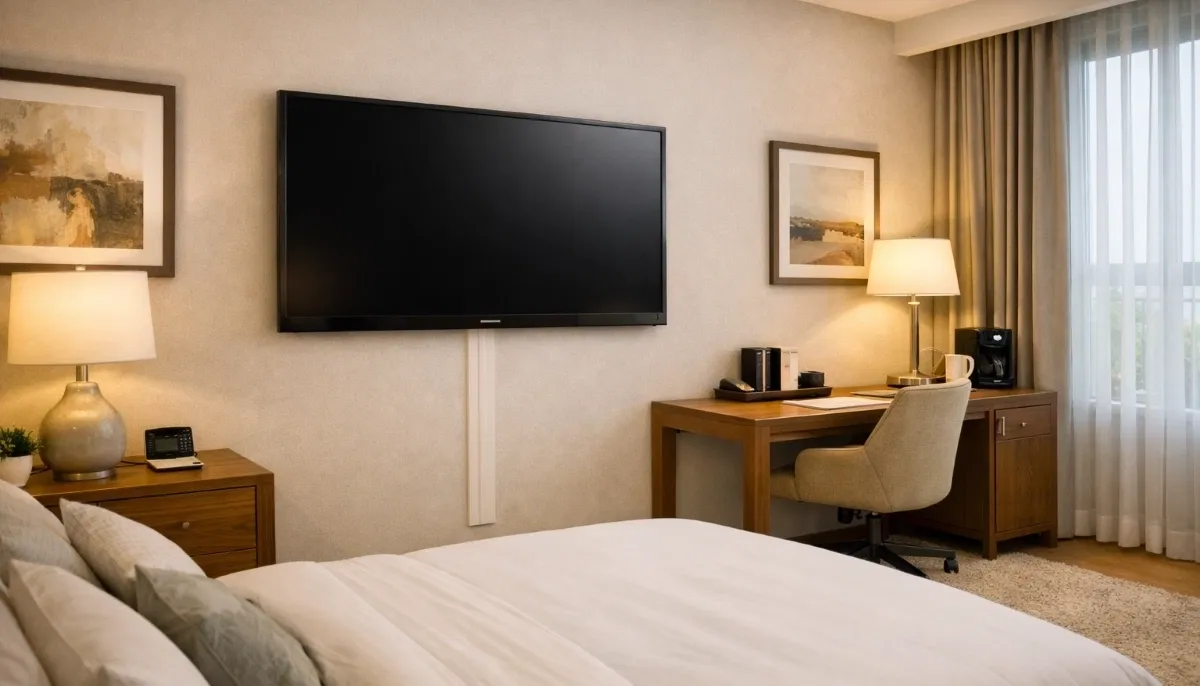
🛠️ Heavy Duty Commercial Brackets
Residential brackets are not designed for the demands of commercial use. You need commercial-grade hardware.
- Higher weight ratings: Commercial brackets are often rated for 50kg, 80kg, or even 100kg+, even for smaller screens, to provide an extra safety margin.
- Superior materials: Thicker steel, better welds, and corrosion-resistant coatings (important for coastal hotels in Durban).
- Certified fixings: All screws, bolts, and wall anchors must be industrial-grade and often come with certification.
- Vibration resistance: Brackets in gyms or near heavy machinery need to withstand constant vibration without loosening. Special locking washers may be used.
- Brands: Look for brands specialising in commercial AV, such as Peerless-AV, Chief, or Vogel’s commercial series. See our bracket types guide for more.
🔒 Tamper-Proof Mounts for Public Areas
In hotels, hospitals, schools, and waiting rooms, you need to prevent tampering.
- Security screws: Brackets are installed with screws that require special bits (e.g., Torx, hex, or custom heads) that the public won’t have.
- Locking mechanisms: Some mounts have built-in locks that secure the TV to the bracket, preventing it from being lifted off.
- Cable covers with locks: Cable management boxes can also be lockable to prevent access to cables and ports.
- Purpose: Prevents theft, vandalism, and unauthorised unplugging of equipment. Essential for hotel TV mounting and public displays.
📺 Multiple TV Installations & Video Walls
Installing many TVs in one location (like a sports bar) or creating a video wall requires specialist skills.
- Consistency: For a video wall, screens must be perfectly aligned with even gaps (bezel width). This requires precision mounting systems and laser alignment.
- Heat management: Multiple screens clustered together generate significant heat. Adequate ventilation must be planned.
- Power and data: You need to plan for enough power points and data connections. A single point of failure shouldn’t take down the whole wall.
- Content management: A video wall processor is needed to split the image across screens. This is part of digital signage installation.
- Professional design: This is not a DIY job. Use a specialist with experience in multiple TV installation.
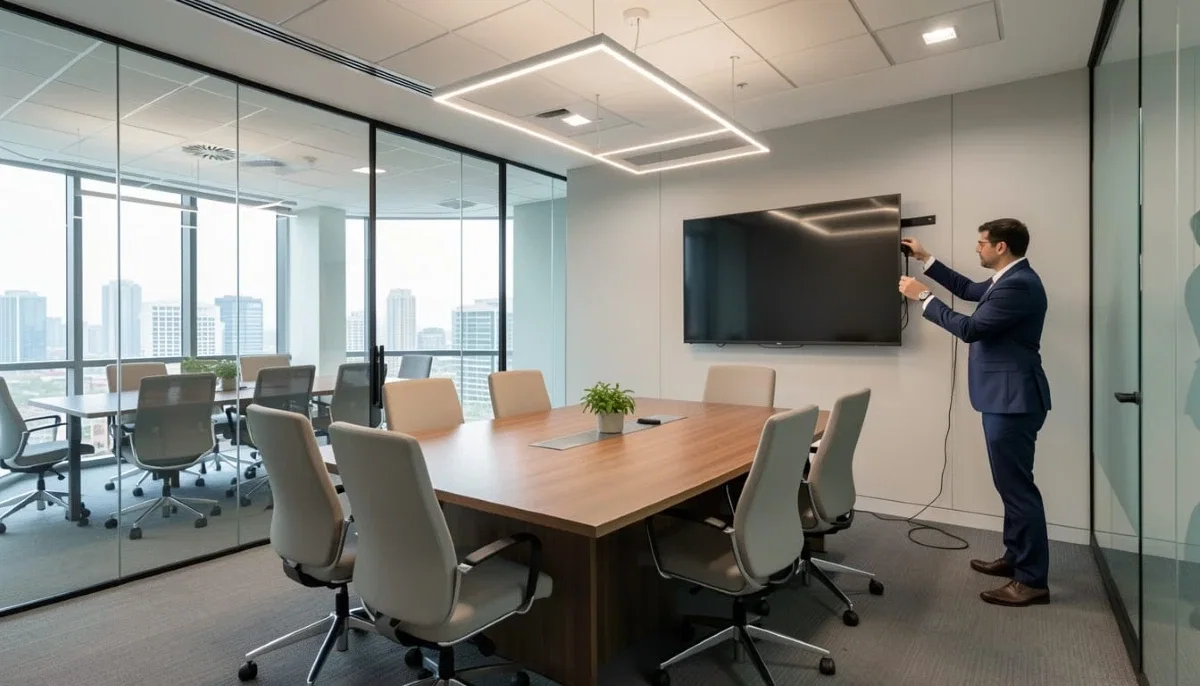
🏨 Hotel TV Mounting: Durability & Guest-Proofing
Hotels have unique requirements. Screens must withstand constant use and curious guests.
- Durable brackets: Brackets must be tough enough to handle occasional knocks from luggage or cleaning staff.
- Tamper-proof fixings: As above, to prevent guests from accessing cables or removing the TV.
- Cable management: All cables must be completely concealed for a clean look that suits any room design.
- IR extension: If the TV’s IR sensor is obscured by a fixed mount, an IR extender may be needed so guests can use the remote.
- Scalability: A hotel installing 100 rooms needs a contractor who can work efficiently and consistently, ensuring every room is identical.
📊 Office & Boardroom TV Setup
Office installations focus on productivity and professional presentations.
- Screen size and distance: For boardrooms, a larger screen or even a video wall is often needed. Calculate based on room length.
- Height: The screen should be at a height comfortable for seated (or standing) viewers. See our height guide.
- Connectivity: Must integrate with the room’s AV system, including laptops, video conferencing, and wireless presentation systems. This often requires running multiple cables (HDMI, USB, Ethernet) neatly.
- Sound: Built-in TV speakers are rarely sufficient. Integration with a soundbar or ceiling speakers is common.
- Future-proofing: Run extra cables and consider a conduit for easy upgrades.
🍔 Restaurant, Bar & Gym TV Installations
These environments have specific challenges.
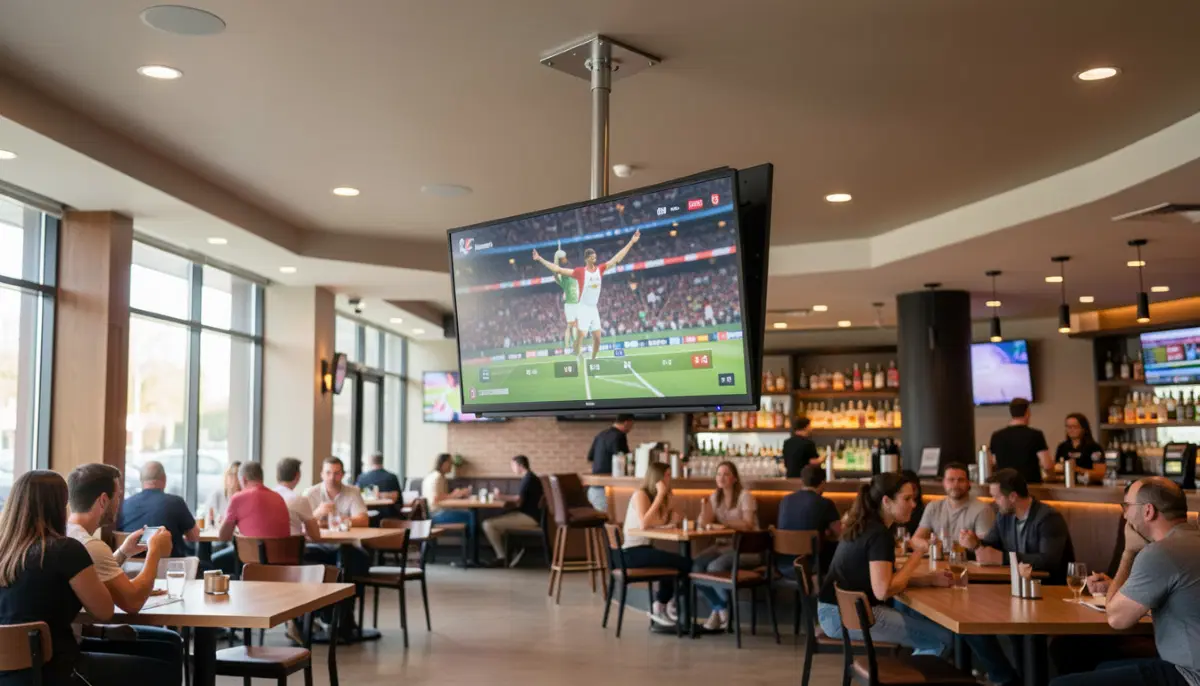
- Visibility: Screens must be visible from multiple angles. Often, multiple screens are needed, or a single screen on a full-motion bracket that can be adjusted.
- Audio: In a noisy bar or gym, TV speakers are useless. You may need to connect to a central sound system, use speakers near specific seating, or enable closed captions. Soundbars can help in quieter restaurants.
- Mounting height: In a gym, TVs are often mounted high on walls or from ceilings to be visible from equipment. This requires tilting brackets. For gym TV installation, vibration resistance is also key.
- Durability: In high-traffic areas, brackets and fixings must be robust. Consider protective cages for screens in very public areas.
- Content: For bars and restaurants, scheduled content display (e.g., sports, news, promotions) is often managed by a digital signage system.
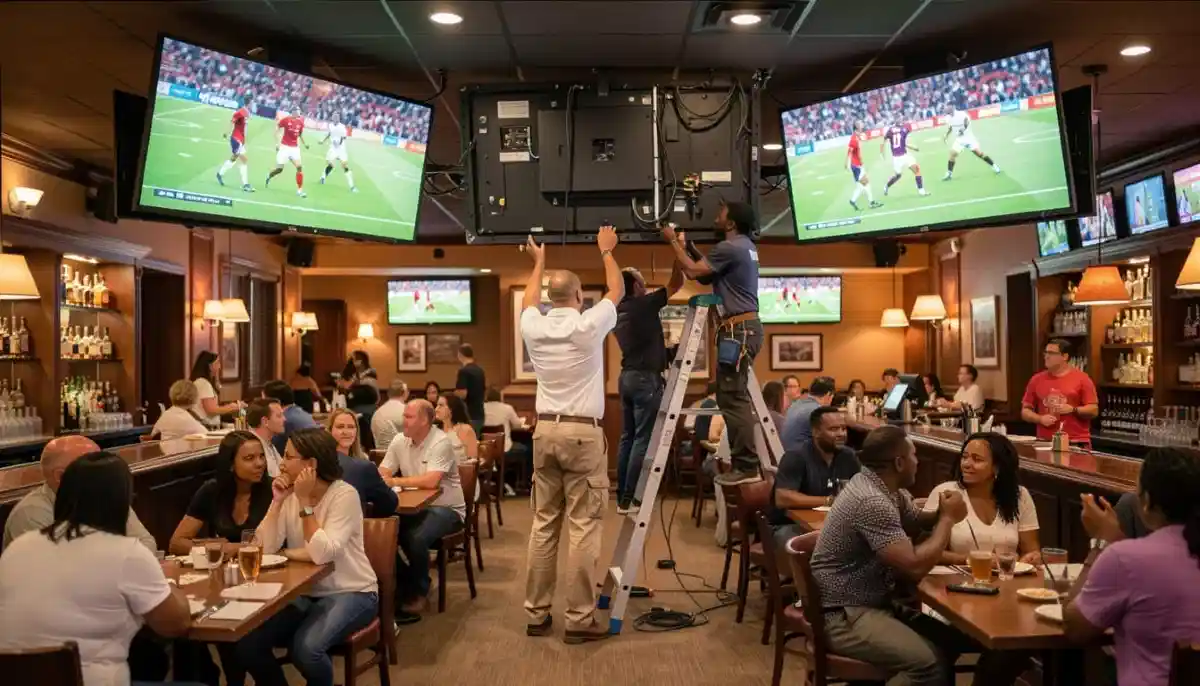
📱 Digital Signage & Scheduled Content Display
Many commercial installations are for digital signage – displaying promotional content, information, or wayfinding.
- Commercial displays vs consumer TVs: Digital signage often uses commercial-grade displays designed to run 24/7. They have better heat management and higher brightness for well-lit areas. Consumer TVs are not designed for continuous operation.
- Media players: Content is usually played from a dedicated media player (like a Raspberry Pi, BrightSign, or Intel NUC) connected to the display.
- Scheduled content: Software allows you to schedule different content for different times of day (e.g., breakfast menu in the morning, dinner menu at night).
- Remote management: Many systems allow you to manage content across hundreds of screens from a central location over the internet.
- Installation: The installer must account for the media player – where it will sit, how it connects, and cable management.
🔌 Commercial Cable Management & Safety
Cable management in commercial spaces is as much about safety as aesthetics.
- Conduit and trunking: All cables must be enclosed in conduit or trunking to prevent tripping hazards and tampering. This is often a legal requirement.
- Fire safety: Cables must be suitable for in-wall use and meet fire safety standards. Plenum-rated cables are required in some commercial buildings.
- Labelling: In a large installation, proper cable labelling is essential for maintenance. Every cable should be identified at both ends.
- Power distribution: For multiple screens, you need to plan power distribution carefully. Avoid overloading circuits. Consider using power conditioners to protect equipment.
- Access: Leave service loops and ensure components are accessible for future maintenance.
⬆️ Ceiling Mounts for Open Spaces
In many commercial settings, wall space is limited or non-existent. Ceiling mounts are the solution.
- When to use: Gyms, waiting rooms with floor-to-ceiling windows, retail stores, and open-plan offices.
- Types: Fixed ceiling columns, adjustable arms, and mounts that allow tilting and swivelling. See our ceiling mounting service.
- Structural integrity: Must be fixed securely into ceiling joists or concrete slabs. A structural engineer may need to sign off on heavy installations, as per CESA guidelines.
- Cable drops: Power and signal cables need to be run down from the ceiling, often through the mount’s column for a clean look. This must be done safely and in compliance with electrical codes.
- Vibration: In gyms, ensure the mount is rated to withstand vibration without loosening.
📜 Contractor Credentials: CIDB, Insurance & COI
For a commercial project, you cannot hire just anyone. You need a contractor with proper credentials.
- CIDB grading: The Construction Industry Development Board (cidb.org.za) registers contractors. A CIDB grade (e.g., 1, 2, etc.) indicates their capability and financial standing. For large projects, a higher grade may be required for tender submission.
- Public Liability Insurance: The contractor must have public liability insurance (typically R1 million to R5 million cover) to protect your business in case of accidents or damage. Ask for a certificate.
- Commercial COI (Certificate of Insurance): Some clients, especially large corporations or government departments, will require a Certificate of Insurance (COI) before work commences.
- Health & Safety File: For larger sites, the contractor may need to provide a site-specific health and safety file, including a risk assessment and method statement.
- References: Ask for and check references from similar commercial projects. See our contractor guide.
⚖️ Compliance & Safety Standards
Commercial installations are subject to various regulations.
- Occupational Health and Safety Act (OHSA): Requires that workplaces are safe. A falling TV is a violation.
- SANS standards: Brackets and fixings should meet relevant SANS standards for load testing and safety.
- Electrical compliance: Any new electrical work must be done by a registered electrician and certified with a COC, in line with ECASA requirements.
- Fire safety: Cables and materials used must meet fire safety standards for commercial buildings.
- Accessibility: In public areas, ensure screens are not mounted where they could obstruct paths or be a hazard to visually impaired individuals.
💰 Commercial Installation Cost Breakdown
Costs vary widely based on scale and complexity. This is a rough guide.
- Per-screen labour (simple wall mount, single screen): R800 – R1,500 per screen for multiples (discounts apply).
- Per-screen labour (complex, e.g., ceiling mount, video wall alignment): R1,500 – R3,500+ per screen.
- Heavy-duty commercial bracket: R800 – R2,500+ each, depending on size and type.
- Cable management (per screen): R500 – R2,000 depending on concealment method.
- Electrical work (new socket per screen): R800 – R1,500 per socket by a registered electrician.
- Digital signage media player & setup: R2,000 – R10,000+ depending on software and complexity.
- Project management fee: For large projects (50+ screens), a project management fee of 10-15% may apply.
- Travel: For sites outside major metros (like Fourways), travel costs may be added.
For an accurate conference room TV installation cost or restaurant TV mounting quote, request a quote.
📄 The Tender Process for Large Projects
If you’re installing TVs for a large corporate, hotel chain, or government entity, you may need to go through a tender process. This is governed by rules like those from the SACPCMP.
- Request for Proposal (RFP): You’ll issue a detailed RFP outlining the scope, number of screens, locations, timeline, and compliance requirements.
- Contractor bids: Contractors submit bids including methodology, timeline, cost breakdown, and credentials.
- Evaluation: Bids are evaluated on price, experience, compliance, and B-BBEE status.
- Site inspections: Shortlisted contractors may need to do site inspections before finalising their bid.
- Award and contract: The winning bidder signs a detailed contract, which should include dispute resolution procedures (see our dispute resolution page).
❌ 8 Common Commercial Installation Mistakes
- Mistake #1: Using residential-grade brackets. They are not designed for the higher usage and safety requirements of commercial spaces. Always use heavy duty commercial brackets.
- Mistake #2: Ignoring public liability insurance. Hiring an uninsured contractor puts your business at risk. Always verify their insurance.
- Mistake #3: Poor cable management. In a commercial space, exposed cables are a safety hazard and look unprofessional.
- Mistake #4: Not considering tamper-proofing. In public areas, failure to use tamper proof mounts can lead to theft or damage.
- Mistake #5: Forgetting about content management. Installing screens without a plan for what content will play and how it will be managed is a waste of money.
- Mistake #6: Inconsistent installations. In a hotel or chain, every room should be identical. Lack of consistency looks bad.
- Mistake #7: Overloading electrical circuits. Multiple screens can draw significant power. Ensure your electrical infrastructure can handle the load.
- Mistake #8: Not planning for future maintenance. Components should be accessible. Label cables and leave service loops.
❓ Frequently Asked Questions
What is the cost of a commercial TV installation in South Africa?
Commercial TV installation cost varies. Per-screen labour ranges from R800-R3,500+ depending on complexity. Heavy-duty brackets add R800-R2,500+ each. For a rough conference room TV installation cost or restaurant TV mounting estimate, request a quote.
What is a heavy duty commercial bracket?
A heavy duty commercial bracket is designed for the higher demands of business use. It has a higher weight rating, thicker steel, and often tamper-proof features. It’s essential for hotels, gyms, and public spaces.
Do I need a tamper proof mount for my business?
If your TV is in a public area like a hotel room, waiting room, or gym, a tamper proof mount is highly recommended. It prevents theft and unauthorised tampering with cables.
What is CIDB grading and why does it matter?
CIDB grading is a South African system that registers and grades contractors based on capability. For large commercial projects or tenders, you may need a contractor with a specific CIDB grade. Verify at cidb.org.za.
What insurance should a commercial TV installer have?
They must have public liability insurance (typically R1 million+ cover). You may also require a commercial COI (Certificate of Insurance) before work starts. This protects your business.
How do I manage content on multiple screens in my business?
For scheduled content display, you need a digital signage system. This includes a media player for each screen (or a central server) and software to schedule and manage content remotely. Professional installers can set this up.
Can you install TVs on a ceiling in a gym?
Yes, ceiling mounts are common in gyms. They must be fixed securely into ceiling joists or the concrete slab. Ensure the mount is rated for the TV’s weight and can withstand vibration. See our ceiling mounting service.
What is involved in hotel TV mounting?
Hotel TV mounting requires durable, tamper-proof brackets, flawless cable concealment, and often IR extensions. Scalability and consistency across many rooms are key. A professional installer ensures every room is identical.
Do I need a structural engineer for a large display?
For very large or heavy displays, or complex ceiling mounts, you may need a structural engineer to sign off on the fixings, as per CESA guidelines. Your contractor should advise on this.
What is the tender process for government TV installations?
Government projects require a formal tender process. You’ll issue an RFP, and contractors must submit bids with pricing, methodology, and compliance documents, often including CIDB grading and B-BBEE status. See SACPCMP for guidelines.
✅ Final Thoughts – Your Commercial Installation Action Plan
A commercial TV installation guide South Africa businesses can rely on emphasises safety, durability, and professionalism. Whether you’re kitting out a hotel, a boardroom, or a sports bar, the principles are the same: use the right hardware, work with credentialed contractors, and plan for the long term.
Key takeaways:
- Always use heavy duty commercial brackets and fixings, even for smaller screens.
- In public areas, use tamper proof mounts and secure cable management.
- Verify your contractor’s public liability insurance and CIDB grading.
- For multiple screens, plan for content management, power distribution, and future maintenance.
- Comply with all safety and electrical regulations – it’s not just best practice, it’s the law.
Your 5-Step Action Plan
- Define your scope: How many screens? Where? What type of content?
- Set a budget: Use our cost breakdown as a guide.
- Specify hardware: Choose commercial-grade brackets and fixings.
- Find a qualified contractor: Use our quote service to connect with vetted commercial installers.
- Verify credentials and sign a contract: Check insurance, CIDB, and ensure a clear contract with warranties and dispute resolution.
Ready to Start Your Commercial TV Project?
Get free, no-obligation quotes from vetted commercial installers who understand the safety, compliance, and scale of business installations.
📞 Call us: 073 138 4726 for personalised business assistance
Free site inspections •
Beat-your-quote guarantee •
Our guarantees
📚 Official resources & standards:
- CIDB – Commercial contractor grading and verification.
- SACPCMP – Government tender compliance and project management standards.
- CESA – Consulting Engineers South Africa (structural engineering for large displays).
Information accurate as of publication. Prices are indicative and may vary by project scale and location. This guide is for informational purposes. For specific commercial advice, consult a qualified professional.
Written by: ServiceLink SA Research Team
Industry research and analysis team, ServiceLink SA
The ServiceLink SA Research Team has managed and overseen hundreds of commercial AV installations, from boutique hotels to large corporate headquarters. This guide synthesises that experience into practical advice for South African businesses.
For more detailed information, explore our related guides: TV mounting costs for budgeting, our wall type guide for technical details, and our cable concealment guide for clean installations. For help finding the right commercial contractor, see our contractor selection guide and ensure they have proper liability insurance. Our dispute resolution and guarantees pages are also relevant for commercial contracts. Free inspections and beat-your-quote services are available for qualifying projects.