
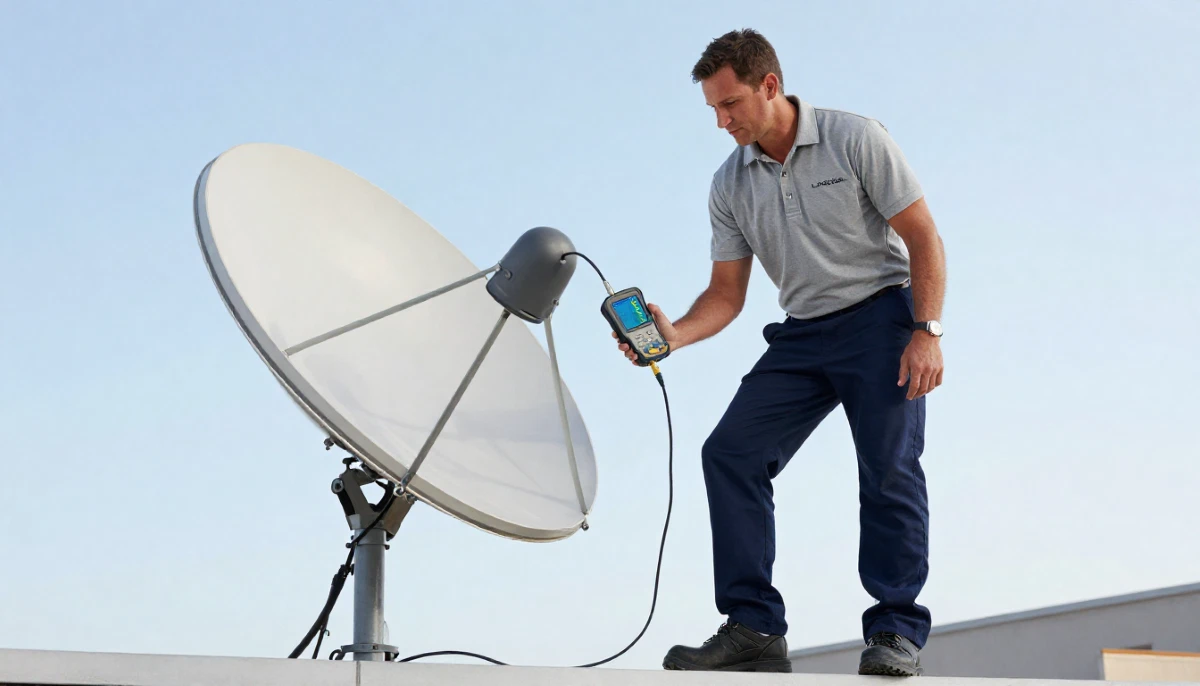
Smart LNB Not Working?
Get a free diagnosis from a verified, accredited DSTV installer near you.
We’ll identify whether your LNB needs repair or replacement.
Servicing Gauteng, Sandton, Randburg, Midrand, Fourways, Bryanston, and across South Africa
DSTV Smart LNB Problems: 6 Common Issues and How to Fix Them
📡 Your Smart LNB is the brain of your DSTV system – when it fails, here’s how to diagnose and fix the problem.
Your picture is pixelating. Some channels are missing entirely. Your Explora decoder won’t connect to the internet.
You’ve tried rebooting. You’ve checked cables. Nothing works. The problem could be your Smart LNB.
The Smart LNB is a sophisticated piece of technology that enables modern DSTV features like recording,
Catch Up, and internet connectivity. But when it develops dstv smart lnb problems,
the symptoms can be confusing and frustrating to diagnose.
In this guide, I’ll explain the 6 most common smart lnb not working issues,
show you how to recognise lnb failure symptoms, and guide you through fixes
– from simple troubleshooting to complete replacement. If you’re asking “why is my dstv smart lnb not working”,
you’ve come to the right place.
For general LNB information, read our
LNB replacement guide.
For comparing LNB types, see Smart LNB vs Universal LNB.
And for configuration, read Smart LNB user band configuration.
📋 Table of Contents – Smart LNB Problems Guide
📡 What Is a DSTV Smart LNB?
Before diagnosing dstv smart lnb problems, understand what a Smart LNB does and why it’s different.
What is an LNB?
LNB stands for Low Noise Block downconverter. It’s the component mounted on the arm of your satellite dish
that captures the signal reflected by the dish and converts it for your decoder.
How a Smart LNB is different:
- Standard Universal LNB: Simple signal conversion – works with HD decoders, no internet features
- Smart LNB: Advanced electronics that enable:
- Return path communication (decoder can send data back to DSTV)
- Internet connectivity for Catch Up, BoxOffice, and streaming apps
- Userband technology for multiple independent signals
- Extra View (multi-room) without additional cabling in some setups
- Better signal processing and noise figures
Which decoders need a Smart LNB?
- Explora Ultra: REQUIRES Smart LNB (no internet features without it)
- Explora 3: REQUIRES Smart LNB for full functionality
- Explora 2: Can work with Universal LNB but loses some features
- HD Decoder (9S): Works with Universal LNB – Smart LNB not required
💡 Key Insight:
If you have an Explora Ultra or Explora 3, your system will not work properly without a Smart LNB.
Many signal and feature problems are caused by using the wrong LNB type.
Check which LNB you have before troubleshooting.
⚠️ Smart LNB Failure Symptoms: What to Look For
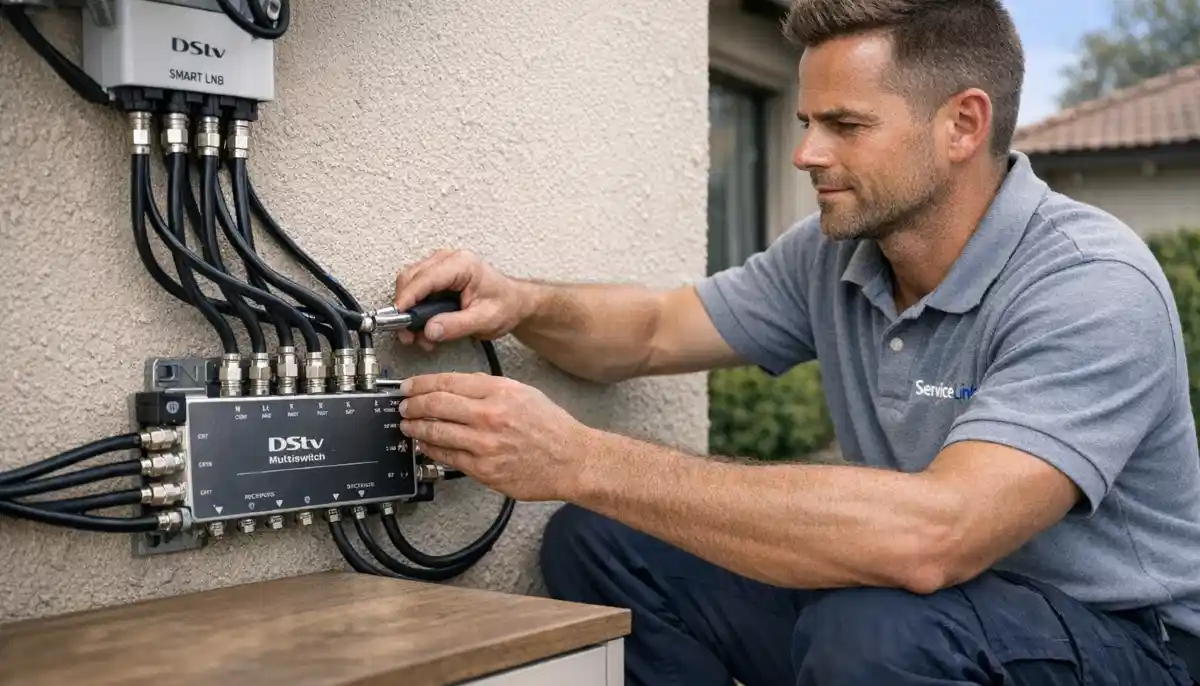
Recognising lnb failure symptoms early can save you time and frustration.
Here’s what to watch for.
| Symptom | Likely Cause | Severity |
|---|---|---|
| Complete signal loss (E48-32) on all channels | Dead LNB, disconnected cable, or dish misalignment | High – needs immediate attention |
| Some channels missing (polarisation pattern) | LNB polarity failure (one side dead) | Medium – LNB replacement needed |
| Good signal strength but poor quality | LNB noise figure too high or failing electronics | Medium – affects picture quality |
| No internet / Catch Up not working (Explora) | Smart LNB return path failure or network issue | Medium – features not working |
| Extra View not working or intermittent | Userband conflict or LNB port failure | Medium – multi-room affected |
| Signal works in morning but not afternoon (heat) | Heat-related LNB failure (thermal issue) | High – LNB needs replacement |
| Pixelation and freezing on all channels | LNB failing, water ingress, or cable issues | Medium – investigate promptly |
🔍 Quick Diagnosis Checklist (Before You Replace)
Before assuming you have smart lnb not working problems, complete this checklist.
✅ Diagnosis Checklist:
- Check your signal readings: Menu → Settings → Signal Detection
- Check cable connections: Ensure all F-connectors are tight and corrosion-free
- Check LNB type: Is it actually a Smart LNB (not Universal)?
- Check LNB age: Is it more than 3-5 years old?
- Check for physical damage: Cracks, water inside, corrosion
- Check userband configuration: For Extra View setups
- Check decoder compatibility: Does your decoder require a Smart LNB?
Not Sure If Your Smart LNB Is Failing?
Get a professional diagnosis from a verified, accredited DSTV installer near you.
We’ll test your LNB and recommend the right fix.
Free quotes. Verified installers. No obligation.
📡 Problem #1: Complete Signal Loss (E48-32)
Complete signal loss is the most obvious dstv smart lnb problems – your decoder shows E48-32 or “No Signal” on all channels.
Possible causes:
- LNB completely dead (most common after 3-5 years)
- LNB not receiving power from decoder (check cable connections)
- Water ingress shorting the LNB
- Lightning damage
- Wrong LNB type (Universal instead of Smart)
How to diagnose:
- Check signal readings – both strength and quality should be 0%
- Check cable connections – ensure they’re tight
- Check LNB for physical damage or water inside
- If you have another decoder, test with it – if still no signal, problem is LNB or cabling
How to fix:
LNB replacement is usually the solution. A new Smart LNB costs R320-R500 plus installation (R350-R700 total).
Professional installation recommended – working at height with alignment required.
Read our LNB replacement guide.
📺 Problem #2: Missing Channels (Polarity Failure)
If some channels work perfectly but others are missing or show “No Signal,” you likely have LNB polarity failure.
What is polarity failure?
Satellite signals use two polarisations: Horizontal and Vertical. Your LNB has separate electronics for each.
If one side fails, you lose about half your channels.
Signs of polarity failure:
- Example: All SuperSport channels work (Horizontal), but all M-Net channels are missing (Vertical)
- Missing channels follow a pattern, not random
- Signal strength is good on working channels, zero on missing channels
How to fix:
LNB replacement is the only solution. Polarity failure cannot be repaired – the LNB must be replaced.
A new Smart LNB will restore all channels.
🌐 Problem #3: No Internet / Smart Features Not Working
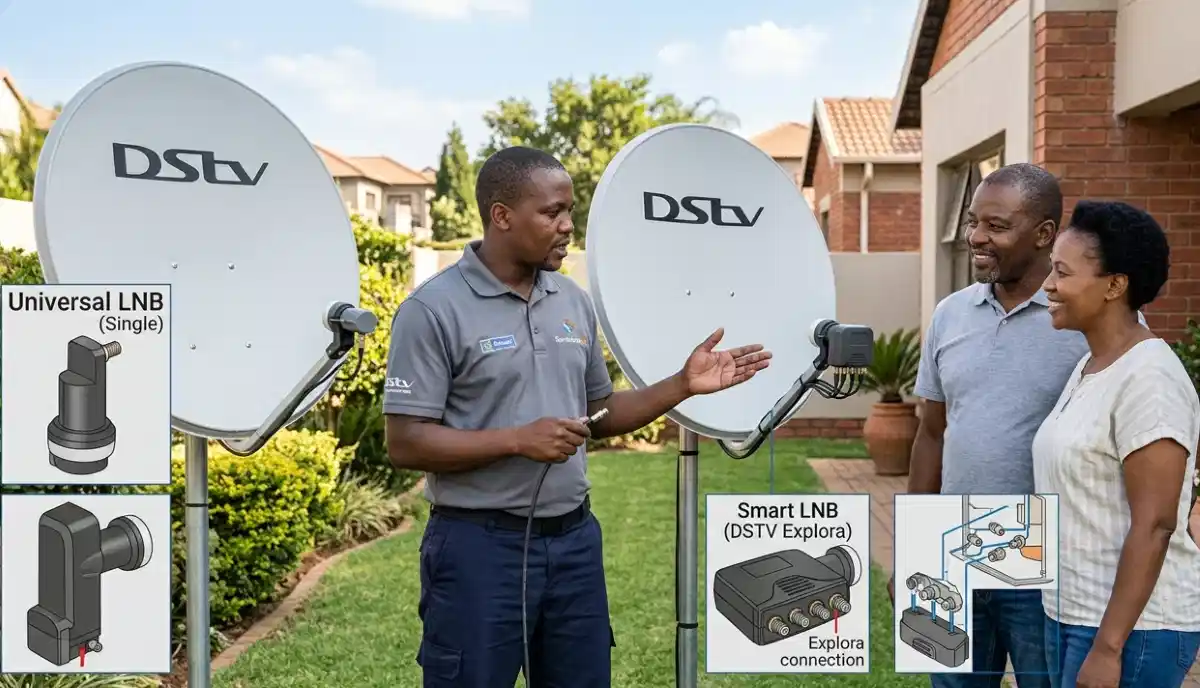
If your Explora decoder works for live TV but Catch Up, BoxOffice, and streaming apps don’t work,
your Smart LNB’s return path may be failing.
What is the return path?
Smart LNBs have a “return path” that allows your decoder to send data back to DSTV via the satellite signal.
This enables interactive features, Catch Up, and streaming apps.
Possible causes:
- Smart LNB return path failure (LNB needs replacement)
- Internet connection problem (check your decoder’s network settings)
- Incorrect LNB configuration (userband settings)
- Wrong LNB type (Universal LNB doesn’t support return path)
How to diagnose:
- Check if your decoder is connected to the internet (Settings → Network)
- If network is connected but Catch Up doesn’t work, Smart LNB return path may be failing
- Test with another decoder if possible
How to fix:
If network is fine but smart features don’t work, the Smart LNB likely needs replacement.
Professional diagnosis recommended.
🏠 Problem #4: Extra View Not Working or Intermittent
If you have multiple decoders (Extra View) and some don’t work or work intermittently,
the problem is often Smart LNB related.
Possible causes:
- Userband conflict (two decoders using same frequency)
- LNB port failure (one output port dead)
- Incorrect LNB configuration
- Cable issues to specific decoders
How to diagnose:
- Swap cables between decoders – does the problem move?
- Check userband configuration on each decoder
- Test each LNB port individually
How to fix:
- Reconfigure userbands (see userband guide)
- If a specific port is dead, replace the LNB
- Professional diagnosis recommended for complex setups
📊 Problem #5: Intermittent Signal or Pixelation
If your signal comes and goes, or you have constant pixelation and freezing,
your Smart LNB may be failing intermittently.
Possible causes:
- LNB electronics failing (intermittent operation)
- Water ingress (causes intermittent shorting)
- Loose connections (signal comes and goes)
- LNB not receiving stable power from decoder
How to diagnose:
- Check signal readings when problem occurs – do they fluctuate?
- Check all cable connections for tightness
- Check for water in connectors (green/white corrosion)
- If connections are good and problem persists, LNB likely failing
How to fix:
Replace the LNB. Intermittent failure usually progresses to complete failure.
Don’t wait – replace it now.
🌡️ Problem #6: Heat-Related Failure (Morning vs Afternoon)
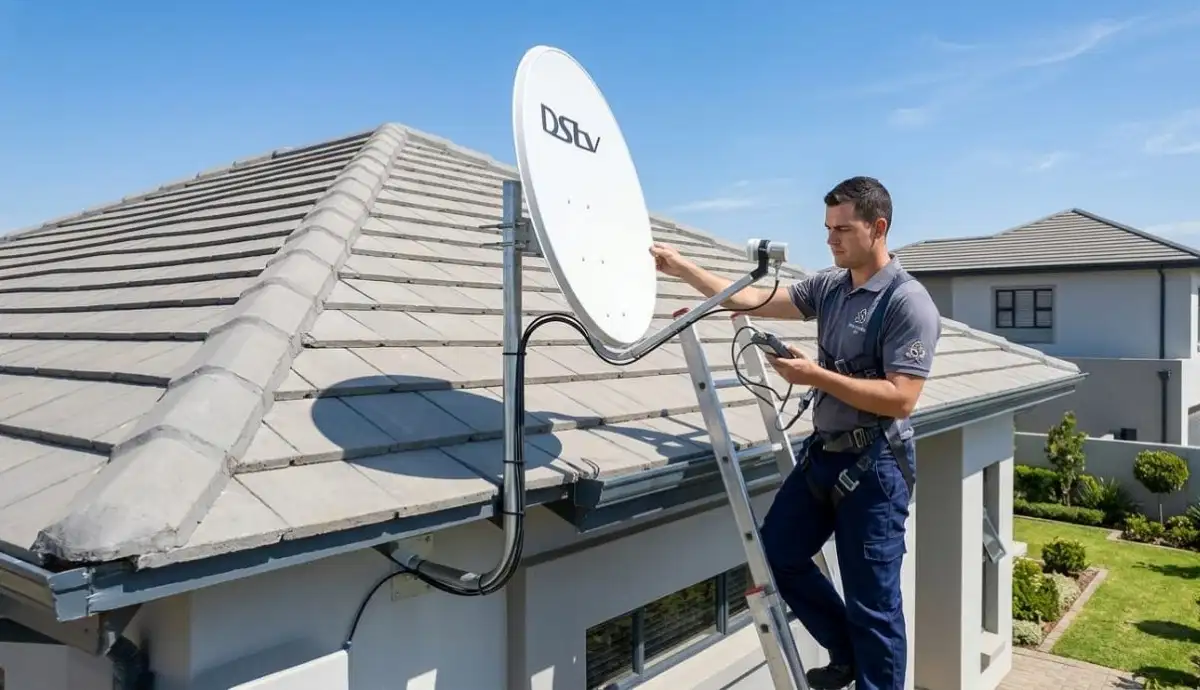
If your DSTV works fine in the morning but loses signal or shows pixelation in the afternoon,
you have heat-related LNB failure – a common lnb failure symptom in hot climates.
What causes heat-related failure:
LNB electronics degrade over time. When they get hot (afternoon sun), their performance drops dramatically.
When they cool down (overnight), they work again. This cycle repeats until complete failure.
Signs of heat-related failure:
- Signal is good in morning, poor in afternoon
- Problems start when the sun hits the LNB directly
- Signal returns in evening as temperatures drop
- LNB is more than 3-5 years old
How to fix:
LNB replacement is the only solution. A new Smart LNB will work reliably in all temperatures.
This is very common in hot areas like Gauteng, Limpopo, and Mpumalanga.
🔧 How to Diagnose Smart LNB Problems
Professional diagnosis of dstv smart lnb problems requires the right approach.
Tools you’ll need:
- Satellite signal meter (professional) or your decoder’s built-in meter
- Compass or inclinometer app (for alignment checks)
- Multimeter (to check LNB voltage – 13V/18V DC)
- Known working decoder for testing
Step-by-step diagnosis:
- Check decoder output voltage: LNB port should output 13V (Vertical) or 18V (Horizontal)
- Test at the LNB: Measure voltage at the LNB end of the cable
- Swap decoders: Test with a known working decoder
- Swap LNB ports: If using a multiswitch, test different ports
- Check signal on multiple transponders: Different frequencies test different LNB components
If you’re not comfortable with these tests, request professional diagnosis.
A qualified technician can identify LNB problems in minutes.
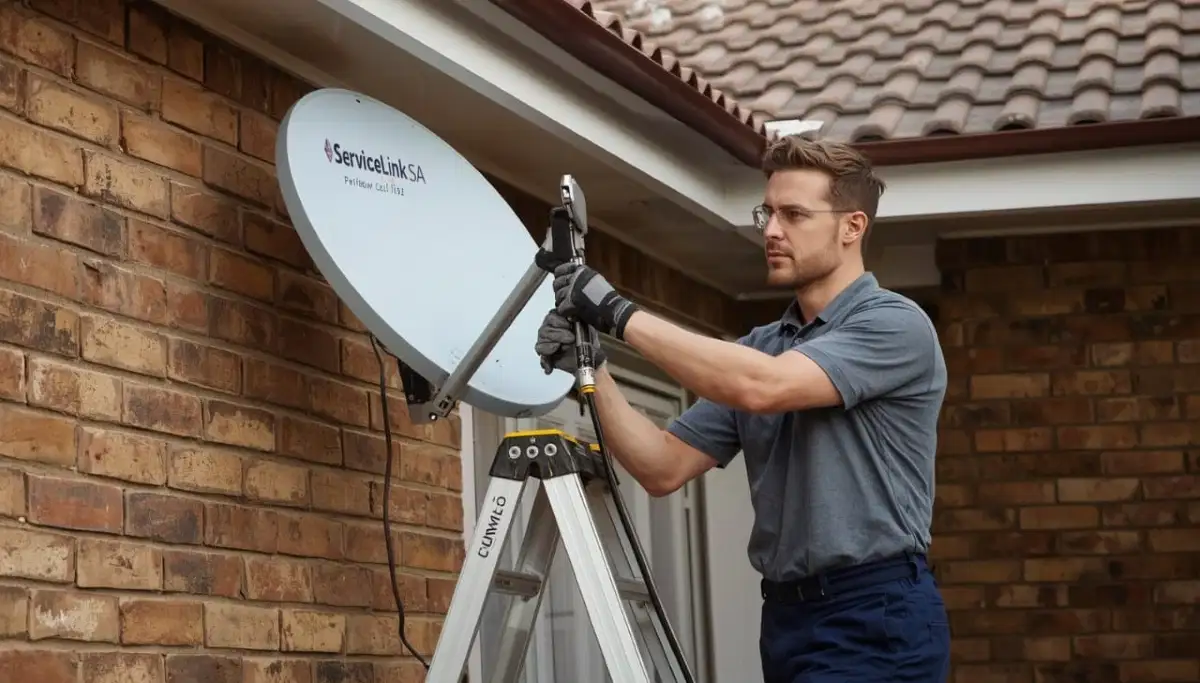
🔧 Smart LNB Replacement Guide
When lnb replacement is needed, here’s what you need to know.
When to replace your Smart LNB:
- Complete signal loss after checking cables
- Missing channels (polarity failure)
- Heat-related failure (works morning, fails afternoon)
- LNB is more than 5 years old (preventative replacement)
- Visible damage (cracks, water inside, corrosion)
Replacement costs:
- Smart LNB (2-port): R320-R400
- Smart LNB (4-port): R400-R550
- Professional installation: R350-R700 total (including LNB)
- DIY: R320-R550 (if you have tools and can work safely at height)
Professional replacement includes:
- Removal of old LNB
- Installation of new Smart LNB
- Dish realignment if needed
- Weatherproofing of all connections
- Signal testing and optimisation
- Userband configuration (for Extra View)
- 12-month warranty on parts and labour
For complete instructions, read our
LNB replacement guide.
🛡️ Preventing Future Smart LNB Problems
Here’s how to prevent dstv smart lnb problems from recurring.
- Replace LNB every 4-5 years: Even if it seems to be working, performance degrades over time
- Weatherproof connections: Use self-amalgamating tape on all outdoor F-connectors
- Ensure proper grounding: Protects against lightning damage
- Keep LNB shaded: If possible, position dish so LNB isn’t in direct afternoon sun (reduces heat stress)
- Use surge protection: Protects against power surges that can damage LNB via decoder
- Inspect annually: Check for cracks, corrosion, or water ingress
- Use quality components: Cheap LNBs have higher failure rates
❓ Frequently Asked Questions About Smart LNB Problems
What are the signs of a faulty Smart LNB?
Common lnb failure symptoms include: complete signal loss (E48-32),
missing channels (polarity failure – about half your channels gone),
good signal strength but poor quality (pixelation),
intermittent signal that comes and goes,
heat-related failure (works morning, fails afternoon),
and smart features (Catch Up, streaming) not working on Explora decoders.
Why is my Smart LNB not working after a storm?
Smart lnb not working after a storm is usually caused by lightning damage or water ingress.
Lightning can fry the sensitive electronics even without a direct hit.
Water can enter through cracks or unsealed connections, causing shorts.
Professional inspection and replacement are usually needed.
Can I use a Universal LNB instead of a Smart LNB?
No, for dstv smart lnb problems with Explora decoders – Universal LNB and Smart LNB are not interchangeable.
Explora Ultra and Explora 3 REQUIRE a Smart LNB for full functionality.
Using a Universal LNB will cause missing features (Catch Up, streaming) and may cause signal issues.
HD decoders (9S) work with Universal LNBs.
How long does a Smart LNB last?
A quality Smart LNB typically lasts 3-5 years in inland areas (Gauteng, Free State),
and 2-4 years in coastal areas (Durban, Cape Town) due to salt corrosion.
After 5 years, performance degrades even if it seems to be working – preventative replacement is recommended.
How much does a Smart LNB replacement cost?
Smart LNB replacement costs: LNB unit R320-R550, professional installation R350-R700 total.
Total typically R650-R1,200 depending on LNB type (2-port vs 4-port) and installation complexity.
Get a free quote from verified local installers.
Read our LNB replacement guide.
Why does my DSTV work in the morning but not the afternoon?
This classic lnb failure symptom is heat-related failure.
Your LNB’s electronics degrade when hot (afternoon sun), causing signal loss or pixelation.
When it cools overnight, it works again. This cycle continues until complete failure.
LNB replacement is the only solution – common in hot areas like Gauteng and Limpopo.
Can a faulty Smart LNB cause pixelation?
Yes. Dstv smart lnb problems often cause pixelation and freezing.
If your signal strength is good (70%+) but quality is poor (below 50%),
the LNB is likely the culprit. Other causes include incorrect LNB skew,
water in cables, or electrical interference.
What is LNB polarity failure?
Polarity failure is when one side of your LNB fails – either the Horizontal or Vertical polarisation.
This causes about half your channels to disappear while the other half work perfectly.
For example, all SuperSport channels (Horizontal) may work, but all M-Net channels (Vertical) are missing.
LNB replacement is the only fix.
Can I replace a Smart LNB myself?
Yes, if you have experience working at height, a satellite signal meter,
and understand userband configuration. However, working on a roof is dangerous.
Professional installation costs R350-R700 total – cheaper than a hospital visit from a fall.
Read our DIY vs pro guide.
How do I know if my LNB or decoder is the problem?
To distinguish between lnb failure symptoms and decoder problems:
test your decoder on a neighbour’s dish (if possible), or test a known working decoder on your dish.
If the problem moves with the decoder, it’s the decoder.
If the problem stays with your dish, it’s the LNB or cabling.
Professional diagnosis is recommended if you’re unsure.
✅ Final Thoughts: Fix Your Smart LNB Problems
Dstv smart lnb problems are common as LNBs age, but they’re usually fixable with replacement.
The key is accurate diagnosis – don’t replace your LNB if the problem is actually a loose cable or dish misalignment.
If you have complete signal loss, missing channels (polarity pattern), heat-related failure,
or smart features not working on your Explora, your Smart LNB is likely the culprit.
A new Smart LNB costs R320-R550, plus R350-R700 for professional installation.
That’s a small price for reliable DSTV service and full access to all features.
Ready to fix your Smart LNB problems? Request a free quote
from ServiceLink SA. We’ll connect you with verified, accredited installers who can diagnose
and replace your LNB quickly and safely.
Smart LNB Not Working? Let Us Help.
Get a free diagnosis and replacement quote from a verified, accredited DSTV installer near you.
We’ll fix your LNB problems fast.
📞 Call us: 073 138 4726 for immediate LNB assistance.
Free signal inspection •
How to choose an installer •
12-month warranty on LNB replacement
📚 Official resources & standards referenced:
- Official DSTV LNB specifications – Official LNB compatibility information.
- SABS – South African Bureau of Standards LNB safety standards.
Information provided for general guidance. DSTV is a registered trademark of MultiChoice.
LNB specifications and compatibility may vary by decoder model. Always verify compatibility before purchasing.
Written by: Innocent T Hanyani
Satellite & Home Entertainment Installation Specialist | 21+ Years Experience
Innocent T Hanyani has over two decades of experience in satellite television installations across South Africa.
He has diagnosed and replaced thousands of Smart LNBs, from polarity failures to heat-related issues.
His expertise helps homeowners distinguish between LNB problems and other signal issues,
saving time and money on unnecessary replacements.
For more help with Smart LNB problems, explore our related resources:
LNB replacement guide,
Smart LNB vs Universal LNB,
user band configuration,
no signal guide,
improve signal strength.
See our service areas page for coverage in your region.