
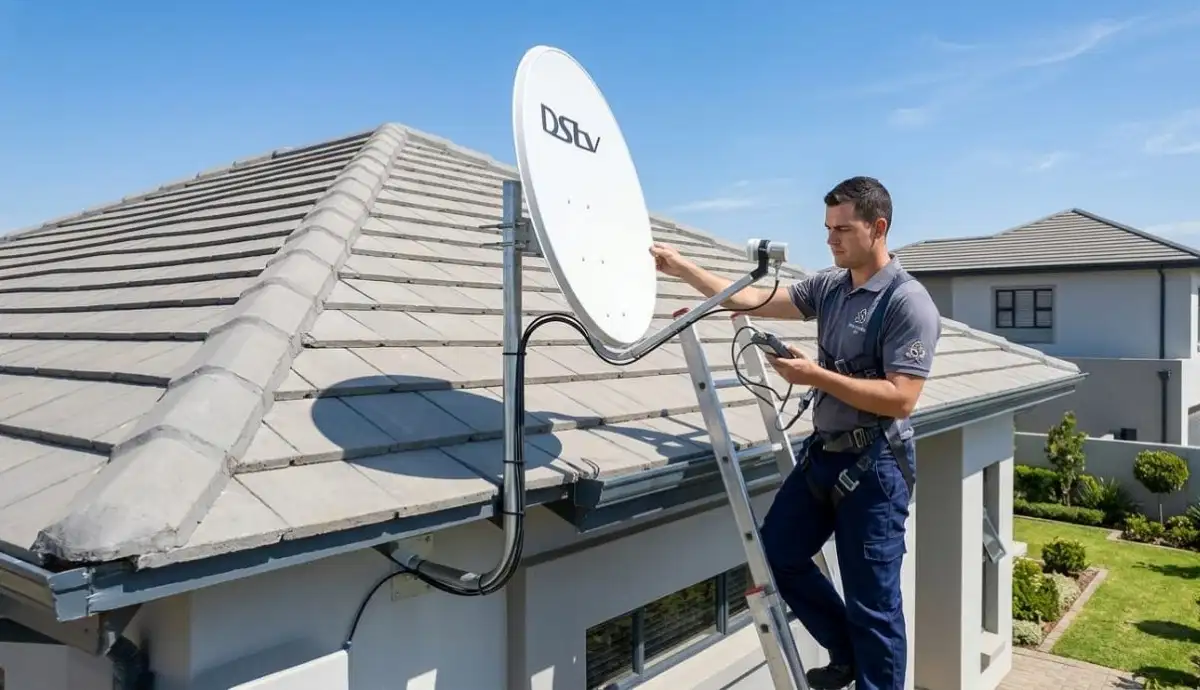
Still Getting Poor Signal After Trying These Tips?
Get a professional signal assessment from a verified, accredited DSTV installer near you.
Same-day service available across South Africa.
Servicing Gauteng, Mpumalanga, Limpopo, Emalahleni, Mbombela, and across South Africa
How to Improve DSTV Signal Strength: 7 Proven Tips for Crystal Clear Picture
📡 Stop watching pixelated rugby and frozen movies. Fix your signal with these 7 professional tips.
There’s nothing more frustrating than settling in to watch the big game, only to have the picture freeze,
pixelate, or disappear completely with that dreaded “No Signal” message.
I’ve been helping South African homeowners improve dstv signal for over two decades.
And here’s what I’ve learned: most signal problems are fixable without calling a professional.
You just need to know what to look for and what to do.
In this guide, I’ll show you 7 proven ways to boost dstv signal strength and quality.
You’ll learn how to check your dstv signal strength readings, identify the root cause of your problems,
and fix most issues yourself in under 30 minutes.
If you’re asking “how to increase dstv signal strength at home”, start with the quick diagnosis below.
Then work through the 7 tips in order. And if you’re still stuck after trying everything,
request emergency signal assistance from a verified professional.
📋 Table of Contents – How to Improve DSTV Signal Strength
📊 Signal Basics: Understanding Strength vs Quality
Before you can improve dstv signal, you need to understand what you’re measuring.
Most homeowners don’t know the difference between signal strength and signal quality – and that leads to misdiagnosis.
| Metric | What It Measures | Good Range | Low Reading Indicates |
|---|---|---|---|
| Signal Strength | Raw power of the signal reaching your decoder | 70% – 100% | Dish misalignment, long cable run, damaged cable |
| Signal Quality | Clarity/usability of the signal (error rate) | 75% – 100% | LNB problem, interference, water damage, poor alignment |
💡 Critical Insight:
Signal quality is MORE important than strength. A strong but poor-quality signal (e.g., 85% strength, 40% quality)
will still cause pixelation and freezing. Always aim for both metrics above 75%.
For a complete understanding of signal problems, read our
DSTV no signal causes and fixes guide.
🔍 Quick Diagnosis: Identify Your Signal Problem
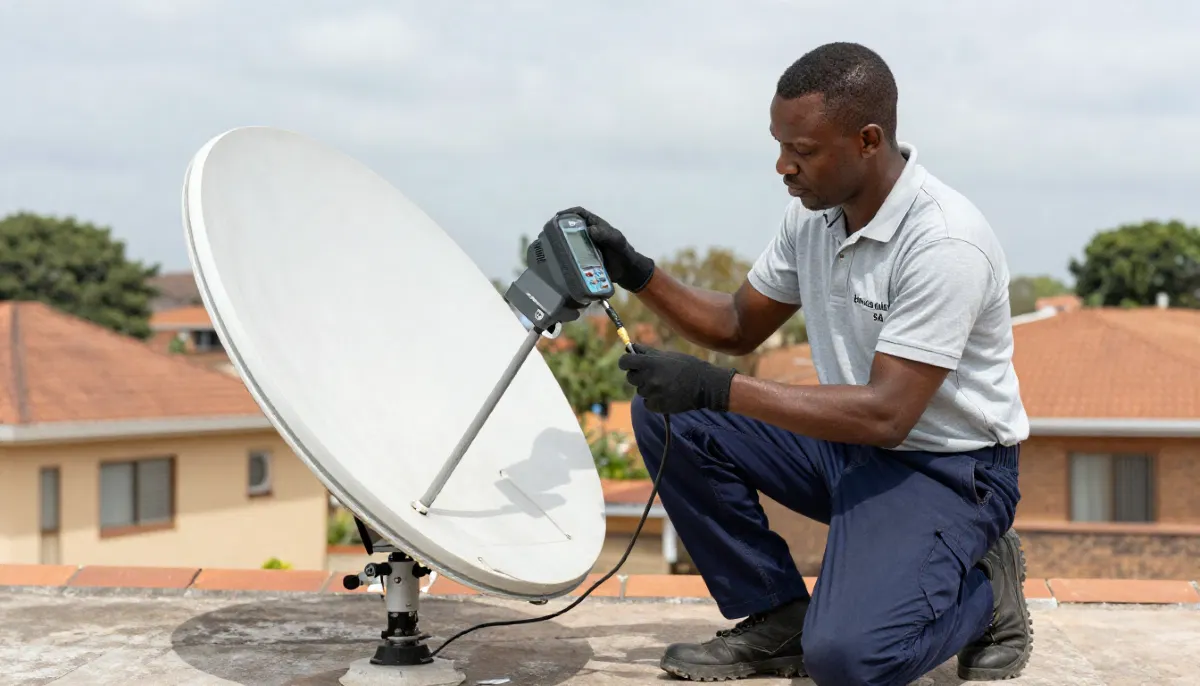
Before trying to boost dstv signal, accurately diagnose what’s wrong.
Different symptoms point to different causes.
| Symptoms | Likely Cause | Try This First |
|---|---|---|
| Complete “No Signal” / E48-32 error | Dish misalignment, LNB failure, disconnected cable | Check all cable connections, then check signal readings |
| Pixelation during clear weather | Weak signal quality, cable issues, interference | Check signal quality reading, inspect cables |
| Signal drops only during rain | Marginal signal strength (“rain fade”) | Improve baseline signal, check for water in cables |
| Intermittent signal loss | Loose connections, cable damage, tree movement | Secure all connections, check for obstructions |
| Strong strength but poor quality | LNB failure, electrical interference, water damage | Check LNB, look for corrosion on connectors |
| Signal works fine morning but not afternoon | LNB heat-related failure or tree obstruction | Check LNB when problem occurs, look for seasonal tree growth |
For specific error codes, read our guides on
E48-32 error fix and
searching for signal fix.
📡 Tip #1: Check Your Signal Readings First
Before you touch anything on your roof, check your decoder’s built-in signal meter.
This tells you exactly what’s happening and saves you from unnecessary work.
How to check your signal readings:
- Press “Menu” on your DSTV remote
- Navigate to Settings → System Settings → Signal Detection (or Tuner Status)
- Note both Signal Strength and Signal Quality percentages
- Write them down – this helps track changes after adjustments
What your readings mean:
- Both above 75%: Your signal is good. If you’re having problems, check your decoder or TV.
- Strength below 50%, Quality below 50%: Major alignment or obstruction problem.
- Strength above 70%, Quality below 50%: LNB or cable problem – not alignment.
- Fluctuating readings: Loose connection or intermittent obstruction (tree branches moving).
- Zero on both: Disconnected cable, dead LNB, or decoder port failure.
For detailed alignment instructions, read our
DSTV dish alignment guide.
Still Have Poor Signal After Checking Readings?
Don’t waste another evening frustrated. Get a professional signal assessment from a verified installer.
Free quotes. Same-day service available.
We’ll diagnose and fix your signal problems fast.
🔌 Tip #2: Inspect and Tighten All Cable Connections
Here’s a secret that most homeowners don’t know: over 40% of “signal problems” are actually cable problems.
Loose or corroded connections are the #1 cause of poor dstv signal strength.
What to check:
- Connections at the decoder: The F-connector (metal screw-on end) should be hand-tight plus a quarter turn with a wrench.
- Connections at the dish: Follow the cable outside. Check both ends of every cable.
- Connections at wall outlets: If you have a wall plate, check the connection inside.
- For corrosion: Green or white powdery substance on connectors means water has gotten in.
- For cable damage: Look for cracks, cuts, sun damage, or rodent chew marks.
How to fix cable problems:
- Tighten any loose F-connectors (hand-tight plus quarter turn).
- If you see corrosion, the connector needs replacement. This requires cutting the cable and attaching a new F-connector.
- For damaged cables, replace the affected section or the entire cable run.
For professional cable repair, see our
LNB and cable replacement services.
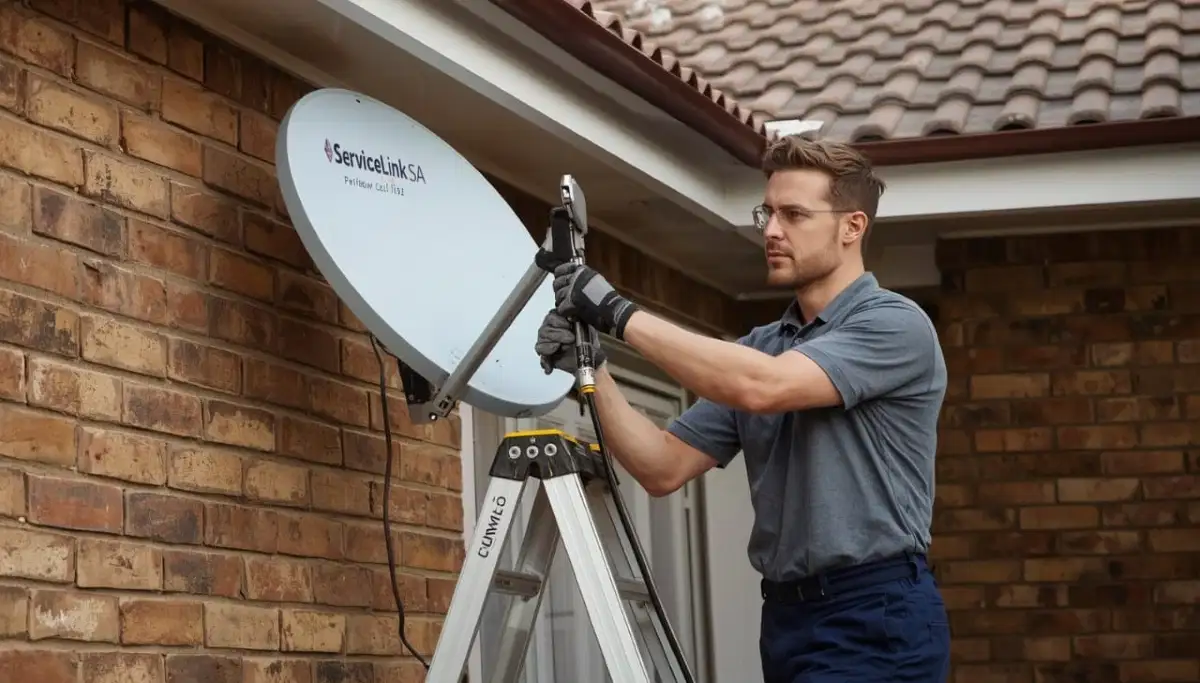
🎯 Tip #3: Realign Your Satellite Dish (Carefully)
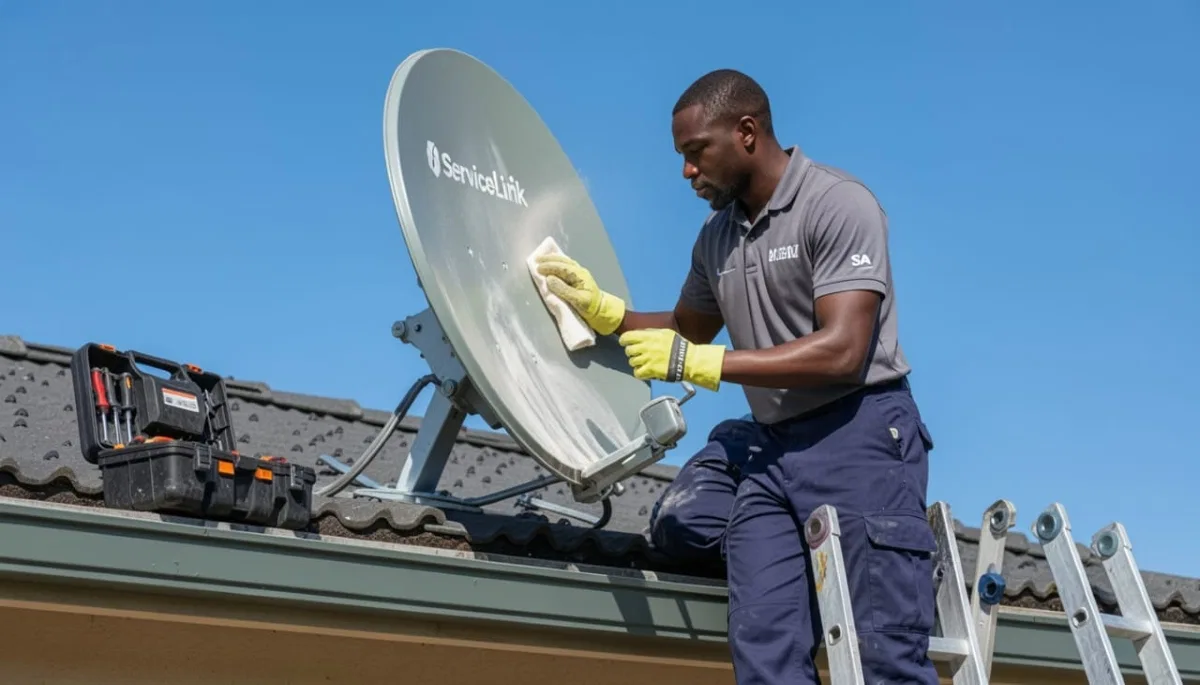
Even a 2mm movement of your dish from wind, settling, or accidental bumping can reduce your signal by 80%.
Realignment is often the solution to improve dstv signal dramatically.
⚠️ WARNING: Safety First
If your dish is on a second-story roof, steep pitch, or any location where you feel unsafe – DO NOT attempt this yourself.
Falls from height are the #1 cause of serious DIY injury. Request professional alignment for R450-R900.
How to realign your dish (ground-level or safe-access only):
- Loosen the dish mounting bolts slightly (just enough to allow movement, not remove)
- Have someone watch the TV while you’re at the dish, or use a long HDMI cable to bring a small TV outside
- Access the signal meter: Menu → Settings → Signal Detection
- Make tiny adjustments (2-3mm at a time) to left/right (azimuth) while watching signal readings
- Then make tiny adjustments to up/down (elevation)
- Target at least 75% on BOTH strength and quality
- Once optimized, carefully tighten bolts while maintaining position
- If signal drops during tightening, loosen and re-adjust
For complete alignment instructions, read our
detailed dish alignment guide.
🔧 Tip #4: Check and Replace Your LNB
The LNB (Low Noise Block) is the component on the arm of your dish that captures the signal.
When LNBs fail, they cause frustrating signal problems that are hard to diagnose.
Signs your LNB needs replacement:
- Strong signal strength but poor signal quality (e.g., 80% strength, 30% quality)
- Signal works fine in morning but disappears in afternoon (heat-related failure)
- Signal loss that comes and goes without weather changes
- Missing channels while others work perfectly
- LNB is more than 4-5 years old (typical lifespan)
LNB replacement cost and process:
LNB replacement costs R250-R450 for the part plus installation. This requires working at the dish
(often on a roof or ladder) and realignment afterward. Professional LNB replacement
is recommended for most homeowners.
For detailed LNB information, read our
LNB replacement guide.
🌳 Tip #5: Remove Signal Obstructions
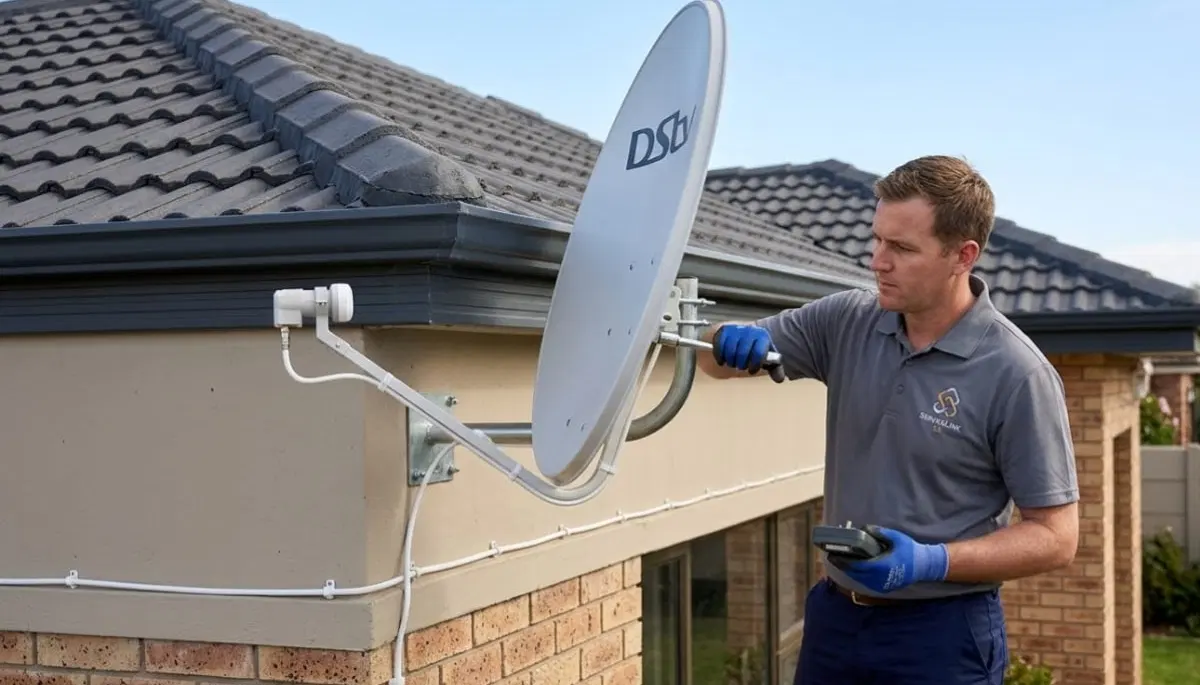
Your dish needs a clear line of sight to the northeastern sky. If something has grown, been built,
or moved into that line of sight, you’ll experience signal loss.
Common obstructions in South Africa:
- Trees: Growing branches, especially during summer when leaves are full
- New buildings: A neighbour’s new extension or new development
- Your own property: New roof structures, solar panels, water tanks
- Temporary obstacles: Construction cranes, scaffolding
How to diagnose obstruction:
- Signal loss occurs at specific times of day (when sun is at certain angle)
- Signal is worse in summer (leaves on trees) than winter
- Signal gradually degraded over months, not suddenly
- You can see something in the line of sight from your dish’s perspective
Solutions:
- Trim trees (check with neighbours if the tree isn’t yours)
- Relocate the dish to a different wall or position
- Raise the dish on a taller pole to clear obstructions
- For complexes, ask about the communal DSTV system
🌧️ Tip #6: Weatherproof Your Connections
Water is the enemy of satellite signals. Even a tiny amount of moisture in your cables or connectors
can destroy signal quality and cause intermittent problems.
How to weatherproof your installation:
- Use self-amalgamating tape (not electrical tape) to wrap outdoor F-connectors
- Create drip loops – before cables enter your wall, let them dip down then back up so water runs off
- Seal wall penetrations with silicone sealant – both inside and outside
- Ensure LNB caps are intact – the plastic cover over the LNB ports prevents water ingress
- Replace corroded connectors immediately – corrosion spreads and damages cables
For complete solutions to rain-related signal loss, read our guides on
signal loss during rain and
rain fade solutions.
🖥️ Tip #7: Update Decoder Software & Reboot
Sometimes the problem isn’t your dish, cables, or LNB at all. Your decoder is a small computer,
and like all computers, it can freeze or glitch.
How to reboot your decoder (The Hard Reboot):
- Unplug your decoder from the power outlet
- Wait a full 60 seconds (allows capacitors to discharge)
- Plug the decoder back in
- Wait 2-3 minutes for full reboot and channel acquisition
- Check if signal has improved
How to update decoder software:
- Go to Menu → Settings → Software Update
- Select “Update Now” (requires internet connection or satellite signal)
- Wait 10-20 minutes for the update to complete
- Do NOT power off during the update
For more decoder troubleshooting, read
picture freezing fix.
🌍 Regional Signal Challenges Across South Africa
Where you live significantly affects your dstv signal strength.
Different provinces have unique challenges that require specific solutions.
Gauteng (Johannesburg, Pretoria, Emalahleni, Mbombela):
- Challenges: Summer thunderstorms, rapid urban development, electrical interference in dense suburbs
- Solutions: Enhanced lightning protection, regular alignment checks, professional-grade cabling
Mpumalanga (Emalahleni, Mbombela, Secunda):
- Challenges: Highveld thunderstorms, mining area interference, mountainous terrain in some areas
- Solutions: Robust grounding, quality cables, professional alignment
Limpopo (Polokwane, Tzaneen):
- Challenges: Hot climate affecting LNB performance, tropical growth in eastern areas
- Solutions: Heat-resistant LNB, regular obstruction checks, larger dish in fringe areas
For location-specific help, see our service pages for
Gauteng,
Mpumalanga, and
Limpopo.
📞 When to Call a Professional Instead of DIY
While many signal issues can be fixed with simple troubleshooting,
some situations absolutely require a professional. Here’s when to stop DIY and call an expert.
- Your dish is on a high roof or difficult-to-reach location – Falls from height are dangerous.
- You’ve tried all 7 tips and still have poor signal after an hour – Continuing to guess wastes time.
- You see visible damage to your dish, LNB, or cables – Requires replacement parts and professional diagnosis.
- You have a multi-room (Extra View) setup – Complex systems need specialized knowledge.
- You live in a complex with a communal DSTV system – The problem may be in the building’s distribution.
- You’re not comfortable working at height or with tools – No shame in calling a pro.
For professional signal restoration, request emergency service through ServiceLink SA.
We have accredited, verified installers ready to help across South Africa.
🛡️ Preventing Future Signal Problems
The best way to improve dstv signal is to prevent problems before they start.
Here’s a simple maintenance schedule that takes minutes but saves hours of frustration.
Monthly (5 minutes):
- Check your signal strength and quality readings
- Write down the numbers – if they’re dropping month by month, you have a gradual problem
- Visually inspect visible cables for damage
- Ensure decoder ventilation is clear
Quarterly (15 minutes):
- Gently clean the LNB face with a soft, dry cloth (remove cobwebs, dust, bird droppings)
- Check accessible F-connectors for tightness
- Trim tree branches approaching your dish’s line of sight
Annually (Professional recommended):
- Professional signal alignment check and optimization
- LNB performance testing
- Complete system health assessment
For free signal inspections, request a free site inspection
through ServiceLink SA.
❓ Frequently Asked Questions About DSTV Signal Strength
How can I improve my DSTV signal strength quickly?
To quickly improve dstv signal, start by checking all cable connections (tighten any loose F-connectors),
then reboot your decoder (unplug 60 seconds). If that doesn’t help, check your signal readings
(Menu → Settings → Signal Detection). Low strength suggests dish alignment; low quality with good strength suggests LNB issues.
What is good DSTV signal strength in South Africa?
Good dstv signal strength is 70% or higher. Good signal quality is 75% or higher.
For reliable viewing without pixelation or rain fade, aim for both metrics above 75%.
If either is below 50%, you will experience frequent interruptions and signal loss during bad weather.
Why does my DSTV signal drop during rain?
This is called “rain fade” – raindrops absorb and scatter satellite signals.
If this happens frequently, your baseline signal is marginal. To fix it, improve your signal during clear weather
(aim for 85%+ quality), check for water in cables, and consider a larger dish.
Read our complete rain fade guide.
How do I check my DSTV signal strength?
To check your dstv signal strength, press “Menu” on your remote, then navigate to
Settings → System Settings → Signal Detection (or Tuner Status).
You’ll see two readings: Signal Strength (power) and Signal Quality (clarity).
Both should be above 70% for reliable viewing.
Can trees affect my DSTV signal?
Absolutely. Trees are a common cause of gradual signal loss in South Africa.
Even if branches weren’t blocking signal last year, seasonal growth can create obstructions.
Signal loss that’s worse in summer (leaves) than winter (bare branches) indicates tree obstruction.
Trimming branches or relocating the dish are the solutions.
How much does professional signal optimization cost?
Professional signal optimization starts from R250 for assessment. Dish realignment costs R450-R900,
LNB replacement costs R350-R700, and cable repair costs R450-R750.
Many issues can be diagnosed and fixed in a single visit.
Get a free quote from verified local installers.
What’s the difference between signal strength and signal quality?
Signal strength measures the raw power of the signal reaching your decoder.
Signal quality measures how clean and usable that signal is.
Quality is more important – a strong but poor-quality signal (e.g., 85% strength, 40% quality)
will still cause pixelation and freezing. Aim for both above 75%.
How often should I realign my DSTV dish?
Under normal conditions, a professionally installed dish should hold alignment for years.
However, after severe storms, high winds, or if you notice gradual signal degradation,
check your signal readings. If strength has dropped more than 10% from your baseline, realignment may be needed.
Annual professional checks are recommended.
Will a bigger dish improve my DSTV signal?
Yes, upgrading from a 60cm to an 80cm dish can improve signal by 2-3dB,
providing more “rain margin” and better performance in fringe signal areas.
This is particularly helpful in coastal areas with frequent rain, or in valleys with marginal signal.
Read our satellite dish size guide.
Why does my DSTV keep losing signal during the day but work fine at night?
This is often caused by a heat-related LNB failure. The LNB’s electronics degrade when hot,
causing signal loss during the day, then recover when cooled at night.
It can also be a tree obstruction that only blocks signal when the sun is at a certain angle.
LNB replacement is usually the solution.
✅ Final Thoughts: Crystal Clear Picture Is Within Reach
Poor dstv signal strength doesn’t have to be a permanent frustration.
In most cases, the 7 tips in this guide will restore your picture quality and eliminate pixelation.
Start with the basics: check your signal readings, inspect cable connections, and reboot your decoder.
If that doesn’t work, work through alignment, LNB checks, and obstruction removal.
Most signal problems can be fixed in under 30 minutes.
But if you’ve tried everything and still have poor signal, don’t waste another evening frustrated.
Professional help is just a phone call away. ServiceLink SA connects you with verified, accredited DSTV installers
who can diagnose and fix signal problems fast – often the same day.
Ready to Fix Your Signal Problems Once and For All?
Stop watching pixelated TV. Get a professional signal assessment from a verified, accredited DSTV installer near you.
Free quotes. Same-day service available.
📞 Call us: 073 138 4726 for immediate signal assistance.
Free signal inspection •
How to choose an installer •
Our guarantees
📚 Official resources & standards referenced:
- Official DSTV signal strength guide – Official signal troubleshooting information.
- SABS – South African Bureau of Standards signal quality standards.
Information provided for general guidance. DSTV is a registered trademark of MultiChoice.
Signal troubleshooting steps are based on 21+ years of industry experience.
Written by: Innocent T Hanyani
Satellite & Home Entertainment Installation Specialist | 21+ Years Experience
Innocent T Hanyani has over two decades of experience in satellite television installations and signal optimization across South Africa.
He has helped thousands of homeowners improve their DSTV signal strength, diagnose complex signal problems,
and achieve crystal-clear picture quality. His practical, step-by-step approach focuses on solving problems efficiently
while prioritizing safety.
For more help improving your DSTV signal, explore our related resources:
DSTV no signal causes and fixes,
signal loss during rain,
E48-32 error fix,
searching for signal fix,
dish alignment guide,
rain fade solutions.
See our service areas page for coverage in your region.