
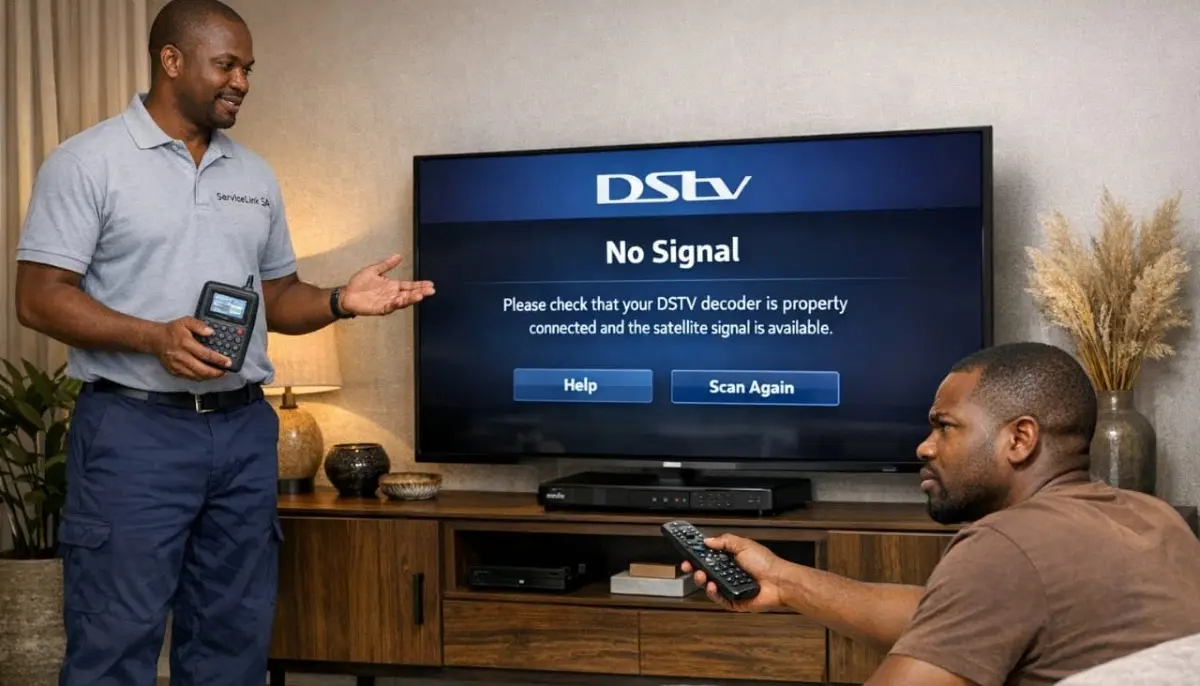
Emergency Signal Help Available Now
Tried our fixes and still seeing dstv no signal? Get same-day assistance from verified,
accredited installers near you.
Servicing Johannesburg, Pretoria, Cape Town, Durban, and across South Africa
DSTV No Signal? 6 Common Causes & Quick Fixes (Get Your TV Back in Minutes)
📡 That dreaded “No Signal” message doesn’t have to ruin your evening. Fix 90% of signal problems yourself in under 10 minutes.
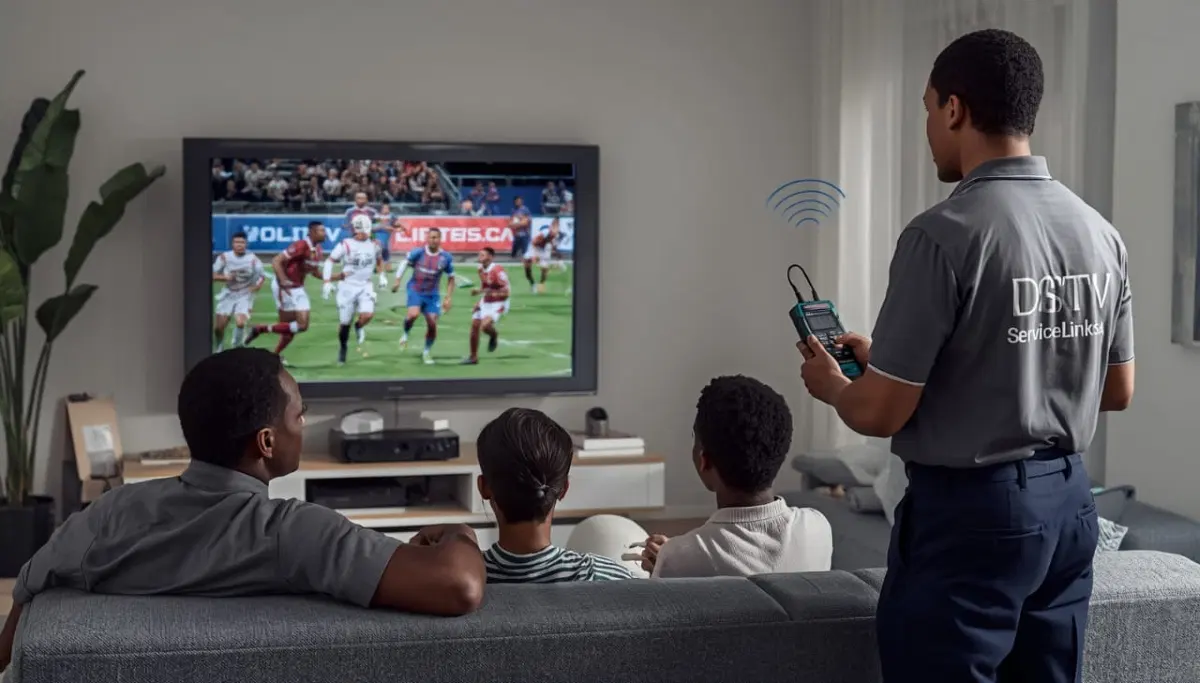
You’re settling in to watch the rugby. The snacks are ready. The family is gathered. You grab the remote,
press the power button, and… nothing. Just a blue screen staring back at you with those two horrible words:
DSTV no signal.
I’ve been there. And after helping thousands of South African homeowners troubleshoot their DSTV signal problems
over the past 21 years, I can tell you one thing with confidence: most signal issues are quick and easy to fix.
You don’t need to be a technician. You don’t need expensive tools. And in most cases, you don’t even need to climb on your roof.
In this guide, I’ll walk you through the 6 most common causes of dstv signal problem issues,
show you exactly how to fix dstv signal problems yourself, and tell you exactly when it’s time to call a professional.
If you’re asking yourself “why is my dstv showing no signal”, start with the quick checks below.
If those don’t work, work through the 6 causes in order. And if you’re still stuck after 20 minutes,
request emergency signal assistance – we have accredited installers ready to help today.
📋 Table of Contents – DSTV Signal Troubleshooting Guide
⚡ Quick Checks: Restore Your Signal in 2 Minutes
Before you dive into complex troubleshooting, try these 30-second fixes. You’d be surprised how often these solve the problem.
✅ Try These First (Before Anything Else):
- Reboot your decoder: Unplug from power for 30 seconds, then plug back in. Wait 2 minutes for full reboot.
- Check your TV input source: Press “Source” or “Input” on your TV remote and make sure you’re on the correct HDMI/AV channel.
- Inspect cables at the decoder: Ensure the satellite cable is firmly screwed into the “SAT IN” port on your decoder.
- Check for loose connections at the wall: If you have a wall outlet for DSTV, make sure the cable is securely connected.
- Check your subscription status: An expired subscription shows “No Signal” or “E48” on some decoders. Log into MyDSTV to check.
Still seeing dstv no signal after these quick checks? Let’s work through the 6 most common causes in detail.
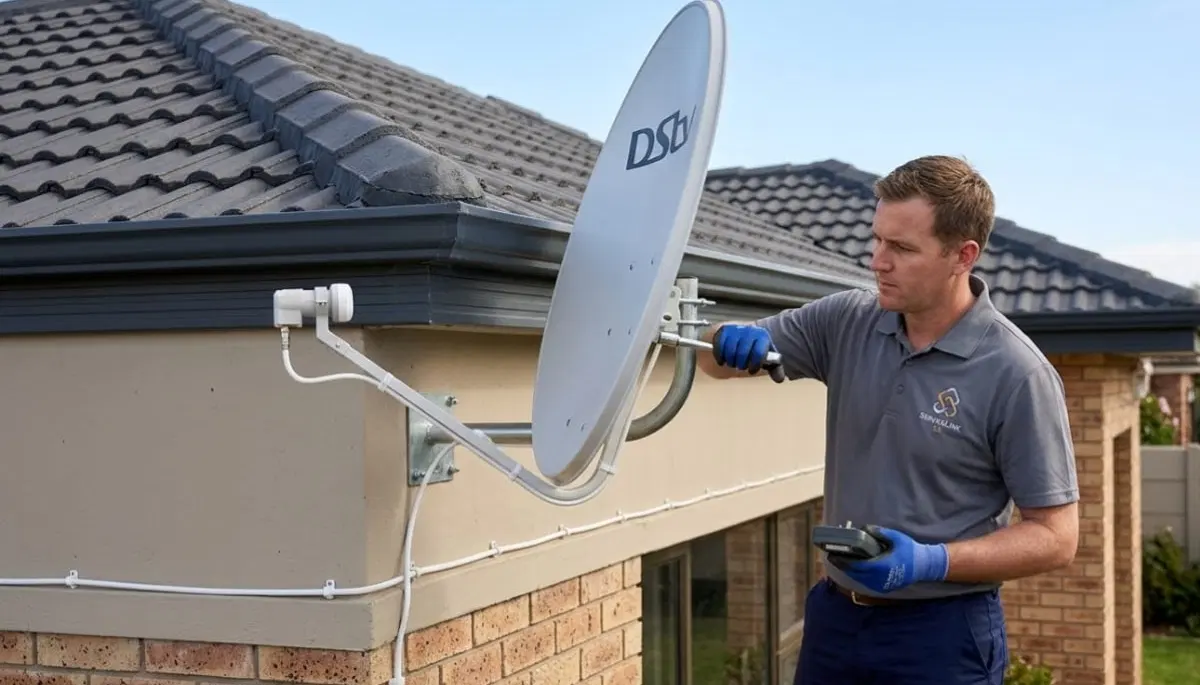
🔌 Cause #1: Loose or Damaged Cables (The #1 Culprit)
Here’s a secret that most homeowners don’t know: signal loss is rarely a decoder problem.
In fact, over 40% of “no signal” callouts are simply loose or damaged cables.
What to check:
- Connections at the decoder: The F-connector (metal screw-on end) should be hand-tight plus a quarter turn with a wrench.
- Connections at the dish: Follow the cable from your decoder outside to the dish. Check both ends of every cable.
- Cable condition: Look for cracks, cuts, rodent damage, or sun-baked sections where the outer jacket is peeling.
- Water damage: Green or white corrosion on connectors means water has gotten in. This requires professional repair.
- Kinks or sharp bends: Coaxial cable should never bend tighter than a 5cm radius. Sharp bends damage the internal conductor.
How to fix it:
- Tighten any loose F-connectors (hand-tight plus quarter turn with wrench).
- If you see corrosion, the connector needs replacement. This requires cutting the cable and attaching a new F-connector.
- For damaged cables, you’ll need to replace the affected section or the entire cable run.
Pro tip: If you’re not comfortable cutting and re-terminating coaxial cable,
request a professional cable inspection and repair.
A simple cable fix costs R450-R750 and prevents ongoing signal problems.
📡 Cause #2: Dish Misalignment (The Silent Signal Killer)
Your satellite dish needs to point with surgical precision at a satellite 36,000km above Earth.
Even a 2mm movement from wind, settling, or accidental bumping can reduce your signal by 80% or more.
Signs of dish misalignment:
- Signal works fine in the morning but disappears in the afternoon (dish has moved slightly)
- Signal loss only during certain weather conditions
- Gradual degradation of picture quality over weeks or months
- Complete dstv no signal after high winds or a storm
How to check your signal strength:
- Press the “Menu” button on your DSTV remote
- Navigate to “Settings” → “System Settings” → “Signal Detection”
- Look at “Signal Strength” and “Signal Quality” readings
- Target: 75%+ Strength AND 75%+ Quality
📊 Understanding Your Signal Readings:
Signal Strength below 50% + Quality below 40%: Your dish is significantly misaligned or blocked.
Strength above 70% but Quality below 40%: LNB or cable problem, not alignment.
Both fluctuating wildly: Loose connection or intermittent obstruction (tree branches moving in wind).
How to realign your dish (ground-level only – do NOT attempt on high roofs):
- Loosen the dish mounting bolts slightly (just enough to allow movement)
- Have someone watch the TV while you’re at the dish, or use a long HDMI cable to bring a small TV outside
- Make tiny adjustments (2-3mm at a time) to left/right (azimuth) while watching signal readings
- Then make tiny adjustments to up/down (elevation)
- Once you hit 75%+ on both readings, carefully tighten bolts while maintaining position
⚠️ WARNING: Roof Work is Dangerous
If your dish is on a second-story roof, on a steep pitch, or anywhere you feel unsafe – DO NOT attempt this yourself.
Falls from height are the #1 cause of serious injury in home DIY. Request a professional alignment
for R450-R900. It’s cheaper than a hospital visit.
For complete alignment instructions, read our
DSTV dish alignment guide.
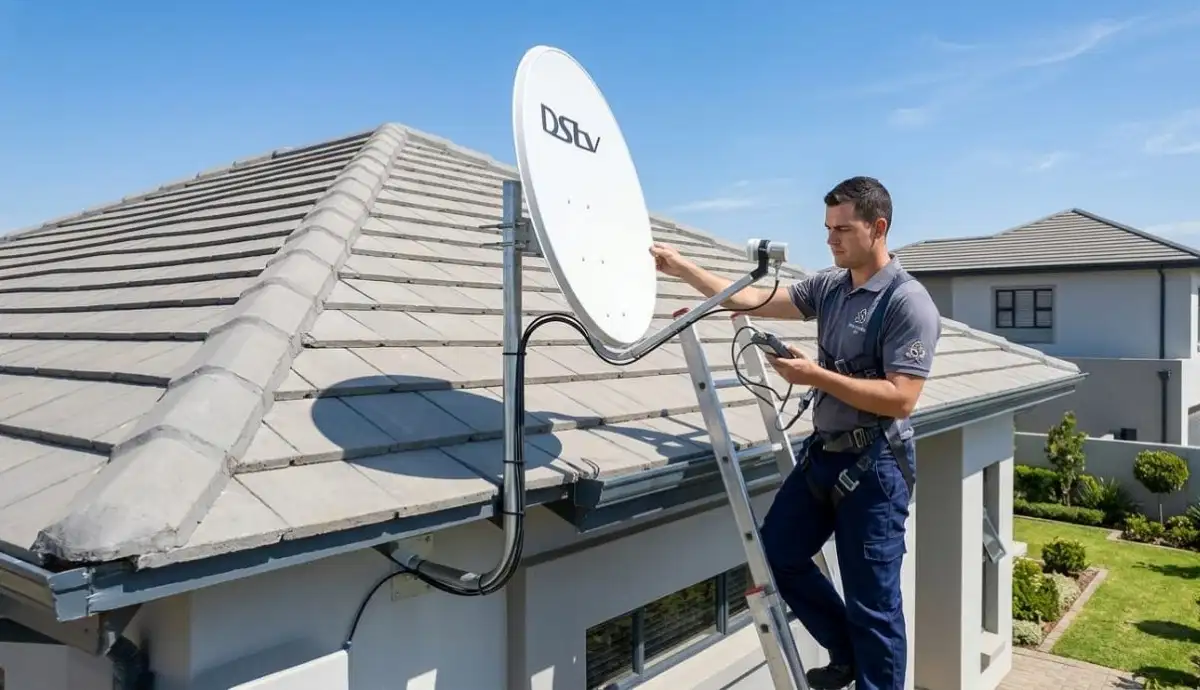
🔧 Cause #3: Faulty LNB (The Signal Interpreter)
The LNB (Low Noise Block) is the component mounted on the arm of your satellite dish.
It captures the signal reflected by the dish and converts it for your decoder. When LNBs fail,
they cause frustrating intermittent signal problems or complete dstv no signal.
Signs of a failing LNB:
- Signal works fine in the morning but disappears in the afternoon (heat-related failure)
- Strong signal strength but poor signal quality
- Signal loss that comes and goes without any weather changes
- Missing channels while others work perfectly
- LNB is more than 4-5 years old (typical lifespan)
What causes LNB failure:
- Water ingress: Moisture inside the LNB from poor weatherproofing
- Lightning strikes or power surges: Even nearby strikes can damage the sensitive electronics
- Sun exposure: Years of UV radiation degrades the plastic housing and internal components
- Bird or animal damage: Birds pecking at the plastic cap, rodents chewing cables
How to fix it:
LNB replacement requires working at the dish (often on a roof or ladder) and precise alignment afterward.
This is not a DIY job for most homeowners. A professional LNB replacement
costs R350-R700 including the new LNB and realignment.
For more detailed information, read our LNB replacement guide
and DSTV Smart LNB problems explained.
🖥️ Cause #4: Decoder Software Glitch (The Easiest Fix)
Sometimes the problem isn’t your dish, cables, or LNB at all. Your decoder is a small computer,
and like all computers, it can freeze or glitch. This is one of the most common reasons for
why is my dstv showing no signal when everything else seems fine.
Signs of a decoder software glitch:
- Complete dstv no signal but signal readings in the menu show good strength/quality
- Decoder is frozen on one channel and won’t respond to remote commands
- Picture is frozen but sound continues
- Decoder takes unusually long to boot up
How to fix it (The Hard Reboot):
- Unplug your decoder from the power outlet
- Wait a full 60 seconds (this allows capacitors to discharge)
- Plug the decoder back in
- Wait 2-3 minutes for full reboot and channel acquisition
- Check if signal has returned
If that doesn’t work, try a software update:
- Go to Menu → Settings → Software Update
- Select “Update Now” (requires internet connection or satellite signal)
- Wait 10-20 minutes for the update to complete
- Do NOT power off during the update
For more decoder troubleshooting, read
why is my DSTV not working and
DSTV decoder not booting guide.
🌧️ Cause #5: Weather Interference (Rain Fade)
If you only lose signal during heavy thunderstorms, you’re experiencing “rain fade.”
This is normal to some degree – but frequent or prolonged loss during light rain indicates an underlying issue.
What is rain fade?
Satellite signals are microwave frequencies that can be absorbed or scattered by heavy raindrops.
The heavier the rain, the more signal loss. Coastal areas like Durban and Cape Town experience this more frequently.
How to minimize rain fade:
- Ensure optimal alignment during clear weather: Target 85%+ signal quality to create “rain margin”
- Consider a larger dish: Upgrading from 60cm to 80cm dish provides 2-3dB more rain margin
- Check for water in cables: Water in connectors or cable damage makes rain fade worse
- Trim nearby trees: Branches that absorb moisture can exacerbate signal loss
For complete solutions, read our dedicated guides:
DSTV signal loss during rain and
rain fade permanent solutions.
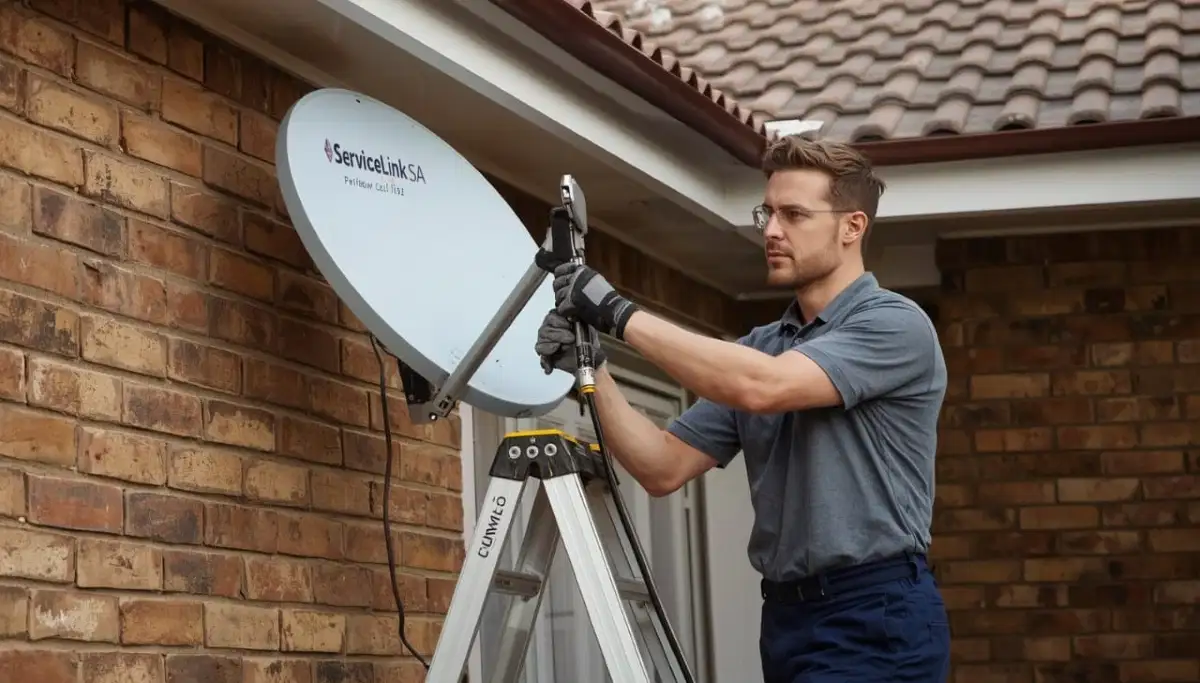
Still Getting “DSTV No Signal”?
You’ve tried our fixes and still have no picture. Don’t waste another evening frustrated.
Get same-day help from a verified, accredited DSTV installer near you.
Free quotes. Verified installers. Same-day service available.
🌳 Cause #6: Obstructions (Trees, Buildings, New Construction)
Your dish needs a clear line of sight to the northeastern sky. If something has grown, been built,
or moved into that line of sight, you’ll experience signal loss – often at specific times of day.
Common obstructions:
- Trees: Growing branches, especially during summer when leaves are full
- New buildings: A neighbour’s new extension or a new development in your line of sight
- Construction cranes: Temporary but can block signal for months
- Your own home additions: New roof structures or solar panels can reflect or block signals
How to diagnose obstruction:
- Signal loss occurs at specific times of day (when the sun is at a certain angle)
- Signal is worse in summer (leaves on trees) than winter
- Signal gradually degraded over months, not suddenly
- You can see something in the line of sight from your dish’s perspective
Solutions:
- Trim trees: Remove branches in the signal path (check with neighbours if the tree isn’t yours)
- Relocate the dish: Move to a different wall or position with clearer view
- Raise the dish: Mount on a taller pole to clear obstructions
- Switch to communal system: In complexes, ask about the communal DSTV system
📊 Signal Strength vs Signal Quality: Understanding the Difference
One of the most important things to understand when diagnosing dstv signal problem issues
is the difference between signal strength and signal quality. Most homeowners don’t know this distinction,
and it leads to misdiagnosis.
| Reading Type | What It Measures | Good Range | Low Reading Indicates |
|---|---|---|---|
| Signal Strength | Power of the signal reaching your decoder | 70% – 99% | Dish misalignment, long cable run, damaged cable |
| Signal Quality | Clarity/usability of the signal (error rate) | 70% – 100% | LNB problem, interference, water damage, bad alignment |
Diagnosis table based on your readings:
| Strength | Quality | Likely Problem | Solution |
|---|---|---|---|
| Low (<40%) | Low (<40%) | Major misalignment or obstruction | Professional realignment |
| Good (70%+) | Low (<40%) | LNB failure or cable interference | LNB replacement or cable check |
| Fluctuating | Fluctuating | Loose connection or intermittent obstruction | Check all connections, trim trees |
| Zero (0%) | Zero (0%) | Disconnected cable, dead LNB, or decoder port failure | Check cable connections, test different decoder port |
🔢 Understanding DSTV Error Codes: What They Really Mean
Your decoder’s error messages tell you a lot about what’s wrong. Here’s what the most common codes actually mean:
-
E48-32 or “No Signal”: The decoder cannot detect any satellite signal at all.
This usually means dish misalignment, disconnected cable, or dead LNB.
Read our E48-32 fix guide. -
E30-4 or “Searching for signal”: The decoder can see some signal but can’t lock onto it.
Usually means poor alignment or weak LNB. Read our searching for signal fix guide. -
E140-3: Smartcard error – your card isn’t paired with the decoder.
Call DSTV or use MyDSTV app to pair. - E48-32 with good signal readings: Decoder software glitch. Try hard reboot (unplug 60 seconds).
- E2-64: Network connection error for streaming features. Check your internet connection.
📞 When to Call a Professional Instead of DIY
While many dstv signal problem issues can be fixed with simple troubleshooting,
some situations absolutely require a professional. Here’s when to stop DIY and call an expert.
-
Your dish is on a high roof or difficult-to-reach location:
Falls from height are the #1 cause of serious DIY injury. A professional alignment costs R450-R900.
A hospital visit costs infinitely more. -
You’ve tried all the fixes and still have no signal after 45 minutes:
Continuing to guess can damage equipment or make the problem worse. -
You see visible damage to your dish, LNB, or cables:
Water damage, corrosion, or physical damage often requires replacement parts and professional diagnosis. -
You have a multi-room (Extra View) setup:
Diagnosing signal issues in complex systems requires specialized knowledge and equipment. -
You live in a complex with a communal DSTV system:
Individual troubleshooting may not work – the problem could be in the building’s distribution system.
Read our communal DSTV installation guide.
For emergency signal restoration, request emergency service through ServiceLink SA.
We have accredited, verified installers ready to help across Gauteng, Western Cape, KwaZulu-Natal, and beyond.
🛡️ Preventing Future Signal Loss: Maintenance That Works
The best fix dstv signal strategy is preventing problems before they start.
Here’s a simple maintenance schedule that takes minutes but saves hours of frustration.
Monthly (5 minutes):
- Check your signal strength and quality readings (Menu → Settings → Signal Detection)
- Write down the numbers. If they’re dropping month by month, you have a gradual problem.
- Visually inspect visible cables for damage or loosening
- Ensure decoder ventilation is clear (prevents overheating and glitches)
Quarterly (15 minutes):
- Gently clean the LNB face with a soft, dry cloth (remove cobwebs, dust, bird droppings)
- Check all accessible F-connectors for tightness
- Trim any tree branches that are approaching your dish’s line of sight
- Test during different weather conditions to identify weaknesses
Annually (Professional recommended):
- Professional signal alignment check and optimization
- LNB performance testing
- Complete system health assessment
- Corrosion prevention treatment (essential for coastal areas like Cape Town and Durban)
For homeowners in coastal areas, read our rain fade solutions guide
and signal loss during rain for specific advice.
❓ Frequently Asked Questions About DSTV Signal Problems
Why does my DSTV keep saying “no signal” even after rebooting?
If you’re still seeing dstv no signal after rebooting, the problem is likely physical – not a software glitch.
Check your cable connections first (40% of cases), then check signal strength readings.
If strength is below 40%, your dish is likely misaligned or blocked. If strength is good but quality is poor,
your LNB may be failing.
How do I fix “DSTV no signal” during rain?
Signal loss during rain is called “rain fade” – raindrops absorb satellite signals.
If this happens frequently, ensure your dish is optimally aligned during clear weather (85%+ signal quality),
consider upgrading to a larger 80cm dish, and check for water in your cables.
Read our complete rain fade guide for permanent solutions.
What does E48-32 mean on my DSTV decoder?
E48-32 is the most common dstv signal problem error code. It means your decoder cannot detect any satellite signal.
This is usually caused by dish misalignment, a disconnected or damaged cable, a faulty LNB, or severe weather.
Start by checking cable connections, then check signal strength readings.
Read our complete E48-32 fix guide.
Why is my DSTV signal strength good but quality poor?
This indicates a signal loss issue with the quality of the signal, not the power.
The most common causes are: failing LNB (typical lifespan 3-5 years), water or corrosion in cables,
electrical interference from nearby devices, or a damaged F-connector.
Professional diagnosis is recommended as these issues can be tricky to trace.
Can I realign my DSTV dish myself?
Yes, if your dish is ground-mounted or on a single-story wall where you can safely reach it.
Use your decoder’s built-in signal meter (Menu → Settings → Signal Detection) and make tiny 2-3mm adjustments.
However, if your dish is on a high roof, steep pitch, or any location where you feel unsafe – DO NOT attempt it.
Request professional alignment for R450-R900. Your safety is not worth the savings.
How much does it cost to fix DSTV signal problems?
Dstv repair cost for signal issues varies: simple realignment R450-R900,
LNB replacement R350-R700, cable repair R450-R750, decoder troubleshooting R200-R400 (call-out fee).
Many reputable installers credit the call-out fee toward the repair if you proceed.
Get a free quote from verified local installers.
Why does my DSTV lose signal at the same time every day?
This is almost always an obstruction problem. Something is blocking your dish’s line of sight at a specific time of day
– usually a tree, building, or other structure. As the sun moves, the obstruction casts a “shadow” over your dish’s signal path.
Walk outside at the time of signal loss and look toward your dish. You’ll likely see what’s blocking it.
How do I check my DSTV signal strength?
Press “Menu” on your DSTV remote, then navigate to Settings → System Settings → Signal Detection.
You’ll see two readings: Signal Strength (power of the signal) and Signal Quality (clarity/error rate).
Both should be above 70% for reliable viewing. If either is below 50%, you have a dstv signal problem
that needs attention.
Can load shedding cause DSTV signal problems?
Load shedding itself doesn’t affect the satellite signal, but sudden power loss can corrupt your decoder’s software
or damage sensitive components if you don’t have surge protection. Always use a surge-protected power strip.
After load shedding, if you see “no signal,” perform a hard reboot (unplug 60 seconds, then plug back in).
This usually resolves load shedding-related decoder glitches.
When should I call a professional for DSTV signal loss?
Call a professional if: your dish is on a high/inaccessible roof, you’ve tried all troubleshooting steps for over an hour with no success,
you see visible damage to your dish or LNB, you have a multi-room (Extra View) setup with complex cabling,
or you live in a complex with a communal system. Request emergency signal help for same-day service.
✅ Final Thoughts: Don’t Let Signal Problems Ruin Your Entertainment
Seeing dstv no signal on your screen is frustrating – especially when you’re trying to relax,
watch the big game, or enjoy a movie night with the family. But here’s what I want you to remember:
most signal problems are quick and easy to fix.
Start with the simple checks: reboot your decoder, check your cable connections, and verify your TV is on the right input.
If that doesn’t work, move through the 6 causes in this guide. In most cases, you’ll have your signal back in under 15 minutes.
But if you’ve tried everything and still have signal loss, don’t waste another evening frustrated.
Professional help is just a phone call away. ServiceLink SA connects you with verified, accredited DSTV installers
who can diagnose and fix signal problems fast – often the same day.
Still Getting “DSTV No Signal”?
Stop troubleshooting and start watching. Get same-day help from a verified, accredited DSTV installer near you.
Free quotes. No obligation. Service across South Africa.
📞 Call us: 073 138 4726 for immediate signal assistance.
Free signal inspection •
How to choose an installer •
Our guarantees
📚 Official resources & standards referenced:
- Official DSTV troubleshooting guide – Official signal problem diagnosis.
- SABS – South African Bureau of Standards signal quality standards.
Information provided for general guidance. DSTV is a registered trademark of MultiChoice.
Signal troubleshooting steps are based on 21+ years of industry experience and official documentation.
Written by: Innocent T Hanyani
Satellite & Home Entertainment Installation Specialist | 21+ Years Experience
Innocent T Hanyani has over two decades of experience in satellite television installations, signal distribution systems,
and home entertainment setups across South Africa. He has worked closely with DSTV installers, technicians, and property owners
to understand the technical and practical aspects of signal troubleshooting, extra view configurations, and multi-room distribution.
His insights help homeowners understand installation costs, choose reliable installers, and avoid common issues that affect signal quality.
For more help with DSTV signal problems, explore our related resources:
E48-32 error fix,
searching for signal fix,
improve signal strength,
signal loss during rain,
why is my DSTV not working,
picture freezing fix.
See our service areas page for coverage in your region.