
Tried These Fixes and Still Getting E48-32?
Get same-day emergency help from a verified, accredited DSTV installer near you.
We’ll diagnose and fix your signal problem fast.
Servicing Gauteng, Johannesburg, Pretoria, Sandton, Centurion, Midrand, and across South Africa
DSTV E48-32 Error: Fix No Signal in 10 Minutes (Step-by-Step Guide)
📡 That blue screen with E48-32 is frustrating – but here’s how to fix it yourself in under 10 minutes.
You’ve just sat down to watch the rugby. You grab the remote, press the power button, and… nothing.
Just a blue screen with that dreaded error code: dstv e48-32 error.
Your heart sinks. The match is about to start. What do you do?
First, don’t panic. The e48-32 error code is one of the most common DSTV problems,
and in most cases, it’s fixable in under 10 minutes without any special tools or technical knowledge.
You don’t need to climb on your roof. You don’t need to call a technician (yet).
In this guide, I’ll walk you through exactly how to fix dstv e48-32 no signal error.
We’ll start with the simplest fixes (30 seconds) and work our way up. By the end,
you’ll either have your signal back or know exactly when to call a professional.
For a broader troubleshooting guide, read our
DSTV no signal guide.
For searching issues, see searching for signal fix.
And for improving weak signals, read signal improvement guide.
📋 Table of Contents – Fix DSTV E48-32 Error Guide
🔍 What Is the DSTV E48-32 Error?
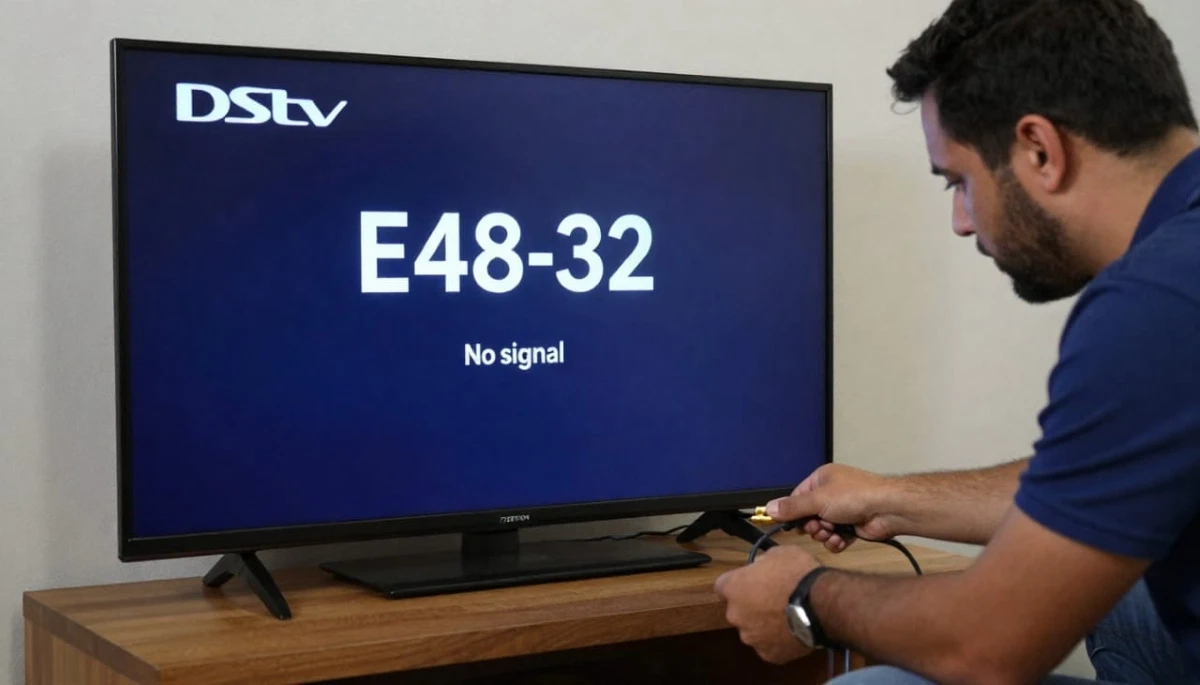
The dstv e48-32 error is DSTV’s way of saying: “My decoder cannot detect any satellite signal.”
It’s the most common error code and appears as a blue screen with the E48-32 code and often a “No Signal” message.
What the error actually means:
- Your decoder is powered on and working
- But it’s not receiving any signal from your satellite dish
- The signal path from satellite → dish → LNB → cables → decoder is broken somewhere
Common causes (from most to least likely):
- Loose or disconnected cable (40% of cases)
- Decoder software glitch (25% of cases)
- Dish misalignment (20% of cases)
- LNB failure (10% of cases)
- Subscription or smartcard issue (5% of cases)
- Severe weather (temporary – wait 20-30 minutes)
✅ Good News:
Over 65% of E48-32 errors are fixed by simple reboots or checking cable connections.
You don’t need to be a technician. You don’t need special tools.
Start with the quick fixes below – you’ll likely have your signal back in minutes.
⚡ Quick Fixes: Do These First (2 Minutes)
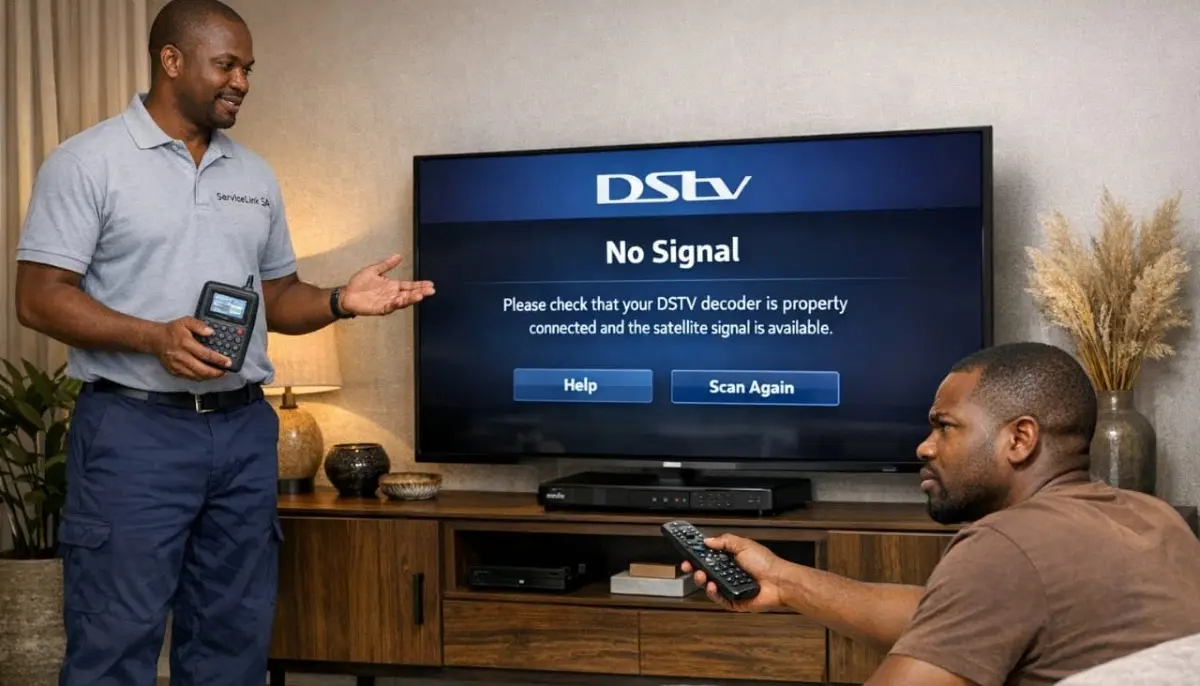
Before you do anything else, try these 30-second fixes. They solve most e48-32 error code issues.
✅ Emergency Quick Fix Checklist:
- Check your TV input source: Press “Source” or “Input” on your TV remote – make sure you’re on the correct HDMI/AV channel.
- Check the decoder’s front panel: Are there lights? If not, check power.
- Check the satellite cable at the decoder: Ensure it’s firmly screwed into the “SAT IN” port.
- Reboot your decoder: Unplug from power for 60 seconds, then plug back in. Wait 2 minutes.
- Check if other channels work: Sometimes only some channels are affected (different issue).
Still seeing the dstv e48-32 error? Let’s work through the fixes in order.
🔄 Fix #1: Reboot Your Decoder (The Hard Reset)
The most common cause of how to fix dstv e48-32 no signal is a simple decoder glitch.
A reboot clears the decoder’s memory and forces it to re-establish communication with the satellite.
How to properly reboot your decoder:
- Unplug your decoder from the power outlet (don’t just turn it off with the remote)
- Wait a full 60 seconds (this allows capacitors to discharge)
- Plug the decoder back in
- Wait 2-3 minutes for the decoder to fully boot and acquire channels
- Check if the error has cleared
Why this works:
Decoders are small computers. Like all computers, they can freeze or glitch.
A hard reboot clears temporary memory, resets software, and forces the decoder to re-scan for satellite signals.
This fixes about 25% of E48-32 errors.
For more reboot instructions, read our
how to reset your decoder guide.
🔌 Fix #2: Check All Cable Connections
Loose or disconnected cables cause 40% of dstv e48-32 error cases.
This is the most common physical cause – and the easiest to fix.
What to check:
- At the decoder: Ensure the satellite cable is firmly screwed into the “SAT IN” or “LNB IN” port. Hand-tight plus a quarter turn with a wrench.
- At the wall outlet: If you have a wall plate for DSTV, check both ends of the cable.
- At the dish: Follow the cable outside to your dish. Check that the F-connector is tight on the LNB.
- Check for damage: Look for cracks, cuts, rodent damage, or water corrosion on connectors.
How to spot corrosion:
Green or white powdery substance on the metal connector means water has gotten in.
This requires replacing the connector – a professional can do this quickly.
💡 Pro Tip:
If you have multiple cables (Extra View setup), swap the cables between decoders.
If the problem moves to the other decoder, you know the cable is the issue.
This is a quick way to diagnose cable problems.
Still Getting E48-32 After Trying These Fixes?
Don’t waste another evening frustrated. Get same-day emergency help from a verified,
accredited DSTV installer near you. Free quotes. No obligation.
Same-day service available in most areas.
📊 Fix #3: Check Your Signal Readings
Your decoder has a built-in signal meter that tells you exactly what’s happening.
This is crucial for diagnosing signal loss issues.
How to check signal readings:
- Press “Menu” on your remote
- Navigate to Settings → System Settings → Signal Detection (or Tuner Status)
- Look at Signal Strength and Signal Quality percentages
What your readings mean for E48-32:
- Both at 0%: Complete signal loss – likely disconnected cable or dead LNB
- Strength below 40%, Quality below 40%: Dish misalignment or major obstruction
- Strength above 60%, Quality below 40%: LNB or skew issue – not alignment
- Fluctuating readings: Loose connection or intermittent obstruction (tree branches moving)
For more on interpreting readings, read our
signal strength guide.
💳 Fix #4: Check Your Subscription Status
Sometimes E48-32 appears when your subscription has expired or your smartcard isn’t paired correctly.
This is rare but worth checking.
How to check your subscription:
- Press “Menu” → General Information → Subscription
- Check if your subscription is active and paid up
- Log into the MyDSTV app or website to verify payment status
- Check if your smartcard is inserted properly (remove, clean contacts with soft cloth, reinsert)
If your subscription is expired, renew it. The error may clear within minutes.
If your smartcard needs pairing, call DSTV customer care or use the MyDSTV app.
🌧️ Fix #5: Check for Weather Issues (Rain Fade)
If it’s raining heavily when you see E48-32, you may be experiencing “rain fade.”
Heavy rain can absorb satellite signals, causing temporary signal loss.
What to do:
- Wait 20-30 minutes for the rain to lighten or stop
- If the signal returns, your system is working normally
- If you lose signal during light rain, your baseline signal is marginal – you need professional help
For permanent solutions to rain fade, read our
rain fade guide
and permanent solutions guide.
🌳 Fix #6: Check for Obstructions
Your dish needs a clear line of sight to the northeastern sky.
If something is blocking that view, you’ll get E48-32.
What to check:
- Trees – has a branch grown into the line of sight?
- New buildings – has a neighbour built an extension?
- Your own property – new solar panels, roof structures, or water tanks?
- Seasonal changes – signal worse in summer (leaves) than winter (bare branches)?
How to check:
Stand near your dish and look northeast at approximately 35° elevation.
Can you see anything in that path? If yes, that’s likely your problem.
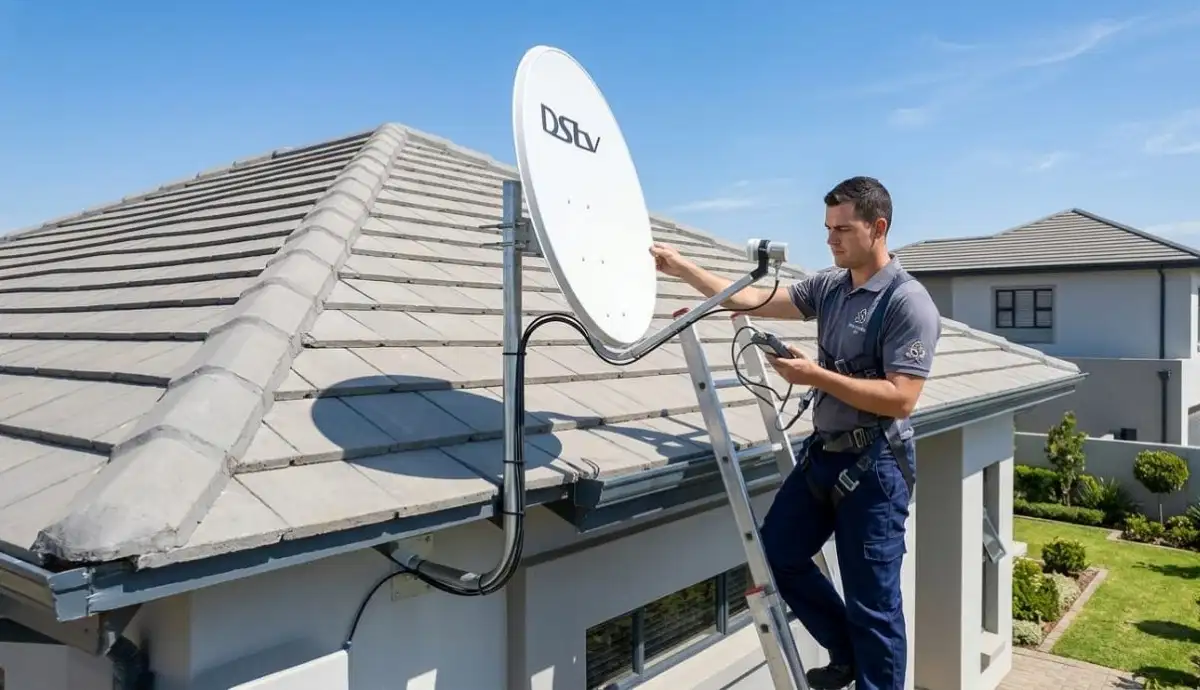
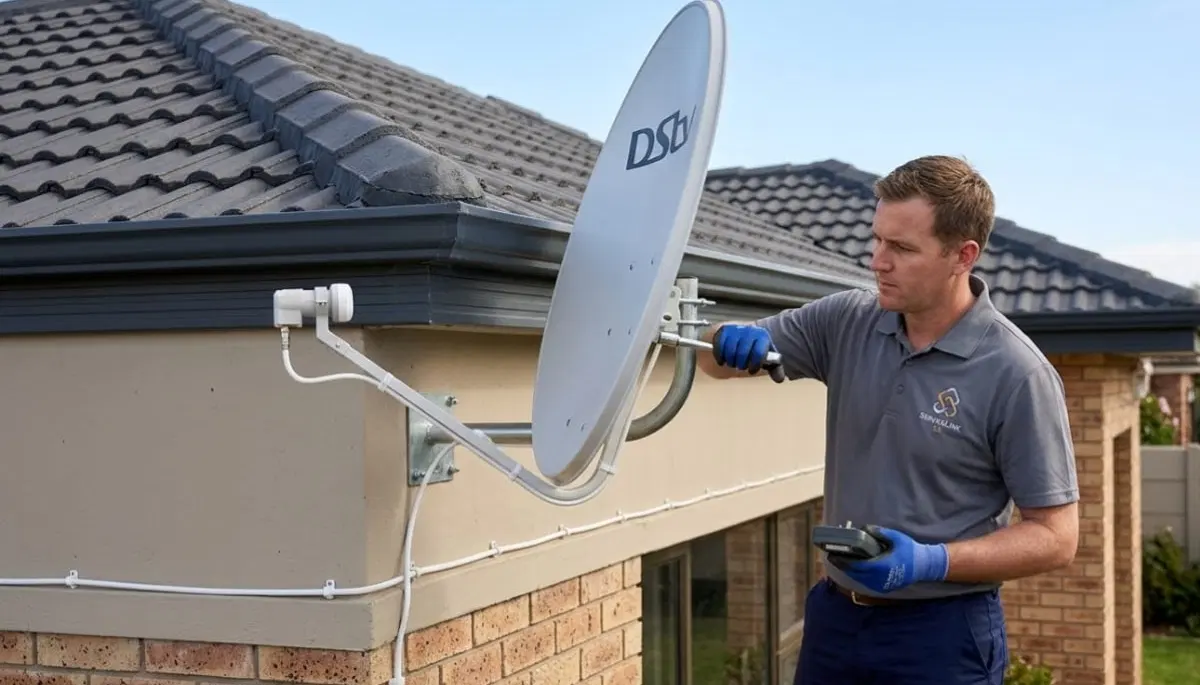
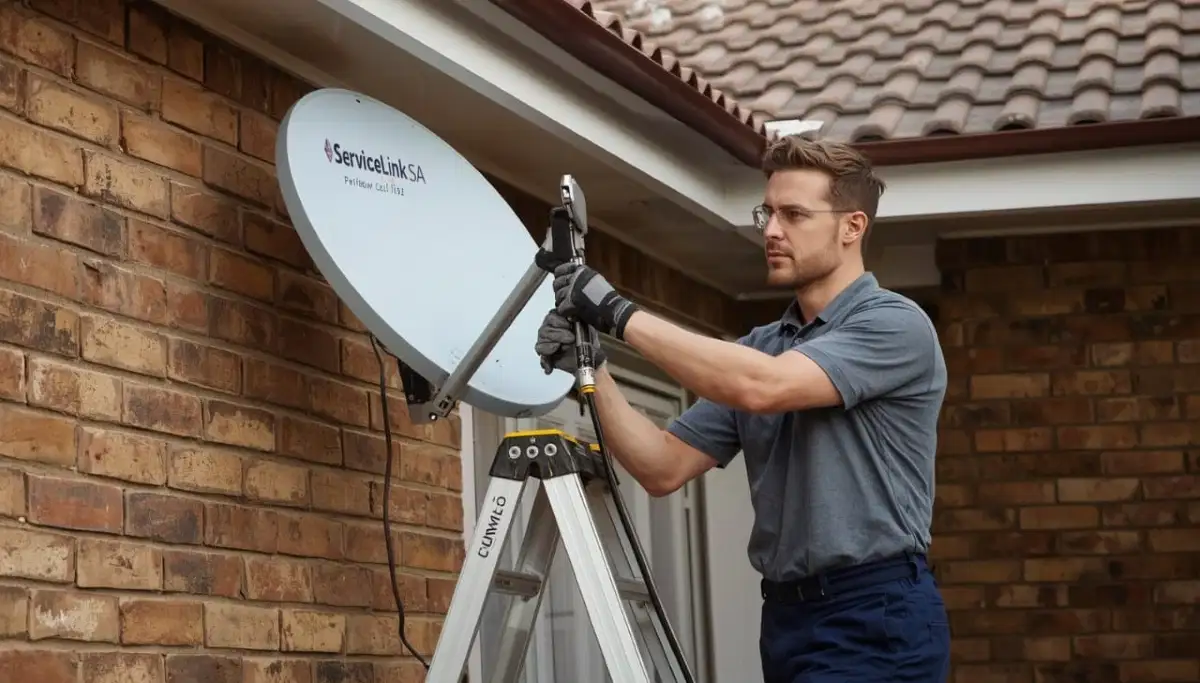
📡 Fix #7: Realign Your Dish (Professional Help Recommended)
If you’ve tried everything above and still have the dstv e48-32 error,
your dish is likely misaligned. This requires professional help.
⚠️ Warning: Roof Work is Dangerous
Dish alignment requires working at height, using a signal meter, and making tiny adjustments.
If your dish is on a roof or any location where you feel unsafe,
DO NOT attempt this yourself. Request professional alignment for R450-R900.
What professional alignment includes:
- Technician uses a professional signal meter (not just decoder readings)
- Makes tiny adjustments to azimuth, elevation, and LNB skew
- Targets 85%+ signal strength and quality
- Weatherproofs all connections after alignment
- Includes warranty on the work
For DIY alignment instructions (ground-level only), read our
dish alignment guide.
🔢 Other Related DSTV Error Codes
Sometimes you might see different error codes. Here’s what they mean compared to E48-32.
| Error Code | What It Means | vs E48-32 |
|---|---|---|
| E48-32 | No signal from satellite at all | Complete signal loss |
| E30-4 / “Searching for signal” | Decoder sees some signal but can’t lock on | Partial signal – better than E48-32 |
| E47-4 / E47-5 | Smartcard authorization failed | Subscription issue – not signal |
| E16-4 | Hard drive failure (Explora) | Recording issue – not signal |
| E14-0 / E14-4 | No satellite signal found (similar to E48-32) | Same as E48-32 on some decoders |
For complete error code guidance, refer to the
official DSTV error code guide.
Read our searching for signal fix guide for E30-4 errors.
🛡️ Preventing Future E48-32 Errors
Once you’ve fixed the dstv e48-32 error, here’s how to prevent it from happening again.
Preventative maintenance schedule:
- Monthly: Check signal readings – if they’re dropping gradually, you have a developing problem
- Quarterly: Visually inspect cables for damage or loose connections
- After storms: Check signal readings – high winds can misalign dishes
- Annually: Professional signal check and alignment optimisation
Other prevention tips:
- Use surge-protected power strips to protect your decoder
- Keep decoder vents clear for proper ventilation
- Trim trees that are approaching your dish’s line of sight
- If you live in a coastal area, use corrosion-resistant connectors
📞 When to Call a Professional for E48-32
While many how to fix dstv e48-32 no signal issues are DIY-friendly,
some situations require professional help.
- You’ve tried all the fixes and still have no signal after 20 minutes – Continuing to guess wastes time
- Your dish is on a high or difficult-to-reach roof – Safety first – don’t risk a fall
- You see visible damage to your dish, LNB, or cables – Requires replacement parts and professional diagnosis
- Your signal readings show good strength but poor quality – Likely LNB failure (needs replacement)
- You have a multi-room (Extra View) setup – Complex systems need specialised knowledge
- You live in a complex with a communal system – The problem may be in the building’s distribution
For professional help, request emergency service through ServiceLink SA.
We have accredited, verified installers ready to help across South Africa.
Signal repair costs R450-R900 for realignment, R350-R700 for LNB replacement.
❓ Frequently Asked Questions About E48-32 Error
What does E48-32 mean on my DSTV decoder?
Dstv e48-32 error means your decoder cannot detect any satellite signal.
It’s the most common DSTV error code and appears as a blue screen with “No Signal.”
Causes include loose cables (40%), decoder glitches (25%), dish misalignment (20%),
LNB failure (10%), or subscription issues (5%).
How do I fix E48-32 on my DSTV decoder?
To fix e48-32 error code: reboot your decoder (unplug 60 seconds),
check all cable connections (tighten any loose F-connectors),
check your signal readings (Menu → Settings → Signal Detection),
and verify your subscription is active.
If these don’t work, you may need professional dish alignment or LNB replacement.
Why does my DSTV keep showing E48-32 after rebooting?
If how to fix dstv e48-32 no signal doesn’t work after rebooting,
the problem is likely physical – not a software glitch.
Check cable connections first (40% of cases), then check signal readings.
If strength is below 40%, your dish is likely misaligned.
If strength is good but quality is poor, your LNB may be failing.
Is E48-32 the same as “No Signal”?
Yes. The dstv e48-32 error is DSTV’s specific error code for “No Signal.”
Some decoders show the code E48-32, others show “No Signal” on the screen.
Both indicate the same problem: your decoder cannot detect any satellite signal.
Can bad weather cause E48-32?
Yes. Heavy rain can cause signal loss (rain fade), leading to E48-32.
If it’s raining heavily, wait 20-30 minutes for the rain to lighten.
If the error clears, your system is working normally.
If you get E48-32 during light rain, your baseline signal is marginal – you need professional help.
How much does it cost to fix E48-32 error professionally?
Professional repair costs for dstv e48-32 error: simple realignment R450-R900,
LNB replacement R350-R700, cable repair R450-R750.
Many reputable installers credit the call-out fee toward the repair if you proceed.
Get a free quote from verified local installers.
Can a power surge cause E48-32?
Yes, power surges (common after load shedding) can damage your decoder’s LNB input port,
causing e48-32 error code. Use a surge-protected power strip to prevent this.
If your decoder works but shows E48-32 after a surge, the LNB input may be damaged.
Test with a known working decoder to confirm.
What’s the difference between E48-32 and E30-4?
E48-32 means NO signal at all (0%). E30-4 means the decoder sees SOME signal but can’t lock onto it.
E30-4 is often called “Searching for signal.” E48-32 is more severe – complete signal loss.
Both require similar troubleshooting, but E30-4 may indicate marginal signal rather than complete failure.
How long does it take to fix E48-32?
Simple how to fix dstv e48-32 no signal issues take 5-10 minutes (reboot, check cables).
Professional realignment takes 1-2 hours. LNB replacement takes 1-2 hours.
Most problems are resolved within 2 hours of calling a professional.
Can I prevent E48-32 from happening again?
Yes. Monthly: check signal readings for gradual degradation. Quarterly: inspect cables for damage.
After storms: check signal readings (high winds can misalign dishes).
Annually: professional signal check and alignment optimisation.
Use surge protection and keep decoder vents clear.
✅ Final Thoughts: E48-32 Is Fixable
The dstv e48-32 error is frustrating – especially when you’re trying to watch important content.
But here’s what I want you to remember: in most cases, it’s fixable in under 10 minutes without professional help.
Start with the quick fixes: reboot your decoder and check your cable connections.
These two steps solve over 65% of E48-32 cases.
If that doesn’t work, check your signal readings and verify your subscription is active.
If you’ve tried everything and still have the error, don’t waste another evening frustrated.
Professional help is just a phone call away. ServiceLink SA connects you with verified,
accredited DSTV installers who can diagnose and fix signal problems fast – often the same day.
Still Getting E48-32? Let Us Help.
Stop troubleshooting and start watching. Get same-day help from a verified, accredited DSTV installer near you.
Free quotes. No obligation. Service across South Africa.
📞 Call us: 073 138 4726 for immediate assistance.
Free signal inspection •
How to choose an installer •
Our guarantees
📚 Official resources & standards referenced:
- Official DSTV error code guide – Complete error code reference.
- SABS – South African Bureau of Standards signal quality standards.
Information provided for general guidance. DSTV is a registered trademark of MultiChoice.
Troubleshooting steps are based on 21+ years of industry experience and official documentation.
Written by: Innocent T Hanyani
Satellite & Home Entertainment Installation Specialist | 21+ Years Experience
Innocent T Hanyani has over two decades of experience in satellite television installations and troubleshooting across South Africa.
He has diagnosed and fixed thousands of E48-32 errors, from simple cable issues to complex LNB and alignment problems.
His practical, step-by-step approach focuses on solving problems efficiently while prioritising safety.
For more help with DSTV errors, explore our related resources:
no signal guide,
searching for signal fix,
improve signal strength,
rain fade guide,
why is my DSTV not working.
See our service areas page for coverage in your region.