
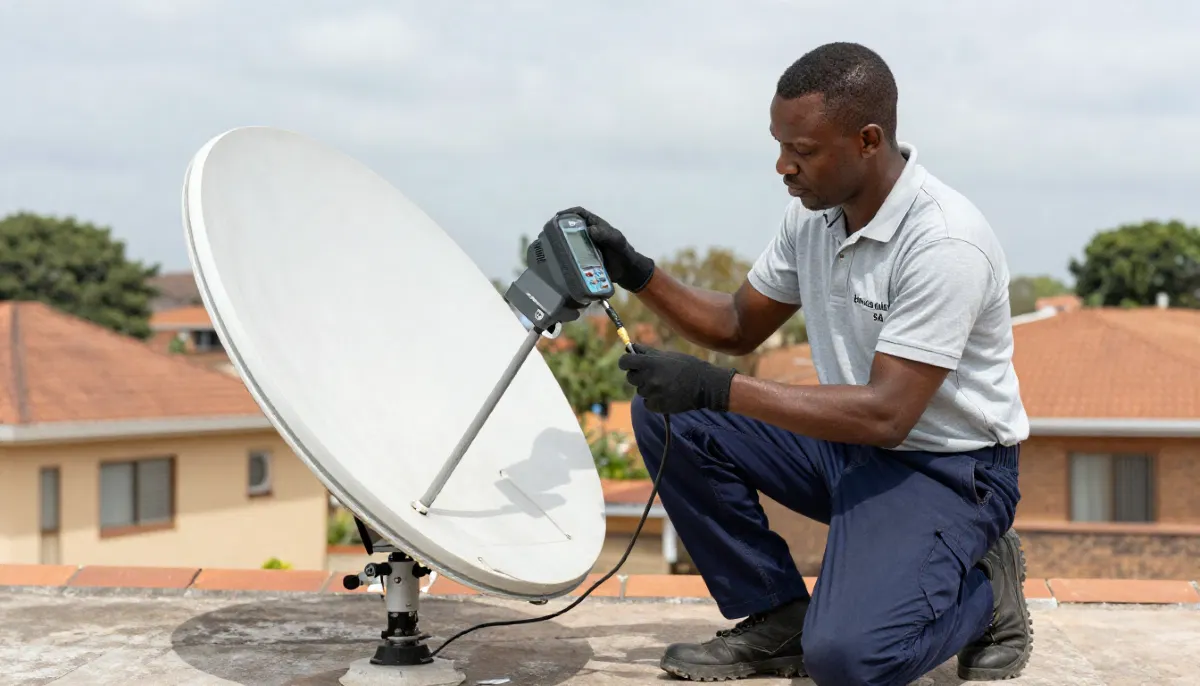
Struggling to Get Your Signal Right?
Get a professional alignment from a verified, accredited DSTV installer near you.
Same-day service available across South Africa.
Request Professional Alignment
Servicing Eastern Cape, Free State, Northern Cape, Port Elizabeth, Bloemfontein, Kimberley, and across South Africa
DSTV Dish Alignment: Get Perfect Signal Strength in 15 Minutes (No Experience Needed)
📡 Stop living with pixelation and “No Signal” errors. Learn how to align your DSTV dish like a pro.
Your picture is freezing. The pixelation is getting worse. And during the last thunderstorm,
you lost signal completely. You know something is wrong with your dish alignment,
but you have no idea how to fix it.
Here’s the good news: dstv dish alignment is not as complicated as it seems.
With the right technique and a little patience, you can restore your signal to perfect clarity
in under 15 minutes. You don’t need to be a technician. You don’t need expensive tools.
You just need to follow this guide.
In this complete align dstv satellite dish guide, I’ll show you exactly how to:
find the correct direction, use your decoder’s built-in signal meter, make micro-adjustments
for maximum signal, and lock in your alignment so it stays perfect.
If you’re asking “how to align dstv dish for best signal”, you’ve come to the right place.
And if you’d rather skip the DIY, request a professional alignment – it costs R450-R900 and includes a warranty.
For a complete understanding of signal problems, read our
DSTV no signal guide.
For installation basics, see satellite dish installation guide.
And for improving weak signals, read signal improvement guide.
📋 Table of Contents – DSTV Dish Alignment Guide
⚠️ Signs Your DSTV Dish Needs Alignment
Before you start adjusting anything, confirm that alignment is actually the problem.
Here are the classic signs of satellite dish pointing issues.
Definite alignment problems:
- Signal strength below 50% – Check in Menu → Settings → Signal Detection
- Pixelation or freezing on all channels – Not just one or two
- Signal loss during light rain – Heavy rain affects everyone, but light rain shouldn’t kill signal
- Signal loss after high winds or storms – Wind can move your dish by millimetres
- Gradual signal degradation over weeks/months – Dishes can slowly settle or shift
- Error code E48-32 or “No Signal” – Complete loss of satellite signal
Not alignment problems (check these first):
- Only some channels missing – Likely LNB or subscription issue, not alignment
- Intermittent signal that comes and goes – Could be loose connection or tree obstruction
- Signal fine, but no picture on TV – Check TV input source or HDMI cable
💡 Quick Check:
Before climbing to your dish, check your signal readings. Press Menu → Settings → Signal Detection.
If strength is below 50% and quality is below 40%, alignment is almost certainly the issue.
If strength is above 70% but quality is below 40%, your LNB or cables are the problem – not alignment.
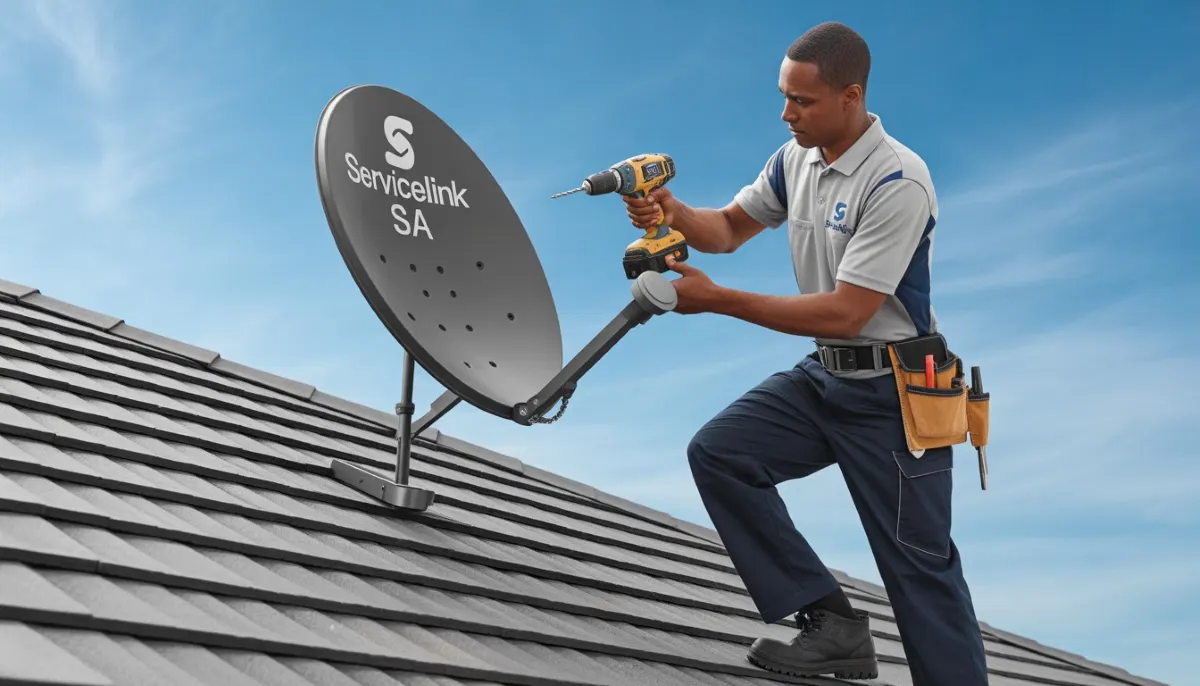
🛠️ Tools You’ll Need for DSTV Dish Alignment
Before you begin dstv signal setup, gather these tools.
Having everything ready will save you multiple trips up and down the ladder.
Essential tools:
- Adjustable wrench – For loosening and tightening dish mounting bolts
- Phillips screwdriver – For LNB adjustments and bracket screws
- Compass or smartphone compass app – For finding the correct azimuth direction
- Smartphone inclinometer app – For measuring elevation angle (free apps available)
- Satellite signal meter (recommended) – Makes alignment much faster (R300-R800)
- Marker pen – To mark the dish’s current position before adjusting
- Helper (optional but helpful) – Someone to watch the TV while you adjust the dish
- Long HDMI cable or portable TV – To see the signal meter while at the dish
Safety equipment (if dish is on a roof):
- Stable ladder – With proper angle and footing on level ground
- Safety harness – For roofs higher than single-story
- Non-slip shoes – Never work in socks or sandals
⚠️ Safety Warning:
If your dish is on a second-story roof, steep pitch, or any location where you feel unsafe,
DO NOT attempt this yourself. Request professional alignment for R450-R900.
A fall from height can cost you your health or your life.
📐 Understanding Azimuth, Elevation & Skew
Before you can align dstv satellite dish correctly, you need to understand the three adjustment angles.
Think of them as three different ways your dish can move.
Azimuth (left/right rotation):
- What it is: The compass direction your dish faces – left to right movement
- South Africa target: Approximately 45° magnetic northeast
- How to adjust: Loosen the bolts that allow the dish to rotate left/right on its mount
- Effect of being wrong: Complete signal loss or very weak signal
Elevation (up/down tilt):
- What it is: The vertical angle of your dish – how high it points
- South Africa target: Approximately 35° above the horizon
- How to adjust: Loosen the bolts that allow the dish to tilt up and down
- Effect of being wrong: Weak signal, pixelation, loss during rain
LNB Skew (rotation of the LNB):
- What it is: The rotation of the LNB itself (the component on the dish arm)
- South Africa target: Approximately -7° clockwise (looking from behind the dish)
- How to adjust: Loosen the LNB mounting bracket, rotate, then re-tighten
- Effect of being wrong: Good strength but poor quality, pixelation
✅ Pro Tip:
Adjust in this order: Azimuth first (get any signal), then Elevation (maximise strength),
then Skew (maximise quality). Don’t try to adjust all three at once – you’ll get confused.
Make small adjustments, wait 5 seconds for the signal to stabilise, then check the meter.
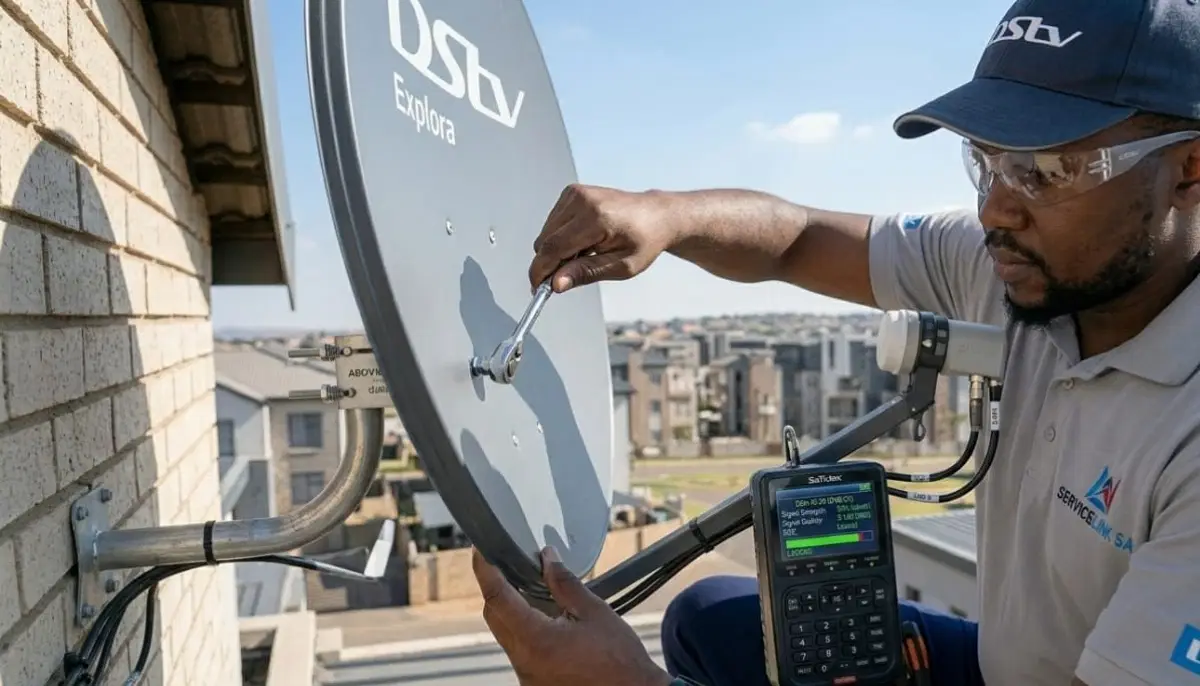
📊 Check Your Current Signal Readings (Before You Touch Anything)
Before you adjust anything, record your current signal readings.
This gives you a baseline and helps you measure improvement.
How to check signal readings on your DSTV decoder:
- Press “Menu” on your remote
- Navigate to Settings → System Settings → Signal Detection (or Tuner Status)
- Note both Signal Strength and Signal Quality percentages
- Write them down – you’ll compare after alignment
- Also note if readings are stable or fluctuating
What your readings mean before alignment:
- Both below 40%: Major misalignment – you may need to start from scratch with angles
- Strength 40-60%, Quality below 40%: Moderate misalignment – fine-tuning should fix it
- Strength above 60%, Quality below 50%: LNB or skew issue – not main alignment
- Fluctuating readings: Loose connection or intermittent obstruction – check cables first
For more on interpreting signal readings, read our
signal improvement guide.
🧭 Finding the Correct Azimuth Direction (Left/Right)
Azimuth is the compass direction your dish faces. This is the first adjustment you’ll make.
How to find the correct azimuth:
- Use a compass app on your smartphone (most have built-in compasses)
- Stand behind your dish (facing the same direction the dish faces)
- Find 45° magnetic northeast on your compass
- Rotate your dish so it points in that direction
- This is your starting point – fine-tuning will follow
Regional variations in South Africa:
- Cape Town area: Approximately 44° magnetic northeast
- Johannesburg/Pretoria: Approximately 45° magnetic northeast
- Durban area: Approximately 46° magnetic northeast
- Bloemfontein: Approximately 45° magnetic northeast
- Port Elizabeth: Approximately 45° magnetic northeast
- Kimberley: Approximately 45° magnetic northeast
📌 Important:
Compasses point to magnetic north, not true north. The numbers above are already adjusted for magnetic variation.
Just point your compass at 45° – you don’t need to do any additional calculations.
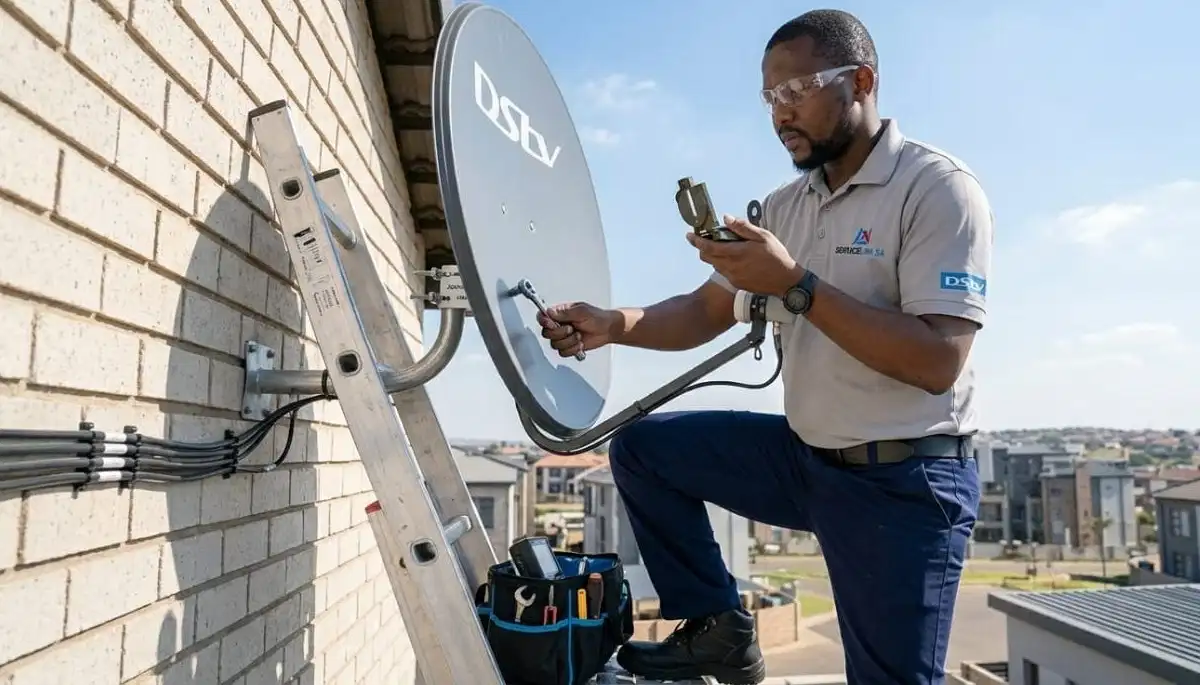
Still Getting Poor Signal After Aligning?
Some signal problems need professional diagnosis. Get a free quote from a verified,
accredited DSTV installer near you. Same-day service available.
Free quotes. Verified installers. No obligation.
📏 Setting the Correct Elevation Angle (Up/Down)
Elevation is the vertical tilt of your dish. Getting this right is critical for signal strength.
How to measure elevation angle:
- Download a free inclinometer app on your smartphone
- Place your phone against the back of the dish (or use the dish’s elevation scale if it has one)
- Adjust the dish’s tilt until your phone reads approximately 35°
- Make sure the dish face is tilting up, not down
Regional variations in South Africa:
- Cape Town area: Approximately 34° elevation
- Johannesburg/Pretoria: Approximately 35° elevation
- Durban area: Approximately 36° elevation
- Bloemfontein: Approximately 35° elevation
- Port Elizabeth: Approximately 35° elevation
- Kimberley: Approximately 35° elevation
No inclinometer app? Use this method:
At arm’s length, make a fist. Your fist is approximately 10° at arm’s length.
Three and a half fists above the horizon is roughly 35°. This is approximate – an app is more accurate.
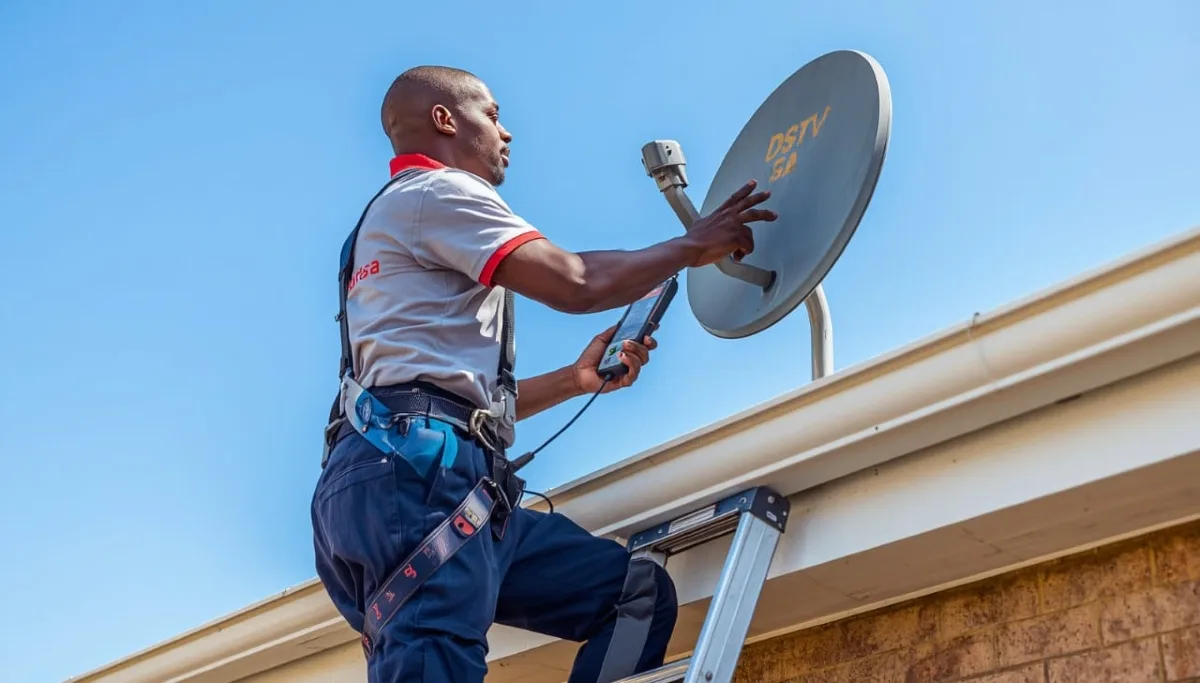
🔄 LNB Skew Adjustment (The Quality Tuner)
LNB skew is often overlooked, but it’s critical for signal quality.
Skew adjusts the rotation of the LNB to match the polarisation of the satellite signal.
What is LNB skew?
Satellite signals are polarised – they arrive in two planes (horizontal and vertical).
Your LNB needs to be rotated to the correct angle to receive both polarisations properly.
Incorrect skew causes good strength but poor quality.
How to adjust LNB skew:
- Look at your dish from behind (facing the same direction as the dish)
- Loosen the LNB mounting bracket slightly
- Rotate the LNB approximately 7° clockwise
- Tighten the bracket and check your signal quality reading
- Fine-tune by rotating slightly in either direction for maximum quality
Signs your skew is wrong:
- Signal strength is good (70%+) but quality is poor (below 50%)
- Some channels work perfectly while others are pixelated
- Signal quality changes when you change channels
📋 Step-by-Step DSTV Dish Alignment
Now it’s time to actually perform the dstv dish alignment.
Follow these steps in order – don’t skip ahead.
Preparation:
- Set your decoder to a working channel (SABC 1 or a DSTV promo channel works well)
- Access the signal meter: Menu → Settings → Signal Detection
- If possible, bring a small TV outside so you can see the meter while at the dish
- If you can’t bring a TV outside, have a helper watch the TV and call out readings
- Mark the dish’s current position with a marker pen – this gives you a reference point
- Loosen the azimuth and elevation bolts just enough to allow movement
Step 1: Find the satellite (azimuth sweep):
- Start with your dish pointing at your estimated azimuth (45° northeast)
- Slowly sweep the dish left to right (about 10° in each direction) while watching the signal meter
- Move very slowly – satellite signals are narrow, and you can “skip over” them if you move too fast
- When you see any signal appear (even 20-30%), stop and tighten the azimuth bolt slightly
Step 2: Peak the signal (elevation fine-tuning):
- Now adjust elevation up and down in tiny increments (2-3mm at a time)
- Watch the signal strength reading – it should increase as you approach the correct angle
- When strength peaks, stop – going past the peak will decrease signal
- Tighten the elevation bolt slightly
Step 3: Fine-tune azimuth again:
- After elevation is set, the peak azimuth may have shifted slightly
- Make tiny left/right adjustments (1-2mm) while watching the meter
- Find the new peak and tighten the azimuth bolt
Step 4: Adjust LNB skew:
- Now focus on signal quality, not strength
- Rotate the LNB slightly clockwise and counter-clockwise
- Find the rotation that gives the highest quality reading
- Tighten the LNB bracket
Step 5: Final locking:
- Carefully tighten all bolts while continuously monitoring the signal
- If signal drops during tightening, loosen and re-adjust – the dish is moving as you tighten
- Once tight, check the signal on multiple channels
📱 Using Your Decoder’s Built-in Signal Meter
Your DSTV decoder has a built-in signal meter that’s surprisingly accurate.
You don’t necessarily need a separate signal meter – though it makes the job faster.
How to access the signal meter:
- Press “Menu” on your remote
- Navigate to Settings → System Settings → Signal Detection
- You’ll see two bars: Signal Strength and Signal Quality
Understanding the meter display:
- Green bars: Good signal – target 75%+ on both
- Yellow bars: Marginal signal – will pixelate during rain
- Red bars: Poor signal – will constantly freeze and lose signal
- No bars: No signal – dish is completely misaligned or cable is disconnected
Pro tip for using the decoder meter:
The decoder meter updates slowly (every 1-2 seconds). Make an adjustment, then wait 3-5 seconds
for the reading to stabilise before making another adjustment. This patience is the key to success.
🎯 Fine-Tuning for Maximum Signal Quality
Once you have a signal, fine-tuning is what takes you from “watchable” to “perfect.”
The “dither” technique:
Once you think you’ve found the peak signal, move the dish slightly past the peak in each direction.
You’ll notice the signal drops off quickly. The peak is the point where the signal is highest.
Return to that point and tighten.
What “perfect” looks like:
- Signal Strength: 85% or higher (target 90%+ in clear weather)
- Signal Quality: 85% or higher (target 90%+ for HD)
- Readings should be stable – not jumping up and down
- All channels should work – check a few different frequencies
If you can’t get good signal:
- Check for obstructions – trees, buildings, or even your own roof
- Verify your LNB is working (try swapping with a known working LNB)
- Check cable quality and connections
- Consider a larger dish (80cm instead of 60cm) if you’re in a fringe area
- If all else fails, request professional help
🔒 Locking Your Alignment in Place
The final step is often where DIY alignments fail. When you tighten bolts,
the dish can move slightly, ruining your perfect alignment.
How to lock alignment without losing it:
- Hold the dish firmly in position with one hand
- With your other hand, tighten the bolt just enough to hold the dish
- Check the signal – if it dropped, loosen and try again while applying counter-pressure
- Once the signal holds, tighten fully while continuously monitoring
- Tighten bolts in a pattern (like a car wheel) to apply even pressure
After locking, verify:
- Check signal on multiple channels (different frequencies)
- Check during different times of day (sun position affects some obstructions)
- If you have an Explora, test recording while watching another channel
- Mark the final position with a marker – this helps if the dish moves later
❌ 5 Common DSTV Dish Alignment Mistakes
⚠️ Avoid These Costly Errors
-
Moving too fast: The decoder’s signal meter updates slowly.
Make a small adjustment, then wait 3-5 seconds for the reading to stabilise.
Patience is essential for how to align dstv dish for best signal. -
Not marking starting position: Always mark where your dish started.
If you get lost, you can return to the original position. -
Ignoring skew: Many DIYers skip skew adjustment, then wonder why quality is poor.
Skew is critical – don’t skip it. -
Over-tightening bolts: Stripped threads or crushed components mean starting over.
“Snug plus a quarter turn” is usually enough. -
Not checking after tightening: The dish often moves when you tighten bolts.
Always re-check signal after fully tightening.
🗺️ Alignment Angles by South African City
| City/Region | Azimuth (magnetic) | Elevation | LNB Skew |
|---|---|---|---|
| Johannesburg/Pretoria (Gauteng) | 45° NE | 35° | -7° |
| Cape Town (Western Cape) | 44° NE | 34° | -7° |
| Durban (KwaZulu-Natal) | 46° NE | 36° | -7° |
| Bloemfontein (Free State) | 45° NE | 35° | -7° |
| Port Elizabeth (Eastern Cape) | 45° NE | 35° | -7° |
| Kimberley (Northern Cape) | 45° NE | 35° | -7° |
| Polokwane (Limpopo) | 45° NE | 34° | -7° |
| Mbombela (Mpumalanga) | 45° NE | 35° | -7° |
*These are approximate values. Fine-tune using your signal meter for best results.
For location-specific services, see our pages for
Eastern Cape,
Free State,
Northern Cape,
Port Elizabeth,
Bloemfontein, and
Kimberley.
❓ Frequently Asked Questions About DSTV Dish Alignment
How do I align my DSTV dish for the best signal?
To align dstv satellite dish for best signal: set azimuth to 45° northeast,
elevation to 35°, then use your decoder’s signal meter to fine-tune.
Make tiny adjustments (2-3mm), wait 5 seconds for readings to stabilise,
and target 85%+ on both strength and quality. Follow our step-by-step guide above.
What is the correct angle for a DSTV dish in South Africa?
For satellite dish pointing in South Africa, the approximate angles are:
azimuth 45° magnetic northeast, elevation 35° above horizon, LNB skew -7° clockwise.
These vary slightly by region – see our city-by-city table above for precise local angles.
Why is my DSTV signal strength good but quality poor?
This classic dstv signal setup problem is usually caused by incorrect LNB skew,
a failing LNB, or water in your cables. Check skew first (rotate LNB slightly while watching quality).
If that doesn’t help, inspect cables for corrosion or consider LNB replacement.
Read our LNB replacement guide.
How often should I realign my DSTV dish?
A professionally installed dish should hold alignment for years. However, after severe storms,
high winds, or if you notice gradual signal degradation, check your signal readings.
If strength has dropped more than 10% from your baseline, realignment may be needed.
Annual checks are recommended for coastal areas where wind is common.
Can I use my phone to align my DSTV dish?
Yes – use a compass app for azimuth, an inclinometer app for elevation,
and your decoder’s built-in signal meter for fine-tuning. This is perfectly adequate for
how to align dstv dish for best signal. You don’t need a separate signal meter,
though it makes the job faster. Free apps are available for both Android and iPhone.
What causes a DSTV dish to go out of alignment?
Common causes: strong winds (especially in coastal areas like Cape Town),
building settlement over time, accidental bumps (from birds, cleaning, or roof work),
loose mounting bolts, or thermal expansion/contraction. Even a 2mm movement can destroy your signal.
How much does professional DSTV dish alignment cost?
Professional dstv dish alignment costs R450-R900 depending on your location
and dish accessibility. In Gauteng, expect R450-R700. In Cape Town and Durban, R600-R900.
Get a free quote from verified local installers.
Read our pricing guide.
Can trees affect my DSTV dish alignment?
Yes. Trees are a common cause of gradual signal degradation. Even if branches weren’t blocking
signal last year, seasonal growth can create obstructions. Signal loss that’s worse in summer (leaves)
than winter (bare branches) indicates tree obstruction. Trimming branches or relocating the dish are the solutions.
What is LNB skew and why does it matter?
LNB skew is the rotation of the LNB to match the satellite’s signal polarisation.
Incorrect skew causes good signal strength but poor quality – pixelation and freezing.
In South Africa, the correct skew is approximately -7° clockwise (looking from behind the dish).
Adjust skew while watching your quality reading for maximum clarity.
When should I call a professional instead of aligning myself?
Call a professional if: your dish is on a high/inaccessible roof, you’ve tried aligning for over an hour with no success,
you see visible damage to your dish or LNB, or you have a multi-room (Extra View) setup.
Professional alignment costs R450-R900 – cheaper than a hospital visit from a fall.
Request emergency signal help.
✅ Final Thoughts: Perfect Signal Is Within Reach
Dstv dish alignment is a skill that anyone can learn with patience and the right technique.
The difference between a poor signal and perfect HD is often just a few millimetres of adjustment.
Follow this guide step by step. Be patient – the decoder’s signal meter updates slowly.
Make tiny adjustments. And most importantly, prioritise your safety. If your dish is on a high roof,
or if you feel uncomfortable at any point, call a professional.
A professional alignment costs R450-R900 and includes a warranty. It’s a small price for perfect signal
and peace of mind. Request a free quote from ServiceLink SA today.
Still Struggling with Your Signal?
Get professional help from a verified, accredited DSTV installer near you.
Same-day service available across South Africa. Free quotes. No obligation.
📞 Call us: 073 138 4726 for immediate signal assistance.
Free signal inspection •
How to choose an installer •
Beat Your Quote guarantee
📚 Official resources & standards referenced:
- Official DSTV signal alignment guide – Official signal alignment information.
- SABS – South African Bureau of Standards alignment and safety standards.
Information provided for general guidance. DSTV is a registered trademark of MultiChoice.
Alignment angles are approximate – always fine-tune using your decoder’s signal meter.
Prioritise safety – hire a professional if you’re uncomfortable with heights.
Written by: Innocent T Hanyani
Satellite & Home Entertainment Installation Specialist | 21+ Years Experience
Innocent T Hanyani has over two decades of experience in satellite dish alignment across South Africa.
He has personally aligned thousands of DSTV dishes and trained dozens of technicians on proper alignment techniques.
His expertise covers everything from basic single-dish alignment to complex multi-dwelling unit systems.
For more help with DSTV dish alignment, explore our related resources:
how to install DSTV,
satellite dish installation,
improve signal strength,
no signal guide,
E48-32 error fix.
See our service areas page for coverage in your region.