
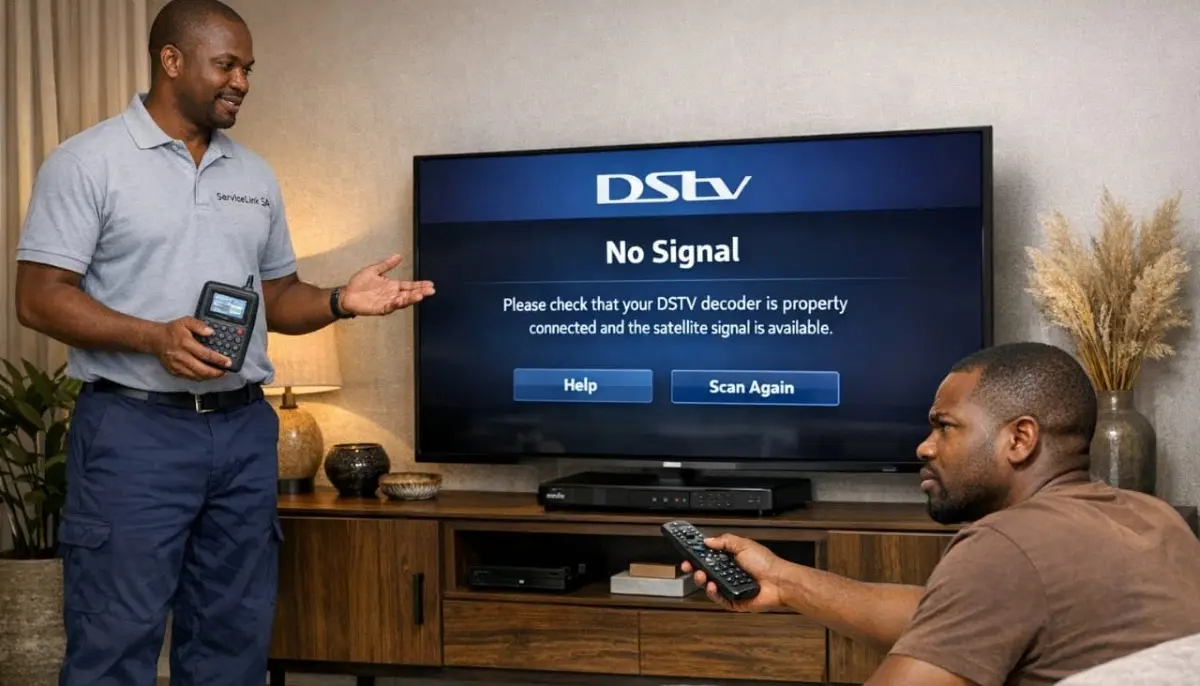
Stuck in the Searching Loop?
Get same-day emergency help from a verified, accredited DSTV installer near you.
We’ll diagnose and fix your signal problem fast.
Servicing Western Cape, Cape Town, Bellville, Stellenbosch, Paarl, Durbanville, and across South Africa
DSTV Searching for Signal? 7 Causes & Fast Fixes (Stop the Spinning Circle)
🔄 That spinning “Searching for Signal” circle is maddening – but here’s how to fix it in minutes.
You’re watching TV. Suddenly the picture freezes. Then a spinning circle appears with the message:
“Searching for signal.” You wait. And wait. The circle keeps spinning. Nothing happens.
Unlike the complete “No Signal” (E48-32) error, dstv searching for signal means your decoder
can see SOME signal, but it can’t lock onto it. It’s like hearing someone talking but not being able to understand the words.
This is often more frustrating than complete signal loss because you know the signal is there – somewhere.
In this guide, I’ll explain the 7 most common causes of the decoder searching for signal loop
and show you exactly how to fix each one. If you’re asking “why does my dstv keep searching for signal”,
you’ve come to the right place.
For complete signal loss (E48-32), read our
E48-32 fix guide.
For broader troubleshooting, see no signal guide.
And for improving weak signals, read signal improvement guide.
📋 Table of Contents – DSTV Searching for Signal Guide
🔍 What Does “DSTV Searching for Signal” Mean?
When your decoder shows dstv searching for signal, it means:
- Your decoder can detect that a satellite signal exists (unlike E48-32 where there’s nothing)
- But the signal is too weak, too corrupted, or too unstable to lock onto
- The decoder is trying to “tune in” to the signal but failing
The difference between “Searching” and “No Signal”:
- E48-32 / No Signal: 0% signal strength – complete loss, nothing detected
- Searching for Signal / E30-4: Some signal detected (10-40%) but quality too poor to lock
Common causes of the searching loop:
- Weak signal quality (most common – 50% of cases)
- Loose or corroded cable connections (25%)
- Incorrect LNB skew (10%)
- Failing LNB (10%)
- Software glitch (5%)
💡 Key Insight:
The “Searching for Signal” loop is actually a GOOD sign compared to complete “No Signal.”
It means your dish is roughly pointing in the right direction – you just need to fine-tune.
This is usually easier and cheaper to fix than complete signal loss.
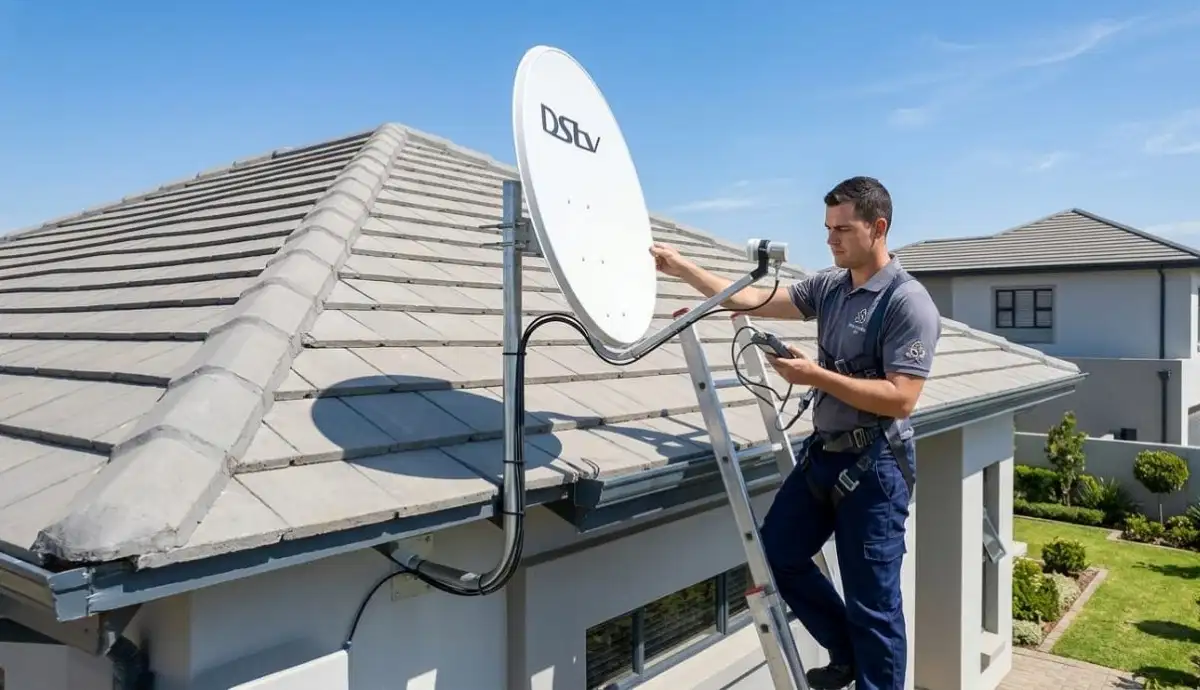
⚡ Quick Fixes: Do These First (2 Minutes)
Before diving into complex troubleshooting, try these quick fixes for dstv signal search loop.
✅ Emergency Quick Fix Checklist:
- Reboot your decoder: Unplug from power for 60 seconds, then plug back in. Wait 2-3 minutes.
- Check cable connections: Ensure the satellite cable is firmly screwed into the decoder’s “SAT IN” port.
- Check your signal readings: Menu → Settings → Signal Detection. Note both strength and quality.
- Check for weather: Heavy rain can cause temporary searching – wait 20 minutes.
- Change channels: Sometimes only specific transponders are affected. Try a different channel.
Still seeing the decoder searching for signal loop? Let’s work through the 7 causes in detail.
📊 Cause #1: Weak Signal Quality (The Most Common)
This is the #1 reason for dstv searching for signal. Your decoder sees a signal,
but the quality is too poor to lock onto.
How to diagnose:
- Press Menu → Settings → Signal Detection
- Look at Signal Strength and Signal Quality
- If Strength is above 60% but Quality is below 40%, this is your problem
What causes weak signal quality:
- Incorrect LNB skew (LNB rotated wrong)
- Failing LNB (old or damaged)
- Water in cables or connectors
- Electrical interference
- Dish slightly misaligned (not enough for complete loss, but enough to degrade quality)
How to fix:
- Check and adjust LNB skew (rotate LNB while watching quality reading)
- Inspect cables and connectors for water damage
- If LNB is old (3-5+ years), consider replacement
- Professional signal optimisation (R450-R900)
🔌 Cause #2: Loose or Corroded Cable Connections
Loose connections cause intermittent signal acquisition problems – the signal comes and goes,
causing the decoder to constantly search.
What to check:
- At the decoder: Ensure the F-connector is tight (hand-tight plus quarter turn)
- At the wall outlet: Check both ends of the cable
- At the LNB: Check the connection at the dish
- Look for corrosion: Green or white powder on connectors means water damage
How to fix:
- Tighten any loose connections
- If corroded, connectors need replacement (professional job)
- If cables are damaged, replace the affected section
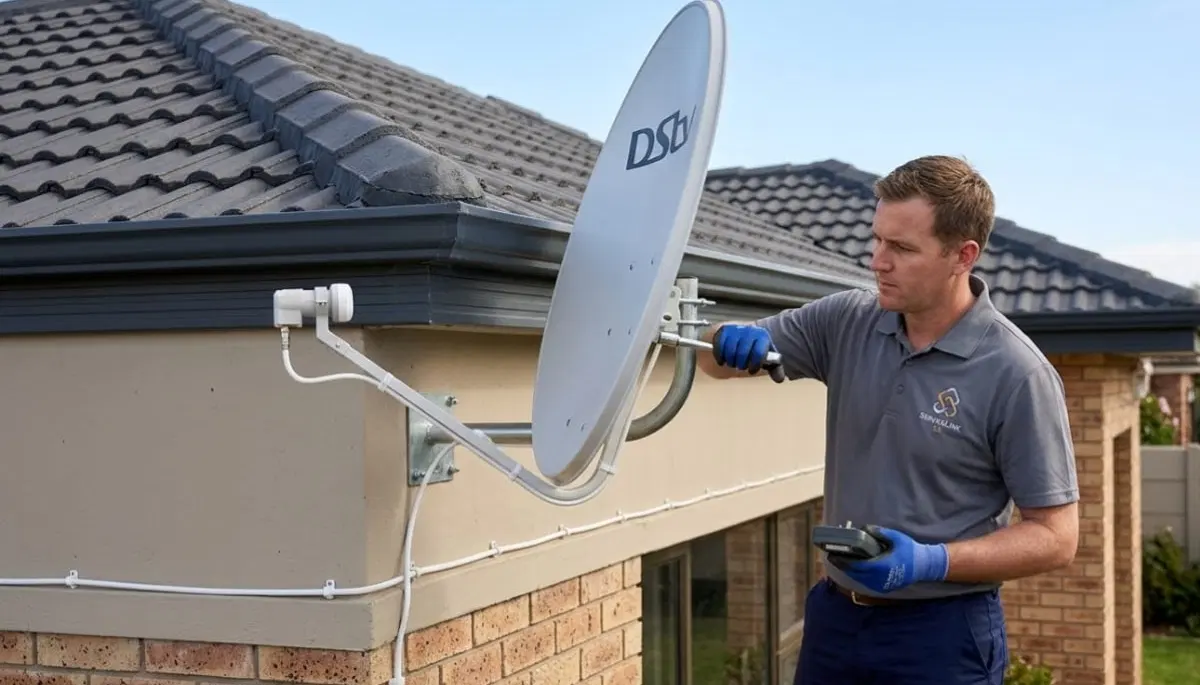
Still Stuck in the Searching Loop?
Don’t waste another evening frustrated. Get same-day emergency help from a verified,
accredited DSTV installer near you. Free quotes. No obligation.
Same-day service available in most areas.
🔄 Cause #3: Incorrect LNB Skew
LNB skew is the rotation of the LNB. If it’s incorrect, you’ll get good strength but poor quality – exactly the scenario that causes searching.
What is LNB skew?
Satellite signals are polarised. Your LNB needs to be rotated to match the polarisation angle.
In South Africa, the correct skew is approximately -7° clockwise (looking from behind the dish).
How to check and adjust skew:
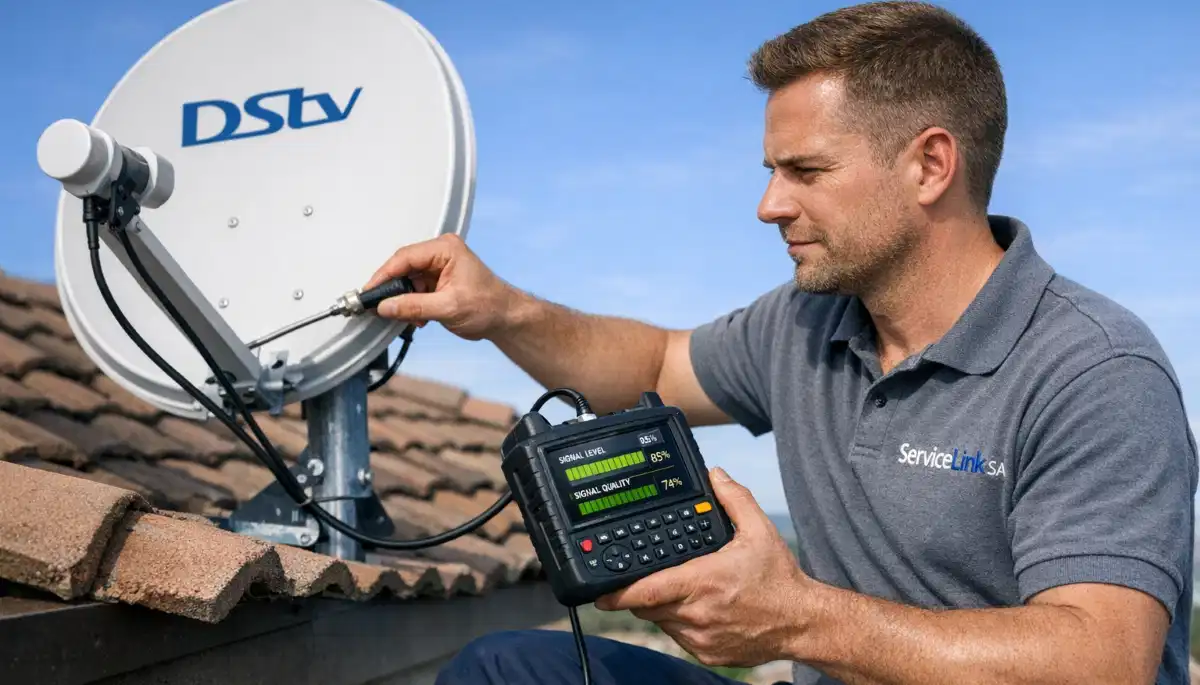
- Access your decoder’s signal meter (Menu → Settings → Signal Detection)
- Loosen the LNB mounting bracket slightly
- Rotate the LNB slowly while watching the Signal Quality reading
- Stop at the position where quality is highest
- Tighten the bracket
💡 Pro Tip:
Mark the LNB’s original position before adjusting. If you make things worse,
you can return to the starting point. This is a safe way to experiment.
🔧 Cause #4: Failing LNB
LNBs have a lifespan of 3-5 years. As they fail, dstv signal search loop is a common symptom.
Signs of LNB failure:
- Good signal strength but poor quality
- Signal works in the morning but searches in the afternoon (heat-related failure)
- Searching loop that comes and goes without pattern
- LNB is more than 4 years old
- Visible damage (cracks, rust, water inside)
How to fix:
LNB replacement is the only solution. A new LNB costs R250-R500 plus installation (R350-R700 total).
This requires working at the dish – professional installation recommended.
Read our LNB replacement guide.
🖥️ Cause #5: Software Glitch (Decoder Freeze)
Sometimes the decoder searching for signal loop is caused by the decoder itself,
not the signal path. A simple reboot often fixes it.
How to fix:
- Unplug decoder from power for 60 seconds (not just standby)
- Wait 60 seconds (allows capacitors to discharge)
- Plug back in and wait 2-3 minutes for full boot
- If problem persists, try a software update: Menu → Settings → Software Update
When software glitch is likely:
- Searching loop started after a power outage or load shedding
- Decoder was working fine, then froze and started searching
- Other channels or inputs work fine (test with another device on same TV)
For more reboot instructions, read our
how to reset your decoder guide.
🌳 Cause #6: Intermittent Obstruction (Trees, Construction)
If your dstv searching for signal happens at specific times of day or in certain weather,
an intermittent obstruction may be the cause.
Signs of intermittent obstruction:
- Signal searches at the same time every day (tree branch moving into path)
- Worse in summer (leaves) than winter (bare branches)
- Signal drops when wind blows (branches moving)
- Problem started after nearby construction
How to fix:
- Trim tree branches in the signal path
- Relocate dish to a different position
- Raise dish higher on a pole to clear obstruction
- If construction is temporary, wait it out
⚡ Cause #7: Electrical Interference
Electrical interference can corrupt the satellite signal, causing signal acquisition problems.
Common interference sources:
- Power cables running parallel to satellite cable (keep 15cm separation)
- Large appliances (microwaves, fridges, air conditioners) near decoder or cables
- Poorly shielded electrical equipment
- Lightning or power surges
How to diagnose:
- Does searching happen when certain appliances are running?
- Try moving decoder away from other electronics
- Check if satellite cable is routed near power cables
How to fix:
- Reroute satellite cable away from electrical wiring
- Use high-quality quad-shield RG6 cable (better interference rejection)
- Move decoder away from large appliances
- Use surge-protected power strips
📡 Understanding Signal Acquisition: What Your Decoder Is Trying to Do
When you see dstv searching for signal, your decoder is going through a process called signal acquisition.
Understanding this helps you diagnose problems.
The signal acquisition process:
- Signal detection: Decoder checks if any signal is present at the LNB input
- Frequency lock: Decoder tries to lock onto the correct frequency (11700-12750 MHz)
- Symbol rate sync: Decoder synchronises with the data stream (27500 or 30000 symbols/sec)
- FEC decoding: Forward Error Correction decodes the signal
- Channel decoding: Decoder extracts the actual TV channel data
Where the process fails:
- If it fails at step 1: E48-32 (No Signal)
- If it fails at steps 2-3: “Searching for Signal” / E30-4
- If it fails at steps 4-5: Pixelation or freezing (signal quality issue)
🌍 Regional Considerations for Searching Signal
Dstv searching for signal issues vary by region. Here’s what to expect.
Western Cape (Cape Town, Bellville, Stellenbosch, Paarl, Durbanville):
- Coastal conditions cause faster LNB degradation – more searching issues as LNBs age
- Mountainous terrain can cause signal reflections – intermittent searching
- Strong winds can misalign dishes – searching after storms is common
- Rain fade is more frequent – temporary searching during heavy rain is normal
- Western Cape installation services
For location-specific services, see our pages for
Cape Town,
Bellville,
Stellenbosch,
Paarl, and
Durbanville.
📞 When to Call a Professional for Searching Signal
While many why does my dstv keep searching for signal issues are DIY-friendly,
some situations require professional help.
- You’ve tried all 7 causes and still have the problem – Professional diagnosis needed
- Your dish is on a high or difficult-to-reach roof – Safety first
- Your signal readings show good strength but poor quality – Likely LNB or skew issue
- You see visible damage to your dish, LNB, or cables – Requires replacement parts
- You have a multi-room (Extra View) setup – Complex systems need specialised knowledge
- The problem started after a lightning storm – Possible LNB or decoder damage
For professional help, request emergency service through ServiceLink SA.
Signal repair costs R450-R900 for realignment, R350-R700 for LNB replacement.
❓ Frequently Asked Questions About DSTV Searching for Signal
Why does my DSTV keep saying “Searching for Signal”?
Why does my dstv keep searching for signal usually means weak signal quality.
Your decoder can detect a signal, but the quality is too poor to lock onto.
Common causes: incorrect LNB skew, failing LNB, loose connections, or electrical interference.
Check your signal readings – good strength but poor quality confirms this.
How do I fix “Searching for Signal” on my DSTV?
To fix decoder searching for signal: reboot your decoder (unplug 60 seconds),
check all cable connections, check LNB skew, and inspect your signal readings.
If strength is good but quality is poor, adjust LNB skew or consider LNB replacement.
If nothing works, professional alignment (R450-R900) may be needed.
What’s the difference between “Searching for Signal” and “No Signal”?
Dstv searching for signal means your decoder detects SOME signal (10-40%)
but can’t lock onto it. “No Signal” (E48-32) means 0% signal – nothing detected at all.
Searching is actually a better sign – it means your dish is roughly pointing in the right direction.
Can bad weather cause DSTV to search for signal?
Yes. Heavy rain can cause signal acquisition problems (rain fade).
If the searching happens only during heavy rain, wait 20-30 minutes for the rain to lighten.
If searching happens during light rain, your baseline signal is marginal – you need professional help.
Read our rain fade guide.
How long does “Searching for Signal” usually take?
Normal dstv signal search loop takes 30-60 seconds when changing channels or after reboot.
If it takes longer than 2 minutes or loops continuously, there’s a problem.
Continuous searching indicates weak signal quality that the decoder can’t lock onto.
Can a faulty LNB cause searching for signal?
Yes. A failing LNB is a common cause of dstv searching for signal.
Signs: good strength but poor quality, signal works in morning but searches in afternoon,
or intermittent searching without pattern. LNBs last 3-5 years.
Read our LNB replacement guide.
How much does it cost to fix searching for signal professionally?
Professional repair costs for dstv searching for signal: simple realignment R450-R900,
LNB replacement R350-R700, cable repair R450-R750.
Many reputable installers credit the call-out fee toward the repair if you proceed.
Get a free quote from verified local installers.
Does load shedding cause searching for signal?
Load shedding itself doesn’t affect the satellite signal, but power surges when electricity returns
can damage your decoder or LNB, causing searching issues. Also, if your decoder loses power during a software update,
it may glitch. Always use a surge-protected power strip and reboot after load shedding if you have issues.
Can trees cause DSTV to search for signal?
Yes. Trees are a common cause of intermittent decoder searching for signal.
If the problem is worse in summer (leaves) than winter (bare branches), or happens when wind blows,
tree branches are likely blocking or partially blocking your signal. Trimming branches or relocating the dish are the solutions.
What is the E30-4 error code on DSTV?
E30-4 is the official error code for dstv searching for signal on many decoders.
It means your decoder can detect a satellite signal but can’t lock onto it.
The causes and fixes are the same as described in this guide.
Read our E48-32 guide for complete signal loss.
✅ Final Thoughts: Stop the Searching Loop
The dstv searching for signal loop is frustrating, but in most cases it’s fixable without a service call.
Start with the quick fixes: reboot and check cable connections. Then work through the 7 causes in order.
Remember: searching means your dish is roughly pointing in the right direction – that’s good news.
The problem is usually weak signal quality, which can often be fixed by adjusting LNB skew or tightening connections.
If you’ve tried everything and still have the problem, don’t waste another evening frustrated.
Professional help is just a phone call away. ServiceLink SA connects you with verified,
accredited DSTV installers who can diagnose and fix signal problems fast – often the same day.
Still Stuck in the Searching Loop?
Stop troubleshooting and start watching. Get same-day help from a verified, accredited DSTV installer near you.
Free quotes. No obligation. Service across South Africa.
📞 Call us: 073 138 4726 for immediate assistance.
Free signal inspection •
How to choose an installer •
Beat Your Quote guarantee
📚 Official resources & standards referenced:
- Official DSTV signal troubleshooting guide – Official signal problem diagnosis.
- SABS – South African Bureau of Standards signal quality standards.
Information provided for general guidance. DSTV is a registered trademark of MultiChoice.
Troubleshooting steps are based on 21+ years of industry experience and official documentation.
Written by: Innocent T Hanyani
Satellite & Home Entertainment Installation Specialist | 21+ Years Experience
Innocent T Hanyani has over two decades of experience in satellite television installations and troubleshooting across South Africa.
He has diagnosed and fixed thousands of “Searching for Signal” issues, from simple LNB skew adjustments to complex LNB and cable problems.
His practical, step-by-step approach focuses on solving problems efficiently while prioritising safety.
For more help with DSTV signal problems, explore our related resources:
no signal guide,
E48-32 fix guide,
improve signal strength,
rain fade guide,
why is my DSTV not working.
See our service areas page for coverage in your region.