
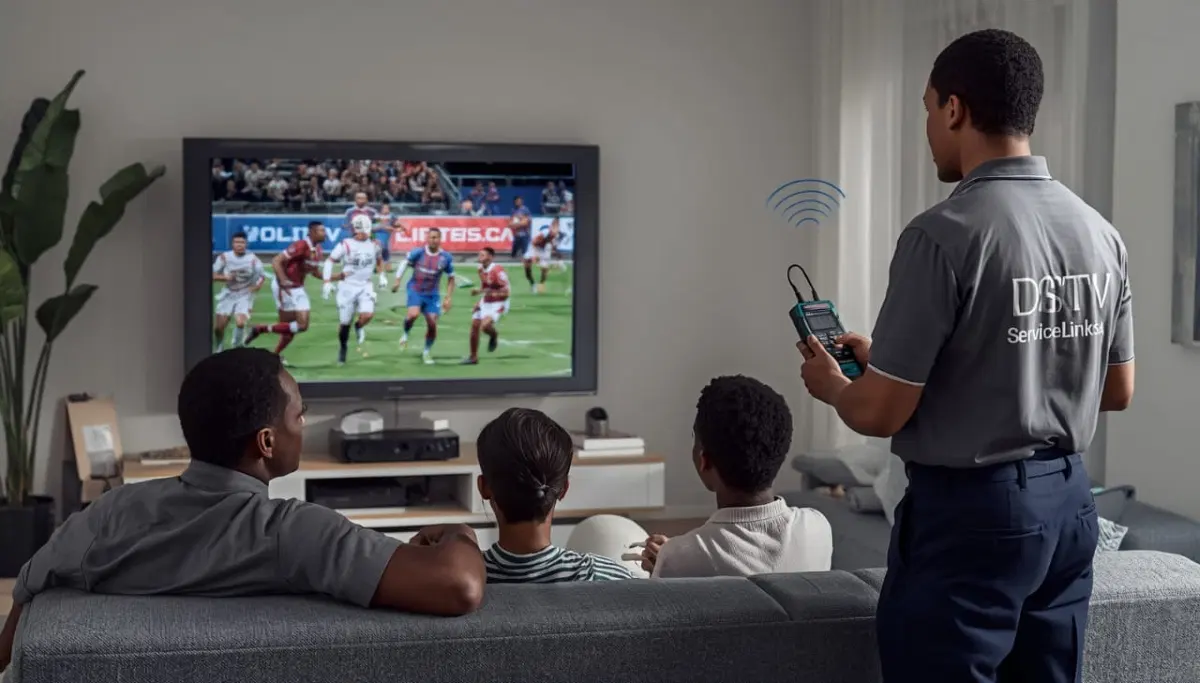
Picture Still Freezing After Trying These Fixes?
Get same-day emergency help from a verified, accredited DSTV installer near you.
We’ll diagnose and fix your signal problem fast.
Servicing Limpopo, Polokwane, Tzaneen, Mokopane, Thohoyandou, Bela-Bela, and across South Africa
DSTV Picture Freezing or Pixelating? 6 Fixes for Glitch-Free Viewing
🖥️ Pixelation, freezing, and picture break-up are maddening – but here’s how to fix them in minutes.
You’re watching the rugby. The Springboks are about to score. Suddenly, the picture breaks into blocks,
freezes for a few seconds, then jumps forward. You’ve missed the try. Sound familiar?
Dstv picture freezing and pixelation are among the most frustrating TV problems.
Unlike complete signal loss (where you know something is wrong), freezing and pixelation tease you with
a picture that’s almost watchable – but not quite.
The good news? In most cases, dstv pixelating issues are caused by signal quality problems
that you can fix yourself without calling a technician. You don’t need to climb on your roof.
You don’t need special tools. You just need to know what to look for.
In this guide, I’ll show you 6 proven fixes for dstv breaking up issues.
If you’re asking “why does my dstv keep freezing”, start with the quick fixes below.
For complete signal loss, read our
no signal guide.
For improving weak signals, see signal strength guide.
And for E48-32 errors, read E48-32 fix guide.
📋 Table of Contents – Fix DSTV Picture Freezing Guide
🔍 What Is DSTV Pixelation & Picture Freezing?
Understanding what’s happening helps you diagnose dstv picture freezing problems.
Pixelation (picture breaking into blocks):
- The image breaks into small squares or blocks
- Colours may be distorted or missing
- You might see “artifacts” – strange shapes that shouldn’t be there
- This is caused by missing or corrupted data in the digital signal
Picture freezing (image stops moving):
- The image stops completely while audio may continue
- After a few seconds, the picture jumps forward to catch up
- You miss whatever happened during the freeze
- This is caused by temporary signal loss or corruption
What causes these issues:
- Weak signal quality (most common – 60% of cases)
- Loose or corroded cable connections (20%)
- Electrical signal interference (10%)
- Failing LNB (5%)
- Decoder overheating or software issues (5%)
💡 Key Insight:
Pixelation and freezing are early warning signs of signal problems.
If you ignore them, they often progress to complete signal loss (E48-32).
Fix the problem now before it gets worse.
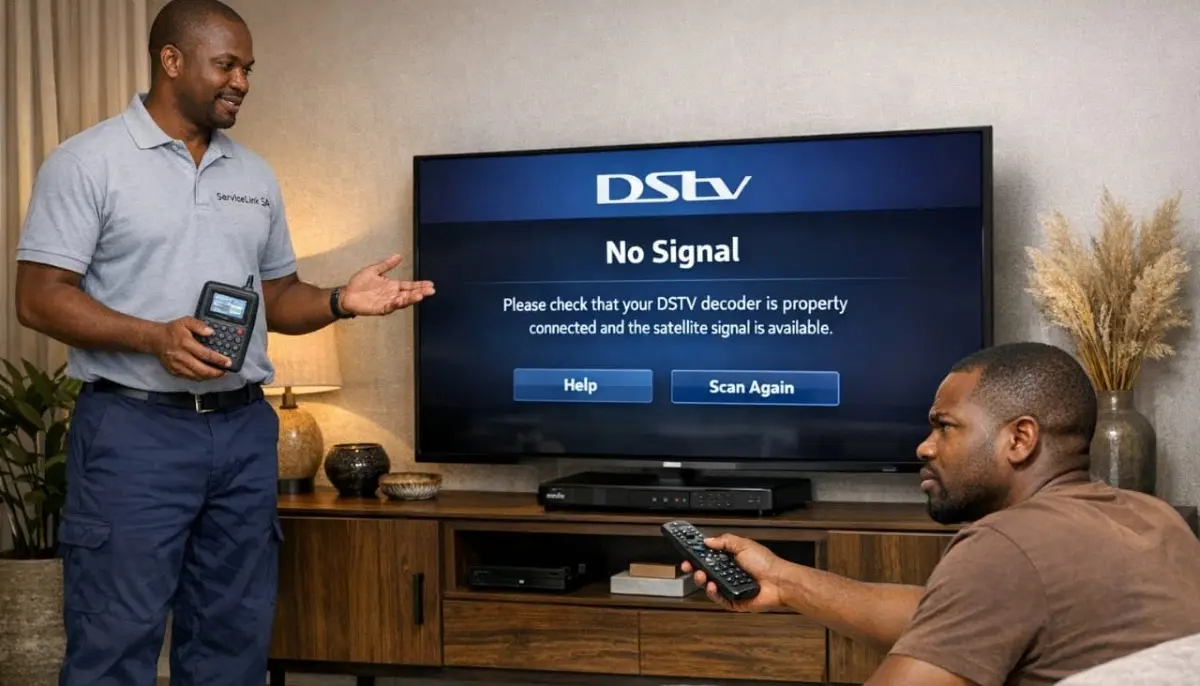
⚡ Quick Fixes: Do These First (2 Minutes)
Before diving into complex troubleshooting, try these quick fixes for dstv breaking up.
✅ Emergency Quick Fix Checklist:
- Reboot your decoder: Unplug from power for 60 seconds, then plug back in.
- Check cable connections: Ensure the satellite cable is firmly screwed into the decoder’s “SAT IN” port.
- Check your signal readings: Menu → Settings → Signal Detection. Note both strength and quality.
- Check for weather: Heavy rain can cause temporary freezing – wait 20 minutes.
- Change channels: If only one channel is affected, the problem may be with that broadcast.
📊 Fix #1: Check Your Signal Readings
Your decoder’s built-in signal meter tells you exactly what’s happening.
This is the most important diagnostic tool for why does my dstv keep freezing.
How to check signal readings:
- Press “Menu” on your remote
- Navigate to Settings → System Settings → Signal Detection (or Tuner Status)
- Look at Signal Strength and Signal Quality percentages
What your readings mean for freezing/pixelation:
- Strength above 70%, Quality below 50%: Pixelation and freezing are almost guaranteed. LNB or skew issue.
- Strength 50-70%, Quality 40-60%: Marginal signal – freezing during rain or peak interference times.
- Fluctuating readings: Loose connection or intermittent obstruction (tree branches moving).
- Both above 75%: Your signal is good – problem may be decoder or TV related.
For more on interpreting readings, read our
signal strength guide.
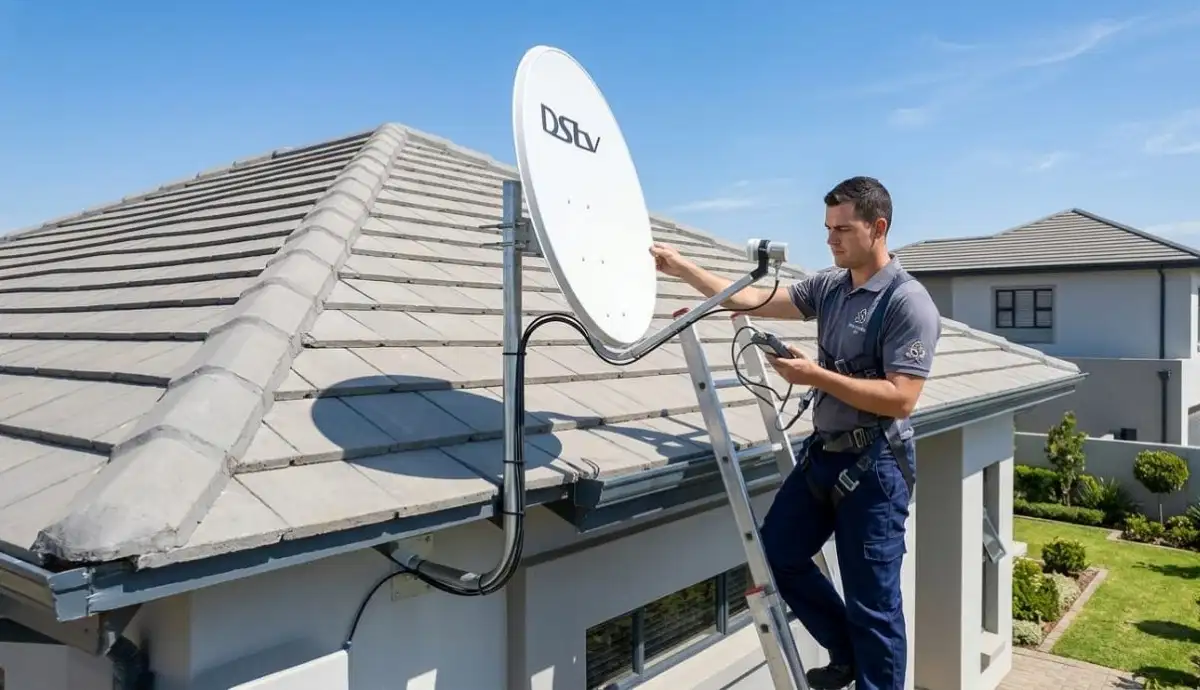
Still Getting Pixelation After These Fixes?
Don’t put up with poor picture quality. Get same-day help from a verified,
accredited DSTV installer near you. Free quotes. No obligation.
Same-day service available in most areas.
🔌 Fix #2: Check All Cable Connections
Loose or corroded connections are a major cause of dstv pixelating.
Even a slightly loose F-connector can cause intermittent freezing.
What to check:
- At the decoder: Ensure the F-connector is tight (hand-tight plus quarter turn with wrench)
- At the wall outlet: Check both ends of the cable
- At the LNB: Check the connection at the dish
- Look for corrosion: Green or white powder on connectors means water damage – this causes pixelation
- Check for kinks or damage: Sharp bends or cuts in the cable can cause signal loss
How to fix:
- Tighten any loose connections
- If corroded, connectors need replacement (professional job)
- If cables are damaged, replace the affected section
🔄 Fix #3: Reboot Your Decoder
Sometimes dstv picture freezing is caused by a decoder glitch, not a signal problem.
A simple reboot often fixes it.
How to reboot properly:
- Unplug your decoder from the power outlet (not just standby)
- Wait a full 60 seconds (allows capacitors to discharge)
- Plug back in and wait 2-3 minutes for full boot
- Check if freezing has stopped
When reboot is likely to help:
- Freezing started after a power outage or load shedding
- Decoder was working fine, then started freezing suddenly
- Other channels work fine (suggests decoder issue, not signal)
For more reset instructions, read our
how to reset your decoder guide.
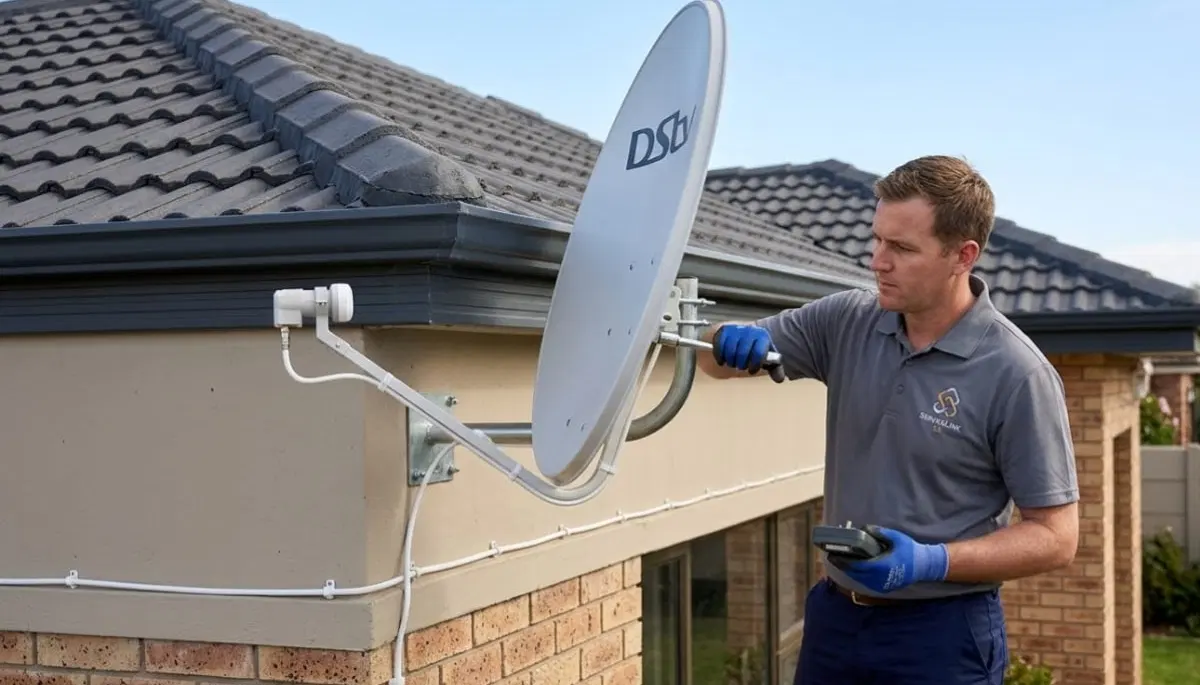
⚡ Fix #4: Check for Signal Interference
Electrical signal interference can corrupt your satellite signal,
causing pixelation and freezing.
Common interference sources:
- Power cables running parallel to satellite cable (keep 15cm separation)
- Large appliances (microwaves, fridges, air conditioners) near decoder or cables
- Poorly shielded electrical equipment
- LED light transformers or dimmer switches
- Neighbour’s equipment (in complexes)
How to diagnose:
- Does freezing happen when certain appliances are running (e.g., microwave)?
- Try moving decoder away from other electronics
- Check if satellite cable is routed near power cables
- Does freezing happen at the same time every day (neighbour’s equipment)?
How to fix:
- Reroute satellite cable away from electrical wiring
- Use high-quality quad-shield RG6 cable (better interference rejection)
- Move decoder away from large appliances
- Use ferrite cores on cables (inexpensive interference filters)
🔧 Fix #5: LNB or Skew Issues
If your signal strength is good but quality is poor, the problem is likely your LNB or LNB skew.
This is a common cause of dstv breaking up.
Check LNB skew:
LNB skew is the rotation of the LNB. If it’s incorrect, you’ll get good strength but poor quality.
In South Africa, the correct skew is approximately -7° clockwise (looking from behind the dish).
How to adjust skew (if you can safely reach the dish):
- Access your decoder’s signal meter (Menu → Settings → Signal Detection)
- Loosen the LNB mounting bracket slightly
- Rotate the LNB slowly while watching the Signal Quality reading
- Stop at the position where quality is highest
- Tighten the bracket
Check LNB age:
LNBs have a lifespan of 3-5 years. As they fail, signal quality degrades, causing pixelation.
If your LNB is old, replacement is recommended.
Read our LNB replacement guide.
🌳 Fix #6: Check for Obstructions
Partial obstructions (trees, buildings, your own roof) can cause intermittent pixelation
without complete signal loss.
Signs of obstruction:
- Freezing is worse in summer (leaves) than winter (bare branches)
- Freezing happens at the same time every day (sun position changes obstruction)
- Freezing when wind blows (branches moving into signal path)
- Signal quality fluctuates on the meter
How to fix:
- Trim tree branches in the signal path
- Relocate dish to a different position
- Raise dish higher on a pole to clear obstruction
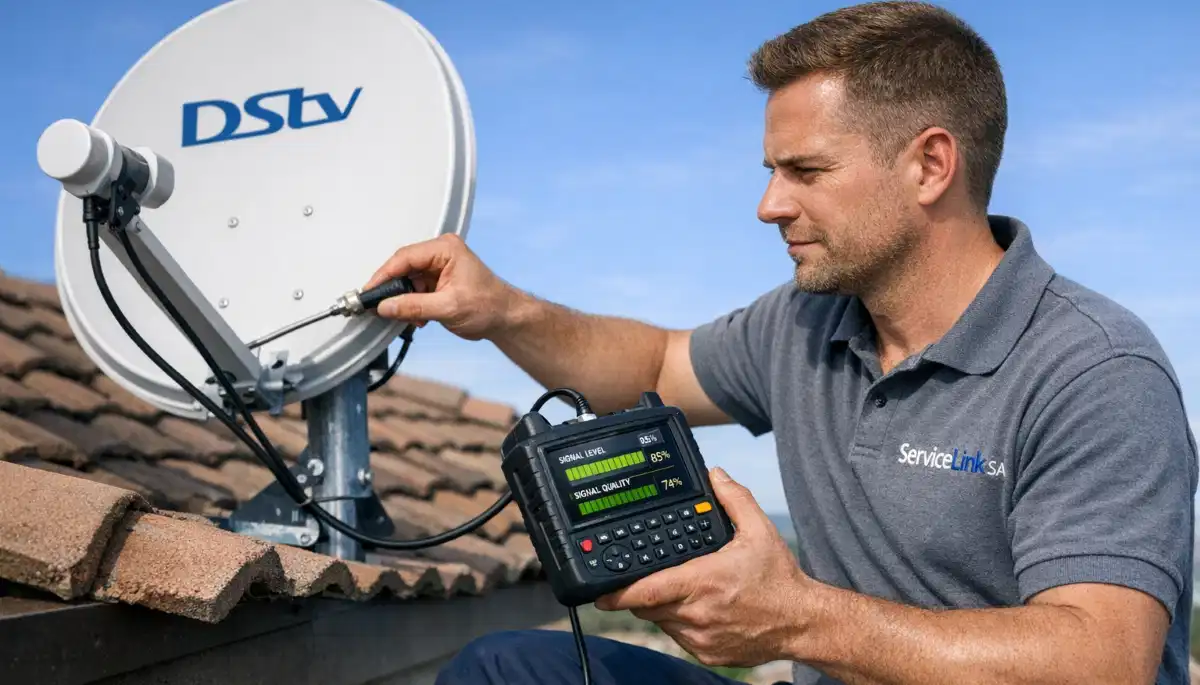
📊 Understanding Signal Strength vs Signal Quality
This is the most important concept for fixing dstv picture freezing.
Most homeowners don’t know the difference, leading to misdiagnosis.
| Reading | What It Measures | Good Range | Low Reading Indicates |
|---|---|---|---|
| Signal Strength | Raw power of the signal reaching your decoder | 70% – 100% | Dish misalignment, long cable run, damaged cable |
| Signal Quality | Clarity/usability of the signal (error rate) | 75% – 100% | LNB problem, interference, water damage, poor alignment |
Why quality matters more than strength:
You can have 90% strength but 30% quality – and your picture will pixelate constantly.
Quality is the clarity of the signal. Low quality means corrupted data = pixelation and freezing.
Always prioritise improving quality over strength.
🌍 Regional Considerations for Pixelation
Dstv pixelating issues vary by region. Here’s what to expect.
Limpopo (Polokwane, Tzaneen, Mokopane, Thohoyandou, Bela-Bela):
- Hot climate affects LNB performance – more pixelation in summer afternoons
- Tropical growth in eastern areas – tree obstructions common
- Fringe areas may need larger dish (80cm-1m) for adequate quality
- Thunderstorms cause temporary pixelation – normal if it clears after rain
- Limpopo installation services
For location-specific services, see our pages for
Polokwane,
Tzaneen,
Mokopane,
Thohoyandou, and
Bela-Bela.
📞 When to Call a Professional for Pixelation
While many why does my dstv keep freezing issues are DIY-friendly,
some situations require professional help.
- You’ve tried all 6 fixes and still have pixelation – Professional diagnosis needed
- Your signal quality is consistently below 50% – LNB or alignment issue
- Your dish is on a high or difficult-to-reach roof – Safety first
- You see visible damage to your dish, LNB, or cables – Requires replacement parts
- You have a multi-room (Extra View) setup – Complex systems need specialised knowledge
- The problem started after a lightning storm – Possible LNB or decoder damage
- Your LNB is more than 5 years old – Replacement likely needed
For professional help, request emergency service through ServiceLink SA.
Signal repair costs R450-R900 for realignment, R350-R700 for LNB replacement.
🛡️ Preventing Future DSTV Picture Freezing
Once you’ve fixed the problem, here’s how to prevent dstv picture freezing from returning.
Monthly maintenance (5 minutes):
- Check signal strength and quality readings – write them down
- If readings are dropping month by month, investigate early
- Ensure decoder vents are clear for proper cooling
Quarterly maintenance (15 minutes):
- Visually inspect cables for damage or loose connections
- Check dish stability (no movement when gently pushed)
- Trim tree branches approaching dish line of sight
Annual professional maintenance (recommended):
- Professional signal alignment check and optimization
- LNB performance testing
- Complete system health assessment
- Corrosion check (especially in coastal or humid areas)
❓ Frequently Asked Questions About DSTV Picture Freezing
Why does my DSTV picture keep freezing and pixelating?
Why does my dstv keep freezing is usually caused by poor signal quality.
Your decoder may have good signal strength but low quality – this causes pixelation and freezing.
Common causes: incorrect LNB skew, failing LNB, loose cable connections, electrical interference,
or partial obstructions (trees, buildings).
How do I fix pixelation on my DSTV?
To fix dstv pixelating: check your signal readings (Menu → Settings → Signal Detection).
If quality is below 50%, check cable connections, adjust LNB skew, or consider LNB replacement.
Also reboot your decoder and check for electrical interference.
If problems persist, professional alignment may be needed (R450-R900).
What is the difference between signal strength and signal quality?
Signal strength measures raw power. Signal quality measures clarity.
For dstv breaking up, quality is more important – you can have 90% strength but 30% quality,
and your picture will pixelate constantly. Low quality means corrupted data = freezing and pixelation.
Always prioritise improving quality over strength.
Can bad weather cause DSTV picture freezing?
Yes. Heavy rain causes “rain fade” – raindrops absorb satellite signals, causing temporary pixelation.
If freezing happens only during heavy rain, wait 20-30 minutes for the rain to lighten.
If freezing happens during light rain, your baseline signal is marginal – you need professional help.
Read our rain fade guide.
How much does it cost to fix DSTV pixelation professionally?
Professional repair costs for dstv picture freezing: simple realignment R450-R900,
LNB replacement R350-R700, cable repair R450-R750.
Many reputable installers credit the call-out fee toward the repair if you proceed.
Get a free quote from verified local installers.
Can a faulty LNB cause pixelation?
Yes. A failing LNB is a common cause of dstv pixelating.
Signs: good signal strength but poor quality, pixelation that comes and goes,
or problems that are worse in hot weather. LNBs last 3-5 years.
Read our LNB replacement guide.
Can electrical appliances cause DSTV to freeze?
Yes. Electrical signal interference from microwaves, fridges, air conditioners,
or dimmer switches can corrupt your satellite signal. If freezing happens when certain appliances are running,
try moving your decoder away from them or rerouting cables away from power cables.
Use quad-shield RG6 cable for better interference rejection.
Does rebooting my decoder fix picture freezing?
Sometimes. If dstv picture freezing is caused by a decoder software glitch (not a signal problem),
a reboot will fix it. Unplug for 60 seconds, then plug back in.
If freezing returns shortly after reboot, the problem is signal-related, not the decoder.
What is LNB skew and how does it affect picture quality?
LNB skew is the rotation of the LNB to match the satellite’s signal polarisation.
Incorrect skew causes good signal strength but poor quality – resulting in pixelation and freezing.
In South Africa, the correct skew is approximately -7° clockwise.
Adjusting skew can dramatically improve picture quality.
How can I check if trees are causing my DSTV to freeze?
If why does my dstv keep freezing is worse in summer (leaves) than winter (bare branches),
or happens when wind blows, trees are likely the cause. Stand near your dish and look northeast at 35° elevation.
If you see branches in that path, they’re blocking your signal. Trimming branches or relocating the dish are the solutions.
✅ Final Thoughts: Enjoy Glitch-Free Viewing
Dstv picture freezing and pixelation are frustrating, but in most cases they’re fixable without a service call.
Start with the quick fixes: reboot, check cables, and check your signal readings.
Remember: signal quality matters more than strength. If your quality is below 50%,
you’ll have pixelation regardless of how strong your signal is. Focus on improving quality
by checking LNB skew, replacing old LNBs, and eliminating interference.
If you’ve tried everything and still have problems, don’t put up with poor picture quality.
Professional help is just a phone call away. ServiceLink SA connects you with verified,
accredited DSTV installers who can diagnose and fix signal problems fast – often the same day.
Still Getting Pixelation and Freezing?
Stop putting up with poor picture quality. Get same-day help from a verified, accredited DSTV installer near you.
Free quotes. No obligation. Service across South Africa.
📞 Call us: 073 138 4726 for immediate assistance.
Free signal inspection •
How to choose an installer •
12-month warranty on repairs
📚 Official resources & standards referenced:
- Official DSTV picture quality guide – Official picture problem diagnosis.
- SABS – South African Bureau of Standards signal interference standards.
Information provided for general guidance. DSTV is a registered trademark of MultiChoice.
Troubleshooting steps are based on 21+ years of industry experience and official documentation.
Written by: Innocent T Hanyani
Satellite & Home Entertainment Installation Specialist | 21+ Years Experience
Innocent T Hanyani has over two decades of experience in satellite television installations and troubleshooting across South Africa.
He has diagnosed and fixed thousands of pixelation and freezing issues, from simple cable problems to complex LNB and alignment issues.
His practical, step-by-step approach focuses on solving problems efficiently while prioritising safety.
For more help with DSTV picture quality problems, explore our related resources:
no signal guide,
improve signal strength,
E48-32 fix guide,
searching for signal fix,
rain fade guide.
See our service areas page for coverage in your region.