
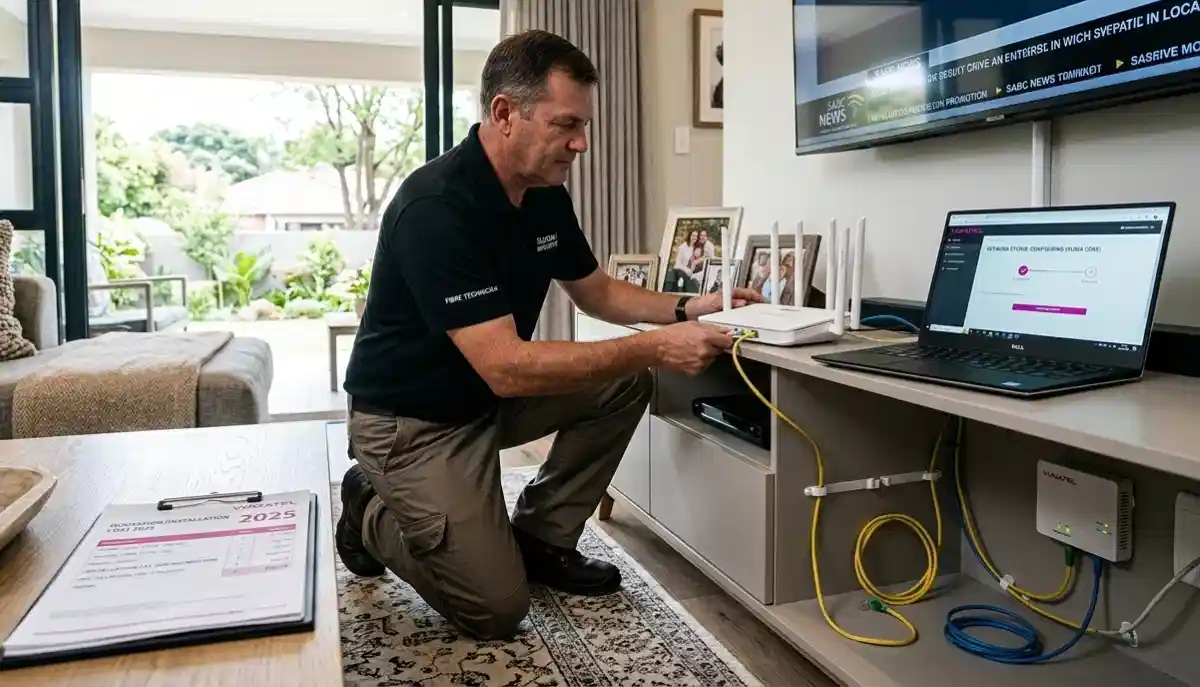
Home WiFi Installation Cost South Africa – ServiceLink SA Pricing Guide
📶 From Johannesburg to Cape Town, here’s exactly what professional WiFi installation costs – including routers, mesh systems, and labour.
You’ve just moved into a new home in Sandton, or maybe you’re finally fed up with dead zones in your Fourways house. Your fibre is installed, but now you need WiFi that actually reaches every room. What will it cost to get it done professionally?
Home WiFi installation cost in South Africa varies widely based on your home size, the equipment chosen, and whether you need additional cabling or multiple access points. This guide breaks down every cost component so you can budget accurately and avoid surprises.
We cover labour rates, equipment pricing, site survey fees, and provide real-world examples for different home types. Whether you need a simple router setup or a whole-home mesh system with Ethernet backhaul, you’ll know exactly what to expect.
If you’re looking for trusted local specialists, explore our Services Overview or view our WiFi Extensions page to find professional installers near you. For more on how we work, visit How It Works.
📡 REGULATORY COMPLIANCE: All WiFi installations in South Africa must comply with ICASA spectrum regulations. Professional installers ensure your equipment uses approved channels and power levels to avoid interference and legal issues.
Need a Professional WiFi Installer?
Get free, no-obligation quotes from vetted network technicians in your area. Compare prices and find the right expert for your home.
Servicing Johannesburg, Pretoria, Cape Town, Durban, and nationwide
📋 Table of Contents – WiFi Installation Cost Guide
💰 WiFi Installation Cost Components – What You’re Paying For
A professional WiFi installation quote typically includes several components. Understanding each helps you compare quotes accurately.
- Site survey: Technician visits to assess your home, identify dead zones, and recommend equipment placement (sometimes free, sometimes R300-R800).
- Equipment: Routers, mesh nodes, access points, switches, cabling – either supplied by installer or purchased separately.
- Labour: Time spent installing and configuring equipment, running cables, and testing the network.
- Cabling: If Ethernet backhaul is needed, cost per drop for running cables through walls/ceilings.
- Configuration: Setting up SSID, passwords, QoS, parental controls, and optimising for your specific needs.
- Testing: Speed tests, coverage verification, and troubleshooting any issues.
- Warranty: Some installers offer guarantees on their work – typically 3-12 months.
Learn more about our approach on our About Us page or read why clients choose us on our Benefits page.
🕒 Labour Costs – Per Hour vs Fixed Price
Installers typically charge either by the hour or a fixed project price. Here’s what to expect:
Hourly Rates
- General network technician: R350 – R600 per hour
- Specialist/certified installer: R600 – R900 per hour
- After-hours/weekend surcharge: +25-50% on standard rates
- Minimum call-out fee: Often 1-2 hours minimum
Fixed Project Pricing
Many installers offer fixed prices for common scenarios:
- Basic router installation: R800 – R1,500 (includes configuration, 1-2 hours)
- Mesh system installation (2-3 nodes): R1,800 – R3,500
- Access point installation (per AP): R1,200 – R2,500 including cabling
- Ethernet cabling (per drop): R800 – R1,800 depending on complexity
Fixed pricing gives certainty, while hourly rates may be better for complex, unpredictable jobs. Always ask for a written quote before work begins.
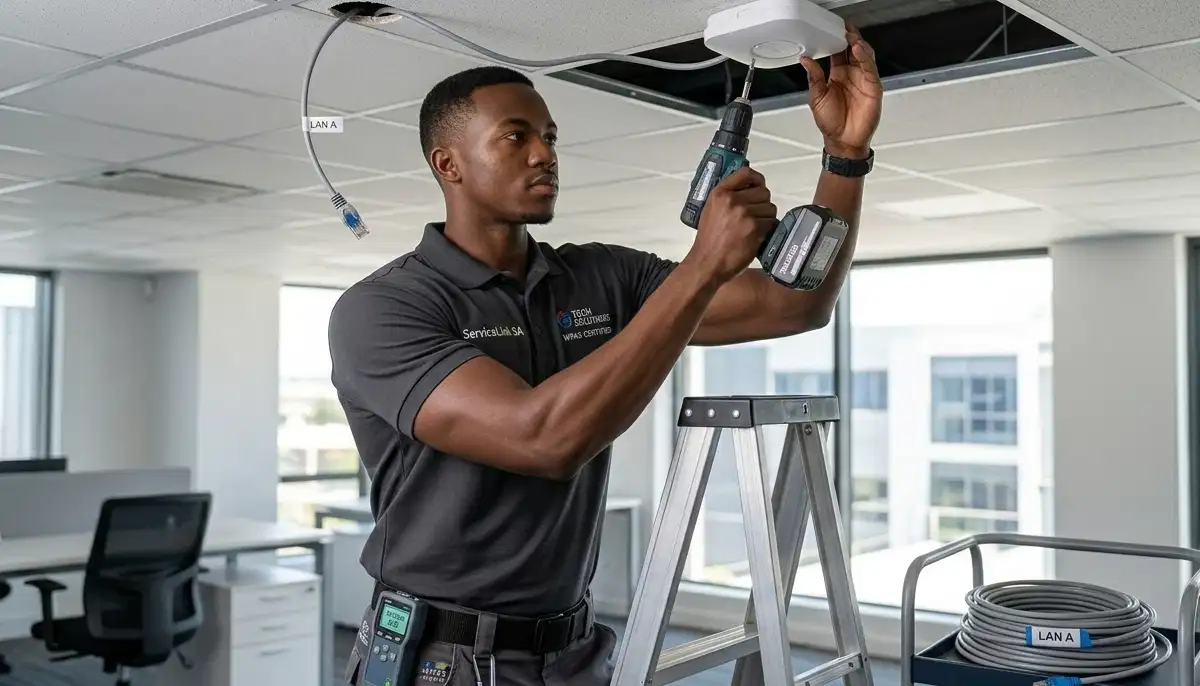
🔍 Site Survey Fees – Are They Worth It?
A professional site survey identifies dead zones, interference sources, and optimal equipment placement before installation.
What a Site Survey Includes
- Walking the property with signal measurement tools
- Identifying thick walls, interference (neighbouring networks, appliances)
- Mapping current coverage (if existing network)
- Recommending equipment types and placement
- Providing a written proposal with costs
Typical Site Survey Costs
- Free: Many installers include a basic survey in their quote if you’re hiring them for installation
- Standalone survey: R300 – R800 for residential, often credited back if you proceed
- Complex/commercial survey: R1,500 – R3,500 with detailed heat mapping
For large homes in Bryanston or estates in Hartbeespoort, a proper survey is well worth the investment.
📡 Equipment Costs – What You’ll Pay for Hardware
Equipment can be supplied by the installer or purchased separately. Here are typical retail prices in South Africa:
Routers
- Entry-level router (AC1200): R500 – R900
- Mid-range router (AX3000 WiFi 6): R1,200 – R2,200
- High-end router (AX6000+): R2,500 – R5,000
- Gaming router: R3,000 – R7,000
Mesh WiFi Systems
- 2-pack mesh (WiFi 5): R1,800 – R3,000
- 2-pack mesh (WiFi 6): R3,000 – R5,500
- 3-pack mesh (WiFi 6): R4,500 – R8,000
- Tri-band mesh with dedicated backhaul: R6,000 – R12,000
- Premium brands (Orbi, Google Nest, Deco X series): Premium pricing applies
Access Points (for wired networks)
- Basic WiFi 5 AP: R800 – R1,500
- WiFi 6 AP: R1,800 – R3,500
- Outdoor/weatherproof AP: R2,000 – R4,500
- Enterprise-grade (Ubiquiti, MikroTik): R1,500 – R5,000
Additional Equipment
- Network switch (5-port unmanaged): R300 – R800
- PoE injector: R200 – R500
- Ethernet cable (per metre installed): R15 – R40 including termination
- Wall plates and keystone jacks: R50 – R150 each
Installer-supplied equipment often includes a markup (10-20%) but comes with warranty and compatibility guarantee.
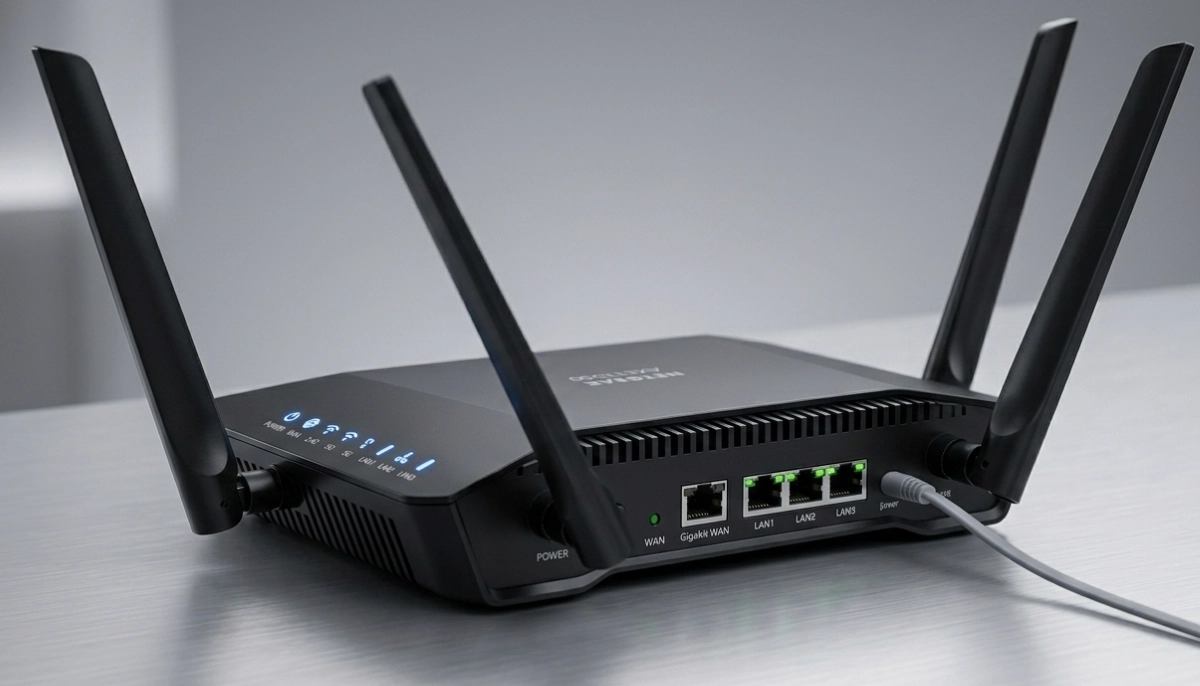
🔌 Ethernet Cabling Cost Per Drop – Wired Backhaul
For best performance, especially with multiple access points or mesh systems, Ethernet cabling provides reliable backhaul. Ethernet cabling cost per drop varies by complexity.
Typical Cabling Costs
- Standard drop (single storey, accessible ceiling): R800 – R1,200
- Complex drop (two storey, through walls): R1,200 – R1,800
- Difficult drop (concrete walls, long runs): R1,800 – R2,500+
- Additional wall plate/keystone: R100 – R250 each
- Patch panel termination (per port): R150 – R300
Cable Types
- Cat5e: Gigabit capable, sufficient for most homes – lower cost
- Cat6: 10GB up to 55m – recommended for future-proofing
- Cat6a: 10GB to 100m – for longer runs or high interference
For new homes or renovations, cabling during construction is much cheaper. See our ethernet vs wireless guide for more.
⚡ WiFi 6 Installation Premium – Is It Worth It?
WiFi 6 (802.11ax) is the latest standard, offering faster speeds, better capacity, and improved performance in crowded environments. But it comes at a premium.
WiFi 6 vs WiFi 5 Cost Comparison
- WiFi 5 router: R500 – R1,500
- WiFi 6 router: R1,200 – R5,000+
- WiFi 5 mesh (2-pack): R1,800 – R3,000
- WiFi 6 mesh (2-pack): R3,000 – R5,500
- WiFi 6 access point: R1,800 – R3,500 vs WiFi 5 at R800-R1,500
When WiFi 6 Is Worth It
- Many WiFi 6 devices in your home (new phones, laptops, tablets)
- Dense environments with many competing networks (apartments, townhouses)
- High-bandwidth needs (4K/8K streaming, gaming, large file transfers)
- Future-proofing for 3-5 years
For most homes, WiFi 5 is still sufficient. Discuss options with your installer based on your specific needs.
📊 Complete Cost Breakdown by Home Size
Here’s what you can expect to pay for complete WiFi installation including equipment and labour:
| Home Size | Basic Router Setup | Mesh System (2-3 nodes) | Multiple Access Points + Cabling | Premium WiFi 6 System |
|---|---|---|---|---|
| 1-bedroom apartment (50-80m²) | R1,200 – R2,000 | R2,500 – R4,000 | R3,500 – R5,500 | R3,500 – R6,000 |
| 2-3 bedroom home (120-200m²) | R1,500 – R2,500 | R3,500 – R5,500 | R5,000 – R8,500 | R5,500 – R9,000 |
| 4-bedroom home (250-350m²) | R2,000 – R3,000 | R4,500 – R7,000 | R7,500 – R12,000 | R8,000 – R14,000 |
| Large estate home (400m²+) | R2,500 – R3,500 | R5,500 – R8,500 | R10,000 – R18,000 | R12,000 – R22,000 |
| Small office/commercial | R2,000 – R4,000 | R5,000 – R8,000 | R8,000 – R15,000 | R10,000 – R18,000 |
Note: These are typical ranges including mid-range equipment and standard labour. Premium brands or complex installations will be higher.
📶 Router Installation Cost – Basic Setup
For smaller homes where a single good router provides adequate coverage, router installation cost is relatively low.
What’s Included
- Router positioning advice (central location, away from interference)
- Connection to fibre ONT or modem
- SSID and password configuration
- Basic security setup (WPA2/WPA3)
- Speed test and basic coverage verification
- Connection of a few devices (if requested)
Typical Costs
- Labour only (if you supply router): R600 – R1,200
- Including mid-range router (supplied by installer): R1,200 – R2,200
- Including WiFi 6 router: R2,000 – R3,500
This suits apartments and smaller homes in Umhlanga or Stellenbosch where single-router coverage is sufficient.
🕸️ Mesh WiFi System Price Installed – Whole Home Coverage
For larger homes or those with dead zones, mesh systems are the modern solution. Mesh WiFi system price installed includes multiple nodes working together.
What’s Included
- Site survey to determine optimal node placement
- 2-3 mesh nodes (or more for very large homes)
- Configuration of mesh network with seamless roaming
- App setup for remote management
- Guest network configuration (if desired)
- Coverage testing throughout the home
Typical Installed Prices
- 2-pack mesh (WiFi 5): R2,500 – R4,000
- 2-pack mesh (WiFi 6): R3,500 – R5,500
- 3-pack mesh (WiFi 5): R3,500 – R5,500
- 3-pack mesh (WiFi 6): R5,000 – R8,500
- Additional node (if needed): R800 – R2,000 each
Mesh systems are ideal for homes in Fourways and Midrand with complex layouts or multiple floors.
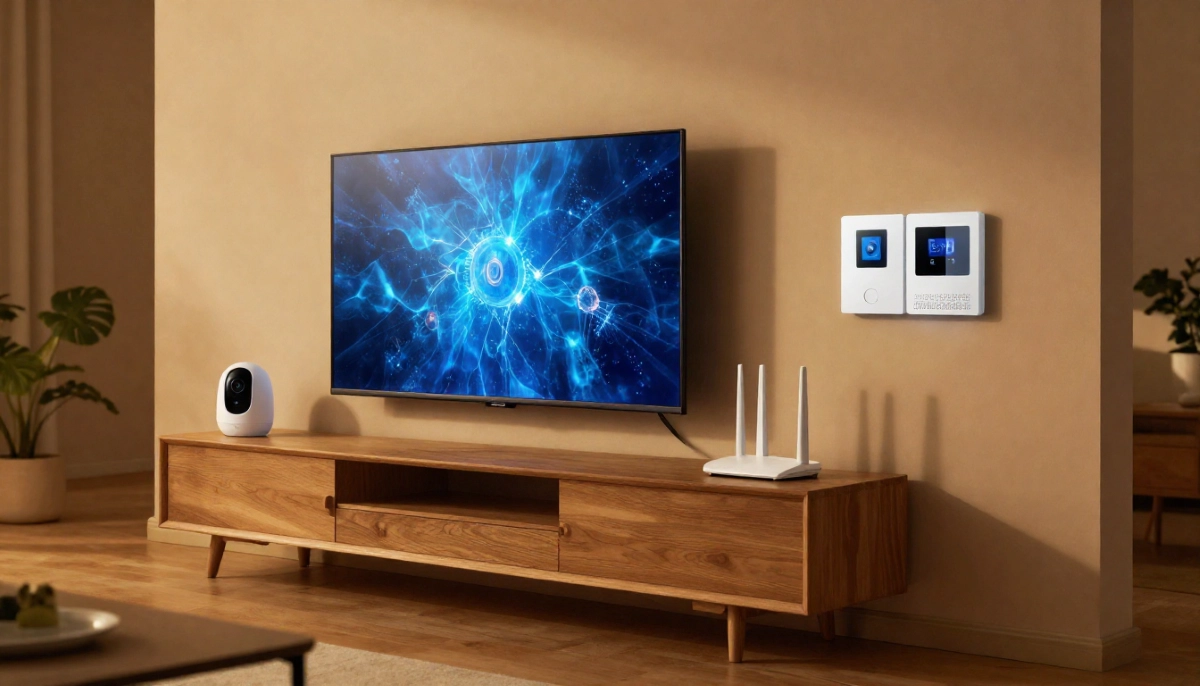
🎯 Access Point Pricing & Installation – Wired for Performance
For maximum performance, multiple wired access points (APs) connected via Ethernet provide the best coverage and speed. Access point pricing plus installation is an investment in quality.
What’s Included
- Running Ethernet cable to each AP location
- Mounting AP on ceiling or wall
- Connecting to PoE switch or injector
- Centralised controller configuration (if applicable)
- Seamless roaming setup
- Coverage verification
Typical Costs (per AP)
- AP hardware (WiFi 5): R800 – R1,500
- AP hardware (WiFi 6): R1,800 – R3,500
- Cabling per drop: R800 – R1,800 (depending on complexity)
- Labour for mounting & configuration: R500 – R1,000 per AP
- Total installed cost per AP: R2,500 – R6,000+
This solution is popular for large homes, new builds, and commercial spaces where performance is critical.
🔄 WiFi Extender Installation Cost – Budget Solution
For homes with minor coverage issues, a WiFi extender can be a budget fix. WiFi extender installation cost is lower than mesh or AP systems.
What’s Included
- Identifying optimal extender location (halfway between router and dead zone)
- Extender configuration (WPS or manual setup)
- SSID configuration (same as main network or separate)
- Basic speed/coverage testing
Typical Costs
- Extender hardware (basic): R400 – R900
- Extender hardware (dual-band, AC1200+): R900 – R1,800
- Labour for installation: R400 – R800
- Total installed: R800 – R2,500
Note that extenders halve bandwidth and may not solve complex coverage issues. For many homes in Randburg or Roodepoort, mesh is a better long-term solution. See our extender guide for more.
🏢 Commercial WiFi Installation Costs
Business premises have different requirements – more users, higher density, and often stricter security. Commercial WiFi installation costs reflect this complexity.
Commercial Pricing Factors
- Number of users: Higher capacity equipment needed
- Coverage area: Often larger with specific requirements
- Security requirements: VLANs, guest networks, enterprise authentication
- Redundancy: Multiple controllers, failover options
- After-hours installation: Often required to avoid business disruption
Typical Commercial Costs
- Site survey (commercial): R1,500 – R3,500 with heat mapping
- Enterprise APs (per AP): R3,000 – R8,000
- Cabling per drop: R1,200 – R2,500 (commercial standards)
- Controller/management platform: R5,000 – R20,000+ one-off or subscription
- Project management: Often 10-15% of total project cost
- Small office (1-2 APs): R8,000 – R15,000
- Medium office (3-5 APs): R20,000 – R40,000
- Large office/warehouse (6-10+ APs): R50,000 – R150,000+
See our commercial WiFi installation page for more.
📍 WiFi Installation Costs by Location
Prices vary across South Africa based on local labour rates, travel distances, and competition. Here’s what to expect in major centres:
📶 Johannesburg WiFi Installation Prices
In Johannesburg, Sandton, Fourways, and Midrand, expect competitive rates with many providers.
- 3-bedroom home mesh system (installed): R4,000 – R6,500
- Hourly labour rate: R400 – R650
- Ethernet cabling per drop: R900 – R1,500
- Travel fee: Often included within 30km of city centre
📶 Pretoria WiFi Installation Prices
In Pretoria and Centurion, prices are generally similar to Johannesburg.
- 3-bedroom home mesh system (installed): R3,800 – R6,200
- Hourly labour rate: R380 – R600
- Router installation: R1,200 – R2,000
📶 Cape Town WiFi Installation Prices
In Cape Town and Stellenbosch, rates may be slightly higher in Atlantic Seaboard suburbs.
- 3-bedroom home mesh system (installed): R4,200 – R6,800
- Hourly labour rate: R420 – R680
- Site survey: R400 – R700 (often free with installation)
📶 Durban WiFi Installation Prices
In Durban and Umhlanga, coastal humidity may affect equipment placement recommendations.
- 3-bedroom home mesh system (installed): R3,900 – R6,400
- Hourly labour rate: R380 – R620
- Cabling per drop: R850 – R1,600
📶 Hartbeespoort & Rural Area Costs
In Hartbeespoort and Brits, travel fees may apply for technicians coming from major centres.
- Travel fee: R200 – R500 depending on distance
- 3-bedroom home mesh system (installed): R4,200 – R6,800 (including travel)
- Specialist equipment may be needed for long-distance or point-to-point links
⚖️ Labour vs Equipment Cost Breakdown – Example Scenarios
Understanding how your money is split helps you evaluate quotes. Here are typical splits for common installations:
| Scenario | Total Cost | Equipment % | Labour % | Cabling % |
|---|---|---|---|---|
| Basic router install (supplied) | R1,000 | 0% | 100% | 0% |
| Router + install (installer supplies) | R2,000 | 60% (R1,200) | 40% (R800) | 0% |
| 3-node mesh system | R5,500 | 65% (R3,600) | 35% (R1,900) | 0% |
| 2 APs with cabling | R8,000 | 40% (R3,200) | 25% (R2,000) | 35% (R2,800) |
Labour rates reflect expertise, testing, and warranty. Don’t choose solely on equipment price – quality installation matters.
⚠️ Hidden Costs to Watch For
When getting quotes, ask about these potential additional charges:
- Travel fees: Some installers charge extra for locations outside major centres like Hartbeespoort
- After-hours surcharge: Evenings or weekends may cost 25-50% more
- Equipment markup: Installers typically add 10-20% to retail prices – ask if you can supply your own
- Additional hardware: Switches, PoE injectors, wall plates may not be included in base quotes
- Complex cabling: Drilling through concrete, long runs, or difficult access adds cost
- Configuration extras: Advanced setup (VLANs, VPN, parental controls) may be extra
- Warranty extensions: Some offer extended warranties for additional cost
Always request a detailed written quote itemising all costs. Use our free inspection service to get accurate quotes.
❌ 8 Common WiFi Installation Mistakes
Avoid these costly errors when arranging WiFi installation:
- Mistake #1: Putting the router in a cupboard or corner. Routers need central, elevated positions. Corners waste coverage. Professional installers know optimal placement.
- Mistake #2: Choosing equipment based only on price. Cheap routers often have poor range, weak processors, and limited features. Invest appropriately for your home size.
- Mistake #3: Ignoring interference sources. Microwaves, cordless phones, and thick walls affect signal. A site survey identifies these issues.
- Mistake #4: Not planning for future needs. Smart home devices, more users, and higher speeds – consider future requirements when choosing equipment.
- Mistake #5: Assuming one device covers everything. Large homes need mesh or multiple APs. Don’t expect a single router to cover 300m²+.
- Mistake #6: Skipping Ethernet backhaul when possible. If you can run cables during building/renovation, do it. Wired backhaul provides best performance.
- Mistake #7: Not checking installer credentials. Unqualified installers may not understand interference, channel planning, or security. Use our contractor guide.
- Mistake #8: Forgetting about security. Default passwords, outdated firmware, and no guest network create risks. Professional configuration includes security best practices.
For more guidance, see our WiFi installer selection guide.
Ready for Reliable Whole-Home WiFi?
Get free, no-obligation quotes from vetted WiFi installation specialists in your area. Compare prices, equipment options, and find the right solution for your home.
Serving Johannesburg, Pretoria, Cape Town, Durban, and nationwide
❓ Frequently Asked Questions
How much does home WiFi installation cost in South Africa?
Home WiFi installation cost South Africa 2025 ranges from R1,200-R2,500 for basic router setup, R3,500-R7,000 for mesh systems, and R5,000-R12,000+ for multiple wired access points. Costs include equipment and labour. For a typical 3-bedroom home in Gauteng or Cape Town, budget R3,500-R6,000 for a quality mesh system installed professionally.
What’s the difference between a WiFi extender and a mesh system?
A WiFi extender repeats your existing signal, but cuts bandwidth in half and creates separate networks. A mesh system uses multiple nodes that communicate intelligently, providing seamless roaming and maintaining full speed. Mesh costs more but delivers superior performance for larger homes. See our extender guide and mesh guide for detailed comparisons.
Should I buy my own router or use the installer’s?
Both options work. Buying your own lets you choose exactly what you want and possibly save on markup. Using the installer’s equipment ensures compatibility, comes with their warranty, and they take responsibility if issues arise. Compare prices – installer markup is typically 10-20%. If you buy your own, ensure it’s compatible and let the installer know beforehand.
Is WiFi 6 worth the extra cost?
WiFi 6 offers faster speeds, better performance in crowded areas, and improved efficiency. The WiFi 6 installation premium is 30-50% over WiFi 5. It’s worth it if you have many WiFi 6 devices, live in a dense area with many networks, or want future-proofing. For most homes, WiFi 5 is still sufficient. Discuss with your installer based on your specific needs and budget.
How much does Ethernet cabling cost per drop?
Ethernet cabling cost per drop in South Africa ranges from R800-R1,800 depending on complexity. Standard drops (single storey, accessible ceiling) cost R800-R1,200. Complex drops (two storey, through walls) cost R1,200-R1,800. This includes cable, termination, and wall plate. Additional drops in the same area may be discounted. Cabling is worthwhile for fixed devices like smart TVs, gaming consoles, and access points.
Do I need a site survey before installation?
For simple installations in small homes, a basic assessment may suffice. For larger homes, complex layouts, or properties with known dead zones, a professional site survey is valuable. It identifies optimal equipment placement and potential issues before installation. Many installers offer free surveys with installation, or charge R300-R800 which is often credited back if you proceed.
How long does professional WiFi installation take?
A basic router installation takes 1-2 hours. Mesh system installation for a typical home takes 2-4 hours. Multiple access points with cabling can take 4-8 hours or more depending on complexity. Cabling work may require multiple visits if walls need to be opened and repaired. Your installer should provide a time estimate in their quote.
What warranty should I expect on WiFi installation?
Reputable installers offer a warranty on labour – typically 3-12 months. Equipment warranties are through manufacturers (1-3 years typically). Some installers offer extended warranties for additional cost. Ask about their policy if you have issues after installation – do they return for free within the warranty period? See our guarantees page for what to expect.
✅ Final Thoughts – Your WiFi Installation Action Plan
Reliable whole-home WiFi is essential for modern living. Whether you’re in a Gauteng estate, a Cape Town suburb, or a Durban coastal home, professional installation ensures you get the performance you pay for.
Key takeaways:
- Budget appropriately: R3,500-R6,000 for most 3-bedroom homes with mesh
- Understand cost components: Labour, equipment, cabling, site surveys
- Choose the right solution: Router, mesh, or access points based on home size and needs
- Consider future needs: WiFi 6 may be worth the premium for future-proofing
- Get multiple quotes: Compare detailed, itemised quotes from vetted installers
- Verify credentials: Experience, insurance, and references matter
📶 The Bottom Line:
R3,500 – R6,000
is what most South African homeowners pay for professional whole-home WiFi installation – a small investment for reliable, fast internet everywhere.
Your 5-Step Action Plan
- Assess your needs – home size, number of devices, problem areas
- Research solutions – router, mesh, or access points – discuss with professionals
- Get 2-3 detailed quotes from vetted installers – use our free quote system
- Verify credentials – insurance, experience, reviews, warranties
- Schedule installation – plan for minimal disruption, especially if cabling needed
Ready for Reliable Whole-Home WiFi?
Connect with trusted, vetted WiFi installation specialists in your area. Compare quotes, read reviews, and choose the right expert with confidence.
📞 Call us: 073 138 4726 for personalised assistance
Free site surveys •
Beat-your-quote guarantee •
Our guarantees
📚 Official resources & standards:
- ICASA – Spectrum compliance and WiFi channel regulations
- Fibre Industry Association – Fibre installation and termination standards
- TP-Link South Africa – Manufacturer installation guidelines and product specs
Information accurate as of publication. Prices are indicative and may vary by location and installer. This guide is for informational purposes.
Written by: Innocent T Hanyani
21+ years construction and digital industry experience, ServiceLink SA
Innocent has advised thousands of homeowners on network infrastructure, working closely with certified WiFi installers and following ICASA regulations. His expertise ensures this guide reflects current pricing and best practices for South African homes.