
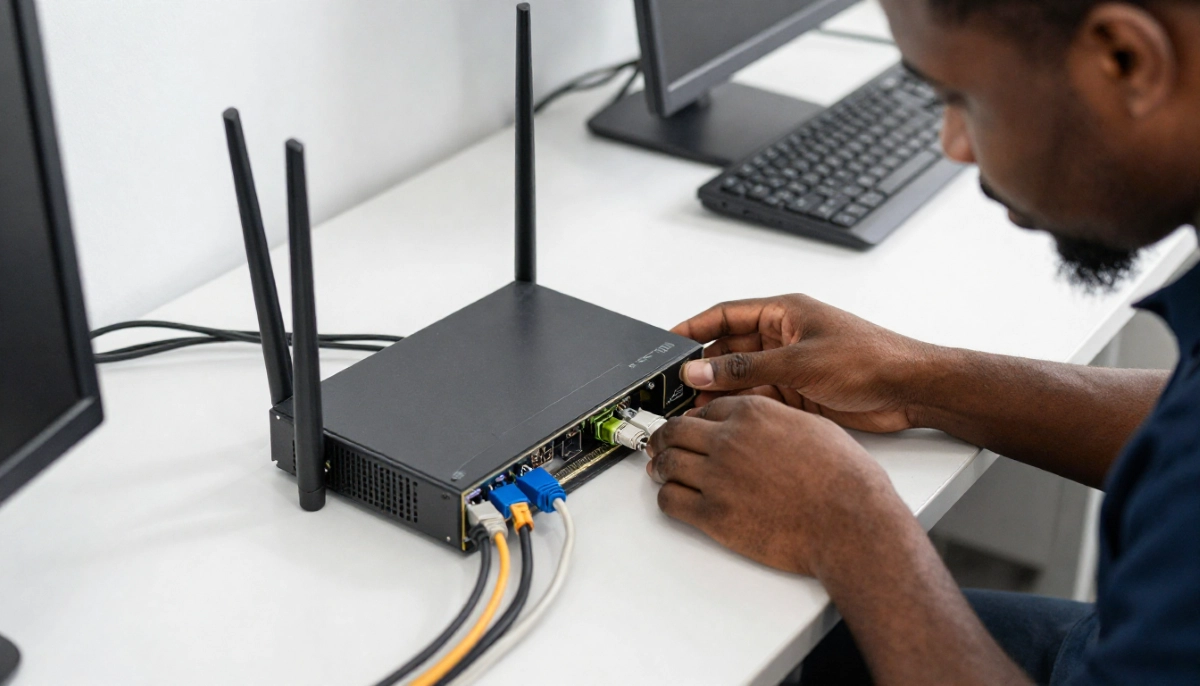
Is Your Router Overheating?
Get professional help from local specialists who understand router overheating and router performance issues.
Servicing Soweto, Bloubergstrand, Port Shepstone, and across South Africa
Router Overheating Problems and Fixes: The Complete Guide
🌡️ Your router shouldn’t feel like a hotplate—here’s why it matters and what to do about it.
You’ve been dealing with slow internet, random disconnections, and a router that feels unusually warm to the touch. You’ve tried restarting it, but the problems keep coming back. What’s going on?
The answer might be simpler than you think: router overheating. When a router gets hot, it can cause all sorts of router performance issues, from router overheating slow wifi to frequent disconnections. And in South Africa’s warm climate, this is a surprisingly common problem.
I’ve helped countless homeowners across the country diagnose and fix router overheating problems and fixes. In this guide, I’ll explain why routers overheat, how to tell if yours is overheating, and what you can do about it. Whether you’re in Soweto, Bloubergstrand, or Port Shepstone, these tips will help.
For more on related issues, check out our WiFi disconnecting solutions guide and router failing signs guide. Let’s cool down your router.
📋 Table of Contents – Router Overheating Guide
🌡️ Why Do Routers Overheat?
Understanding why router overheating problems and fixes exist starts with understanding why routers overheat in the first place.
How Routers Generate Heat:
Routers are small computers. They have processors, memory, and other components that generate heat during normal operation. The more work your router does, the more heat it generates.
Common Causes of Router Overheating:
- Poor ventilation: Routers need airflow. If they’re in a cupboard, behind furniture, or in a tight space, heat builds up.
- Dust buildup: Dust acts as insulation, trapping heat and blocking vents.
- Continuous use: Routers are always on, constantly generating heat.
- High ambient temperature: In South Africa’s hot summers, the air temperature alone can cause router overheating.
- Faulty hardware: Some routers have manufacturing defects that cause excessive heat generation.
- Router in closed cabinet overheating: Placing a router in an enclosed space with no airflow.
How Overheating Affects Performance:
- Slow speeds: Router overheating slow wifi is a common symptom.
- Disconnections: Router overheating causes wifi disconnect as components fail.
- Restarts: The router may reboot itself to cool down.
- Reduced lifespan: Heat damages electronic components over time.
For more on router performance issues, see our router failing signs guide.

🚨 Signs Your Router Is Overheating
Here are the warning signs that router gets hot and needs attention.
Physical Signs:
- Hot to the touch: If you can’t hold your hand on the router for more than a few seconds, it’s too hot.
- Strong heat smell: A burning or hot electronics smell indicates serious overheating.
- Discoloured casing: Yellowing or darkening of the plastic casing from heat.
Performance Signs:
- Frequent disconnections: Router overheating causes wifi disconnect issues.
- Slow internet: Router overheating slow wifi speeds.
- Random restarts: The router reboots itself unexpectedly.
- Freezing: The router becomes unresponsive and requires a manual reboot.
- Worse during summer: Overheating is more common in hot weather.
How to Check:
- Touch the router after it’s been running for an hour.
- Check the bottom and sides—these are where heat builds up.
- Monitor performance during hot days vs cooler days.
If you notice these signs, it’s time to implement some router cooling solutions.
🌡️ How to Check Your Router’s Temperature
Before you start fixing router overheating problems and fixes, confirm that overheating is actually the issue.
Simple Touch Test:
Place your hand on the router’s casing. If it’s uncomfortably hot—too hot to hold for more than 5 seconds—your router is overheating.
Using a Thermometer:
Use an infrared thermometer (laser thermometer) to check the temperature. Most routers should run between 30-45°C (86-113°F). Above 50°C (122°F) is concerning. Above 60°C (140°F) is dangerous.
Check Your Router’s Admin Dashboard:
Some advanced routers display temperature in their admin dashboard. Check your router’s settings page to see if this feature is available.
Monitor Performance:
Run a wifi speed test when the router is cool (morning) and again when it’s hot (evening). A significant drop in wifi speed indicates overheating issues.
Check Wifi Stability:
If your connection drops more frequently when the router is hot, overheating is likely the cause.
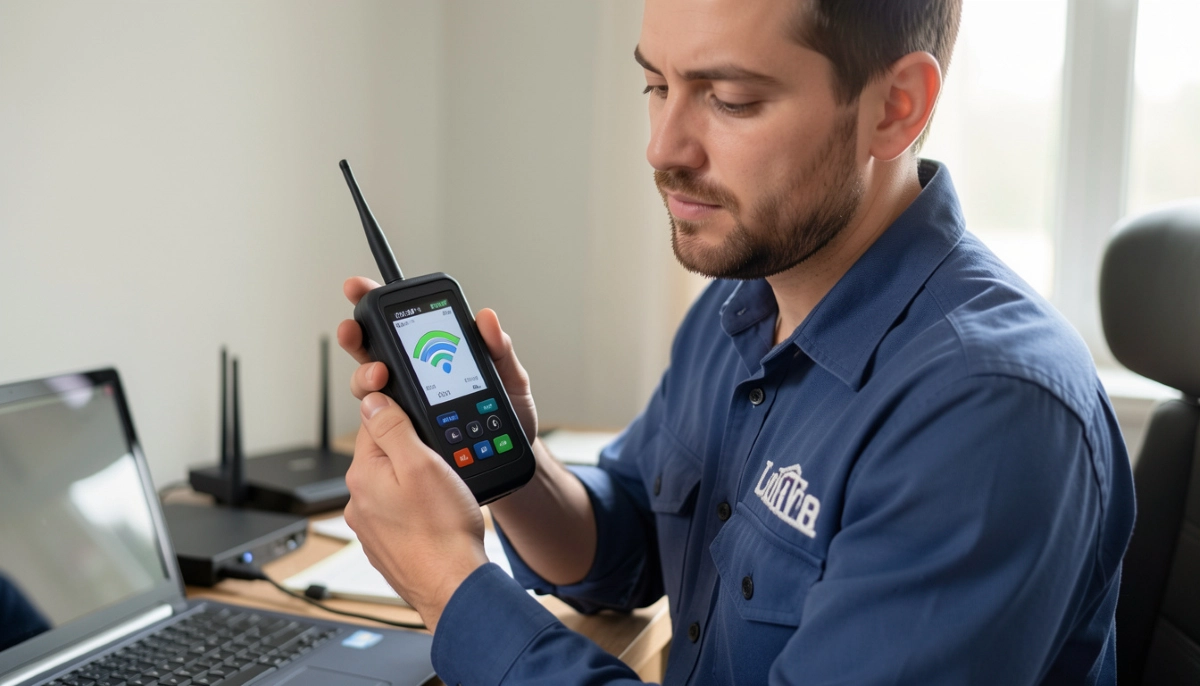
Is Your Router Overheating and Causing Issues?
Get professional diagnosis and router cooling solutions from local specialists who understand router overheating problems and fixes.
Emergency services available for urgent router performance issues.
📍 Router Placement and Ventilation
One of the most effective router overheating problems and fixes is simply moving your router to a better location.
Good Router Placement:
- Open area: Place the router in an open space with good airflow.
- Elevated: Place it on a shelf or table, not on the floor.
- Cool area: Avoid direct sunlight and areas near heat sources (radiators, kitchen appliances).
- Ventilated: Ensure there’s at least 5-10 cm of space on all sides for airflow.
Bad Router Placement:
- In a cupboard: Router in closed cabinet overheating is a common problem.
- Behind furniture: Blocks airflow and traps heat.
- On carpet: Blocks bottom vents and insulates the router.
- Near heat sources: TVs, monitors, and other electronics generate heat.
Ideal Placement Tips:
- Place the router at least 15-20 cm away from walls.
- Avoid stacking other devices on top of the router.
- If you have a vertical router, stand it upright (if designed for that).
- Consider wall-mounting for better airflow.
For more on placement, see our router placement guide.
❄️ Cooling Solutions for Overheating Routers
Here are practical router cooling solutions to fix router overheating problems and fixes.
1. Use a Small Fan:
A small USB-powered fan directed at the router can significantly reduce temperature. Place it so it blows air across the router’s vents.
2. Elevate the Router:
Use small feet or a stand to elevate the router. This allows air to flow underneath and helps with router cooling.
3. Heat Sinks:
Some routers have heat sinks inside. If yours doesn’t, consider adding small heat sinks to the processor chip. This is an advanced fix for experienced users.
4. Laptop Cooling Pad:
A laptop cooling pad can be placed under the router to keep it cool. These are inexpensive and effective.
5. Regular Cleaning:
Dust traps heat. Regular cleaning is essential for router cooling.
6. Reduce Workload:
Disconnect devices that aren’t in use. Less work means less heat generation.
7. Timer or Smart Plug:
If you don’t need internet 24/7, use a timer or smart plug to turn the router off when not in use.
For more on how to cool down router, see our router setup guide.
🧹 Cleaning and Maintenance Tips
Regular cleaning is essential for preventing router overheating.
How to Clean Your Router:
- Unplug the router: Always unplug before cleaning.
- Use compressed air: Blow dust out of the vents and ports.
- Wipe the casing: Use a slightly damp cloth to wipe the outside.
- Check vents: Ensure all vents are clear of dust and debris.
- Clean antennas: Wipe antennas with a dry cloth.
- Let it dry: Ensure the router is completely dry before plugging it back in.
How Often to Clean:
- Every 3 months: For homes with pets or in dusty areas.
- Every 6 months: For typical homes.
- As needed: If you notice dust buildup or performance issues.
Preventative Maintenance:
- Keep the router in a clean area.
- Vacuum the area around the router regularly.
- Consider using a dust cover when the router is off.
For more on maintenance, see our router replacement guide.
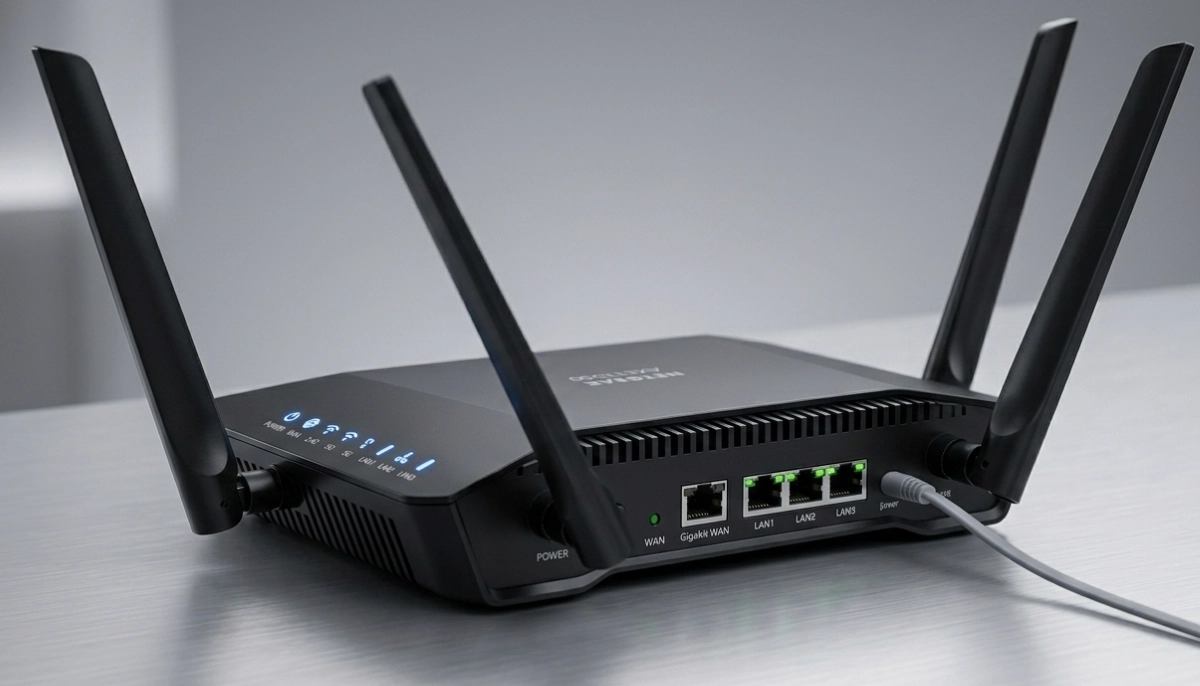
🚪 Router in Closed Cabinet Overheating
One of the most common mistakes is router in closed cabinet overheating. Here’s why it’s a problem and what to do.
Why Cabinets Cause Overheating:
- No airflow: Closed cabinets trap heat.
- Heat buildup: The router’s own heat builds up in the enclosed space.
- Component damage: Prolonged heat exposure damages components.
How to Fix Cabinet Overheating:
- Move the router out: The best solution is to move the router to an open area.
- Install ventilation: If you must keep it in a cabinet, install ventilation fans.
- Leave the door open: Keep the cabinet door open for airflow.
- Drill ventilation holes: Add holes in the cabinet for airflow.
- Use a cooling pad: Place a cooling pad under the router.
Alternative Locations:
- On a shelf in a hallway.
- On a desk or table.
- Wall-mounted in a central location.
For more on router placement, see our router placement guide.
🔄 When to Upgrade Your Router
Sometimes, fixing router overheating problems and fixes means replacing the router entirely.
Signs You Need a New Router:
- It’s more than 3-5 years old.
- It frequently overheats even in a well-ventilated area.
- It’s a single-band router (only 2.4 GHz).
- It has visible heat damage (discoloured casing).
- It restarts on its own frequently.
What to Look for in a New Router:
- Better cooling design: Look for routers with vents and heat sinks.
- Dual-band or tri-band: Better performance and wifi stability.
- WiFi 5 or WiFi 6: Newer technology runs more efficiently and generates less heat.
- Good reviews for reliability: Check user reviews for overheating complaints.
For more on choosing a router, see our best routers guide and router replacement guide.
🚫 Common Mistakes to Avoid
⚠️ Warning: These Mistakes Make Router Overheating Worse
Avoid these errors when dealing with router overheating problems and fixes.
- Ignoring the problem: “It’s just a little warm.” Left unchecked, overheating damages your router.
- Placing the router on carpet: Carpets block bottom vents and insulate the router.
- Hiding the router in a cabinet: Router in closed cabinet overheating is a major cause of failure.
- Blocking vents: Placing objects on or against the router blocks airflow.
- Not cleaning: Dust buildup traps heat and causes router overheating.
- Using the router near heat sources: TVs, monitors, and heaters add to the heat problem.
- Overloading the router: Too many connected devices make the router work harder and generate more heat.
For more on avoiding these mistakes, see our router failing signs guide.
❓ Frequently Asked Questions About Router Overheating
What causes router overheating?
Router overheating is caused by poor ventilation, dust buildup, continuous use, high ambient temperatures, and router in closed cabinet overheating. The router’s components generate heat during normal operation, and without proper router cooling, this heat builds up and causes router performance issues.
How do I know if my router is overheating?
Signs of router gets hot include the router being too hot to touch, frequent disconnections (router overheating causes wifi disconnect), slow internet (router overheating slow wifi), and random restarts. If you notice these symptoms, your router is likely overheating and needs router cooling solutions.
Can a router catch fire from overheating?
While rare, it is possible for a router to catch fire from extreme overheating. This is why router overheating problems and fixes are important to address. If your router is extremely hot or you smell burning, unplug it immediately and replace it. Ensure proper router cooling to prevent this risk.
How can I cool down my router?
How to cool down router involves improving ventilation, moving it to a cooler location, using a small fan, cleaning dust from vents, and elevating it for better airflow. These router cooling techniques can significantly reduce temperature and improve wifi stability.
Is it normal for a router to get warm?
It’s normal for a router to get warm—but not hot. A router gets hot to the touch (uncomfortable to hold) indicates overheating. Normal operating temperature is 30-45°C (86-113°F). If your router is consistently above 50°C (122°F), you need to address router overheating problems and fixes.
Can overheating cause slow WiFi?
Yes, router overheating slow wifi is a common symptom. When a router overheats, its processor throttles (slows down) to prevent damage. This results in slower wifi speed and reduced wifi stability. Implementing router cooling solutions can restore normal speeds.
Should I put my router in a cabinet?
No, router in closed cabinet overheating is a major cause of router failure. Cabinets trap heat and block airflow. If you must keep your router in a cabinet, ensure it has ventilation, leave the door open, or use a cooling fan. The best solution is to place it in an open, well-ventilated area.
How often should I clean my router?
Clean your router every 3-6 months to prevent dust buildup that causes router overheating. In dusty environments or homes with pets, clean more frequently. Regular cleaning is an essential part of router cooling maintenance and prevents router performance issues.
✅ Final Thoughts: Keep Your Router Cool and Your Internet Fast
Router overheating problems and fixes are often overlooked, but they’re one of the most common causes of internet issues in South African homes. With our warm climate and routers that run 24/7, overheating is almost inevitable without proper care.
Key Takeaways:
- Check your router’s temperature: If it’s too hot to touch, it’s overheating.
- Improve ventilation: Move it to an open area with good airflow.
- Clean regularly: Dust traps heat—clean every 3-6 months.
- Avoid closed cabinets: Router in closed cabinet overheating is a major cause of failure.
- Use cooling solutions: Fans, elevation, and cooling pads all help with router cooling.
- Consider upgrading: If your router is old or frequently overheats, it’s time for a new one.
Your Next Step: Check your router right now. Is it in a well-ventilated area? Is it clean? If you notice any signs of router gets hot, implement the fixes in this guide. If you’re still experiencing router performance issues, ServiceLink SA can connect you with verified local specialists who can diagnose and fix your router problems.
Ready to Fix Your Overheating Router?
Get free quotes from verified local specialists for router cooling and router performance issues.
📞 Call us: 073 138 4726 for immediate help finding a specialist near you.
Router Failing Signs •
Replacement Guide •
WiFi Disconnecting
📢 Are You a Router and WiFi Specialist?
Join ServiceLink SA’s network of verified contractors and get access to qualified leads for router cooling and router performance issues projects.
📚 Official resources & standards referenced:
- SANS 10400 – Guidelines for electrical and networking installations in South African homes.
- SABS – Standards for electronic equipment and safety.
Information provided for general guidance. For professional router overheating problems and fixes, always consult a qualified local technician.
Written by: Innocent T Hanyani
Construction & Home Services Industry Specialist | 21+ Years Experience
Innocent T Hanyani has over two decades of experience working across South Africa’s construction, telecommunications, and home services sectors. Throughout his career, he has worked closely with network installers, IT professionals, and homeowners, gaining practical insight into how router overheating problems and fixes affect home networks. His expertise helps homeowners understand the complexities of router overheating, router performance issues, and wifi stability, from diagnosing when a router gets hot to implementing effective router cooling solutions and preventing router in closed cabinet overheating.