
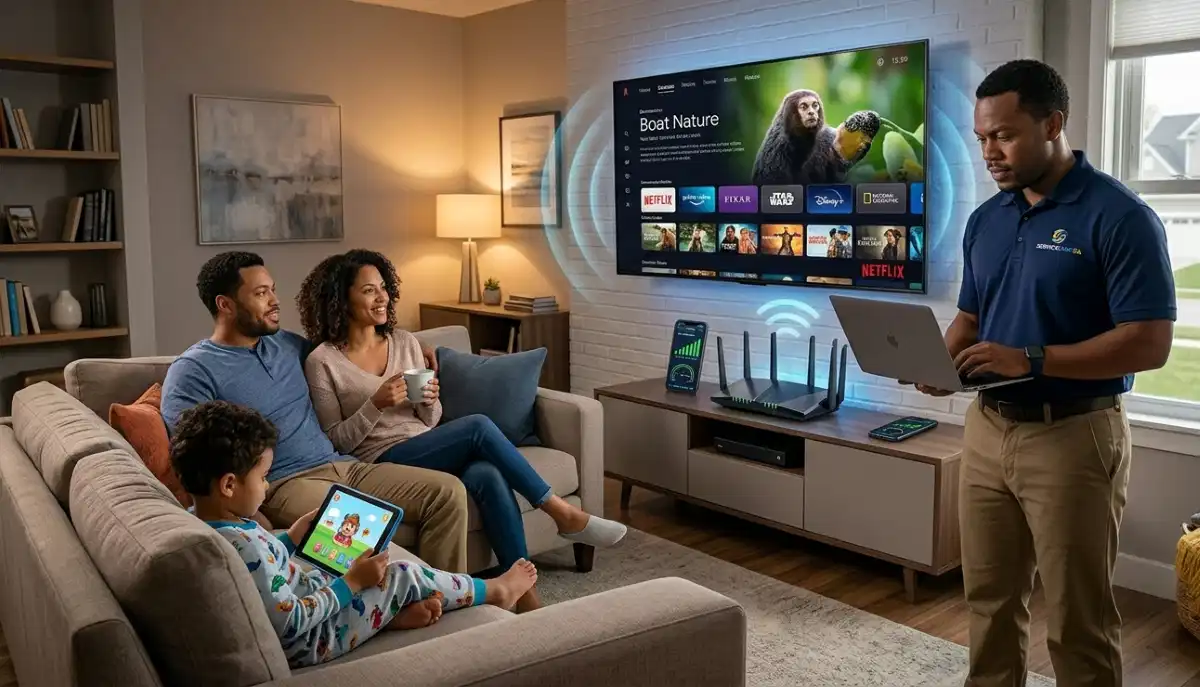
Tired of Buffering on Your Smart TV?
Get professional help from local specialists who understand wifi buffering smart tv and smart tv internet buffer issues.
Why Does WiFi Buffer on Smart TV – Fix Guide: The Complete Solution
📺 The spinning circle of doom—here’s why it happens and exactly how to stop it.
You’ve settled in for a movie night. The popcorn is ready, the lights are dimmed, and you’re excited to watch your favourite show. You press play. And then… the spinning circle appears. Buffering. Your movie night is ruined.
This is one of the most frustrating experiences for any smart TV owner. The question why does WiFi buffer on smart TV fix guide is one I hear constantly. Whether you have a Samsung, LG, or Apple TV, wifi buffering smart tv is a common problem—but it’s almost always solvable.
In this comprehensive guide, I’ll answer the question why does my smart TV keep buffering and provide step-by-step solutions. I’ll cover wifi buffering on Samsung TV, wifi buffering on LG TV, wifi buffering on Apple TV, and more. Whether you’re in Benoni, Parow, or Gqeberha, these tips will help you enjoy buffer-free streaming.
For more on streaming issues, check out our router settings for streaming guide and WiFi for multiple devices guide. Let’s stop that buffering.
📋 Table of Contents – Smart TV Buffering Fix Guide
🔍 Why Does Smart TV Buffering Happen?
To answer why does WiFi buffer on smart TV fix guide, we first need to understand why wifi buffering smart tv occurs.
Common Causes of Smart TV Buffering:
- Slow internet speed: Your connection isn’t fast enough for the content you’re trying to stream.
- Weak WiFi signal: Your TV is too far from the router or there are obstructions.
- Network congestion: Too many devices using bandwidth simultaneously.
- Router issues: Outdated firmware, wrong settings, or hardware problems.
- TV software issues: Outdated TV firmware or app problems.
- ISP throttling: Your ISP may be slowing down streaming traffic.
How Buffering Works:
When you stream video, your device downloads a portion of the video ahead of time (buffering). If the download can’t keep up with playback, you see the spinning circle while the video catches up.
What Buffering Tells You:
- Your wifi speed is too slow for the content.
- Your wifi signal strength is weak.
- Your wifi latency is too high.
For more on diagnosing the problem, see our how to test WiFi speed guide.

📊 Check Your Internet Speed
Before you do anything else, test your wifi speed to see if it’s sufficient for streaming.
Speed Requirements for Streaming:
- SD (Standard Definition): 3-5 Mbps
- HD (720p/1080p): 5-10 Mbps
- 4K (Ultra HD): 25+ Mbps
How to Test Your Speed:
- Use a speed test app or website on your TV (if available) or on your phone.
- Test near your TV to see the speed your TV is getting.
- Test at different times of day (peak vs off-peak).
What to Do If Your Speed Is Too Low:
- Upgrade your internet plan.
- Reduce the number of devices using the internet.
- Improve your wifi signal strength.
For more on speed testing, see our how to test WiFi speed guide.
📍 Router Placement for Smart TV
Where you place your router affects your wifi for smart tv performance.
Golden Rules for Smart TV Streaming:
- Close to your TV: The closer the router is to your TV, the better.
- Elevated: Place it on a shelf or table.
- Line of sight: Minimise obstructions between router and TV.
- Away from interference: Keep it away from other electronics.
If Your TV Is Far from the Router:
- Use a WiFi extender near your TV.
- Run an Ethernet cable to your TV (best for streaming).
- Use a mesh network to extend coverage.
For more on placement, see our router placement guide.
📶 Improve WiFi Signal Strength
Weak wifi signal strength is a major cause of smart tv internet buffer.
How to Check Signal Strength:
Most smart TVs show WiFi signal strength in network settings. If it shows 1-2 bars, the signal is weak.
How to Improve Signal Strength:
- Move closer to the router: If possible, move your TV closer to the router.
- Use 5 GHz band: 5 GHz is faster but has shorter range. If you’re close enough, use it.
- Reduce interference: Keep the router away from microwaves, cordless phones, and other electronics.
- Use a WiFi extender: A WiFi extender can boost the signal to your TV.
- Check for firmware updates: Samsung releases updates that improve performance.
- Reset Smart Hub: This can clear temporary issues.
- Disable Quick Start: Some Samsung TVs have issues with Quick Start mode.
- Use a wired connection: If possible, use Ethernet.
- Check for firmware updates: LG updates improve WiFi performance.
- Reset network settings: Forget the network and reconnect.
- Disable IPv6: Some LG TVs have issues with IPv6.
- Use 5 GHz: LG TVs often perform better on 5 GHz.
- Check for tvOS updates: Apple regularly improves streaming performance.
- Restart Apple TV: A simple restart can fix buffering.
- Reduce bandwidth usage: Close background apps.
- Use Ethernet: Apple TV has a Gigabit Ethernet port.
- Restart your TV (unplug for 30 seconds).
- Clear app cache (in app settings).
- Reduce video quality if your internet is slow.
- Place the extender halfway between your router and TV.
- Use the extender’s app or web interface to connect it to your router.
- Place it near your TV (but not too close—it needs a strong signal from the router).
- Connect your TV to the extender’s network.
- No interference: Wired connections are completely stable.
- Full bandwidth: No sharing with other devices.
- Lowest latency: Faster response and no buffering.
- Run an Ethernet cable from your router to your TV.
- Plug it into the Ethernet port on your TV.
- Change your TV’s network settings to use the wired connection.
- Disable WiFi on your TV to ensure it uses Ethernet.
- Putting the router behind the TV: This blocks the WiFi signal and causes wifi buffering smart tv.
- Using 2.4 GHz when 5 GHz is available: 2.4 GHz is slower and more congested.
- Not updating TV firmware: Outdated software can cause streaming issues.
- Using an outdated router: Old routers can’t handle 4K streaming.
- Not checking internet speed: If your internet plan is too slow, no amount of optimisation will help.
- Placing the WiFi extender incorrectly: Placing it in the dead zone means it has nothing to extend.
- Check your speed: Ensure your wifi speed meets streaming requirements.
- Improve signal: Position your router near your TV.
- Use 5 GHz: For the best wifi for smart tv performance.
- Optimise router: Enable QoS and choose the best channel.
- Consider Ethernet: The most reliable smart tv internet buffer fix.
- Update firmware: Keep your TV and router updated.
- SANS 10400 – Guidelines for electrical and networking installations in South African homes.
- SABS – Standards for electronic equipment and safety.
What About 2.4 GHz vs 5 GHz?
For streaming, 5 GHz is better if you’re close to the router. If you’re far away, 2.4 GHz may be more reliable.
For more on signal strength, see our fix weak WiFi signal guide.
Still Getting Buffering on Your Smart TV?
Get professional help from local specialists who understand wifi buffering on Samsung TV, LG TV, and Apple TV.
Free inspections available for wifi for smart tv optimisation.
🖥️ TV-Specific Buffering Fixes
Different TV brands have specific issues. Here are fixes for wifi buffering on Samsung TV, wifi buffering on LG TV, and wifi buffering on Apple TV.
WiFi Buffering on Samsung TV:
WiFi Buffering on LG TV:
WiFi Buffering on Apple TV:
General TV Fixes:
For more on TV issues, see our router settings for streaming guide.
⚙️ Router Settings for Streaming
Optimising your router can eliminate wifi buffering smart tv.
1. Enable QoS:
Prioritise streaming traffic over other traffic. This ensures your TV gets the bandwidth it needs.
2. Choose the Best Channel:
Use a WiFi analyser to find the least congested channel. This reduces interference and improves wifi speed.
3. Use 5 GHz:
For the best streaming performance, connect your TV to the 5 GHz band.
4. Update Router Firmware:
Manufacturers release updates that improve streaming performance.
5. Disable Unnecessary Features:
Features like parental controls and guest networks can add processing overhead.
For more on router settings, see our router setup guide.
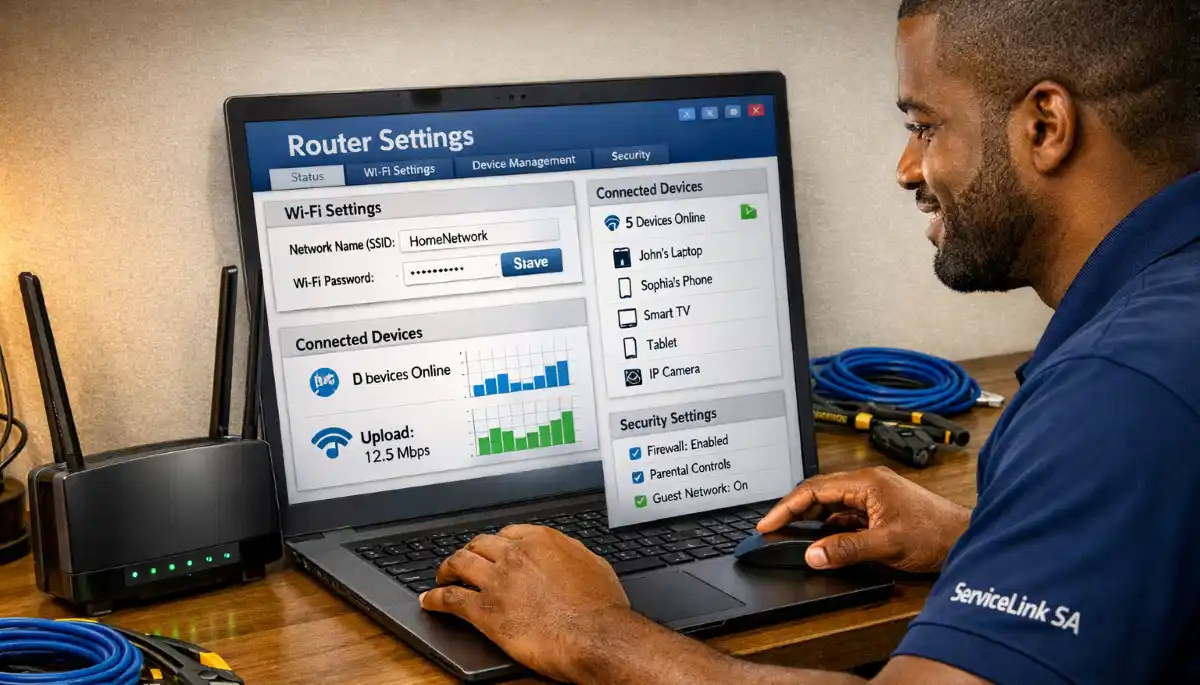
📡 Using a WiFi Extender for Smart TV
If your TV is far from the router, a WiFi extender can help with wifi for smart tv.
What Is a WiFi Extender?
A WiFi extender picks up your existing WiFi signal and rebroadcasts it, extending its range to areas with weak signals.
How to Set Up a WiFi Extender for Your TV:
Important: Don’t place the extender in the same room as the TV if the signal from the router is weak there. Place it where it can get a strong signal from the router.
For more on extenders, see our WiFi extender installation guide.
🔌 Use Ethernet for Reliable Streaming
The most reliable way to eliminate smart tv internet buffer is to use a wired Ethernet connection.
Why Ethernet Is Best:
How to Connect Your TV with Ethernet:
What If You Can’t Run a Cable?
Consider powerline adapters that send internet through your electrical wiring. This is a good alternative to running a long Ethernet cable.
For more on Ethernet, see our ethernet wiring guide.
🚫 Common Mistakes to Avoid
⚠️ Warning: These Mistakes Make Smart TV Buffering Worse
Avoid these errors when fixing why does WiFi buffer on smart TV fix guide issues.
For more on avoiding these mistakes, see our WiFi signal optimisation guide.
❓ Frequently Asked Questions About Smart TV Buffering
Why does my smart TV keep buffering?
Why does my smart TV keep buffering is caused by slow internet, weak wifi signal strength, network congestion, or router issues. The why does WiFi buffer on smart TV fix guide starts with checking your wifi speed and wifi latency. If your speed is below 25 Mbps for 4K, you’ll experience wifi buffering smart tv.
Why does my Samsung TV keep buffering?
Wifi buffering on Samsung TV can be caused by outdated firmware, network settings, or weak signal. Update your TV’s firmware, reset network settings, and ensure you’re using 5 GHz. If issues persist, try disabling Quick Start mode. These are common smart tv internet buffer fixes.
Why does my LG TV keep buffering?
Wifi buffering on LG TV often relates to network settings or signal strength. Update your TV’s firmware, forget and reconnect to your network, and use 5 GHz. Disabling IPv6 can also help. These are effective wifi buffering smart tv solutions.
Why does my Apple TV keep buffering?
Wifi buffering on Apple TV can be fixed by updating tvOS, restarting the device, and using Ethernet if possible. Check your wifi speed and wifi latency. Apple TV has a Gigabit Ethernet port—use it for the best wifi for smart tv experience.
How can I stop buffering on my smart TV?
To stop smart tv internet buffer, check your wifi speed, improve wifi signal strength, use 5 GHz, enable QoS on your router, and consider a WiFi extender. For the best results, use an Ethernet connection. This is the complete why does WiFi buffer on smart TV fix guide.
What internet speed do I need for smart TV streaming?
For wifi for smart tv streaming, you need 3-5 Mbps for SD, 5-10 Mbps for HD, and 25+ Mbps for 4K. If multiple devices are using the internet, you need more. Your wifi speed should match your internet plan for buffer-free streaming.
Does a WiFi extender help with smart TV buffering?
Yes, a WiFi extender can help with wifi buffering smart tv if your TV is far from the router. Place the extender halfway between the router and TV. This improves wifi signal strength and reduces smart tv internet buffer issues.
Is Ethernet better than WiFi for smart TV streaming?
Yes, Ethernet is significantly better for wifi for smart tv streaming. It offers zero interference, full bandwidth, and lower wifi latency. If you’re experiencing wifi buffering smart tv, use Ethernet if possible. This is the most reliable smart tv internet buffer fix.
✅ Final Thoughts: Eliminate Smart TV Buffering for Good
Understanding why does WiFi buffer on smart TV fix guide is the key to enjoying buffer-free streaming. Whether you’re dealing with wifi buffering on Samsung TV, LG TV, or Apple TV, the solutions are the same: check your wifi speed, improve wifi signal strength, optimise your router, and consider a wired connection.
Key Takeaways:
Your Next Step: Test your wifi speed and wifi signal strength near your TV. If you’re experiencing wifi buffering smart tv, implement the fixes in this guide. For personalised help, ServiceLink SA can connect you with local specialists who understand wifi for smart tv and can help you achieve buffer-free streaming.
Ready to Stop Smart TV Buffering?
Get free quotes from verified local specialists for wifi buffering smart tv and smart tv internet buffer solutions.
📞 Call us: 073 138 4726 for immediate help finding a specialist near you.
Router Settings for Streaming •
Multiple Devices Streaming •
Fix Weak WiFi Signal
📢 Are You a WiFi Optimisation Professional?
Join ServiceLink SA’s network of verified contractors and get access to qualified leads for wifi for smart tv and wifi buffering smart tv projects.
📚 Official resources & standards referenced:
Information provided for general guidance. For professional why does WiFi buffer on smart TV fix guide advice, always consult a qualified local technician.
Written by: Innocent T Hanyani
Construction & Home Services Industry Specialist | 21+ Years Experience
Innocent T Hanyani has over two decades of experience working across South Africa’s construction, telecommunications, and home services sectors. Throughout his career, he has worked closely with network installers, IT professionals, and smart TV users, gaining practical insight into the why does WiFi buffer on smart TV fix guide. His expertise helps homeowners and streamers understand the complexities of wifi buffering smart tv and smart tv internet buffer, from diagnosing wifi buffering on Samsung TV to resolving wifi buffering on LG TV and wifi buffering on Apple TV.