
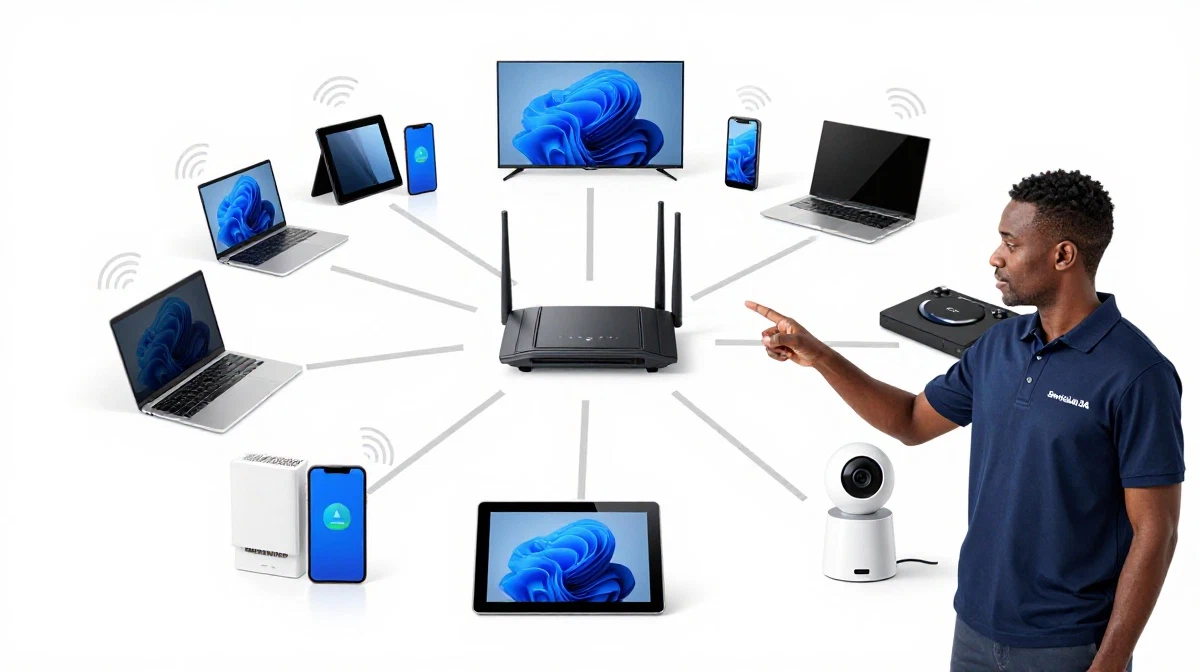
Too Many Devices Slowing Your WiFi?
Get professional help from local specialists who understand multiple devices streaming wifi and wifi congestion.
Get Free WiFi Optimisation Help
Servicing Boksburg, Paarl, Westville, and across South Africa
Optimising WiFi for Multiple Devices Streaming at Once: The Complete Guide
📶 Too many devices, not enough bandwidth? Here’s how to keep everyone connected and streaming smoothly.
It’s 8 PM on a Friday evening. The kids are streaming in their rooms. You’re watching a movie in the living room. Your partner is on a video call in the home office. Suddenly, everything starts buffering. The video quality drops. Your call freezes. Wifi slow when everyone streaming is a common frustration.
Modern households have more connected devices than ever before. Smart TVs, phones, tablets, laptops, gaming consoles, smart home devices—they all compete for bandwidth. Without proper optimisation, wifi for many devices becomes a nightmare.
In this comprehensive guide, I’ll show you how to achieve optimising WiFi for multiple devices streaming at once. I’ll cover everything from multiple devices streaming wifi to managing wifi congestion and finding the best wifi for family of 5 or wifi for 10 devices. Whether you’re in Boksburg, Paarl, or Westville, this guide will help you keep everyone connected.
For more on related topics, check out our smart home WiFi guide and WiFi signal optimisation guide. Let’s get your network running smoothly.
📋 Table of Contents – Multiple Device WiFi Guide
🔍 Why Multiple Devices Cause WiFi Problems
Understanding why multiple devices streaming wifi causes problems is the first step in optimising WiFi for multiple devices streaming at once.
How WiFi Works with Multiple Devices:
WiFi networks share bandwidth among all connected devices. Each device gets a portion of the total available bandwidth. The more devices, the less bandwidth each device gets.
Why Streaming Makes It Worse:
- Continuous data: Streaming uses a constant stream of data, unlike browsing which is intermittent.
- High bandwidth: 4K streaming uses 25+ Mbps per stream.
- Multiple streams: Each streaming device adds to the total bandwidth demand.
Common Symptoms of Overloaded WiFi:
- Buffering: Videos pause to load.
- Quality drops: Video quality reduces automatically.
- Slow speeds: Pages take longer to load.
- Disconnections: Devices drop off the network.
Why WiFi slow when everyone streaming happens:
When multiple people stream simultaneously, the total bandwidth demand exceeds the available capacity, causing wifi congestion.
For more on diagnosing the problem, see our how to test WiFi speed guide.
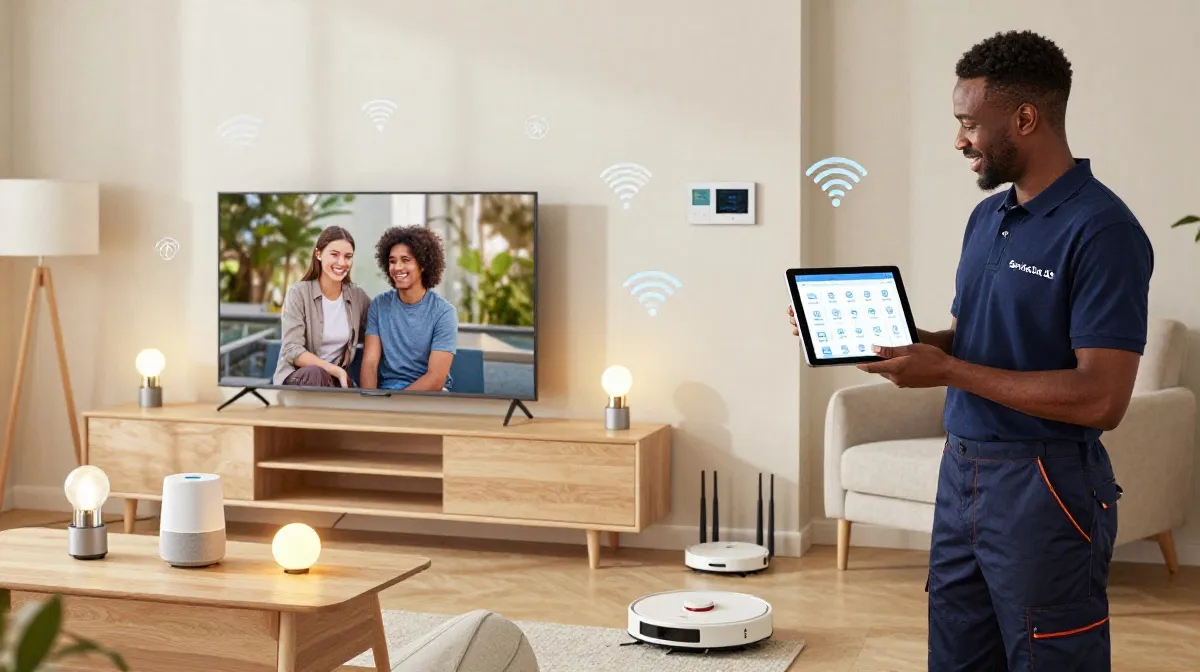
📊 Bandwidth Requirements for Multiple Devices
Knowing the bandwidth requirements helps you plan for wifi for many devices.
Bandwidth Per Activity:
- Browsing/email: 1-2 Mbps per device
- HD streaming: 5-10 Mbps per stream
- 4K streaming: 25-50 Mbps per stream
- Video calls: 3-5 Mbps per call
- Online gaming: 10-20 Mbps (latency matters more)
- Smart home devices: 1-2 Mbps each
Calculating Your Needs:
Add up the bandwidth for all simultaneous activities. For example:
- 2 x 4K streams: 50 Mbps
- 1 x video call: 5 Mbps
- 1 x gaming: 15 Mbps
- 2 x browsing: 4 Mbps
- 5 x smart devices: 5 Mbps
- Total: ~80 Mbps (minimum)
Recommended Internet Plans:
- Small family (3-4 people): 50-100 Mbps
- Medium family (4-6 people): 100-200 Mbps
- Large family (6+ people): 200+ Mbps
For more on speed requirements, see our router speed guide.
🚦 Understanding WiFi Congestion
WiFi congestion is a major cause of slow speeds in busy households.
What Is WiFi Congestion?
WiFi congestion happens when too many devices try to use the same network resources simultaneously. It’s like a highway during rush hour—too many cars, not enough road.
Signs of WiFi Congestion:
- Slow speeds during peak hours (evenings).
- Buffering when multiple people are streaming.
- Devices struggle to stay connected.
- Performance varies throughout the day.
How to Reduce WiFi Congestion:
- Upgrade your router: Newer routers handle more devices.
- Use 5 GHz: Less crowded than 2.4 GHz.
- Enable QoS: Prioritise important traffic.
- Reduce connected devices: Disconnect unused devices.
- Use a mesh network: Distributes traffic more efficiently.
For more on congestion, see our WiFi signal optimisation guide.

Struggling with Slow WiFi When Everyone’s Streaming?
Get professional help from local specialists who understand multiple devices streaming wifi and wifi for many devices.
Get Free WiFi Optimisation Help
Free inspections available for bandwidth management.
🛠️ Router Requirements for Many Devices
Your router needs to be capable of handling wifi for 10 devices or more.
Key Router Features for Multiple Devices:
- Dual-band or tri-band: Spreads devices across multiple bands.
- MU-MIMO: Simultaneously serves multiple devices.
- WiFi 5 or WiFi 6: WiFi 6 handles more devices.
- Good processor: Faster routing of traffic.
- Quality QoS: Prioritises important traffic.
WiFi 6 vs WiFi 5 for Multiple Devices:
- WiFi 6: Handles more devices, better efficiency, lower latency.
- WiFi 5: Good for most households, but may struggle with 10+ devices.
Recommended Routers:
- Budget: TP-Link Archer series (WiFi 5/6).
- Mid-range: ASUS RT-AX86U (WiFi 6).
- Premium: NETGEAR Nighthawk series (WiFi 6).
For more on routers, see our best routers guide.
📊 Enable QoS for Multiple Devices
QoS (Quality of Service) is essential for optimising WiFi for multiple devices streaming at once.
What QoS Does:
QoS prioritises certain types of traffic. This ensures that important activities (like video calls and streaming) get priority over less important ones (like downloads).
How to Enable QoS:
- Access your router’s settings (usually 192.168.1.1).
- Find QoS or bandwidth management.
- Enable QoS and set streaming/video calls as high priority.
- Some routers have pre-set profiles for streaming, gaming, or work.
- Save and apply the settings.
What If Your Router Doesn’t Have QoS?
Most modern routers have QoS. If yours doesn’t, consider upgrading to a router with QoS features.
For more on QoS, see our best router settings guide.
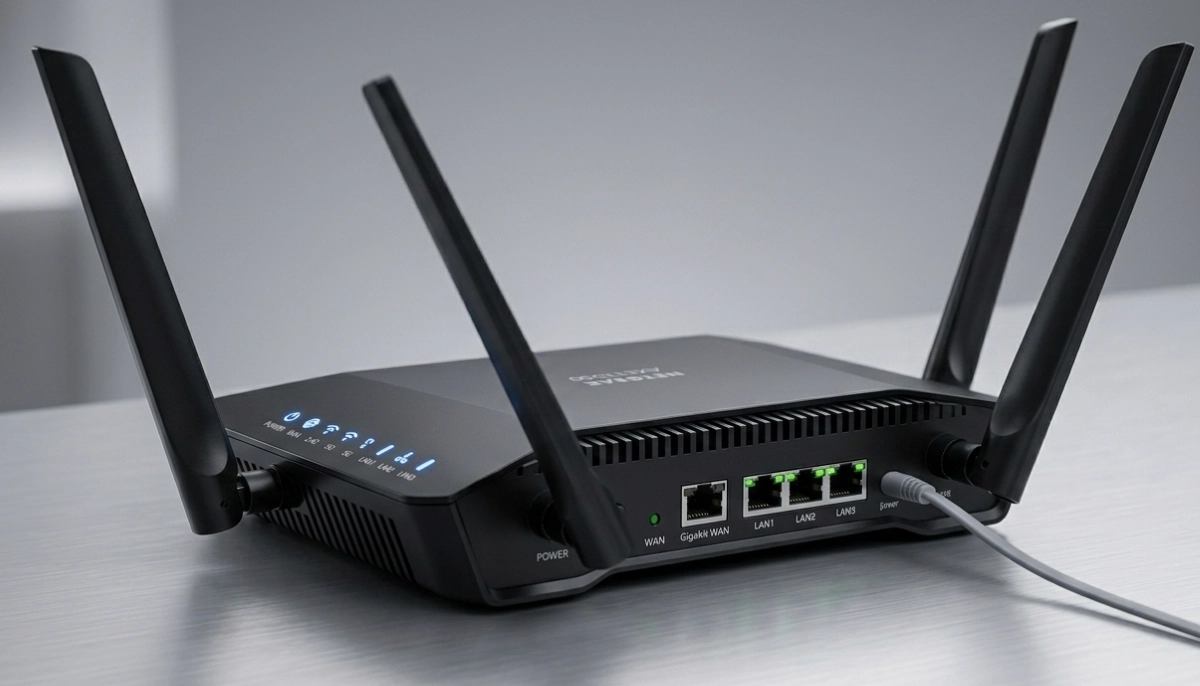
📡 Use Both Bands Effectively
Using both 2.4 GHz and 5 GHz bands effectively is key to multiple devices streaming wifi.
2.4 GHz Band:
- Best for: Smart home devices, web browsing, devices far from the router.
- Range: Long range, penetrates walls well.
- Speed: Slower, more interference.
5 GHz Band:
- Best for: Streaming, gaming, video calls, devices near the router.
- Range: Shorter range, less wall penetration.
- Speed: Faster, less interference.
How to Split Devices:
- Connect streaming devices to 5 GHz: TVs, gaming consoles, computers.
- Connect smart home devices to 2.4 GHz: Lights, plugs, speakers.
- Connect mobile devices to whichever is best: Closer to 5 GHz, further to 2.4 GHz.
For more on bands, see our dual band WiFi guide.
🌐 Mesh Networks for Many Devices
For households with many devices, a wifi mesh system can help with wifi for many devices.
Benefits of Mesh for Multiple Devices:
- Wider coverage: Ensures strong signal everywhere.
- Better distribution: Nodes share the load.
- Seamless roaming: Devices stay connected as you move.
- Scalable: Add more nodes if needed.
Mesh vs Single Router:
For households with many devices (10+), a mesh system often performs better than a single router. The distributed nature of mesh reduces wifi congestion.
Recommended Mesh Systems:
- Budget: TP-Link Deco X20.
- Mid-range: Google Nest WiFi.
- Premium: Netgear Orbi RBK752.
For more on mesh, see our mesh network guide.
📊 Bandwidth Management Strategies
Effective bandwidth management is essential for wifi for many devices.
Strategy 1: Set Bandwidth Limits
Limit bandwidth for less important devices. This ensures streaming devices get enough bandwidth.
Strategy 2: Schedule Heavy Downloads
Schedule large downloads (game updates, system updates) for off-peak hours.
Strategy 3: Use a Separate Network for Smart Devices
Some routers allow a separate network for smart home devices. This reduces congestion on the main network.
Strategy 4: Monitor Usage
Use your router’s app to see which devices are using the most bandwidth. This helps you identify and manage heavy users.
Strategy 5: Enable Band Steering
Band steering automatically connects devices to the best band. This helps balance load across bands.
For more on bandwidth, see our WiFi signal optimisation guide.
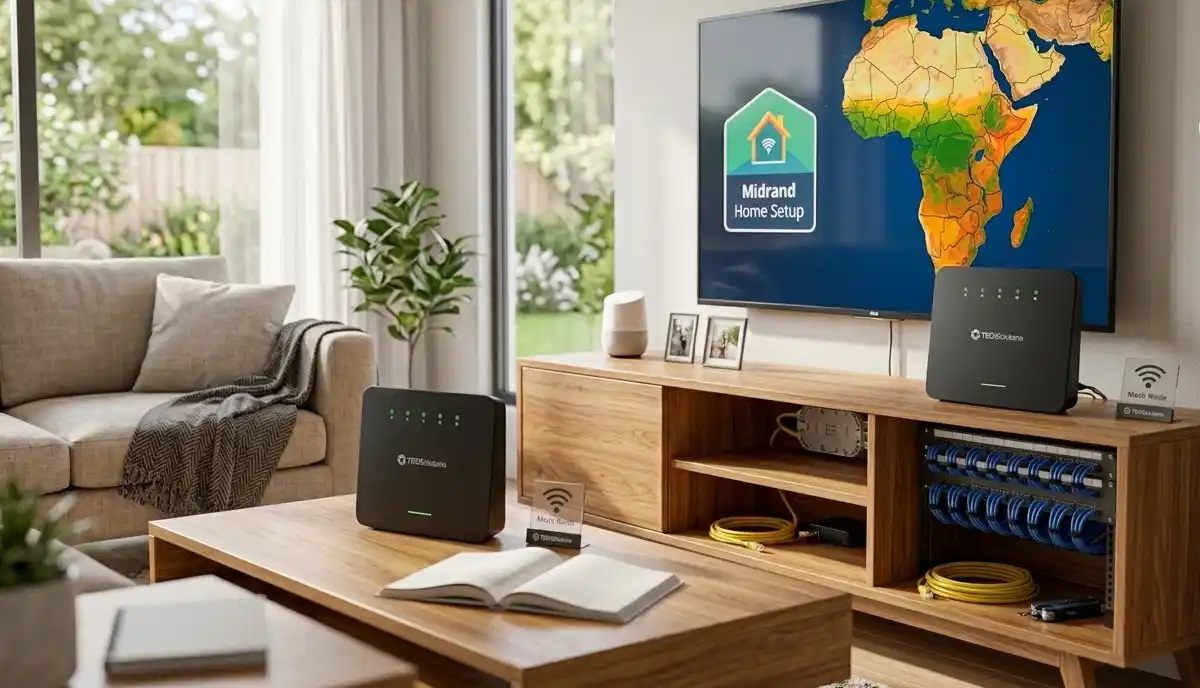
⭐ Device Prioritisation Tips
In a busy household, not all devices are equally important. Here are tips for optimising WiFi for multiple devices streaming at once.
1. Prioritise Work Devices:
If someone is working from home, prioritise their devices for video calls and work applications.
2. Prioritise Streaming Devices:
Set your smart TVs and streaming devices to high priority for buffer-free viewing.
3. Prioritise Gaming Consoles:
Gamers need low latency. Prioritise gaming traffic to reduce wifi congestion.
4. Deprioritise Smart Home Devices:
Smart home devices need very little bandwidth. They can be set to low priority.
5. Deprioritise Guest Devices:
If you have a guest network, set it to low priority to protect your main network’s performance.
Real-World Example:
In a home with 10 devices in De Aar, setting priorities ensures that work calls and streaming get the bandwidth they need while smart devices get what’s left.
For more on prioritisation, see our best router settings guide.
❓ Frequently Asked Questions About Multiple Device WiFi
How can I optimise WiFi for multiple devices streaming at once?
Optimising WiFi for multiple devices streaming at once requires a combination of solutions: upgrade your router, enable QoS, use 5 GHz for streaming, manage wifi congestion, and consider a mesh network. This is essential for wifi for many devices in modern households.
Why is my WiFi slow when everyone is streaming?
WiFi slow when everyone streaming is caused by wifi congestion. Total bandwidth demand exceeds available capacity. The solution is to upgrade your internet plan, enable QoS, and use bandwidth management to prioritise important traffic. This is a common multiple devices streaming wifi problem.
What is the best WiFi for a family of 5?
The best wifi for family of 5 includes a router that supports at least 10-15 devices, good QoS features, and 5 GHz band support. A 100-200 Mbps internet plan is recommended. For larger homes, consider a wifi mesh system. This is the sweet spot for wifi for many devices.
What is the best WiFi for 10 devices?
For wifi for 10 devices, you need a router with MU-MIMO, WiFi 6 support, and good QoS. A 200-500 Mbps internet plan is recommended. Consider a tri-band or mesh network for the best performance with many devices.
Does a mesh network help with multiple streaming devices?
Yes, a wifi mesh system helps with multiple devices streaming wifi. It provides better coverage and distributes traffic across multiple nodes, reducing wifi congestion. Mesh systems are ideal for households with many devices and large homes.
How much internet speed do I need for multiple devices?
For wifi for many devices, you need 100-200 Mbps for a family of 4-6, and 200+ Mbps for larger families. Calculate your total bandwidth by adding up the requirements for all simultaneous activities. This helps with bandwidth management.
What is WiFi congestion and how do I fix it?
WiFi congestion happens when too many devices use the same network simultaneously. Fix it by upgrading your router, enabling QoS, using 5 GHz, reducing connected devices, and using a mesh network. These are essential multiple devices streaming wifi solutions.
Can I have too many devices on WiFi?
Yes, you can have too many devices on WiFi. Most routers can handle 10-20 devices, but performance degrades with more. Wifi for 10 devices is usually fine, but 20+ may cause wifi congestion. Upgrade to a WiFi 6 router or mesh system for more devices.
✅ Final Thoughts: Keep Everyone Connected and Happy
Optimising WiFi for multiple devices streaming at once is essential for modern households. With the right equipment, settings, and strategies, you can keep everyone connected without buffering or slow speeds.
Key Takeaways:
- Assess your needs: Count devices and calculate bandwidth requirements.
- Choose the right router: Support for many devices, QoS, and 5 GHz.
- Enable QoS: Prioritise important traffic for multiple devices streaming wifi.
- Use both bands: 2.4 GHz for smart devices, 5 GHz for streaming.
- Consider mesh: For large homes and many devices.
- Manage bandwidth: Set limits and priorities.
Your Next Step: Count the devices in your home and calculate your bandwidth needs. If you’re experiencing wifi slow when everyone streaming, implement the fixes in this guide. For personalised help, ServiceLink SA can connect you with local specialists who understand wifi for many devices and bandwidth management.
Ready to Optimise Your WiFi for Multiple Devices?
Get free quotes from verified local specialists for multiple devices streaming wifi and bandwidth management.
📞 Call us: 073 138 4726 for immediate help finding a specialist near you.
📢 Are You a WiFi Optimisation Professional?
Join ServiceLink SA’s network of verified contractors and get access to qualified leads for wifi for many devices and multiple devices streaming wifi projects.
📚 Official resources & standards referenced:
- SANS 10400 – Guidelines for electrical and networking installations in South African homes.
- Department of Energy – Information on energy-efficient electronic equipment.
Information provided for general guidance. For professional optimising WiFi for multiple devices streaming at once advice, always consult a qualified local technician.
Written by: Innocent T Hanyani
Construction & Home Services Industry Specialist | 21+ Years Experience
Innocent T Hanyani has over two decades of experience working across South Africa’s construction, telecommunications, and home services sectors. Throughout his career, he has worked closely with network installers, IT professionals, and busy households, gaining practical insight into optimising WiFi for multiple devices streaming at once. His expertise helps families understand the complexities of wifi for many devices and multiple devices streaming wifi, from managing wifi congestion to implementing effective bandwidth management and wifi mesh solutions for wifi for smart home and streaming.