
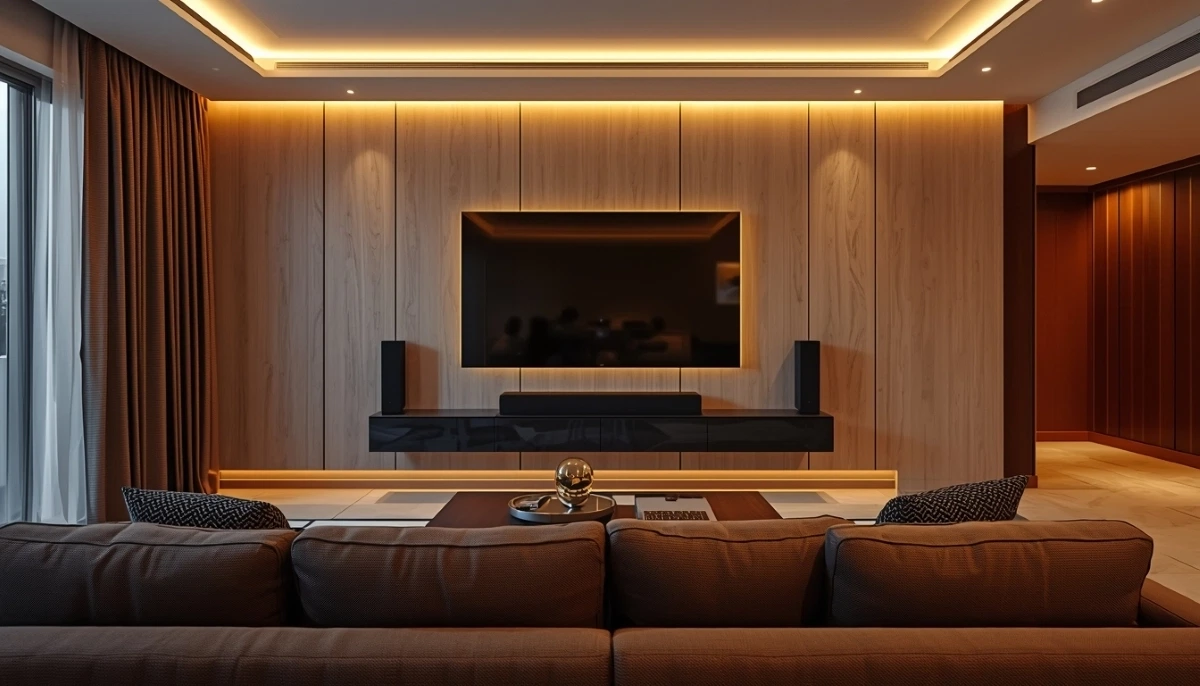
Home Entertainment Setup South Africa – The Complete Design Guide
🎬 From TV mounting to surround sound and smart control: how to plan and install the perfect media room in your home.
You’re building a new home in Sandton, or perhaps renovating your lounge in Cape Town. You don’t just want a TV on the wall – you want a true home entertainment setup South Africa can be proud of. A system that delivers amazing picture and sound, is easy to use, and looks like it was designed with the room, not just dropped in. But where do you start? The choices – TV size, soundbar vs surround sound, cable management, smart controls – can be overwhelming.
This guide is your blueprint for a complete home theatre installation. We cover every step: choosing the right screen (TV or projector), planning the TV and soundbar mounting for optimal acoustics, designing a media room setup that works for your space, and the often-overlooked details that make a professional system shine. You’ll learn about component shelving, equipment racks, and cable labelling – the secrets to a tidy, maintainable system. We also explain advanced features like IR repeaters for controlling hidden components and universal remote programming to simplify your life. Whether you’re in Pretoria, Durban, or Stellenbosch, this guide helps you create a system you’ll love for years.
If you’re ready for a professional, turnkey installation, explore our Services Overview or visit our TV Mounting page to find vetted installers near you. For more on how we work, see How It Works.
Design Your Dream Entertainment System
Get free, no-obligation quotes from local home entertainment specialists who can design and install a complete system for your space.
Find Home Theatre Experts Near Me
Servicing Johannesburg, Pretoria, Cape Town, Durban, and nationwide
📋 Table of Contents – Home Entertainment Setup Guide
📐 Planning Your Entertainment Space
Before you buy anything, plan. A successful home entertainment setup starts with understanding your room.
- Room dimensions: Measure the length and width of your room. This determines the ideal screen size and viewing distance. A common rule is to sit 1.5 to 2.5 times the diagonal screen size away from the TV.
- Seating layout: Where will you sit? A single sofa directly opposite the TV is simple. An L-shaped sectional might call for a full-motion bracket to adjust the screen for different positions.
- Lighting: Rooms with lots of natural light are challenging for projectors and can cause glare on TVs. Plan for blackout curtains or consider TV placement to minimize reflections.
- Wall construction: Is your wall brick, concrete, or drywall? This affects mounting options and cable concealment. See our wall type guide.
- Future-proofing: Run extra cables (HDMI, Ethernet) even if you don’t need them now. It’s much easier during construction or renovation.
Read more about our approach on our About Us page or see why clients choose us on our Benefits page.
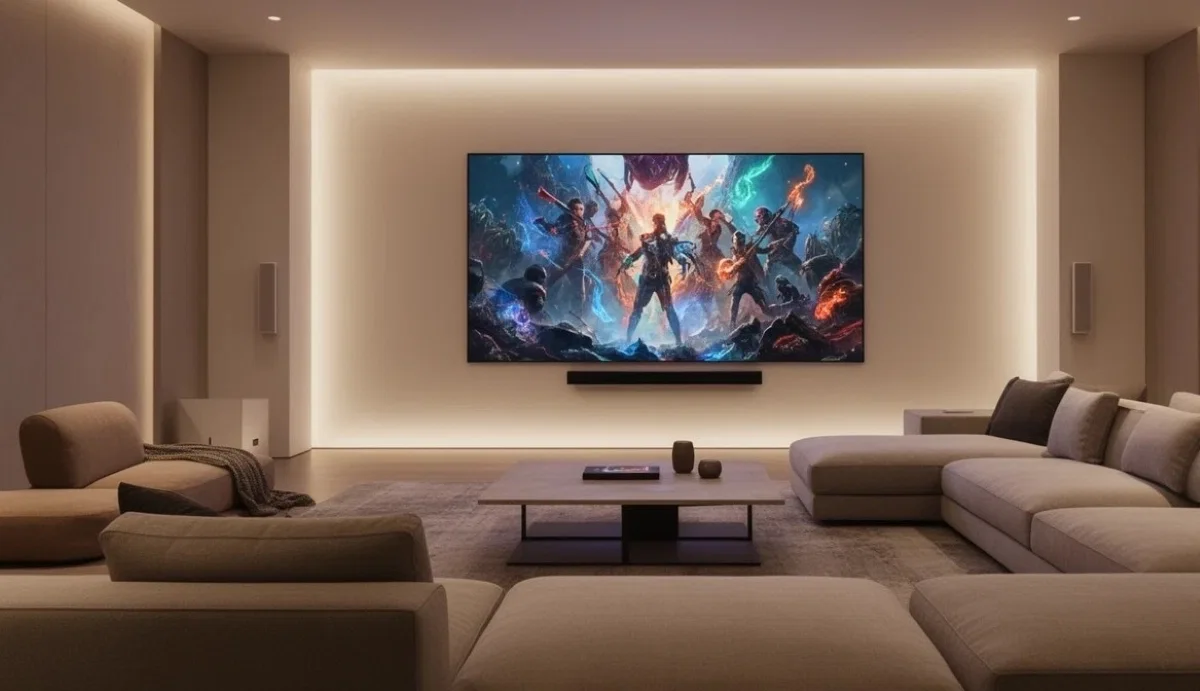
📺 TV vs Projector: Choosing Your Screen
For a dedicated media room, you have two main choices. Each has pros and cons.
- TV:
- Pros: Excellent brightness, works in any lighting, no need for complete darkness, 4K and 8K resolution readily available, easy to install, no lamp replacement.
- Cons: Screen size limited (max around 85-98 inches for reasonable cost), can be a “black rectangle” in the room when off.
- Best for: Living rooms, family rooms, spaces with ambient light.
- Projector:
- Pros: Enormous screen sizes (100-150 inches+) for a true cinema experience, projector can be hidden, screen can retract when not in use.
- Cons: Requires controlled lighting (usually complete darkness), image quality affected by ambient light, lamp life limited (needs replacement), more complex installation with screen and projector mounting.
- Best for: Dedicated home theatres, dark rooms, movie enthusiasts.
Our projector and screen mounting service can help with complex installations.
📏 TV Selection: Size, Resolution & Technology
If you choose a TV, here’s what to consider.
- Size: Use the viewing distance to choose size. For 4K TVs, you can sit closer than with 1080p. A common formula: viewing distance (in inches) divided by 1.5 to 2 = screen size. For a 3m (118 inch) viewing distance, a 59-79 inch TV is ideal.
- Resolution: 4K is the standard now. 8K is available but content is scarce. For most people, 4K is the sweet spot.
- Technology:
- OLED: Perfect blacks, infinite contrast, excellent viewing angles. More expensive, risk of burn-in (rare with modern models).
- QLED/LED: Very bright, good for bright rooms, no burn-in risk. Blacks not as deep as OLED.
- Mini-LED: A newer LED technology with much better contrast, approaching OLED quality but brighter.
- HDR: High Dynamic Range improves colour and contrast. Look for Dolby Vision, HDR10+ support.
🔊 Sound Systems: Soundbars vs Surround Sound
Great picture deserves great sound. Here are your options.
- Soundbars:
- Pros: Simple, one-box solution, easy to install, can be mounted below the TV, wireless subwoofer options, good for small to medium rooms.
- Cons: Limited soundstage, virtual surround sound is not as immersive as real speakers.
- Best for: Living rooms, bedrooms, simpler setups.
- Surround Sound (AV Receiver + Speakers):
- Pros: True immersive audio with discrete channels (5.1, 7.1, Dolby Atmos), much better sound quality and soundstage, can be upgraded over time.
- Cons: More complex to install, requires running speaker cables, more expensive, takes up more space.
- Best for: Dedicated home theatres, serious movie/music lovers.
- Calibration: For the best experience, especially with surround sound, professional calibration following Dolby standards is recommended.
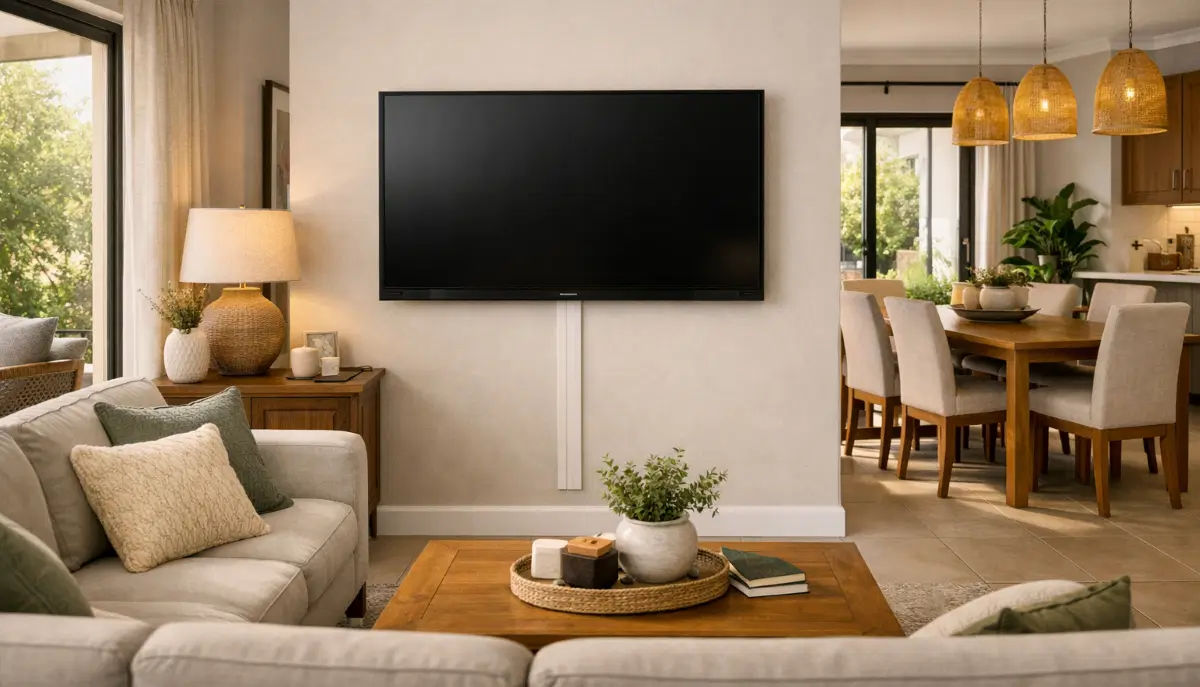
📐 TV Mounting & Positioning
Getting the TV at the right height and angle is critical for comfort.
- Height: The centre of the screen should be at seated eye level. See our best TV mounting height guide for detailed calculations.
- Bracket choice:
- Fixed bracket: For TVs directly opposite seating.
- Tilting bracket: For high mounts or rooms with glare.
- Full-motion bracket: For corner mounts or flexible viewing.
- Soundbar placement: Ideally, mount the soundbar directly below the TV, with a few centimetres gap. Some brackets include a soundbar mount.
- Proximity to wall: If you have a recessed box for cables, ensure your bracket is compatible. See our cable concealment guide.
📍 Speaker Placement for Optimal Audio
For surround sound, placement is everything. The THX and Dolby guidelines are the gold standard.
- 5.1 setup:
- Centre channel: Directly above or below the TV, aimed at listeners.
- Front left/right: At ear level, equally spaced from the TV.
- Surround left/right: To the sides or slightly behind the seating area, at or slightly above ear level.
- Subwoofer: Can be placed in a corner for maximum bass, but placement affects sound – experiment.
- Dolby Atmos (height channels): Speakers in the ceiling or upward-firing modules on top of front speakers create overhead sound effects.
- Wire management: Plan how you’ll run speaker cables. In-wall cabling is the cleanest option but requires planning. Use quality speaker wire.
🗄️ Component Shelving & Equipment Racks
Where will you put your AV receiver, streaming devices, game consoles, and cable box? A tidy system hides these away but keeps them accessible.
- Media consoles: Traditional cabinets with shelves and doors. Look for models with ventilation and cable management openings at the back. This is the most common solution.
- Equipment racks: Open metal racks, often used in dedicated home theatres. They provide excellent ventilation and easy access but are visible. Can be placed in a closet or dedicated equipment room.
- Component shelving: For a clean look, you can install shelves inside a cabinet or closet, with cables routed through the wall.
- Ventilation: AV equipment generates heat. Ensure your cabinet or rack has adequate airflow. Consider adding a small fan if the space is enclosed.
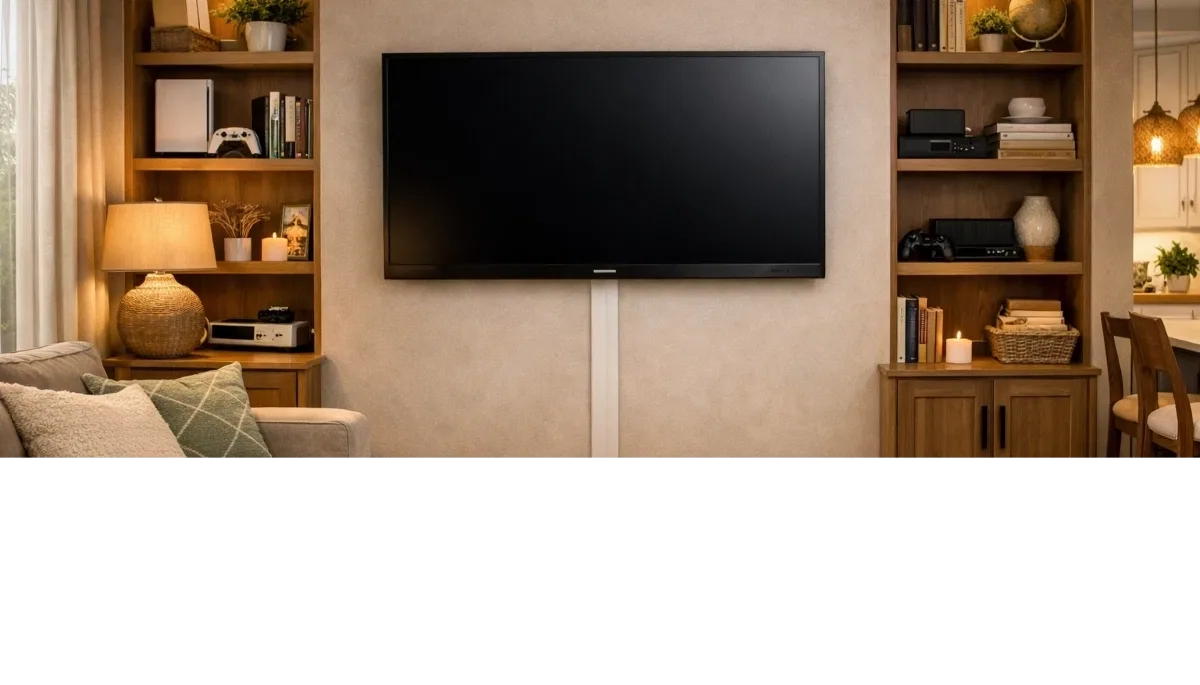
🔌 Cable Management & Labelling
This is what separates amateur setups from professional ones.
- Plan ahead: Before any installation, decide where all components will go and what cables you need (HDMI, optical, Ethernet, power).
- Concealment: Use in-wall kits or surface trunking as described in our cable concealment guide.
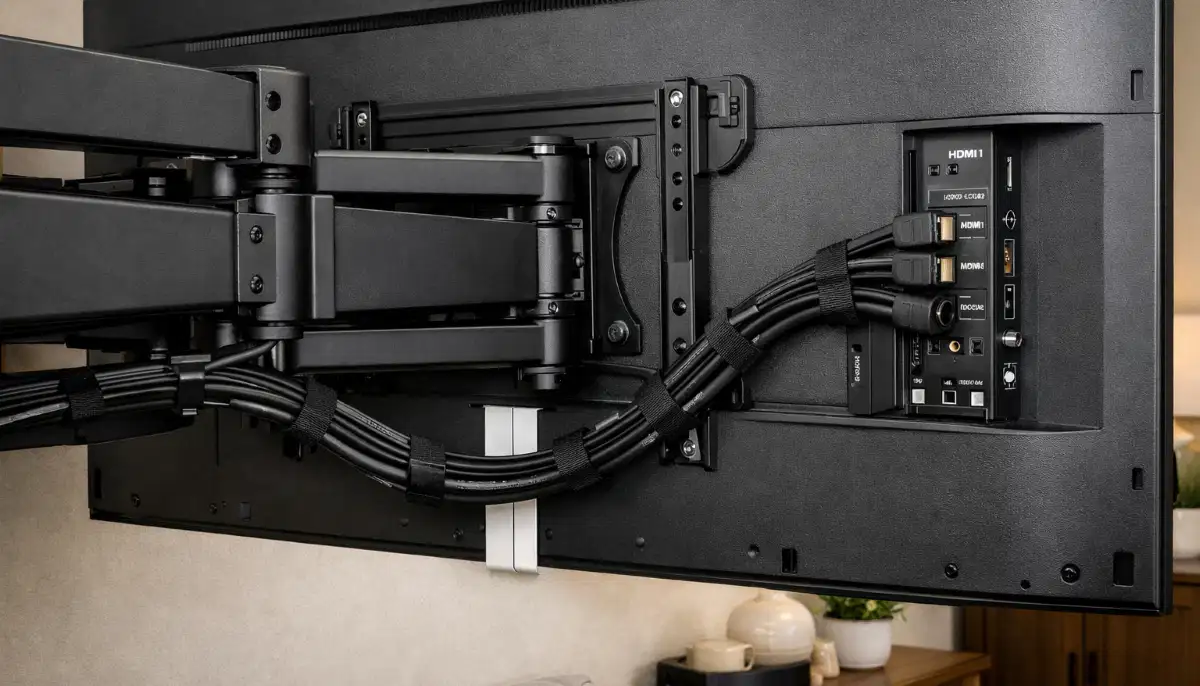
- Behind the TV: Even with in-wall concealment, the area behind the TV can be messy. Use cable ties or Velcro straps to bundle cables neatly.
- Cable labelling: This is a game-changer. Use a label maker or even simple masking tape to label both ends of every cable. When you need to troubleshoot or change a device later, you’ll know exactly which cable is which. Professional installers always do this.
- Service loops: Leave a little slack in cables (a service loop) so you can pull the TV out slightly if needed, without disconnecting everything.
📡 IR Repeaters & Hidden Components
If you hide your components in a cabinet or another room, how do you control them with a remote? An IR repeater system solves this.
- What it is: A system with an IR receiver (mounted in view, near the TV) and one or more IR emitters (placed in front of the components’ IR sensors). When you point your remote at the receiver, it sends the signal to the emitters, which control the hidden devices.
- Why you need it: It allows you to keep all your equipment out of sight, maintaining a clean aesthetic, while still controlling them easily.
- Installation: IR repeaters are easy to install – just plug in the receiver and place the emitters. Some high-end systems use RF (radio frequency) remotes that don’t need line of sight.
🎮 Universal Remote Programming
Nothing ruins a movie night like juggling five remotes. A universal remote brings sanity back.
- What it does: Controls all your devices (TV, soundbar, receiver, streaming box, game console) from one remote.
- Types:
- Basic programmable remotes: You enter codes for each device. Inexpensive but limited functionality.
- Advanced / Learning remotes: Can learn commands from your original remotes and can be programmed with macros (e.g., “Watch Movie” turns on the TV, receiver, and dims the lights).
- Smart / App-based control: Use your phone or tablet as a remote, often with customizable interfaces. Some systems integrate with smart home platforms.
- Professional programming: For complex systems, professional programming ensures all devices work together seamlessly. This is a service we offer.
🏠 Smart Home Integration
Your entertainment system can be part of a larger smart home ecosystem.
- Voice control: Use Amazon Alexa, Google Assistant, or Apple Siri to control your TV, change volume, or switch inputs.
- Automation scenes: Create scenes like “Movie Time” that dim the lights, close the curtains, and turn on the TV and sound system.
- Compatible devices: Many modern TVs, soundbars, and receivers have built-in smart features. For older devices, you can use smart plugs and IR blasters.
- Professional integration: For a seamless experience, consider a system like Control4 or Crestron, which requires professional programming.
💡 Lighting & Ambiance Control
Lighting is a critical part of the home theatre experience.
- Dimmable lights: Install dimmer switches for overhead lights so you can set the perfect brightness for watching.
- Accent lighting: LED strip lights behind the TV (bias lighting) reduce eye strain and improve perceived contrast. They also look great.
- Blackout curtains: Essential for daytime viewing, especially with projectors.
- Automated blinds: Integrate with your smart system for one-touch control.
💰 Complete System Cost Breakdown
A full home entertainment system can range from a few thousand to hundreds of thousands of rands. Here’s a rough guide.
- Budget setup (TV + soundbar):
- TV (55-65″ 4K): R8,000 – R15,000
- Soundbar: R2,000 – R5,000
- Mounting & basic cable management: R1,500 – R3,000
- Total: R11,500 – R23,000
- Mid-range setup (TV + 5.1 surround):
- TV (65-75″ OLED/QLED): R20,000 – R40,000
- AV Receiver + 5.1 speakers: R15,000 – R30,000
- Professional installation, in-wall cables, mount: R5,000 – R10,000
- Total: R40,000 – R80,000
- High-end / Dedicated theatre (projector + Atmos):
- 4K Projector + screen: R30,000 – R100,000+
- Dolby Atmos receiver + speakers: R40,000 – R150,000+
- Professional design, installation, acoustic treatment: R20,000 – R100,000+
- Total: R90,000 – R350,000+
For an accurate TV + surround sound mounting cost for your home in Fourways or Umhlanga, request a quote. Our pay-later option can help with budgeting.
🛠️ Professional Installation vs DIY
For a complex home entertainment system, professional installation is often worth the investment.
- DIY pros: Lower cost, personal satisfaction, you know your system intimately.
- DIY cons: Time-consuming, requires research and skill, potential for mistakes (bad cable management, poor speaker placement), no warranty on work.
- Professional pros:
- Expertise in design and placement.
- Access to high-quality components and cables.
- Proper cable management and labelling.
- System calibration for optimal picture and sound.
- Warranty and liability insurance.
- They handle the messy work and troubleshooting.
- Professional cons: Higher upfront cost.
Use our contractor guide to find a vetted professional.
❌ 9 Common Home Entertainment Mistakes
- Mistake #1: TV too high. The most common error. Mounting a TV above a fireplace without a tilting or pull-down bracket leads to neck strain. See our height guide.
- Mistake #2: Ignoring speaker placement. Stuffing speakers in a cabinet or placing them too high ruins the soundstage.
- Mistake #3: Poor cable management. Tangled, unlabelled cables make future changes a nightmare and look ugly.
- Mistake #4: Not planning for future devices. Running out of HDMI ports or not having spare cables in the wall means you’ll have to re-do work later.
- Mistake #5: Skimping on the subwoofer. A cheap, underpowered subwoofer makes movies sound thin.
- Mistake #6: Forgetting about ventilation. Enclosing an AV receiver in a tight cabinet without airflow can cause overheating and failure.
- Mistake #7: Buying a TV that’s too small for the room. A 55″ TV in a large lounge will feel underwhelming. Use viewing distance calculators.
- Mistake #8: Not calibrating the picture. TVs out of the box are often set to “vivid” mode, which looks unnatural. Professional calibration or even a basic setup disc makes a huge difference.
- Mistake #9: DIY-ing a complex system without experience. If you’re unsure, hire a pro. It’s cheaper than fixing mistakes.
❓ Frequently Asked Questions
What is the best home entertainment setup for a living room?
For a typical living room, a 55-75″ 4K TV (OLED or QLED) paired with a quality soundbar or 5.1 surround system works well. Plan for cable concealment and ensure the TV is at the correct height.
How much does a complete home theatre installation cost in South Africa?
A complete home entertainment system installation can range from R15,000 for a basic TV + soundbar setup to over R150,000 for a dedicated theatre with projector, surround sound, and professional calibration. See our cost breakdown above.
Should I get a soundbar or surround sound?
For a simple, clean setup in a living room, a soundbar is great. For a dedicated home theatre or if you’re an audio enthusiast, a full surround sound system with an AV receiver and separate speakers is much better.
What is an IR repeater and do I need one?
An IR repeater lets you control hidden components (like an AV receiver in a cabinet) with your remote. You need one if your equipment is behind closed doors and your remote can’t “see” it. It’s essential for a clean, clutter-free look.
How do I hide cables for a wall-mounted TV?
Use our cable concealment guide. Options include surface trunking (painted to match the wall) or professional in-wall kits with recessed boxes. Always follow electrical safety rules.
What is universal remote programming?
Universal remote programming is the process of setting up one remote to control all your devices (TV, soundbar, streaming box). Advanced programming can include macros (one button to start a movie). It simplifies your entertainment experience.
What size TV do I need for my room?
Measure your viewing distance. For 4K TVs, a common rule is to divide the viewing distance (in inches) by 1.5 to 2. For a 3m (118 inch) distance, a 59-79 inch TV is ideal. Also consider your room size and budget.
Can I integrate my TV with smart home systems?
Yes, most modern TVs and components work with Alexa, Google Assistant, or Apple HomeKit. You can also use smart plugs and IR blasters for older devices. Professional smart home integration can create seamless automation scenes.
What is component shelving and why is it important?
Component shelving refers to shelves or racks for holding your AV equipment. Good shelving provides ventilation, cable management, and keeps components organised and accessible. It’s key to a tidy, professional installation.
How do I plan a media room setup?
Start with room measurements, seating layout, and lighting. Choose TV or projector based on your needs. Plan speaker placement and cable routes. Consider component storage and smart controls. Use our guide above for each step.
✅ Final Thoughts – Your Home Entertainment Action Plan
A great home entertainment setup South Africa is the result of careful planning, good component choices, and professional execution. It’s about creating an experience, not just hanging a TV. From the perfect viewing height to invisible cables and immersive sound, every detail matters.
Key takeaways:
- Plan your space, viewing distance, and lighting first.
- Choose the right screen and sound system for your needs and room.
- Pay attention to TV height, speaker placement, and cable management.
- Use IR repeaters and universal remotes for a clean, user-friendly setup.
- For complex systems, professional installation is a worthwhile investment.
Your 5-Step Action Plan
- Assess your room: Measure, note lighting, and decide on seating.
- Choose your components: TV/projector, sound system, sources.
- Plan the layout: TV height, speaker positions, component location.
- Design cable management: Decide on in-wall or trunking, label everything.
- Get professional help: For installation and calibration, use our quote service to find vetted experts.
Ready to Build Your Dream Entertainment System?
Get free, no-obligation quotes from vetted home entertainment specialists who can design and install the perfect system for your space.
📞 Call us: 073 138 4726 for personalised assistance
Free site inspections •
Beat-your-quote guarantee •
Our guarantees
📚 Official resources & standards:
- Dolby – Surround sound calibration standards and guides.
- Consumer Electronics Association (CEA) – Industry standards and information.
- THX – Home theatre certification and performance standards.
Information accurate as of publication. Prices are indicative and may vary by supplier and location. This guide is for informational purposes.
Written by: Innocent T Hanyani
21+ years construction and digital industry experience, ServiceLink SA
Innocent has designed and overseen the installation of hundreds of home entertainment systems, from simple living room setups to dedicated home theatres with Dolby Atmos. His holistic approach ensures systems are not only technically excellent but also a joy to use every day.
For more detailed information, explore our related guides: cable concealment for a wire-free look, our height guide for perfect positioning, our wall mount vs stand guide for furniture choices, and our bracket types guide for the right hardware. For specific applications, see our fireplace guide. For help finding the right professional, see our contractor selection guide. Our free inspection, beat-your-quote, and pay-later options are also available.